An Introduction to Programming with C++: Eighth Edition
Chapter 8 Answers
Review Questions
1. a after
2. a do while
3. d both b and c
Exercises – Pencil and Paper
1. The answer to this TRY THIS Exercise is located at the end of Chapter 8 in the book.
2. The answer to this TRY THIS Exercise is located at the end of Chapter 8 in the book.
4. repeat while (there are customers in line)
repeat while (the customer has a book that needs signing)
accept the book from the customer
place the book on the table
5. } while (inStock > reorder);
6. do //begin loop
{
cout << evenNum << endl;
evenNum += 2;
} while (evenNum < 11);
Exercises – Computer
9. The answer to this TRY THIS Exercise is located at the end of Chapter 8 in the book. The code is entered
in the TryThis9.cpp file, which is contained in either the Cpp8\Chap08\TryThis9 Project-IM folder
(Microsoft) or the Cpp8\Chap08 folder (non-Microsoft).
10. The answer to this TRY THIS Exercise is located at the end of Chapter 8 in the book. The code is entered
in the TryThis10.cpp file, which is contained in either the Cpp8\Chap08\TryThis10 Project-IM folder
(Microsoft) or the Cpp8\Chap08 folder (non-Microsoft).
11. See the ModifyThis11.cpp file, which is contained in either the Cpp8\Chap08\ModifyThis11 Project-IM
folder (Microsoft) or the Cpp8\Chap08 folder (non-Microsoft).
12. See the ModifyThis12.cpp file, which is contained in either the Cpp8\Chap08\ModifyThis12 Project-IM
folder (Microsoft) or the Cpp8\Chap08 folder (non-Microsoft).
13. See the Introductory13.cpp file, which is contained in either the Cpp8\Chap08\Introductory13 Project-IM
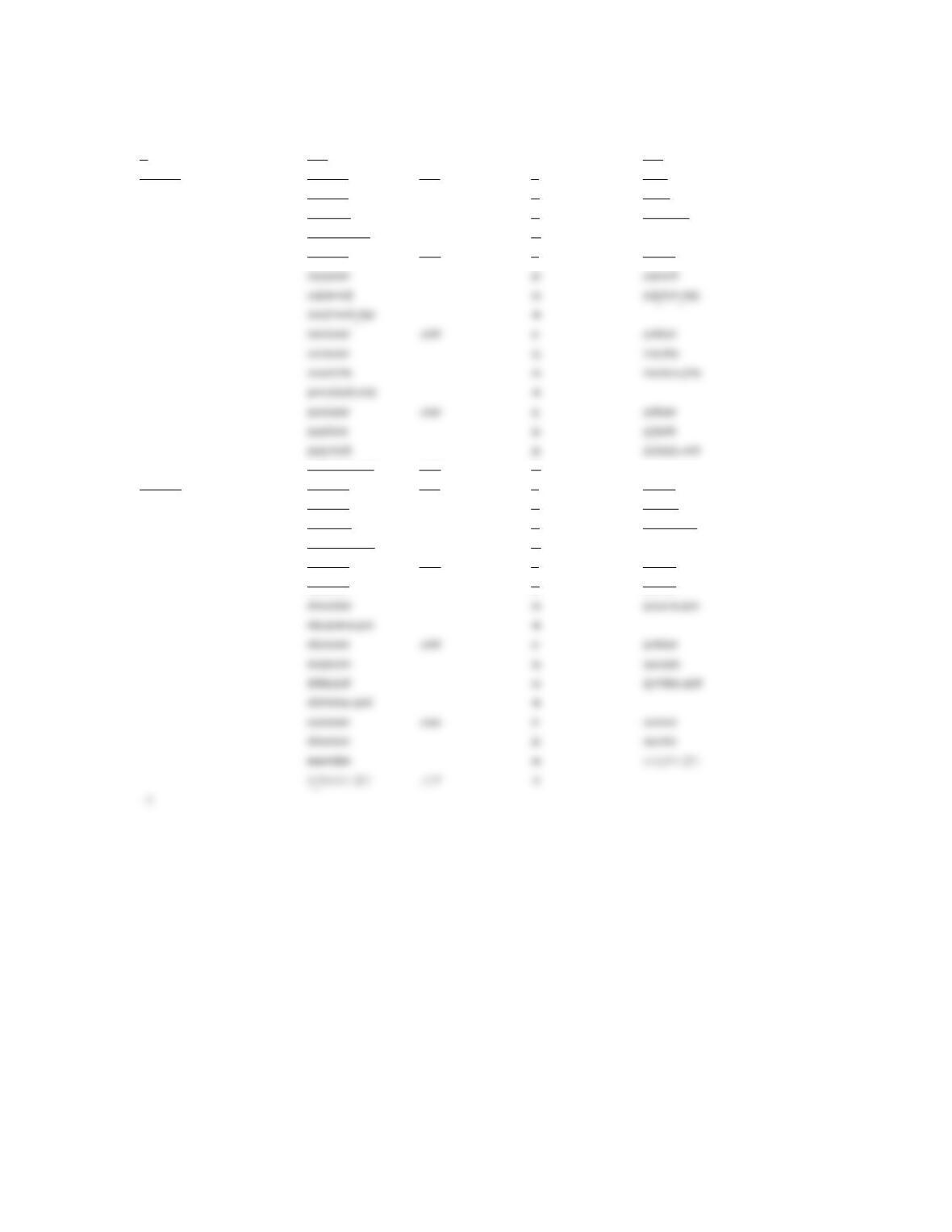
Input Processing Output
beginning salary Processing items: raise (for 3 years at
Algorithm:
1. enter the beginning salary
2. repeat while (the beginning salary > 0)
assign the beginning salary to the new salary
repeat for (raise rate from 3%
to 6% in increments of 1%)
display the current raise rate
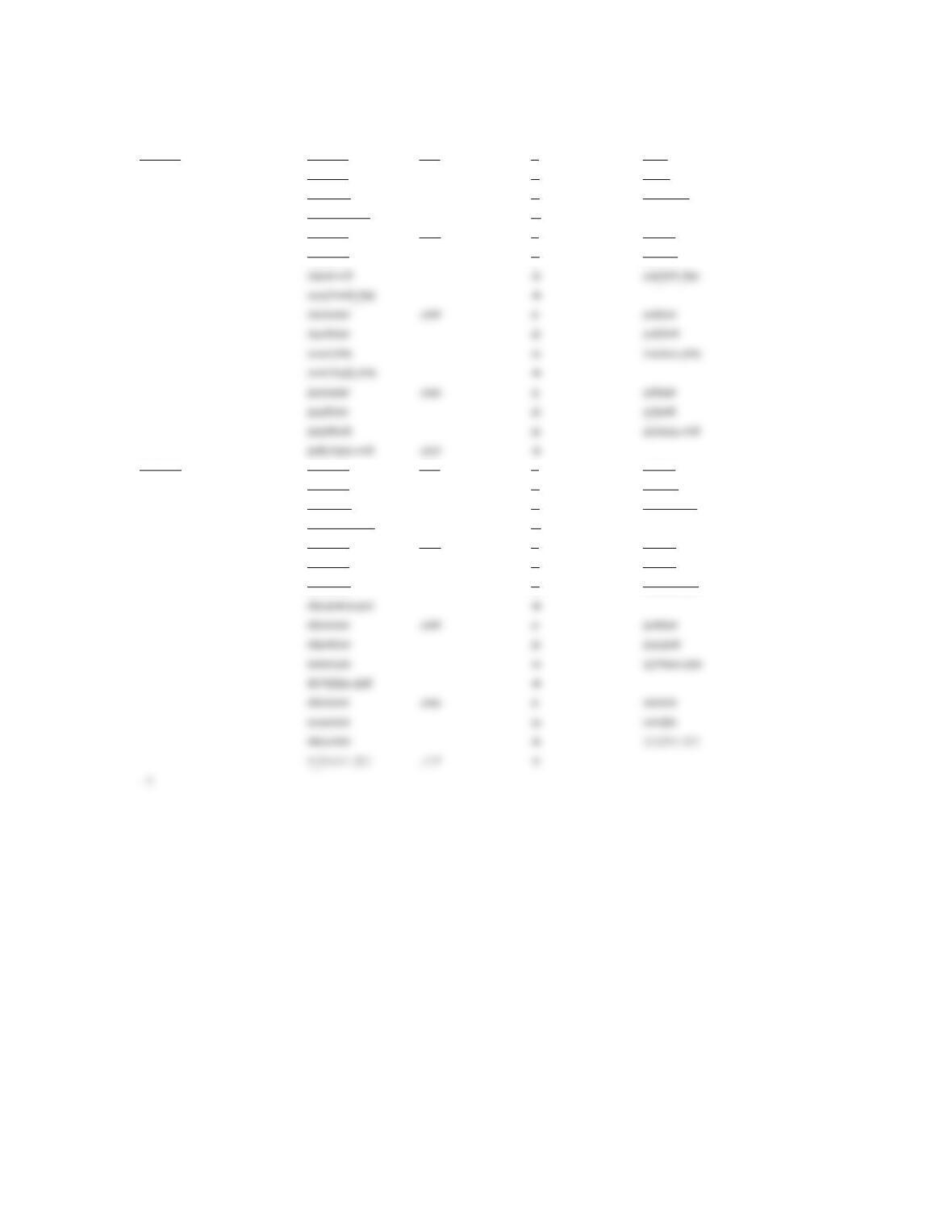
beginning salary new salary raise rate year raise
30000 30000 .03 1 900
30900 2 927
31827 3 954.81
32781.81 4
30000 .04 1 1200
31200 2 1248
50000 50000 .03 1 1500
51500 2 1545
53045 3 1591.35
54636.35 4
50000 .04 1 2000
52000 2 2080
54080 3 2163.20
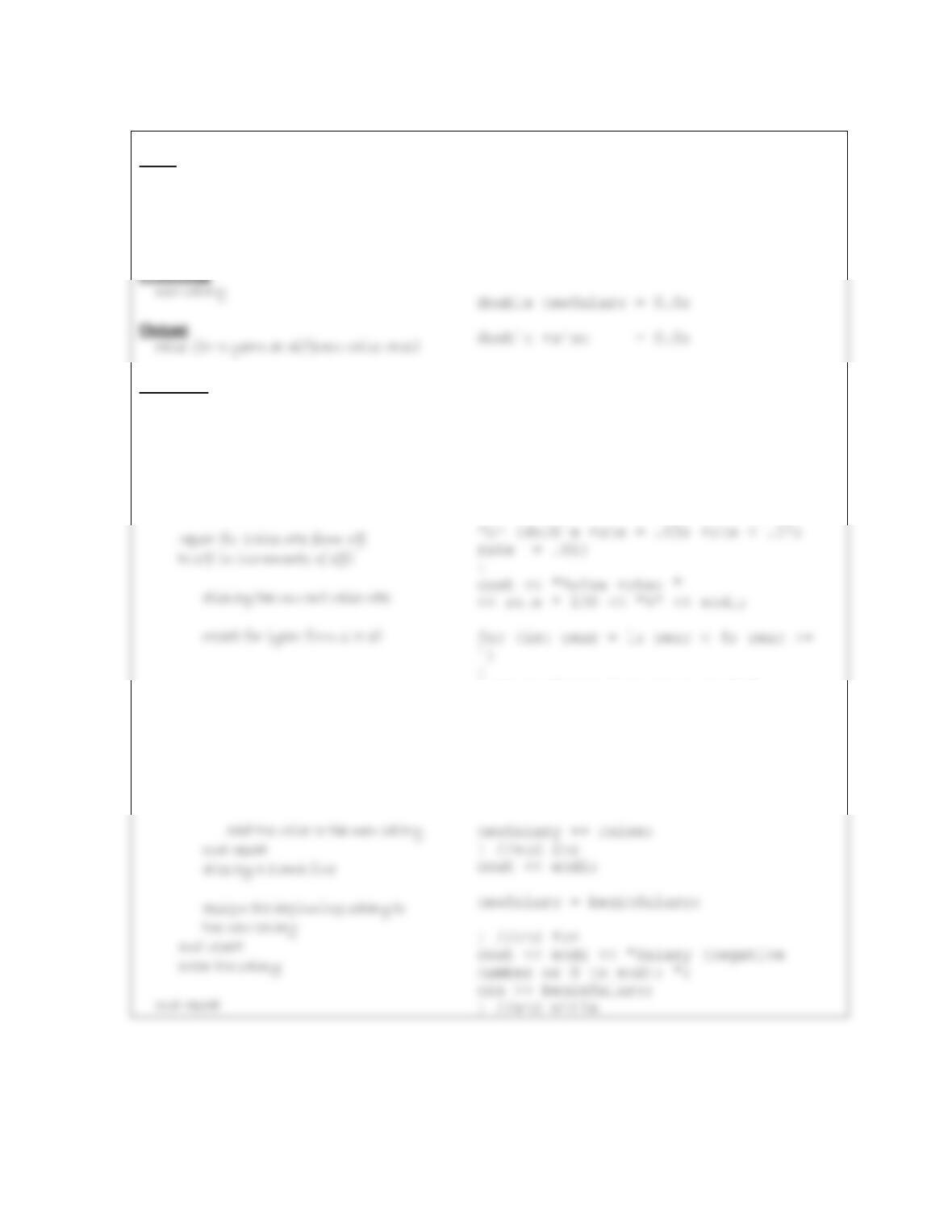
IPO chart information
Input
beginning salary
raise rate (counter: 3% to 6%in
increments of 1%)
year (counter: 1 to 3)
Processing
Algorithm
1. enter the beginning salary
2. repeat while (the beginning salary > 0)
assign the beginning salary to the
new salary
display the current year
calculate the raise by multiplying
the new salary by the raise rate
display the raise
C++ instructions
int beginSalary = 0;
this variable is created and initialized in the for clause
this variable is created and initialized in the for clause
cout << “Salary (negative number or 0
to end): “;
cin >> beginSalary;
while (beginSalary > 0)
{
newSalary = beginSalary;
cout << “Year ” << year << “:”;
raise = newSalary * rate;
cout << ” Raise: $” << raise << endl;
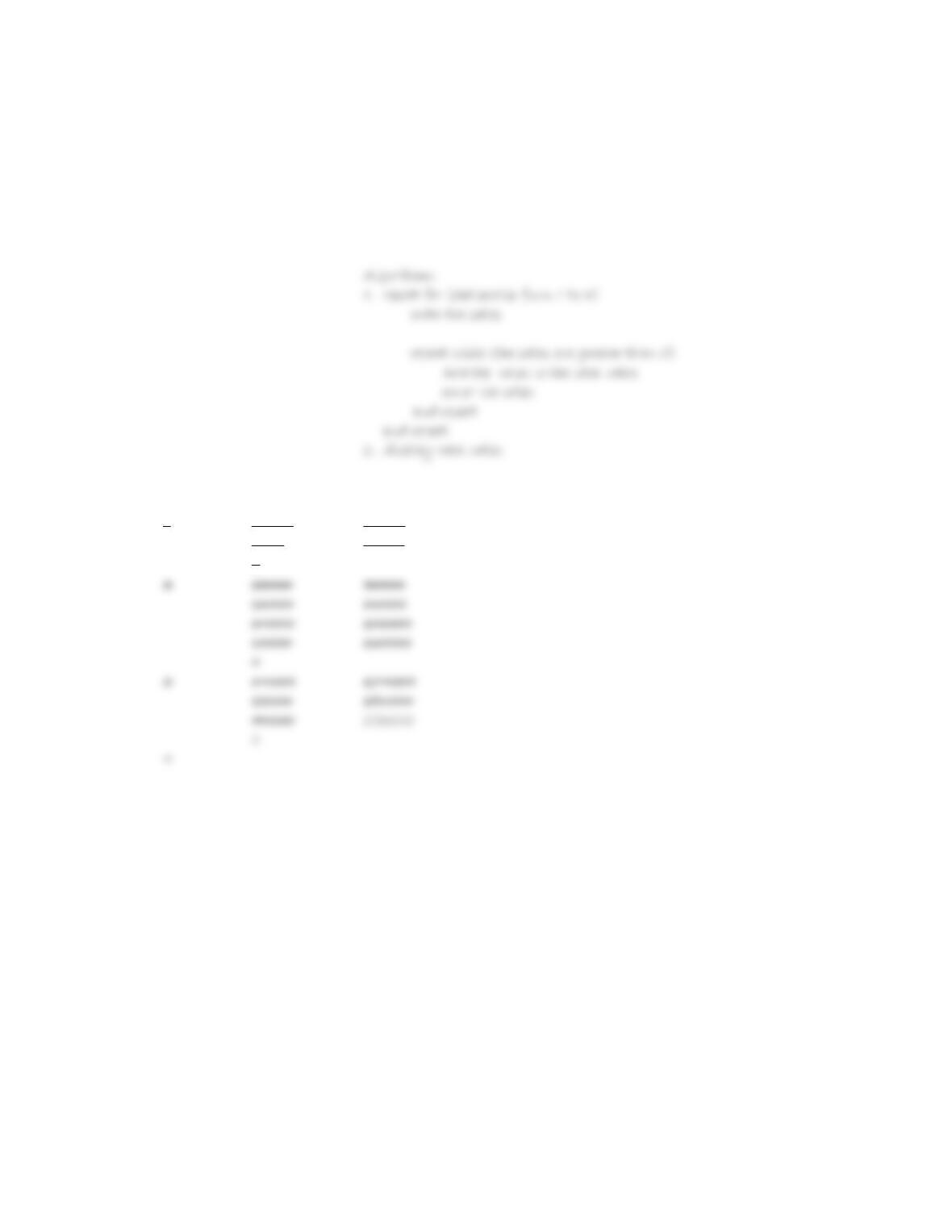
beginSalary newSalary rate year raise
0 0.0 0.0
30000 30000 .03 1 900
30900 2 927
31827 3 954.81
32781.81 4
30000 .04 1 1200
35730.48 .07 4
50000 50000 .03 1 1500
51500 2 1545
53045 3 1591.35
54636.35 4
50000 .04 1 2000
52000 2 2080
19. See the Intermediate19.cpp file, which is contained in either the Cpp8\Chap08\Intermediate19 Project-IM
folder (Microsoft) or the Cpp8\Chap08 folder (non-Microsoft). The sentinel values may vary.
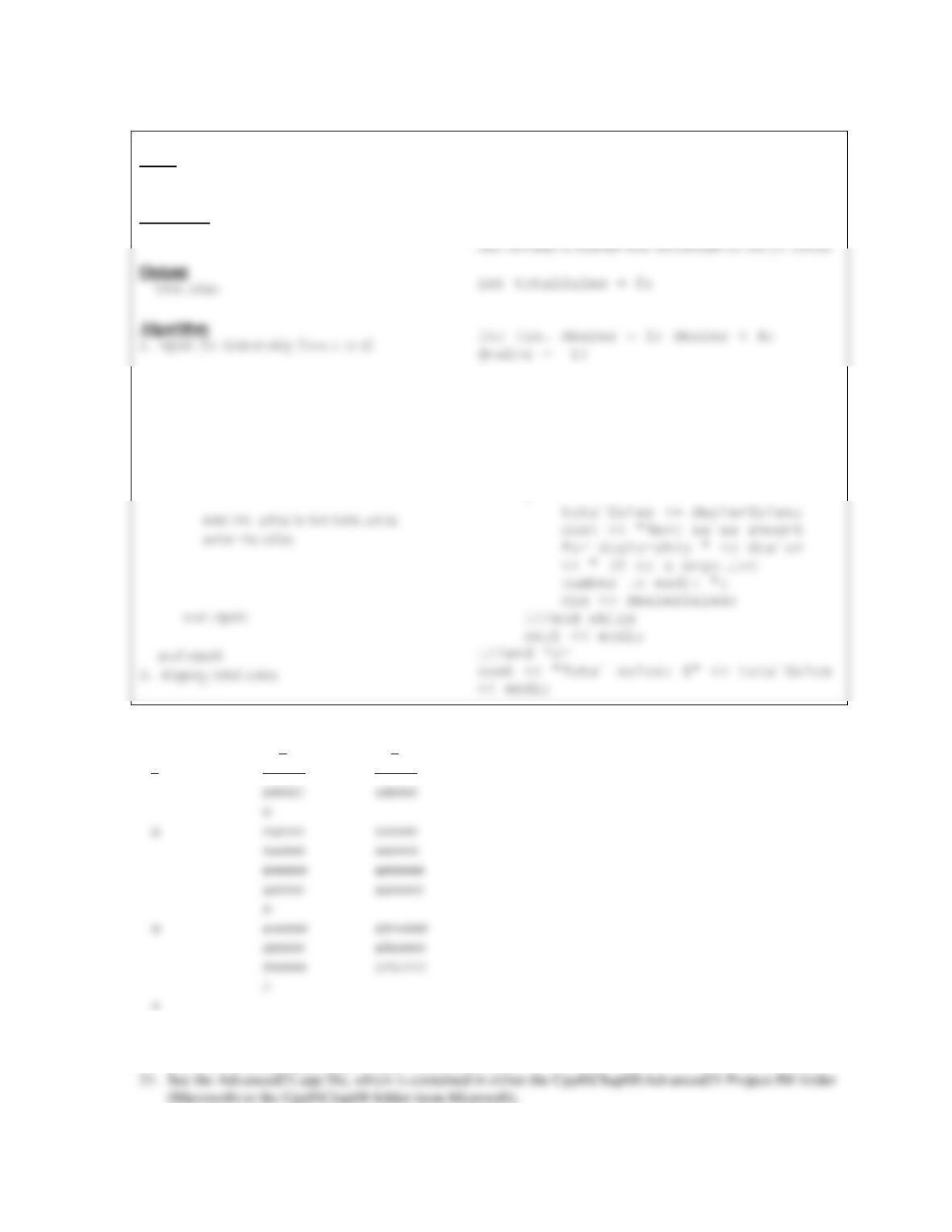
Input Processing Output
sales Processing items: total sales
dealership (counter: 1 to 3)
dealership sales total sales
1 23000 23000
15000 38000
0
IPO chart information
Input
sales
Processing
dealership (counter: 1 to 3)
enter the sales
repeat while (the sales are greater than 0)
C++ instructions
int dealerSales = 0;
{
cout << “First sales amount for
dealership ” << dealer << ” (0
or a negative number to end): “;
cin >> dealerSales;
while (dealerSales > 0)
{
dealer dealerSales totalSales
0 0
1 23000 23000
20. See the Advanced20.cpp file, which is contained in either the Cpp8\Chap08\Advanced20 Project-IM folder
(Microsoft) or the Cpp8\Chap08 folder (non-Microsoft).
22. See the SwatTheBugs22.cpp file, which is contained in either the Cpp8\Chap08\SwatTheBugs22 Project-
IM folder (Microsoft) or the Cpp8\Chap08 folder (non-Microsoft). To debug the program, change the outer