An Introduction to Programming with C++: Eighth Edition
Chapter 6 Answers
Review Questions
1. c 180
2. b 100
3. d 600
Exercises – Pencil and Paper
1. The answer to this TRY THIS Exercise is located at the end of Chapter 6 in the book.
2. The answer to this TRY THIS Exercise is located at the end of Chapter 6 in the book.
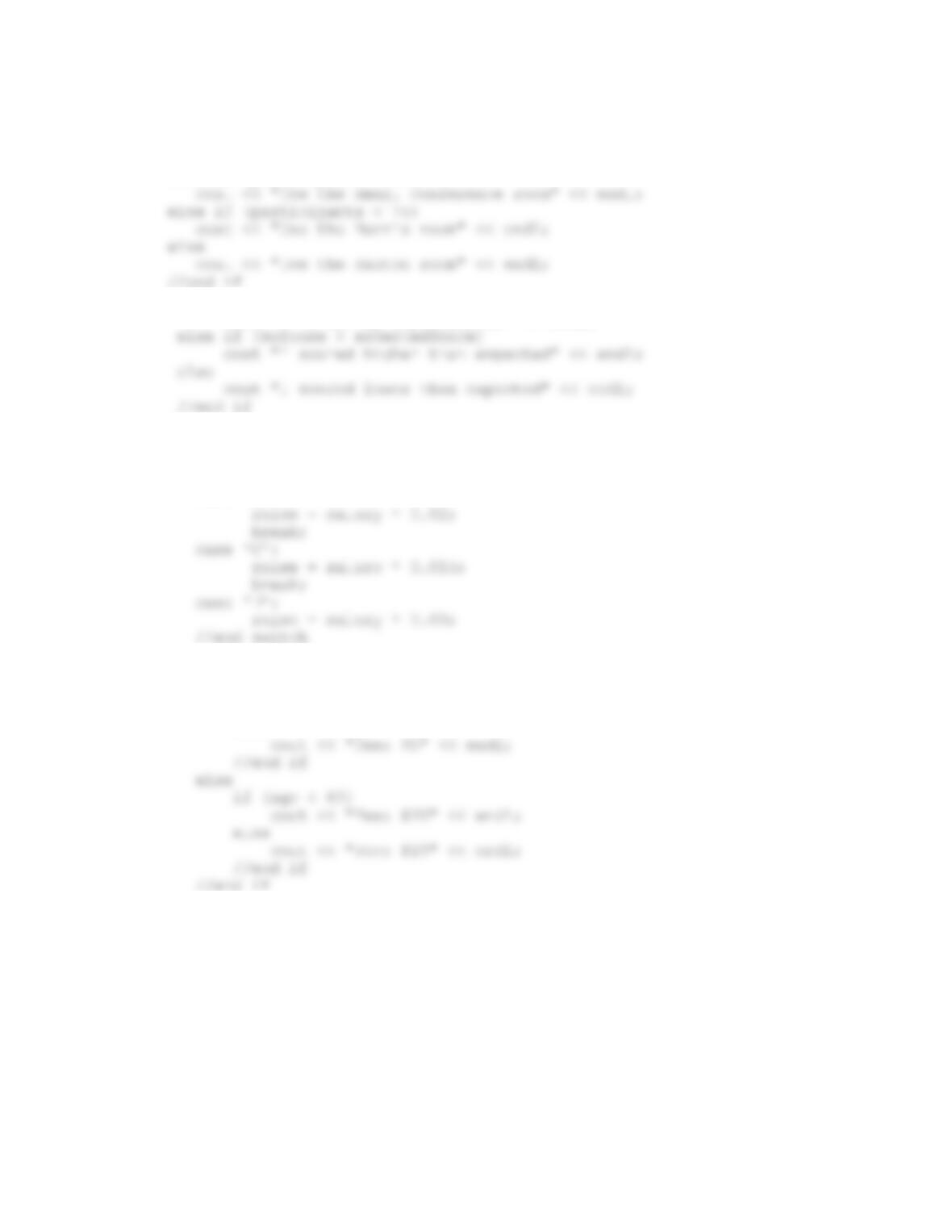
3. if (code == ‘1’)
rate = .02;
else if (code == ‘2’ || code == ‘3’ || code == ‘4’)
4. if (the bag contains trash)
if (the lid is on the trash container)
lift the Trash container’s lid using your left hand
end if
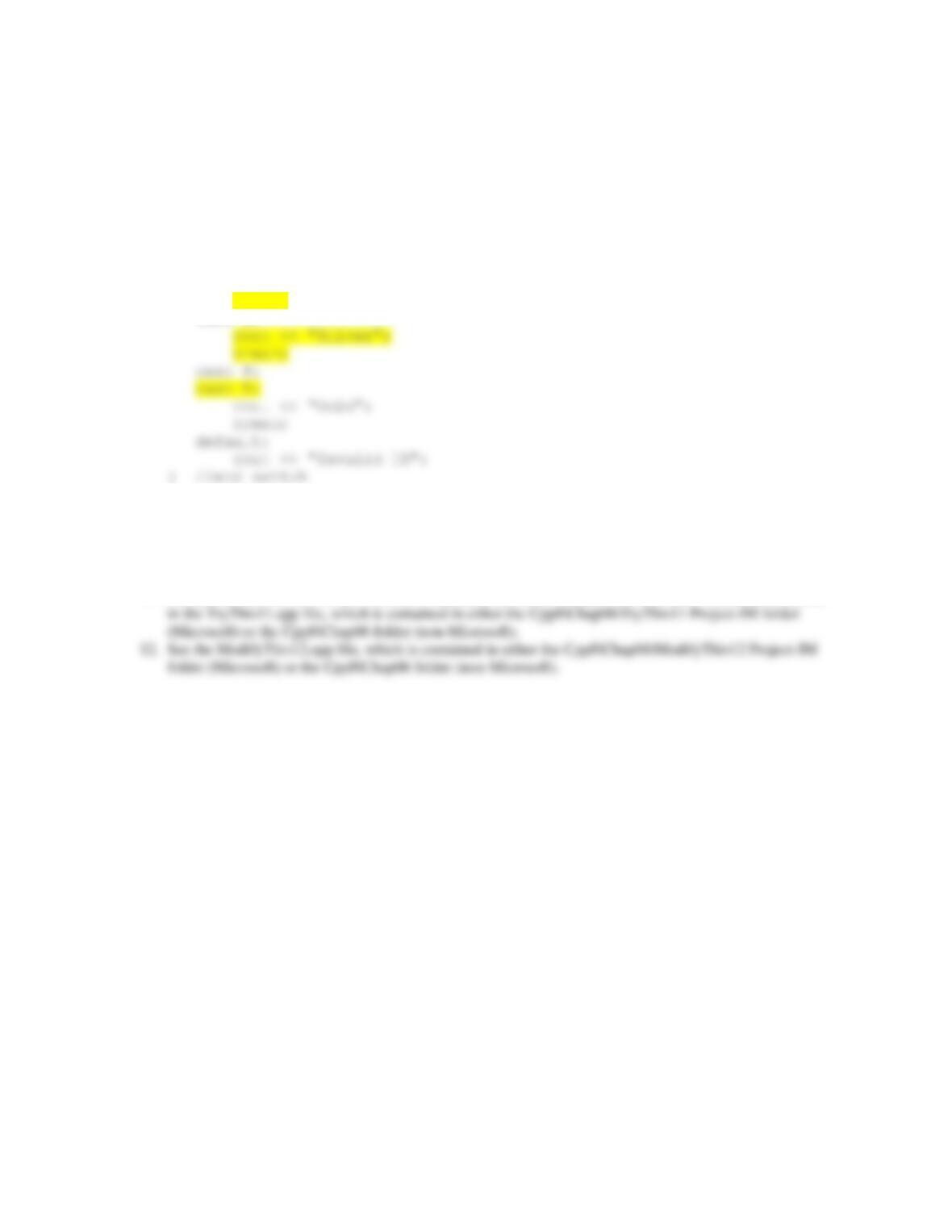
5. if (participants < 10)
cout << “Cancel the seminar” << endl;
else if (participants < 40)
6. if (myScore == expectedScore)
cout << “I met my expectations” << endl;
7. switch (toupper(department))
{
case ‘A’:
case ‘B’:
8. if (toupper(membership) == ‘M’)
if (age < 65)
cout << “Fee: $10” << endl;
else
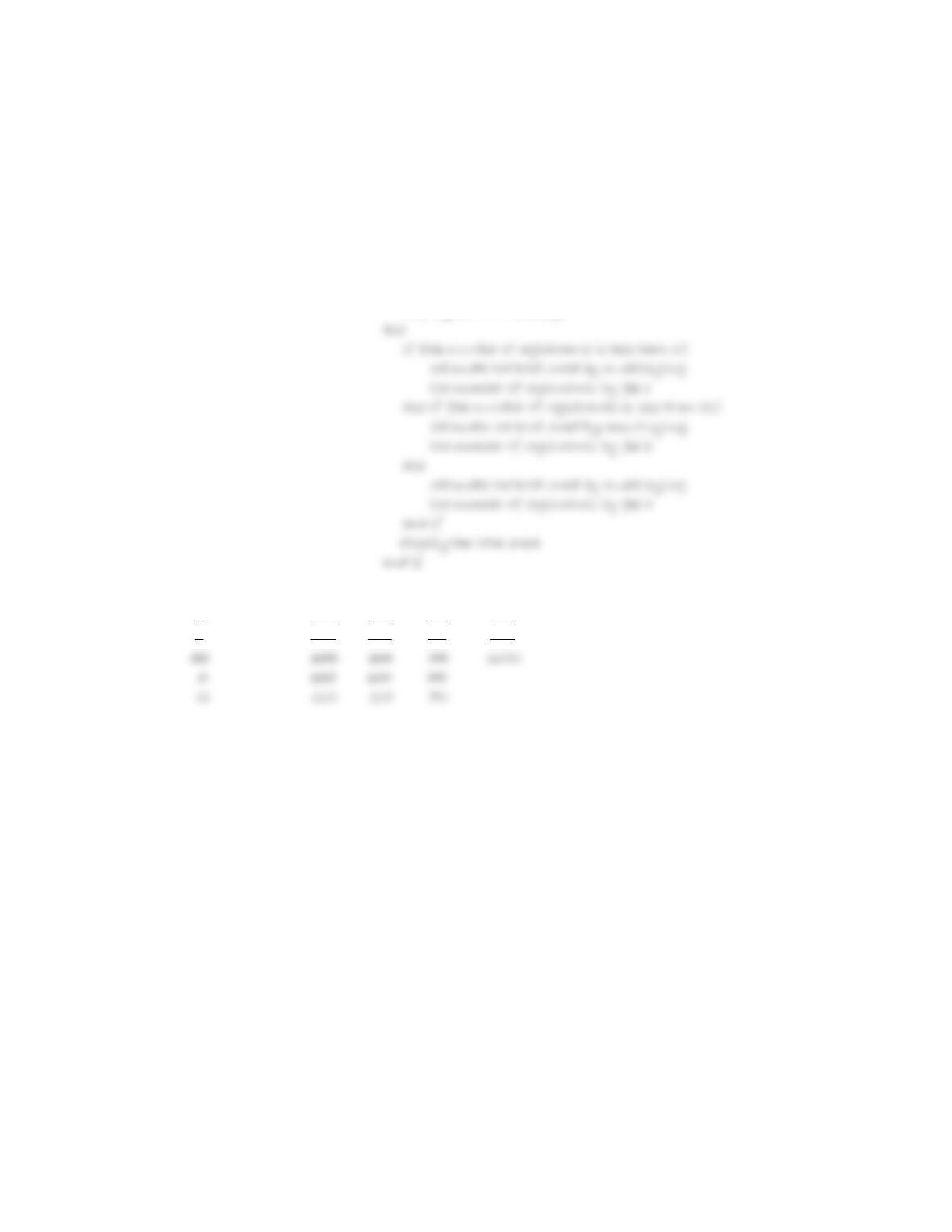
9. The modifications are shaded in the code.
int level = 0;
cout << “Level (1 through 5): “;
cin >> level;
switch (level)
{
case 1:
case 2:
cout << “Bronze”;
break;
case 3:
Exercises – Computer
10. The answer to this TRY THIS Exercise is located at the end of Chapter 6 in the book. The code is entered
in the TryThis10.cpp file, which is contained in either the Cpp8\Chap06\TryThis10 Project-IM folder
(Microsoft) or the Cpp8\Chap06 folder (non-Microsoft).
11. The answer to this TRY THIS Exercise is located at the end of Chapter 6 in the book. The code is entered
13. See the Introductory13.cpp file, which is contained in either the Cpp8\Chap06\Introductory13 Project-IM
folder (Microsoft) or the Cpp8\Chap06 folder (non-Microsoft).
Input Processing Output
number of registrants Processing items: none total owed
fee 1 (125)
fee 2 (100)
fee 3 (75)
Algorithm:
1. enter the number of registrants
2. if (the number of registrants is less than or equal to 0)
display an error message
number of registrants fee1 fee2 fee3 total owed
4 125 100 75 500
8 125 100 75 800
IPO chart information C++ instructions
Input
number of registrants int registrants = 0;
Processing
none
Output
total owed int total = 0;
Algorithm
1. enter the number of registrants cout << “Number of registrants: “;
cin >> registrants;
2. if (the number of registrants is if (registrants <= 0)
less than or equal to 0)
display an error message cout << “Invalid entry” << endl;
else else
else else
calculate the total owed by total = registrants * FEE3;
multiplying the number of
registrants by fee 3
end if //end if
display the total owed cout << “Total: $” << total << endl;
end if } //end if
registrants FEE1 FEE2 FEE3 total
0 125 100 75 0
4 500
14. See the Introductory14.cpp file, which is contained in either the Cpp8\Chap06\Introductory14 Project-IM
folder (Microsoft) or the Cpp8\Chap06 folder (non-Microsoft).
Input Processing Output
sales Processing items: none commission
Algorithm:
1. enter the sales
2. if (the sales are less than 0)
display error message
else
sales commission
20000 1000.0
20001 1000.07
IPO chart information C++ instructions
Input
sales int sales = 0;
Processing
Algorithm
1. enter the sales cout << “Sales: “;
cin >> sales;
2. if (the sales are less than 0) if (sales < 0)
display error message cout << “The sales amount must
else else
commission = (sales – 50000) * commission = (sales – 50000) *
0.1 + 3100 0.1 + 3100;
sales commission
0 0.0
20000 1000.0
0 0.0
20001 1000.07
15. See the Intermediate15.cpp file, which is contained in either the Cpp8\Chap06\Intermediate15 Project-IM
folder (Microsoft) or the Cpp8\Chap06 folder (non-Microsoft).
Input Processing Output
gender (F or M) Processing items: none calories
activity level (A or I)
weight
Algorithm:
1. enter the gender
2. if (gender is not F or M)
display error message
else
enter the activity level
else
if (gender is one of the following:)
F
if (activity level is A)
calories = weight * 12
else
gender activity level weight calories
F I 150 1500
F A 120 1440
IPO chart information
Input
Processing
none
Output
calories
Algorithm
1. enter the gender
2. if (gender is not F or M)
display error message
else
enter the weight
if (weight is less than 0)
display error message
else
if (gender is one of the following:)
F
C++ instructions
char gender = ‘ ‘;
char activity = ‘ ‘;
int calories = 0;
cout << “Gender->M(ale) or F(emale): “;
cin >> gender;
gender = toupper(gender);
if (gender != ‘M’ && gender != ‘F’)
cout << “Incorrect gender entry”
<< endl;
else
cout << “Your weight: “;
cin >> weight;
if (weight < 0)
cout << “Incorrect weight
entry” << endl;
else
{
switch (gender)
{
case ‘F’:
end if
end if
calories << endl;
} //end if
} //end if
} //end if
gender activity weight calories
0 0
F I 150 1500
0 0
F A 120 1440
16. See the Intermediate16.cpp file, which is contained in either the Cpp8\Chap06\Intermediate16 Project-IM
folder (Microsoft) or the Cpp8\Chap06 folder (non-Microsoft).
Input Processing Output
first integer Processing items: none smallest
second integer Largest
third integer
Algorithm:
1. enter the first integer, second integer, and third integer
2. if (first integer >= second integer)
largest = first integer
smallest = second integer
3. display smallest and largest
first integer second integer third integer smallest largest
3 5 9 3 9
7 10 2 2 10
IPO chart information
Input
first integer
Processing
none
Output
smallest
largest
Algorithm
1. enter the first integer, second integer,
and third integer
if (third integer >= largest)
largest = third integer
else if (third integer <= smallest
smallest = third integer
end if
C++ instructions
int num1 = 0;
int num2 = 0;
int smallest = 0;
int largest = 0;
cout << “First integer: “;
cin >> num1;
cout << “Second integer: “;
cin >> num2;
cout << “Third integer: “;
cin >> num3;
if (num3 >= largest)
largest = num3;
else if (num3 <= smallest)
smallest = num3;
//end if
cout << “Smallest number is ” <<
first integer second integer third integer smallest largest
0 0 0 0 0
3 5 9 3 9
17. See the Advanced17.cpp file, which is contained in either the Cpp8\Chap06\Advanced17 Project-IM folder
(Microsoft) or the Cpp8\Chap06 folder (non-Microsoft). The exchange rates may be different.
18. See the Advanced18.cpp file, which is contained in either the Cpp8\Chap06\Advanced18 Project-IM folder
(Microsoft) or the Cpp8\Chap06 folder (non-Microsoft).
21. See the Advanced21.cpp file, which is contained in either the Cpp8\Chap06\Advanced21 Project-IM folder
(Microsoft) or the Cpp8\Chap06 folder (non-Microsoft). The student will need to change the selection
structure as follows:
22. See the SwatTheBugs22.cpp file, which is contained in either the Cpp8\Chap06\SwatTheBugs22 Project-
IM folder (Microsoft) or the Cpp8\Chap06 folder (non-Microsoft). To debug the program, the student will