96
**28.10 (Hamiltonian path) Define a class named UnweightedGraphHamiltonianPath that extends
UnweightedGraph with the following three methods to find a Hamiltonian path starting from
a specified vertex in a graph and to find a Hamiltonian path in a graph.
// Return a Hamiltonian path starting from the specified vertex in the graph, or null if not
// found.
List<Integer> getHamiltonianPath(V startingVertex);
Here is the algorithm:
/** hamiltonianPath(v) is to find a Hamiltonian path for
* all unvisited vertices. */
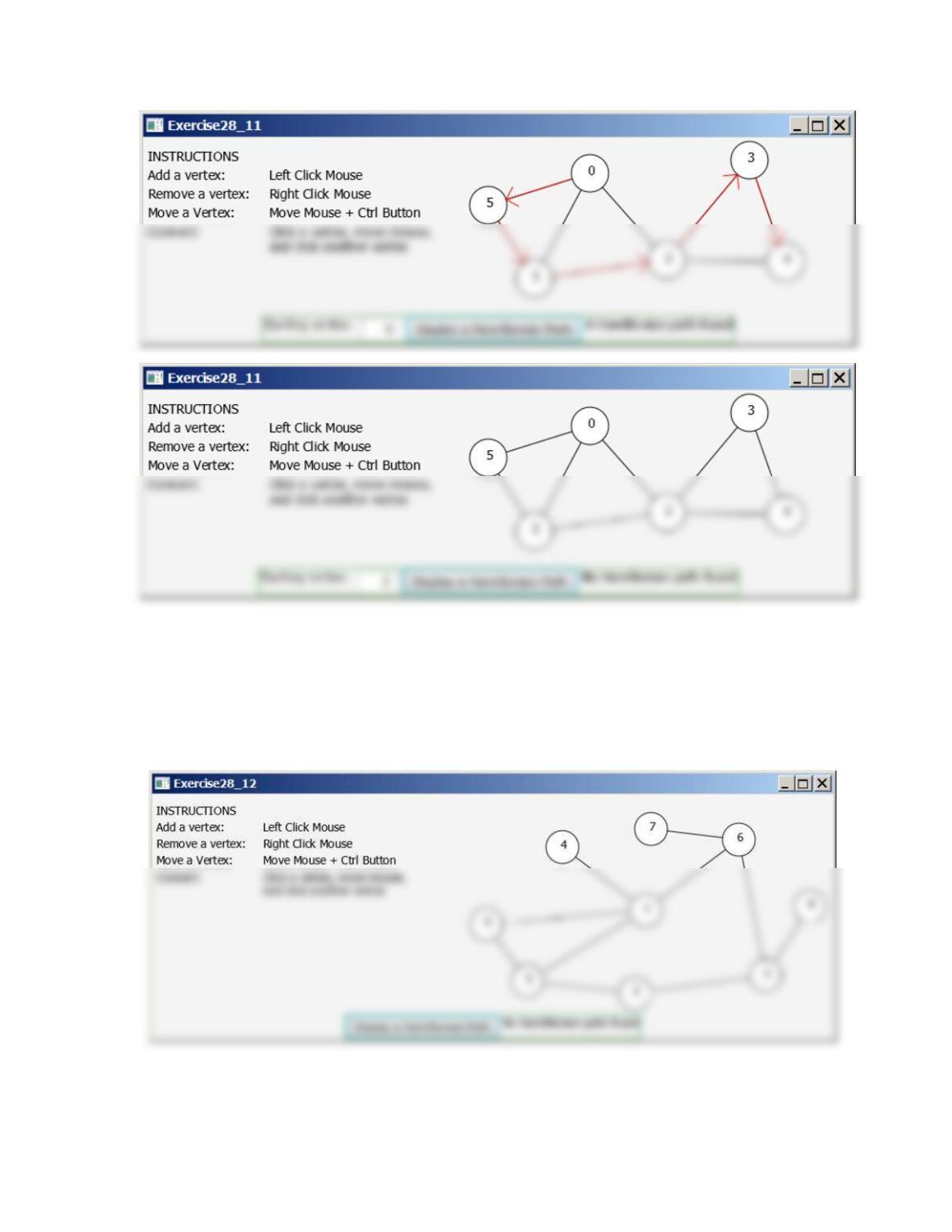
**28.11 (Display a Hamiltonian path from a given vertex)
Use the GUI tool to display a Hamiltonian path starting
from a specified vertex, as shown in Figure 28.11.
Figure 28.11
97
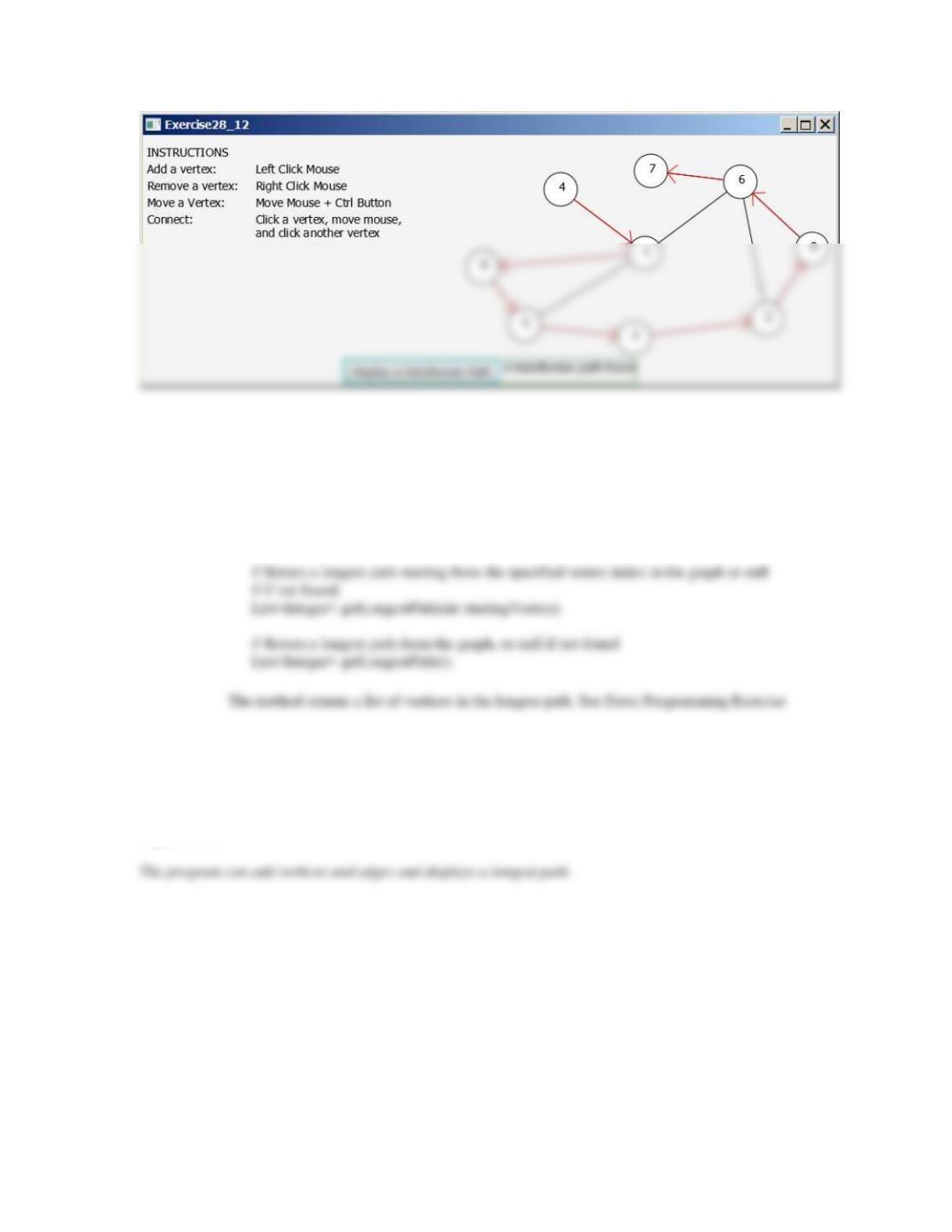
**28.12 (Display a Hamiltonian path) Use the GUI tool to
display a Hamiltonian path, as shown in Figure 28.12.
Figure 28.12
The program can add vertices and edges and displays a Hamiltonian path.
98
**28.13 (Longest path) Define a class named UnweightedGraphLongestPath that extends
UnweightedGraph with the following method to find a longest path in a graph.
// Return a longest path starting from the specified vertex in the graph, or null if not
// found.
List<Integer> getLongestPath(V startingVertex);
28.10 for reference.
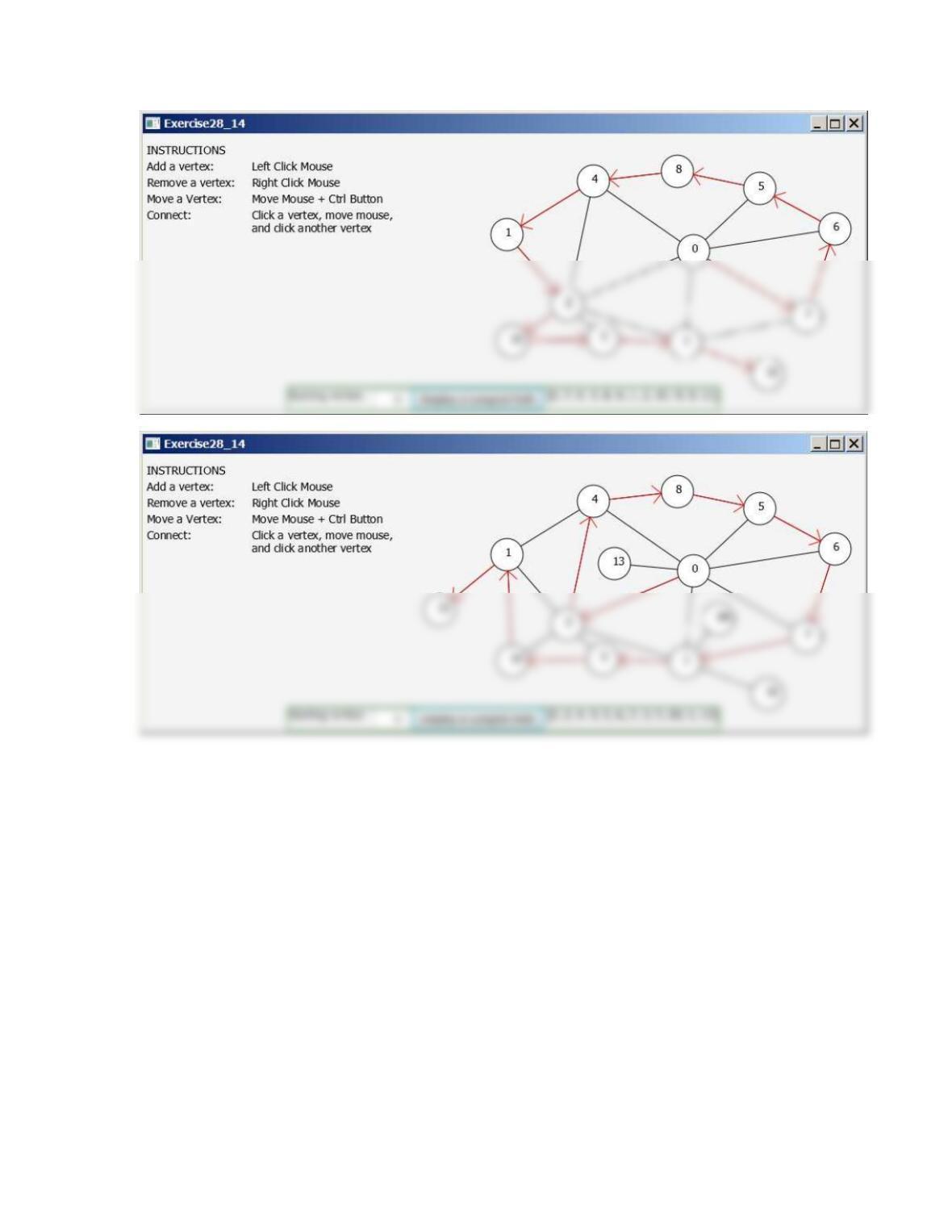
**28.14 (Display a longest path from a given vertex) Use
the GUI tool to display a longest path starting from a
specified vertex, as shown in Figure 28.14.
Figure 28.14
99
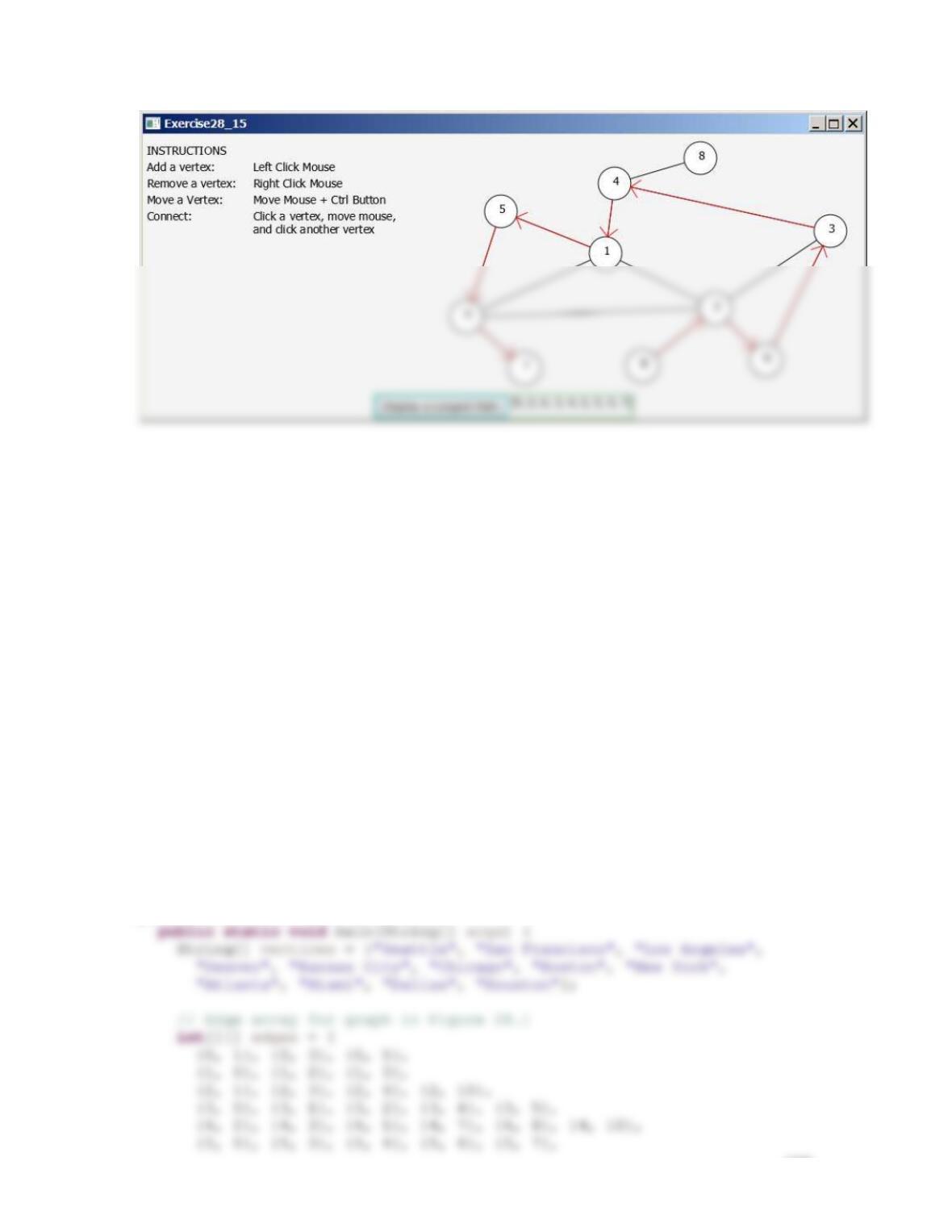
**28.15 (Display a longest path) Use the GUI tool to
display a longest path starting in the graph, as shown in
Figure 28.15.
Figure 28.15
The program can add vertices and edges and displays a longest path.
100
**28.16 (Traverse edges) Define a class named UnweightedGraphTraverseEdges that extends
UnweightedGraph with the following method to traverse each edge exactly once in a graph.
List<Edge> traverseEdges();
The method returns a list of edges if such a traversal exists and returns null if no solution can
be found.
*28.17 (Remove a vertex) Define a new class named UnweightedGraphWithVertexRemoval
that extends UnweightedGraph. Add a new method named removeVertex(V v) in the
UnweightedGraph class to remove the vertex and its incident edges from the graph. You
need to relabel the vertices after a vertex is removed. Use the following program to test your
new class:
public class Exercise28_17Extra {
101
{6, 5}, {6, 7},
{7, 4}, {7, 5}, {7, 6}, {7, 8},
}
*28.18(Simple exercise) Add Savannah to Listing 28.7. Submit to LiveLab and print a screen shot. Named
the main program Exercise28_18Extra.
*28.19(Knight Tour) Develop a GUI program for the Knight Tour problem. When you click a cell, a
Knight tour is displayed that travels through all cells as shown in the following figure.
Named the main program Exercise28_19Extra.
*28.20 (Test whether a graph is connected)
Exercise28_20Extra
Write a program that reads a graph from the console and determines
whether the graph is connected. The first line in the input contains a
number that indicates the number of vertices (n). The vertices are
labeled as 0, 1, …, n-1. Each subsequent line, with the format u v1
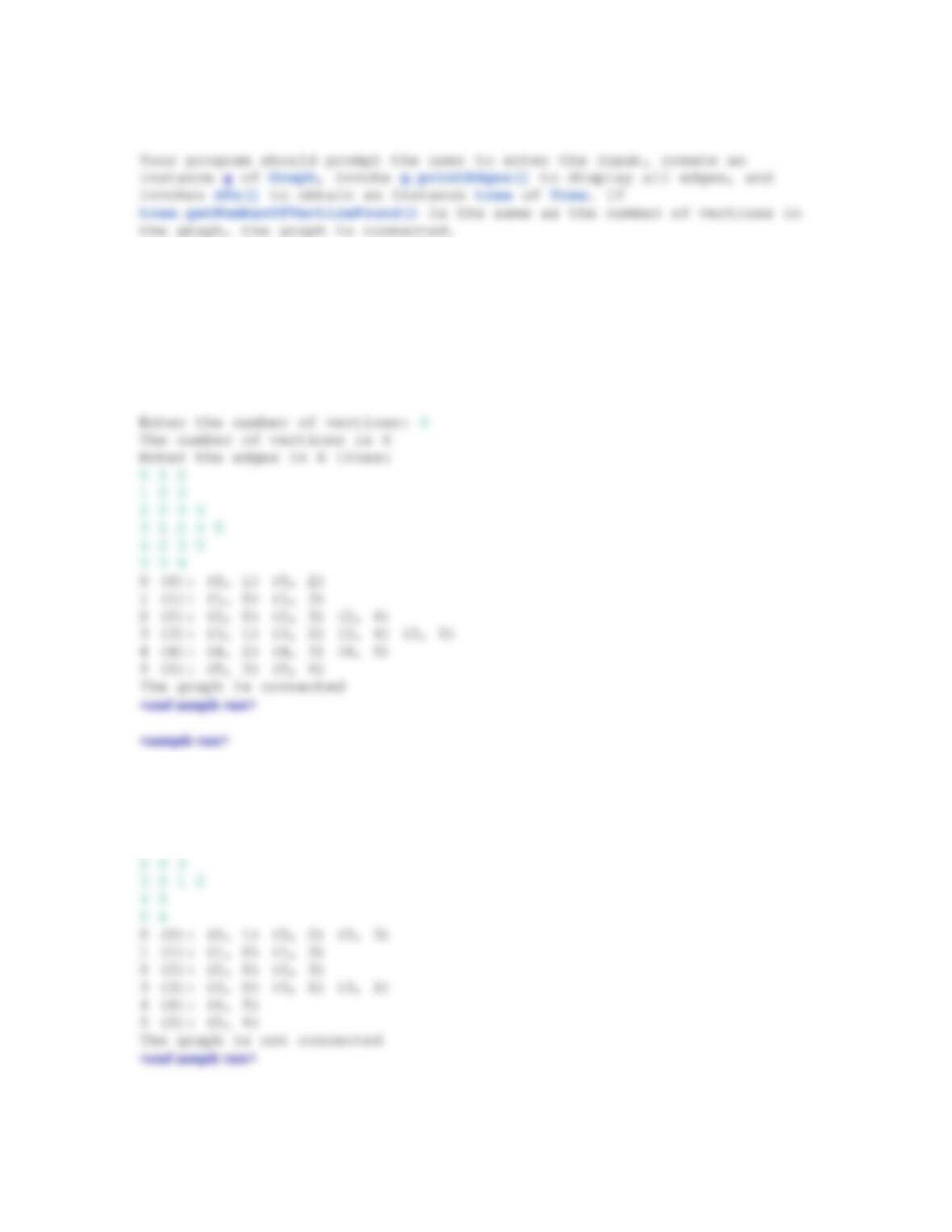
v2 …, describes edges (u, v1), (u, v2), and so on. Figure 22.20 gives
the examples of two input for their corresponding graphs.
Figure 28.16
The vertices and edges of a graph can be represented in a text input.
102
Read the input using nextLine() as a string and then
extract string into integers. Use
https://liveexample.pearsoncmg.com/test/Exercise28_20Extra.
txt to test your code.
<sample run>
Enter the number of vertices: 6
The number of vertices is 6
Enter the edges:
0 1 2 3
1 0 3
103
Extra Exercise for Chapter 29
***29.1 (Dynamic graphs) Write a program that lets the users create a weighted graph dynamically.
The user can create a vertex by entering its name and location, as shown in Figure 29.1. The
user can also create an edge to connect two vertices. To simplify the program, assume that
vertex names are the same as vertex indices. You have to add the vertex indices 0, 1, . . . ,
and n, in this order. The user can specify two vertices and let the program display their
shortest path in red.
Figure 29.1
The program can add vertices and edges and display the shortest path between two specified vertices.
***29.2 (Display a dynamic MST) Write a program that lets the user create a weighted graph
dynamically. The user can create a vertex by entering its name and location, as shown in
Figure 29.26. The user can also create an edge to connect two vertices. To simplify the
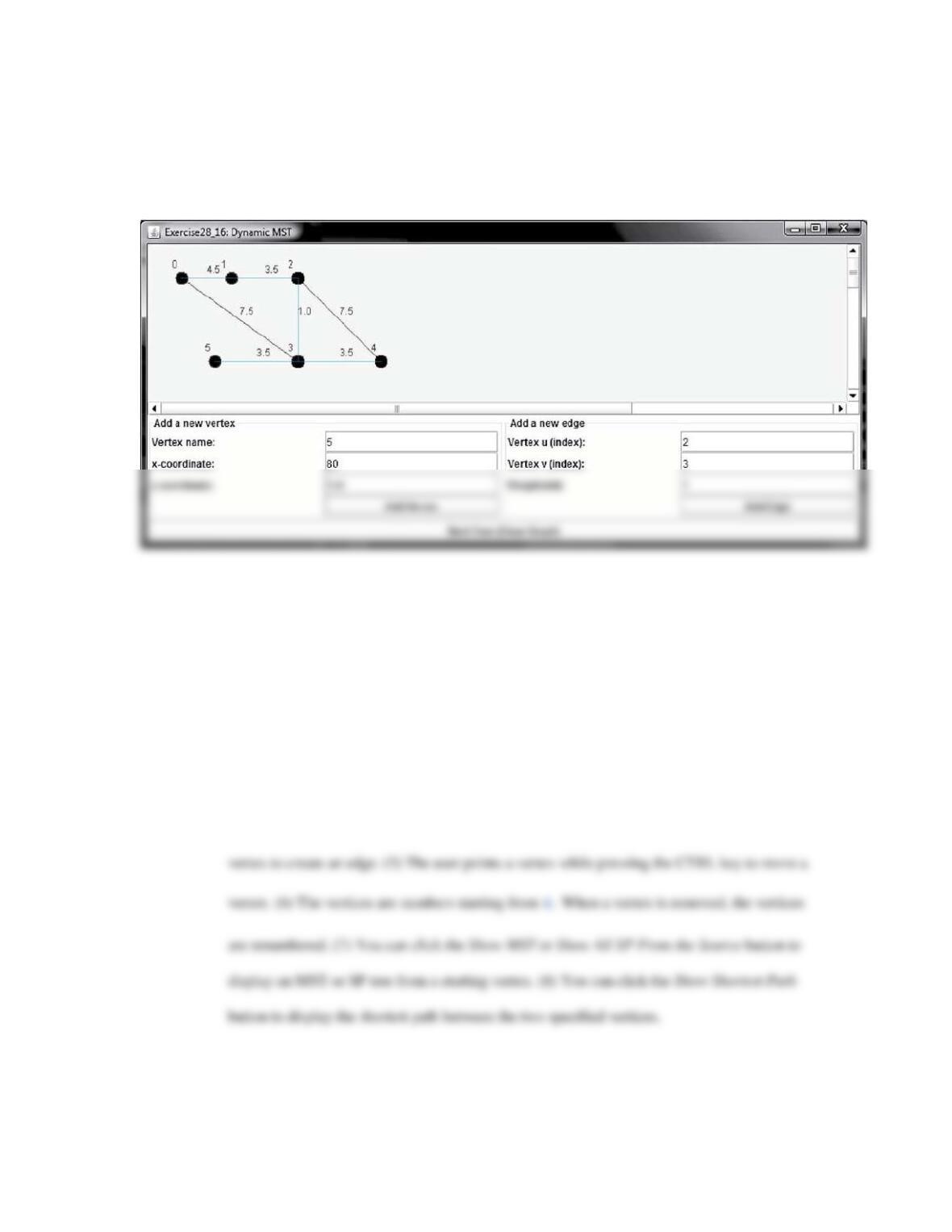
104
Figure 29.2
The program can add vertices and edges and display MST dynamically.
***29.3 (Weighted graph visualization tool) Develop a GUI program as shown in Figure 29.3, with
the following requirements: (1) The radius of each vertex is 20 pixels. (2) The user clicks the
primary mouse button to place a vertex centered at the mouse point, provided that the mouse
point is not inside or too close to an existing vertex. The mouse point is too close to a vertex
if the distance between the mouse point and the vertex is less than 50. (3) The user clicks the
secondary mouse button inside an existing vertex to remove the vertex. (4) The user clicks a
mouse button inside a vertex, moves to another vertex, and then clicks the button inside the
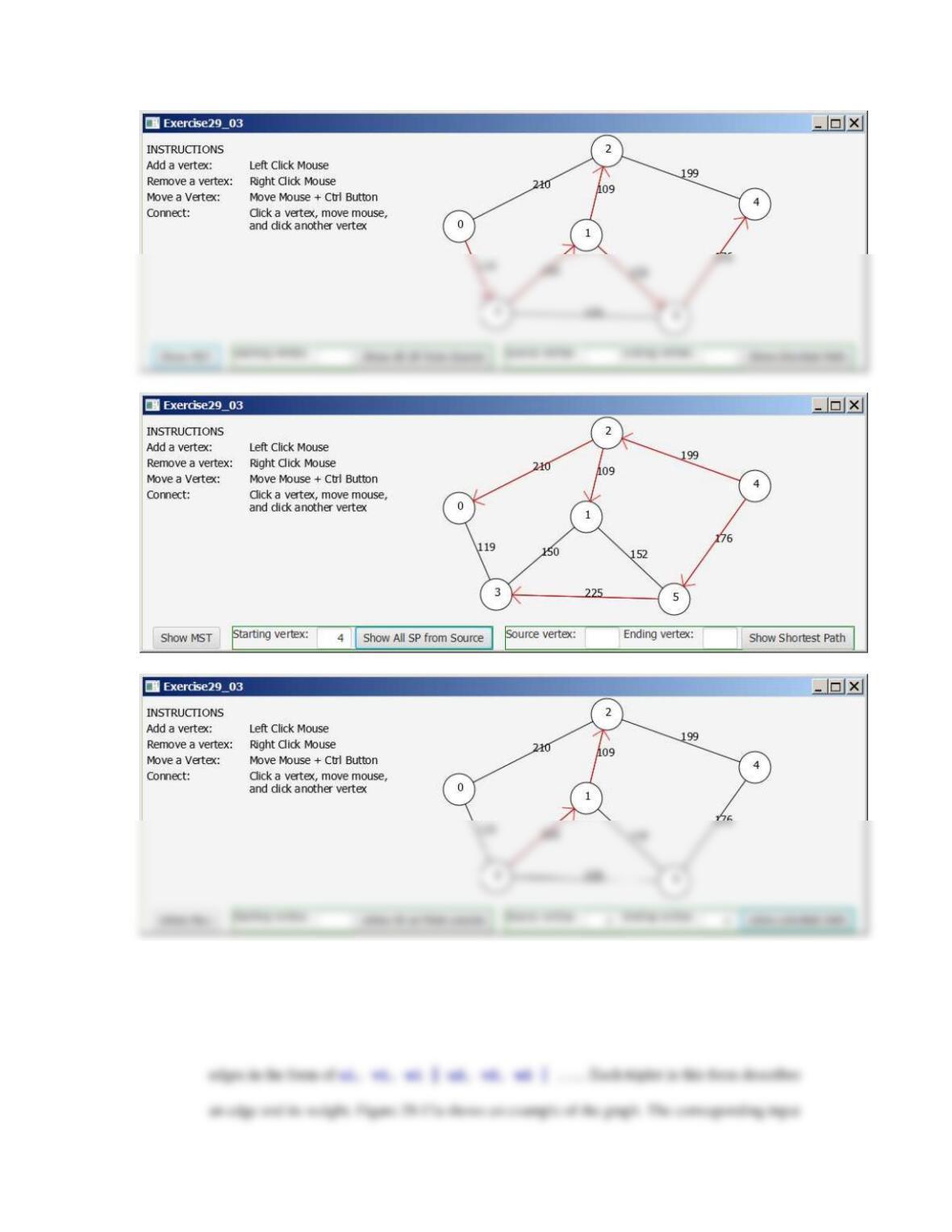
105
*29.4 (Find a minimum spanning tree) Write a program that reads a connected graph from the input and
displays its minimum spanning tree. The first line in the input contains a number that indicates
the number of vertices (n). The vertices are labeled as 0, 1, …, n-1. The next line describes the
106
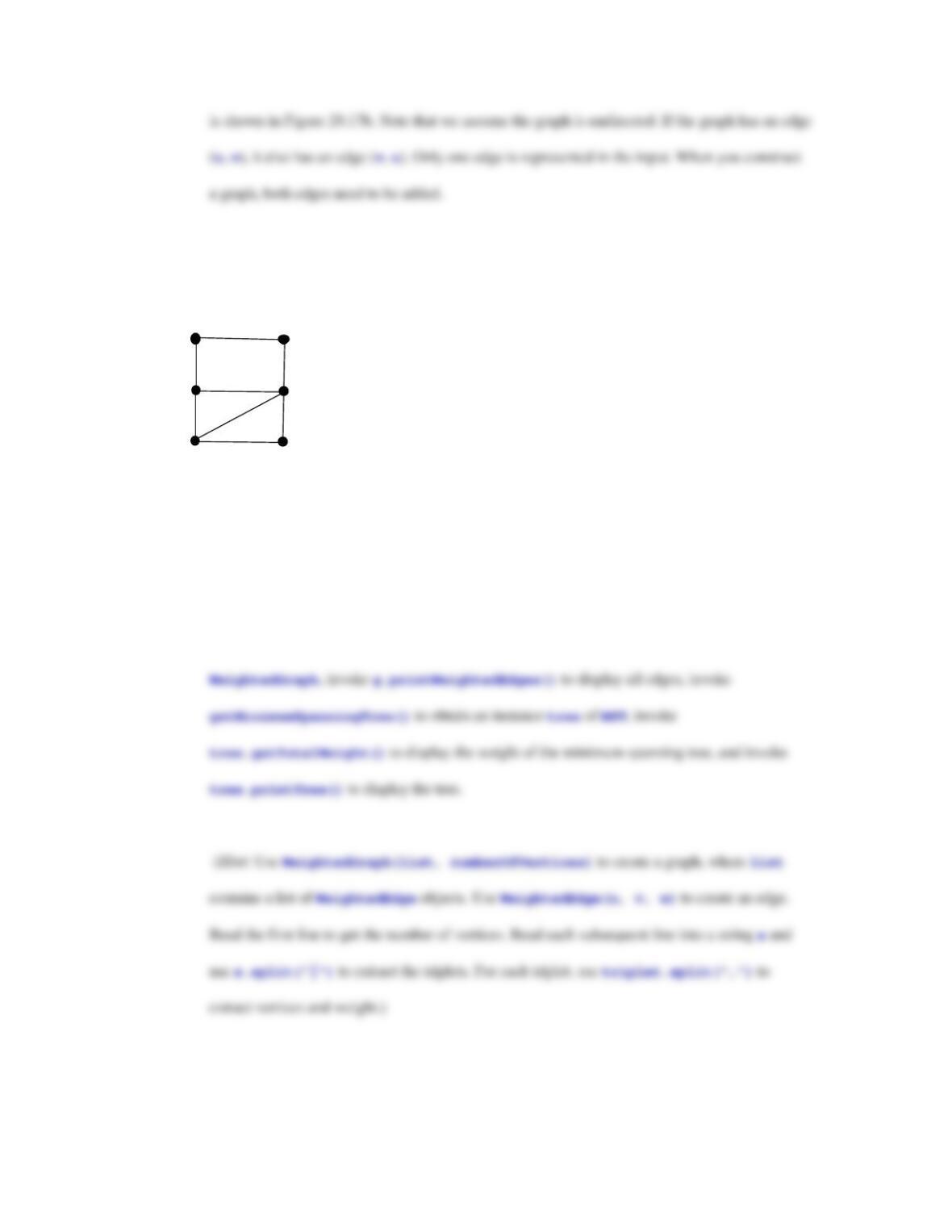
Figure 29.17
The vertices and edges of a weighted graph can be represented in a text input.
0
2
3
1
4
5
100
3
40
20
2
5
5
9
(a)
Input
6
0, 1, 100 | 0, 2, 3 | 1, 3, 20 | 2, 3, 40 | 2, 4, 2 | 3, 4, 5 | 3, 5, 5 | 4, 5, 9
(b)
Your program should prompt the user to enter the input, create an instance g of
Read the input using nextLine() as a string and then
extract string into integers. Use
https://liveeample.pearsoncmg.com/test/Exercise29_04Extra.t
xt to test your code. When you test the code using the
CheckExercise tool, you need to submit the entire code.
107
<sample run>
Enter the number of vertices: 6
The number of vertices is 6
Enter the triplets in one line: 0, 1, 100 | 0, 2, 3 | 1, 3, 20 | 2, 3,
40 | 2, 4, 2 | 3, 4, 5 | 3, 5, 5 | 4, 5, 9
*29.5 (Find shortest paths) Write a program that reads a connected graph from the console. The graph is
represented in the same format as specified in Exercise29_04Extra. Your program should
prompt the user to enter the number of vertices, the edges, and then two vertices, and should
display a shortest path between the two vertices. For example, for the graph in Figure 23.16, a
shortest path between 0 and 1 can be displayed as 0 2 4 3 1.
Read the input using nextLine() as a string and then
extract string into integers. Use
https://liangpy.pearsoncmg.com/test/Exercise29_05Extra.txt
to test your code. When you submit it to REVEL. When you
test the code using the CheckExercise tool, you need to
submit the entire code.
<sample run>
Enter the number of vertices: 6
Extra Exercise for Chapter 30
108
*30.2 (Distinct scores) Use streams to write a program that displays the distinct scores in the scores
array in Section 8.8. Display the scores in increasing order, separated by exactly one space, five
numbers per line.
Extra Exercise for Chapter 31
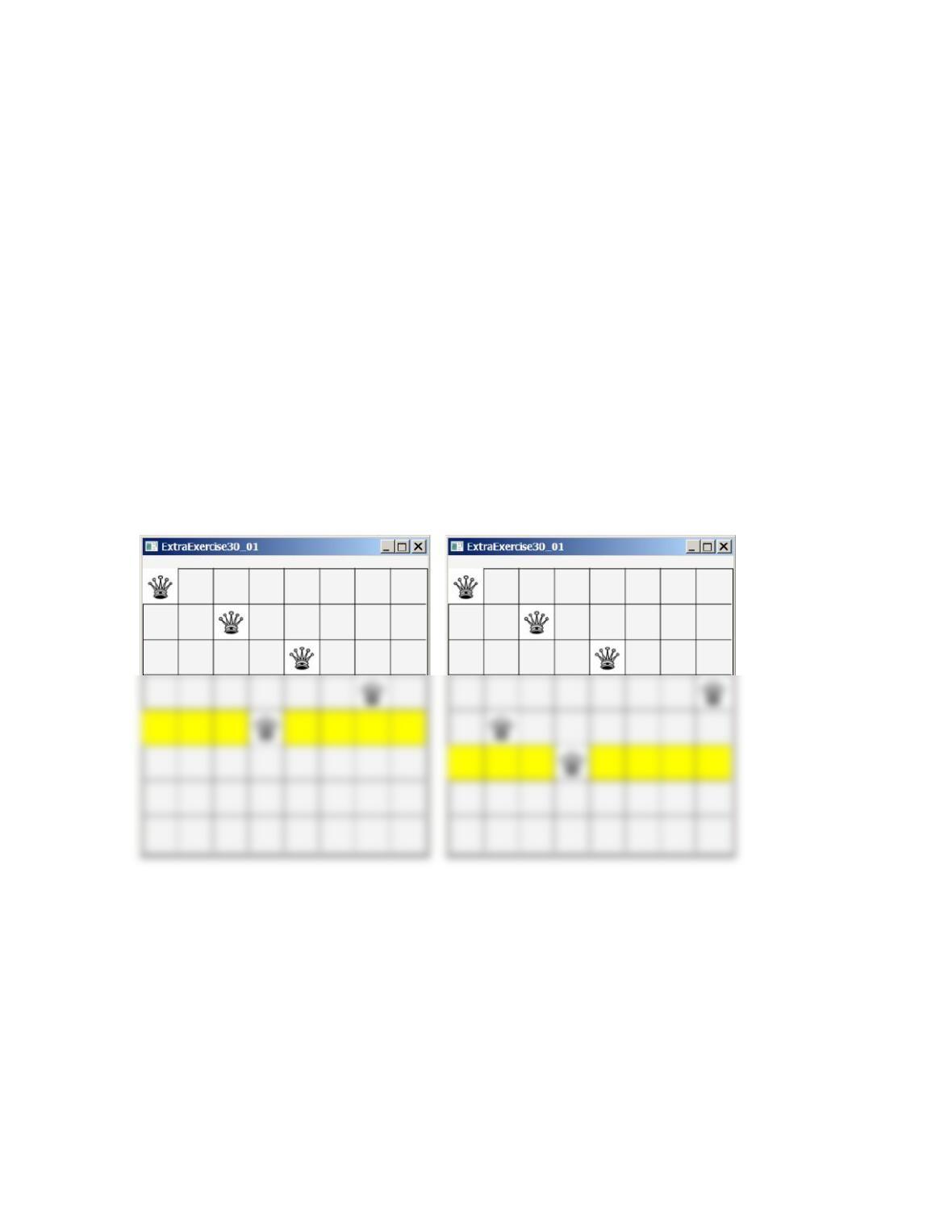
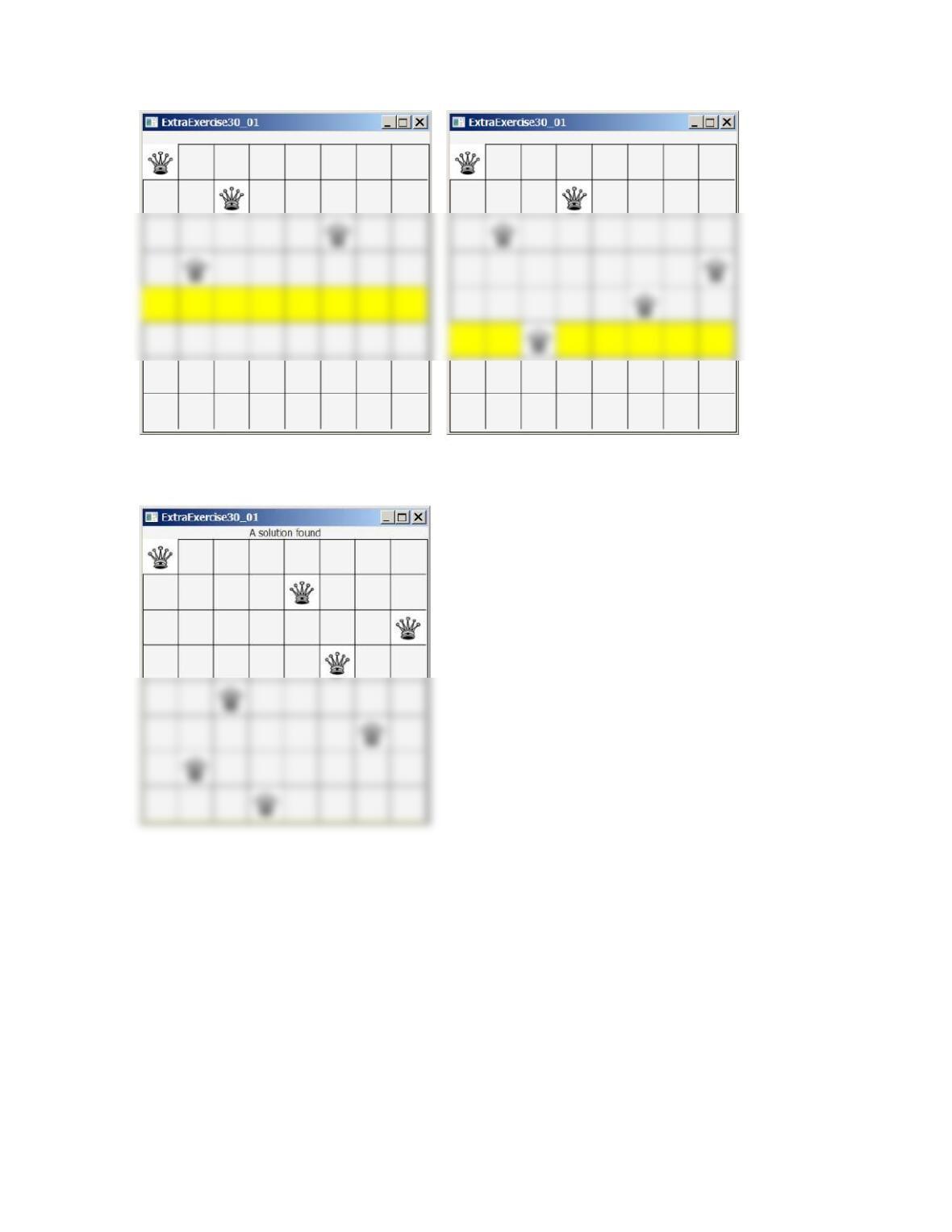
***31.1 (Eight Queens animation) Modify Listing 22.10, EightQueens.java, to display the
intermediate results of the search in an animation. As shown in Figure 30.1, the current row
being searched is highlighted.
Figure 30.1
The intermediate search steps are displayed in the animation for the Eight Queens problem.
109
Extra Exercise for Chapter 33
*33.1 (Baby name ranking) Programming Exercise 32.15 creates a table Babyname to
store the baby names and their counts from year 2001 to 2010. Write a Web page that
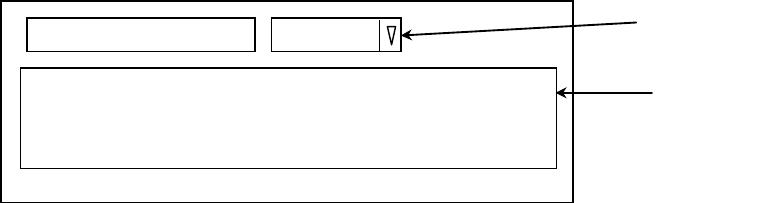
displays the top ten male and female names for the selected year. The year 2001 to 2010
can be selected from a combo box, as shown in Figure 33.1.
110
Rank Male Name Female Name
Select a year:
2001
Table
ComboBox
Figure 33.1
The user selects a year to display the top 10 male and female baby names for the year.