81
**22.5 (Maximum consecutive subsequence sum) Given a sequence of integers, find a maximum
consecutive subsequence sum and the sequence. For example, if the sequence is 3, –4, 4, 2,
3, –9, –3, 2, 3, a maximum consecutive subsequence sum is 9 and the sequence is 4, 2, 3.
Write at least two methods with different time complexity. We will discuss an efficient
algorithm in the class. Your method headers are:
where Result is a class with public data fields sum, low, high. low and high are the
starting and ending indices of the subsequence with the maximum sum.
import java.util.*;
public class Exercise22_05Extra {
public static void main(String[] args) {
Extra Exercise for Chapter 23
23.1 (A Sorting Question for Obama) When presidential candidate Barack Obama visited Google in
2007, Google CEO Eric Schmidt asked Obama the most efficient way to sort a million 32–bit
integers (www.youtube.com/watch?v=k4RRi_ntQc8). Obama answered that the bubble sort would be
the wrong way to go. Was he right? Verify it and find an efficient algorithm for sorting a million
32–bit positive integers using selection sort, insertion sort, bubble sort, merge sort, quick sort, heap
Extra Exercise for Chapter 24
**24.1 (Reverse list) Implement the following two methods in O(n) time.
// Reverse the list and return it in O(n) time
public static <E> ArrayList<E> reverse(ArrayList<E> list)
// Reverse the list and return it in O(n) time
public static <E> LinkedList<E> reverse(LinkedList<E> list)
Use the following code to test these methods:
public static void main(String[] args) {
83
}
*24.2 (Implement a circularly linked list) In a circular linked list, the tail node points to the head node.
Implement MyLinkedList class using a circular linked list. Identify the methods you need to
modify in Listing 24.6 and make appropriate changes. Test your new class using the following
program.
public class Exercise24_02Extra {
public static void main(String[] args) {
// Create a list
MyList<String> list = new MyLinkedList<>();
84
Extra Exercise for Chapter 25
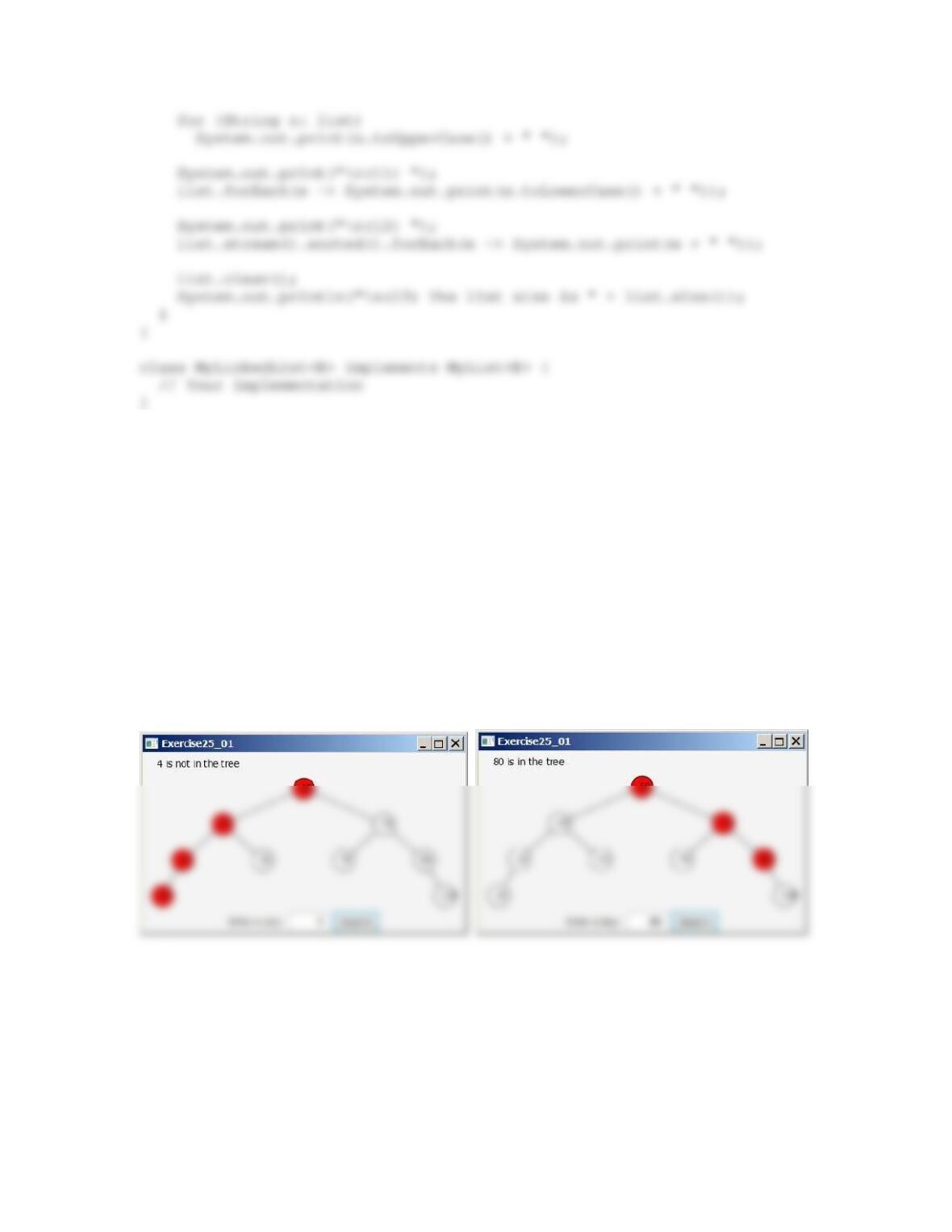
**25.1 (BST search visualization) Write a program that displays a search path, as shown in Figure 25.1.
The program allows the user to enter a key and colors the nodes in the search path. The program
also displays a text indicating whether the key is in the tree. You should populate the tree with
initial values, as shown in the figure.
Figure 25.1
The search path is highlighted.
**25.2 (BST animation) The preceding exercise simply highlights a search path. Write a program that
animates how a search is performed. First you see that the root is searched, and then a subtree is
searched recursively. When a node is searched, the node is highlighted. The search stops when a
key is found in the tree, or the program displays a message that a key is not in the tree.
Figure 25.2
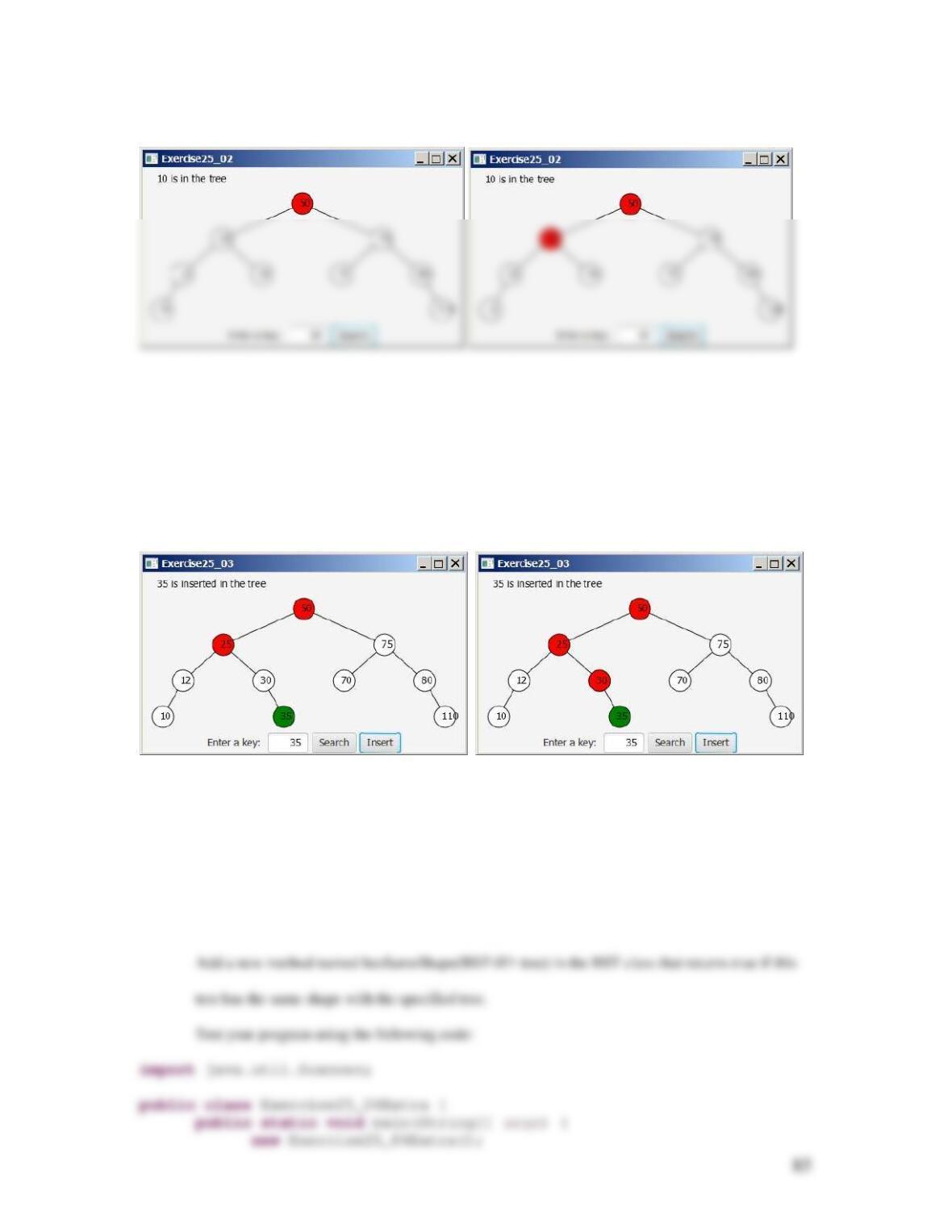
The program animates how a search is performed.
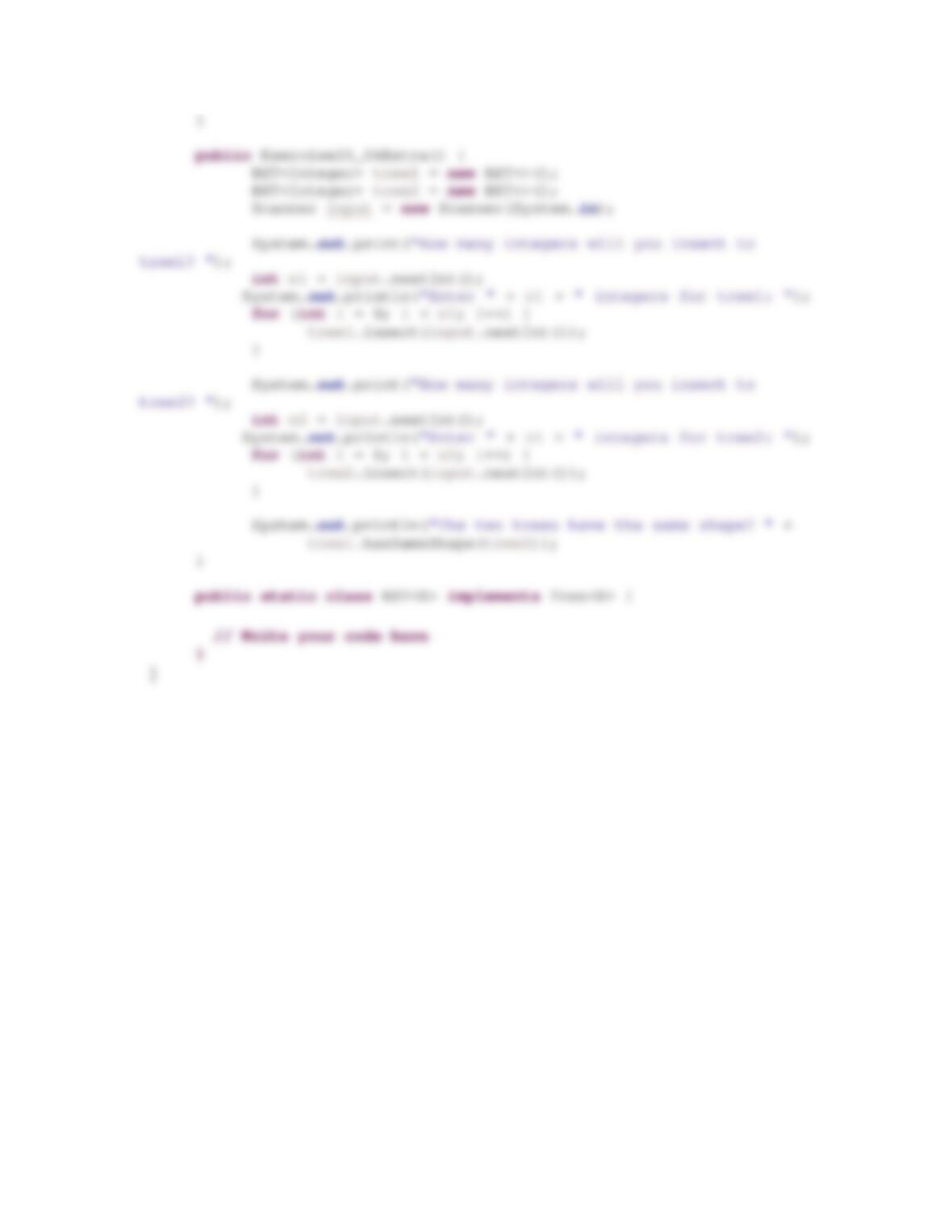
**25.3 (BST insert animation) Add an Insert button to the preceding exercise to animate how insertion
is performed, as shown in Figure 25.3. When the Insert button is clicked, the program first
animates a search. If the key is already in the tree, display a message. Otherwise, insert the key.
Figure 25.3
The program animates how an insertion is performed.
**25.4 (Same shape) Two binary trees are said to have the same shape if one of the following holds:
a. Both trees are empty.
b. Both trees have a single node.
c. The left subtrees have the same shape and the right subtrees have the same shape.
86
Extra Exercise for Chapter 26
**26.1 (Use comparator) Modify the AVL class using comparators. By default, the elements are
compared using their natural order. Add two new constructors that create an AVLTree using a
specified comparator as follows:
AVLTree(Comparator<E> c);
AVLTree(E[] objects, Comparator<E> c);
Hint: You need to add a data field for Comparator in the BST class as follows:
Comparator<E> c = (e1, e2) –> ((Comparable<E>)e1).compareTo(e2);
The lambda expression gives the default comparator using natural orider.
You need to use comparator c to replace e.compareTo(anotherElement) with c.compare(e,
anotherElement).
87
Use the following code to test your program:
public Exercise26_01Extra() {
// Create a AVLTree
AVLTree<String> tree = new AVLTree<>();
// Search for an element
System.out.print(“\nIs Peter in the tree? “
+ tree.search(“Peter”));
**26.2 (AVLTree new method) Add the following new method in the AVLTree class:
public boolean isBalanced();
The method returns true if every node in the tree is balanced.
Use the following code to test your program:
88
Extra Exercise for Chapter 27
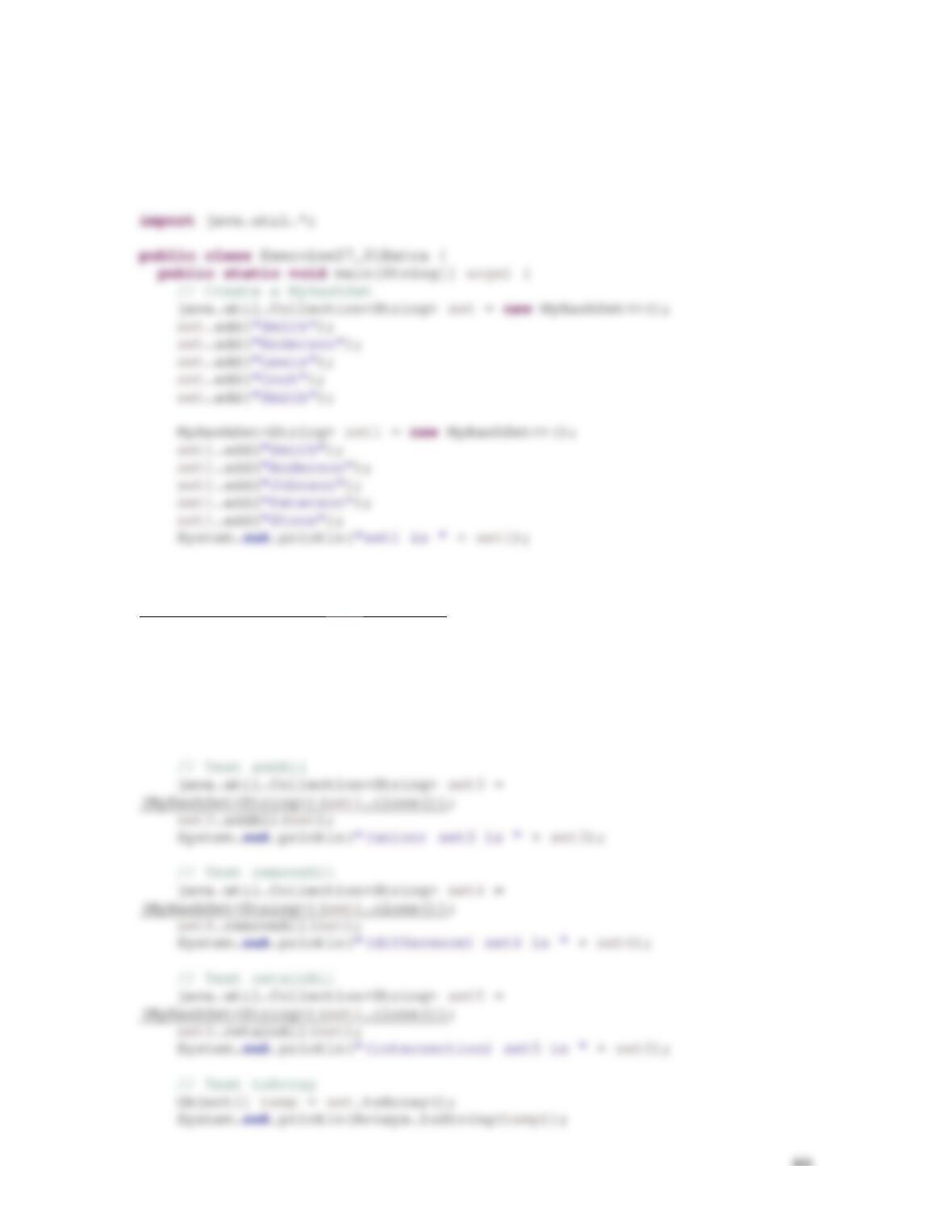
27.1 (Implement the MyHashSet class) Implement the following methods in the MyHashSet class:
@Override
public boolean addAll(Collection<? extends E> arg0) {
// Left as an exercise
return false;
}
@Override
public boolean containsAll(Collection<?> arg0) {
// Left as an exercise
return false;
}
@Override
public Object[] toArray() {
// Left as an exercise
return null;
}
89
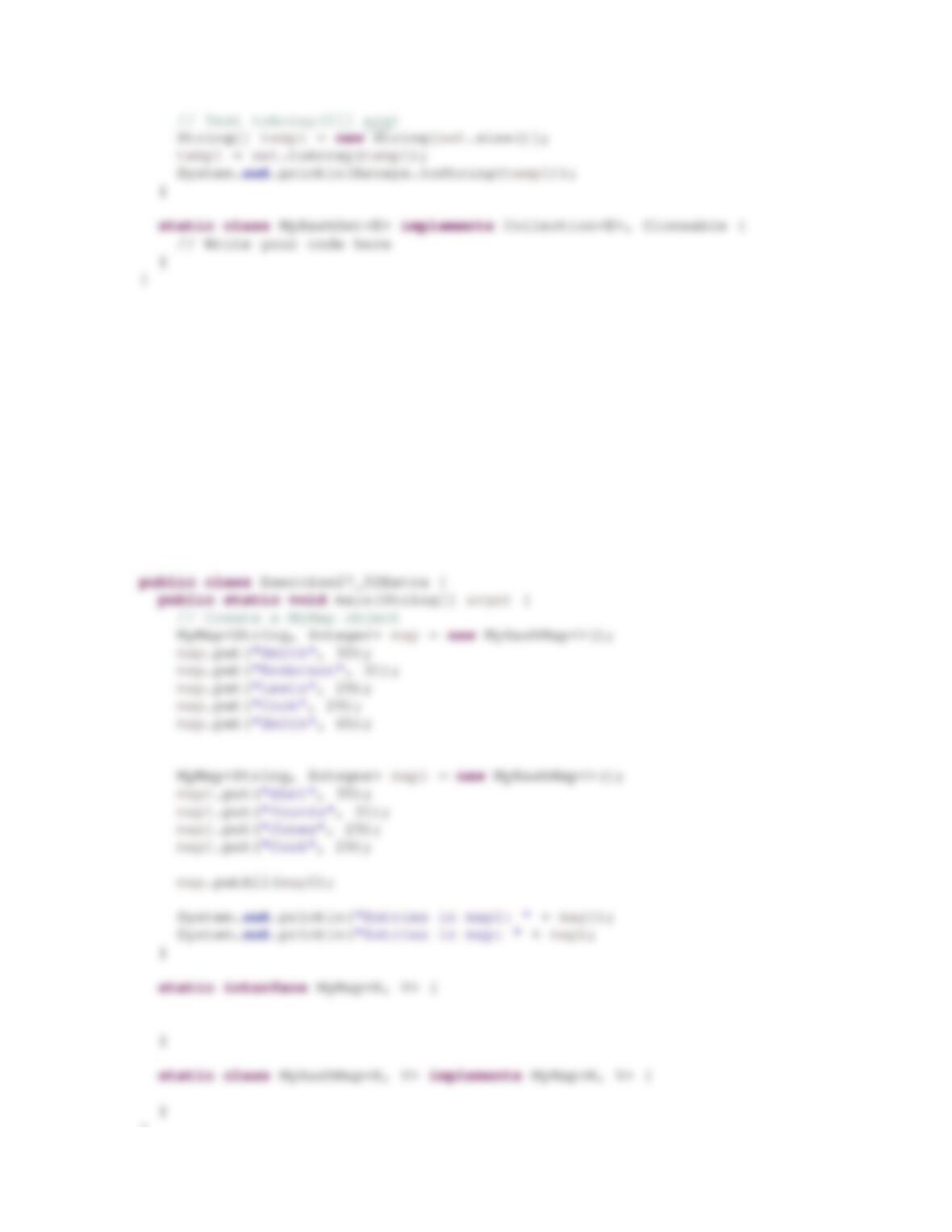
Override the clone() method to perform a deep copy of the hash table.
Use this test program to test your code:
// Test clone
java.util.Collection<String> set2 =
(MyHashSet<String>)(set1.clone());
set2.add(“Jones”);
System.out.println(“set1 is “ + set1);
System.out.println(“set2 is “ + set2);
// Test containsAll
System.out.println(set1.containsAll(set2));
System.out.println(set2.containsAll(set2));
90
Submit to LiveLab as PExercise27_01.
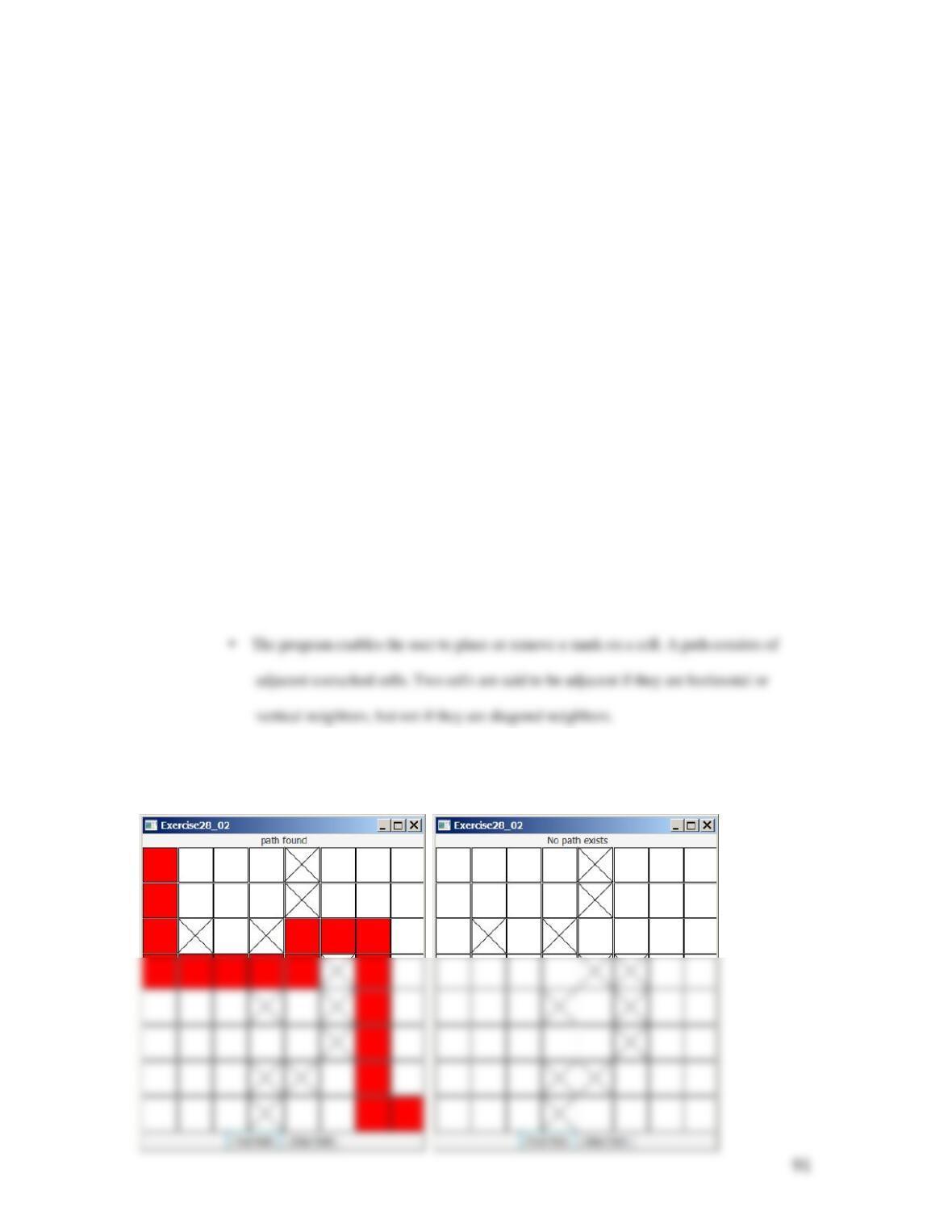
27.2 (Modify the MyMap interface) Add and implement the following default method in the MyMap
interface:
public default void putAll(MyMap<K, V> m)
Use this test program to test your code:
import java.util.*;
}
Submit to LiveLab as PExercise27_02.
Extra Exercise for Chapter 28
28.1 (Get the number of edges) Define a new class named UnweightedGraphGetNumberOfEdges that
extends UnweightedGraph with a new method for returning the number of edges in the
graph.
public int getNumberOfEdges();
Test your program using the graph in Figure 28.1 and
displays the number of edges in the graph.
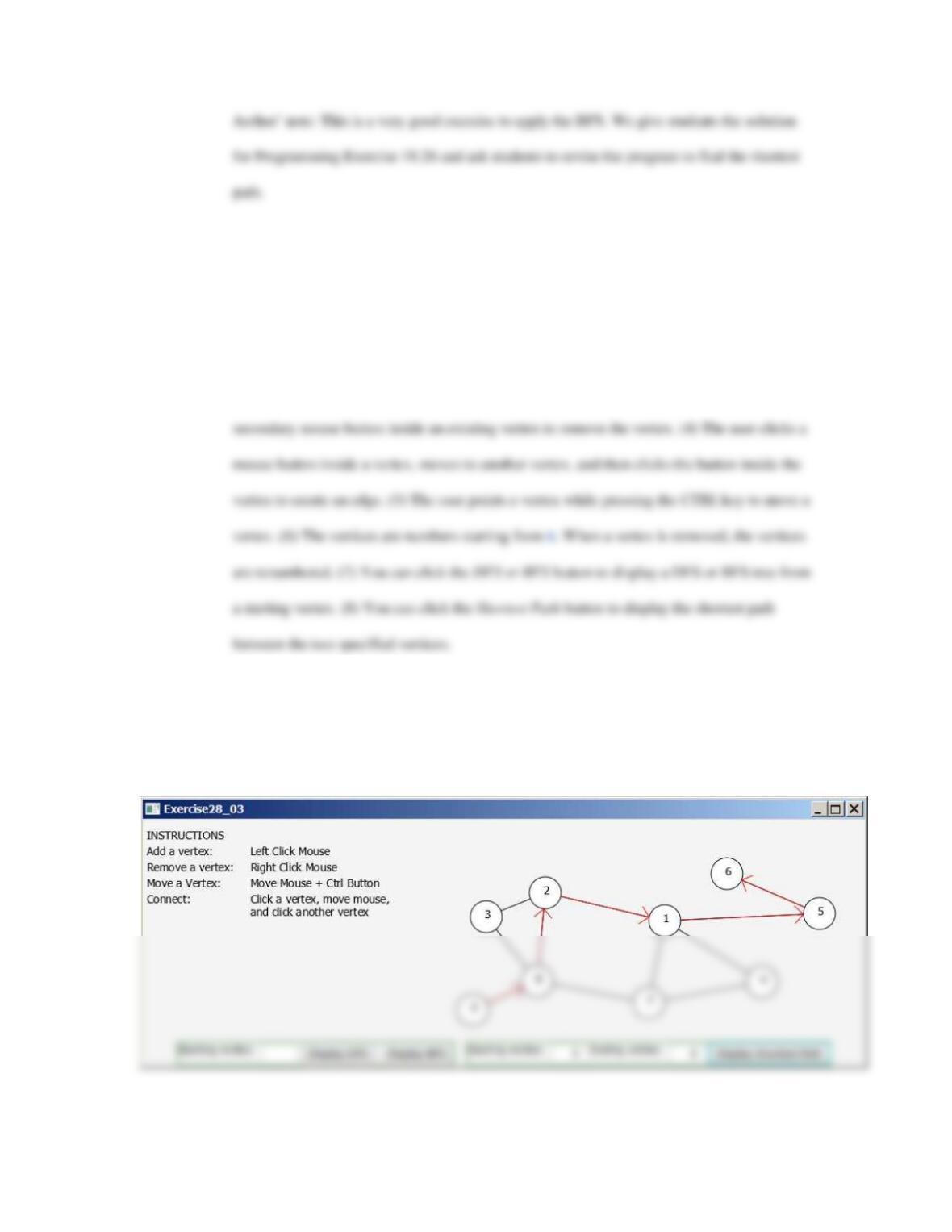
**28.2 (Create a maze) Write a program that will find a shortest path in a maze, as shown in Figure
28.2a. The maze is represented by an
88×
board. The path must meet the following
conditions:
The path is between the upper–left corner cell and the lower–right corner cell in the maze.
Figure 28.2
The program finds a path from the upper–left corner to the bottom–right corner.
92
***28.3 (Graph visualization tool) Develop a program as shown in Figure 28.3, with the following
requirements: (1) The radius of each vertex is 20 pixels. (2) The user clicks the primary
mouse button to place a vertex centered at the mouse point, provided that the mouse point is
not inside or too close to an existing vertex. The mouse point is too close to a vertex if the
distance between the mouse point and the vertex is less than 50. (3) The user clicks the
Figure 28.3
The program can add vertices and edges and display the DFS/BFS tree and finding a shortest path between
two specified vertices.
**28.4 (Test the non-recursive depth-first search)
Revise the preceding program using the dfs method in the
93
UnweightedGraphWithNonrecursiveDFS class in Programming
Exercise 28.3 from the text.
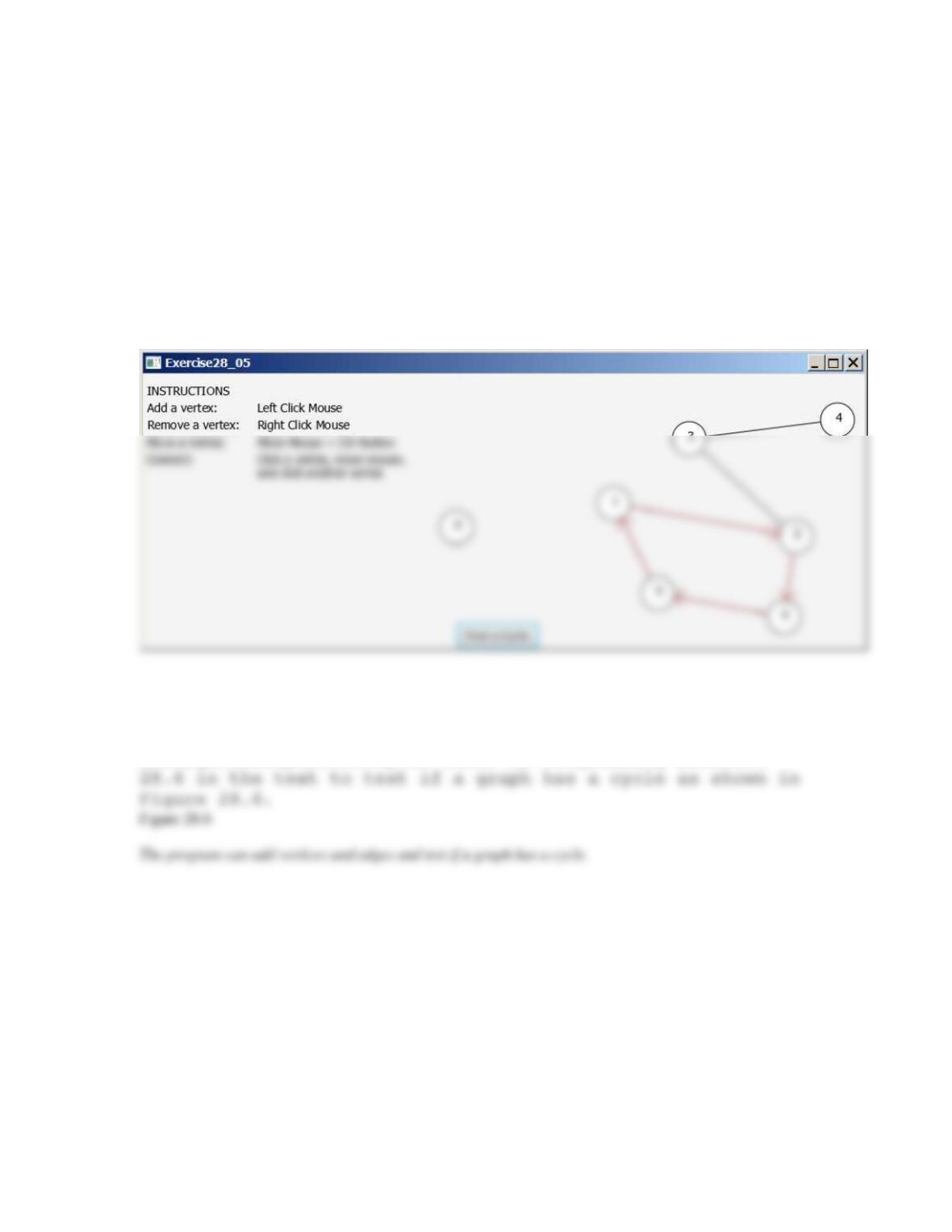
**28.5 (Find a cycle) Revise the preceding program using
the getACycle method in the UnweightedGraphFindCycle class
in Programming Exercise 28.7 in the text to find a cycle as
shown in Figure 28.5.
Figure 28.5
The program can add vertices and edges and find and display a cycle in the graph.
**28.6 (Test if a graph has a cycle) Revise the
preceding program using the isCyclic method in the
UnweightedGraphDetectCycle class in Programming Exercise
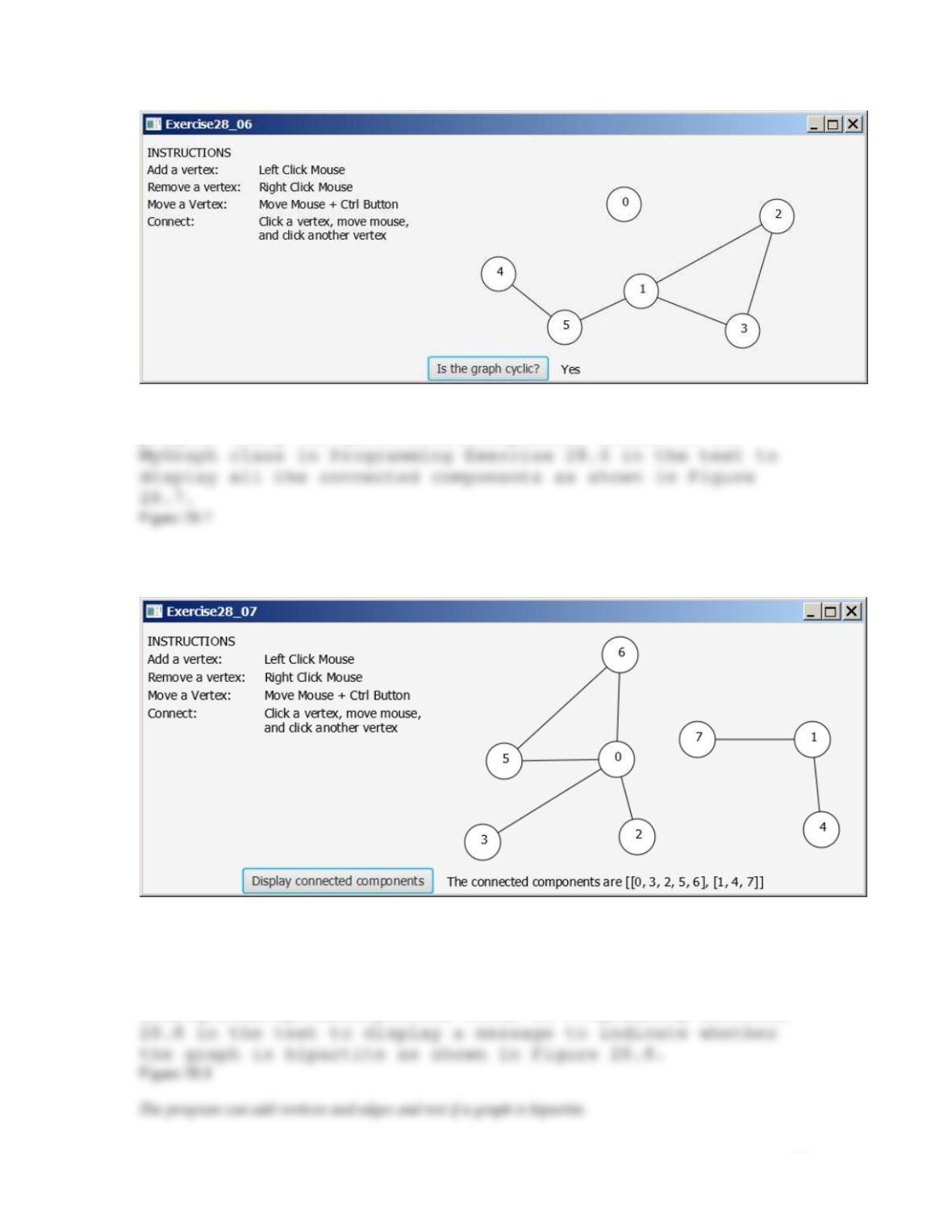
94
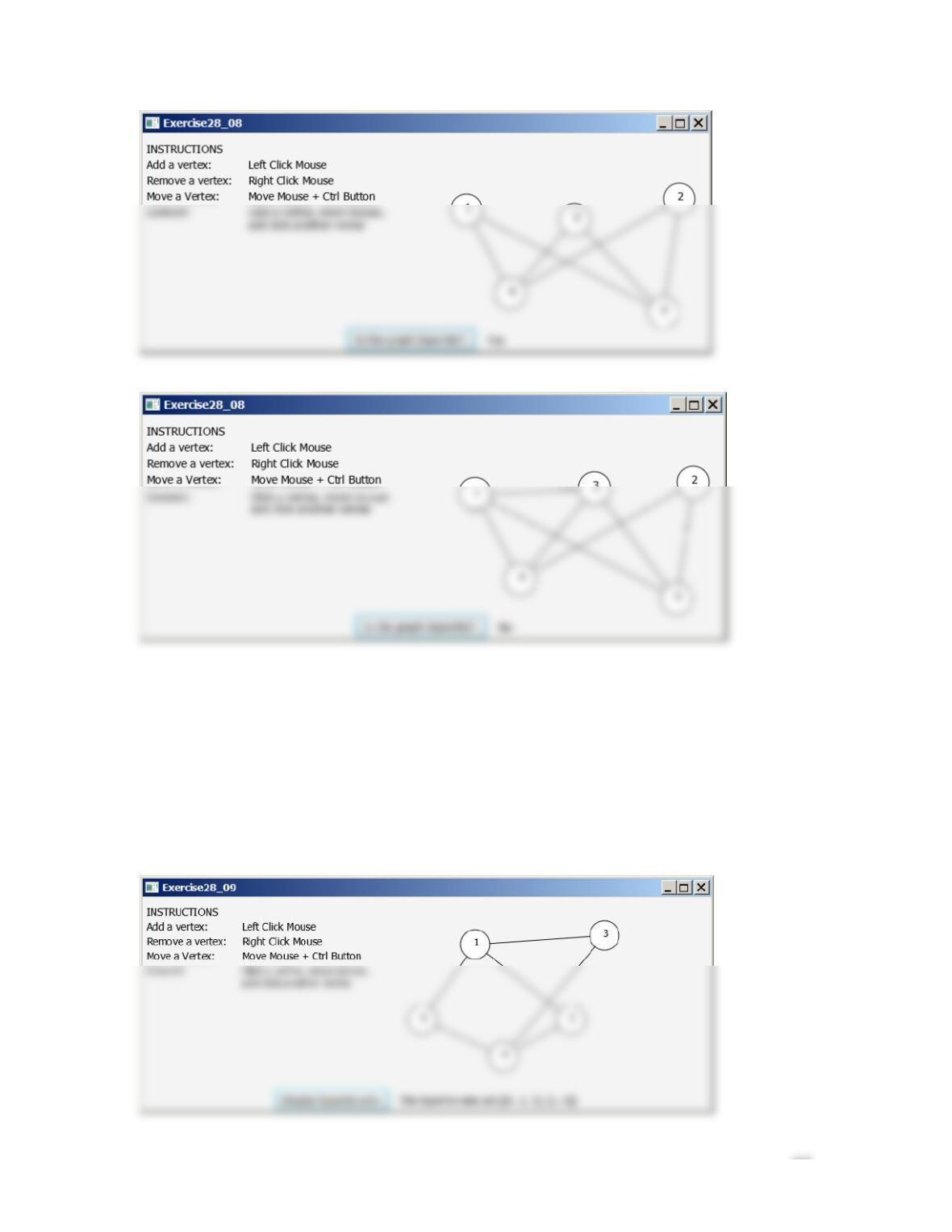
**28.7 (Find connected components) Revise the preceding
program using the getConnectedComponents method in the
The program can add vertices and edges and display connected components.
**28.8 (Test if a graph is bipartite?) Revise the
preceding program using the isBipartite method in the
UnweightedGraphTestBipartite class in Programming Exercise
95
**28.9 (Display bipartite sets) Revise the preceding
program using the isBipartite method in the
UnweightedGraphTestBipartite class in Programming Exercise
28.8 in the text to display a message to indicate whether
the graph is bipartite as shown in Figure 28.9.
Figure 28.9
The program can add vertices and edges and display the bipartite sets of vertices.