61
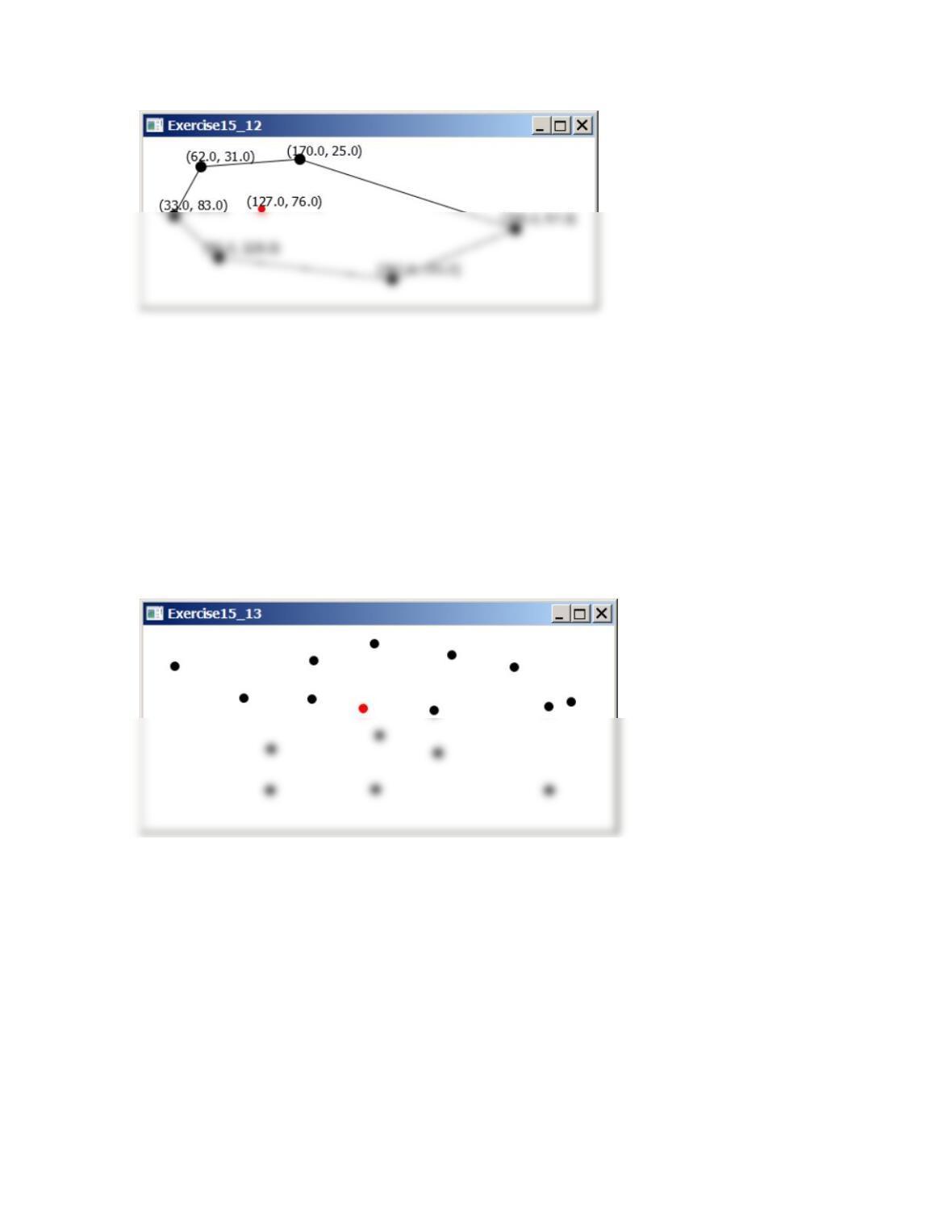
** 15.13 (Geometry: central city) Revise Programming Exercise 8.21 to enable the user to
dynamically add or remove cities. The user can add a city at the mouse point by clicking the
primary mouse button and remove a city by pointing the city with a click of the secondary
mouse button. The central city is displayed in red and all other cities are displayed in black,
as shown in Figure 15.13. No central city is found if the total number of cities is less than 3.
Figure 15.13
The program finds a central city and displays the central city in red.
** 15.14 (Geometry: central city) Revise the preceding program to display a line between the central
city to all other cities, as shown in Figure 15.14.
Figure 15.14
The program finds a central city and displays lines connecting the central city to all other cities.
62
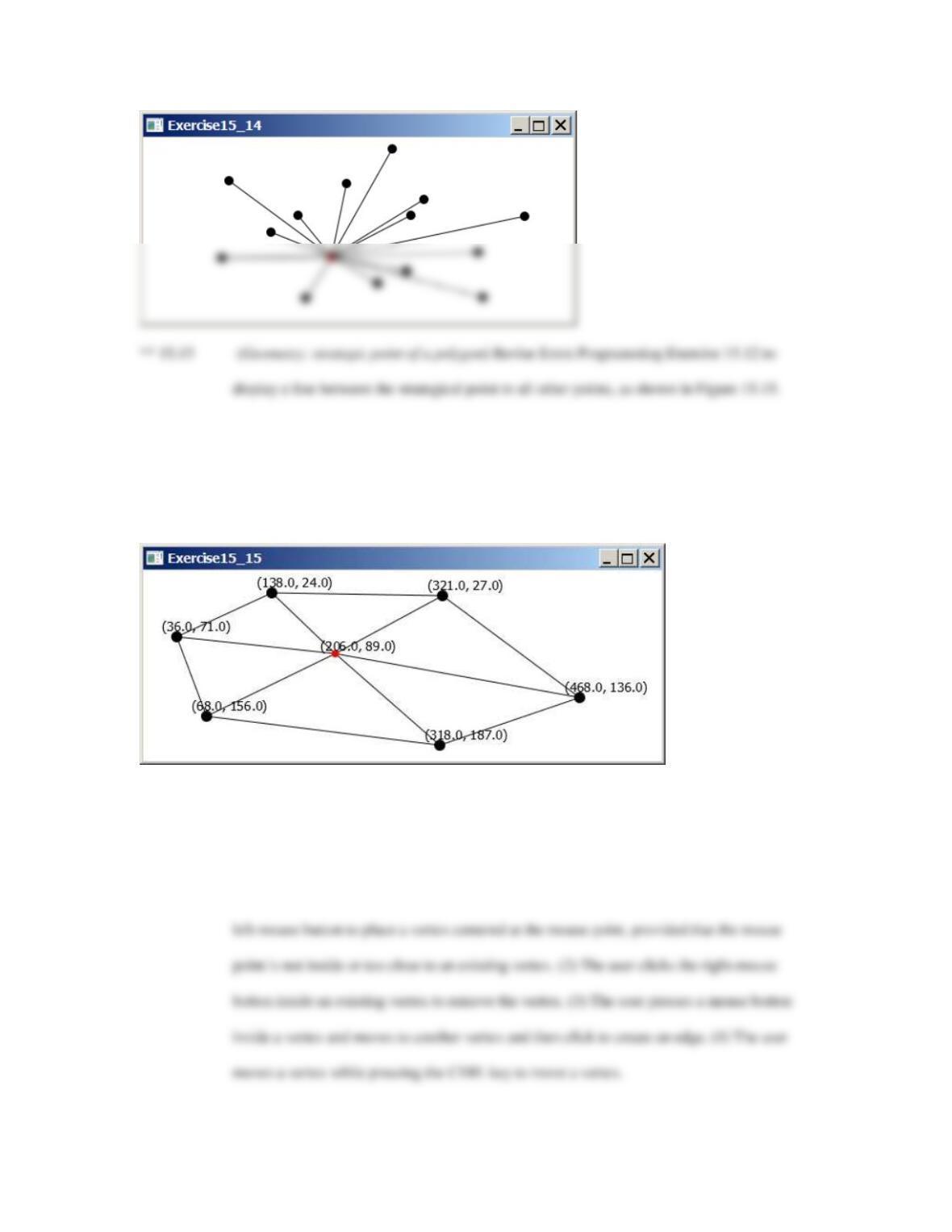
Figure 15.15
A new strategic point is displayed as the vertices are moved and lines connecting the strategic point to all
other points are also displayed
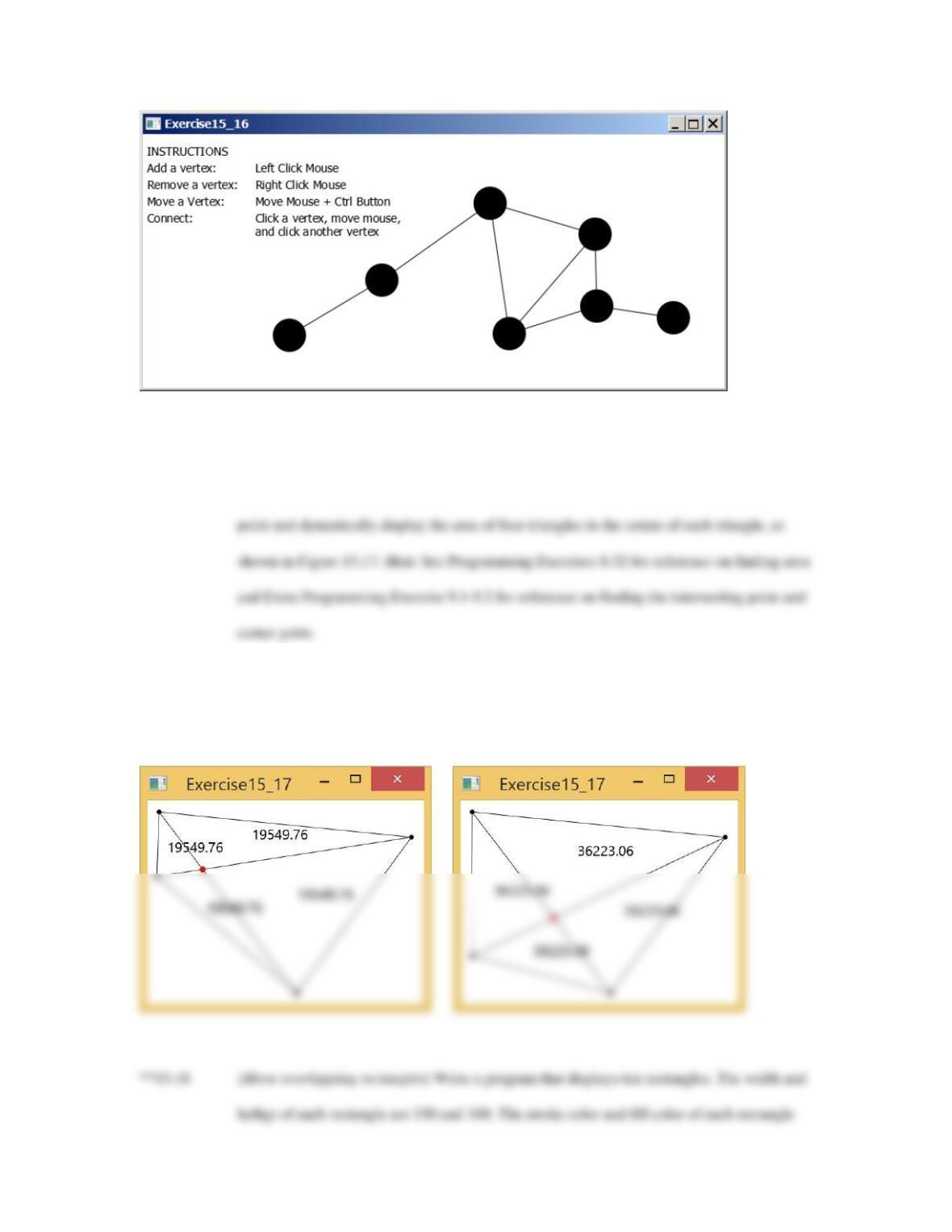
***15.16 (Graphs) A graph consists of vertices and edges that connect vertices. Write a program that
enables the user to draw vertices and edges dynamically, as shown in Figure 15.16. The
radius of each vertex is 20 pixels. Implement the following functions: (1) The user clicks the
Figure 15.16
The program enables users to draw a graph dynamically.
63
**15.17 (Geometry: polygon subareas) Write a program that displays a polygon with four initial
points at (20, 20), (300, 20), (256, 330), (16, 130). The user can use the mouse to drag a
Figure 15.17
The program enables the user to drag vertices and displays the lines, their intersecting point, and the areas
of three triangles dynamically.
64
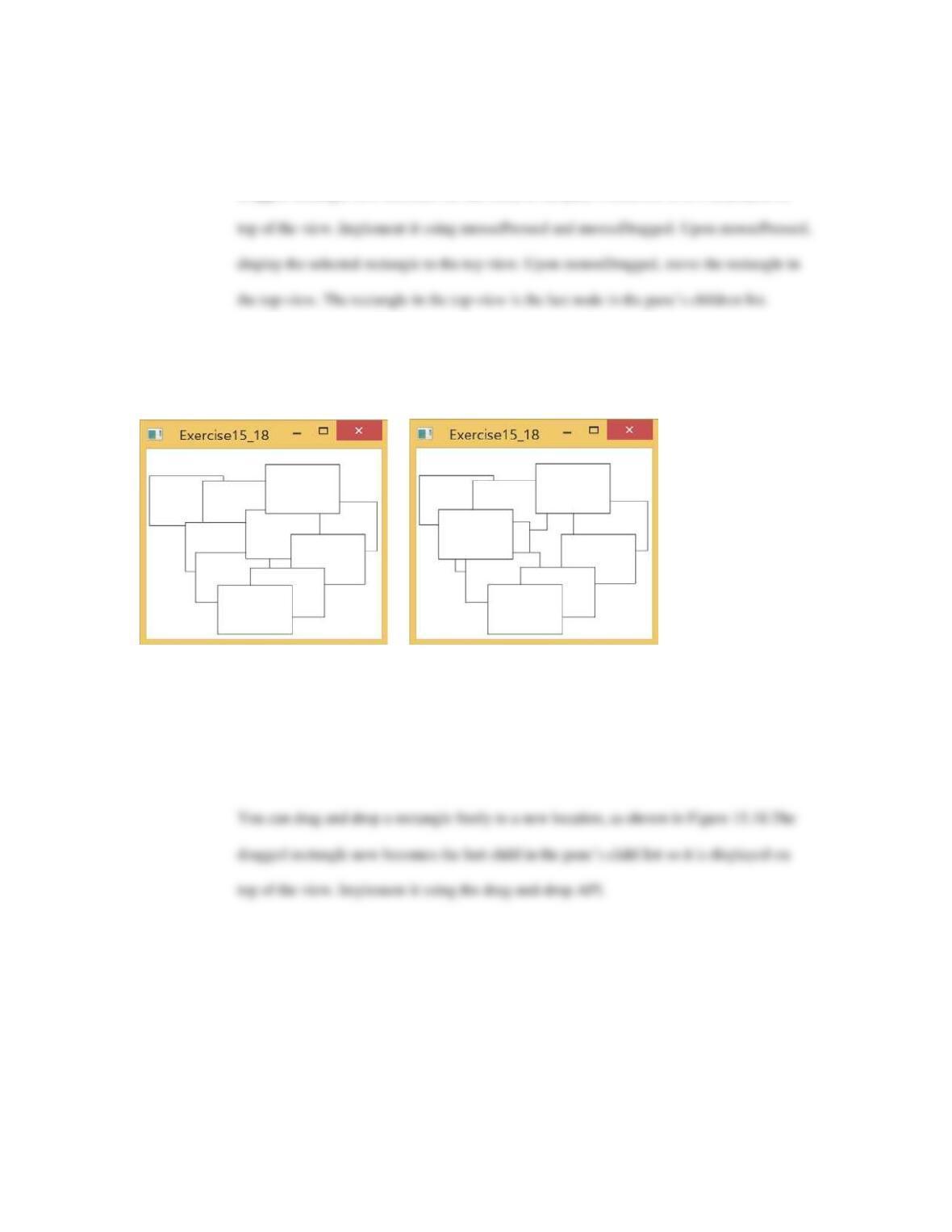
are black and white. Each rectangle is initially centered at a random location on the pane.
You can drag and drop a rectangle freely to a new location, as shown in Figure 15.18.The
dragged rectangle now becomes the last child in the pane’s child list so it is displayed on
Figure 15.18
The program enables the user to select a rectangle and it is displayed in the front view.
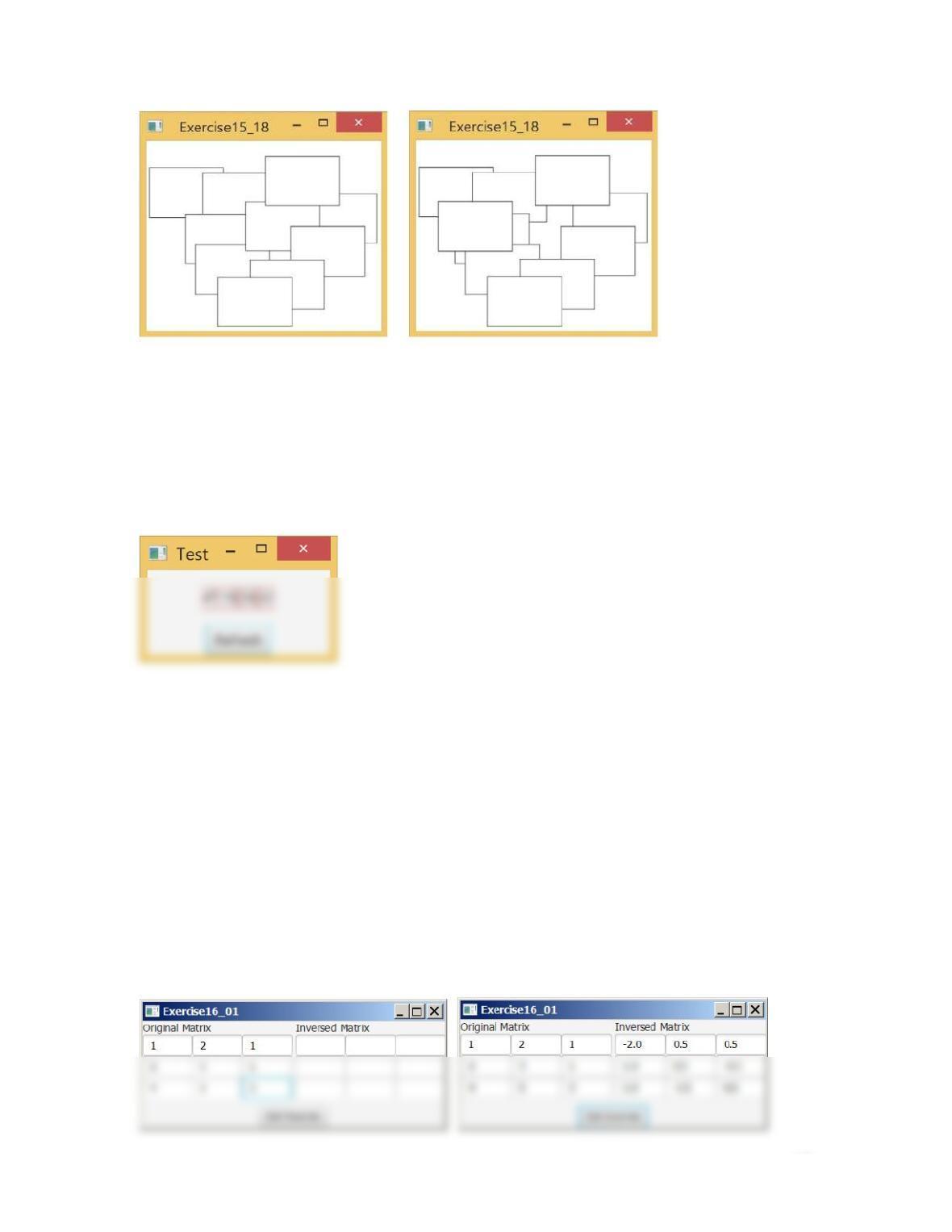
**15.19 (Move overlapping rectangles) Write a program that displays ten rectangles. The width and
heihgt of each rectangle are 150 and 100. The stroke color and fill color of each rectangle
are black and white. Each rectangle is initially centered at a random location on the pane.
Figure 15.19
The program enables the user to select a rectangle and move it the user’s view and drag and move a
rectangle.
65
15.20 (Simple) Write a program that clicks the Refresh button to display the four distinct random numbers
between 0 and 51, as shown in Figure 15.20.
Figure 15.20
The program displays four distinct random numbers between 0 and 51 upon clicking the Refresh button.
Extra Exercises for Chapter 16
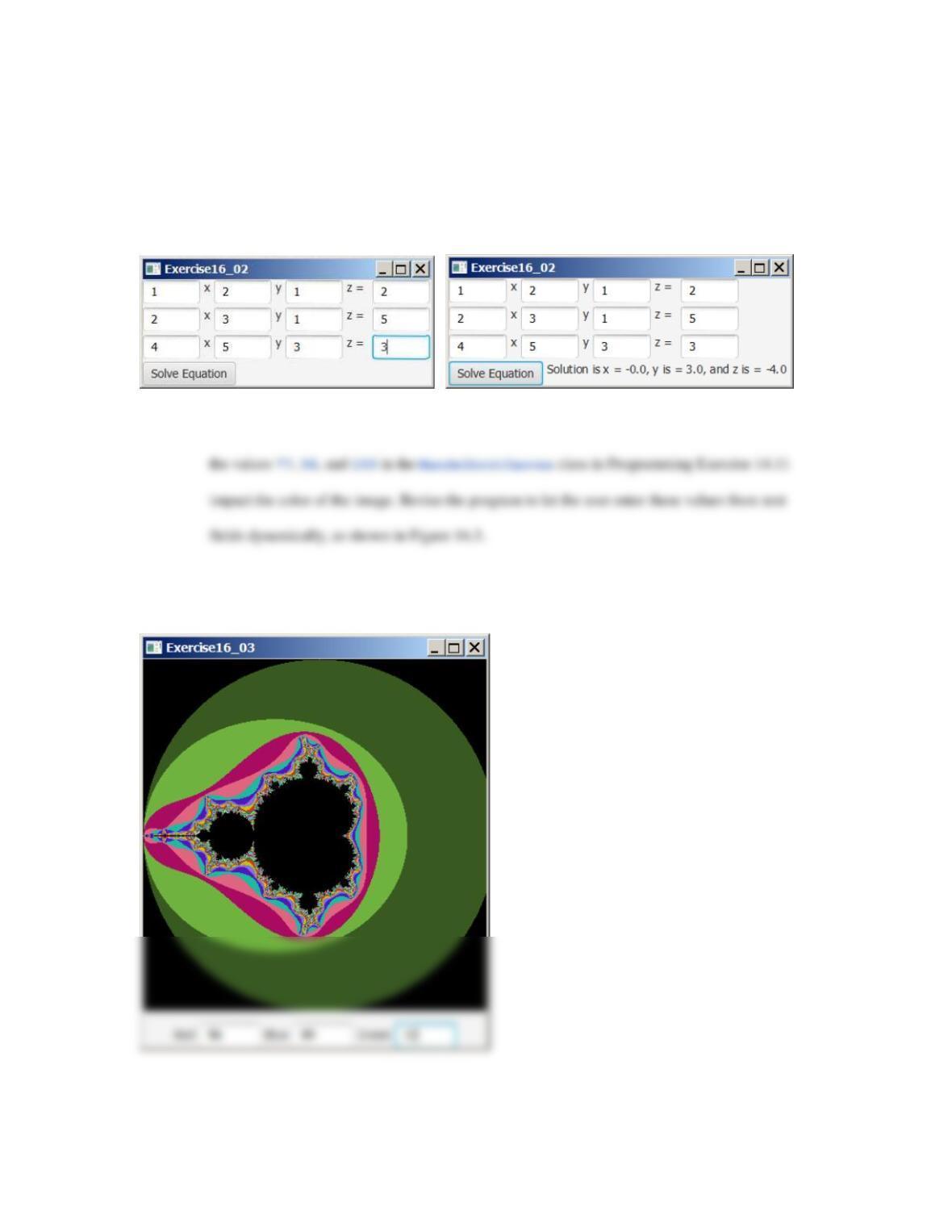
*16.1 (Algebra: solve 3 × 3 linear equations) Create the UI as shown in Figure 16.1 to obtain the
inverse of a 3 × 3 matrix given in Extra Programming Exercise 8.3.
Figure 16.1
The program displays the inverse matrix given the original matrix.
66
*16.2 (Algebra: solve 3 × 3 linear equations) Create the UI as shown in Figure 16.2 to solve a 3 × 3
system of linear equation given in Extra Programming Exercise 8.2.
Figure 16.2
The program solves a 3 by 3 linear equation.
**16.3 (Mandelbrot fractal ) Extra Programming Exercise 14.11 displays Mandelbrot fractal. Note that
Figure 16.3
The program enables the user to set the colors dynamically.
**16.4 (Financial application: tax calculator) Create a GUI program to compute tax, as shown in
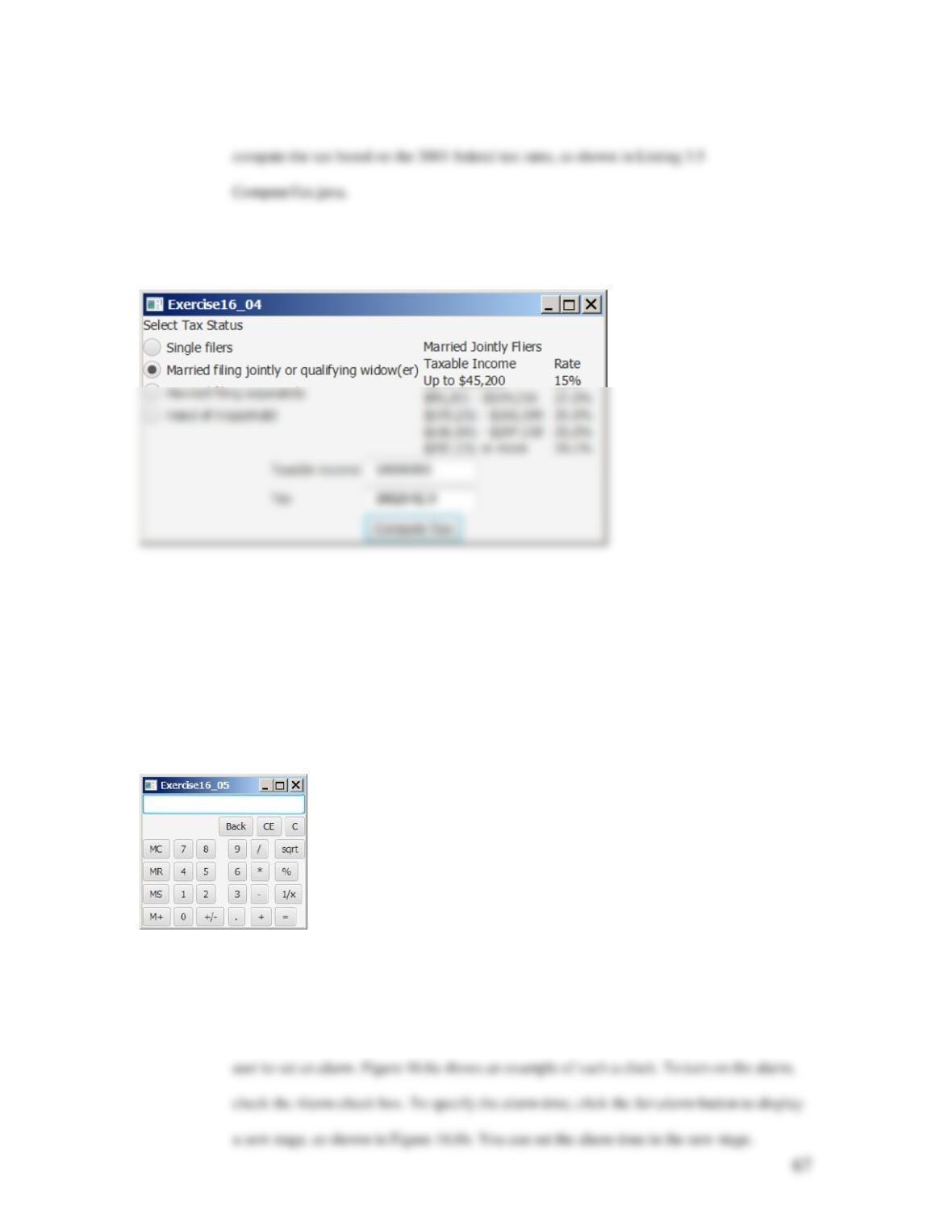
Figure 16.4. The program lets the user select the tax status and enter the taxable income to
Figure 16.4
The tax calculator computes the tax, given the specified taxable income and tax status.
***16.5 (Create a calculator) Use various panes to lay out the following calculator and to implement
addition (+), subtraction (–), division (/), square root (sqrt), and modulus (%) functions
(see Figure 18.5).
Figure 16.5
The program implements a popular calculator.
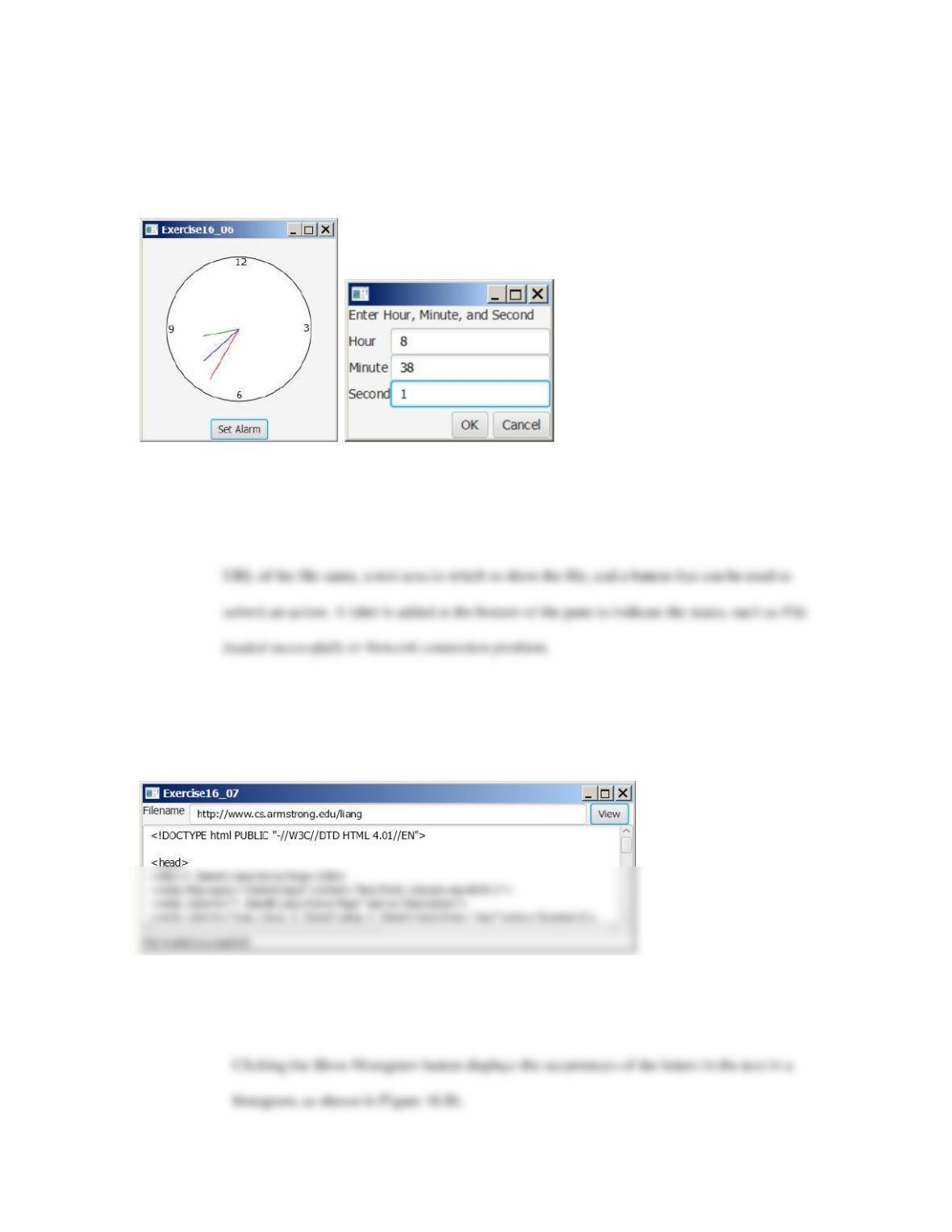
**16.6 (Create an alarm clock) Write a program that will display a digital clock with a large
display pane that shows the current hour, minute, and second. This clock should allow the
68
Figure 16.6
The program displays the current hour, minute, and second and enables you to set an alarm.
**16.7 (Retrieve files from Web) Write a Java program that retrieves a file from a Web
server, as shown in Figure 16.7. The user interface includes a text field in which to enter the
Figure 16.7
The program displays the contents of a specified file on the Internet.
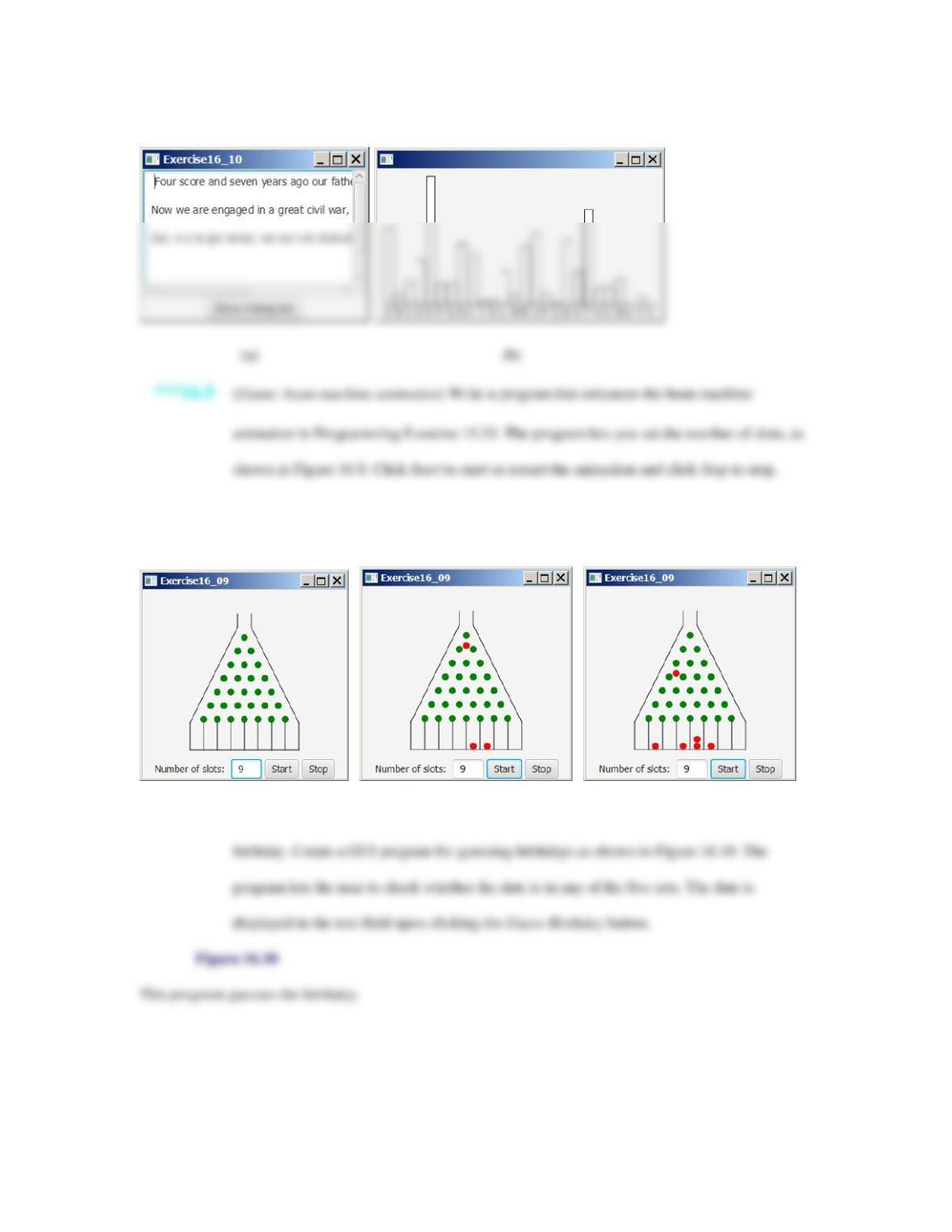
*16.8 (Multiple stages) Write a program that lets the user enter a text as shown in Figure 16.8a.
Figure 16.8
69
The number of occurrences of each letter is displayed in a bar chart.
Figure 16.9
The program controls a bean–machine animation.
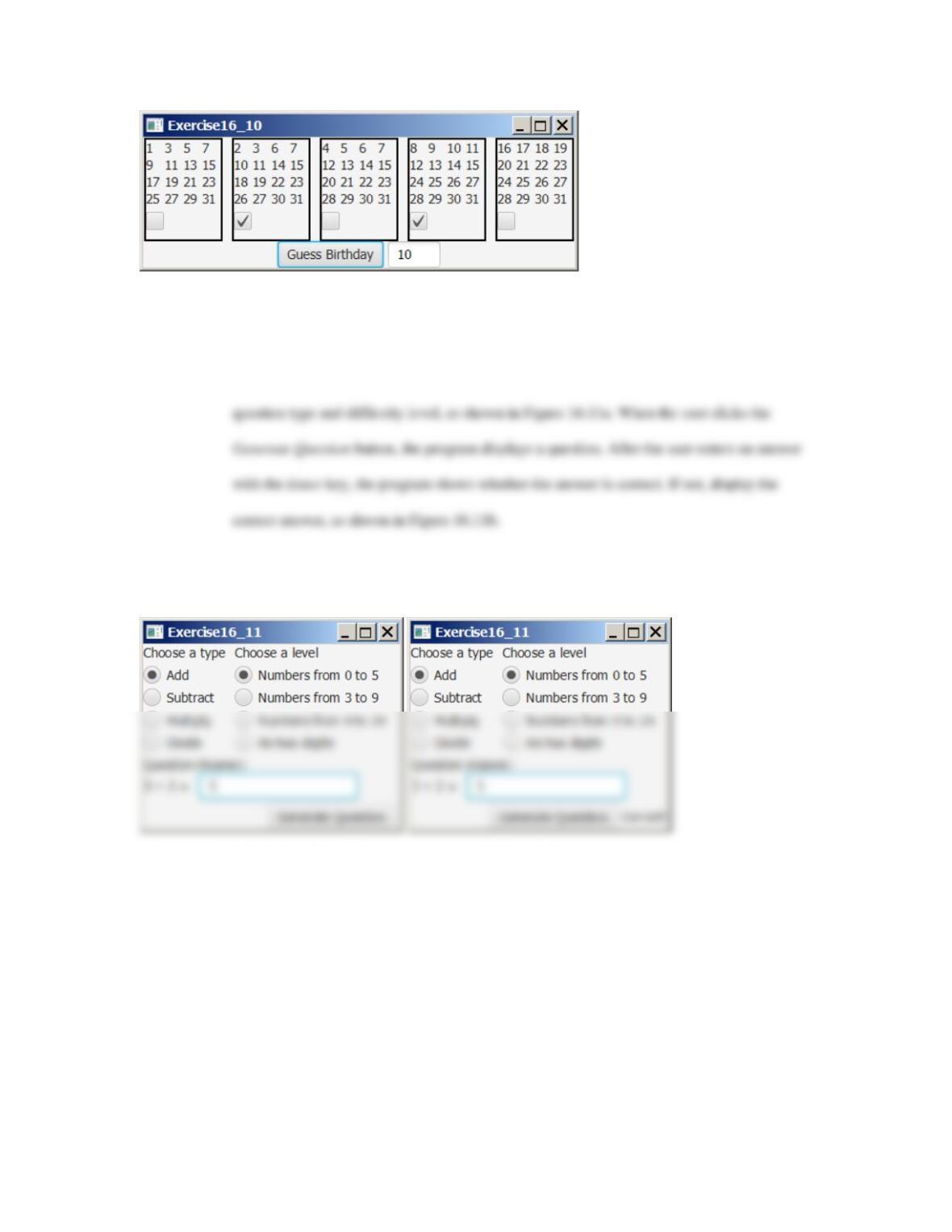
**16.10 (Game: guess birthdays) Listing 4.3, GuessBirthday.java, gives a program for guessing a
70
***16.11 (Game: math quiz) Listing 3.1, AdditionQuiz.java, and Listing 3.3, SubtractionQuiz.java,
generate and grade math quizzes. Write a GUI program that allows the user to select a
Figure 16.11
The program tests math skills.
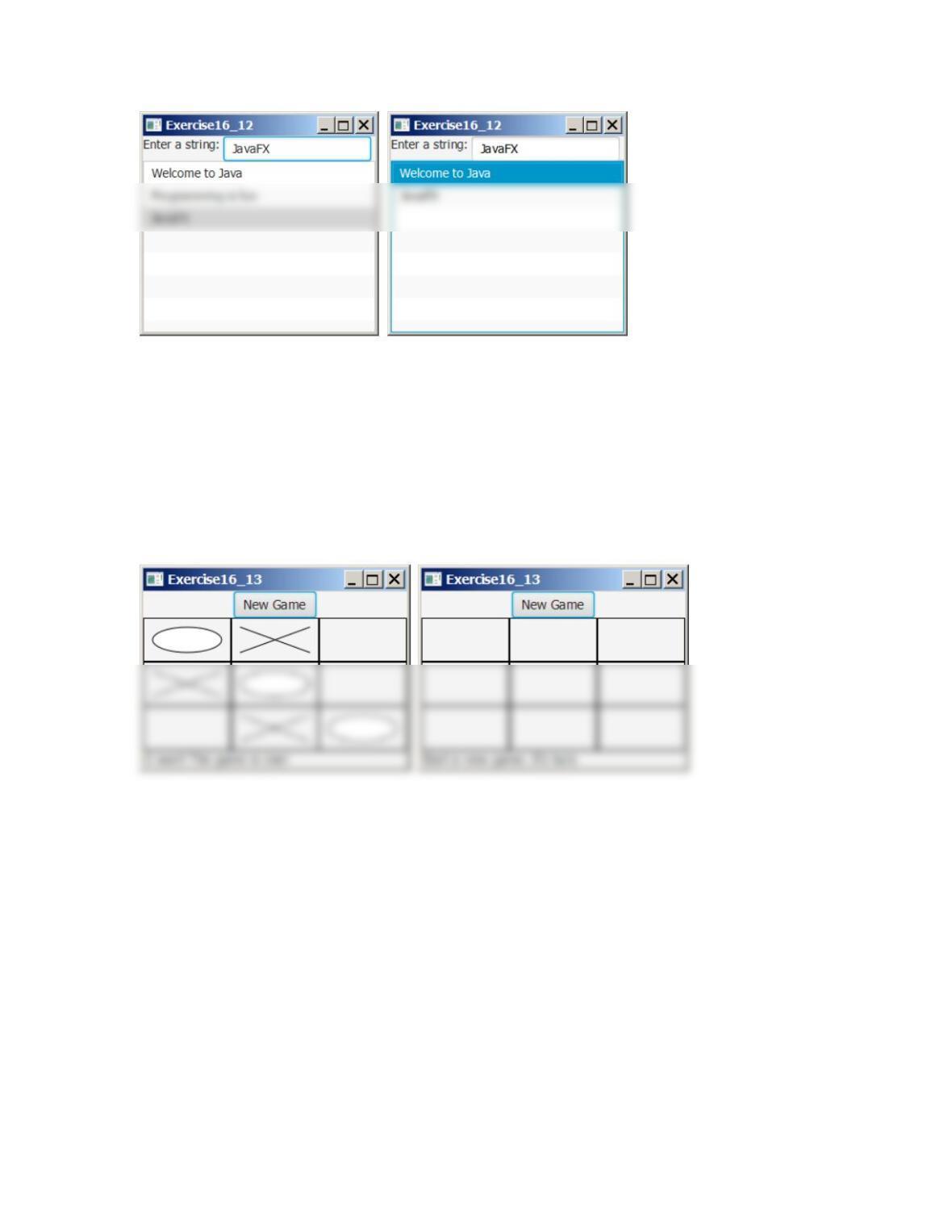
*16.12 (Manipulate list) Write a program that displays a list view and a text field. The user can add
a string to the list view by entering a string in the text field, as shown in Figure 16.12a. The
user can also delete a string from the list view by selecting a string and pressing the Delete
button, as shown in Figure 16.12b.
71
(a) (b)
*16.13 (Game: tic-tac-toe) Rewrite the program in Listing
16.13 TicTacToe.java with the following modifications:
• Add a button named New Game, as shown in Figure 16.13. Clicking the New Game button
starts a new game.
Figure 16.13
Clicking the New Game button starts a new game.
*16.14 (Control a group of clocks) Write a Java program that displays three clocks in a group, with
control buttons to start and stop all of them, as shown in Figure 16.14.
Figure 14.14
Three clocks run independently with individual control and group control.
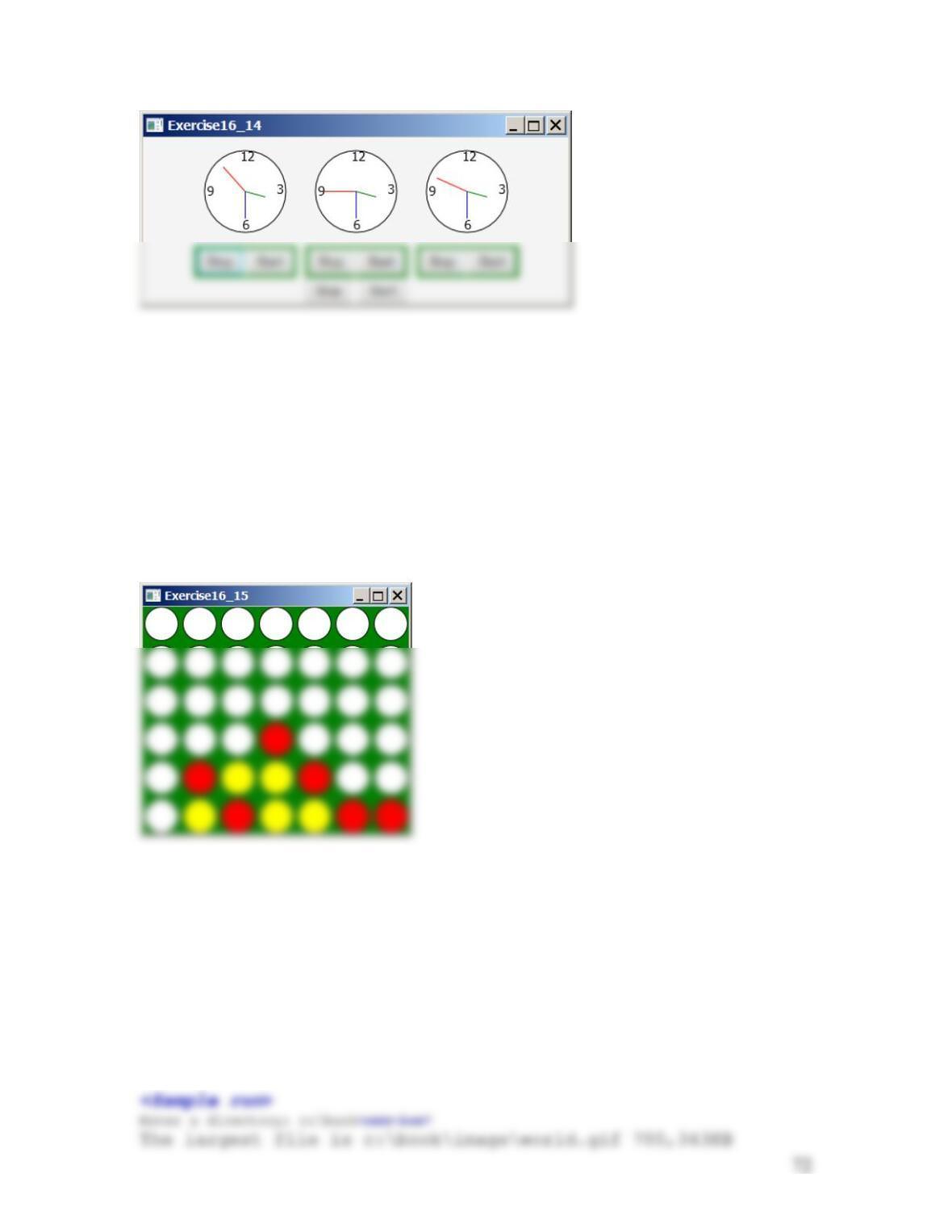
***16.15 (Game: play connect four with computer) Revise Programming Exercise 16.31 to play the
game with the computer. The program lets the user make a move first, followed by a move
by the computer. The minimum requirement is for the computer to make a legal move. You
are encouraged to design good strategies for the computer to make intelligent moves.
Figure 16.15
The program enables the computer to play with a user.
Extra Exercise for Chapter 18
*18.1 (Find largest file) Write a program that finds the largest file in a directory. Pass the
parameters from the command line as follows:
java Exercise18_01 dirName
If no directory is passed from the command prompt, prompt the user to enter it. Here is a
sample run.
73
*18.2 (0/1 knapsack problem) Given n items with weights w1, w2, …, and wn, and a bag with a
weight capacity of w, the problem of finding the items with the maximum total weight to store
in the bag is called the 0/1 knapsack problem. Let m(i, w) denote the total weight of the best
solution of placing the first i items into a bag with weight capacity w. The problem can be
solved using the following recursion:
In Chapter 22 bonus exercises, we will use dynamic programming techniques to solve
this problem efficiently.
*18.3 (0/1 knapsack problem) Revise the preceding exercise to find the items placed in the bag.
Hint: Use the following recursive method to return an ArrayList that consists of the elements
in the bag:
public static ArrayList<Integer> m(int i, double weightLimit, double[] w)
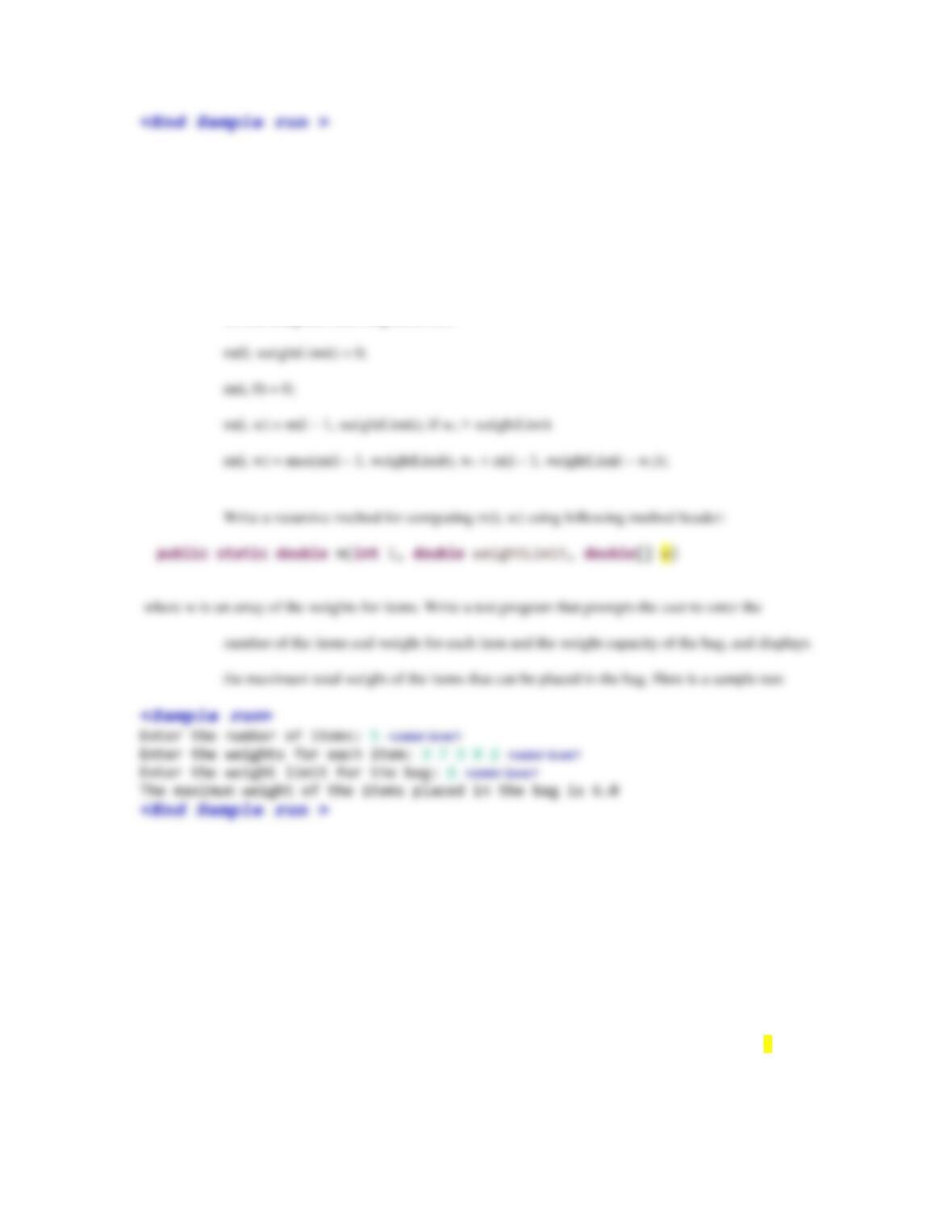
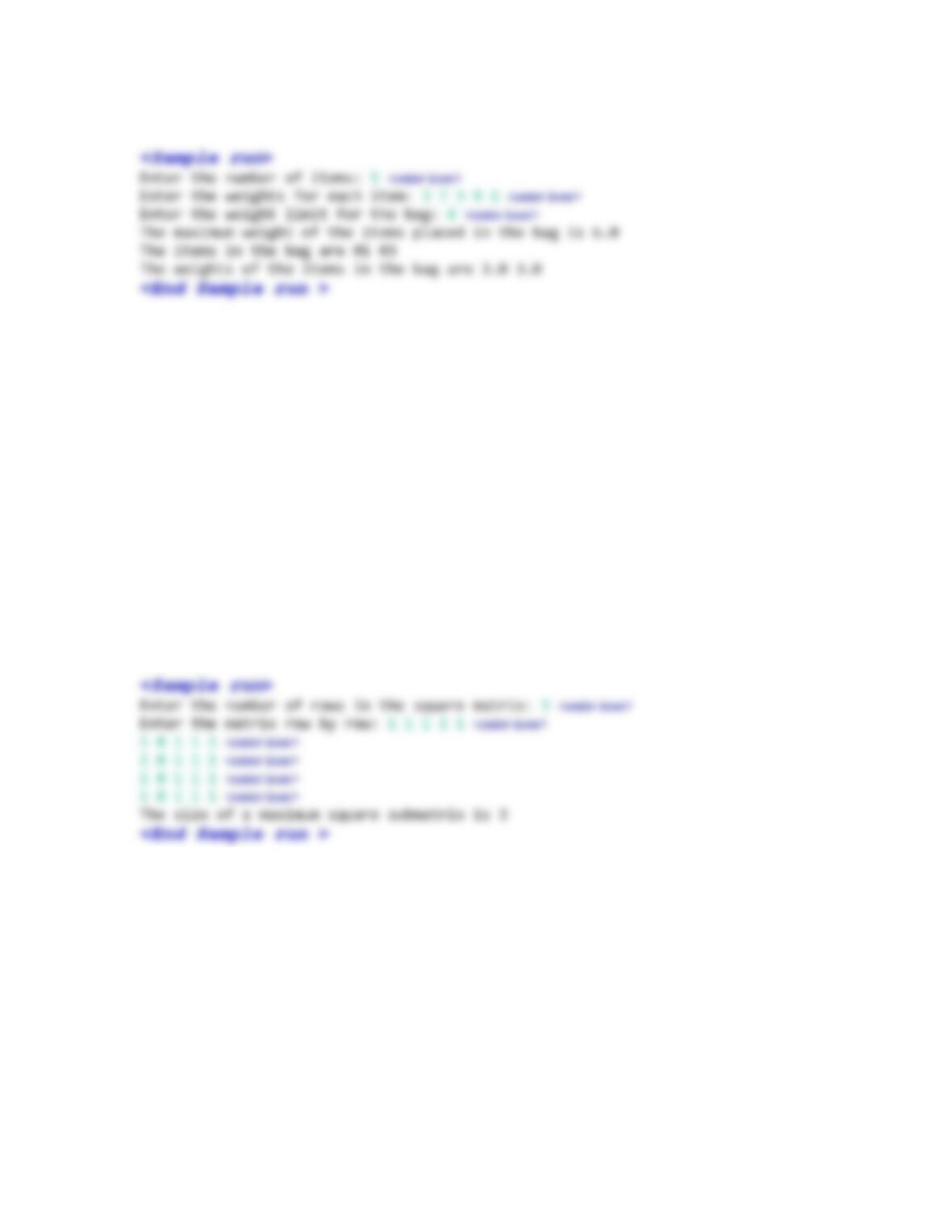
Write a test program that prompts the user to enter the number of the items and weight for each item and
the weight capacity of the bag, and displays the maximum total weight of the items that can
74
be placed in the bag. Here is a sample run:
In Chapter 22 bonus exercises, we will use dynamic programming techniques to solve
this problem efficiently.
*18.4 (Largest block problem) Programming Exercise 8.35 finds a largest block. Revise the
program to find the size of a largest block. Use the following recursive method to return the
size of the largest block whose upper left–corner is at (i, j):
public static int m(int i, int j)
Write a test program that prompts the user to enter the number of the matrix size and the values of the
matrix and displays the size of a largest block. Your program may find the size for every max
square at (i, j) and find their largest size. Here is a sample run:
In Chapter 22, we will use dynamic programming techniques to solve this problem
efficiently.
*18.5 (Largest block problem) Programming Exercise 8.35 finds a largest block. Revise the
program to find the top–left corner and the size of a largest block. Use the following recursive
function to return a Location object that have three data fields x, y, and size. Location is a
class with three public data fields x, y, size to store the location and size of a value 1 block. It
has a constructor Location(x, y, size) to create a Location object.
public static Location m(i, j)
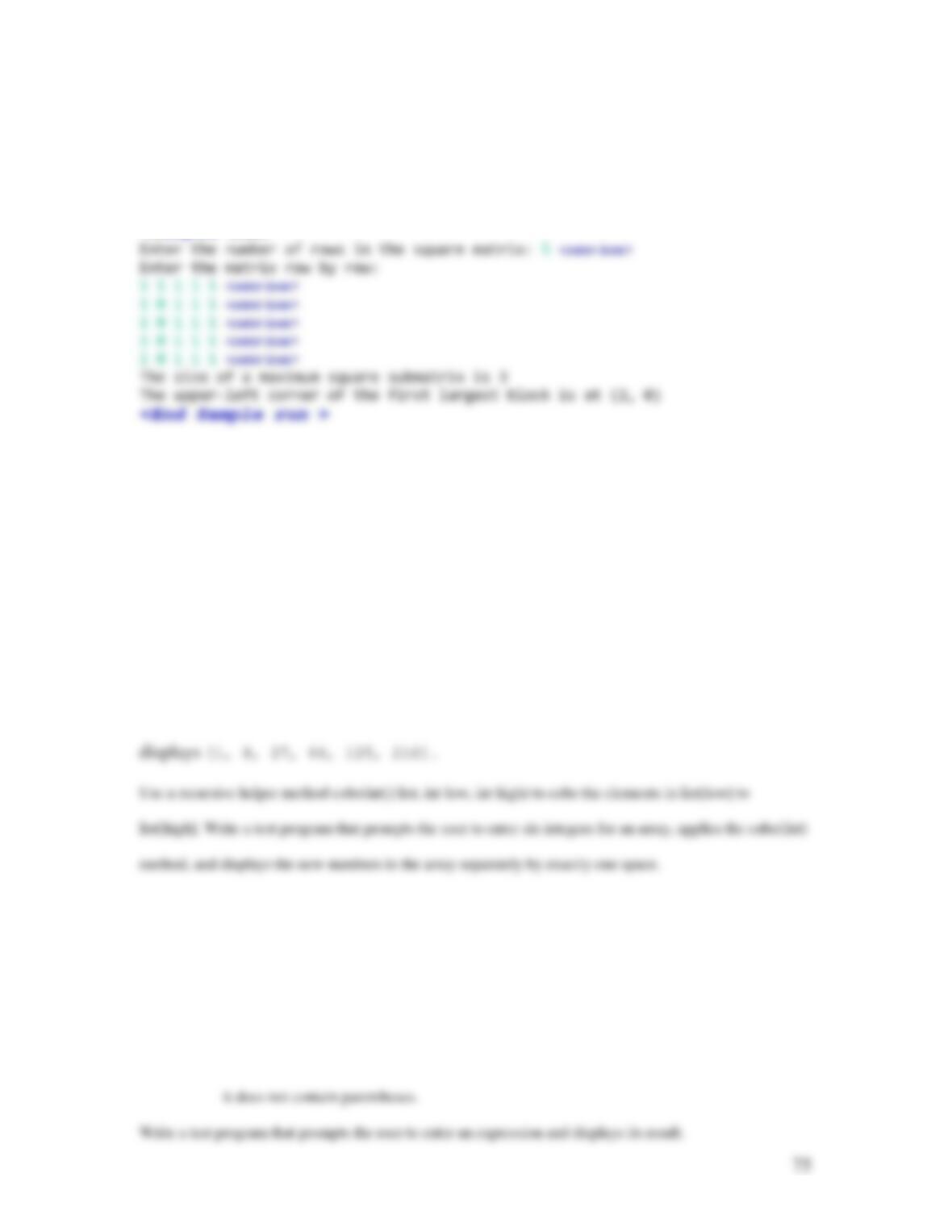
Write a test program that prompts the user to enter the number of the matrix size and the values of the
matrix and displays the location and size of a largest block. Here is a sample run:
<Sample run>
In Chapter 22, we will use dynamic programming techniques to solve this problem
efficiently.
*18.6 (Cube elements) Write the following method that cubes each element in an array.
public static void cube(int[] list)
For example,
int[] list = {1, 2, 3, 4, 5, 6};
cube(list);
System.out.println(java.util.Arrays.toString(list));
*18.7 (Evaluate expressions) Write the following recursive method that evaluates an arithmetic
expression.
public static double evaluateExpression(String exp)
For example, evaluateExpression(“4 + 3 * 2 – 4.5 / 5″) returns 9.1 and evaluateExpression(“4 + 3 * 2″)
returns 10. Assume that the expression contains only numbers and operators +, –, *, and / and
76
Extra Exercise for Chapter 20
*20.1 (Sort filenames) Suppose you have a list of unsorted filenames. The filename begins with
selfcheck and ends with .html. In between, it has two or three numbers separated by
underscores. For example, see the following list:
[selfcheck7_10.html, selfcheck7_2_1.html, selfcheck7_2_10.html, selfcheck7_2_11.html,
selfcheck7_2_12.html, selfcheck7_2_14.html, selfcheck7_2_3.html, selfcheck7_2_4.html,
selfcheck7_2_5.html, selfcheck7_2_6.html, selfcheck7_2_7.html, selfcheck7_2_8.html,
selfcheck7_2_9.html, selfcheck7_4.html, selfcheck7_5.html, selfcheck7_6.html, selfcheck7_7.html,
selfcheck7_9.html]
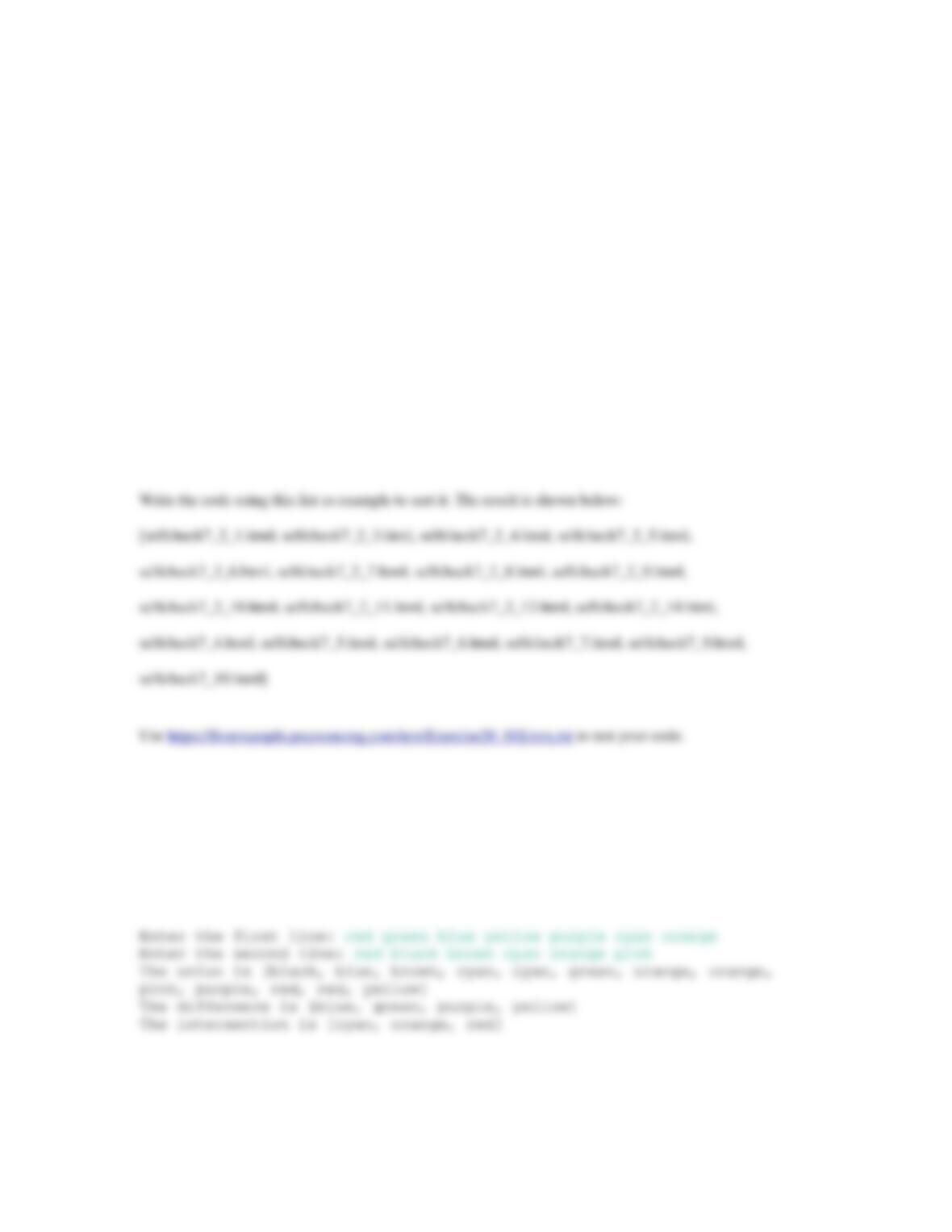
20.2 (Display words in ascending alphabetical order) Write a program that prompts the user to enter two
lines of words. The words are separated by spaces. Extract the words from the two lines into
two lists. Display the union, difference, and intersection of the two lists in ascending
alphabetical order. Here is a sample run:
77
Extra Exercise for Chapter 21
*21.1 (Count vowels and consonants) Write a program that prompts the user to enter a string and
displays the number of vowels and consonants in the string. The same vowels or consonants
are counted only once. The letters are case–insensitive. The letters for vowels are A, E, I, O,
and U.
*21.2 (Distinct scores) Use TreeSet to write a program that displays the distinct scores in the scores
arrays in Section 8.8. Display the scores in increasing order, separated by exactly one space, five
numbers per line. (Hint: Add each score in the scores array into the TreeSet.)
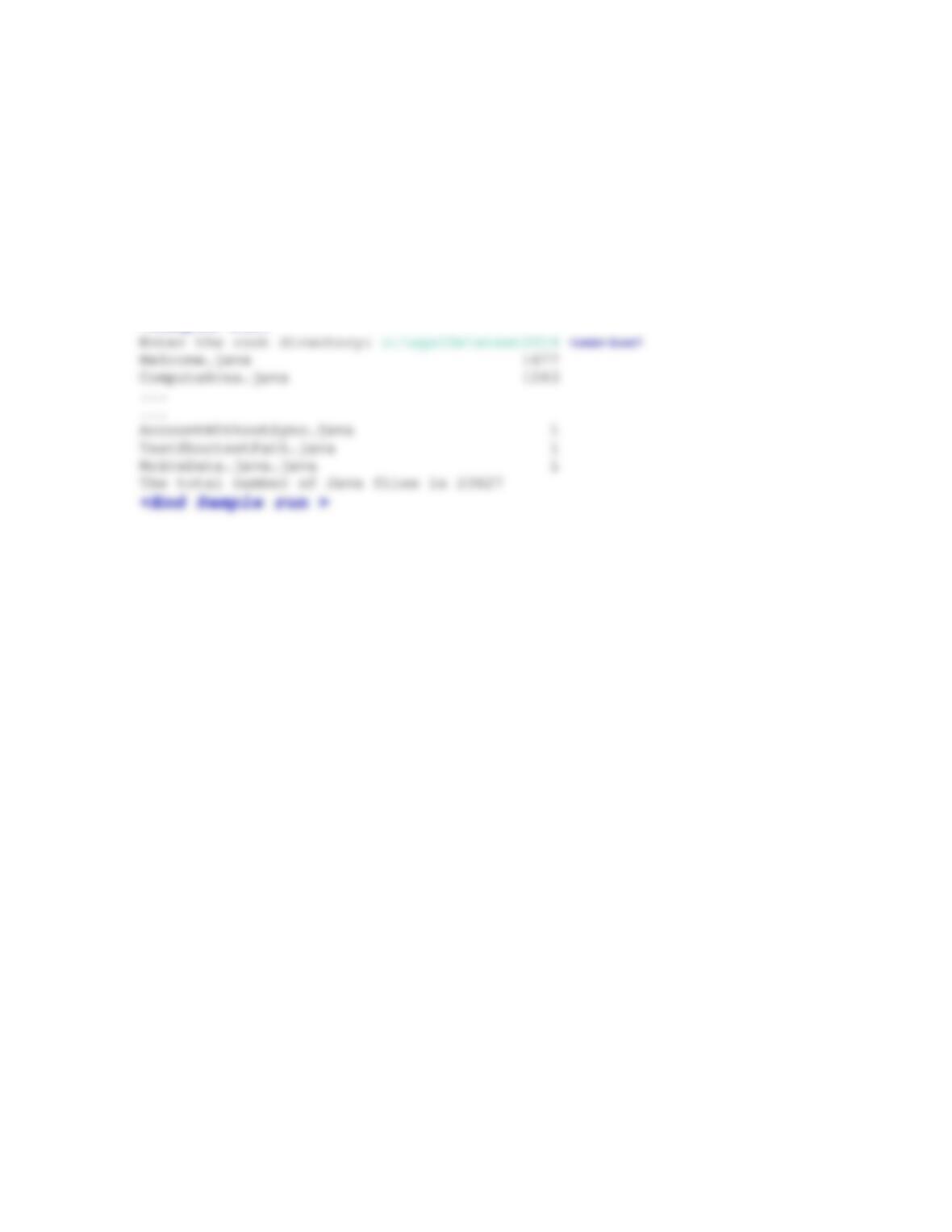
21.3 (Electoral map) Modify Listing 15.19 USMap.java to add the electoral counts at the bottom as shown
in Figure 21.1. When setting a red/blue state, the count is updated interactively. The
78
Figure 21.1
The program displays electoral counts for red and blue states.
21.4 (Count occurrences of files) Suppose you have a directory named etext2014 and
subdirectories named with prefix exaerc. Under each subdirectory, there are many files.
Count the occurrences of the .java files. Download the entire directory from
liveexample.pearsoncmg.com/test/etext2014.zip and unzip it. Run your program. Your
output should be like this:
<Sample run>
Extra Exercise for Chapter 22
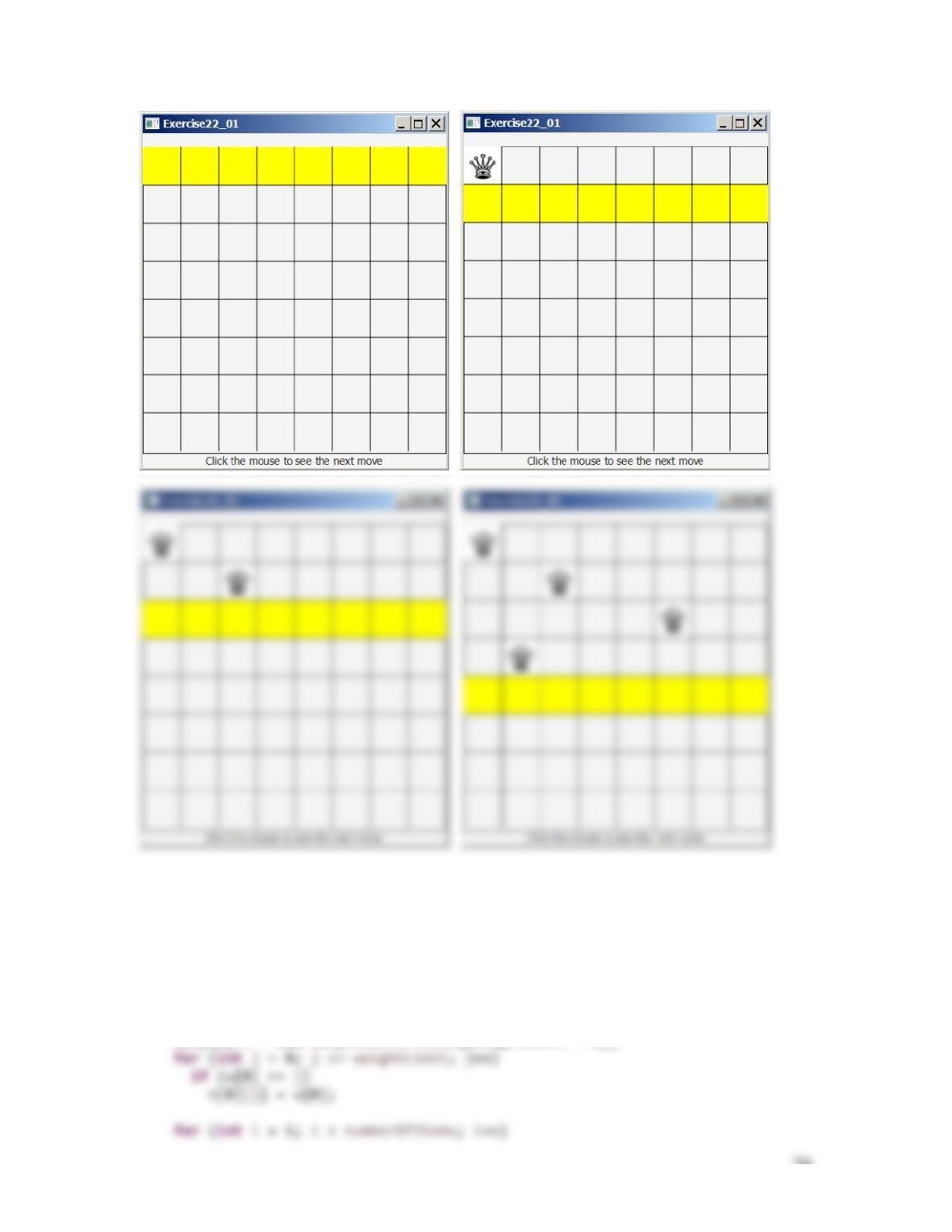
***22.1 (Eight Queens animation) Modify Listing 22.10, EightQueens.java, to display the
intermediate results of the search. As shown in Figure 22.1, the current row being searched
is highlighted. When the user clicks the mouse button, a position for the row is found and a
queen is placed in the row.
Figure 22.1
The intermediate search steps are displayed in the animation for the Eight Queens problem.
79
**22.2 (0/1 knapsack problem) Assume that the weights are integers, you can use the dynamic
programming approach to solve bonus programming exercise 18.2 using the following
algorithm:
int[][] m = new int[numberOfItems][weightLimit + 1];
80
Write a method for computing m(i, w) using following method header:
where w is an array of the weights for items. Write a test program that prompts the user to enter the
number of the items and weight for each item and the weight capacity of the bag, and displays
the maximum total weight of the items that can be placed in the bag. Here is a sample run:
*22.3 (0/1 knapsack problem) Revise the preceding exercise to find the items placed in the bag.
Hint: Use the following method to return an ArrayList that consists of the elements in the bag:
public static ArrayList<Integer> m(int i, int weightLimit, int[] w)
Write a test program that prompts the user to enter the number of the items and weight for each item and
the weight capacity of the bag, and displays the maximum total weight of the items that can
be placed in the bag. Here is a sample run:
*22.4 (Use BigInteger for Listing 22.2) Modify Listing 22.2 to compute large Fibonacci numbers
using BigInteger.