
4Control Statements: Part 1;
Assignment, ++ and —
Operators
Objectives
In this chapter you’ll:
■Learn basic problem-solving
Self-Review Exercises 2
Self-Review Exercises
4.1 Fill in the blanks in each of the following statements:
a) All programs can be written in terms of three types of control structures: ,
and .
b) The statement is used to execute one action when a condition is true and an-
other when that condition is false.
c) Repeating a set of instructions a specific number of times is called iteration.
d) When it’s not known in advance how many times a set of statements will be repeated,
a(n) value can be used to terminate the iteration.
e) The structure is built into Java; by default, statements execute in the order
they appear.
f) Instance variables of types char, byte, short, int, long, float and double are all given
the value by default.
g) If the increment operator is to a variable, first the variable is incremented by
1, then its new value is used in the expression.
h) When the declaration int y = 5; is followed by the assignment y += 3.3; the value of y
is .
4.2 State whether each of the following is true or false. If false, explain why.
a) An algorithm is a procedure for solving a problem in terms of the actions to execute and
the order in which they execute.
b) A set of statements contained within a pair of parentheses is called a block.
c) A selection statement repeats an action while a condition remains true.
d) A nested control statement appears in the body of another control statement.
e) Java provides the arithmetic compound assignment operators +=, -=, *=, /= and %= for
abbreviating assignment expressions.
f) The primitive types (boolean, char, byte, short, int, long, float and double) are por-
table across only Windows platforms.
g) Specifying the order in which statements execute in a program is called program control.
3Chapter 4 Control Statements: Part 1; Assignment, ++ and — Operators
h) The unary cast operator (double) creates a temporary integer copy of its operand.
i) Instance variables of type boolean are given the value true by default.
j) Pseudocode helps you think out a program before attempting to write it in a program-
ming language.
4.3 Write four different Java statements that each add 1 to integer variable x.
4.4 Write Java statements to accomplish each of the following tasks:
a) Use one statement to assign the sum of x and y to z, then increment x by 1.
b) Test whether variable count is greater than 10. If it is, print “Count is greater than 10″.
c) Use one statement to decrement the variable x by 1, then subtract it from variable total
and store the result in variable total.
d) Calculate the remainder after q is divided by divisor, and assign the result to q. Write
this statement in two different ways.
4.5 Write a Java statement to accomplish each of the following tasks:
a) Declare variable sum of type int and initialize it to 0.
b) Declare variable x of type int and initialize it to 1.
c) Add variable x to variable sum, and assign the result to variable sum.
d) Print “The sum is: “, followed by the value of variable sum.
1x = x + 1;
2x += 1;
3++x;
4x++;
1if (count > 10) {
2 System.out.println(“Count is greater than 10”);
3}
1q %= divisor;
2q = q % divisor;
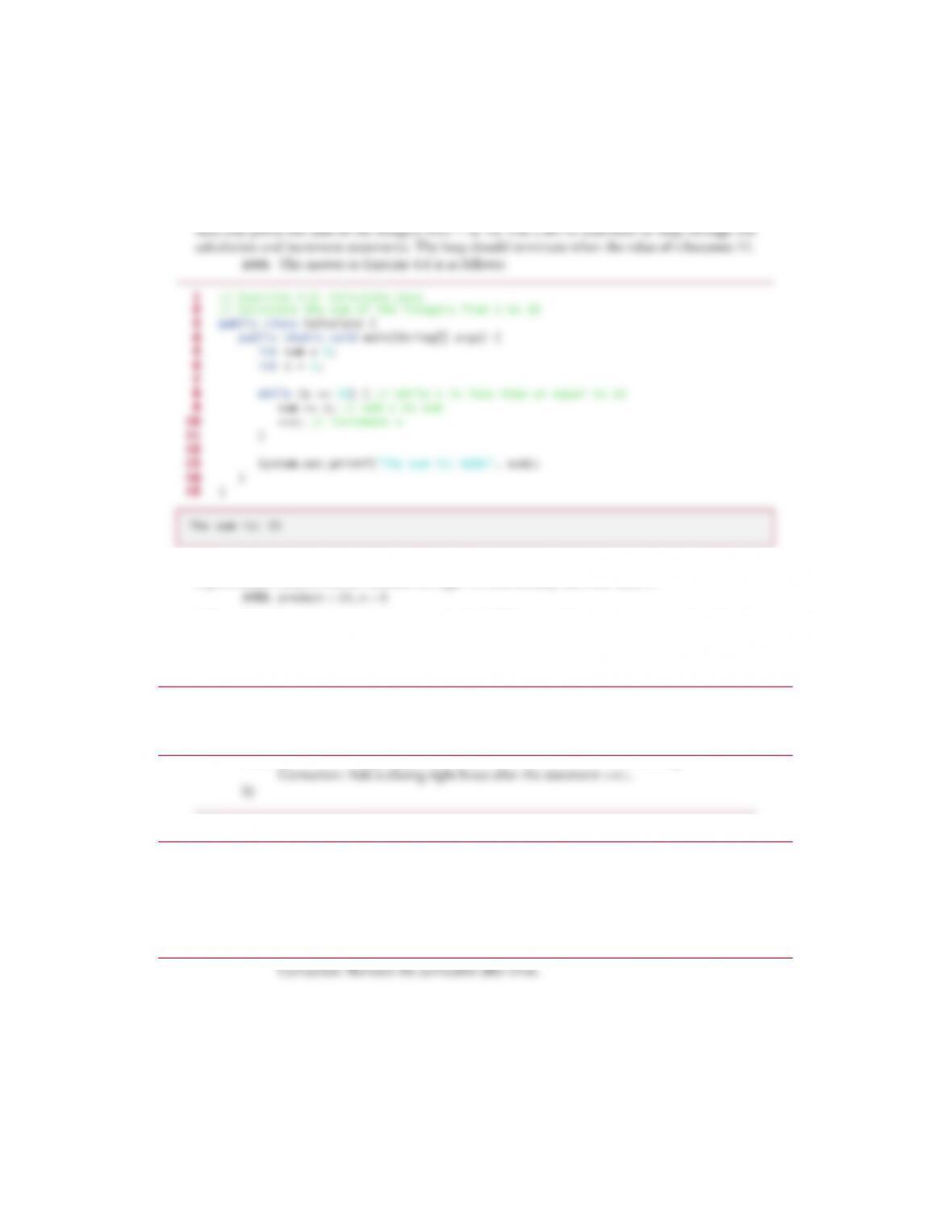
4.6 Combine the statements that you wrote in Exercise 4.5 into a Java application that calcu-
lates and prints the sum of the integers from 1 to 10. Use a while statement to loop through the
calculation and increment statements. The loop should terminate when the value of x becomes 11.
ANS: The answer to Exercise 4.6 is as follows:
4.7 Determine the value of the variables in the statement product *= x++; after the calculation
is performed. Assume that all variables are type int and initially have the value 5.
4.8 Identify and correct the errors in each of the following code segments—assume that all vari-
ables have been properly declared and initialized:
a)
b)
ANS: Error: The semicolon after else results in a logic error. The second output statement
will always be executed.
Correction: Remove the semicolon after else.
1// Exercise 4.6: Calculate.java
2// Calculate the sum of the integers from 1 to 10
3public class Calculate {
4 public static void main(String[] args) {
5 int sum = 0;
6 int x = 1;
7
8 while (x <= 10) { // while x is less than or equal to 10
9 sum += x; // add x to sum
10 ++x; // increment x
11 }
12
13 System.out.printf(“The sum is: %d%n”, sum);
14 }
15 }
The sum is: 55
1while (c <= 5) {
2 product *= c;
3 ++c;
1if (gender == 1) {
2 System.out.println(“Woman”);
3}
4else; {
5 System.out.println(“Man”);
6}
© 2018 Pearson Education, Inc., 330 Hudson Street, NY NY 10013. All rights reserved.
4.9 What is wrong with the following while statement?
Exercises
NOTE: Solutions to the programming exercises are located in the ch04solutions folder.
Each exercise has its own folder named ex04_## where ## is a two-digit number representing
the exercise number. For example, exercise 4.17’s solution is located in the folder ex04_17.
4.10 Compare and contrast the if single-selection statement and the while iteration statement.
How are these two statements similar? How are they different?
4.11 Explain what happens when a Java program attempts to divide one integer by another.
What happens to the fractional part of the calculation? How can you avoid that outcome?
4.12 Describe the two ways in which control statements can be combined.
4.13 What type of iteration would be appropriate for calculating the sum of the first 100 positive
integers? What type would be appropriate for calculating the sum of an arbitrary number of positive
integers? Briefly describe how each of these tasks could be performed.
1while (z >= 0) {
2 sum += z;
3}
© 2018 Pearson Education, Inc., 330 Hudson Street, NY NY 10013. All rights reserved.

Exercises 6
4.14 What is the difference between preincrementing and postincrementing a variable?
4.15 Identify and correct the errors in each of the following pieces of code. [Note: There may be
more than one error in each piece of code.]
a)
b)
c)
4.16 What does the following program print?
1int x = 1, total;
2while (x <= 10) {
3 total += x;
4 ++x;
5}
1while (x <= 100)
2 total += x;
3 ++x;
1while (y > 0) {a
2 System.out.println(y);
3 ++y;
1// Exercise 4.16: Mystery.java
2public class Mystery {
3 public static void main(String[] args) {
4 int x = 1;
5 int total = 0;
6
7 while (x <= 10) {
8 int y = x * x;
9 System.out.println(y);
10 total += y;
11 ++x;
12 }
13
14 System.out.printf(“Total is %d%n”, total);
15 }
16 }
© 2018 Pearson Education, Inc., 330 Hudson Street, NY NY 10013. All rights reserved.

7Chapter 4 Control Statements: Part 1; Assignment, ++ and — Operators
4.25 What does the following program print?
4.26 What does the following program print?
1// Exercise 4.25: Mystery2.java
2public class Mystery2 {
3 public static void main(String[] args) {
4 int count = 1;
5
6 while (count <= 10) {
7 System.out.println(count % 2 == 1 ? “****” : “++++++++”);
8 ++count;
9 }
10 }
11 }
1// Exercise 4.26: Mystery3.java
2public class Mystery3 {
3 public static void main(String[] args) {
4 int row = 10;
5
6 while (row >= 1) {
7 int column = 1;
8
9 while (column <= 10) {
10 System.out.print(row % 2 == 1 ? “<“ : “>”);

Exercises 8
ANS:
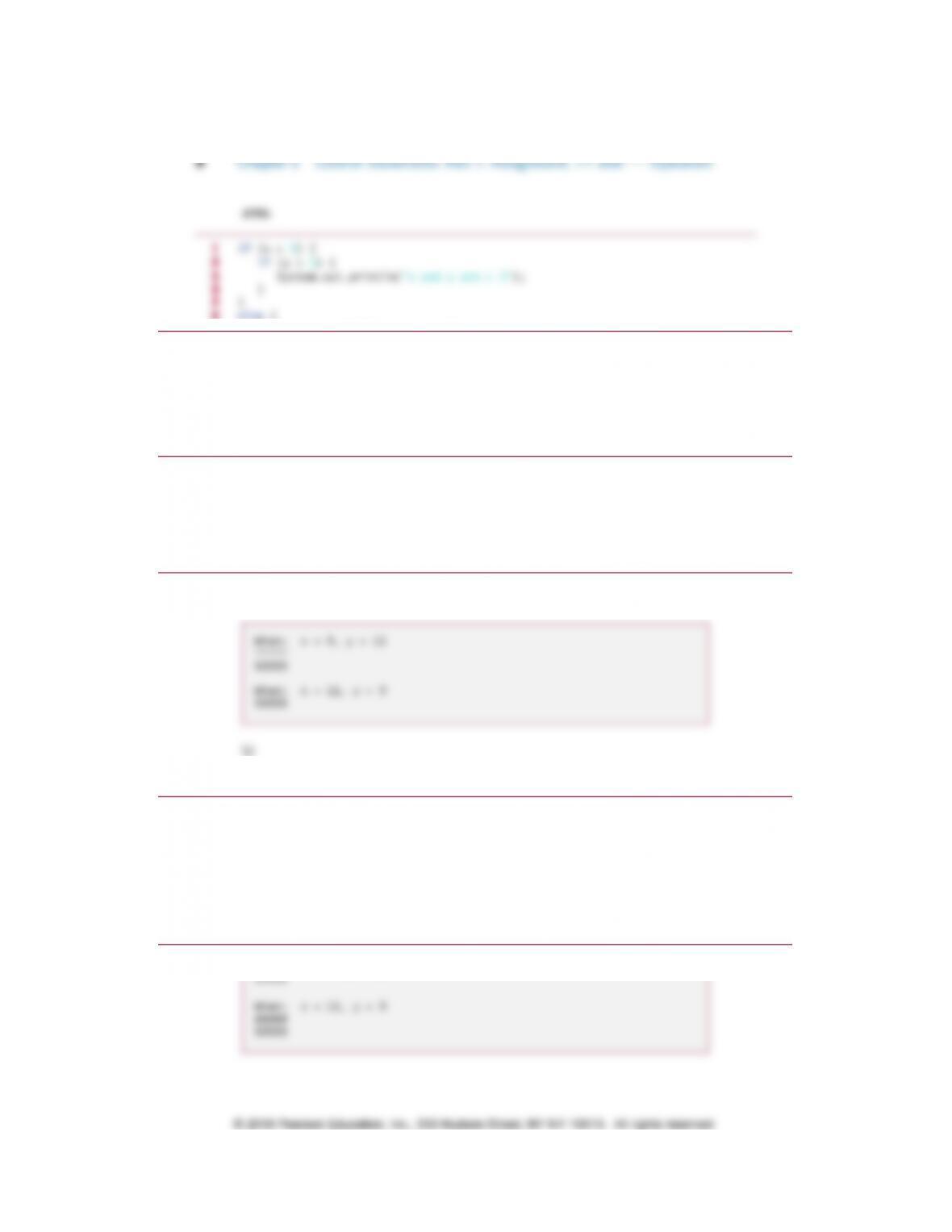
4.27 (Dangling-else Problem) The Java compiler always associates an else with the immediate-
ly preceding if unless told to do otherwise by the placement of braces ({ and }). This behavior can
lead to what is referred to as the dangling-else problem. The indentation of the nested statement
appears to indicate that if x is greater than 5, the nested if statement determines whether y is also
greater than 5. If so, the statement outputs the string “x and y are > 5”. Otherwise, it appears that
if x is not greater than 5, the else part of the if…else outputs the string “x is <= 5”. Beware! This
nested if…else statement does not execute as it appears. The compiler actually interprets the
statement as
in which the body of the first if is a nested if…else. The outer if statement tests whether x is
greater than 5. If so, execution continues by testing whether y is also greater than 5. If the second
condition is true, the proper string—“x and y are > 5″—is displayed. However, if the second con-
dition is false, the string “x is <= 5″ is displayed, even though we know that x is greater than 5.
Equally bad, if the outer if statement’s condition is false, the inner if…else is skipped and noth-
ing is displayed. For this exercise, add braces to the preceding code snippet to force the nested
if…else statement to execute as it was originally intended.
13
14 –row;
15 System.out.println();
16 }
17 }
18 }
1if (x > 5)
2 if (y > 5)
3 System.out.println(“x and y are > 5”);
4else
5 System.out.println(“x is <= 5”);
1if (x > 5)
2 if (y > 5)
3 System.out.println(“x and y are > 5”);
4 else
5 System.out.println(“x is <= 5”);
© 2018 Pearson Education, Inc., 330 Hudson Street, NY NY 10013. All rights reserved.
9Chapter 4 Control Statements: Part 1; Assignment, ++ and — Operators
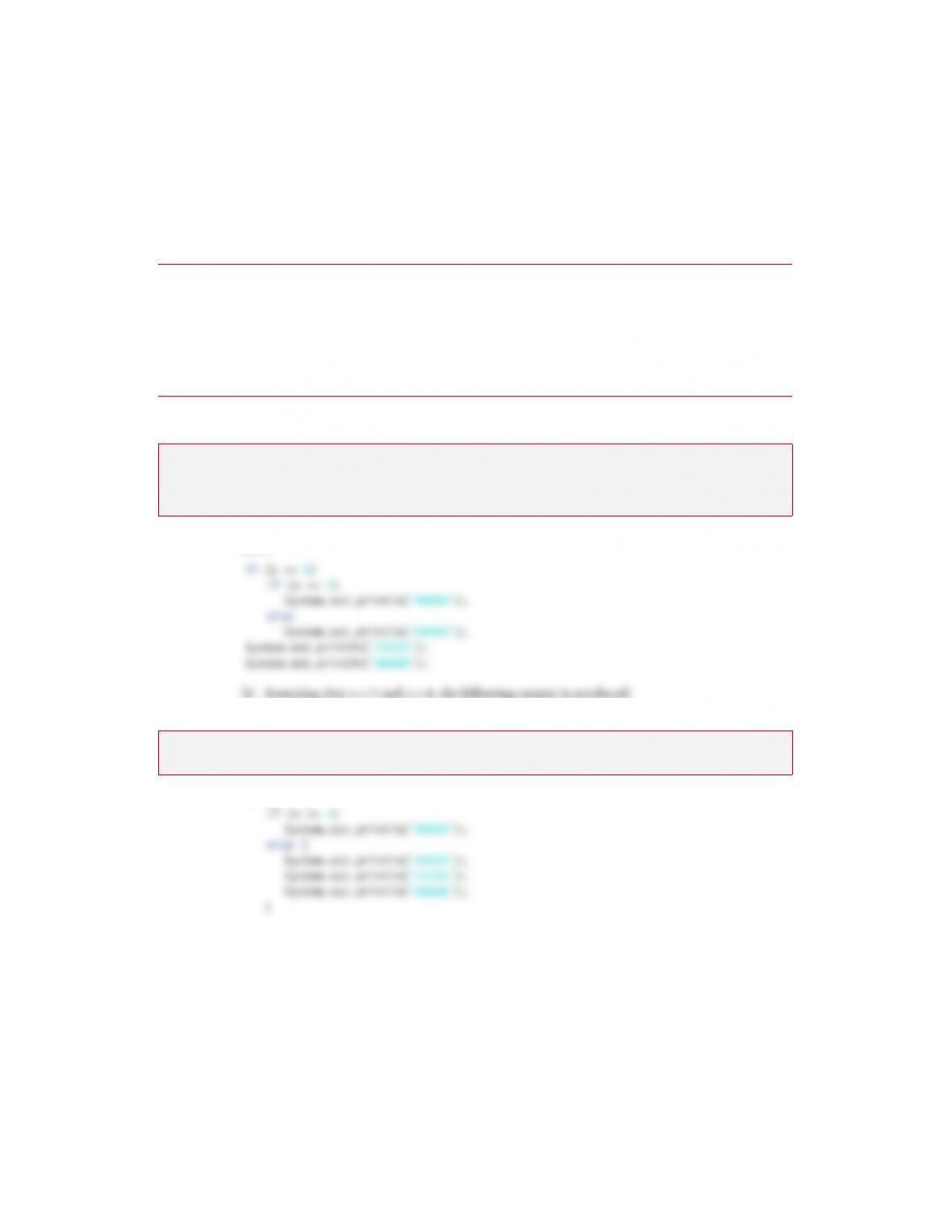
4.28 (Another Dangling-else Problem) Based on the dangling-else discussion in Exercise 4.27,
state the output for each of the following code segments when x is 9 and y is 11 and when x is 11
and y is 9. We eliminated the indentation from the following code to make the problem more chal-
lenging. [Hint: Apply the indentation conventions you’ve learned.]
a)
ANS:
b)
ANS:
1if (x < 10)
2if (y > 10)
3System.out.println(“*****”);
4else
5System.out.println(“#####”);
6System.out.println(“$$$$$”);
7if (x < 10) {
8if (y > 10)
9System.out.println(“*****”);
10 }
11 else {
12 System.out.println(“#####”);
13 System.out.println(“$$$$$”);
14 }
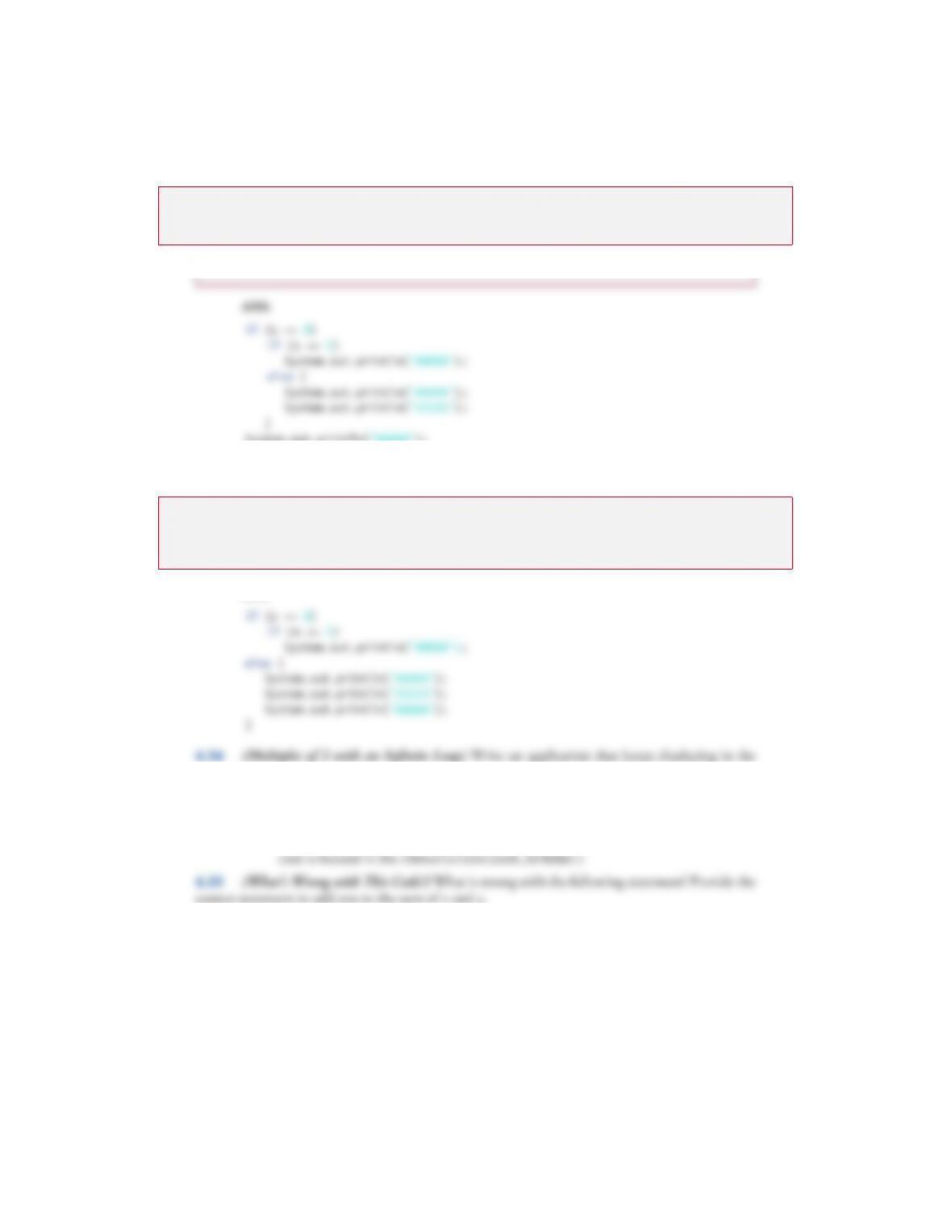
4.29 (Another Dangling-else Problem) Based on the dangling-else discussion in Exercise 4.27,
modify the following code to produce the output shown. Use proper indentation techniques. You
must not make any additional changes other than inserting braces and changing the code’s inden-
tation. We’ve eliminated the indentation from the following code to make the problem more chal–
lenging. [Note: It’s possible that no modification is necessary.]
a) Assuming that x = 5 and y = 8, the following output is produced:
ANS:
b) Assuming that x = 5 and y = 8, the following output is produced:
ANS:
1if (y == 8)
2if (x == 5)
3System.out.println(“@@@@@”);
4else
5System.out.println(“#####”);
6System.out.println(“$$$$$”);
7System.out.println(“&&&&&”);
@@@@@
$$$$$
&&&&&
@@@@@
© 2018 Pearson Education, Inc., 330 Hudson Street, NY NY 10013. All rights reserved.
11 Chapter 4 Control Statements: Part 1; Assignment, ++ and — Operators
c) Assuming that x = 5 and y = 8, the following output is produced:
ANS:
d) Assuming that x = 5 and y = 7, the following output is produced. [Note: The last three
output statements after the else are all part of a block.]
ANS:
4.34 (Multiples of 2 with an Infinite Loop) Write an application that keeps displaying in the
command window the multiples of the integer 2—namely, 2, 4, 8, 16, 32, 64, and so on. Your loop
should not terminate (i.e., it should create an infinite loop). What happens when you run this pro-
gram?
4.35 (What’s Wrong with This Code?) What is wrong with the following statement? Provide the
correct statement to add one to the sum of x and y.
System.out.println(++(x + y));
@@@@@
&&&&&
#####
$$$$$
&&&&&
© 2018 Pearson Education, Inc., 330 Hudson Street, NY NY 10013. All rights reserved.