An Introduction to Programming with C++: Eighth Edition
Chapter 4 Answers
Review Questions
1. b cout << “Pay rate per hour? “;
2. a cin >> payRate;
3. d none of the above
4. b answer = num1 + num1 / num2;
Exercises – Pencil and Paper
1. The answer to this TRY THIS Exercise is located at the end of Chapter 4 in the book.
IPO chart information
Input
food
rent
utilities
car payment (253.75)
Processing
none
Algorithm:
1. enter food, rent, and utilities
C++ instructions
double food = 0.0;
double rent = 0.0;
double utilities = 0.0;
const double CAR = 253.75;
double totalExpenses = 0.0;
cout << “Food: “;
cin >> food;
cout << “Rent: “;
cin >> rent;
4. The missing lines are shaded.
IPO chart information
Input
quantity
total cost
Algorithm:
1. enter the quantity and total cost
C++ instructions
int quantity = 0;
double total = 0.0;
cout << “Quantity: “;
cin >> quantity;
cout << “Total cost: “;
cin >> total;
5. The missing lines are shaded.
IPO chart information
Input
quantity sold
Output
profit
Algorithm:
1. enter the quantity sold, item cost,
and item selling price
C++ instructions
int quantity = 0;
double profit = 0.0;
cout << “Quantity sold: “;
cin >> quantity;
cout << “Item cost: “;
cin >> cost;
cout << “Item selling price: “;
6. The missing lines are shaded.
IPO chart information
Input
number of pets
number of owners
Algorithm:
1. enter number of pets and number
of owners
C++ instructions
int pets = 0;
int owners = 0;
cout << “Number of pets: “;
cin >> pets;
cout << “Number of owners: “;
cin >> owners;
7. Seven of the corrections are shaded. The eighth correction is the removal of the semicolon that appears at
the end of the #include <iostream> instruction in Figure 4-34.
#include <iostream>
using namespace std;
int main()
{
int quantity = 0;
Exercises – Computer
8. The answer to this TRY THIS Exercise is located at the end of Chapter 4 in the book. The code is entered
in the TryThis8.cpp file, which is contained in either the Cpp8\Chap04\TryThis8 Project-IM folder
(Microsoft) or the Cpp8\Chap04 folder (non-Microsoft).
11. See the Introductory11.cpp file, which is contained in either the Cpp8\Chap04\Introductory11 Project-IM
folder (Microsoft) or the Cpp8\Chap04 folder (non-Microsoft).
a. and first part of c.
IPO chart information
Input
Processing
none
Output
ending balance
Algorithm:
1. enter beginning balance, total
deposits, and total withdrawals
C++ instructions
double beginning = 0.0;
double ending = 0.0;
cout << “Beginning balance: “;
cin >> beginning;
cout << “Total deposits: “;
cin >> deposits;
b.
beginning balance total deposits total withdrawals ending balance
2545.75 409.43 210.65 2744.53
1125.33 23.0 800.94 347.39
c. (second part)
beginning deposits withdrawals ending
0.0 0.0 0.0 0.0
12. See the Introductory12.cpp file, which is contained in either the Cpp8\Chap04\Introductory12 Project-IM
folder (Microsoft) or the Cpp8\Chap04 folder (non-Microsoft).
a. and first part of c.
IPO chart information
Input
length
Output
gallons
Algorithm:
1. enter length, width, and height
C++ instructions
double length = 0.0;
double gallons = 0.0;
cout << “Length: “;
cin >> length;
cout << “Width: “;
b.
inches in a gallon length width height gallons
231 20.5 10.5 12.5 11.6477
231 30 9 14 16.3636
c. (second part)
INCH_IN_GAL length width height gallons
231.0 0.0 0.0 0.0 0.0
13. See the Intermediate13.cpp file, which is contained in either the Cpp8\Chap04\Intermediate13 Project-IM
folder (Microsoft) or the Cpp8\Chap04 folder (non-Microsoft).
a. and first part of c.
IPO chart information
Input
length in feet
Processing
area in square feet
Output
total cost
Algorithm:
1. enter length in feet, width in feet, and
price per square foot
C++ instructions
double length = 0.0;
double area = 0.0;
double totalCost = 0.0;
cout << “Length (feet): “;
cin >> length;
b. The test data will vary.
length in feet width in feet price per square foot area in square feet total cost
10 12 5.25 120 630
8 10 4 80 320
c. (second part) The test data will vary.
length width priceSqFt area totalCost
0.0 0.0 0.0 0.0 0.0
14. See the Intermediate14.cpp file, which is contained in either the Cpp8\Chap04\Intermediate14 Project-IM
folder (Microsoft) or the Cpp8\Chap04 folder (non-Microsoft).
a. and first part of c.
IPO chart information
Input
small
medium
large
family
Processing
none
Output
total sold
Algorithm:
1. enter small, medium, large, and family
2. calculate total sold by adding together
small, medium, large, and family
3. calculate small percentage by dividing
small by total sold and then multiplying
the result by 100
6. calculate family percentage by dividing
family by total sold and then multiplying
the result by 100
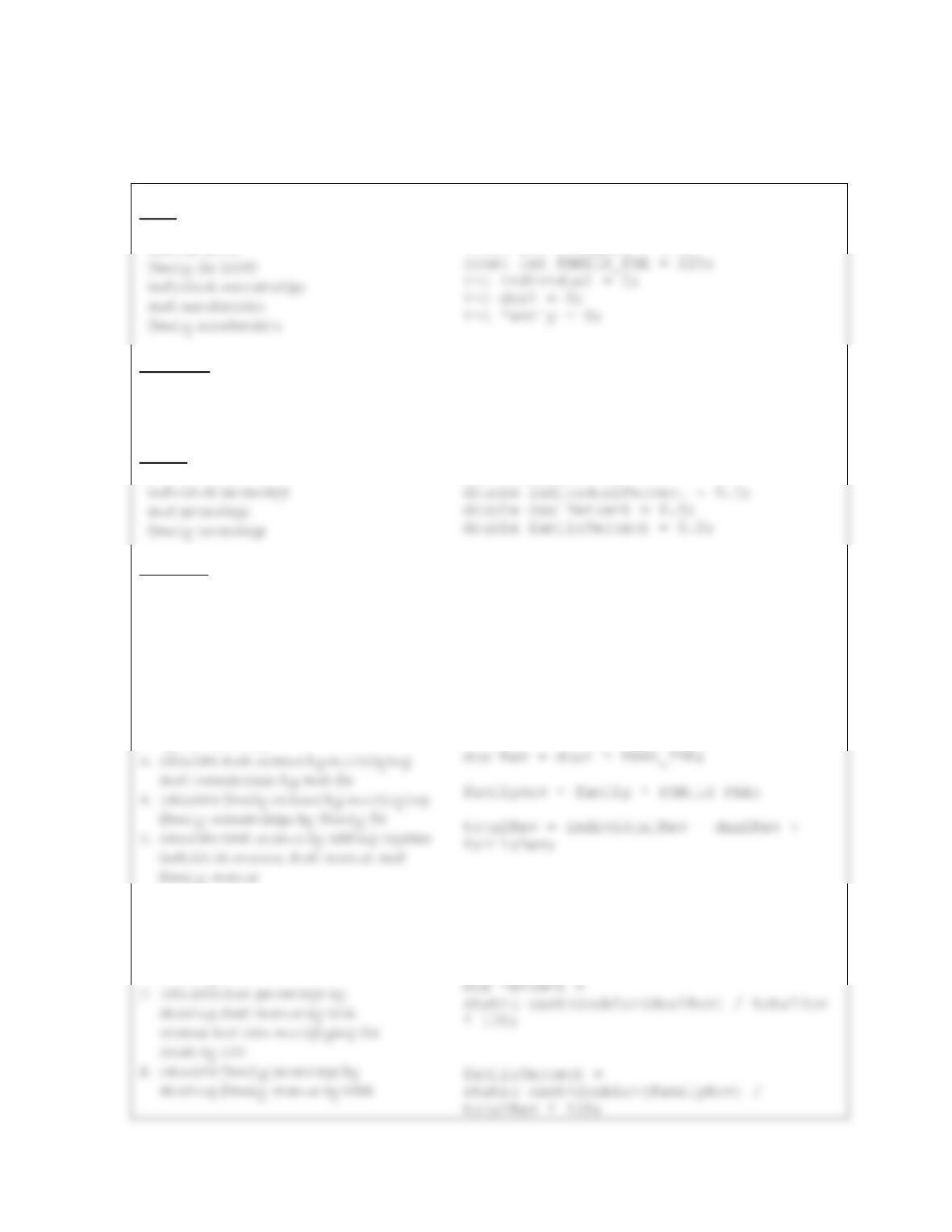
7. display total sold, small percentage,
C++ instructions
int small = 0;
int medium = 0;
int large = 0;
int family = 0;
int totalSold = 0;
cout << “Small pizzas: “;
cin >> small;
totalSold = small + medium + large +
family;
smallPercent =
static_cast<double>(small) / totalSold *
static_cast<double>(large) / totalSold *
100;
familyPercent =
cout << “Large percentage: ” <<
largePercent << “%” << endl;
cout << “Family percentage: ” <<
familyPercent << “%” << endl;
b.
small medium large family total sold
small percentage medium percentage large percentage family percentage
12.5 25.0 25.0 37.5
c. (second part)
small medium large family totalSold
0 0 0 0 0
smallPercent medPercent largePercent familyPercent
0.0 0.0 0.0 0.0
15. See the Advanced15.cpp file, which is contained in either the Cpp8\Chap04\Advanced15 Project-IM folder
(Microsoft) or the Cpp8\Chap04 folder (non-Microsoft).
a. and first part of c.
IPO chart information
Input
individual fee (99)
dual fee (175)
Processing
individual revenue
dual revenue
family revenue
Output
total revenue
Algorithm:
1. enter individual memberships, dual
memberships, and family memberships
2. calculate individual revenue by
multiplying individual memberships
by individual fee
6. calculate individual percentage by
dividing individual revenue by total
revenue and then multiplying the
result by 100
C++ instructions
const int INDIVIDUAL_FEE = 99;
const int DUAL_FEE = 175;
int individualRev = 0;
int dualRev = 0;
int familyRev = 0;
int totalRev = 0;
cout << “Individual memberships: “;
cin >> individual;
cout << “Dual memberships: “;
cin >> dual;
cout << “Family memberships: “;
cin >> family;
individualRev = individual *
INDIVIDUAL_FEE;
individualPercent =
static_cast<double>(individualRev) /
totalRev * 100;
revenue and then multiplying the
result by 100
9. display total revenue, individual
cout << endl << “Total revenue: $” <<
b.
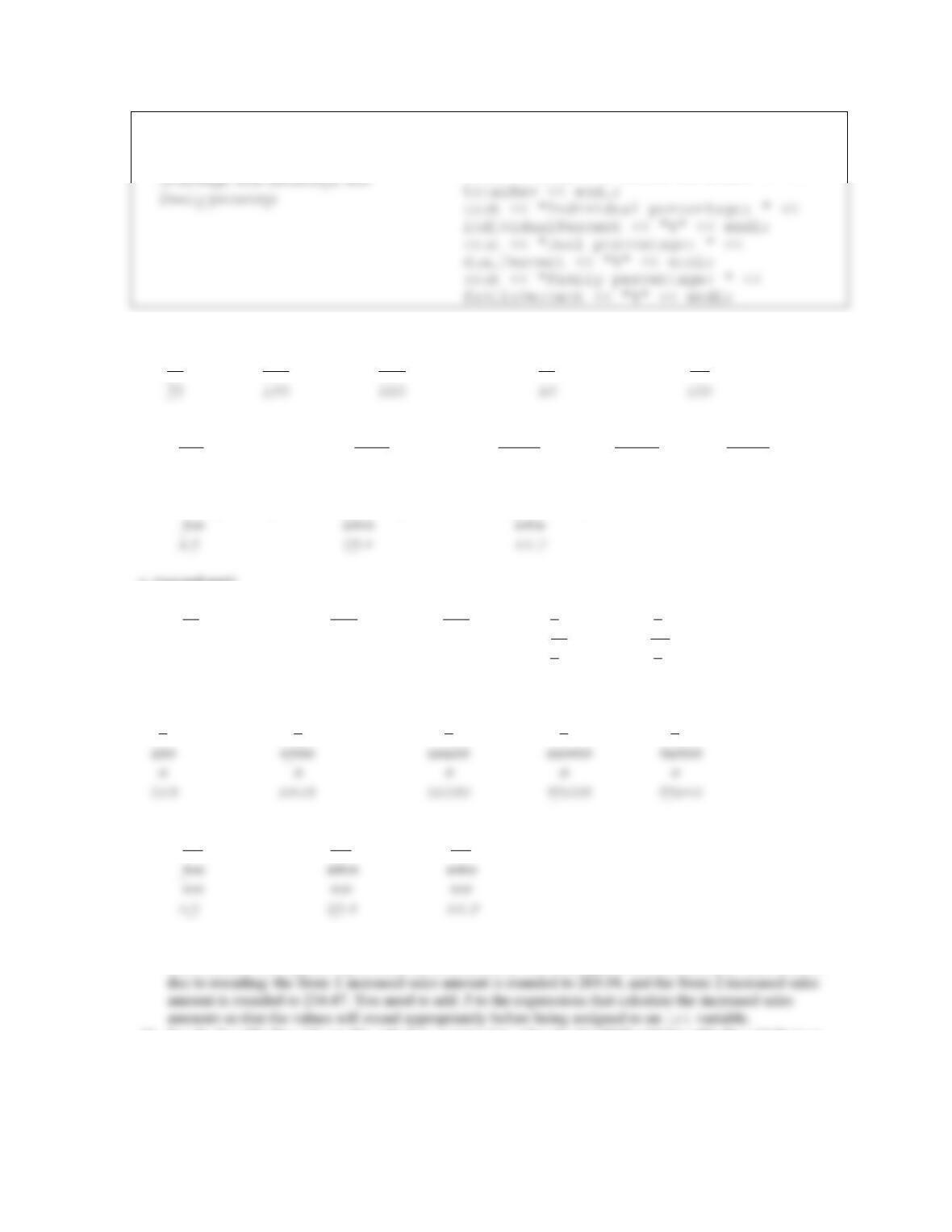
individual fee dual fee family fee individual memberships dual memberships
99 175 225 50 75
family memberships individual revenue dual revenue family revenue total revenue
150 4950 13125 33750 51825
265 3465 26250 59625 89340
individual percentage dual percentage family percentage
c. (second part)
INDIVIDUAL_FEE DUAL_FEE FAMILY_FEE individual dual
99 175 225 0 0
50 75
99 175 225 0 0
35 150
family individualRev dualRev familyRev totalRev
0 0 0 0 0
individualPercent dualPercent familyPercent
0.0 0.0 0.0
16. See the Advanced16.cpp file, which is contained in either the Cpp8\Chap04\Advanced16 Project-IM folder
(Microsoft) or the Cpp8\Chap04 folder (non-Microsoft). The total appears as $504.00 rather than $504.01
17. See the SwatTheBugs17.cpp file, which is contained in either the Cpp8\Chap04\SwatTheBugs17 Project-
IM folder (Microsoft) or the Cpp8\Chap04 folder (non-Microsoft). To debug the program, change the
temp =+ 1.5; statement to either temp += 1.5; or temp = temp + 1.5;.