1
Student Name: __________________
Class and Section __________________
Total Points (20 pts) __________________
Due: Feb 7, 2011 before the class
Project: Accessing and updating a Staff table (Servlets)
CSCI 5520 Rapid Java Application Development
Armstrong Atlantic State University
Problem Description:
Write a Java servlet that views, inserts, and updates
staff information stored in a database, as shown in
the following figure. The view button displays a
record with a specified ID. The Staff table is
created as follows:
create table Staff (
id char(9) not null,
lastName varchar(15),
firstName varchar(15),
mi char(1),
address varchar(20),
city varchar(20),
Source code: (Name your program Exercise37_14)
2
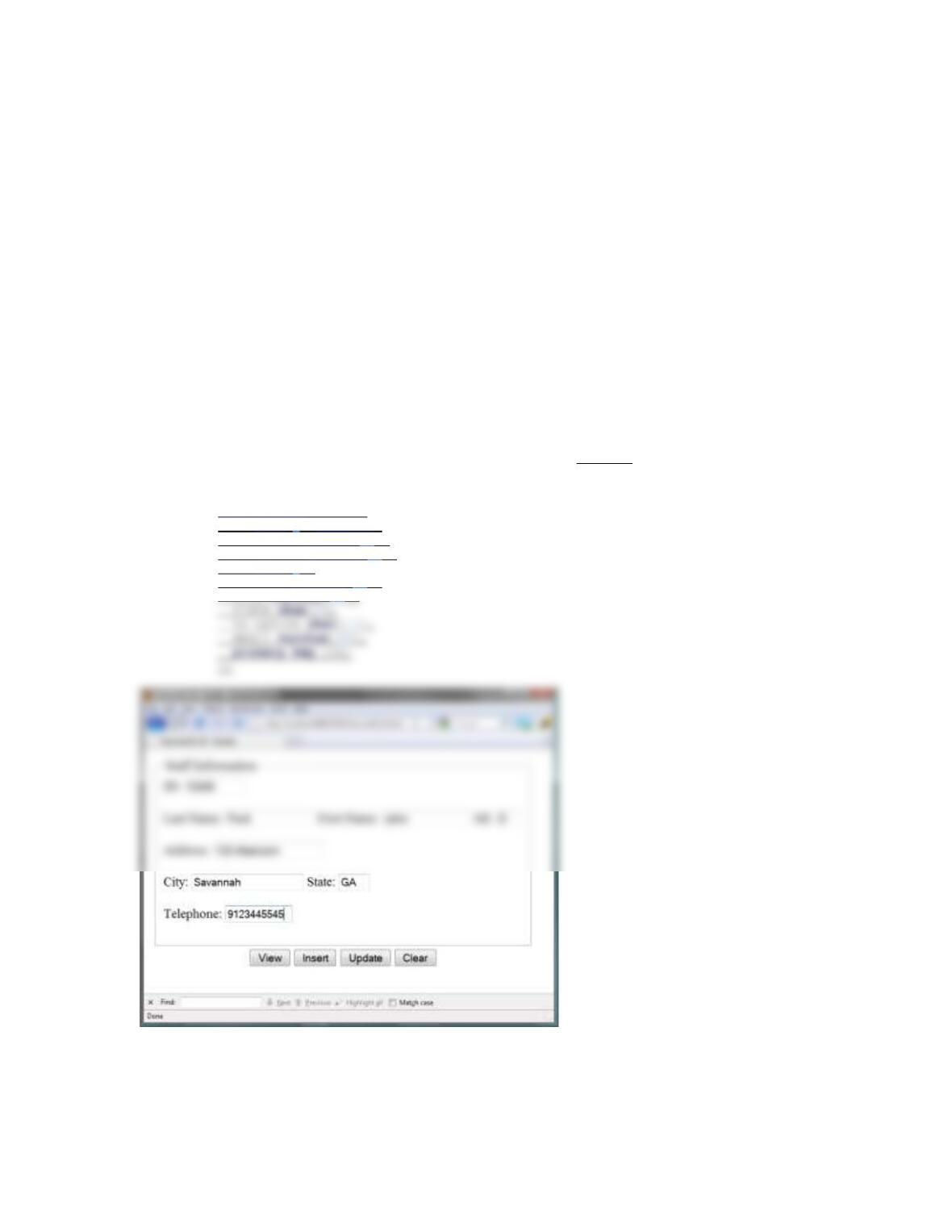
Screen shot:
What to submit?
1. This document.
2. Save/Compile and Submit to LiveLab (Make sure your program compiles! You
must submit the program regardless whether it complete or incomplete, correct or
incorrect)
2. Fill in self-evaluation:
1. Can you display the form using HTML? _________
2. Can you connect to the database? ______
3
Solution:
<!—
To change this template, choose Tools | Templates
and open the template in the editor.
—>
</td>
</tr>
<tr align=”center”>
<td>
<button type=”submit” name=”go” value=”View”>View</button>
<button type=”submit” name=”go” value=”Insert”>Insert</button>
<button type=”submit” name=”go”
value=”Update”>Update</button>
4
import java.sql.*;
import java.io.IOException;
public class Exercise41_13 extends HttpServlet {
/**
* Processes requests for both HTTP <code>GET</code> and <code>POST</code>
methods.
* @param request servlet request
* @param response servlet response
5
} else {
out.println(“ID not found. Use browser back button to return to form.”);
}
} catch (SQLException ex) {
out.println(ex.getMessage());
}
}
stateValue = request.getParameter(“state”);
telephoneValue = request.getParameter(“telephone”);
}
}
} else if (request.getParameter(“go”).equals(“Update”)) {
if (request.getParameter(“ID”).isEmpty()
|| request.getParameter(“lastName”).isEmpty()
|| request.getParameter(“firstName”).isEmpty()
7
telephoneValue = request.getParameter(“telephone”);
//recreate html form with data returned from database
printForm(response);
} catch (SQLException ex) {
}
}
private void initializeJDBC() {
try {
//load JDBC driver
Class.forName(“com.mysql.jdbc.Driver”);
8
//Establish Connection
connection = DriverManager.getConnection(“jdbc:mysql://localhost/javabook”,
“\”>”);
out.println(“<br><br>”);
out.println(“Last Name: <input type=\”text\” name=\”lastName\” size=\”15\”
value=\”” + lastNameValue + “\”>”);
out.println(“First Name: <input type=\”text\” name=\”firstName\” size=\”15\”
value=\”” + firstNameValue + “\”>”);
9
out.println(“</td></tr>”);
@Override
protected void doGet(HttpServletRequest request, HttpServletResponse response)
throws ServletException, IOException {
processRequest(request, response);
}
/**
* Handles the HTTP <code>POST</code> method.
* @param request servlet request