Chapter 6: More Conditionals and Loops 65
Chapter 6: More Conditionals and Loops
Lab Exercises
Topics Lab Exercises
The switch statement A Charge Account Statement
Activities at Lake LazyDays
Rock, Paper, Scissors
Date Validation
The for statement Finding Maximum and Minimum Values
Counting Characters
Using the Coin Class
66 Chapter 6: More Conditionals and Loops
A Charge Account Statement
Write a program to prepare the monthly charge account statement for a customer of CS CARD International, a credit card
company. The program should take as input the previous balance on the account and the total amount of additional charges
during the month. The program should then compute the interest for the month, the total new balance (the previous balance
plus additional charges plus interest), and the minimum payment due. Assume the interest is 0 if the previous balance was 0
but if the previous balance was greater than 0 the interest is 2% of the total owed (previous balance plus additional charges).
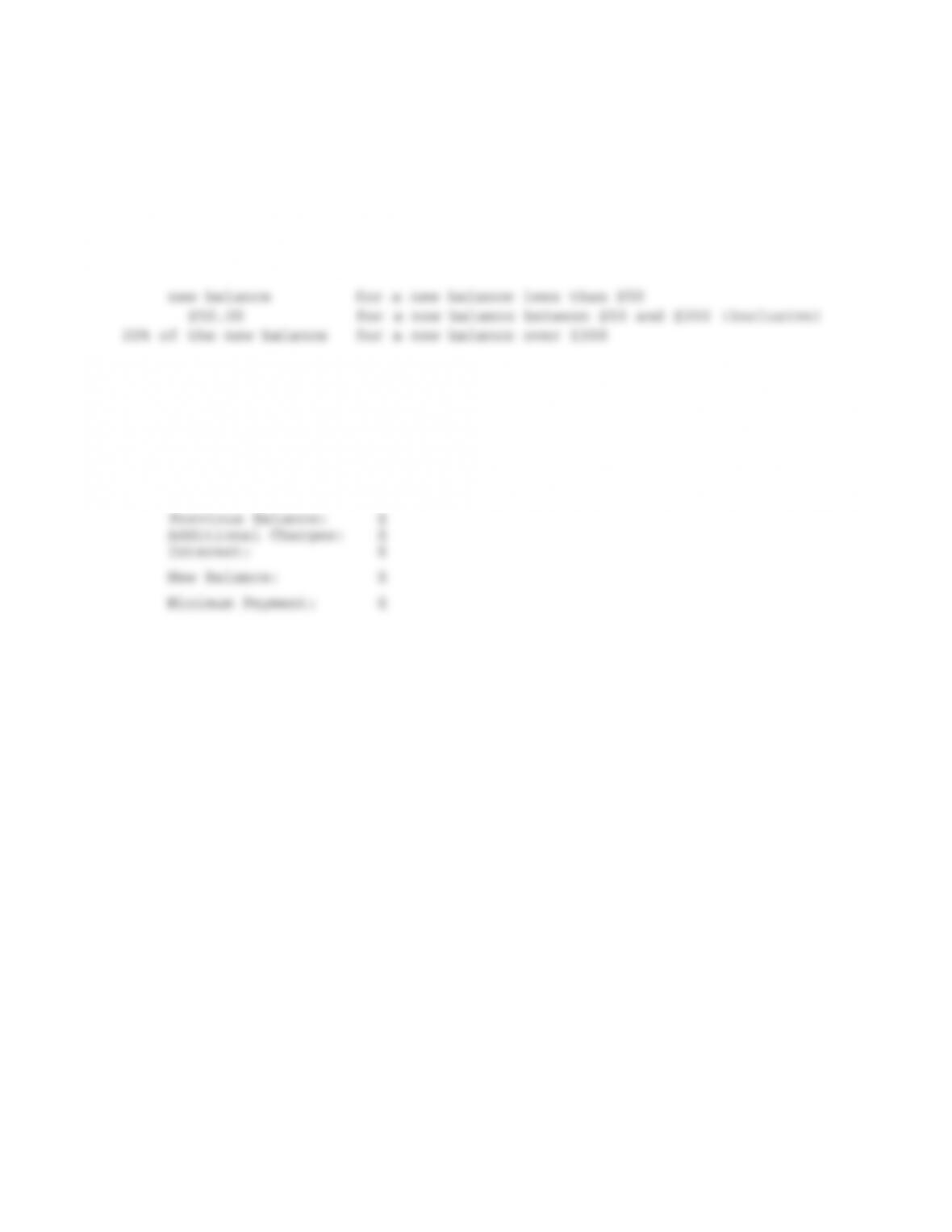
Assume the minimum payment is as follows:
So if the new balance is $38.00 then the person must pay the whole $38.00; if the balance is $128 then the person must pay
$50; if the balance is $350 the minimum payment is $70 (20% of 350). The program should print the charge account
statement in the format below. Print the actual dollar amounts in each place using currency format from the NumberFormat
class—see Listing 3.4 of the text for an example that uses this class.
CS CARD International Statement
===============================

Chapter 6: More Conditionals and Loops 67
Activities at Lake LazyDays
As activity directory at Lake LazyDays Resort, it is your job to suggest appropriate activities to guests based on the weather:
temp >= 80: swimming
1. Write a program that prompts the user for a temperature, then prints out the activity appropriate for that temperature. Use
a cascading if, and be sure that your conditions are no more complex than necessary.
2. Modify your program so that if the temperature is greater than 95 or less than 20, it prints “Visit our shops!”. (Hint: Use
a boolean operator in your condition.) For other temperatures print the activity as before.
Rock, Paper, Scissors
Program Rock.java contains a skeleton for the game Rock, Paper, Scissors. Open it and save it to your directory. Add
statements to the program as indicated by the comments so that the program asks the user to enter a play, generates a random
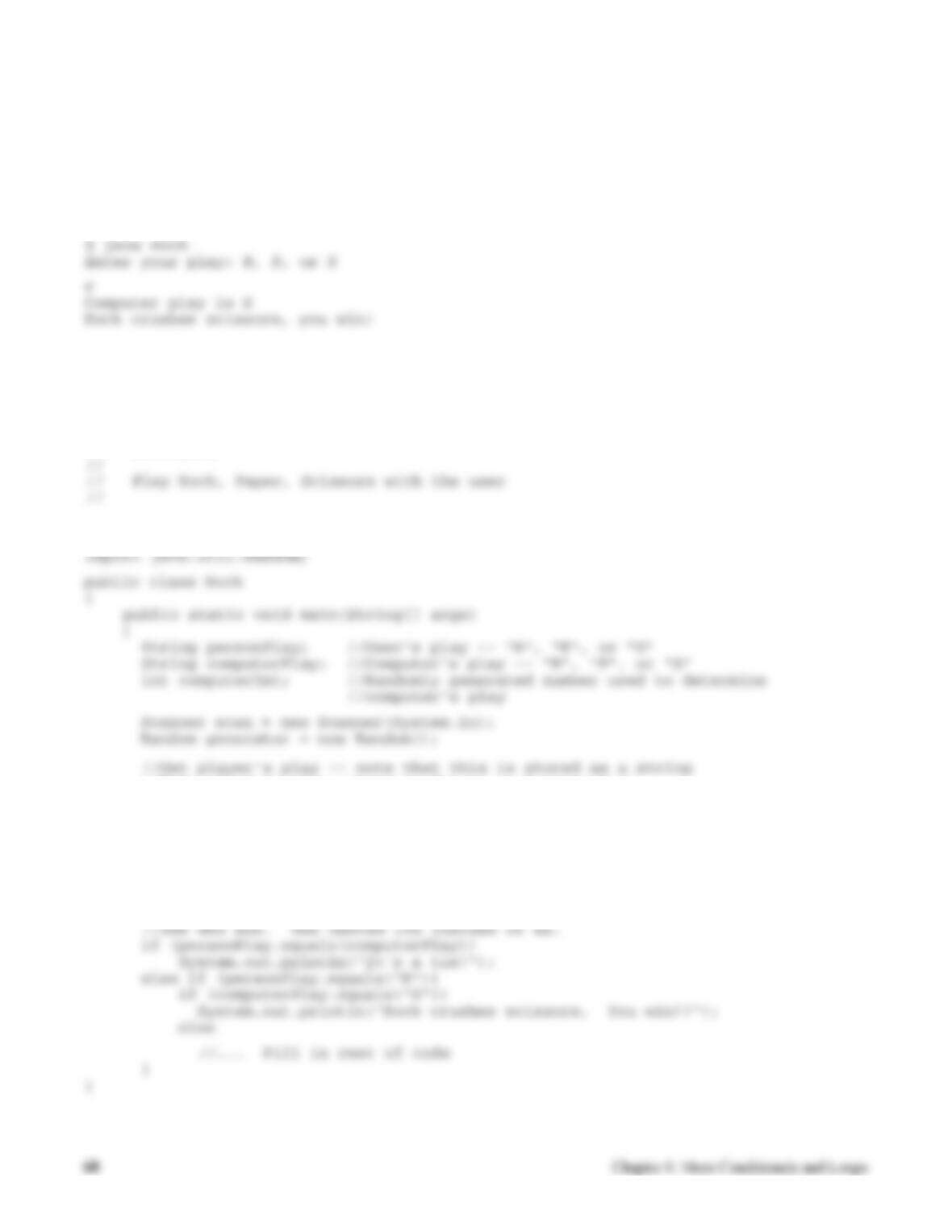
play for the computer, compares them and announces the winner (and why). For example, one run of your program might
look like this:
Note that the user should be able to enter either upper or lower case r, p, and s. The user’s play is stored as a string to make it
easy to convert whatever is entered to upper case. Use a switch statement to convert the randomly generated integer for the
computer’s play to a string.
// ************************************************************
// Rock.java
// ************************************************************
import java.util.Scanner;
//Make player’s play uppercase for ease of comparison
//Generate computer’s play (0,1,2)
//Translate computer’s randomly generated play to string
switch (computerInt)
{
}
//Print computer’s play
Chapter 6: More Conditionals and Loops 69
Date Validation
In this exercise you will write a program that checks to see if a date entered by the user is a valid date in the second
millenium. A skeleton of the program is in Dates.java. Open this program and save it to your directory. As indicated by the
comments in the program, fill in the following:
2. An assignment statement that sets yearValid to true if the year is between 1000 and 1999, inclusive.
3. An assignment statement that sets leap Year to true if the year is a leap year. Here is the leap year rule (there’s more to it
than you may have thought!):
4. An if statement that determines the number of days in the month entered and stores that value in variable daysInMonth.
If the month entered is not valid, daysInMonth should get 0. Note that to figure out the number of days in February you’ll
need to check if it’s a leap year.
6. If the month, day, and year entered are all valid, print “Date is valid” and indicate whether or not it is a leap year. If any
of the items entered is not valid, just print “Date is not valid” without any comment on leap year.
// ************************************************************
// Dates.java
//
public class Dates
{
public static void main(String[] args)
Scanner scan = new Scanner(System.in);
//Get integer month, day, and year from user
//Check to see if month is valid
//Check to see if year is valid
}
Processing Grades
The file Grades.java contains a program that reads in a sequence of student grades and computes the average grade, the
number of students who pass (a grade of at least 60) and the number who fail. The program uses a loop (which you learn
about in the next section).
1. Compile and run the program to see how it works.
2. Study the code and do the following.
4. Now replace the “if” statement that updates the pass and fail counters with the conditional operator.
// ************************************************************
// Grades.java
//
// Read in a sequence of grades and compute the average
// grade, the number of passing grades (at least 60)
int numStudents; //a count of the students
int numPass; //a count of the number who pass
int numFail; // a count of the number who fail
Scanner scan = new Scanner(System.in);
System.out.println (“\nGrade Processing Program\n”);
numStudents = numStudents + 1;
if (grade < 60)
numFail = numFail + 1;
else
numPass = numPass + 1;
Chapter 6: More Conditionals and Loops 71
System.out.println (“No grades processed.”);
}
}
72 Chapter 6: More Conditionals and Loops
More Guessing
File Guess.java contains the skeleton for a program that uses a while loop to play a guessing game. (This problem is
described in the previous lab exercise.) Revise this program so that it uses a do … while loop rather than a while loop. The
general outline using a do… while loop is as follows:
// set up (initializations of the counting variables)
….
A key difference between a while and a do… while loop to note when making your changes is that the body of the do … while
loop is executed before the condition is ever tested. In the while loop version of the program, it was necessary to read in the
user’s first guess before the loop so there would be a value for comparison in the condition. In the do… while this “priming”
read is no longer needed. The user’s guess can be read in at the beginning of the body of the loop.
Election Day
It’s almost election day and the election officials need a program to help tally election results. There are two candidates for
office—Polly Tichen and Ernest Orator. The program’s job is to take as input the number of votes each candidate received in
each voting precinct and find the total number of votes for each. The program should print out the final tally for each
1. Add the code to control the loop. You may use either a while loop or a do…while loop. The loop must be controlled by
2. Add the code to read in the votes for each candidate and find the total votes. Note that variables have already been
declared for you to use. Print out the totals and the percentages after the loop.
4. The election officials want more information. They want to know how many precincts each candidate carried (won). Add
code to compute and print this. You need three new variables: one to count the number of precincts won by Polly, one to
count the number won by Ernest, and one to count the number of ties. Test your program after adding this code.
// ************************************************************
// Election.java
//
{
public static void main (String[] args)
{
int votesForPolly; // number of votes for Polly in each precinct
int votesForErnest; // number of votes for Ernest in each precinct
int totalPolly; // running total of votes for Polly
int totalErnest; // running total of votes for Ernest
74 Chapter 6: More Conditionals and Loops
Finding Maximum and Minimum Values
A common task that must be done in a loop is to find the maximum and minimum of a sequence of values. The file
Temps.java contains a program that reads in a sequence of hourly temperature readings over a 24-hour period. You will be
adding code to this program to find the maximum and minimum temperatures. Do the following:
1. Save the file to your directory, open it and see what’s there. Note that a for loop is used since we need a count-controlled
loop. Your first task is to add code to find the maximum temperature read in. In general to find the maximum of a
sequence of values processed in a loop you need to do two things:
You need a variable that will keep track of the maximum of the values processed so far. This variable must be
2. Add code to print out the maximum after the loop. Test your program to make sure it is correct. Be sure to test it on at
3. Often we want to keep track of more than just the maximum. For example, if we are finding the maximum of a sequence
of test grades we might want to know the name of the student with the maximum grade. Suppose for the temperatures we
4. Add code to print out the time the maximum temperature occurred along with the maximum.
Chapter 6: More Conditionals and Loops 75
// ************************************************************
// Reads in a sequence of temperatures and finds the
// maximum and minimum read in.
// ————————————————–
public static void main (String[] args)
{
final int HOURS_PER_DAY = 24;
}
// Print the results
}
}
Counting Characters
The file Count.java contains the skeleton of a program to read in a string (a sentence or phrase) and count the number of
blank spaces in the string. The program currently has the declarations and initializations and prints the results. All it needs is
1. Add the for loop to the program. Inside the for loop you need to access each individual character—the charAt method of
the String class lets you do that. The assignment statement
3. Now modify the program so that it will count several different characters, not just blank spaces. To keep things relatively
simple we’ll count the a’s, e’s, s’s, and t’s (both upper and lower case) in the string. You need to declare and initialize
four additional counting variables (e.g. countA and so on). Your current if could be modified to cascade but another solution
is to use a switch statement. Replace the current if with a switch that accounts for the 9 cases we want to count (upper
4. Add statements to print out all of the counts.
5. It would be nice to have the program let the user keep entering phrases rather than having to restart it every time. To do
this we need another loop surrounding the current code. That is, the current loop will be nested inside the new loop. Add
an outer while loop that will continue to execute as long as the user does NOT enter the phrase quit. Modify the prompt
to tell the user to enter a phrase or quit to quit. Note that all of the initializations for the counts should be inside the while
loop (that is we want the counts to start over for each new phrase entered by the user). All you need to do is add the
Chapter 6: More Conditionals and Loops 77
// ************************************************************
// Count.java
//
// This program reads in strings (phrases) and counts the
// number of blank characters and certain other letters
// in the phrase.
// ************************************************************
import java.util.Scanner;
public class Count
{
public static void main (String[] args)
{
String phrase; // a string of characters
int countBlank; // the number of blanks (spaces) in the phrase
int length; // the length of the phrase
// Initialize counts
countBlank = 0;
// a for loop to go through the string character by character
// and count the blank spaces
// Print the results
78 Chapter 6: More Conditionals and Loops
Using the Coin Class
The Coin class from Listing 4.2 in the text is in the file Coin.java. Copy it to your directory, then write a program to find the
length of the longest run of heads in 100 flips of the coin. A skeleton of the program is in the file Runs.java. To use the Coin
class you need to do the following in the program:
2. Inside the loop, you should use the flip method to flip the coin, the toString method (used implicitly) to print the results
3. Print the result after the loop.
// *******************************************************************
// Coin.java Author: Lewis and Loftus
//
// Represents a coin with two sides that can be flipped.
// *******************************************************************
// Flips the coin by randomly choosing a face.
// ———————————————–
public void flip()
{
face = (int) (Math.random() * 2);
}
// ———————————————————
faceName = “Heads”;
else
faceName = “Tails”;
return faceName;
}
}
// Flip the coin FLIPS times
for (int i = 0; i < FLIPS; i++)
{
// Flip the coin & print the result
// Update the run information
}
// Print the results
}
}
80 Chapter 6: More Conditionals and Loops
A Rainbow Program
Write a program that draws a rainbow. (This is one of the Programming Projects at the end of Chapter 6 in the text.) As
suggested in the text, your rainbow will be concentric arcs, each a different color. The basic idea of the program is similar to
the program that draws a bull’s eye in Listing 6.5 and 6.6 of the text. You should study that program and understand it before
starting your rainbow. The major difference in this program (other than drawing arcs rather than circles) is making the
different arcs different colors. You can do this in several different ways. For example, you could have a variable for the color
Modifying EvenOdd.java
File EvenOdd.java contains the dialog box example in Listing 6.9 the text.
1. Compile and run the program to see how it works.
2. Write a similar class named SquareRoots (you may modify EvenOdd) that computes and displays the square root of
the integer entered.
//*****************************************************************
// EvenOdd.java Author: Lewis/Loftus
//————————————————————–
// Determines if the value input by the user is even or odd.
// Uses multiple dialog boxes for user interaction.
num = Integer.parseInt(numStr);
result = “That number is ” + ((num%2 == 0) ? “even” : “odd”);
JOptionPane.showMessageDialog (null, result);
again = JOptionPane.showConfirmDialog (null, “Do Another?”);
}

82 Chapter 6: More Conditionals and Loops
A Pay Check Program
Write a class PayCheck that uses dialog boxes to compute the total gross pay of an hourly wage worker. The program should
use input dialog boxes to get the number of hours worked and the hourly pay rate from the user. The program should use a
message dialog to display the total gross pay. The pay calculation should assume the worker earns time and a half for
overtime (for hours over 40).