
Chapter 1: Introduction 1
Chapter 1: Introduction
Lab Exercises
Topics Lab Exercises
Printing strings Prelab Exercises
Poem
Documentation Comments
Identifiers Program Names
Syntax errors Recognizing Syntax Errors
Correcting Syntax Errors
2 Chapter 1: Introduction
Prelab Exercises
Your task is to write a Java program that will print out the following message (including the row of equal marks):
An outline of the program is below. Complete it as follows:
a. In the documentation at the top, fill in the name of the file the program would be saved in and a brief description of what
the program does.
b. Add the code for the main method to do the printing.
// ************************************************************
// File Name:
}
Poem
Write a Java program that prints the message, “Roses are red”. Your program will be a class definition containing a main
method—see the Lincoln example in Listing 1.1 of the text if you need guidance. Remember the following:
The name of the class must match the name of the file (but without the .java extension).
The main method must be inside the class definition (between the first { and the last}).
The statement that prints the message must be inside main.
Compile and run your program. When it works correctly, modify it so that it prints the entire poem:
4 Chapter 1: Introduction
Comments
File Count.java contains a Java program that counts from 1 to 5 in English, French, and Spanish. Save this file to your
directory and compile and run it to see what it does. Then modify it as follows:
1. Use // style comments to add a comment header at the top of the file that includes the name of the program, your name,
2. Add a comment before each println that indicates what language the next line is in. Experiment with leaving a blank line
before each of these comment lines (in the program itself, not the output). Is the program easier to read with or without
these blank lines?
3. Remove one of the slashes from one of your comment lines and recompile the program, so one of the comments starts
4. Try putting a comment within a comment, so that a // appears after the initial // on a comment line. Does this cause
problems?
5. Consult the documentation guidelines in Appendix F of the text. Have you violated any of them? List two things that you
Count.java
public class Count
{
Program Names
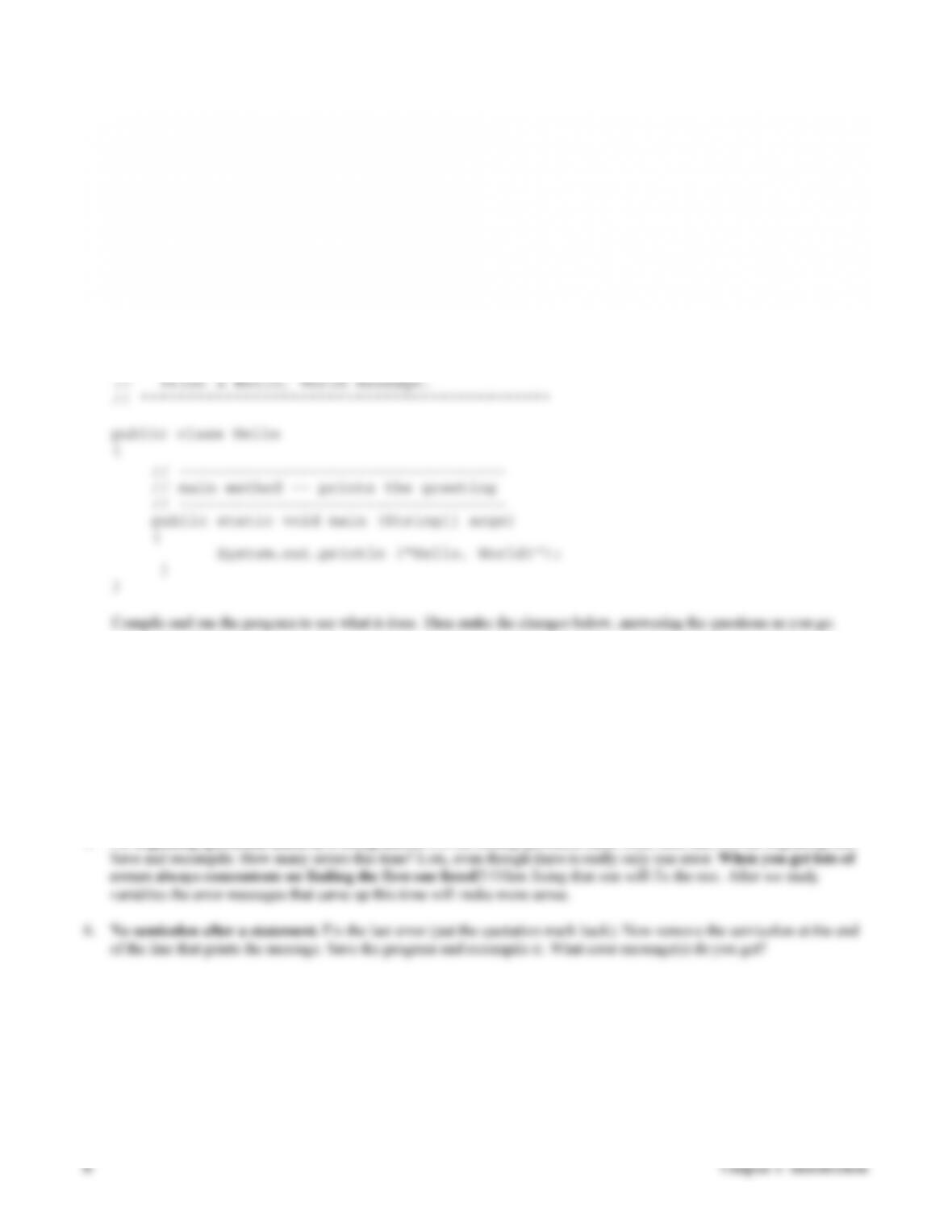
File Simple.java contains a simple Java program that prints a message. The identifier that represents the name of this program
is Simple, but we could have chosen a different identifier subject to certain rules and conventions. An identifier may contain
any combination of letters, digits, the underscore character, and the dollar sign, but cannot begin with a digit. Furthermore, by
convention, identifiers that represent class names (which includes program names) begin with a capital letter. This means that
you won’t get an error if your program name doesn’t start with a capital letter (as long as what it starts with is legal for an
identifier), but it’s better style if you do. This may seem arbitrary now, but later when you have lots of identifiers in your
programs you’ll see the benefit. Of course, the program name should always be reasonably descriptive of the program.
Indicate whether each name below is a legal identifier, and if so, whether it is a good choice to name this program. If the
answer to either question is no, explain why. Then save Simple.java to your directory and check your answers by modifying
it to try each—note that you will have to change the file name each time to match the program name or you will always get
an error.
1. simple (Why do you even have to change the name of the file in this case?)
2. SimpleProgram
4. _Simple_
6. $123_45
7. Simple!
// ********************************************
// Simple.java
//
// Print a simple message about Java.
//
Recognizing Syntax Errors
When you make syntax errors in your program the compiler gives error messages and does not create the bytecode file. It
saves time and frustration to learn what some of these messages are and what they mean. Unfortunately, at this stage in the
game many of the messages will not be meaningful except to let you know where the first error occurred. Your only choice is
to carefully study your program to find the error. In the following you will introduce a few typical errors into a simple
program and examine the error messages.
1. Type the following program into a file called Hello.java. (This is the traditional first program a computer scientist writes
in a new language.)
// ********************************************
// Hello.java
//
2. Class name different from file name. Delete one l (el) from the name of the class (so the first non-comment line is
public class Helo), save the program, and recompile it. What was the error message?
3. Misspelling inside string. Correct the mistake above, then delete one l from the Hello in the message to be printed
(inside the quotation marks). Save the program and recompile it. There is no error message—why not? Now run the
program. What has changed?
4. No ending quotation mark in a string literal. Correct the spelling in the string, then delete the ending quotation mark
enclosing the string Hello, World!. Save the program and recompile it. What error message(s) do you get?
5. No beginning quotation mark in a string literal. Put the ending quotation mark back, then take out the beginning one.
Chapter 1: Introduction 7
Correcting Syntax Errors
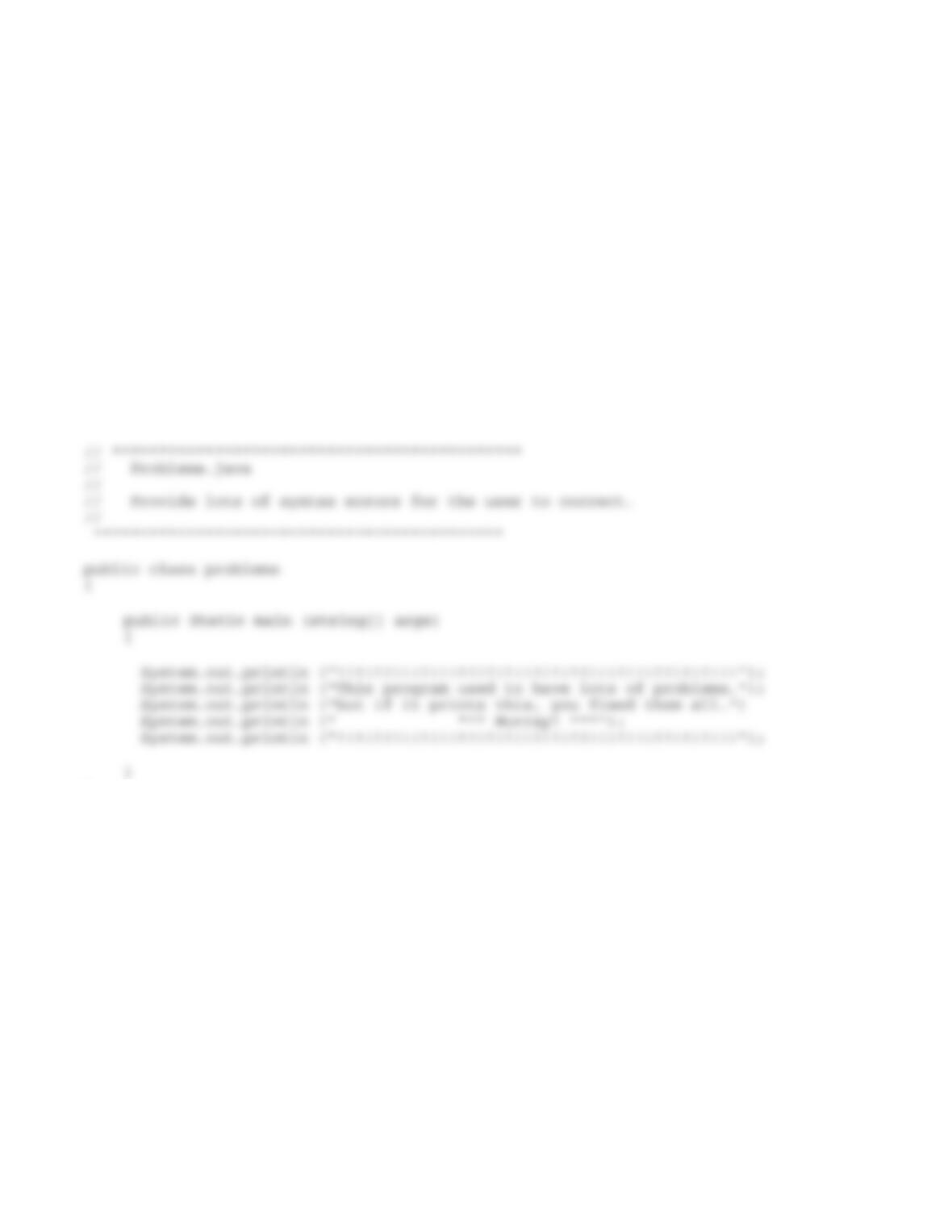
File Problems.java contains a simple Java program that contains a number of syntax errors. Save the program to your
directory, study it and correct as many of the errors as you can find. Then compile the program; if there are still errors,
correct them. Some things to remember:
Java is case sensitive, so, for example, the identifiers public, Public, and PUBLIC are all considered different. For
reserved words such as public and void and previously defined identifiers such as String and System, you have to get the
case right. You will learn the conventions about case soon, but for now you can look at a sample program in the text to
see what case should be used where.
When the compiler lists lots of errors, fix the first one (or few) and then recompile—often the later errors aren’t really
errors in the program, they just indicate that the compiler is confused from earlier errors.
Read the error messages carefully, and note what line numbers they refer to. Often the messages are helpful, but even
when they aren’t, the line numbers usually are.
When the program compiles cleanly, run it.
}