
206 Chapter 11: Exceptions
Chapter 11: Exceptions
Lab Exercises
Topics Lab Exercises
Exceptions Exceptions Aren’t Always Errors
Placing Exception Handlers
Throwing Exceptions
Disabling Buttons
Combo Boxes A Currency Converter
Scroll Panes Listing Prime Numbers
Exceptions Aren’t Always Errors
File CountLetters.java contains a program that reads a word from the user and prints the number of occurrences
of each letter in the word. Save it to your directory and study it, then compile and run it to see how it works. In
reading the code, note that the word is converted to all upper case first, then each letter is translated to a number
in the range 0..25 (by subtracting ‘A’) for use as an index. No test is done to ensure that the characters are in
fact letters.
1. Run CountLetters and enter a phrase, that is, more than one word with spaces or other punctuation in
between. It should throw an ArrayIndexOutOfBoundsException, because a non-letter will generate an
index that is not between 0 and 25. It might be desirable to allow non-letter characters, but not count them.
2. Now modify the body of the catch so that it prints a useful message (e.g., “Not a letter”) followed by the
exception. Compile and run the program. Although it’s useful to print the exception for debugging, when
you’re trying to smoothly handle a condition that you don’t consider erroneous you often don’t want to. In
your print statement, replace the exception with the character that created the out of bounds index. Run the
program again; much nicer!
//get word from user
System.out.print(“Enter a single word (letters only, please): “);
String word = scan.nextLine();
//convert to all upper case
word = word.toUpperCase();
Placing Exception Handlers
File ParseInts.java contains a program that does the following:
Prompts for and reads in a line of input
Uses a second Scanner to take the input line one token at a time and parses an integer from each token as it
Save ParseInts to your directory and compile and run it. If you give it the input
it should print
Try some other inputs as well. Now try a line that contains both integers and other values, e.g.,
You should get a NumberFormatException when it tries to call Integer.parseInt on “We”, which is not an
integer. One way around this is to put the loop that reads inside a try and catch the NumberFormatException but
not do anything with it. This way if it’s not an integer it doesn’t cause an error; it goes to the exception handler,
which does nothing. Do this as follows:
Modify the program to add a try statement that encompasses the entire while loop. The try and opening {
should go before the while, and the catch after the loop body. Catch a NumberFormatException and have
an empty body for the catch.
Compile and run the program and enter a line with mixed integers and other values. You should find that it
Chapter 11: Exceptions 209
// ****************************************************************
// ParseInts.java
//
// Reads a line of text and prints the integers in the line.
//
// ****************************************************************
import java.util.Scanner;
public class ParseInts
{
public static void main(String[] args)
{
int val, sum=0;
Scanner scan = new Scanner(System.in);
Throwing Exceptions
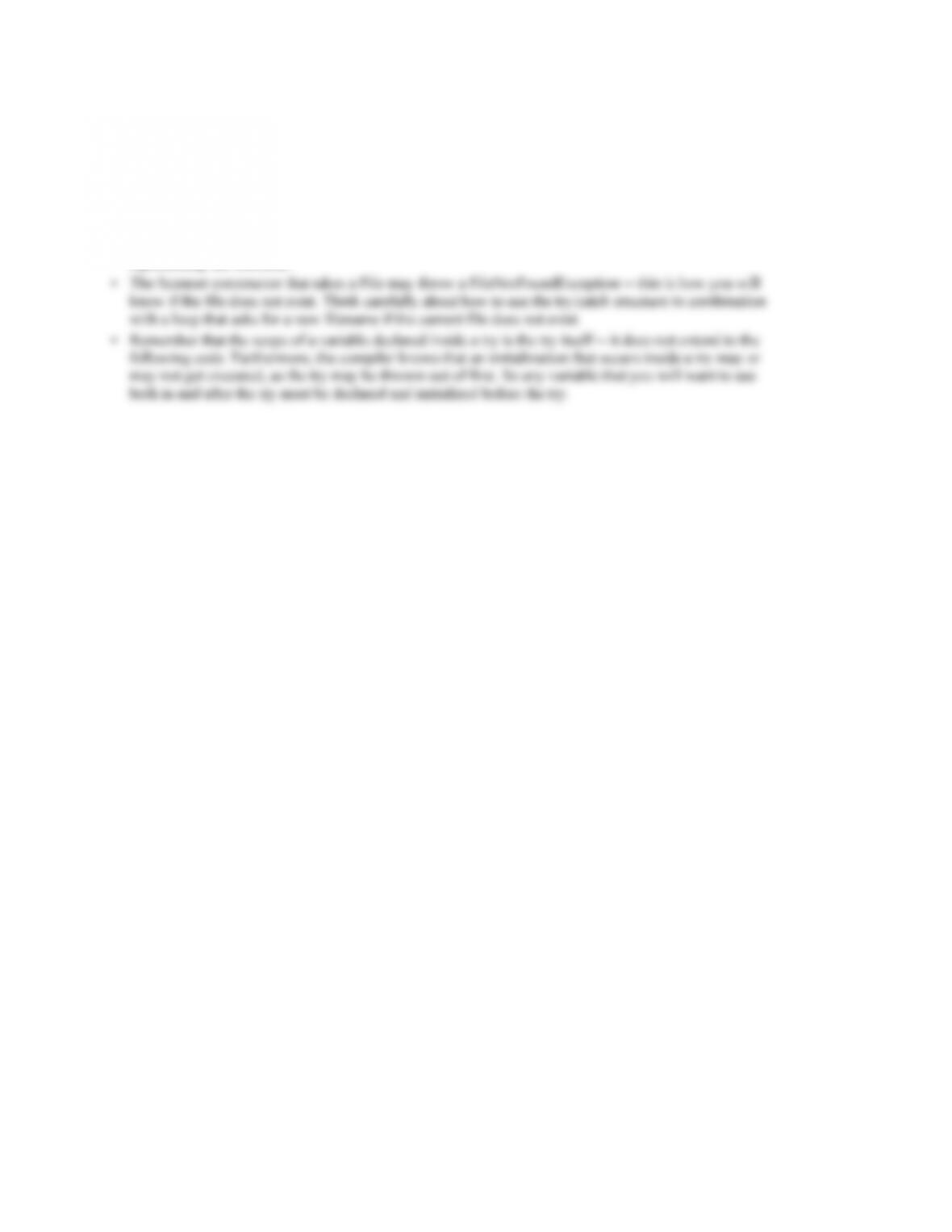
File Factorials.java contains a program that calls the factorial method of the MathUtils class to compute the
factorials of integers entered by the user. Save these files to your directory and study the code in both, then
compile and run Factorials to see how it works. Try several positive integers, then try a negative number. You
should find that it works for small positive integers (values < 17), but that it returns a large negative value for
larger integers and that it always returns 1 for negative integers.
1. Returning 1 as the factorial of any negative integer is not correct—mathematically, the factorial function is not
defined for negative integers. To correct this, you could modify your factorial method to check if the argument is
negative, but then what? The method must return a value, and even if it prints an error message, whatever value is
2. Returning a negative number for values over 16 also is not correct. The problem is arithmetic overflow—the
factorial is bigger than can be represented by an int. This can also be thought of as an IllegalArgumentException—
this factorial method is only defined for arguments up to 16. Modify your code in factorial to check for an
argument over 16 as well as for a negative argument. You should throw an IllegalArgumentException in either
case, but pass different messages to the constructor so that the problem is clear.
// ****************************************************************
// Factorials.java
//
// Reads integers from the user and prints the factorial of each.
//
String keepGoing = “y”;
Scanner scan = new Scanner(System.in);
while (keepGoing.equals(“y”) || keepGoing.equals(“Y”))
{
System.out.print(“Enter an integer: “);
int val = scan.nextInt();
System.out.println(“Factorial(” + val + “) = “
+ MathUtils.factorial(val));
System.out.print(“Another factorial? (y/n) “);
Chapter 11: Exceptions 211
// ****************************************************************
// MathUtils.java
//
// Provides static mathematical utility functions.
//
// ****************************************************************
public class MathUtils
{
//————————————————————-
// Returns the factorial of the argument given
//————————————————————-
public static int factorial(int n)
{
int fac = 1;
for (int i=n; i>0; i–)
fac *= i;
return fac;
}
}
212 Chapter 11: Exceptions
Copying a File
Write a program that prompts the user for a filename, then opens a Scanner to the file and copies it, a line at a
time, to the standard output. If the user enters the name of a file that does not exist, ask for another name until
you get one that refers to a valid file. Some things to consider:
• Remember that you can create a Scanner from a File object, which you can create from the String
representing the filename.
Chapter 11: Exceptions 213
Reading from and Writing to Text Files
Write a program that will read in a file of student academic credit data and create a list of students on academic
warning. The list of students on warning will be written to a file. Each line of the input file will contain the
student name (a single String with no spaces), the number of semester hours earned (an integer), the total
The program should compute the GPA (grade point or quality point average) for each student (the total quality
points divided by the number of semester hours) then write the student information to the output file if that
student should be put on academic warning. A student will be on warning if he/she has a GPA less than 1.5 for
students with fewer than 30 semester hours credit, 1.75 for students with fewer than 60 semester hours credit,
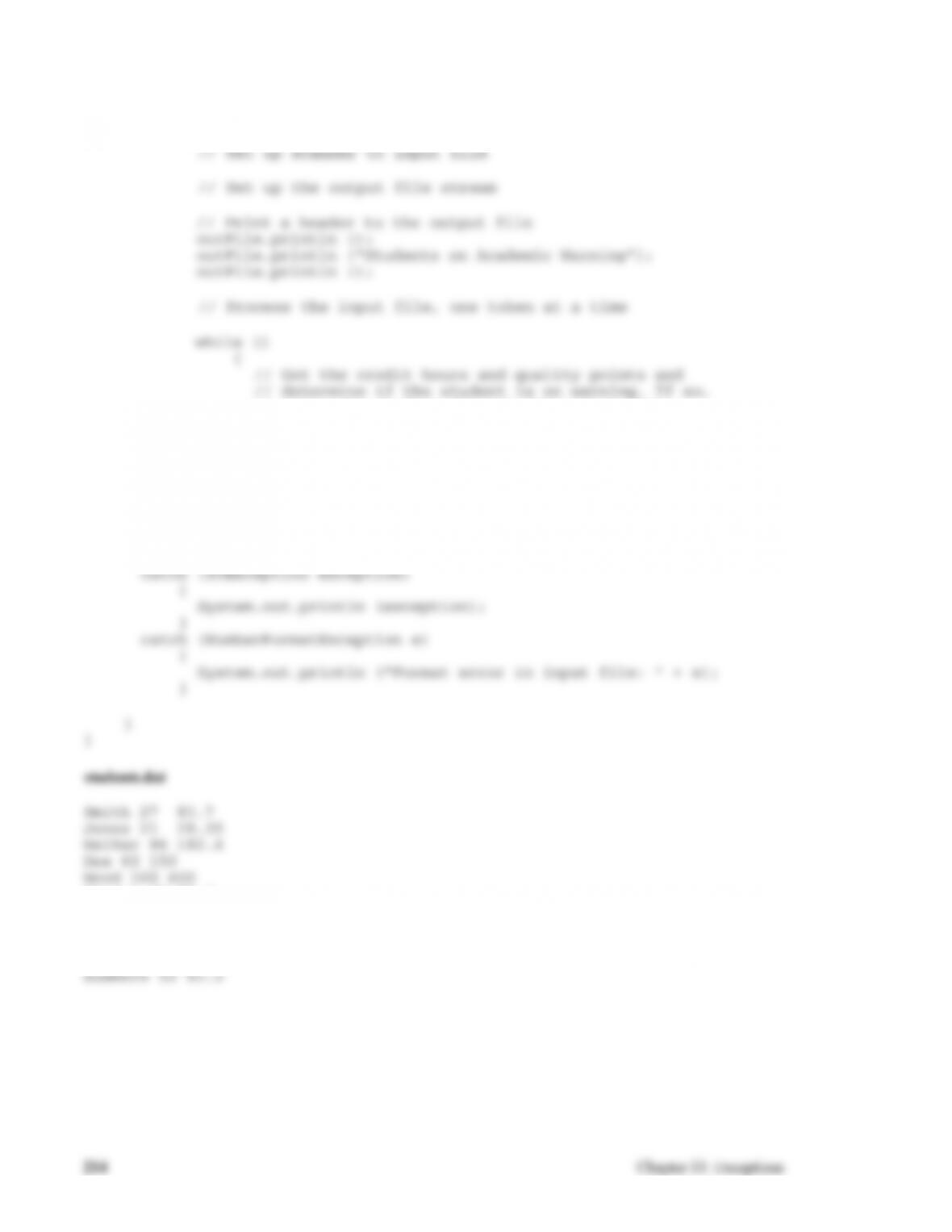
and 2.0 for all other students. The file Warning.java contains a skeleton of the program. Do the following:
1. Set up a Scanner object scan from the input file and a PrintWriter outFile to the output file inside the try
2. Inside the while loop add code to read and parse the input—get the name, the number of credit hours, and
4. Think about the exceptions that could be thrown by this program:
• A FileNotFoundException if the input file does not exist
5. Test the program. Test data is in the file students.dat. Be sure to test each of the exceptions as well.
// ************************************************************************
// Warning.java
//
// Reads student data from a text file and writes data to another text file.
// ************************************************************************
double qualityPts; // number of quality points earned
double gpa; // grade point (quality point) average
String line, name, inputName = “students.dat”;
String outputName = “warning.dat”;
try
{
// write the student data to the output file.
}
// Close output file
}
catch (FileNotFoundException exception)
{
System.out.println (“The file ” + inputName + ” was not
found.”);
}
Street 33 57.4
Taylor 83 190
Davis 110 198
Smart 75 2 92.5
Bird 84 168
Chapter 11: Exceptions 215
Enhancing a Movable Circle
File MoveCircle.java contains a program that uses CirclePanel.java to draw a circle and let the user move it by
pressing buttons. Save these files to your directory and compile and run MoveCircle to see how it works. Then
modify the code in CirclePanel as follows:
1. Add mnemonics to the buttons so that the user can move the circle by pressing the ALT-l, ALT-r, ALT-u,
or ALT-d keys.
3. When the circle gets all the way to an edge, disable the corresponding button. When it moves back in,
enable the button again. Note that you will need instance variables (instead of local variables in the
constructor) to hold the buttons and the panel size to make them visible to the listener. Bonus: In most cases
the circle won’t hit the edge exactly; check for this (e.g., x<0) and adjust the coordinates so it does.
// ******************************************************************
frame.setSize(400, 300);
frame.getContentPane().add(new CirclePanel(400,300));
frame.setVisible(true);
}
}
216 Chapter 11: Exceptions
// ******************************************************************
private Color c;
//—————————————————————
// Set up circle and buttons to move it.
//—————————————————————
public CirclePanel(int width, int height)
{
JButton down = new JButton(“Down”);
// Add listeners to the buttons
left.addActionListener(new MoveListener(-20, 0));
right.addActionListener(new MoveListener(20, 0));
up.addActionListener(new MoveListener(0, -20));
}
//—————————————————————-
// Draw circle on CirclePanel
//—————————————————————-
public void paintComponent(Graphics page)
{
Chapter 11: Exceptions 217
super.paintComponent(page);
page.setColor(c);
page.fillOval(x,y, CIRCLE_SIZE, CIRCLE_SIZE);
}
//—————————————————————-
// Class to listen for button clicks that move circle.
//—————————————————————-
private class MoveListener implements ActionListener
{
private int dx;
private int dy;
//—————————————————————-
// Parameters tell how to move circle at click.
//—————————————————————-
public MoveListener(int dx, int dy)
{
this.dx = dx;
this.dy = dy;
}
218 Chapter 11: Exceptions
A Currency Converter
Your are headed off on a world-wide trip and need a program to help figure out how much things in other
countries cost in dollars. You plan to visit Canada, several countries in Europe, Japan, Australia, India, and
Mexico so your program must work for the currencies in those countries. The files CurrencyConverter.java and
RatePanel.java contain a skeleton of a program to do this conversion. Complete it as follows:
1. CurrencyPanel currently contains only two components—a JLabel for the title and a JLabel to display the
2. Add a combo box to let the user select the currency. The argument to the constructor should be the array of
3. Modify actionPerformed in ComboListener so that index is set to be the index of the selected item.
5. Now add a text field (and label) so the user can enter the cost of an item in the selected currency. You need
6. Test your program.
7. Modify the layout to create a more attractive GUI.
// ***********************************************************************
// CurrencyConverter.java
//
// Computes the dollar value of the cost of an item in another currency.
// ***********************************************************************
import java.awt.*;
import javax.swing.*;
RatePanel ratePanel = new RatePanel ();
frame.getContentPane().add(ratePanel);
frame.pack();
frame.setVisible(true);
}
}
import java.awt.*;
import java.awt.event.*;
import javax.swing.*;
public class RatePanel extends JPanel
{
Chapter 11: Exceptions 219
private double[] rate; // exchange rates
private String[] currencyName;
private JLabel result;
// —————————————————————–
// Sets up a panel to convert cost from one of 6 currencies
// into U.S. Dollars. The panel contains a heading, a text
// field for the cost of the item, a combo box for selecting
// the currency, and a label to display the result.
// —————————————————————–
public RatePanel ()
{
JLabel title = new JLabel (“How much is that in dollars?”);
0.0222, 0.0880};
result = new JLabel (” ————- “);
add (tittle);
add (result);
}
// ******************************************************
A List of Prime Numbers
The file Primes.java contains a program to compute and list all prime numbers up to and including a number
input by the user. Most of the work is done in the file PrimePanel.java that defines the panel. The GUI contains
a text field for the user to enter the integer, a button for the user to click to get a list of primes, and a text area to
display the primes. However, if the user puts in a large integer the primes do not all fit in the text area. The main
goal of this exercise is to add scrolling capabilities to the text area.
Proceed as follows:
1. Compile and run the program as it is. You should see a GUI that contains the components listed above but
nothing happens when you click on the button. Fix this.
2. Modify PrimePanel.java so that the text area for displaying the primes is in a scroll pane. To do this, keep
3. You should see that the scrollbars don’t appear unless the output is longer than the text area. The default is
for the scrollbars to appear only as needed. This can be changed by setting the scroll bar policy of the
4. The code to generate the list of primes could be improved some. Two things that should be done are:
A exception should be caught if the user enters non-integer data. An appropriate message should be
displayed in the text area.
The loop that looks for divisors of the integer i should not go all the way up to i. Instead it should stop
at the square root of i (if a divisor hasn’t been found by then there isn’t one).
{
JFrame frame = new JFrame (“Primes”);
frame.setDefaultCloseOperation (JFrame.EXIT_ON_CLOSE);
PrimePanel primePanel = new PrimePanel ();
frame.getContentPane().add(primePanel);
frame.pack();
Chapter 11: Exceptions 221
public class PrimePanel extends JPanel
{
private JTextField number;
private JButton computeButton;
private JTextArea primeList;
// ———————————————————-
computeButton = new JButton (“Click to see all primes up to your number!”);
primeList = new JTextArea (10, 30);
computeButton.addActionListener(new ButtonListener());
// Add the components to the panel
add (heading);
{
// ——————————————————-
// Generates and displays a list of primes when the
// button is clicked.
// ——————————————————-
public void actionPerformed (ActionEvent event)
{
222 Chapter 11: Exceptions
int count = 0;
if (num < 2)
ans = “There no primes less than ” + num;
else
{
ans = ” ” + 2;
count++;
for (int i = 3; i <= num; i += 2)
{
boolean foundDivisor = false;
int j = 3;
while (j < i && ! foundDivisor)
{
if (i % j == 0)