
Chapter 2: Data and Expressions
Lab Exercises
Topics Lab Exercises
Print and println
String literals Names and Places
String concatenation A Table of Student Grades
Escape sequences Two Meanings of Plus
Variables Prelab Exercises
Constants Area and Circumference of a Circle
Assignment Painting a Room
Input using the Scanner class
HTML Introduction to HTML
Applets Drawing Shapes
Graphics The Java Coordinate System
Colors Drawing a Face
Creating a Pie Chart
Colors in Java
Chapter 2: Data and Expressions 9
Names and Places
The goal in this exercise is to develop a program that will print out a list of student names together with other information for
each. The tab character (an escape sequence) is helpful in getting the list to line up nicely. A program with only two names is
in the file Names.java.
{
// ————————–
// main prints the list
// ————————–
public static void main (String[] args)
{
}
}
2. Modify the program so that your name and hometown and the name and hometown of at least two classmates sitting near
you in lab also are printed. Save, compile and run the program. Make sure the columns line up.
3. Modify the program to add a third column with the intended major of each person (assume Sally’s major is Computer

Chapter 2: Data and Expressions 10
A Table of Student Grades
Write a Java program that prints a table with a list of at least 5 students together with their grades earned (lab points, bonus
points, and the total) in the format below.
///////////////////\\\\\\\\\\\\\\\\\\\
== Student Points ==
\\\\\\\\\\\\\\\\\\\///////////////////
Name Lab Bonus Total
Mary Sue 39 10 49
The requirements for the program are as follows:
1. Print the border on the top as illustrated (using the slash and backslash characters).
3. Make up your own student names and points—the ones shown are just for illustration purposes. You need 5 names.
Two Meanings of Plus
In Java, the symbol + can be used to add numbers or to concatenate strings. This exercise illustrates both uses.
When using a string literal (a sequence of characters enclosed in double quotation marks) in Java the complete string must fit
on one line. The following is NOT legal (it would result in a compile-time error).
The solution is to break the long string up into two shorter strings that are joined using the concatenation operator (which is
the + symbol). This is discussed in Section 2.1 in the text. So the following would be legal
So, when working with strings the + symbol means to concatenate the strings (join them). BUT, when working with numbers
the + means what it has always meant—add!
1. Observing the Behavior of + To see the behavior of + in different settings do the following:
a. Study the program below, which is in file PlusTest.java.
// ************************************************************
// PlusTest.java
System.out.println (“8 plus 5 is ” + 8 + 5);
System.out.println (“8 plus 5 is ” + (8 + 5)) ;
System.out.println (8 + 5 + ” equals 8 plus 5.”);
}
}
b. Save PlusTest.java to your directory.
c. Compile and run the program. For each of the last three output statements (the ones dealing with 8 plus 5) write
down what was printed. Now for each explain why the computer printed what it did given that the following rules
are used for +. Write out complete explanations.
If both operands are numbers + is treated as ordinary addition. (NOTE: in the expression a + b the a and b are
called the operands.)
If at least one operand is a string the other operand is converted to a string and + is the concatenation operator.
If an expression contains more than one operation expressions inside parentheses are evaluated first. If there are
no parentheses the expression is evaluated left to right.
d. The statement about when the computer was invented is too scrunched up. How should that be fixed?

Chapter 2: Data and Expressions 12
2. Writing Your Own Program With + Now write a complete Java program that prints out the following sentence:
Prelab Exercises
1. What is the difference between a variable and a constant?
2. Explain what each of the lines below does. Be sure to indicate how each is different from the others.
3. The following program reads three integers and prints the average. Fill in the blanks so that it will work correctly.
// *****************************************************************
// Average.java
//
// Read three integers from the user and print their average
// *****************************************************************
Chapter 2: Data and Expressions 14
4. Given the declarations below, find the result of each expression.
int a = 3, b = 10, c = 7;
double w = 12.9, y = 3.2;
a. a + b * c
5. Carefully study the following program and find and correct all of the syntax errors.
// File: Errors.java
// Purpose: A program with lots of syntax errors
// Correct all of the errors (STUDY the program carefully!!)
#import java.util.Scanner;
public class errors
{
public static void main (String[] args)
6. Trace the execution of the following program assuming the input stream contains the numbers 10, 3, and 14.3. Use a
table that shows the value of each variable at each step. Also show the output (exactly as it would be printed).
// FILE: Trace.java
// PURPOSE: An exercise in tracing a program and understanding
// assignment statements and expressions.
what = scan.nextDouble() ;
three = 4 * one + 5 * two;
two = 2 * one;
System.out.println (“one ” + two + “:” + three);
one = 46 / 5 * 2 + 19 % 4;
Area and Circumference of a Circle
Study the program below, which uses both variables and constants:
// ************************************************************
// Circle.java
public class Circle
{
public static void main(String[] args)
{
int radius = 10;
double area = PI * radius * radius;
System.out.println(“The area of a circle with radius ” + radius +
” is ” + area);
}
}
Some things to notice:
The first three lines inside main are declarations for PI, radius, and area. Note that the type for each is given in these
lines: final double for PI, since it is a floating point constant; int for radius, since it is an integer variable, and double for
area, since it will hold the product of the radius and PI, resulting in a floating point value.
These first three lines also hold initializations for PI, radius, and area. These could have been done separately, but it is
often convenient to assign an initial value when a variable is declared.
The next line is simply a print statement that shows the area for a circle of a given radius.
The next line is an assignment statement, giving variable radius the value 20. Note that this is not a declaration, so the int
that was in the previous radius line does not appear here. The same memory location that used to hold the value 10 now
1. The circumference of a circle is two times the product of Pi and the radius. Add statements to this program so that it
computes the circumference in addition to the area for both circles. You will need to do the following:
2. When the radius of a circle doubles, what happens to its circumference and area? Do they double as well? You can
3. In the program above, you showed what happened to the circumference and area of a circle when the radius went from
10 to 20. Does the same thing happen whenever the radius doubles, or were those answers just for those particular
values? To figure this out, you can write a program that reads in values for the radius from the user instead of having it
written into the program (“hardcoded”). Modify your program as follows:
At the very top of the file, add the line
import java.util.Scanner;
This tells the compiler that you will be using methods from the Scanner class. In the main method create a Scanner
object called scan to read from System.in.
Instead of initializing the radius in the declaration, just declare it without giving it a value. Now add two statements
to read in the radius from the user:
A prompt, that is, a print statement that tells the user what they are supposed to do (e.g., “Please enter a value
for the radius.”);
Chapter 2: Data and Expressions 18
Painting a Room
File Paint.java contains the partial program below, which when complete will calculate the amount of paint needed to paint
the walls of a room of the given length and width. It assumes that the paint covers 350 square feet per gallon.
//***************************************************************
//File: Paint.java
//
public class Paint
{
public static void main(String[] args)
{
final int COVERAGE = 350; //paint covers 350 sq ft/gal
//declare integers length, width, and height;
//declare double totalSqFt;
//Compute the total square feet to be painted–think
//about the dimensions of each wall
}
Save this file to your directory and do the following:
2. Suppose the room has doors and windows that don’t need painting. Ask the user to enter the number of doors and number
of windows in the room, and adjust the total square feet to be painted accordingly. Assume that each door is 20 square
feet and each window is 15 square feet.
Chapter 2: Data and Expressions 19
Ideal Weight
Write a program to compute the ideal weight for both males and females. According to one study, the ideal weight for a
female is 100 pounds plus 5 pounds for each inch in height over 5 feet. For example, the ideal weight for a female who is 5’3″
would be 100 + 15 = 115 pounds. For a male the ideal weight is 106 pounds plus 6 pounds for each inch in height over 5 feet.
For example, the ideal weight for a male who is 6’2″ would be 106 + 14*6 =190 pounds. Your program should ask the user
to enter his/her height in feet and inches (both as integers—so a person 5’3″ would enter the 5 and the 3). It should then
compute and print both the ideal weight for a female and the ideal weight for a male. The general outline of your main
function would be as follows:
Declare your variables (think about what variables you need—you need to input two pieces of information (what?), then
you need some variables for your calculations (see the following steps)
Plan your program, then type it in, compile and run it. Be sure it gives correct answers.
Enhance the Program a Bit The weight program would be a bit nicer if it didn’t just give one number as the ideal weight for
each sex. Generally a person’s weight is okay if it is within about 15% of the ideal. Add to your program so that in addition to

Chapter 2: Data and Expressions 20
Lab Grades
Suppose your lab instructor has a somewhat complicated method of determining your grade on a lab. Each lab consists of two
out-of-class activities—a pre-lab assignment and a post-lab assignment—plus the in-class activities. The in-class work is
60% of the lab grade and the out-of-class work is 40% of the lab grade. Each component of the grade is based on a different
number of points (and this varies from lab to lab)—for example, the pre-lab may be graded on a basis of 20 points (so a
The program LabGrade.java is supposed to compute the lab grade for a student. To do this it gets as input the number of
points the student earned on the prelab assignment and the maximum number of points the student could have earned; the
number of points earned on the lab itself and the maximum number of points; the number of points earned on the postlab
1. First carefully hand trace the program assuming the input stream contains the values 17, 20, 23, 25, 12, 15. Trace the
program exactly as it is written (it is not correct but it will compile and run so the computer would not know it isn’t
correct). Fill in the answers to the following questions:
a. Show exactly how the computer would execute the assignment statement that computes the out of class average for
this set of input. Show how the expression will be evaluated (the order in which the operations are performed) and
what the result will be.
b. Show how the computer would execute the assignment statement that computes the in-class average. What will the
result be?
2. Now run the program, typing in the input you used in your trace. Compare your answers to the output. Clearly the output
is incorrect! Correct the program. This involves writing the expressions to do calculations correctly. The correct answers
3. Modify the program to make the weights for the two components of the grade variable rather than the constants 0.4 and
0.6. To do this, you need to do four things:
a. Change the declarations so the weights (IN_WEIGHT and OUT WEIGHT) are variables rather than constants. Note
that you should also change their names from all capital letters (the convention for constants) to lowercase letters
b. In the input section, add statements that will prompt the user for the weight (in decimal form—for example .4 for
c. In the section that calculates the labGrade add an assignment statement that calculates the weight to be assigned to
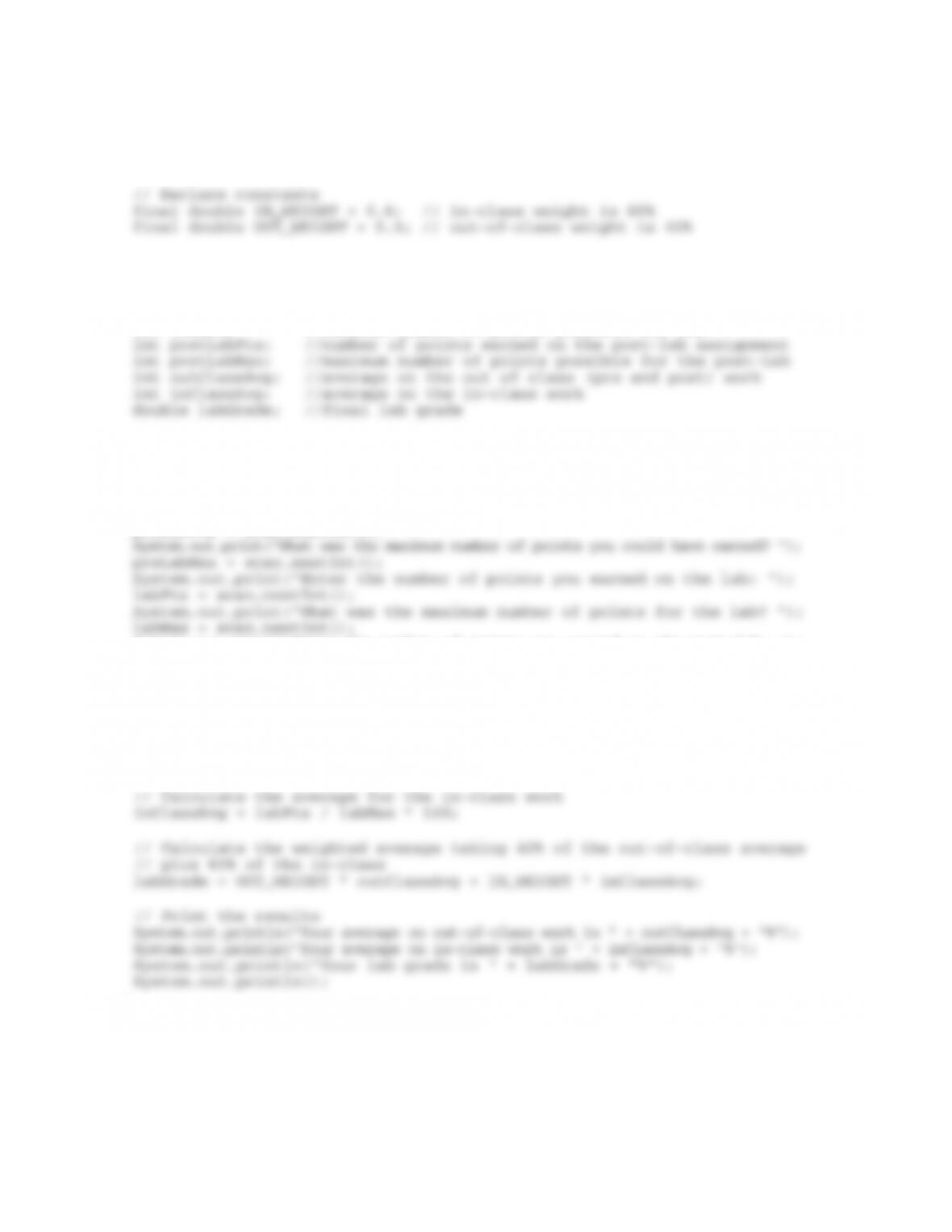
// ***************************************************************
// LabGrade.java
// This program computes a student’s lab grade from
Chapter 2: Data and Expressions 21
public class LabGrade
{
public static void main (String[] args)
{
// Declare variables
int preLabPts; //number of points earned on the pre-lab assignment
int preLabMax; //maximum number of points possible for pre-lab
int labPts; //number of poitns earned on the lab
int labMax; //maximum number of points possible for lab
Scanner scan = new Scanner(System.in);
// Get the input
System.out.println(“\nWelcome to the Lab Grade Calculator\n”);
System.out.print(“Enter the number of points you earned on the pre-lab: “);
preLabPts = scan.nextInt();
System.out.print(“Enter the number of points you earned on the post-lab: “);
postLabPts = scan.nextInt();
System.out.print(“What was the maximum number of points for the post-lab? “);
postLabMax = scan.nextInt();
System.out.println();
// Calculate the average for the out of class work
outClassAvg = preLabPts + postLabPts / preLabMax + postLabMax * 100;
}
}