
1
This lecture is an introduction to classes, telling what classes are and
Before this lecture, students should have a some understanding of
❐Chapter 2 introduces Object
Oriented Programming.
❐OOP is a relatively new
approach to programming
Object Oriented
Programming
2
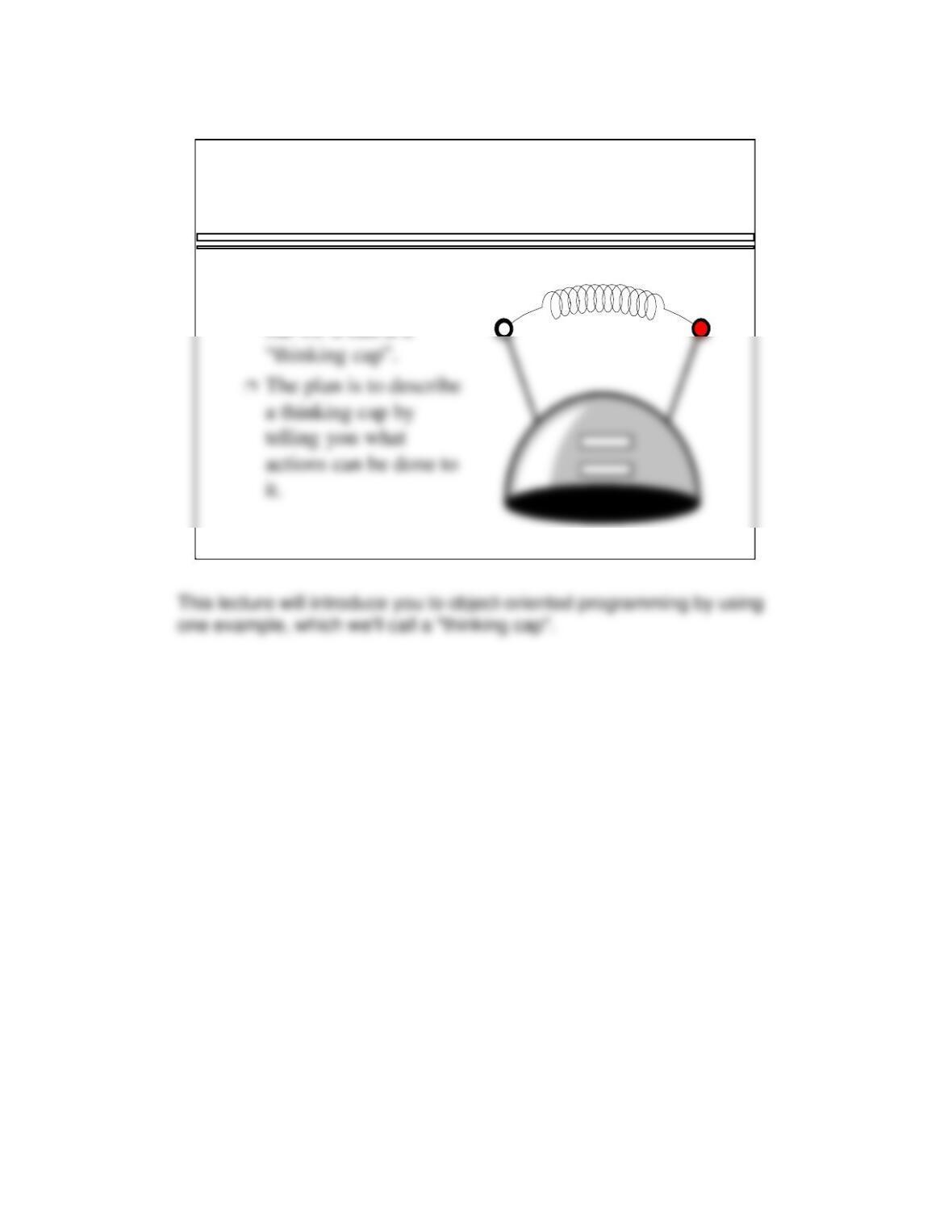
What is this Object ?
❐There is no real
answer to the question,
but we’ll call it a
3
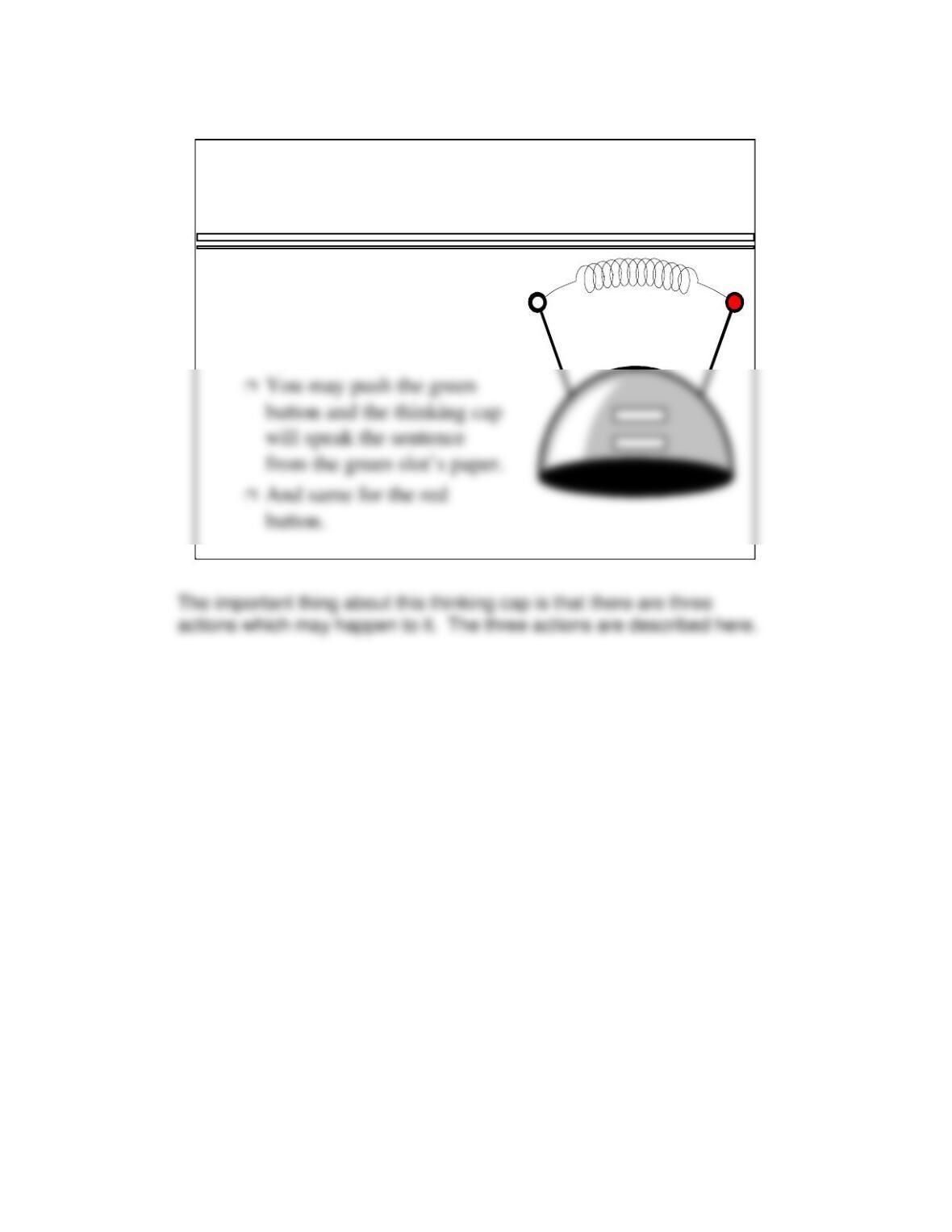
Using the Object’s Slots
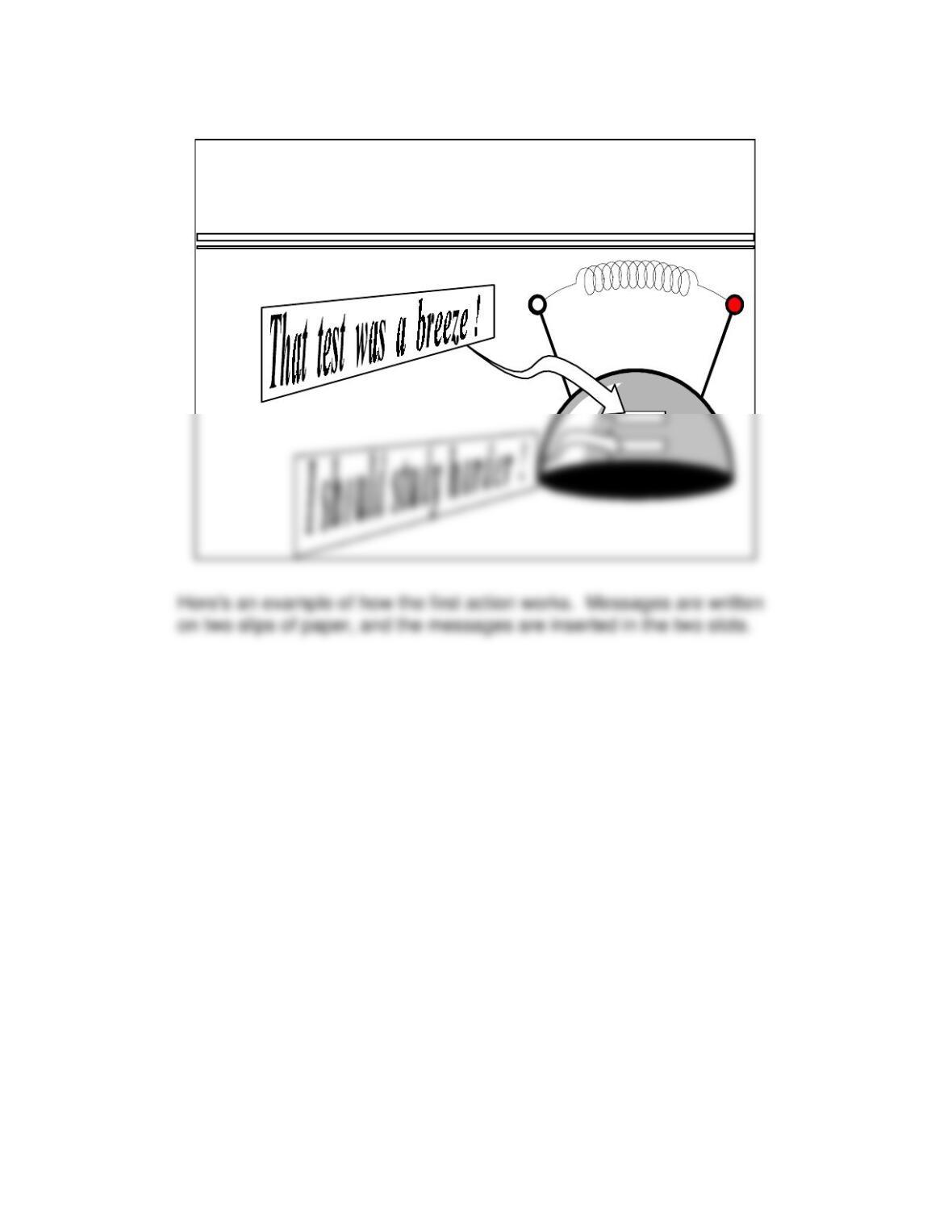
❐You may put a piece of
paper in each of the two
slots (green and red), with a
sentence written on each.
4
Example
5
Example
6
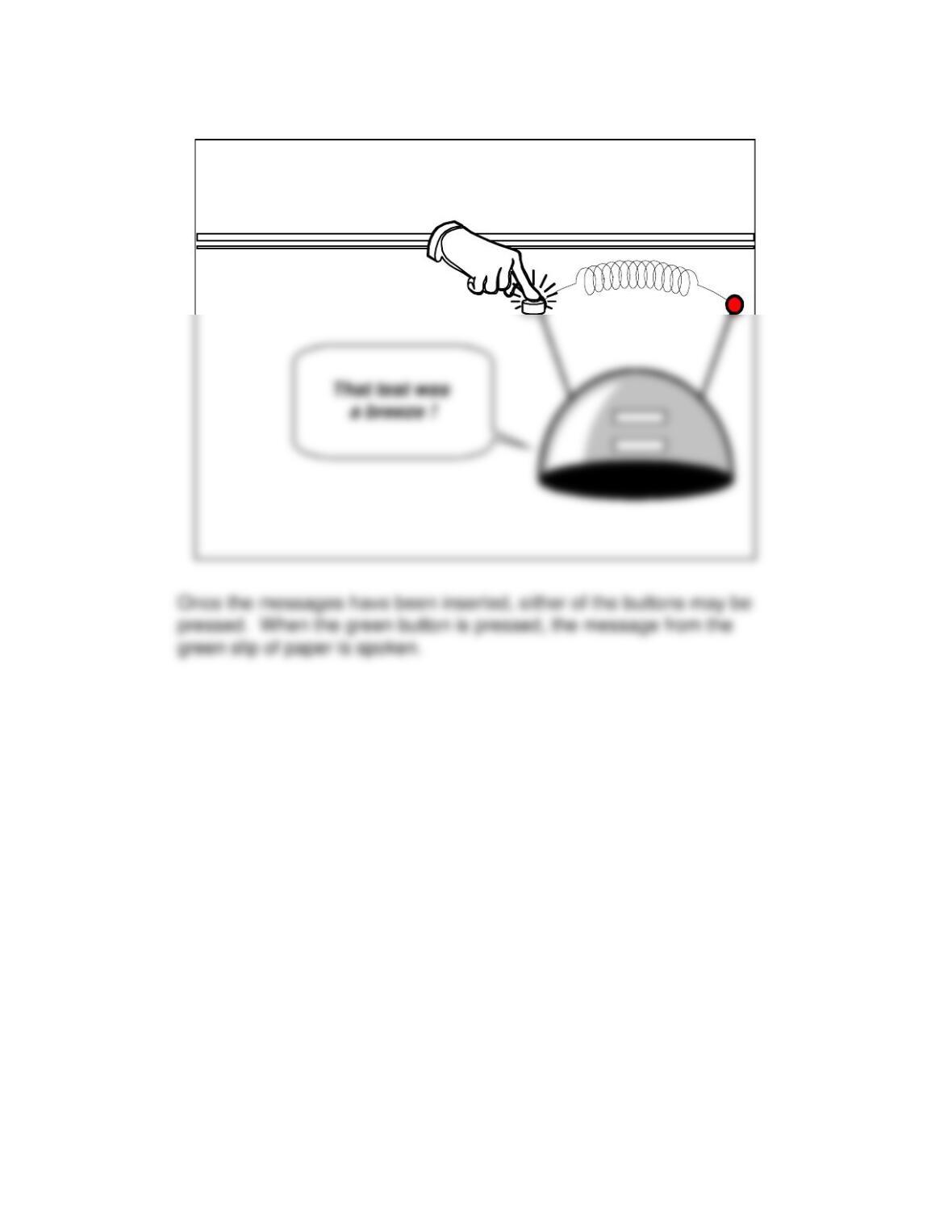
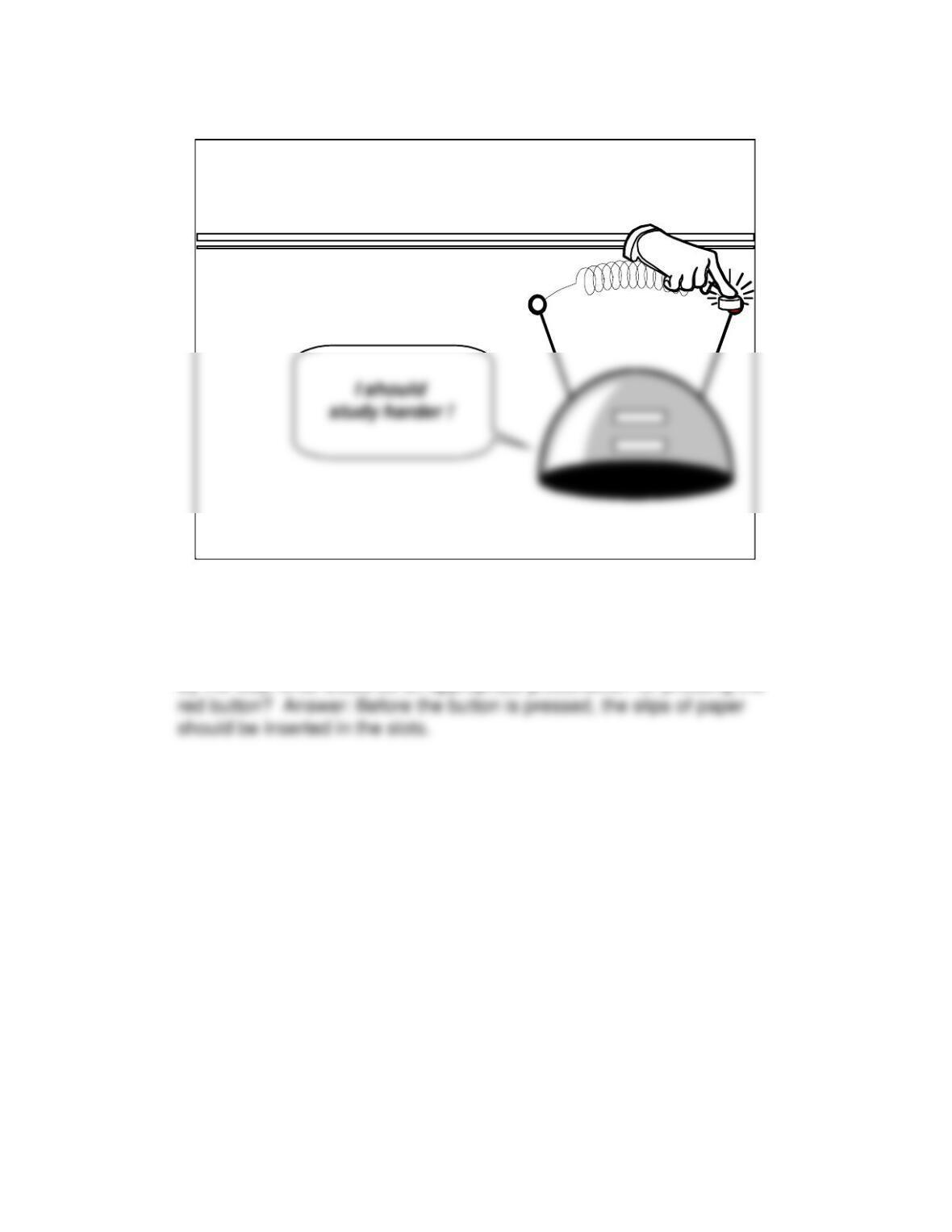
When the red button is pressed, the message from the red slip of paper
is spoken.
By the way, what would be an appropriate precondition for pressing the
Example
7
Thinking Cap Implementation
❐We can implement the
thinking cap using a
data type called a
class.
class ThinkingCap
{
. . .
};
8
The particular class we have in mind has two components that store the
two sentences that are inserted in those slots. These components can
Thinking Cap Implementation
❐The class will have
two components called
green_string and
red_string. These
class ThinkingCap
{
. . .
char green_string[50];
9
The first class feature is that class components are allowed to be
Thinking Cap Implementation
➊The two components
will be private
member variables.
This ensures that
nobody can directly
access this
class ThinkingCap
{
. . .
private:
char green_string[50];
char red_string[50];
10
Thinking Cap Implementation
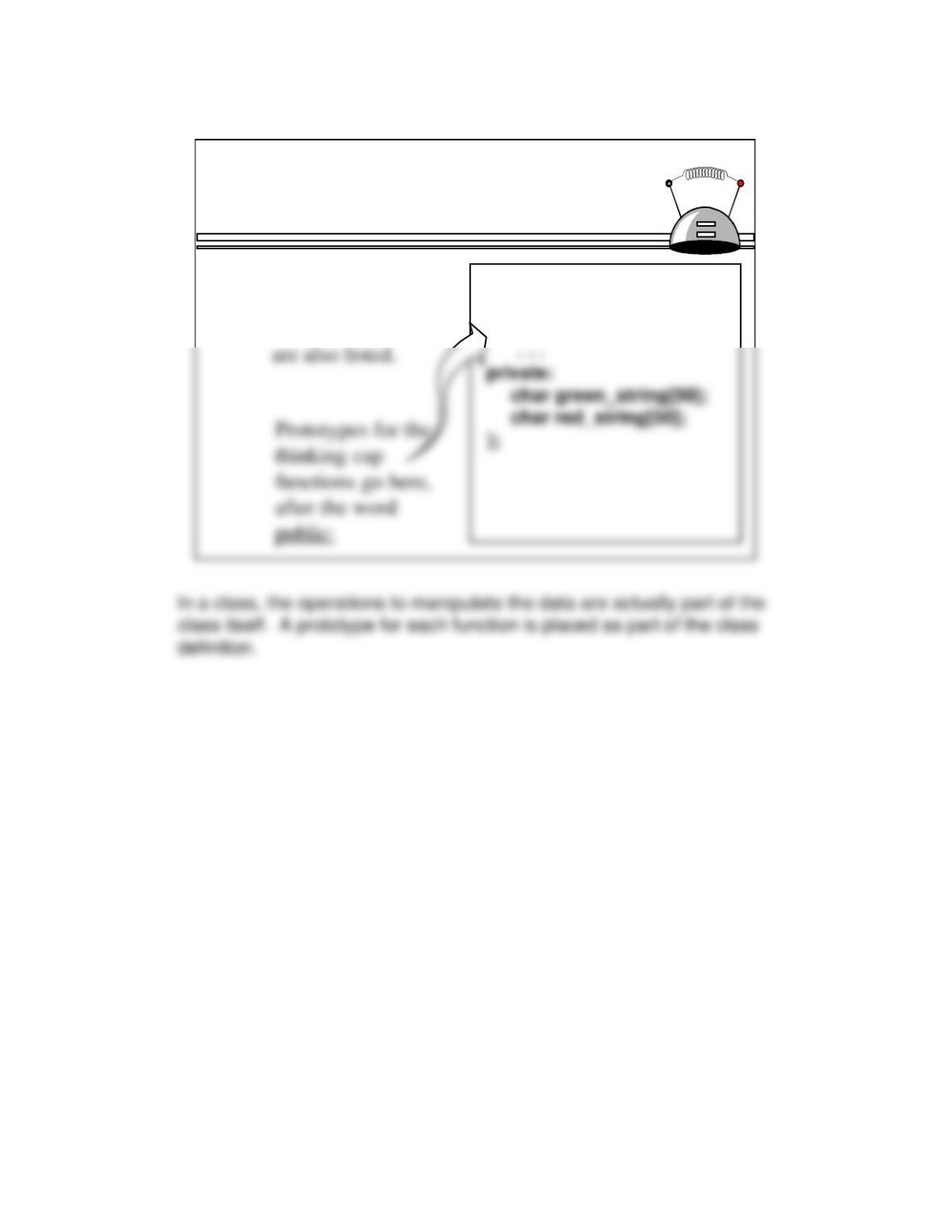
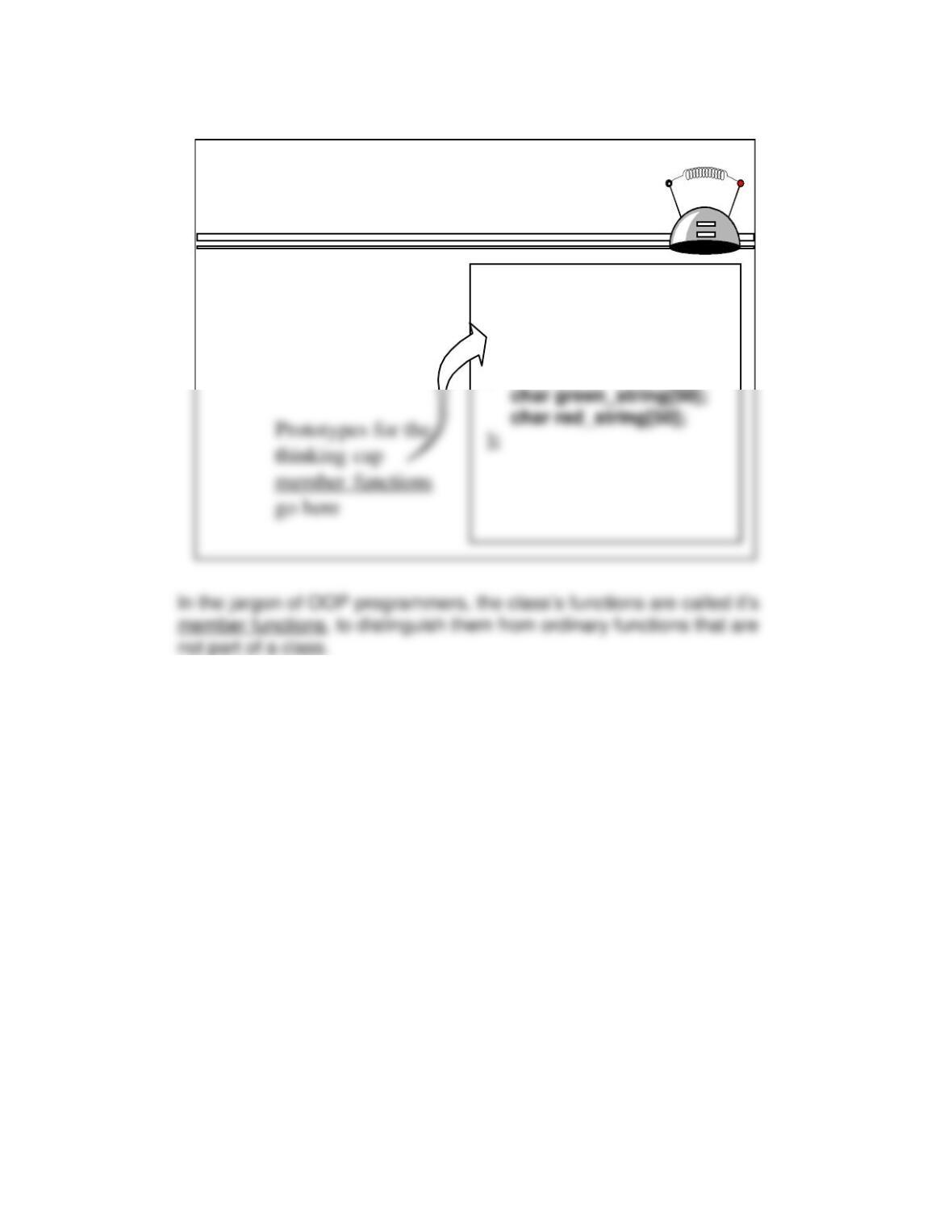
➋In a class, the
functions which
manipulate the class
class ThinkingCap
{
public:
11
Thinking Cap Implementation
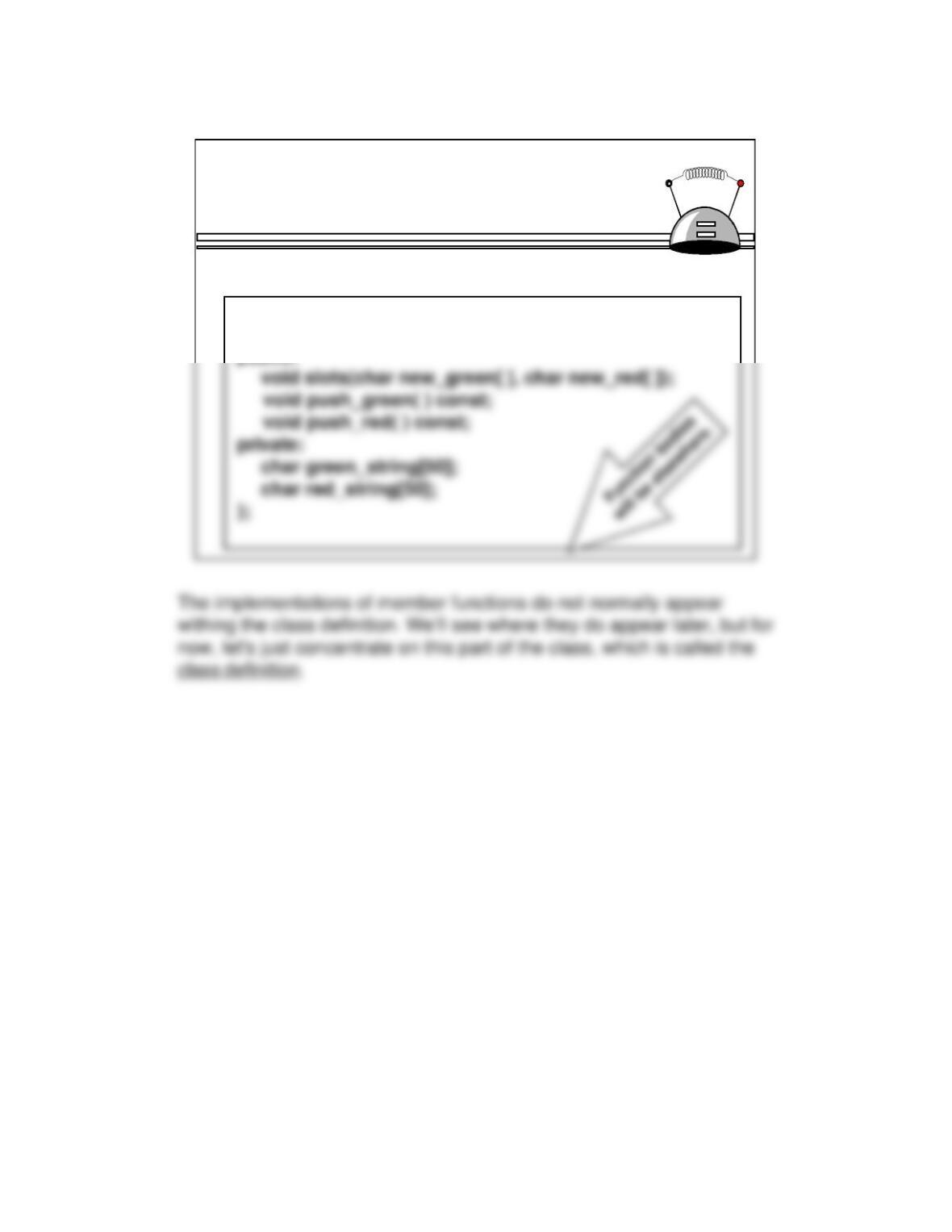
➋In a class, the
functions which
manipulate the class
are also listed.
class ThinkingCap
{
public:
. . .
private:
12
Thinking Cap Implementation
class ThinkingCap
{
public:
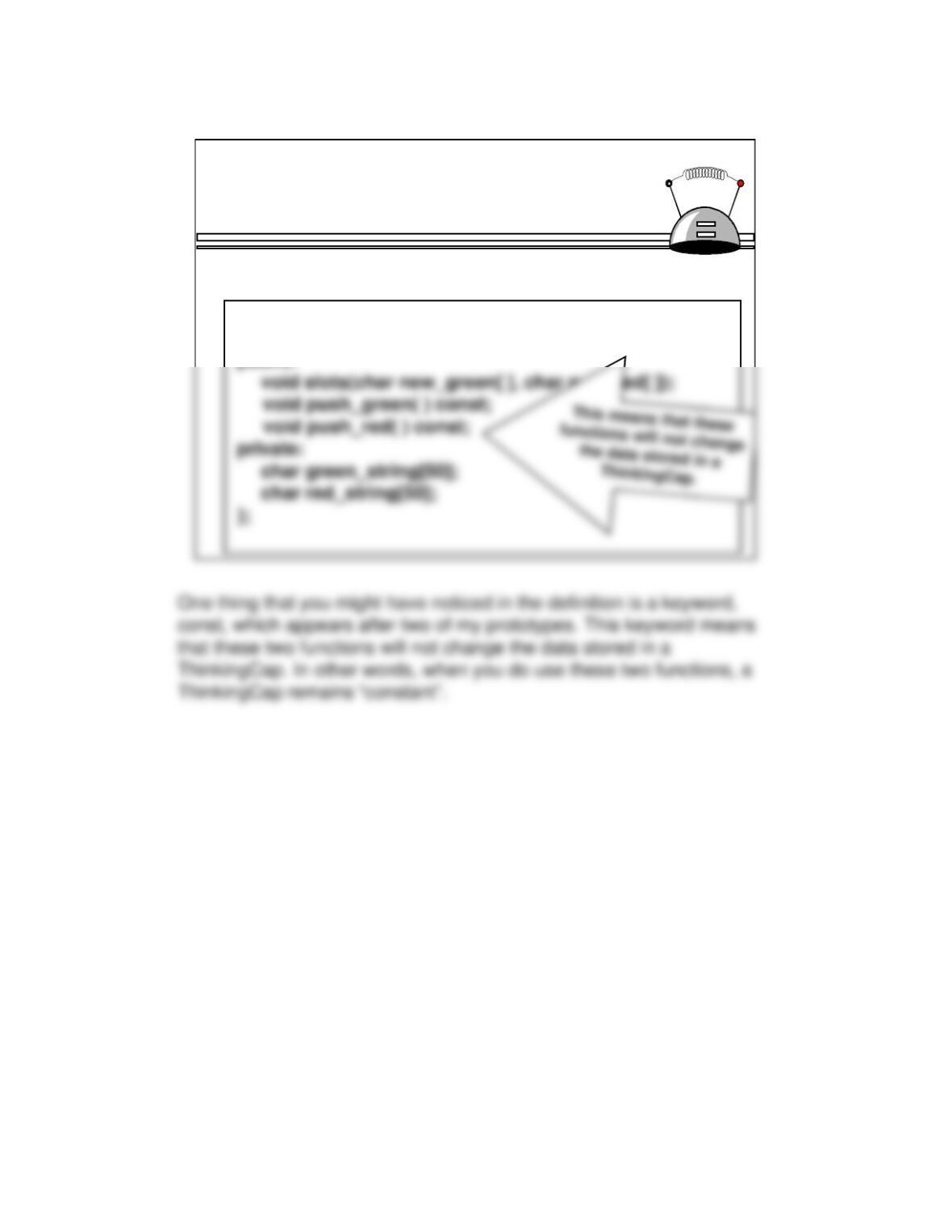
Our thinking cap has at least three member functions:
13
Thinking Cap Implementation
class ThinkingCap
{
public:
The keyword const appears after two prototypes:
14
Typically, a class definition is placed in a separate header file along
Files for the Thinking Cap
❐The ThinkingCap class
definition, which we have
just seen, is placed with
documentation in a file called
Documentation

15
Any program that uses a class requires an include statement indicating
Using the Thinking Cap
❐A program that
wants to use the
#include <iostream.h>
#include <stdlib.h>

16
After the include statement, we may declare and use variables of the
Using the Thinking Cap
❐Just for fun, the
#include <iostream.h>

17
Using the Thinking Cap
❐Just for fun, the
example program
will declare two
#include <iostream.h>
#include <stdlib.h>
#include “thinker.h”

18
Using the Thinking Cap
❐The program
starts by
#include <iostream.h>
#include <stdlib.h>

19
Using the Thinking Cap
❐The program
starts by
#include <iostream.h>
#include <stdlib.h>
20
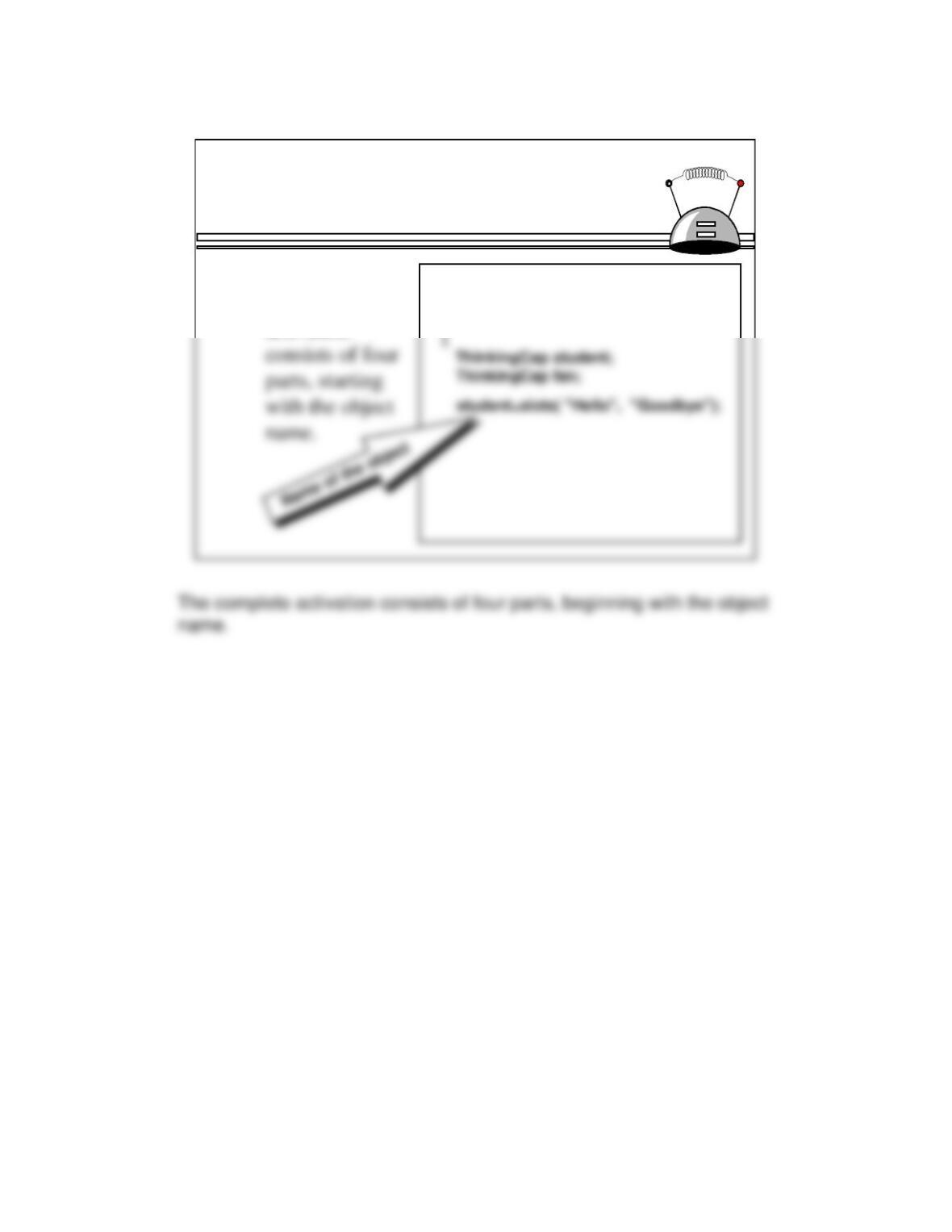
Using the Thinking Cap
➊The member
function
activation
int main( )