
1
This lecture shows a common application of binary trees: Binary Search
Trees used to implement a Dictionary data type.
similar to a dictionary (for example, a bag or a set).
❐One of the tree applications in
Chapter 10 is binary search trees.
❐In Chapter 10, binary search trees
are used to implement bags and
sets.
Binary Search Trees
2
This lecture shows how to use a binary tree to implement an abstract
data structure called a Dictionary. We’ll start by explaining what a
So, what is a Dictionary? In many ways it is like other ADTs that you
The Dictionary Data Type
❐A dictionary is a collection
of items, similar to a bag.
3
The Dictionary Data Type
❐A dictionary is a collection
of items, similar to a bag.
❐But unlike a bag, each item
4
The key for each record is the name of the state. In general, the keys
could be some other sort of value such as social security numbers. The
The Dictionary Data Type
❐A dictionary is a collection
of items, similar to a bag.
❐But unlike a bag, each item
5
When an item is placed into the Dictionary, we must specify both the
record of information and the key that is attached to that information.
The Dictionary Data Type
❐The insertion procedure for a
dictionary has two
void Dictionary::insert(The key for the new item, The new item);
6
When you want to retrieve information from the Dictionary, you call a
The Dictionary Data Type
❐When you want to retrieve
an item, you specify the
key...
7
The Dictionary Data Type
❐When you want to retrieve
an item, you specify the
8
That’s enough about the abstract workings of a Dictionary. Now we are
going to look at how a binary tree can be used to store the information
The Dictionary Data Type
❐We’ll look at how a binary
9
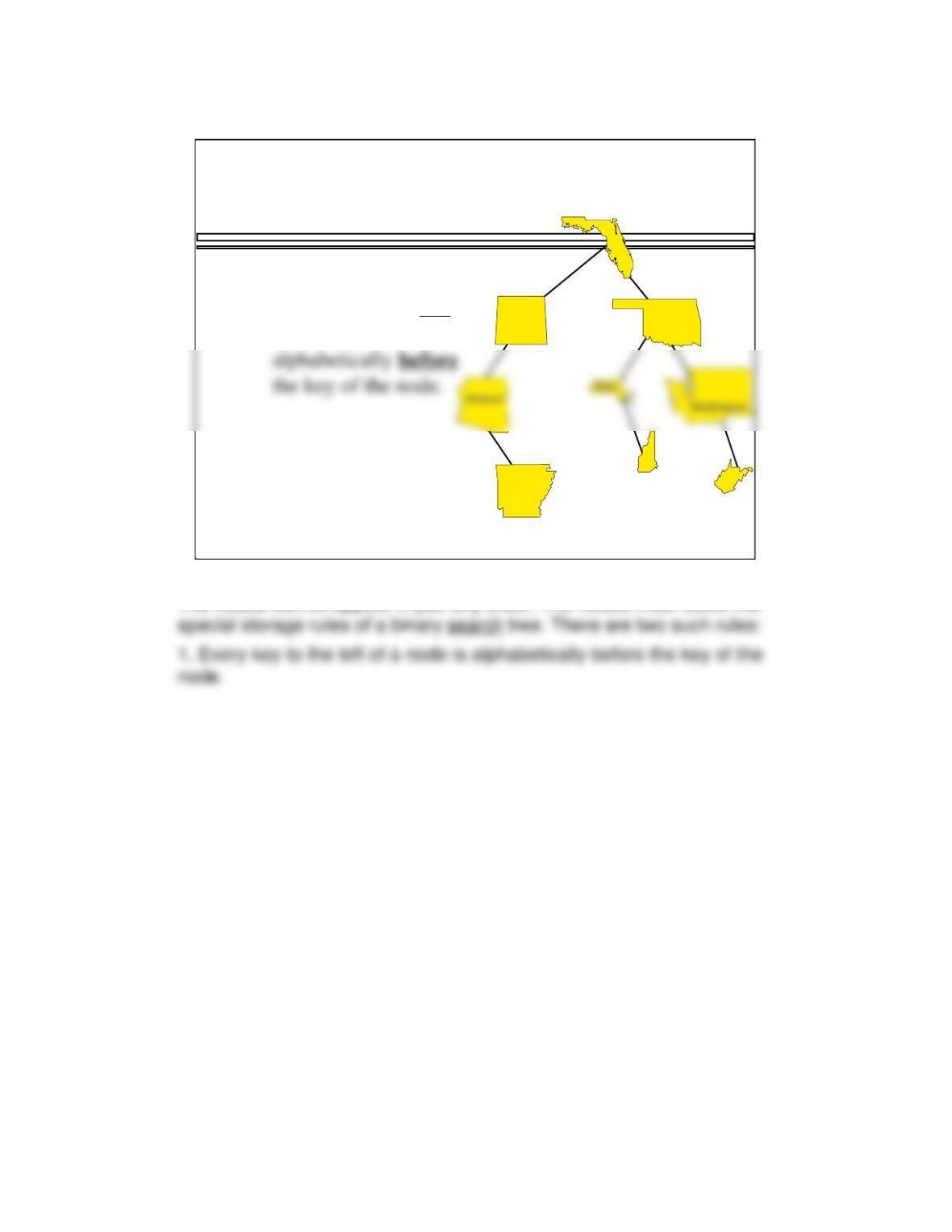
As you might have guessed, the data in the dictionary will be stored in a
Colorado
A Binary Search Tree of States
The data in the
dictionary will
be stored in a
Oklahoma
Florida
10
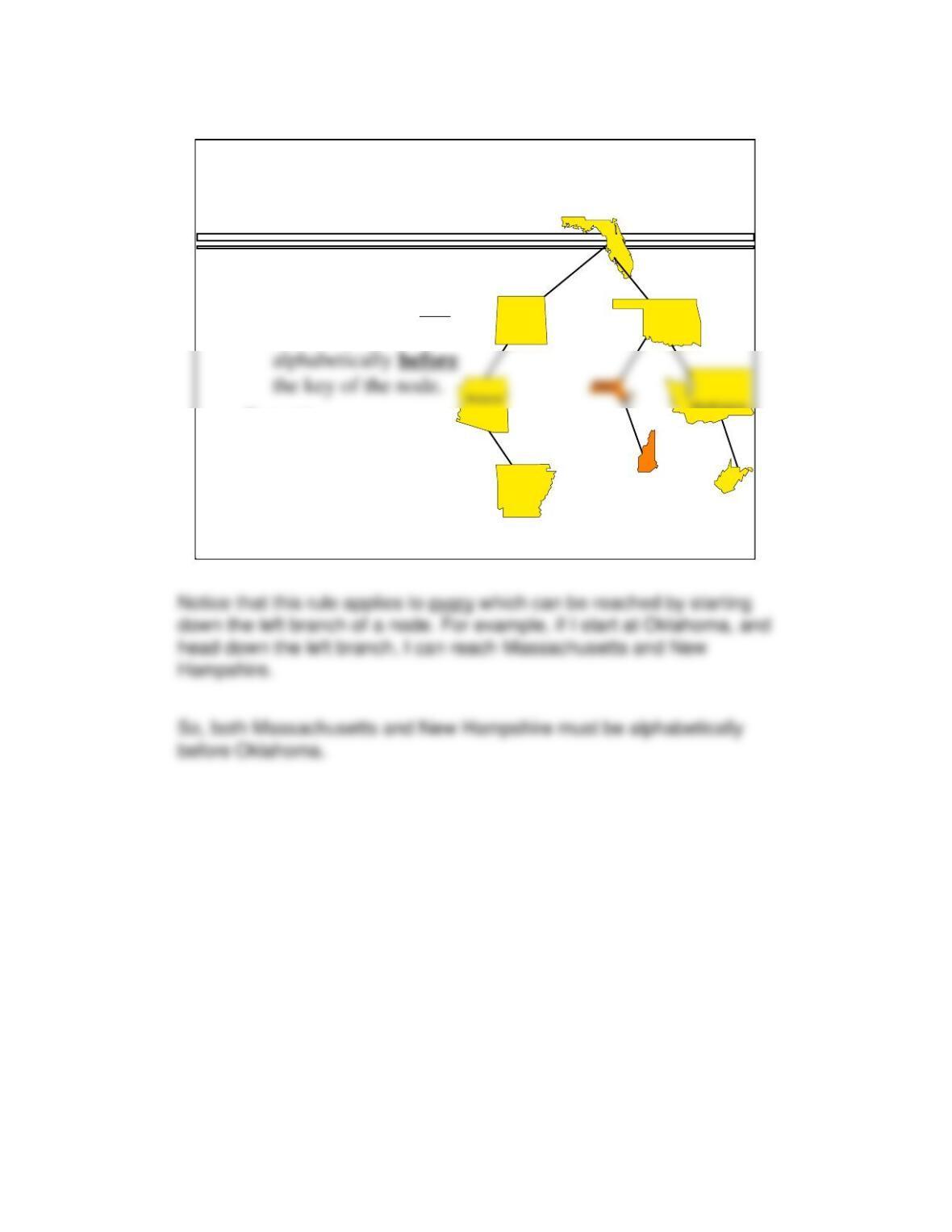
The nodes cannot appear in just any order. The nodes must follow the
Colorado
Arkansas
A Binary Search Tree of States
Oklahoma
Colorado
Florida
New
Hampshire
West
Virginia
Storage rules:
❶Every key to the left
of a node is
11
Colorado
Arkansas
A Binary Search Tree of States
Storage rules:
❶Every key to the left
of a node is
Washington
Oklahoma
Florida
New
Hampshire
West
Virginia
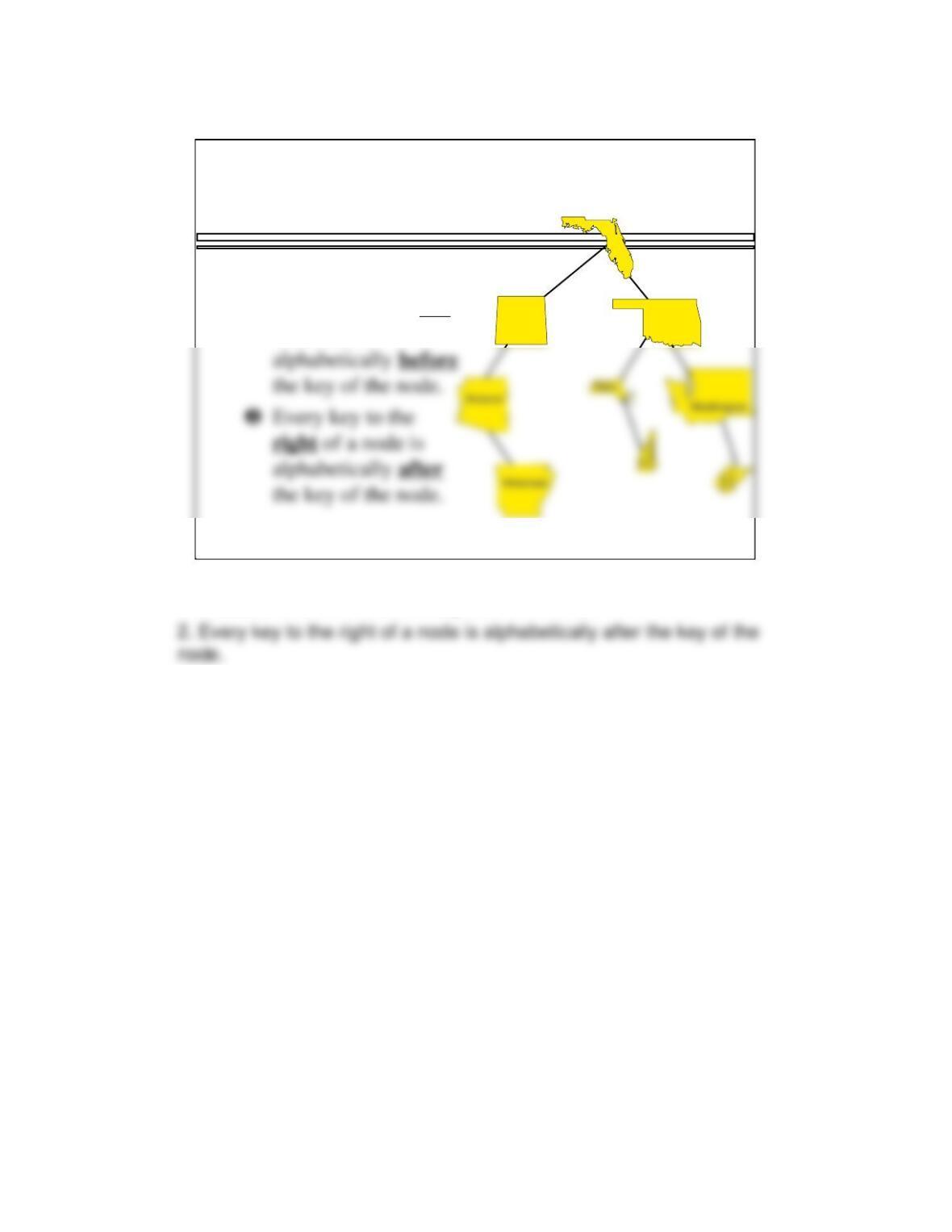
Example:
‘ Massachusetts’ and
‘ New Hampshire’
are alphabetically
before ‘Oklahoma’
12
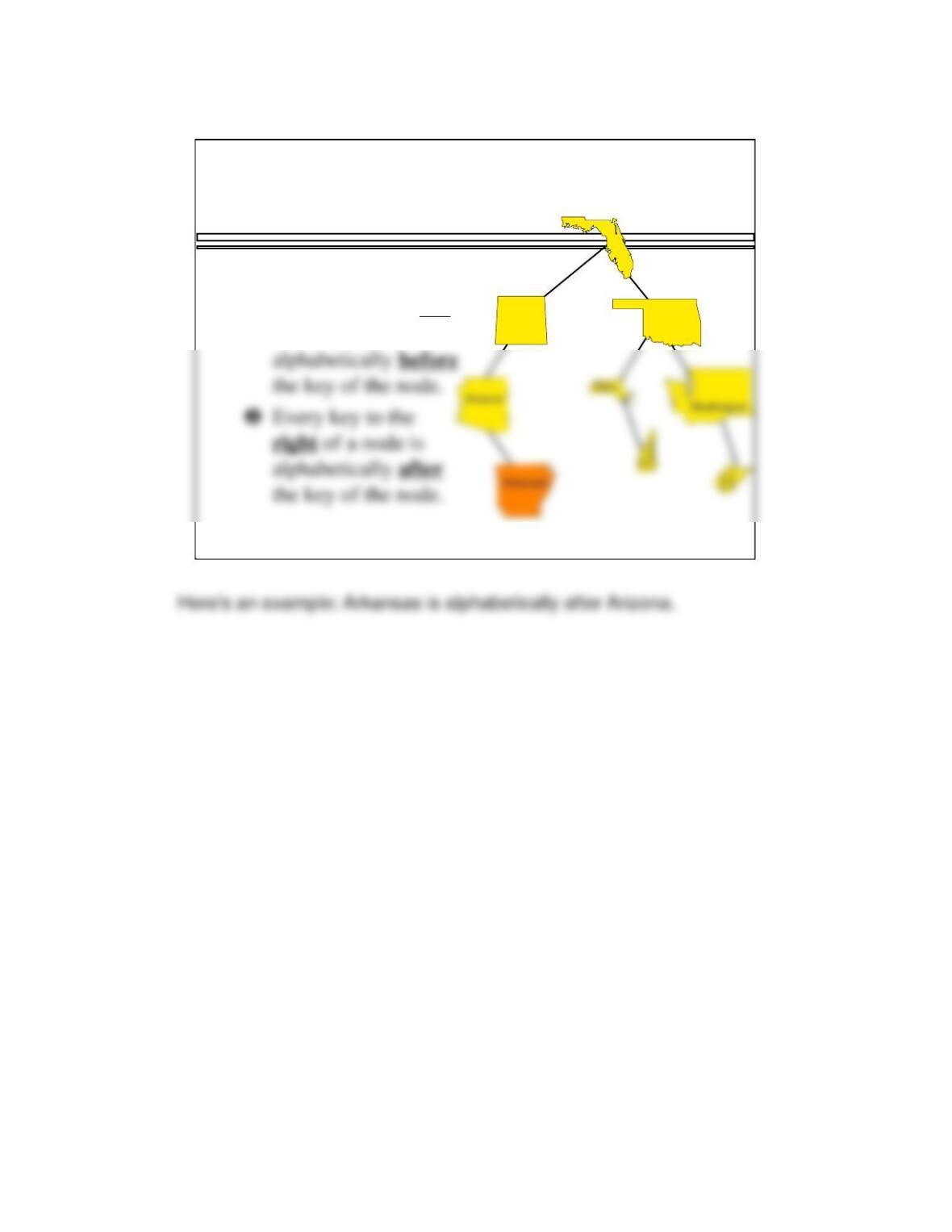
The second rule is the mirror image of the first rule:
A Binary Search Tree of States
Storage rules:
❶Every key to the left
of a node is
Oklahoma
Colorado
Florida
13
A Binary Search Tree of States
Storage rules:
❶Every key to the left
of a node is
Oklahoma
Colorado
Florida
14
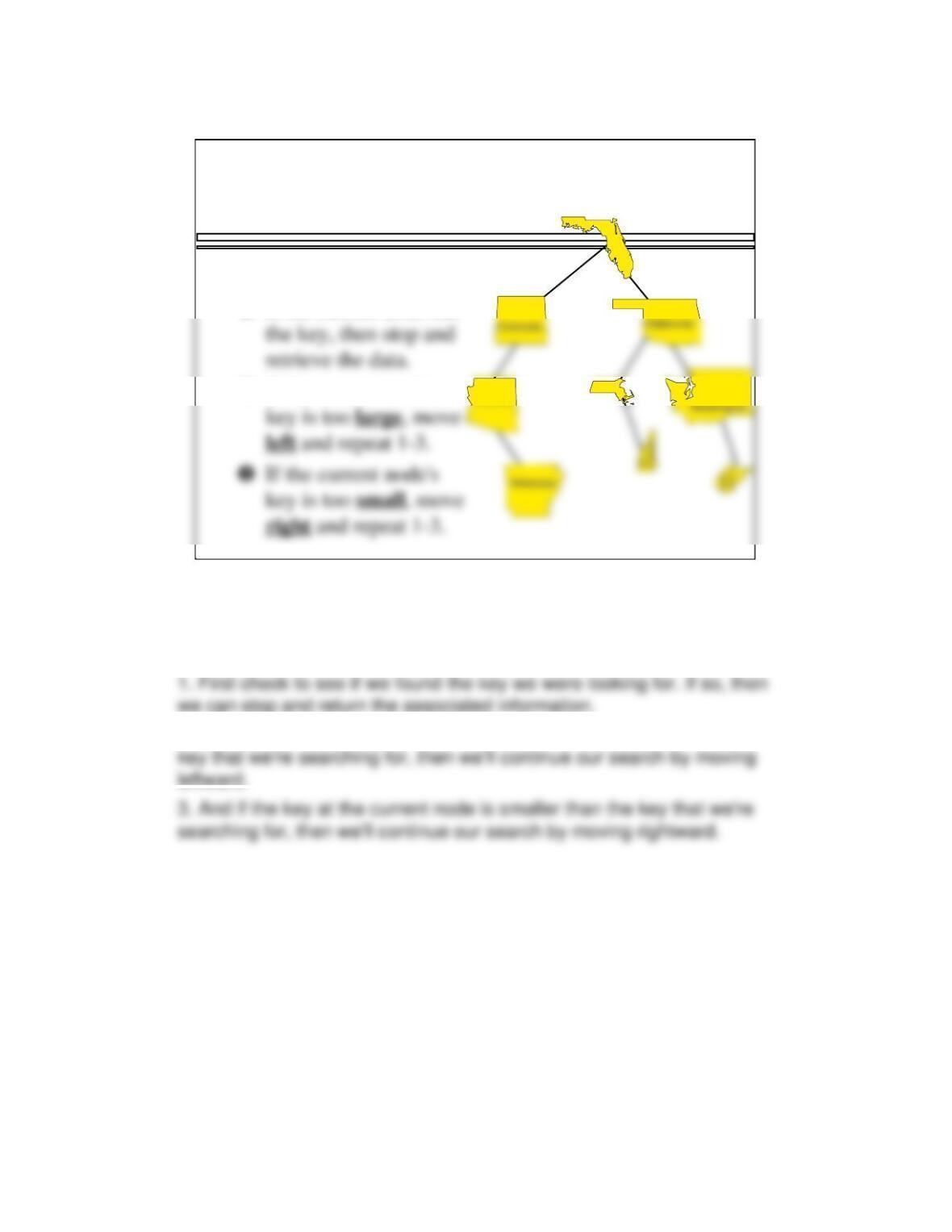
Once a tree is organized according to the storage rule of a binary
search tree, it is easy to find any particular key, following this algorithm.
The algorithm starts at the root and repeatedly executes these steps.
2. On the other hand, if the key at the current node is larger than the
Arizona
Retrieving Data
Start at the root.
❶If the current node has
❷If the current node’s
Florida
Mass.
15
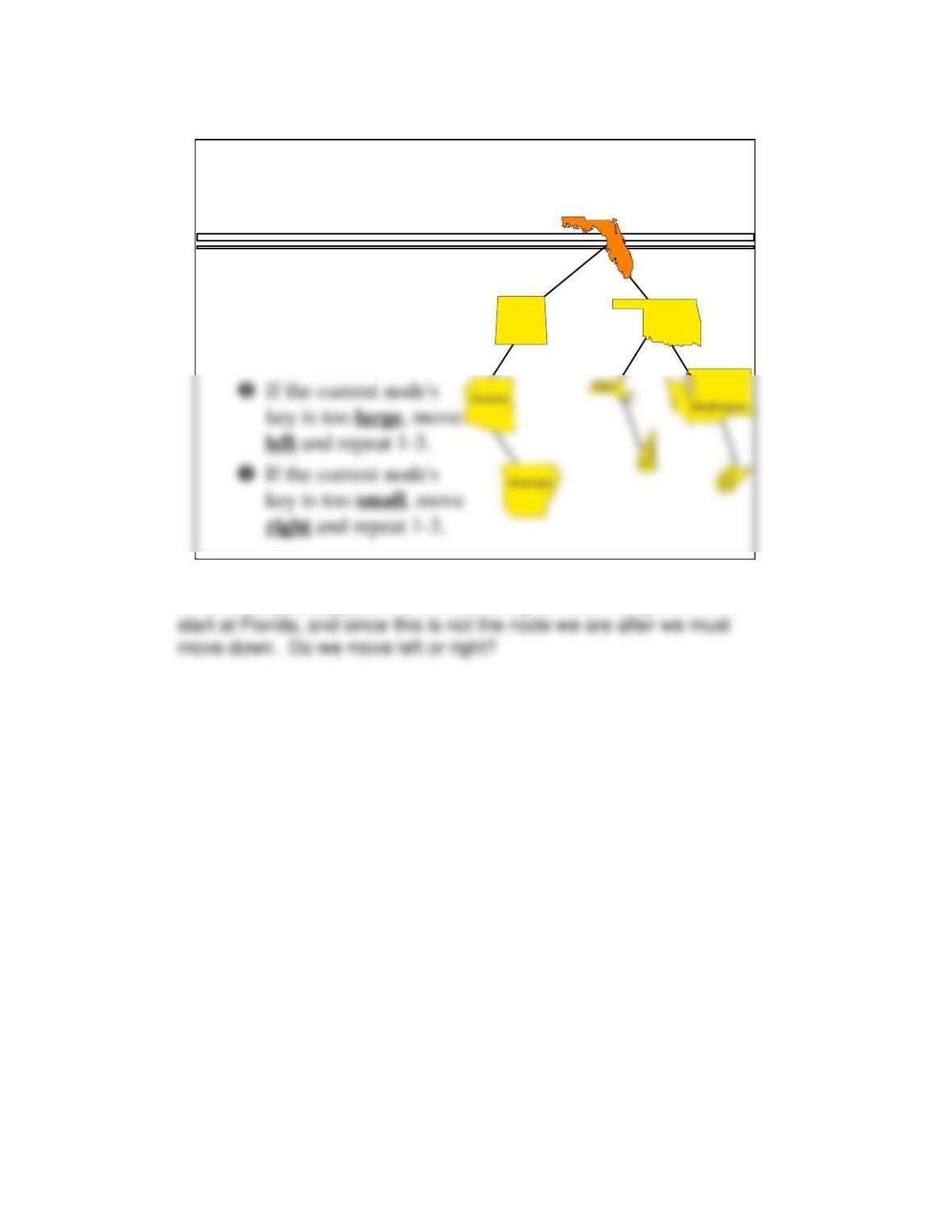
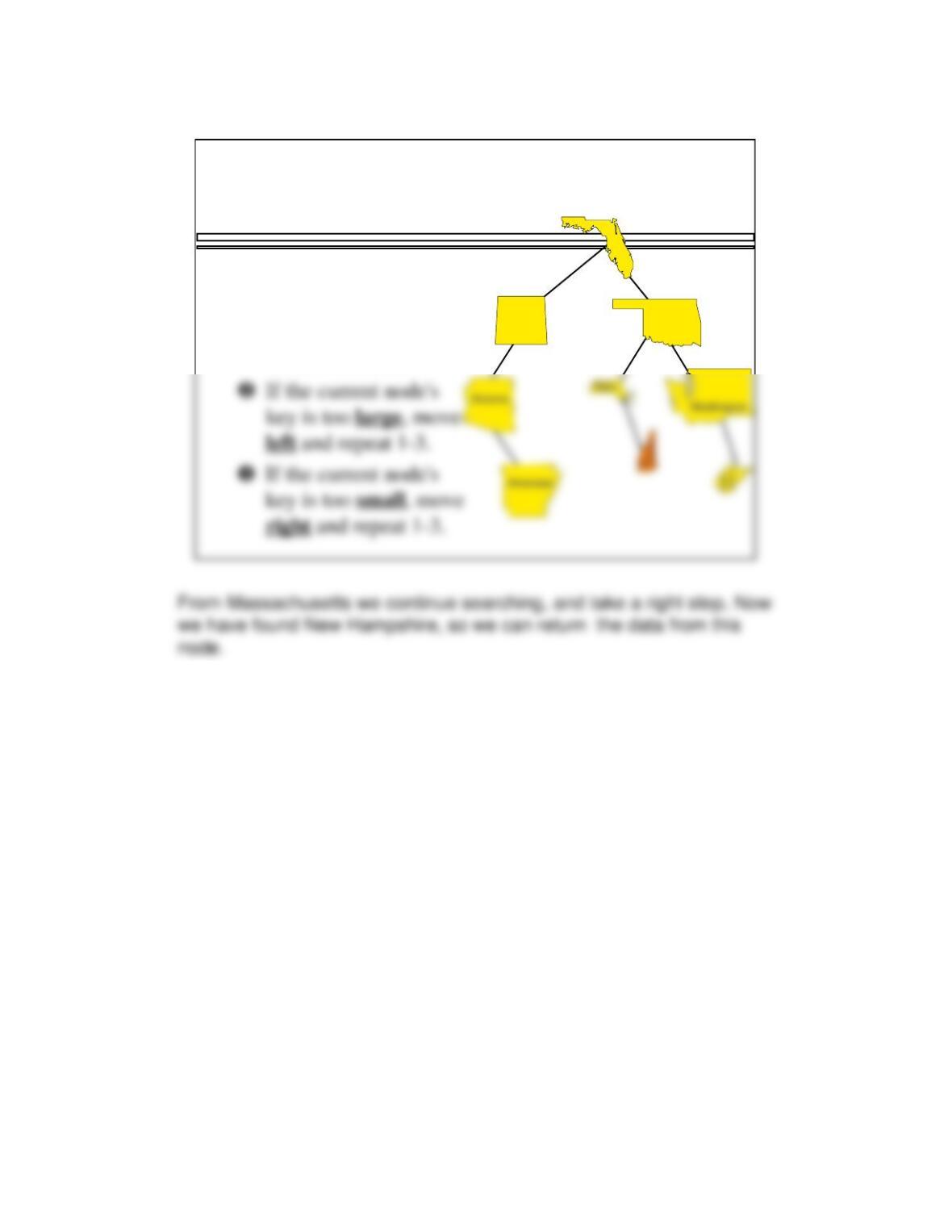
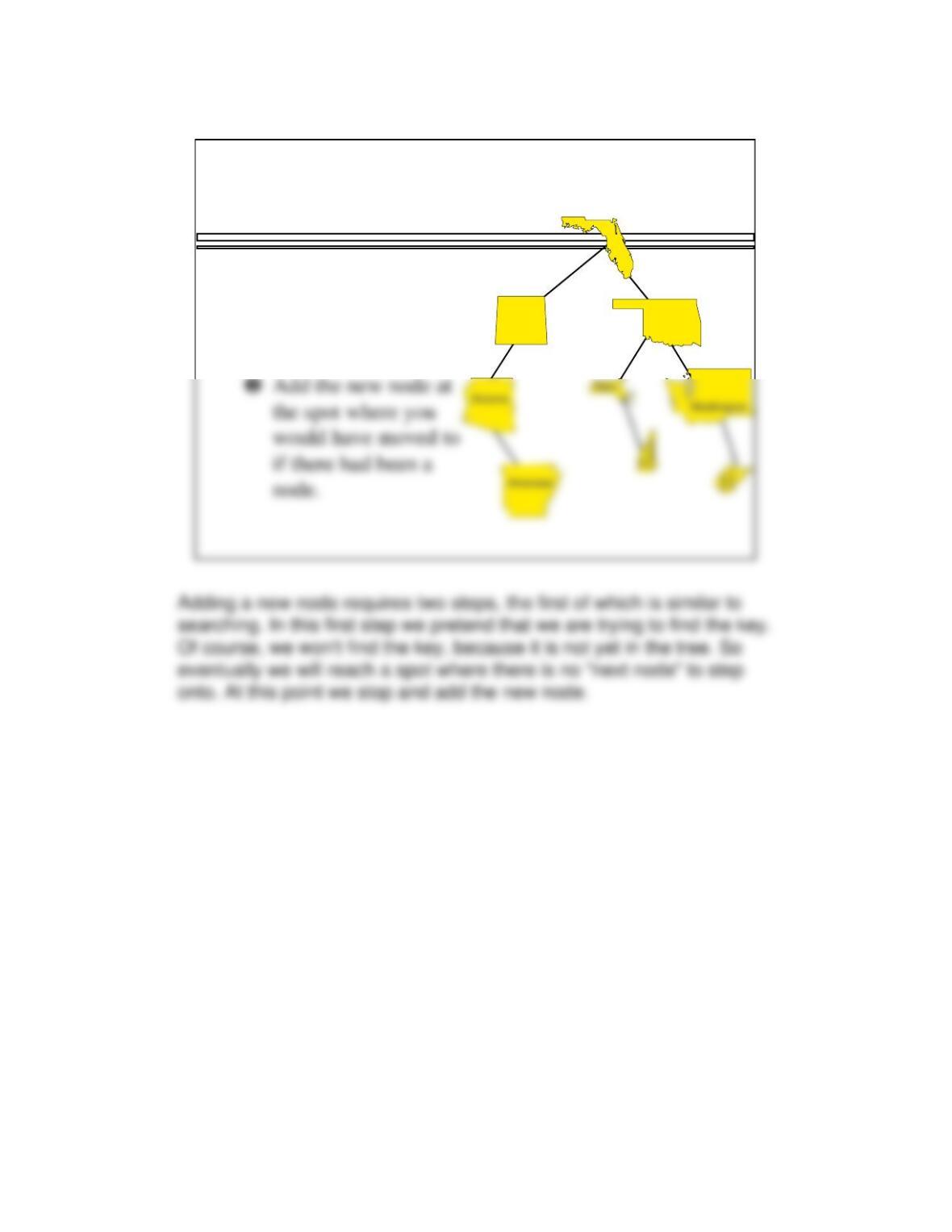
As an example, suppose we are searching for New Hampshire. We
Retrieve ‘ New Hampshire’
Oklahoma
Colorado
Florida
Start at the root.
❶If the current node has
the key, then stop and
retrieve the data.
16
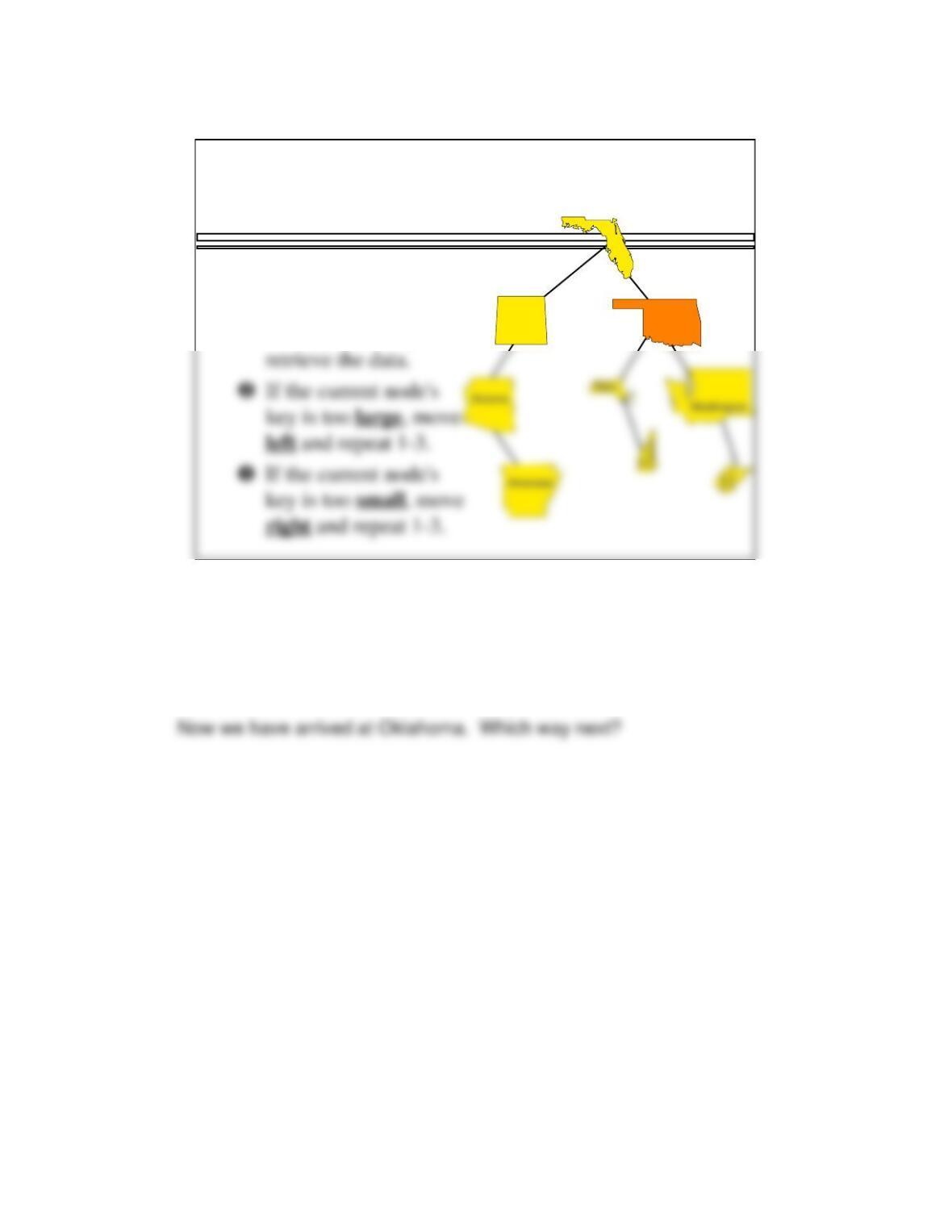
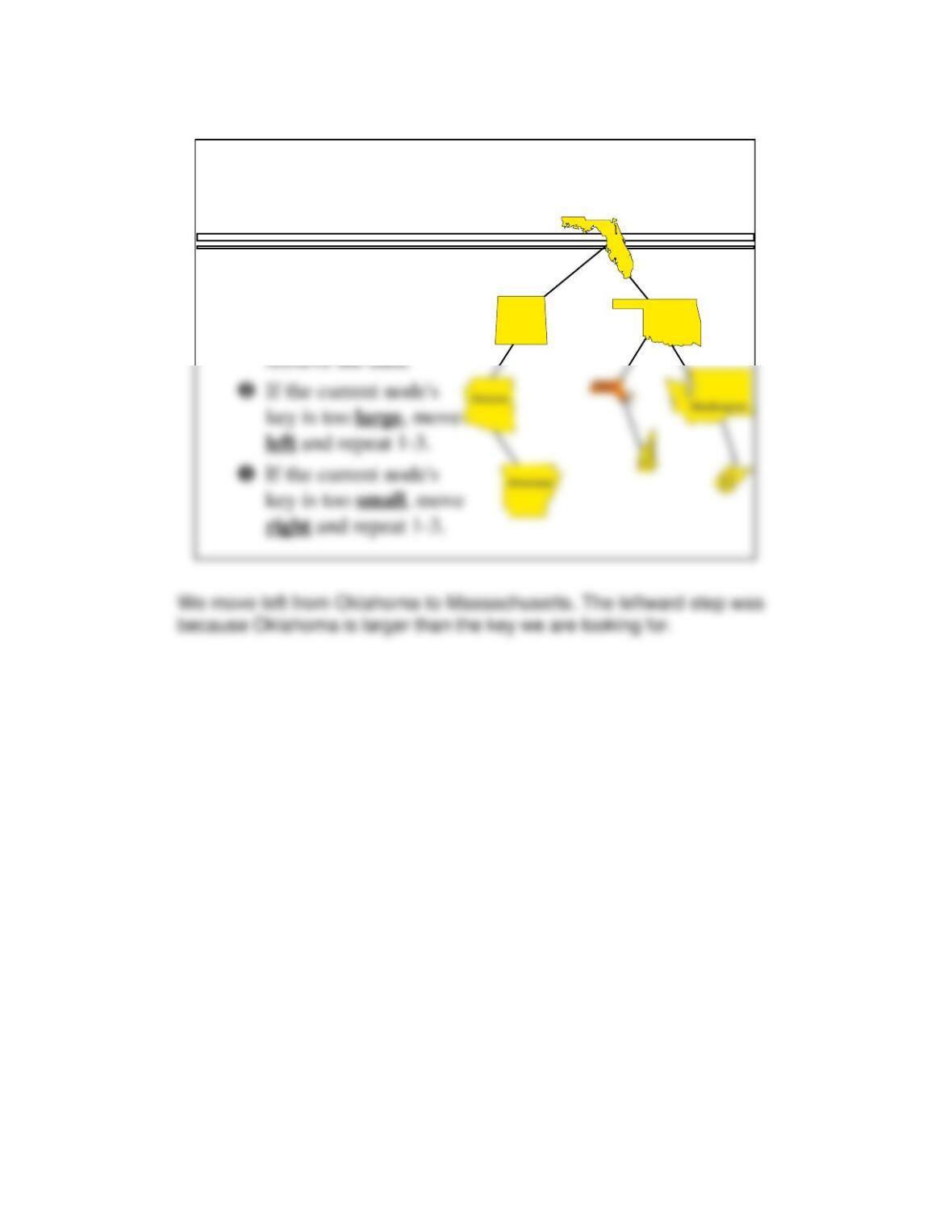
We have moved right from Florida, because Florida is smaller than New
Hampshire. Or to be more specific: The name “Florida” is
alphabetically before the name “New Hampshire”. That’s what we
mean by “smaller”.
Retrieve ‘New Hampshire’
Oklahoma
Colorado
Florida
Start at the root.
❶If the current node has
the key, then stop and
17
Retrieve ‘New Hampshire’
Oklahoma
Colorado
Florida
Start at the root.
❶If the current node has
the key, then stop and
18
Retrieve ‘New Hampshire’
Oklahoma
Colorado
Florida
Start at the root.
❶If the current node has
the key, then stop and
retrieve the data.
19
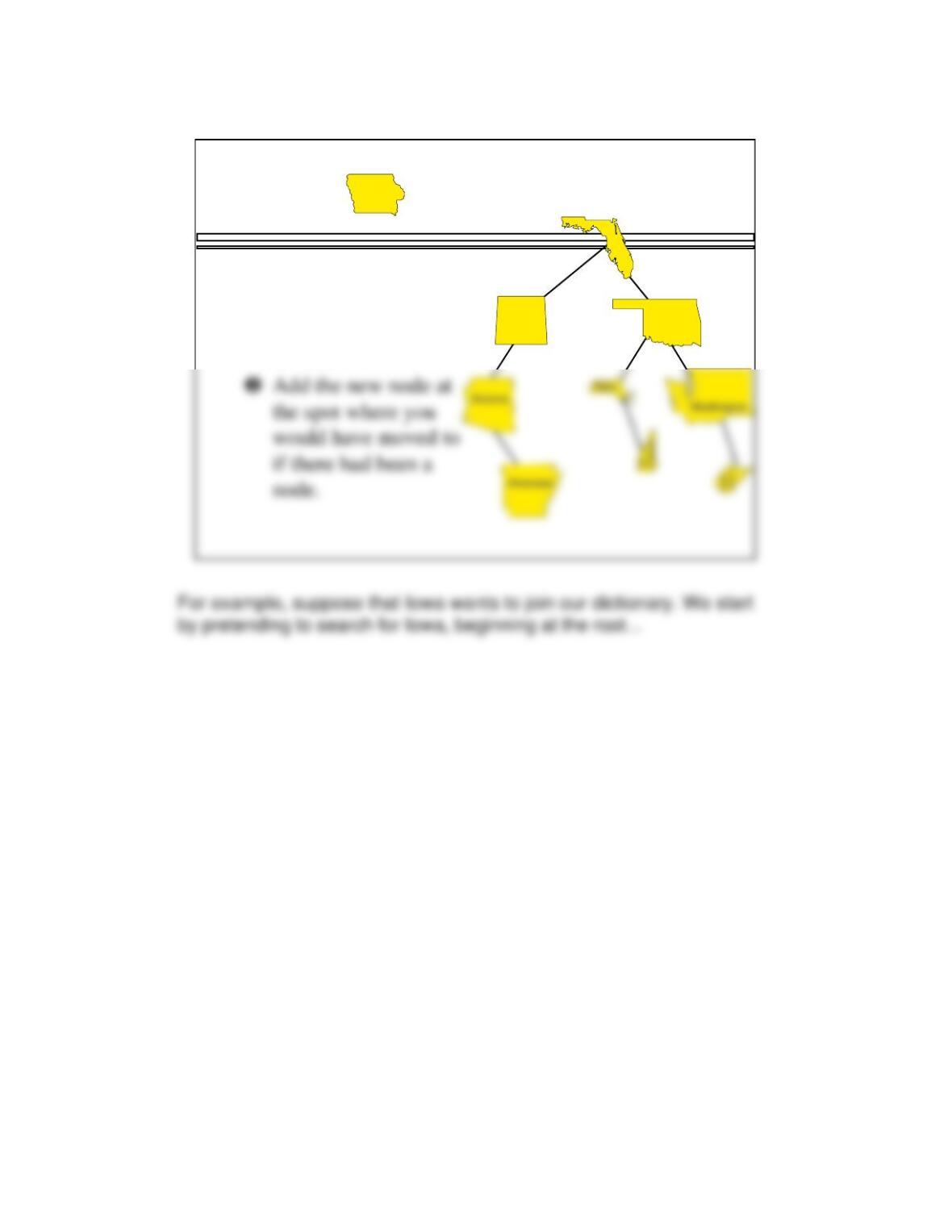
Adding a New Item with a
Given Key
❶Pretend that you are
trying to find the key,
but stop when there is
no node to move to.
Oklahoma
Colorado
Florida
20
Adding
❶Pretend that you are
trying to find the key,
but stop when there is
no node to move to.
Oklahoma
Colorado
Florida
Iowa