Wireshark Lab: NAT
SOLUTION
Supplement to Computer Networking: A Top-Down
Approach, 6th ed., J.F. Kurose and K.W. Ross
© 2005–21012, J.F Kurose and K.W. Ross, All Rights Reserved
In this lab, we’ll investigate the behavior of the NAT protocol. This lab will be different
from our other Wireshark labs, where we’ve captured a trace file at a single Wireshark
measurement point. Because we’re interested in capturing packets at both the input and
output wides of the NAT device, we’ll need to capture packets at two locations. Also,
1. NAT Measurement Scenario
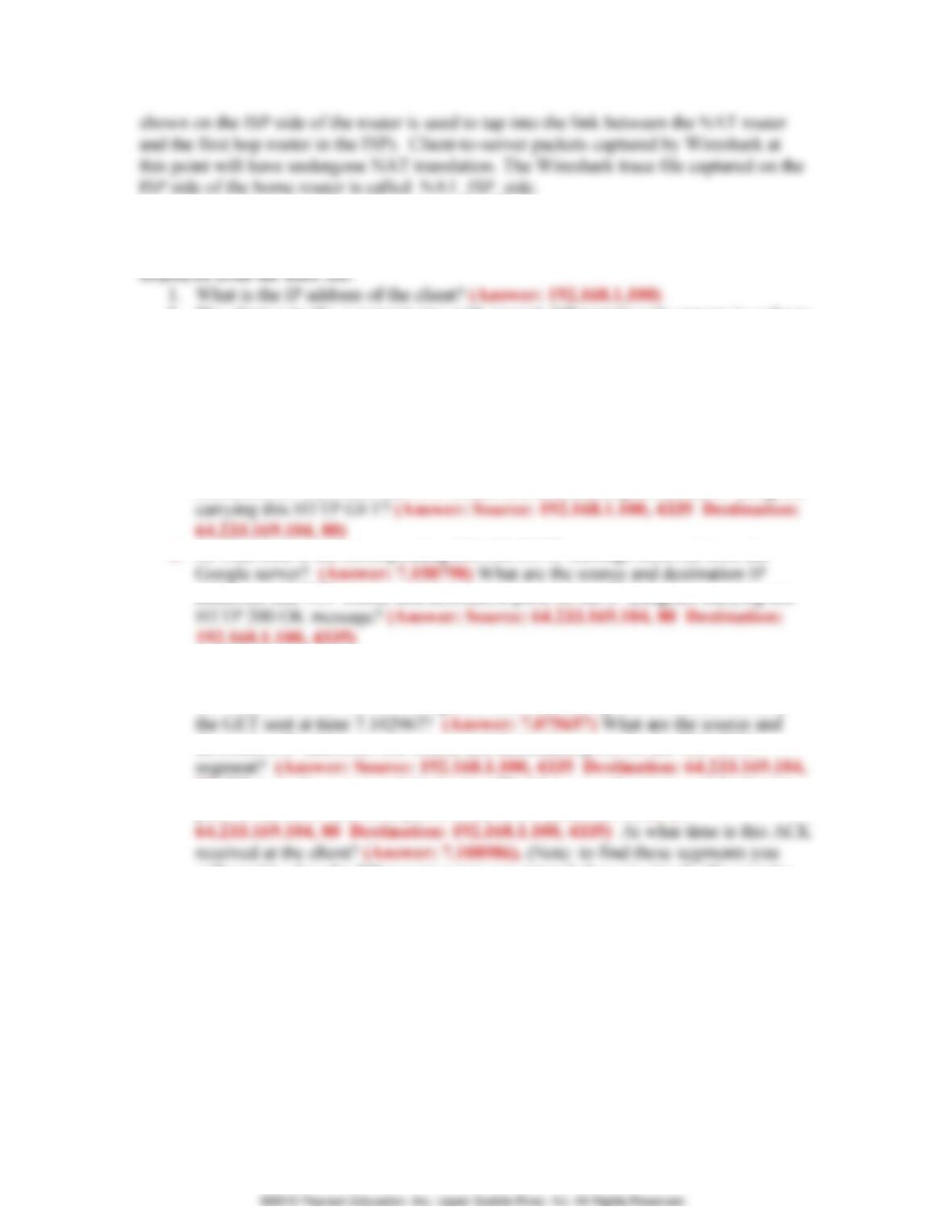
In this lab, we’ll capture
packets from a simple web
Wireshark trace-collection scenario. As in our other Wireshark labs, we collect a
Wireshark trace on the client PC in our home network. This file is called
NAT_home_side2. Because we are also interested in the packets being sent by the NAT
router into the ISP, we’ll collect a second trace file at a PC (not shown) tapping into the
link from the home router into the ISP network, as shown in Figure 1. (The hub device
NAT router
home network
ISP network
Open the NAT_home_side file and answer the following questions. You might find it
useful to use a Wireshark filter so that only frames containing HTTP messages are
displayed from the trace file.
1. What is the IP address of the client? (Answer: 192.168.1.100)
2. The client actually communicates with several different Google servers in order to
64.233.169.104” (without quotes) into the Filter: field in Wireshark .
3. Consider now the HTTP GET sent from the client to the Google server (whose IP
address is IP address 64.233.169.104) at time 7.102967. What are the source and
destination IP addresses and TCP source and destination ports on the IP datagram
4. At what time is the corresponding 200 OK HTTP message received from the
addresses and TCP source and destination ports on the IP datagram carrying this
5. Recall that before a GET command can be sent to an HTTP server, TCP must first
set up a connection using the three-way SYN/ACK handshake. At what time is
the client-to-server TCP SYN segment sent that sets up the connection used by
destination IP addresses and source and destination ports for the TCP SYN
80) What are the source and destination IP addresses and source and destination
ports of the ACK sent in response to the SYN. (Answer: Source:
will need to clear the Filter expression you entered above in step 2. If you enter
the filter “tcp”, only TCP segments will be displayed by Wireshark).
In the following we’ll focus on the two HTTP messages (GET and 200 OK) and the TCP
SYN and ACK segments identified above. Our goal below will be to locate these two
HTTP messages and two TCP segments in the trace file (NAT_ISP_side) captured on the
link between the router and the ISP. Because these captured frames will have already
been forwarded through the NAT router, some of the IP address and port numbers will
have been changed as a result of NAT translation.
6. In the NAT_ISP_side trace file, find the HTTP GET message was sent from the
client to the Google server at time 7.102967 (where t=7.102967 is time at which
this was sent as recorded in the NAT_home_side trace file). At what time does
are the source and destination IP addresses and TCP source and destination ports
on the IP datagram carrying this HTTP GET (as recording in the NAT_ISP_side
following fields in the IP datagram carrying the HTTP GET are changed: Version
8. In the NAT_ISP_side trace file, at what time is the first 200 OK HTTP message
received from the Google server? (Answer: 6.308118). What are the source and
destination IP addresses and TCP source and destination ports on the IP datagram
9. In the NAT_ISP_side trace file, at what time were the client-to-server TCP SYN
segment and the server-to-client TCP ACK segment corresponding to the
segments in question 5 above captured? (Answer: 6.035475, and 6.067775,
respectively) What are the source and destination IP addresses and source and
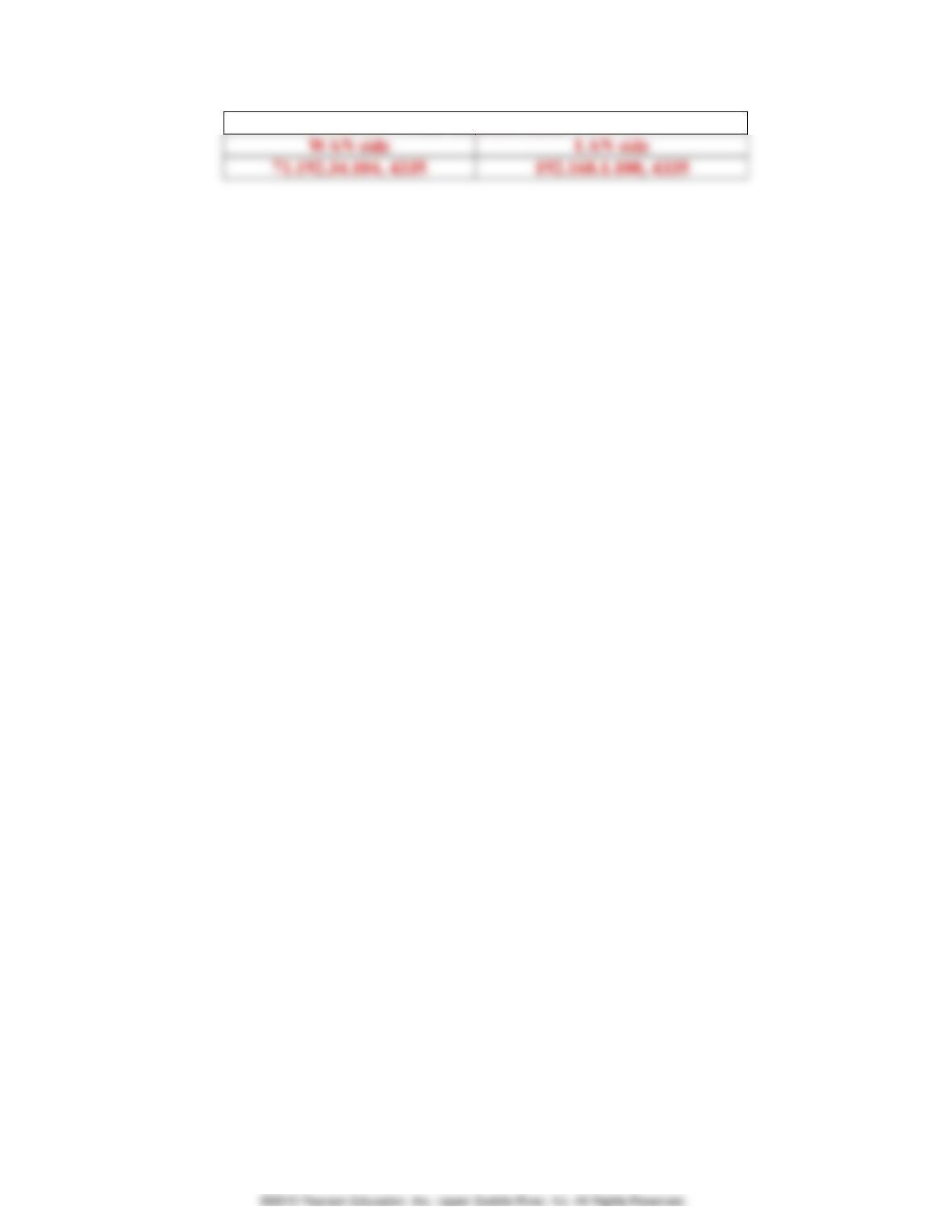
Figure 4.22 in the text shows the NAT translation table in the NAT router.
10. Using your answers to 1-8 above, fill in the NAT translation table entries for
HTTP connection considered in questions 1-8 above. Answer:
NAT translate table