CompTIA N10-007 – Network+
Module – Troubleshoot Network
Connectivity with Network Utilities
Below are the inline questions found in the summary of Troubleshoot Network
Connectivity with Network Utilities.
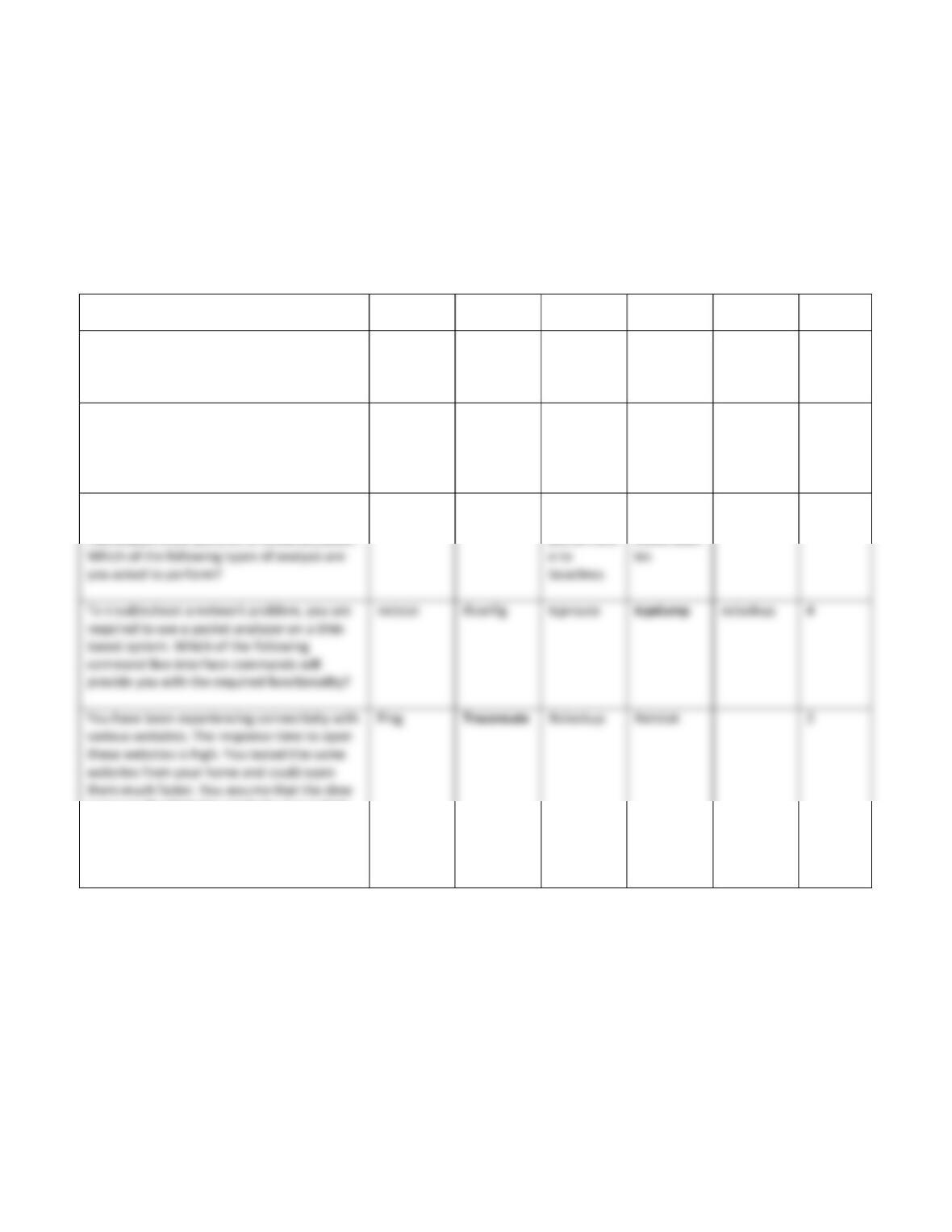
Question Answer 1 Answer 2 Answer 3 Answer 4 Answer 5 Correct
Answer
If you need to perform port scanning in your
network, which of the following tool are you
likely to use? [Choose all that apply].
Angry IP
Scanner
Superscan Wireshark Cain and
Abel
tcpdump 1,2
Why would a network administrator
implement vulnerability scanning on a
network?
To identify
open ports
on a server
To examine
network
device
event logs
To return a
network
device to
its previous
settings
To reveal
vulnerabilit
ies in the
network
4
You are asked to perform an analysis on the
network that will allow you to deduce
information from patterns in communication.
Data traffic
analysis
Device log
review
Compare
network
performanc
Identify
network
vulnerabilit
1
access to the Websites might be due to high
latency. Which of the given utility is likely to
help you in finding the source that may be
causing the latency issue?
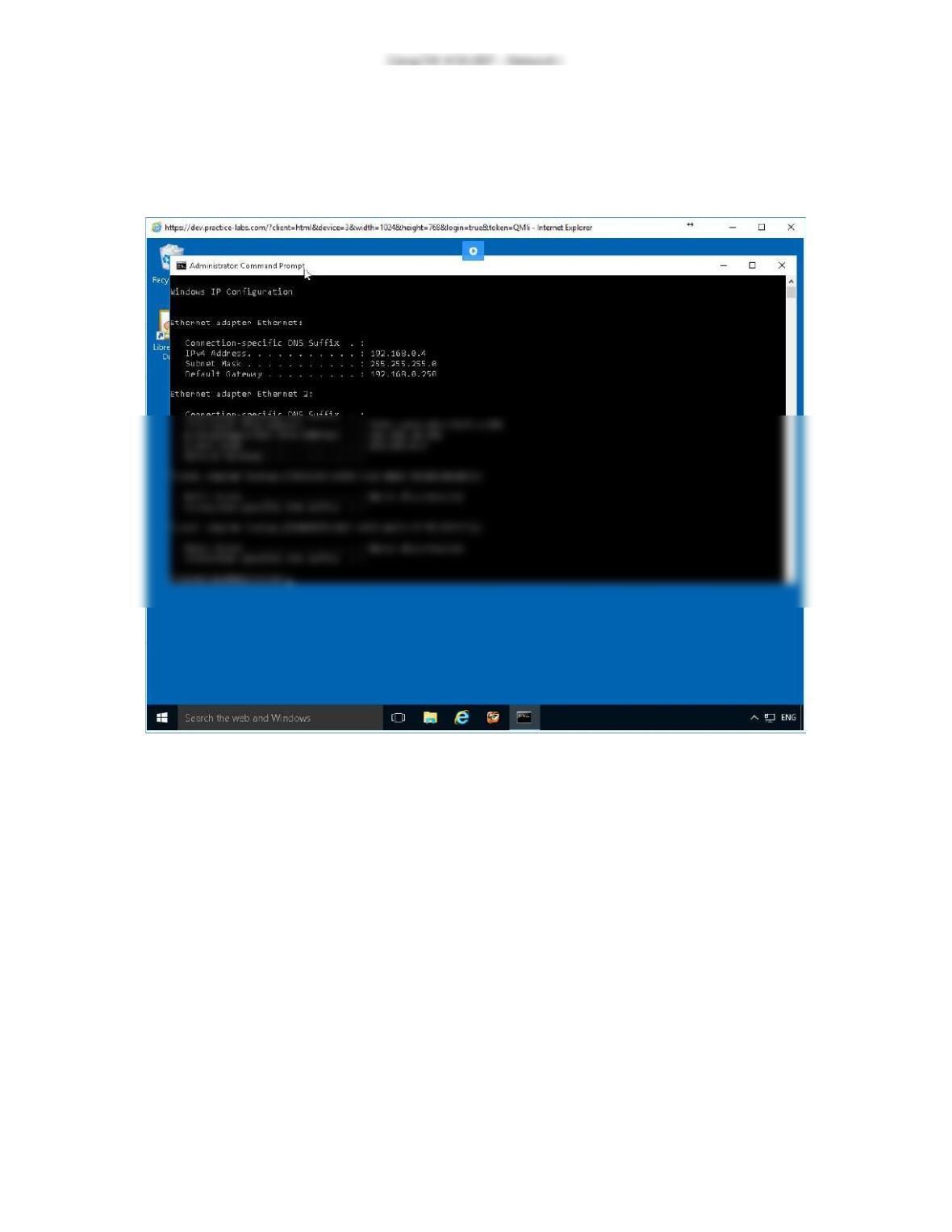
Exercise 1 – Screenshot
This is the last screenshot for Troubleshoot Network Connectivity with Network
Utilities, Exercise one.
Screenshot of PLABWIN10: Administrator Command Prompt window is displayed
showing system-response to the command typed-in in the previous step.
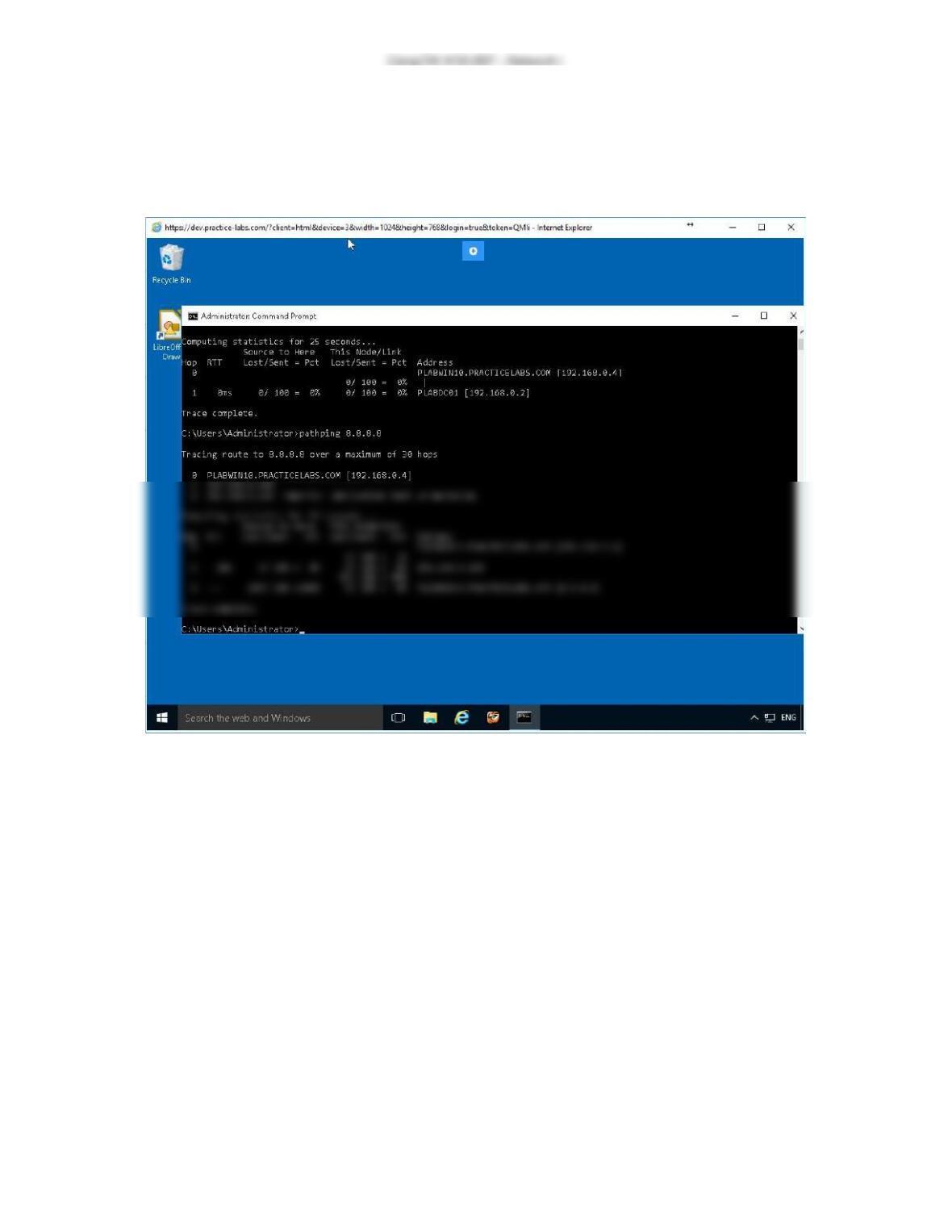
Exercise 2 – Screenshot
This is the last screenshot for Troubleshoot Network Connectivity with Network
Utilities, Exercise two.
Screenshot of PLABWIN10: Administrator Command Prompt window is displayed
showing system-response to the command typed-in in the previous step.
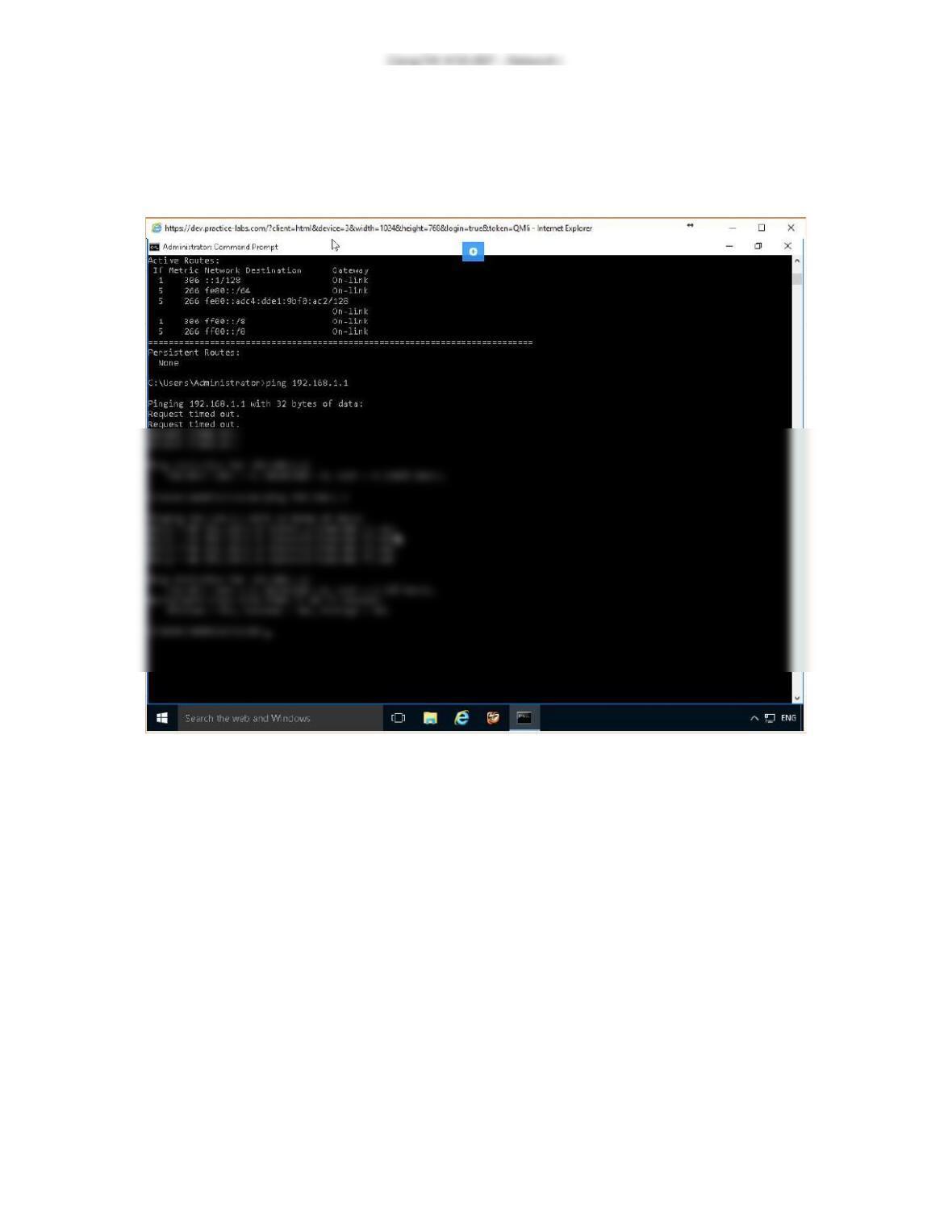
Exercise 3 – Screenshot
This is the last screenshot for Troubleshoot Network Connectivity with Network
Utilities, Exercise three.
Screenshot of PLABWIN10: Administrator Command Prompt window is displayed
showing system-response to the command typed-in in the previous step.
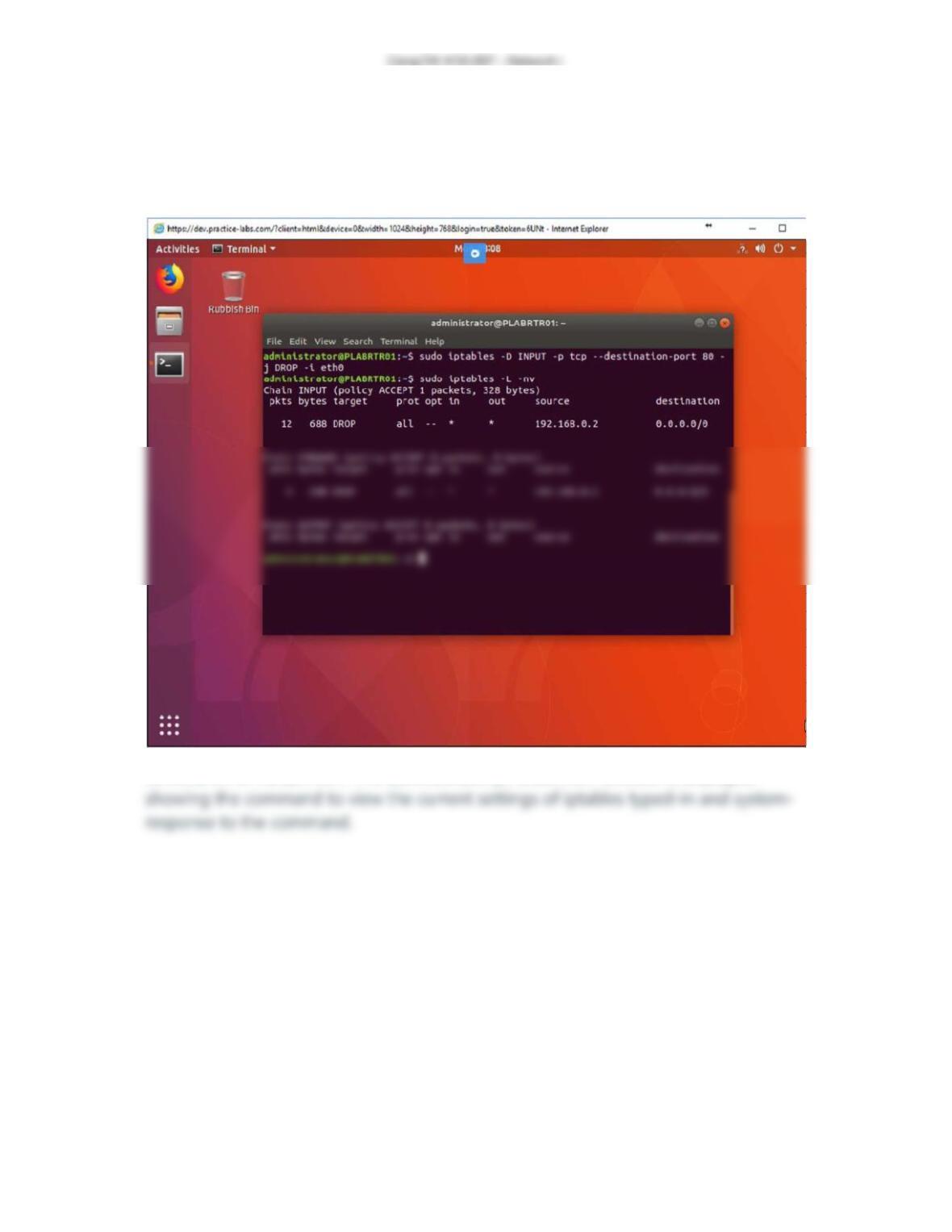
Exercise 4 – Screenshot
This is the last screenshot for Troubleshoot Network Connectivity with Network
Utilities, Exercise four.
Screenshot of PLABRTR01: The administrator@PLABRTR01 window is displayed
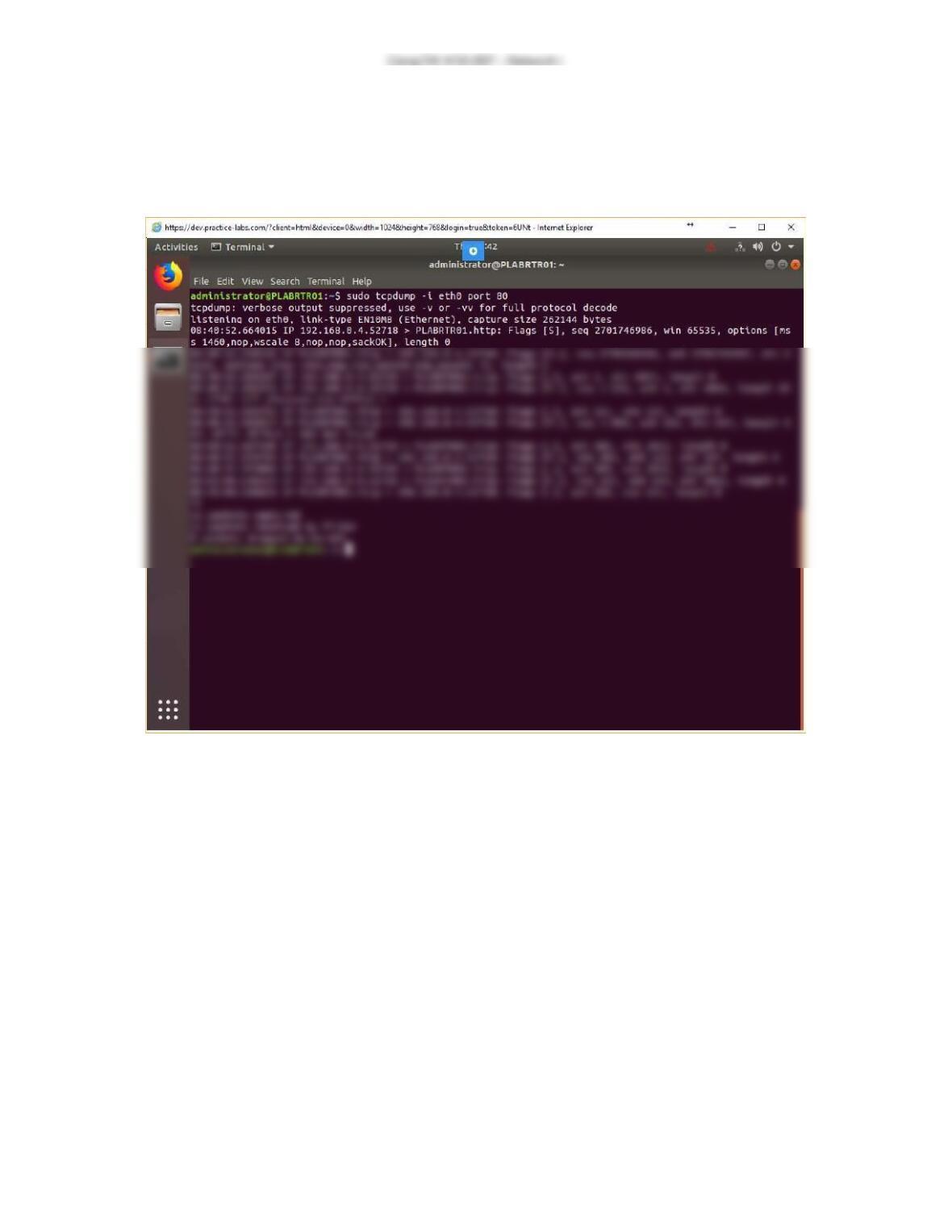
Exercise 5 – Screenshot
This is the last screenshot for Troubleshoot Network Connectivity with Network
Utilities, Exercise five.
Screenshot of PLABRTR01: The administrator@PLABRTR01 window is displayed
listing the captured data packets.
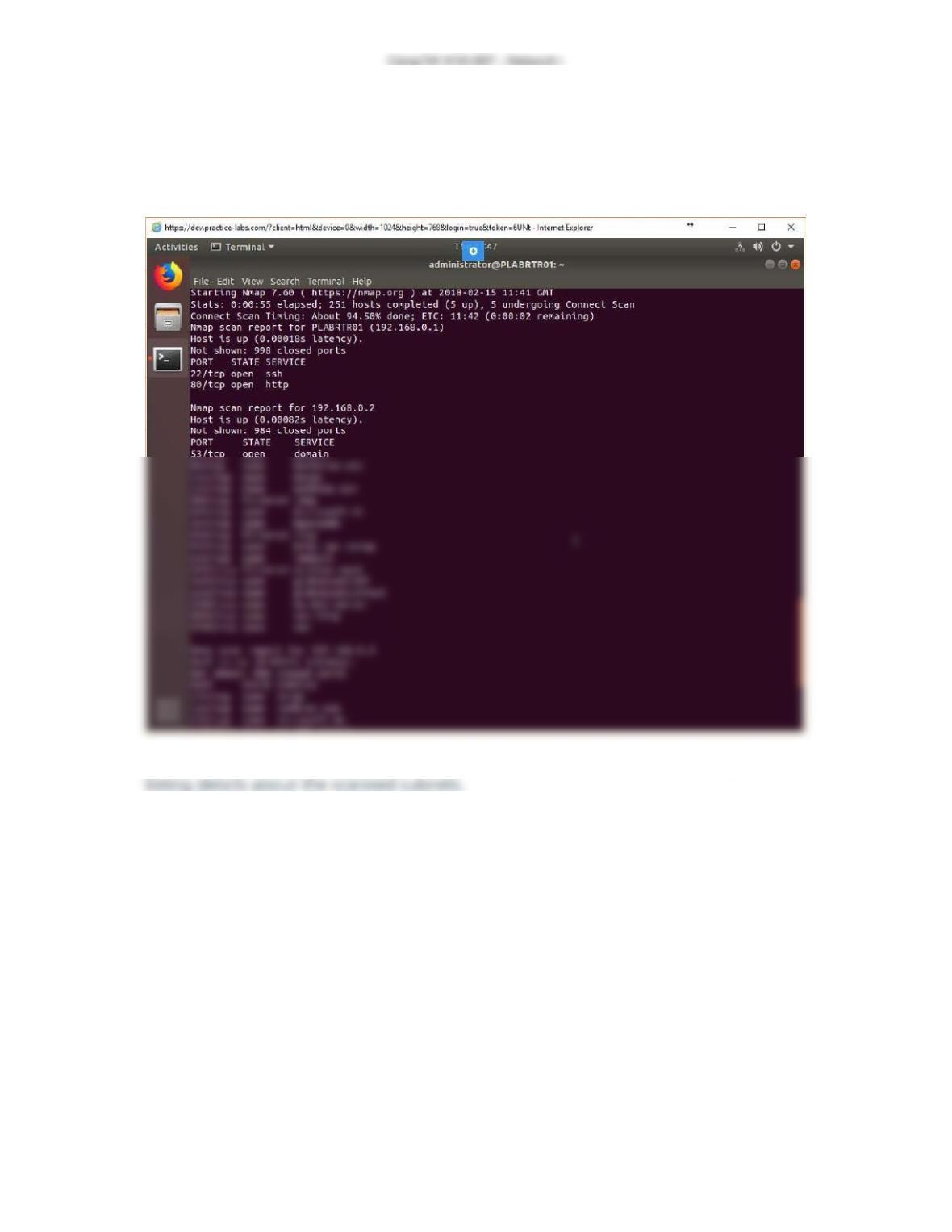
Exercise 6 – Screenshot
This is the last screenshot for Troubleshoot Network Connectivity with Network
Utilities, Exercise six.
Screenshot of PLABRTR01: The administrator@PLABRTR01 window is displayed