CompTIA N10-007 – Network+
Module – Install and Configure
Network Load Balancing
Below are the inline questions found in the summary of Install and Configure
Network Load Balancing
Question Answer 1 Answer 2 Answer 3 Answer 4
Correct
Answer
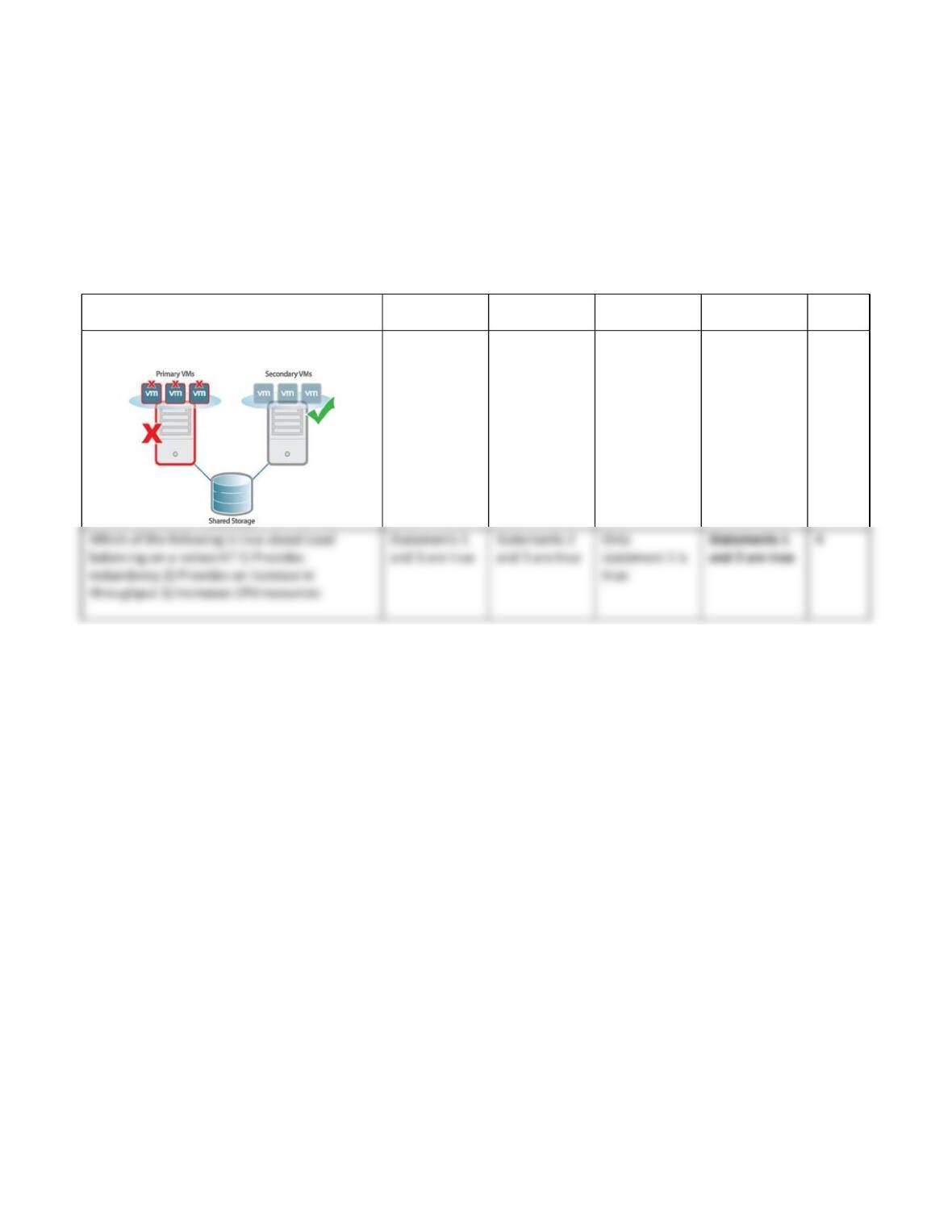
Refer to the exhibit. Which of the following
configuration is being displayed?
Load Balancing
Clustering Fault
tolerance
NIC teaming 3
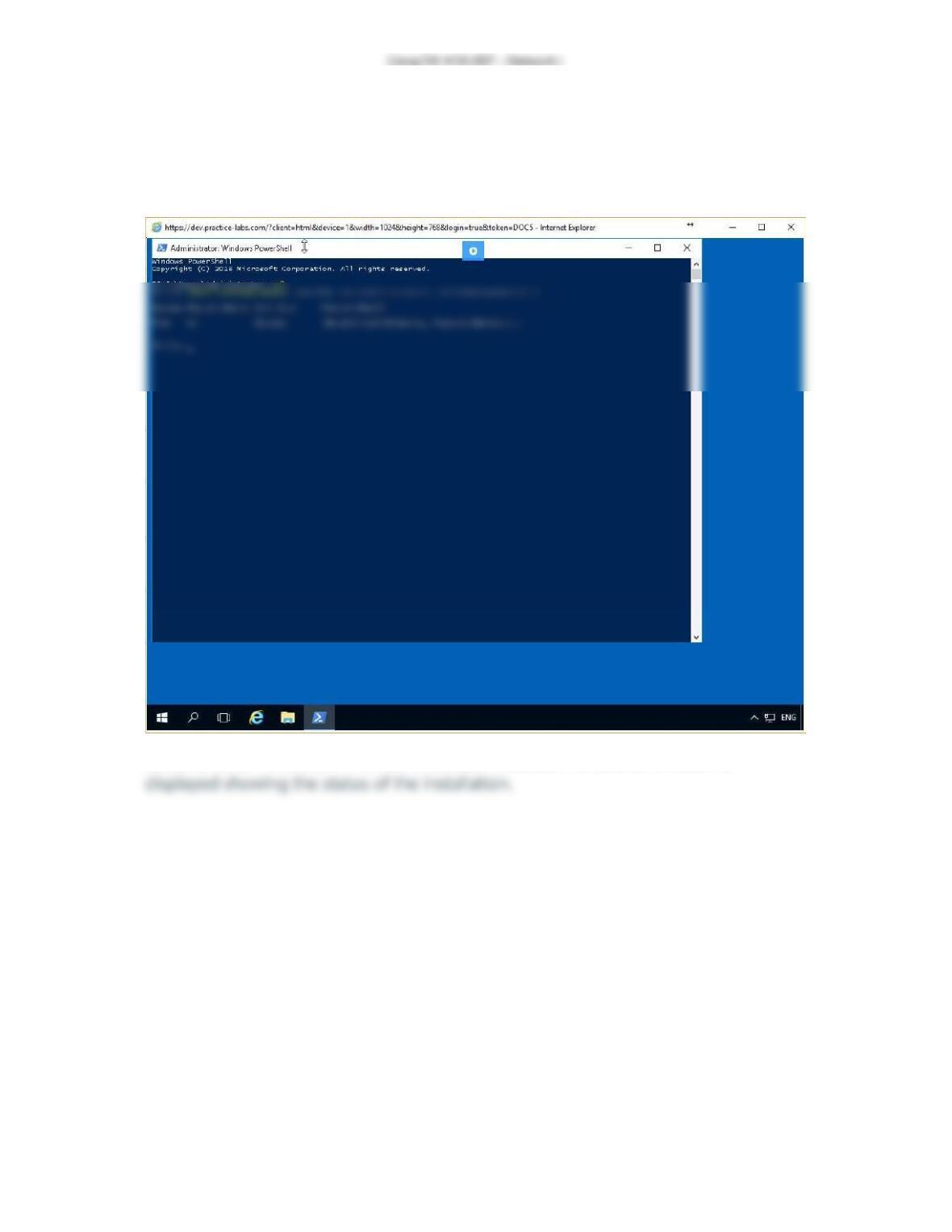
Exercise 1 – Screenshot
This is the last screenshot for Install and Configure Network Load Balancing, Exercise
one.
Screenshot of PLABDC01: The Administrator Windows PowerShell window is
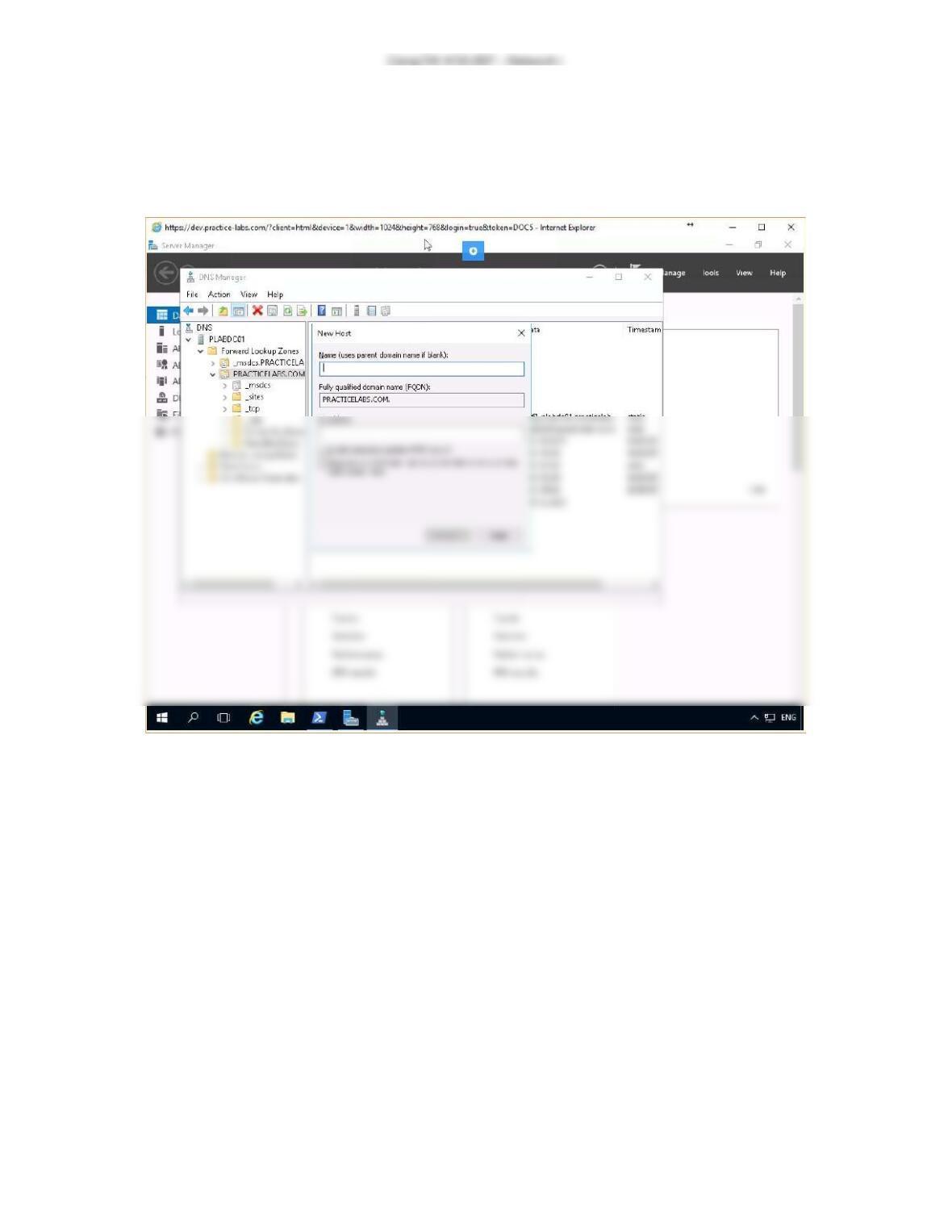
Exercise 2 – Screenshot
This is the last screenshot for Install and Configure Network Load Balancing, Exercise
two.
Screenshot of PLABDC01: The New Host dialog box is displayed showing the Done
button available.
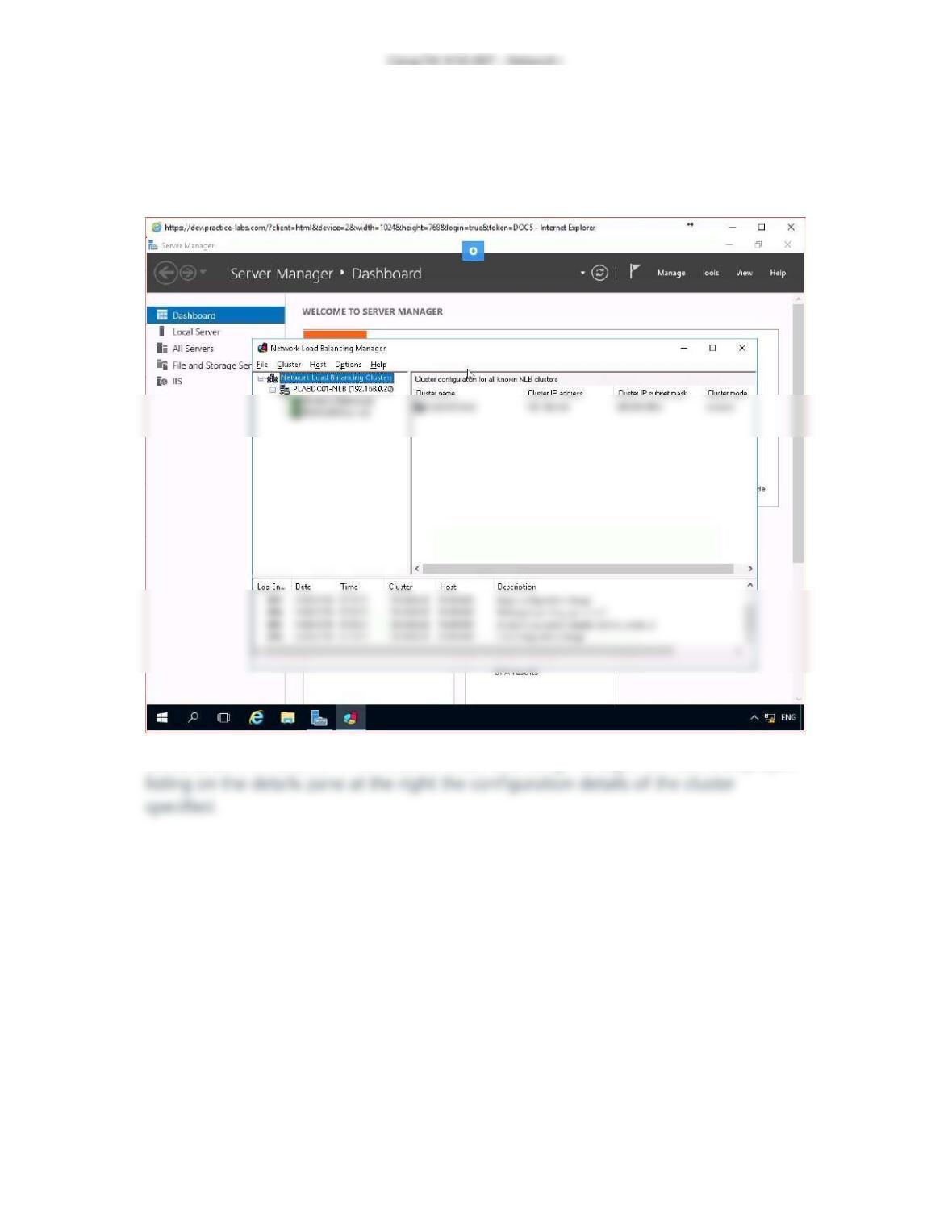
Exercise 3 – Screenshot
This is the last screenshot for Install and Configure Network Load Balancing, Exercise
three.
Screenshot of PLABSA01: The Network Load Balancing Manager console is displayed
Exercise 4 – Screenshot
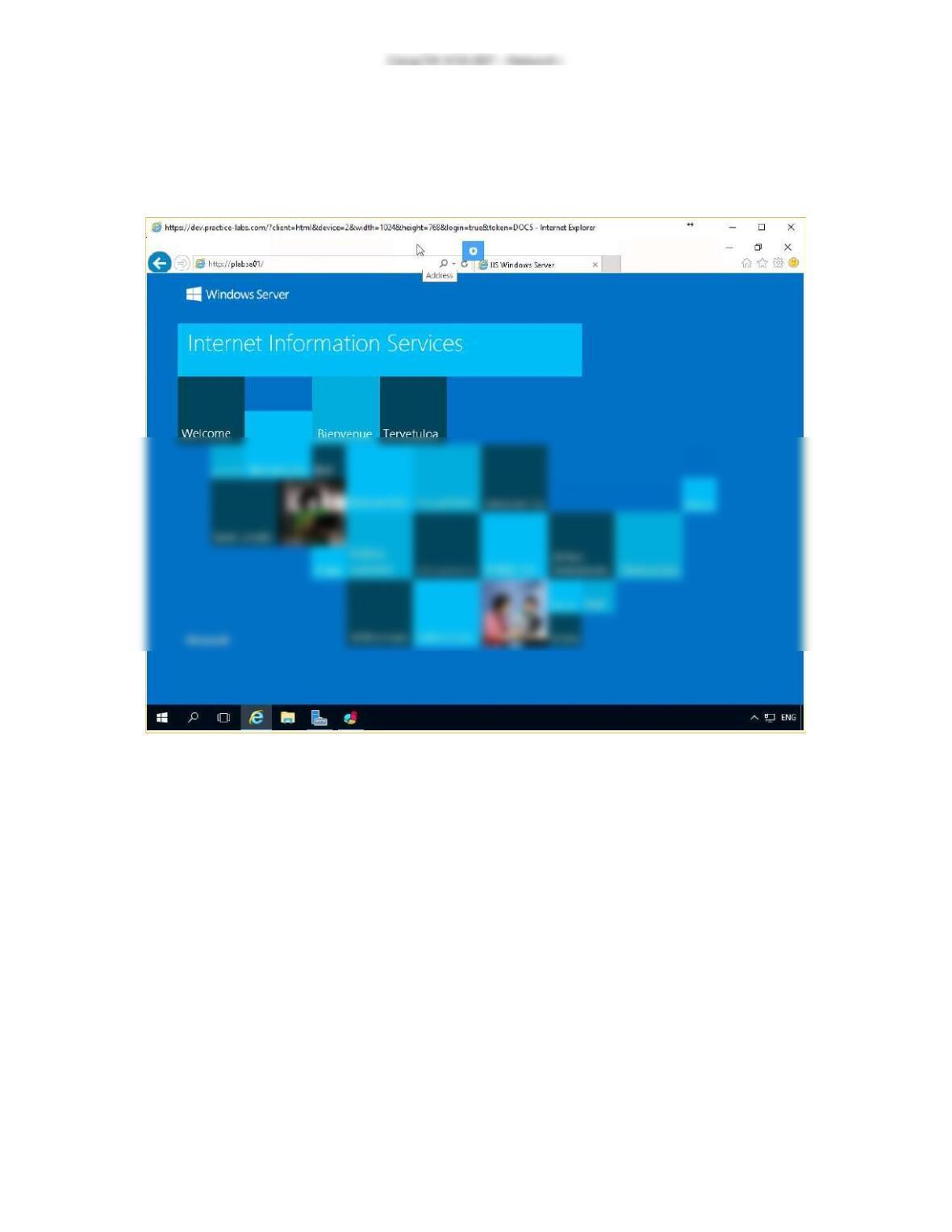
This is the last screenshot for Install and Configure Network Load Balancing, Exercise
four.
Screenshot of PLABSA01: The Internet Explorer window is displayed showing the
original image file without updating.
Exercise 5 – Screenshot
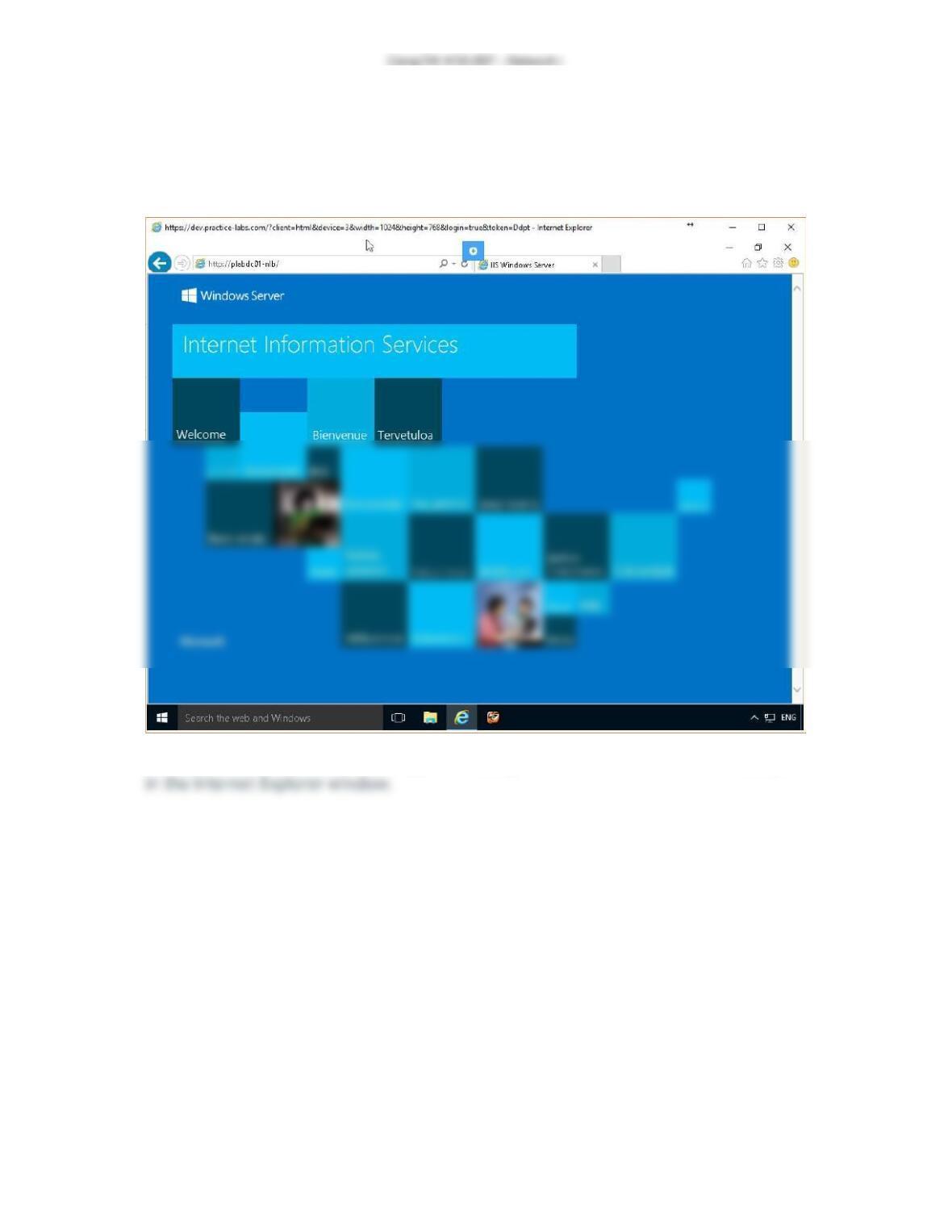
This is the last screenshot for Install and Configure Network Load Balancing, Exercise
five.
Screenshot of PLABWIN10: The original webpage without the added text is displayed