
1
Chapter 9
Network Risk Management
Applying Concepts: Hash a Text String
Several hashing tools are available free online. One website, onlinemd5.com, lets you
choose between three hashing algorithms: MD5 (an older, outdated hashing algorithm),
1. In your browser, go to onlinemd5.com. The first tool shown on this page can
2. MD5 should be selected by default. Type a string of text into the box and watch
the hash output calculate automatically as you type. What do you notice about the
length of the string hash as you enter each additional letter?
3. Copy the final string hash into a text document for later comparison. Windows
Notepad works well for this purpose.
5. Select SHA-256 and copy the new string hash into your text document for
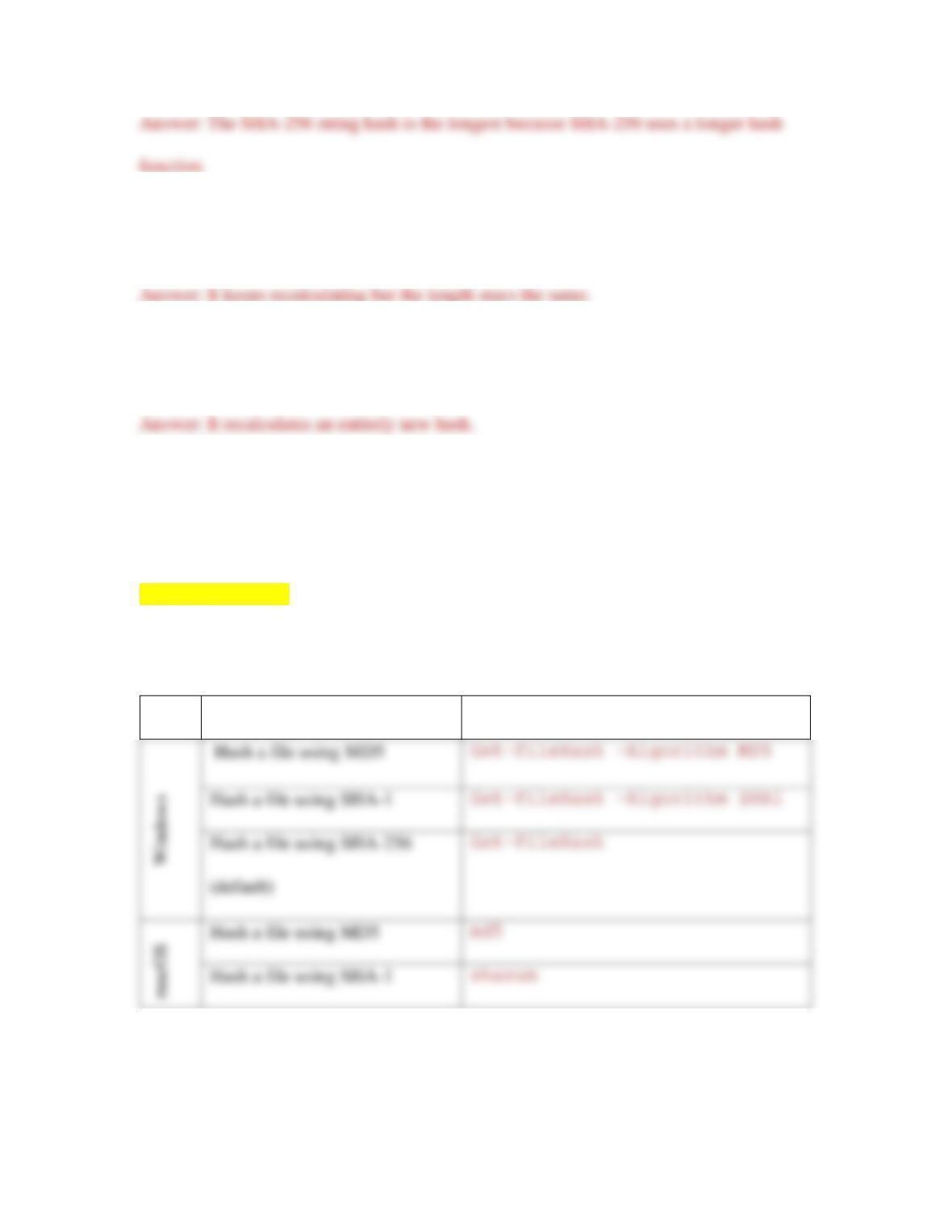
comparison. Which string hash is longer? Why do you think that is?
2
6. Now type a lot more text into the hash generator. What happens to the string
hash?
7. Now change exactly one letter in the hash generator’s input text. What happens to
the string hash?
You can also use the command line in Windows PowerShell, macOS Terminal, and
Linux Terminal to hash an entire file. Search online for the commands used for each CLI
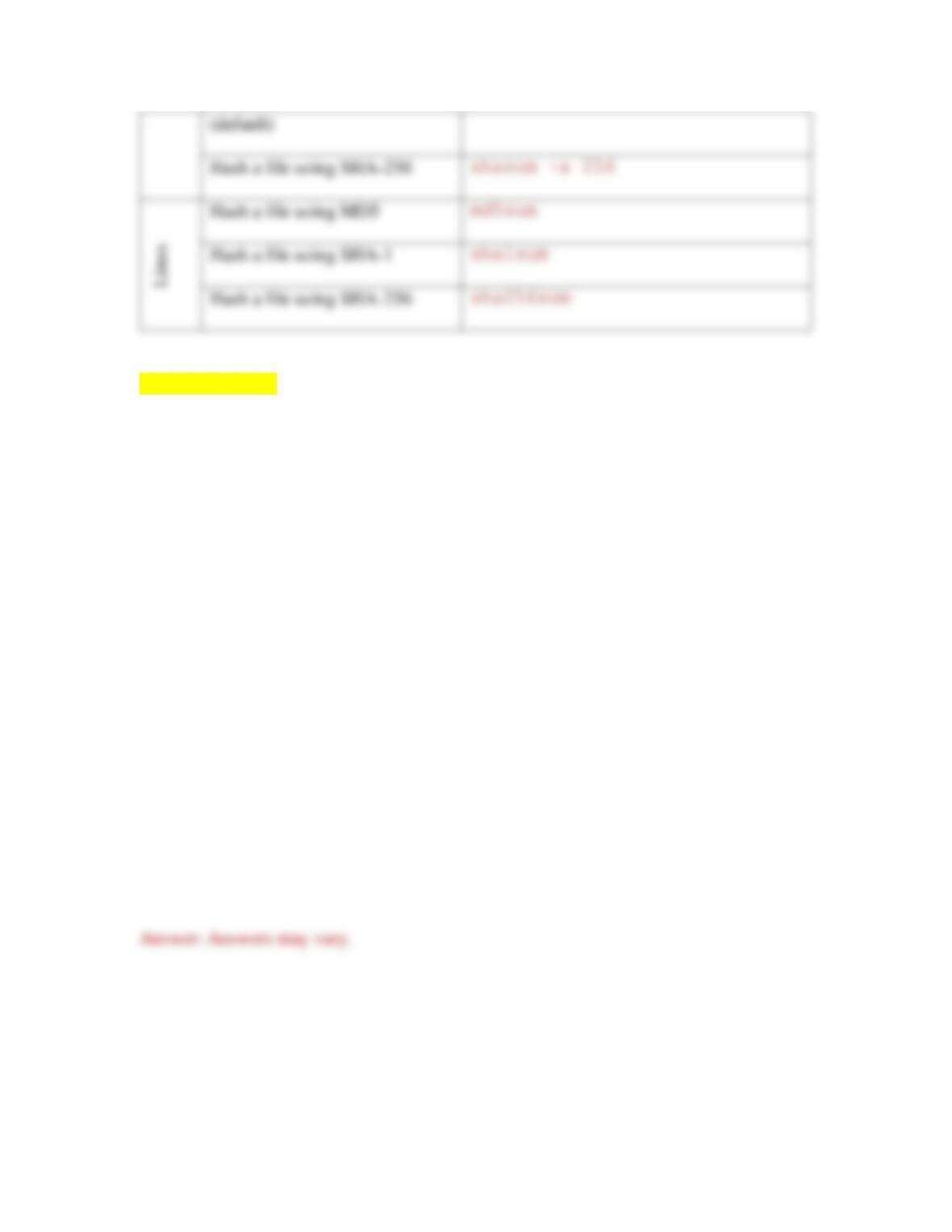
listed in Table 9-1, and write the correct commands in the Command column.
[[Begin Table 9-1]]
Table 9-1 Hashing commands in Windows, macOS, and Linux
OS
Task
Command
Hash a file using SHA-1
Hash a file using MD5
Hash a file using SHA-1
3
[[End Table 9-1]]
Applying Concepts: Create a Secure Master Password in LastPass
In Chapter 2, you created an account in LastPass, a password manager, which you have
continued to use for several projects throughout this book. Recall that in Chapter 2, you
were advised to create a long master password using a line from a song or movie to make
it easier to remember. Although this is a quick way to encourage someone to use a more
secure password than what most users use, for a password manager’s master password or
for any kind of secure user or administrative account, you can certainly do better. It’s
now time to create a more secure master password for your LastPass account. Complete
the following steps:
1. Review the list of tips in this section for creating a secure password. How does
your current master password compare to the advice described in these steps?

4
2. In your browser, go to the website howsecureismypassword.net. Enter your
current master password to see how long it would take a hacker to crack your
password based on its length. What time frame does the site report?
3. Considering the tips listed earlier for creating a secure password, make some
changes to your current master password. Enter the new password into the
howsecureismypassword.net website. Keep making changes and testing your
changes until you get calculation results showing at least 1 million years to crack
the password and you’ve used as many of the earlier tips as you can. Make sure
you use a combination of letters, numbers, and symbols that you can remember
without keeping a written copy of the password with you. What time frame does
the site report for your new password?
5. Determine one or two safe locations where you can keep a recorded copy of your
master password, such as written on a note that you keep in a locked box or safe
deposit box, or in an encrypted file on your computer. Record your master
password in this safe place for your reference if you later forget your master

5
6. Consider who might need access to your passwords should you become
incapacitated. Would your parents or siblings need access to this information, or
perhaps a spouse, partner, or older child? In LastPass, set up Emergency Access
Review Questions
1. Your organization has just approved a special budget for a network security
upgrade. What procedure should you conduct in order to make recommendations
for the upgrade priorities?
a. Data breach
b. Security audit
c. Exploitation
d. Posture assessment
2. Which type of DoS attack orchestrates an attack using uninfected computers?
a. DDoS (Distributed DoS) attack
b. Spoofing attack

6
c. DRDoS (Distributed Reflection DoS) attack
d. PDoS (Permanent DoS) attack
3. A company accidentally sends a newsletter with a mistyped website address. The
address points to a website that has been spoofed by hackers in order to collect
information from people who make the same typo. What kind of attack is this?
a. Phishing
b. Baiting
c. Quid pro quo
d. Tailgating
4. A former employee discovers six months after he starts work at a new company
that his account credentials still give him access to his old company’s servers. He
demonstrates his access to several friends to brag about his cleverness and talk
badly about the company. What kind of attack is this?
a. Principle of least privilege
b. Insider threat
c. Vulnerability
d. Denial of service

7
5. A spoofed DNS record spreads to other DNS servers. What is this attack called?
a. ARP poisoning
b. DHCP snooping
c. MitM attack
d. DNS poisoning
6. Which of these attacks is a form of Wi-Fi DoS attack?
a. Rogue DHCP server
b. FTP bounce
c. Deauthentication attack
d. Amplified DRDoS attack
7. Leading up to the year 2000, many people expected computer systems the world
over to fail when clocks turned the date to January 1, 2000. What type of threat
was this?
a. Ransomware
b. Logic bomb

8
c. Virus
d. Worm
8. What kind of attack simulation detects vulnerabilities and attempts to exploit
them?
a. Red team-blue team exercise
b. Vulnerability scanning
c. Security audit
d. Penetration testing
9. Which of the following is considered a secure protocol?
a. FTP
b. SSH
c. Telnet
d. HTTP
10. A company wants to have its employees sign a document that details some
project-related information that should not be discussed outside the project’s team
members. What type of document should they use?

a. AUP
b. NDA
c. MDM
d. BYOD
11. What is the difference between a vulnerability and an exploit?
12. What are the four phases in the social engineering attack cycle?
13. List five subtypes of DoS attacks.
14. What type of scanning might identify that Telnet is running on a server?
15. Give an example of biometric detection.

10
16. What unique characteristic of zero-day exploits make them so dangerous?
17. What characteristic of ARP makes it particularly vulnerable to being used in a
DoS attack?
18. A neighbor hacks into your secured wireless network on a regular basis, but you
didn’t give him the password. What loophole was most likely left open?
19. Which form of SHA was developed by private designers?
20. Why might organizations be willing to take on the risk of BYOD?

Hands-On Projects
Project 9-1: Secure a Workstation
Securing a workstation is one of the most important tasks you will perform when setting
up security for an organization or individual. A few simple tweaks to a computer’s
security policy will greatly improve its resistance to attack.
On a computer running Windows 10 Pro, follow these steps to require that a user press
Ctrl+Alt+Del to log on:
1. Press Win+R, and in the Search box, type netplwiz and press Enter. Write down
the usernames displayed in the User Accounts dialog box.
2. Click the Advanced tab and under Secure sign-in, check Require users to press
Ctrl+Alt+Delete. Why does this setting help increase the workstation’s security?
3. Apply the changes and restart the computer to confirm the change.
Follow these steps to secure the computer using a screen saver and sleep mode:
4. Open Settings, click Accounts, and click Sign-in options. Under Require sign-in,
select When PC wakes up from sleep.
5. Return to the Settings Home window, click System, and click Power & sleep. Set

12
6. Return to the Settings Home window, click Personalization, and click Lock
screen. Scroll down and click Screen saver settings. Select a screen saver to
activate the screen saver function.
7. Set a wait time. For optimal security, this should be a low number. Check On
resume, display logon screen. Click OK and close all windows.
Follow these steps to require that all users have a password:
8. Press Win+R, and in the Search box, type gpedit.msc and then press Enter. The
Local Group Policy Editor window opens.
9. Navigate to Computer Configuration, Windows Settings, Security Settings,
Account Policies, Password Policy.
10. Change the Minimum password length policy to a value higher than zero. How
many characters did you require?
Project 9-2: Research Kali Linux
Kali Linux is a unique distribution of Linux in that it is designed specifically for
enhancing the security of a network. The operating system can be run from a flash drive
or CD, and includes an impressive array of security tools. In this project, you research the
features of Kali Linux. In Capstone Project 9-2, you will install Kali Linux in a VM.
Complete the following steps:
1. Spend some time researching Kali Linux to answer the following questions:

13
a. Who develops Kali Linux? What distribution was the predecessor to Kali
Linux?
b. What is the main purpose(s) of the Kali Linux distribution?
c. What are the installation options for Kali Linux? For example, can you use a
USB flash drive? Can you dual-boot Kali Linux next to other operating
systems? Which ones?
d. For which hypervisors does Kali Linux offer custom images? What tools must
be added to a VirtualBox Kali Linux VM to provide proper integration with
the host machine?
e. What hypervisor comes already installed in Kali Linux?
f. What are the categories of tools available in Kali Linux?

14
g. On the Downloads page, which hashing algorithm does the website use to
confirm the validity of the Kali download files?
Remember that hacking a network without the owner’s express permission is highly
illegal. If you download and use Kali Linux, be sure to keep it inside your own network.
Capstone Project 9-2 will give you an opportunity to explore the features of Kali Linux.
Project 9-3: Install and Play with Sandboxie
A sandbox provides an isolated space on your computer to run questionable software or
multiple instances of the same software, or to access websites that might present a threat
to your computer’s system. Web browsers themselves act as simple sandboxes, but you
can create a safer environment with a dedicated sandbox program. Sandboxie is a popular
sandbox program for Windows that is also free. In this project, you install Sandboxie and
explore some of its features. Complete the following steps:
1. Using an administrator account on a Windows machine, go to sandboxie.com .
Download and install the latest, free version of Sandboxie. Accept all default