Guide to Networking Essentials, Eighth Edition 8-1
Chapter 8
Network Hardware in Depth
At a Glance
Instructor’s Manual Table of Contents
• Overview
• Objectives
• Teaching Tips
• Quick Quizzes
• Class Discussion Topics
• Additional Projects
• Additional Resources
• Key Terms
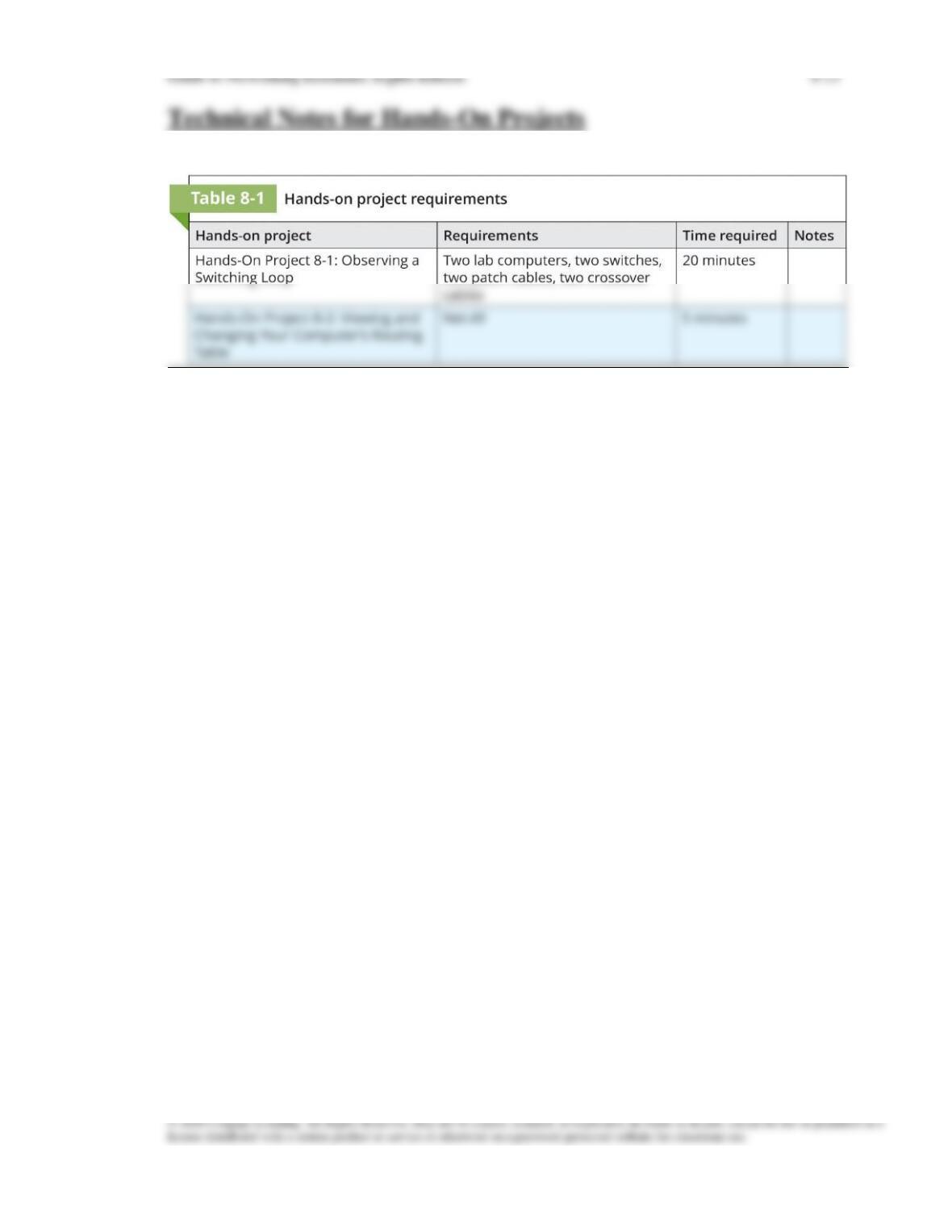
• Technical Notes for Hands-On Projects
• Using Virtualization for Hands-On Projects

Guide to Networking Essentials, Eighth Edition 8-2
Lecture Notes
Overview
Chapter 8 will introduce students to advanced features and operation of network
switches. They also learn the characteristics of common routing protocols and how
routing tables are created. Students will also learn about basic and advanced features of
wireless access points. Finally, at the end of the chapter, students will be able to
determine the best type of NIC to purchase for a computer.
Objectives
• Describe the advanced features and operation of network switches
• Describe routing table properties and discuss routing protocols
• Explain basic and advanced wireless access point features
• Select the most suitable NIC bus and features for a computer
Teaching Tips
Network Switches in Depth
Switch Port Modes of Operation
1. List the modes of operation available for switches, and discuss how auto-negotiate and
auto-MDIX (automatic cable type sensing) affect these modes. Modes available:
a. 10 Mbps half-duplex
b. 100 Mbps half-duplex
Creating the Switching Table
1. Explain how the switching table learns new MAC addresses, and how many switches
can learn more than one MAC address off a single port. Use Figure 8-2 in your
discussion.
5. After having discussed how a router works with a VLAN, move on to talking about
6. Explain the pitfalls of using too many VLANs. Overuse of VLANs can turn what
7. Describe the port security feature’s ability to lock down ports so that they can only be
used by specific machines with specific MAC addresses.
Multilayer Switches
1. Explain that multilayer switches have all the functions of a managed switch and offers
Layer 3 capabilities, with most of the same capabilities as a traditional router.
2. Use Figure 8-6 to demonstrate that multilayer switches are typically used in the interior
Quick Quiz 1
1. At what layer of the OSI model do switches operate?
2. When a switch attempts to set a port’s operating mode to the highest performance
setting, what mode is the switch operating in?
3. Which frame forwarding method requires that the switch read the entire frame into its
buffers before forwarding it?
4. Switches that support which of the following enable you to configure one or more
switch ports into separate broadcast domains?
a. multicast
b. Spanning Tree Protocol
c. VLANs
d. port security
5. When would a switch in fragment-free switching mode determine that a frame on an
Ethernet network is bad?
a. Frame size < 16 bytes
b. Frame size < 32 bytes
c. Frame size < 48 bytes
d. Frame size < 64 bytes
Routers in Depth
1. Review how routers function. Discuss what roles and services they provide to networks.
2. List the features of a router that affect processing of packets:
a. Router interfaces
Router Interfaces
2. Define the packet forwarding process, or the process of receiving a packet in one
Routing Tables
1. List the information most likely contained in each entry of a routing table, and explain
what effect each value has on that entry:
2. Refer students to Figure 8-10 in their books for a visual example from a Cisco router of
what a routing table looks like.
Guide to Networking Essentials, Eighth Edition 8-6
Teaching
Tip
To read more about routing tables, click the following link: https://geek-
university.com/ccna/routing-table-explained/ .
Routing Protocols
1. Elaborate on what a routing protocol is and what it does. Distinguish this term from
2. Discuss the two main types of routing protocols:
a. Distance vector, which periodically shares information with neighbors on a
network. A common example is Routing Information Protocol (RIP) and RIPv2.
3. Explain the idea of convergence in routing and how it is affected by both of the two
protocols previously mentioned.
5. Introduce students to the only widely used EGP, which is Border Gateway Protocol
(BGP). Point out that BGP is classified as a path-vector routing protocol.
6. Lastly, discuss why an administrator might choose static routes over using a routing
Access Control Lists
1. Explain the use of access control lists (ACLs) to perform packet filtering, much like a
firewall. ACLs usually use some combination of the following information to filter
packets:
a. Inbound or outbound traffic

Guide to Networking Essentials, Eighth Edition 8-7
Teaching
Tip
Some SOHO routers have the ability to create rudimentary ACLs because they’re
marketed as “firewalls”. More sophisticated hardware firewalls can provide
better security than a simple router with ACLs.
Quick Quiz 2
1. The process of moving a packet from the incoming interface to the outgoing interface is
known as which of the following?
a. metric checking
b. frame forwarding
c. packet forwarding
d. round-robin
2. What term is used to describe the total number of routers a packet must travel through?
a. metric
b. hop count
c. next hop count
d. TTL
3. Which type of routing protocol shares information with other routers by sending the
status of all their interface links to other routers in the internetwork?
4. A set of rules configured on a router’s interface for specifying which addresses and
which protocols can pass through the interface and to which destinations is known as
which of the following?
a. access control list (ACL)
b. routing table
c. static route
d. routing protocol
5. In a distance vector routing protocol, where do routers send their routing table
information?
a. To the next hop
b. To their neighbors
c. To their default gateway
d. To all connected segments
Guide to Networking Essentials, Eighth Edition 8-8
Wireless Access Points in Depth
Basic Wireless Settings
1. Use Figure 8-13 to discuss the settings a client device will most likely need to connect
to an AP:
2. Describe some of the more common wireless modes, such as Mixed, B/G only, N only,
G only, and B only.
4. Discuss the option to enable or disable the SSID broadcast status. Point out that
disabling the SSID broadcast thwarts only the least sophisticated wardrivers.
Wireless Security Options
1. Discuss the options available for wireless security, such as
a. Encryption
2. When discussing encryption, mention some of the different protocols available, such
3. Mention some of the options available for authentication, such as the use of a RADIUS
server.
4. Discuss how MAC filtering can be used to secure a wireless network. Students should
5. Explain that AP isolation works by separating each client connection into a virtual
network.
Guide to Networking Essentials, Eighth Edition 8-9
Teaching
Tip
Students may benefit from some information on how basic wireless security
settings might be circumvented. In most cases, SOHO network routers are left
unsecured or secured with default settings. These devices are very easily broken
into.
Advanced Wireless Settings
1. Describe some of the more common advanced wireless options available on modern
APs:
a. Adjustable transmit power
b. Multiple SSIDs
Network Interface Cards in Depth
PC Bus Options
1. Detail some of the common bus options available for installing a NIC card, and briefly
list some of their capabilities and limitations. Use Table 8-4 when comparing the
following bus types:
a. PCIe
Advanced Features of NICs
1. Discuss the advanced features and options that are available for NICs and how these
options can affect performance and/or capabilities. Some of the more common options
include:
a. Shared adapter memory
b. Shared system memory
c. Bus mastering

Guide to Networking Essentials, Eighth Edition 8-10
Guide to Networking Essentials, Eighth Edition 8-11
Additional Resources
1. How LAN Switches Work
2. How Routers Work
3. Wireless Security Protocols
4. Routing Protocol Types – The Ultimate Guide
Key Terms
For explanations of key terms, see the Glossary for this text.
➢ access control list (ACL)
➢ bus mastering
➢ convergence
➢ cut-through switching
➢ destination network
➢ directly connected route
Guide to Networking Essentials, Eighth Edition 8-12
➢ managed switch
➢ metric
➢ neighbors
➢ next hop
➢ Rapid Spanning Tree Protocol (RSTP)
➢ Routing Information Protocol (RIP)
➢ Routing Information Protocol version 2 (RIPv2)
➢ routing protocol
➢ shared adapter memory