
Chapter 8
Subnets and VLANs
Applying Concepts: Calculate IPv4 Subnets and Host IP Address Ranges
Suppose your organization uses the Class B network ID of 172.20.0.0 for its entire
network and wants to create 15 subnets. Do the following steps, answering the questions
as you go:
1. You first need to decide how many bits to borrow from the host address bits.
Recall that you can use the formula 2n = Y. For the new subnets, how many bits
must be borrowed from the host address portion? How many bits total will be
used for identifying a host’s subnet?
2. You can now calculate the subnet mask. The default subnet mask for a Class B
network is 255.255.0.0, and so the third octet is the one that will change. What is
the subnet mask for these subnets, written in decimal?
3. The magic number will tell you by what amount to skip-count when you’re listing
the subnets’ network IDs. There are two ways to calculate the magic number:
subtract the interesting octet’s value from 256, or use the formula 2h. What is the
magic number you can use to calculate the network IDs?
4. Now you can calculate the network IDs for each subnet. Begin with the original
network ID. Then in the third octet, count up by the magic number with each
iteration. The last subnet’s network ID will be equal to 256 minus the magic
number, because you can’t use 256 itself in any IP address. What is the CIDR
notation for the first subnet’s network ID? For the second subnet’s network ID?
For the last subnet’s network ID?
5. If 20 bits are used to identify the network and subnet, that leaves 12 bits to
identify each host. Using the formula 2h – 2 = Z, how many host addresses are
possible in each subnet? (You might need a calculator for this step, which is why
it’s unusual to see an exam question where you’re working with bits in the third
octet.)
6. The range of available host addresses consists of all the possible IP addresses
between the network ID and the broadcast address (which is 1 below the network
ID for the next subnet). What is the range of host addresses for the first subnet?
For the second subnet? For the last subnet?

3
Applying Concepts: Calculate an IPv4 Host’s Network Information
Let’s now work backwards in our calculations by beginning with one host’s IP address
information. Suppose a server on your network displays the following IPv4 network
configuration:
IPv4 address: 192.168.89.130
Subnet mask: 255.255.255.224
Your task is to determine the network ID of the subnet this server is located on, the
broadcast address, and the range of available host addresses on this subnet. Do the
following steps, answering the questions as you go:
1. We don’t necessarily need to use binary for these calculations. So long as the
interesting octet is at the end of the subnet mask, we can easily find the magic number
and go from there. As with our earlier calculations, you need to subtract the
interesting octet’s value from 256 to get the magic number. What is the magic
number?
2. If the interesting octet is located at the end of the subnet mask, you can assume the
first three octets of the IP address identify the classful network ID before this network
was subnetted. This network ID also serves as the network ID for the first subnet.
What is the network ID of the first subnet?
4
3. You can now use the magic number to calculate the remaining subnets’ network IDs.
What is the second subnet’s network ID? What is the final subnet’s network ID?
4. To narrow this down to our server’s subnet, we need to either skip-count up from a
lower numbered subnet or skip-count down from a higher numbered subnet. Either
way will work. We’re looking for a network ID that is as close to the server’s IP
address as possible without going over. What is the server’s subnet’s network ID?
5. You can look at the next higher subnet’s network ID and subtract 1 to determine the
broadcast address of the server’s subnet. What is the broadcast address?
6. Finally, any IP address between the subnet’s network ID and its broadcast address is
the range of available host IP addresses. What is this range?
If the subnet mask’s interesting octet is in the third octet’s location, you can convert the
subnet mask to binary, determine how many bits are used for the network portion (n) and
the host portion (h), and then use the formula 2h to calculate the magic number. You can
also convert the network portion of the binary address into decimal to determine the
initial subnet’s network ID. From there, use the magic number to calculate the other
network IDs, broadcast addresses, and ranges of host IP addresses.

5
Review Questions
1. How many bits of a Class A IP address are used for host information?
a. 8 bits
b. 16 bits
c. 24 bits
d. 32 bits
2. What is the formula for determining the number of possible hosts on a network?
a. 2n = Y
b. 2n – 2 = Y
c. 2h = Z
d. 2h – 2 = Z
3. Which of the following is not a good reason to segment a network?
a. To limit access to broadcast domains
b. To reduce the demand on bandwidth
c. To increase the number of networking devices on a network
d. To narrow down the location of problems on a network

6
4. What is the least number of bits you would need to borrow from the network
portion of a Class B subnet mask to get at least 130 hosts per subnet?
a. None
b. Eight
c. Nine
d. Ten
5. What do well-chosen subnets accomplish?
a. IP address spaces overlap for easier management.
b. Network documentation is easier to manage.
c. Routing efficiency is decreased by ensuring IP address spaces are not
mathematically related.
d. Problems affect the entire network, making them more difficult to pin
down.
6. Which formulas can be used to calculate the magic number? Choose two.
a. 256 – the interesting octet
b. 2h – 2
c. 2n
d. 2h

7
7. Which hexadecimal block in an IPv6 address is used for the Subnet ID?
a. The first one
b. The third one
c. The fourth one
d. The eighth one
8. While designing your network’s VLAN topology, your team has decided to use a
centrally managed DHCP server rather than creating a separate DHCP server for
each VLAN. What software will you need in order to make the central DHCP
server accessible across VLANs?
a. DHCP relay agent
b. DHCP server
c. Hypervisor
d. Virtual router
9. Which port mode on a switch enables that port to manage traffic for multiple
VLANs?
a. Console
8
b. Ethernet
c. Access
d. Trunk
10. Which IEEE standard determines how VLANs work on a network?
a. 802.1x
b. 802.11
c. 802.3af
d. 802.1Q
11. What is the network ID with CIDR notation for the IP address 172.16.32.108
whose subnet mask is 255.255.255.0?
12. Suppose your company has leased one Class C license, 120.10.10.0, and wants to
sublease the first half of these IP addresses to another company. What is the
CIDR notation for the subnet to be subleased? What is the subnet mask for this
network?
13. Subnetting operates at Layer ________ while VLANs function at Layer _______.
14. Which VLAN on a switch manages untagged frames?
15. An attacker configures a VLAN frame with two tags instead of just one. The first
tag directs the frame to the authorized VLAN. After the frame enters the first
VLAN, the switch appropriately removes the tag, then discovers the next tag, and
sends the frame along to a protected VLAN, which the attacker is not authorized
to access. What kind of attack is this?
16. What area of a network can provide less stringent security so a web server is more
accessible from the open Internet?
17. On which networking device do you configure VLANs?
18. Which IP addressing technique subnets a subnet to create subnets of various
sizes?
19. Which VLAN is designed to support administrative access to networking devices?

20. Which Cisco command lists configured VLANs on a switch?
Hands-On Projects
Project 8-1: Calculate Subnets
In this chapter, you saw how to calculate subnets for both Class B and Class C networks.
In this project, you work with a Class B private network. Complete the steps as follows:
1. Your employer is opening a new location, and the IT director has assigned you
the task of calculating the subnet numbers for the new LAN. You’ve determined
that you need 50 subnets for the Class B network beginning with the network ID
172.20.0.0. How many host bits will you need to use for network information in
the new subnets?
2. After the subnetting is complete, how many unused subnets will be waiting on
hold for future expansion, and how many possible hosts can each subnet contain?
3. What is the new subnet mask?
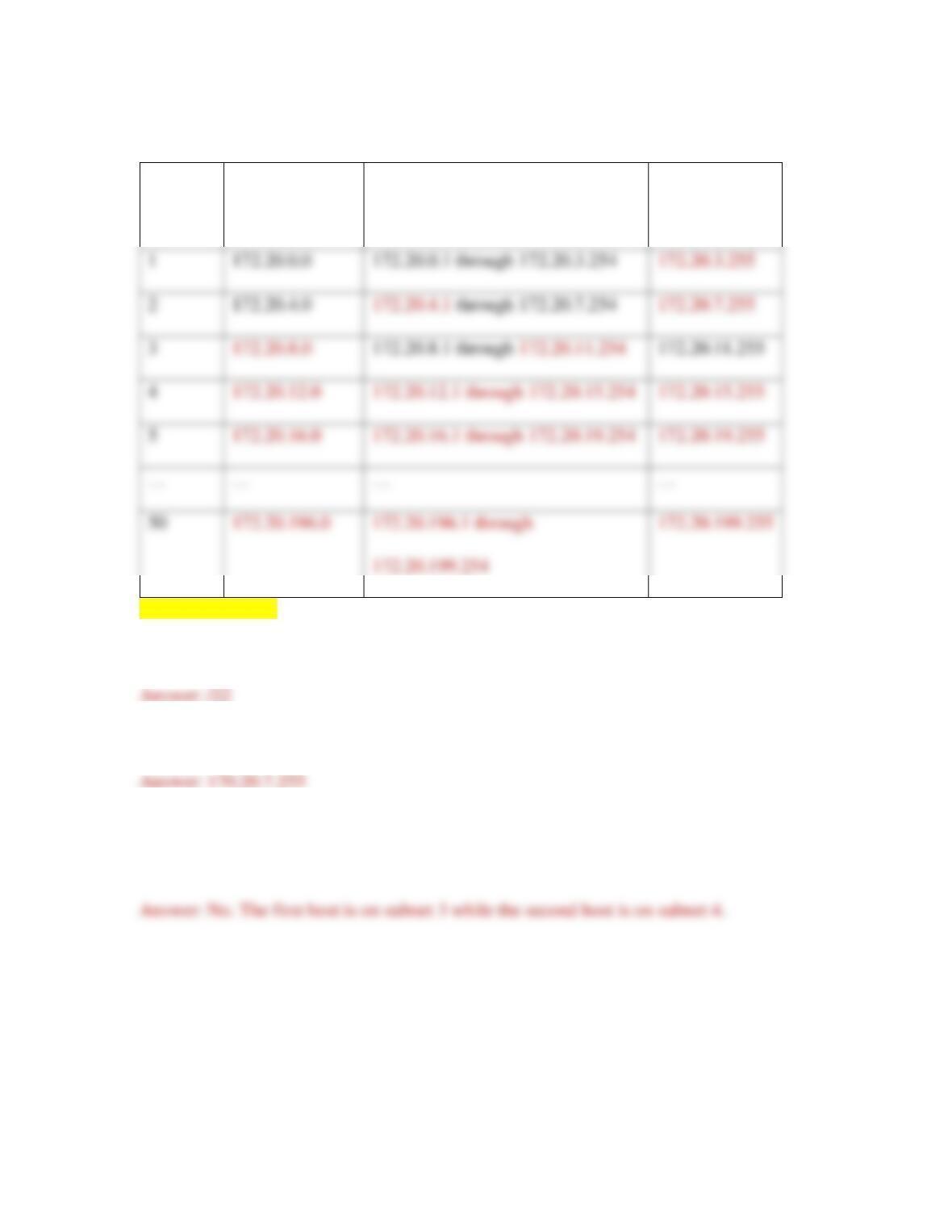
4. Complete Table 8-9.
[[Begin Table 8-9]]
11
Table 8-9 Calculate subnets
Subnet
number
Extended
network prefix
Range of host addresses
Broadcast
address
[[End Table 8-9]]
5. What is the CIDR notation for this network?
6. What is the broadcast address of the subnet for the host at 172.20.6.139?
7. Is the host at 172.20.11.250 on the same subnet as the host at 172.20.12.3? How
do you know?
Project 8-2: Shortcuts to Subnet Calculations
There are many handy shortcuts you can find online for calculating subnets more quickly
and easily. On the job, it would probably be best to use a subnet calculator, such as the

12
one at subnet-calculator.com, to better ensure you don’t make any time-consuming
mistakes in your calculations. However, on the Network+ certification exam, subnetting
shortcuts can help you get to an answer without wasting much of your limited time.
To use this shortcut method, you’ll first draw a series of numbers. This might look
confusing at first, but hang in there. It should make sense by the end. Complete the
following steps:
1. Write one row of eight numbers from right to left, starting with 1 on the right,
then 2, then 4, and so on, doubling each number as you move left. See the top row
in Figure 8-28.
2. Below this first row, write another row of eight numbers from right to left, this
time starting with 255 on the right. Subtract the number directly above 255 to get
the next number, 254. Subtract the number directly above 254 to get 252, and so
on. You know you’ve done it correctly if the left-most number in both rows is
128. (After you’ve done this a few times, you’ll likely have these numbers
memorized.) When you’re finished, draw a line connecting the corresponding
numbers in each row, as shown in Figure 8-28.
3. Above the top row, write another row of eight numbers, but this time work left to
right. Start with 2 on the left, and double each number as you move to the right.
See the top row in Figure 8-29.
13
4. Below the bottom row, write four more numbers from left to right. Start with 0 on
the left, then skip-count by 8s, as shown in Figure 8-29.
5. On the row immediately above the vertical lines, find the lowest number that
covers the needed hosts and circle it, as shown in Figure 8-30. This is your magic
number. In Figure 8-30, the magic number is 16.
6. Circle the number directly above the magic number, as shown in Figure 8-30.
This tells you how many subnets you’ll be creating.
7. Circle the number directly below the magic number, as shown in Figure 8-30.
This is the new interesting octet in the subnet mask. What is the subnet mask for
the subnets in this scenario?
8. To calculate the subnets’ network IDs, start with the original network IP address
192.168.15.0. In the fourth octet, skip-count by the magic number as high as you
can go without going over 255. Add this information to Table 8-10.
[[Begin Table 8-10]]
Table 8-10 Subnetting practice
Network ID
Host IP range
Broadcast address
192.168.15.0
192.168.15.1 – 192.168.15.14
192.168.15.15
14
[[End Table 8-10]]
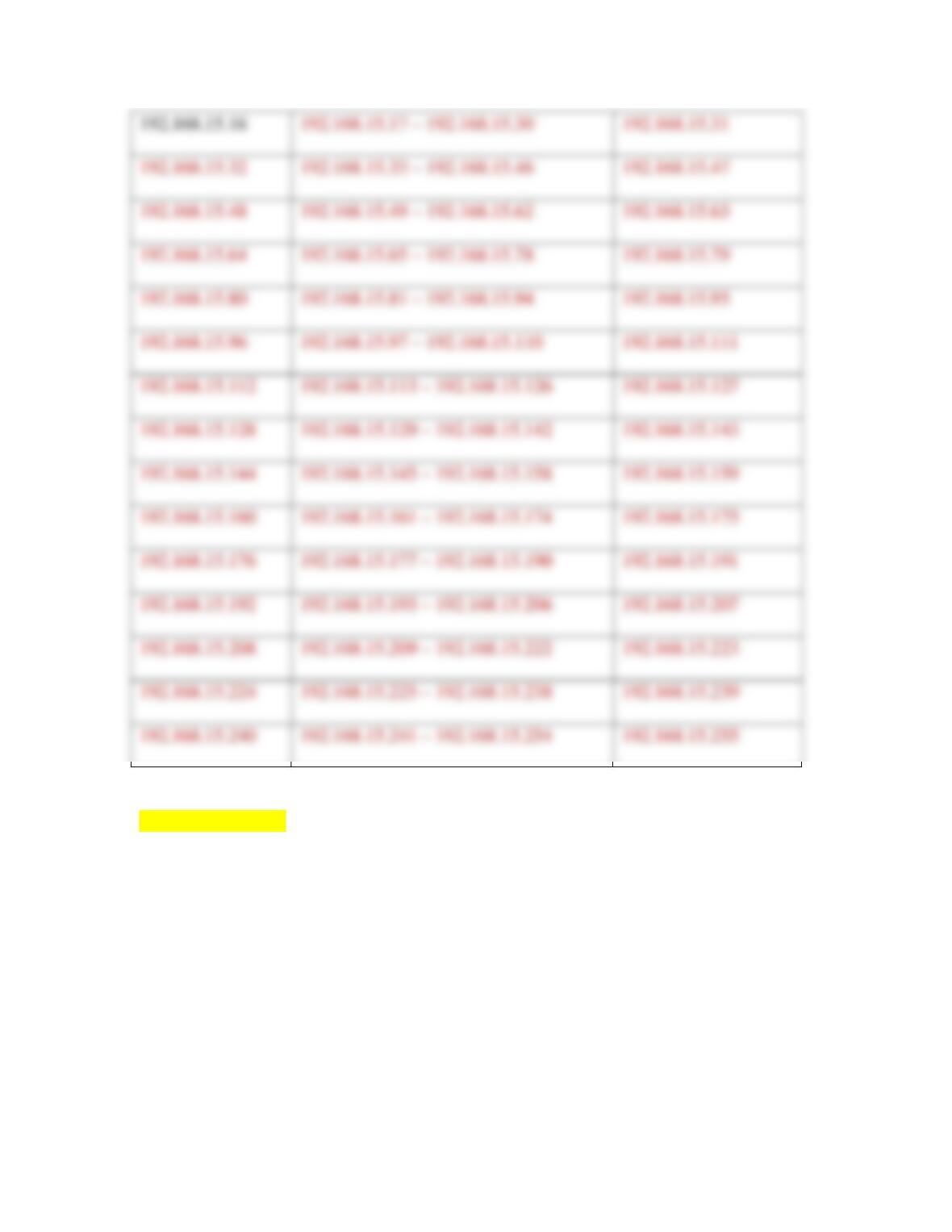
9. Fill in the rest of Table 8-10. Recall that you can subtract 1 from a network ID to
get the previous subnet’s broadcast address. The host IP address range consists of
all numbers between the network ID and the broadcast address.
The bottom row in our shortcut helps you solve the other type of subnetting problem you
learned about in this chapter: finding network information when given a single host’s IP

15
address and subnet mask. Note that this system only works as described here for IP
addresses using 24 or more bits in the network ID portion.
Let’s practice one. Suppose you’re told that 192.168.89.130/27 is a host’s CIDR notation.
How do you find the host’s network ID, broadcast address, and the range of host
addresses in the same subnet? Complete the following steps:
10. Write the host’s IP address directly below the lowest row in your shortcut, with
one octet per number on the last row. See Figure 8-31.
11. Draw a line to connect each pair of corresponding numbers. See Figure 8-31.
12. The CIDR number in this scenario is /27. Looking at the four multiples of 8 above
the IP address in Figure 8-31, circle the largest of these without going over the
CIDR number. In this case, it’s 24. See Figure 8-32.
13. Start counting at the multiple of 8 that you circled. Count up with each jump that
you make from left to right along the second row. And stop when you reach the
CIDR number for this host. Follow along in Figure 8-33 for this example. Point to
the multiple of 8 that you circled and say “24.” Say “25” when you jump to 128 in
the second row. Say “26” when you jump to 64 in the second row. Say “27” when
you jump to 32 in the second row. Because 27 is the CIDR number for the host
address, this is where you stop. Circle the number you stopped on, which in this
case is 32. This is the magic number.
14. If more than 8 bits were used for the host portion, this method would not work.
However, because 8 or fewer bits are used for the host portion, you can assume
that the starting network ID for these subnets is the first three octets of the host’s
IP address with 0 in the final octet. This means you can now fill in enough
information about this host’s subnet and the surrounding subnets to find the
information you need. Complete only the needed portions of Table 8-11. To
simplify things, the table only includes enough subnets to allow you to work one
subnet beyond the host’s subnet.
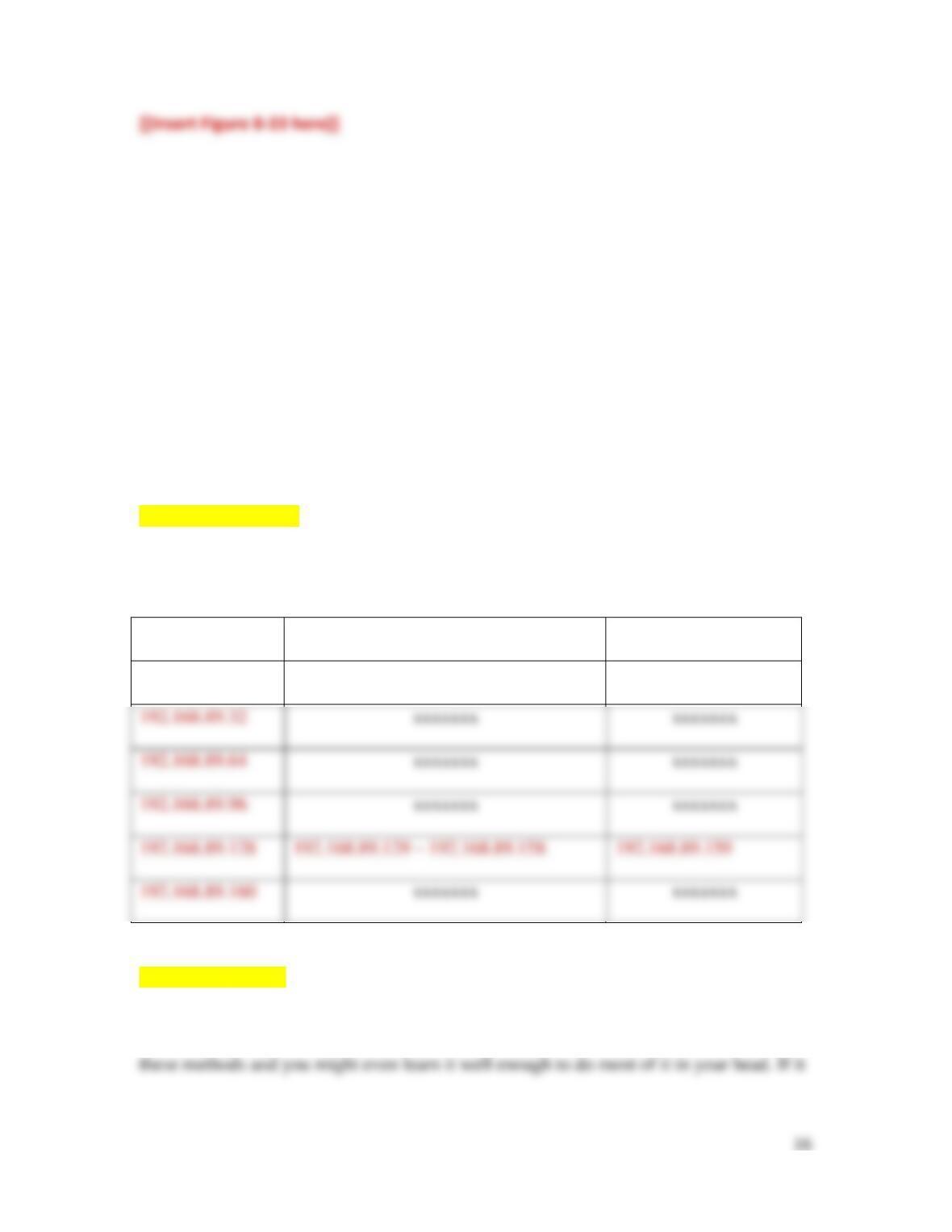
[[Begin Table 8-11]]
Table 8-11 More subnetting practice
Network ID
Host IP range
Broadcast address
192.168.89.0
xxxxxxx
xxxxxxx
xxxxxxx
xxxxxxx
xxxxxxx
xxxxxxx
xxxxxxx
xxxxxxx
[[End Table 8-11]]
How well did these shortcuts help you? If it clicked for you, great! Keep practicing with
17
didn’t work for you, do a Google search for subnetting shortcuts and find a method that
does work for you.
Several good websites and apps can give you a variety of practice subnet questions so
you can become especially comfortable with calculating subnets. Do a Google search for
subnetting practice, or try an app on your phone, such as /24 Subnetting Practice by
Zerones, available on both Android and iPhone. A good subnetting practice app like /24
Subnetting Practice will give you options on the types of problems to work with (see
Figure 8-34a), will tell you the correct answer (see Figure 8-34b), and will explain why
that answer is correct (see Figure 8-34c).
Project 8-3: Configure VLANs Using a Switch’s GUI
As you saw in the chapter, some switches allow you to configure VLANs through a
graphical user interface instead of through a command line interface. In this project, you
use an online switch simulator to practice configuring VLANs on a Linksys switch.
Complete the following steps:
1. In your browser, go to ui.linksys.com. Scroll down to find the LGS528P switch
2. Click the latest version available for this switch. At the time of this writing, the
3. Click Log In. You do not need a username or password.
4. Take a few minutes to explore the switch’s management interface. Answer the
following questions:
a. How many ports does it have?
b. What is the switch’s current IPv4 address? Why does this switch have an IP
address at all?
c. How many VLANs are currently configured on the switch? Which one is the
default VLAN?
5. If you’re not already there, click the Configuration tab and then click VLAN
Management.
6. Click the Edit button. Select VLAN 2 and name it Accounting. Click Apply, and
then click Close. Because this is a simulator, the changes are not saved.
8. In the left pane under VLAN Management, click Interfaces. Note that all
interfaces are currently configured for trunk mode. At the bottom of the list, click
Edit. Select a port, make sure Access mode is selected, click Apply, and then
click Close.
Although none of the changes you make in this simulator are saved, it’s still a good way
19
Capstone Projects
Here you have a golden opportunity to explore nearly all the main concepts you learned
in this chapter by making some additions and configurations to your Packet Tracer
Capstone Project 8-1: Add Subnets to Your Packet Tracer Network
In Chapter 6, Capstone Project 6-1, you installed Packet Tracer. In Chapter 7, Capstone
Project 7-2, you began building a Packet Tracer network. In this project, you will
calculate subnet information for nine subnets, which you will then configure on your
network in Packet Tracer. Then in Capstone Projects 8-2 and 8-3, you will configure
VLANs on the Packet Tracer network.
Let’s begin by adding a few more devices to your network. Complete the following steps:
1. In Packet Tracer, open your Packet Tracer file from Capstone Project 7-2.
2. Add the following new devices:
a. Three new Generic routers
20
3. Connect the new devices to each other using the Copper Straight-Through cable
as described next:
a. On each workstation, connect the Ethernet cable to the FastEthernet0
interface.
b. On each switch, connect the Ethernet cable from the workstation to the
c. On Router1, connect Switch2 to the FastEthernet0/0 interface and
d. On Router2, connect Switch4 to the FastEthernet0/0 interface and
e. Wait a few minutes for the workstation-to-switch connections to turn
green on both ends of each connection.
4. Use a Fiber cable to connect the FastEthernet4/0 port on Router0 to the
5. Click Router3. On the Physical tab, scroll to the right and click the power switch