
Guide to Networking Essentials, Eighth Edition 2-1
Chapter 2
Network Hardware Essentials
At a Glance
Instructor’s Manual Table of Contents
• Overview
• Objectives
• Teaching Tips
• Quick Quizzes
• Class Discussion Topics
• Additional Projects
• Additional Resources
• Key Terms
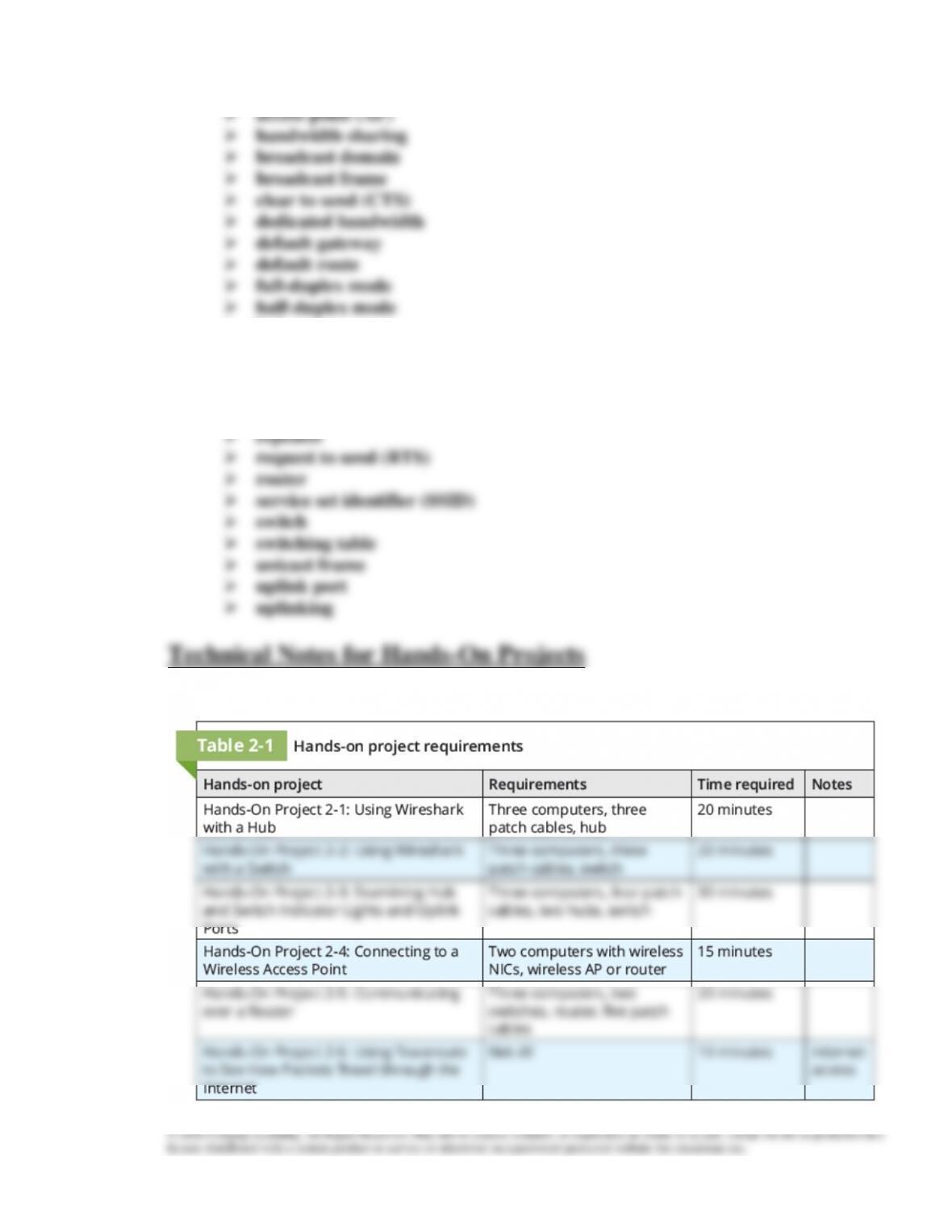
• Technical Notes for Hands-On Projects
Guide to Networking Essentials, Eighth Edition 2-2
Lecture Notes
Overview
Chapter 2 offers an introduction to the basic operation of network repeaters and hub.
Students learn about the purpose of network switches, as well as how to summarize the
Objectives
• Describe the basic operation of network repeaters and hubs
• Explain the purpose of network switches
Teaching Tips
Network Repeaters and Hubs
2. Discuss the purpose of a repeater, or why a device might be used as a repeater.
Multiport Repeaters and Hubs
1. Explain that a multiport repeater, or hub, will clean a signal as well as regenerate it.
2. Explain the functions of a hub.
• Receives bit signals generated from a connected computer on one of its ports
3. Define network bandwidth as the amount of data that can be transferred on a network
4. Explain why, when devices are connected to a hub, they must wait their turn to
communicate.
6. Use Figure 2-4 to discuss several of the indicator lights that might be found on a typical
hub.
7. Discuss the importance of an uplink port on a hub. Explain that this port can be used to
8. Emphasize the limitations of hubs and point out that they are typically being replaced
with switches.
Teaching
Tip
For additional information about hubs, see
http://wiki.wireshark.org/HubReference.
Network Switches
1. Explain that a switch actually reads a frame, determines which port the destination
Basic Switch Operation
1. Explain how a switch directs traffic to the correct port by using a MAC address.
3. Use Figure 2-5 to illustrate the steps that describe a switch’s operation.
4. Discuss what a switch does with a frame if it doesn’t find the destination MAC address

5. Discuss how a switch can handle several computer conversations at one time, thereby
6. Discuss the advantages inherent in using switches compared to a hub.
7. Discuss some of the indicator lights that could be found on most switches. Point out that
some switches have a dedicated port for up linking to another switch.
Teaching
Tips
Switches also have the ability to perform more advanced tasks such as link
aggregation, or port bonding, to increase link speeds.
Teaching
Tip
For a visual guide in explaining how a MAC address is structured, see
http://upload.wikimedia.org/wikipedia/commons/9/94/MAC-48_Address.svg
Quick Quiz 1
1. What does a repeater do?
2. A multi-port repeater is often referred to as which of the following?
a. Switch
b. Bridge
c. Hub
d. Network Interface Card
3. The amount of data that can be transferred on a network during a specific interval is
known as which of the following?
a. Network bandwidth
b. Network speed rating
c. Line speed rating
d. Duplexing speed
4. True or False: A switch operates just like a hub?
5. How long are MAC addresses?
a. 42 bits
b. 16 hexadecimal characters
c. 4 octets
d. 12 hexadecimal characters
Wireless Access Points
1. Explain the use of access points as a means of wireless distribution. Point out that most
Basic AP Operation
1. Make a comparison of access points to hubs.
2. Point out that the destination device sends an acknowledgement back to the sending
device to indicate that the frame was received.
3. Explain that some wireless configurations require additional handshaking between two
4. Discuss the limitations of wireless, as well as advantages / disadvantages of using a
wireless connection.
Teaching
Tip
Widely available, consumer home routers that provide wireless access are
actually several devices combined into one, including an access point. It might be
helpful to point out some wireless router models as access points.
Guide to Networking Essentials, Eighth Edition 2-6
Network Interface Cards
1. Discuss how network interface cards (NICs) use different types of media, but all have
NIC Basics
1. Describe the process by which a NIC turns a frame into transmittable signals for
whatever media type it is made for.
2. Use Figures 2-10 and 2-11 to demonstrate how a NIC handles incoming and outgoing
data from the network medium.
3. Explain why NIC’s are assigned MAC addresses.
a. These addresses must be unique, or communication on the network no longer
4. Introduce students to a broadcast MAC address.
a. A MAC address of FF:FF:FF:FF:FF:FF is reserved for broadcasts, and cannot be
5. Explain that most NICs have a link status indicator and an activity indicator.
Selecting a NIC
1. Discuss with students that when selecting a NIC to install in a computer, there are a
number of factors to consider:
a. What bus type should be used? Several are available, such as PCI and PCIe.
NIC Drivers
1. Students should learn that NIC drivers, in most cases, will be automatically installed or

2. Demonstrate how to verify that a NIC is installed using the Network & Internet Status
Wireless NICs
1. Discuss the prevalence of wireless NICs in mobile devices.
3. Discuss what information is needed in order to connect to a wireless network.
a. You must know the service set identifier (SSID). Most wireless routers available
b. You might also be prompted for a security key or a username and password.
Teaching
Tip
If you have a wireless device, or preferably a workstation / laptop with wireless,
try doing a wireless survey around your area. Show students just how prevalent
wireless technology is! Netspot is a common tool for doing a wireless survey,
and can be found at https://www.netspotapp.com/
Quick Quiz 2
1. What is the main difference between a wireless access point and a hub?
2. Before a computer can transmit data to the AP, it must first send which of the following
messages to let the AP know it intends to transmit data?
a. Broadcast
b. Request to Send (RTS)
c. Beacon
d. SSID
3. What is the name of the address that is built into every NIC?
4. A frame with a destination MAC address composed of all binary 1s or FF-FF–FF–FF–
FF-FF in hexadecimal is known as which of the following?
a. Unicast frame
b. Anycast frame
c. Multicast frame
d. Broadcast frame
Guide to Networking Essentials, Eighth Edition 2-8
5. What information must you have in order to connect to a wireless network?
a. Name of the switch
b. SSID
c. MAC address of the router
d. MAC address of the switch
Teaching
Tip
To see more information about the 802.11 wireless standards, visit
https://www.networkworld.com/article/3238664/80211-wi–fi-standards-and-
speeds-explained.html
Routers
1. Discuss the role of routers in delivering packets or information to other non-locally
connected networks. Use Figures 2-15 and 2-16 in your discussion.
2. Be sure to point out the key properties and features of a router versus a switch:
a. Routers connect LANs, switches connect computers
Routers Connect LANs
1. Explain that in order to communicate between two different LANs or networks with
2. Use Figures 2-17 and 2-18 to compare a large LAN connected by switches to three
Routers Create Broadcast Domains
1. Use Figure 2-19 to explain how and why a router will create broadcast domains.

Guide to Networking Essentials, Eighth Edition 2-9
Routers Work with IP Addresses and Routing Tables
1. Describe how a router maintains a table of addresses to direct networking traffic.
3. Explain that a default route tells a router where to send a packet with a destination
network that can’t be found in the routing table.
5. Mention that the router may send a message to the sending station informing it that the
network is unreachable.
6. Describe a default gateway as the address configured in a computer’s IP address
7. Point out to students that this chapter explains the basic operation of the most common
Quick Quiz 3
1. True or False: Routers are devices that enable multiple LANs to communicate with one
another by forwarding packets from one LAN to another.
2. The scope of devices to which broadcast frames are forwarded is known as which of the
following?
a. Default gateway
b. Interface
c. Broadcast domain
d. Default route
3. What is another name for a port on routers?
4. Which of the following tells a router where to send a packet with a destination network
that can’t be found in the routing table?
Guide to Networking Essentials, Eighth Edition 2-10
a. Default gateway
b. Interface
c. Broadcast domain
d. Default route
Class Discussion Topics
2. What might prevent wireless technology from being used extensively in an enterprise?
Additional Projects
1. If Cisco equipment is available, set up two switches with connections to each other,
Additional Resources
1. Collision domains vs. Broadcast domains
4. What is a Wireless Access Point?
5. How Routers Work
Key Terms
For explanations of key terms, see the Glossary for this text.
Guide to Networking Essentials, Eighth Edition 2-11
➢ hub
➢ network bandwidth
➢ network interface card
➢ (NIC)
➢ promiscuous mode