Guide to Networking Essentials, 8th ed., ISBN 9780357118283
Chapter 12 Solutions-1
Chapter 12 Solutions
Review Questions
1. Which of the following is a function of a user account? (Choose all that apply.)
a. Establishes a link between the user and the computer’s IP address
d. Authorizes a user to log on to network servers
2. Which of the following is true of group accounts? (Choose all that apply.)
b. They can be used only to assign permissions, not rights.
c. Each group has a password assigned.
3. Which of the following is true of a user logon name in Windows?
a. It’s case sensitive.
c. It must contain both uppercase and lowercase letters.
d. It must contain at least one number.
4. Which of the following is a group scope in Active Directory? (Choose all that apply.)
c. Distribution
d. Security
5. Which of the following is a special identity group? (Choose all that apply.)
b. Logged-On Users
6. Which of the following is a collection of a user’s personal data folders and
application settings that’s available at any computer where the user logs on?
a. Local profile
c. Mandatory profile
d. Network profile
7. Which command in Linux might be needed to perform user account management if
you aren’t logged on as the root user?
a. runas
b. superuser
8. Which command in Linux gives you extensive help on how to use a command?
a. help
b. more
9. Which is true about Linux user accounts? (Choose all that apply.)
c. The full name is a required part of the user account.
d. The account names can’t contain lowercase letters.
10. Which is true about partitions? (Choose all that apply.)
a. A partition is always a volume, too.
c. An extended partition is assigned a drive letter by default.
11. Which NTFS feature should you configure if you want users to be able to revert to
an older version of a file?
a. Disk quotas
b. EFS
12. Which is true about file compression? (Choose all that apply.)
b. It’s a standard feature in Windows starting with FAT32.
d. Compressed files can’t have permissions assigned to them.
13. Which of the following is true about permissions in NTFS?
a. An Allow permission always overrides a Deny permission.
b. Permissions can be set only on folders, not on files.
14. Which of the following is a permission in the Linux OS? (Choose all that apply.)
b. Modify
c. Delete
15. Which of the following correctly describes how sharing and NTFS permissions
work?
b. When a file is accessed interactively, only sharing permissions are checked.
c. When both sharing and NTFS permissions are applied, the least restrictive
permissions apply.
16. Which of the following is true of Windows printing terminology? (Choose all that
apply.)
a. A printer is a physical device.
d. A printer pool is two or more printers representing a single print device.
17. Which of the following tools is used to view information categorized as Information,
Warning, or Error?
b. Performance Monitor
d. Report Generator
18. Which of the following is best described as a record of performance data gathered
when a system is performing well under normal conditions?
b. Real-time monitoring
d. Performance counters
19. Why would you choose to monitor a system’s performance remotely?
a. You don’t have permission to log on to the system.
c. The system is running Windows 10, which doesn’t have Performance Monitor
installed.
20. Which of the following is a factor that can cause poor network performance?
(Choose all that apply.)
b. Private IP addresses
d. Server clusters
21. Which of the following should you use if you want secure network monitoring?
a. VoIP
c. MIB
22. If you’re deploying VoIP on your network, which device should you consider to
ensure timely delivery of VoIP packets?
a. Load balancer
b. NIDS
23. Which UPS type is best for computer power backup?
a. Standby
d. Always on
24. Which RAID level uses a minimum of three disks and provides fault tolerance?
a. RAID 1
b. RAID 0
Hands-On Projects
Hands-On Project 12-1
Hands-On Project 12-2
Guide to Networking Essentials, 8th ed., ISBN 9780357118283
Chapter 12 Solutions-6
Hands-On Project 12-5
Step 7: You might need to disable inheritance if you want to set permissions on files and folders
that are different from those set in the parent folder.
Hands-On Project 12-6
Hands-On Project 12-8
Challenge Labs
Challenge Lab 12-1
The file students create should have this format:
username:password:5001:group name:Full Name:/home/username:/bin/bash
For example:
Challenge Lab 12-2
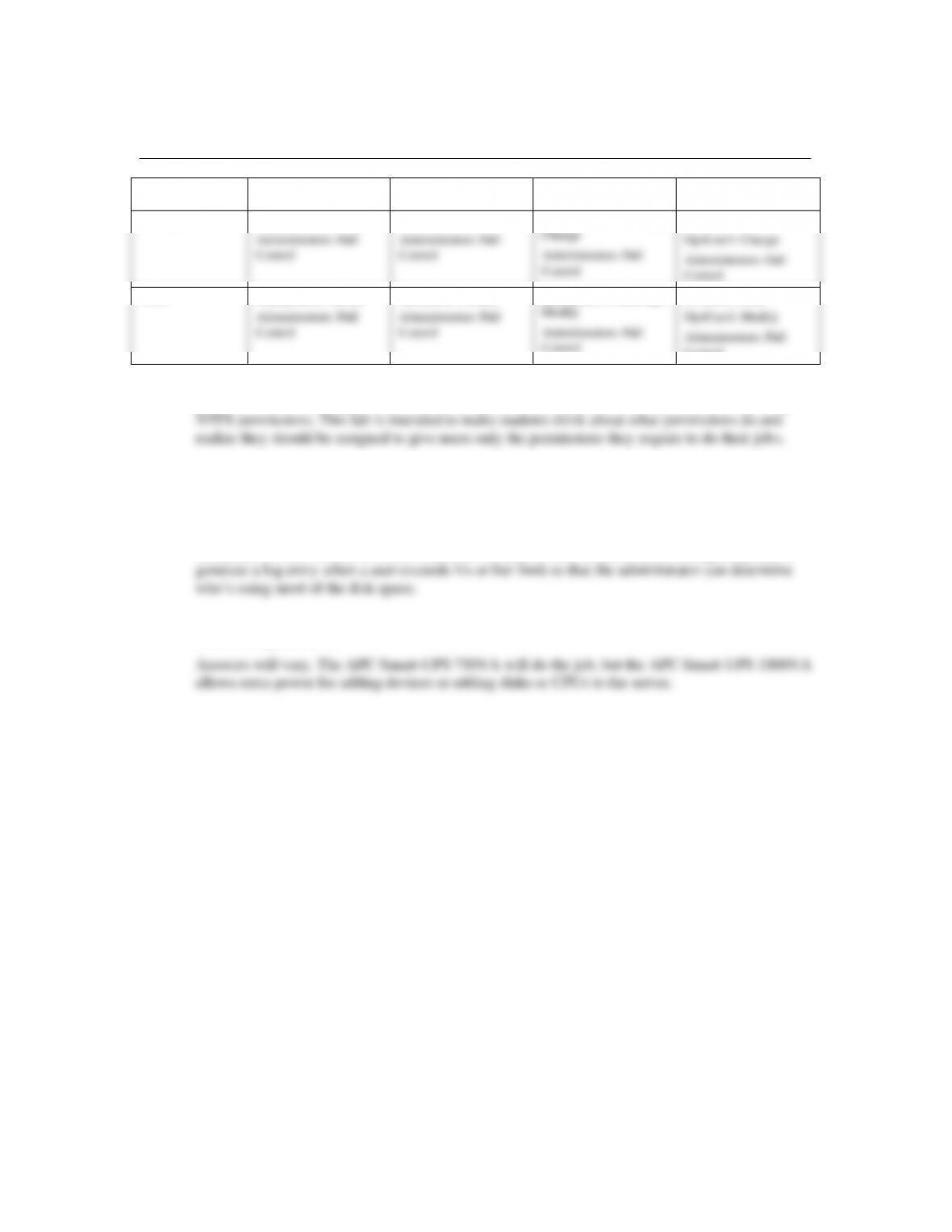
Answers will vary to some extent. Students or groups should develop something similar to the
following, but more extensive:
Group memberships
Management
Operations
Information Technology
MgtUser1
OpsUser1
ITUser1
MgtUser2
OpsUser2
ITUser2
MgtUser3
OpsUser3
ITUser3
Guide to Networking Essentials, 8th ed., ISBN 9780357118283
Chapter 12 Solutions-7
Shares
Permissions
MktShare
OpsShare
SuppShare
Public
Sharing
Management: Change
Administrators: Full
Control
Operations: Change
Administrators: Full
Control
Information Technology:
Change
Administrators: Full
Control
Everyone: Read
OpsUser1: Change
Administrators: Full
Control
NTFS
Management: Modify
Administrators: Full
Control
Operations: Modify
Administrators: Full
Control
Information Technology:
Modify
Administrators: Full
Control
Everyone: Read
OpsUser1: Modify
Administrators: Full
Control
Note: There are other ways to accomplish the intent of the permissions. For example, students can
give Full Control sharing permissions to Everyone in each share and limit permissions by using
Case Projects
Case Project 12-1
Set quotas on the volume on which shares are located. Create a hard limit or configure quotas to
Case Project 12-2