CCNA Guide to Cisco Networking, Fourth Edition Chapter 10 Solutions
1
Chapter 10 Solutions
Review Questions
1. Which wildcard mask would apply an access list line to all packets from network
175.25.0.0?
a. 255.255.255.0
2. Standard IP access lists filter traffic based on which of the following? (Choose all
that apply.)
4. Which command shows only the IP access lists on a router?
5. Which commands allow you to view the interfaces that have IP access lists applied to
them? (Choose all that apply.)
6. Which host and wildcard mask pair does the any keyword represent?
a. 255.255.255.255 0.0.0.0
7. Which command is used to apply an IP access list to an interface?
8. Access lists are _________. (Choose all that apply.)
2
10. Which command could be used to remove an access list from your router?
11. Extended IP access lists are represented by the _________ number range.
12. The show access-lists command displays _________.
13. At which of the following prompts would you create an access list?
14. At which of the following prompts would you apply an access list to an interface?
15. Which of the following host and corresponding wildcard mask pairs represent the same
value as host 172.29.2.2?
False?
17. Which of the following is a benefit of using named lists?
18. What happens if a list is applied to an interface and then the list itself is removed?
19. What is true of the host keyword? (Choose all that apply.)
20. What is the purpose of the “established” parameter?
21. All access lists presented in this chapter, except standard IP lists, should be placed
where?
22. Which command links an access list to the VTY lines?
23. Which SDM wizard allows you to configure a DMZ?
24. List the three Basic Firewall Wizard security settings.
CCNA Guide to Cisco Networking, Fourth Edition Chapter 10 Solutions
4
Case Projects
Case Project 1
Lisa’s proposed list will block all traffic from the 170.55.0.0 network. Since it is a
standard ACL, it cannot provide the level of control you need to meet the case project
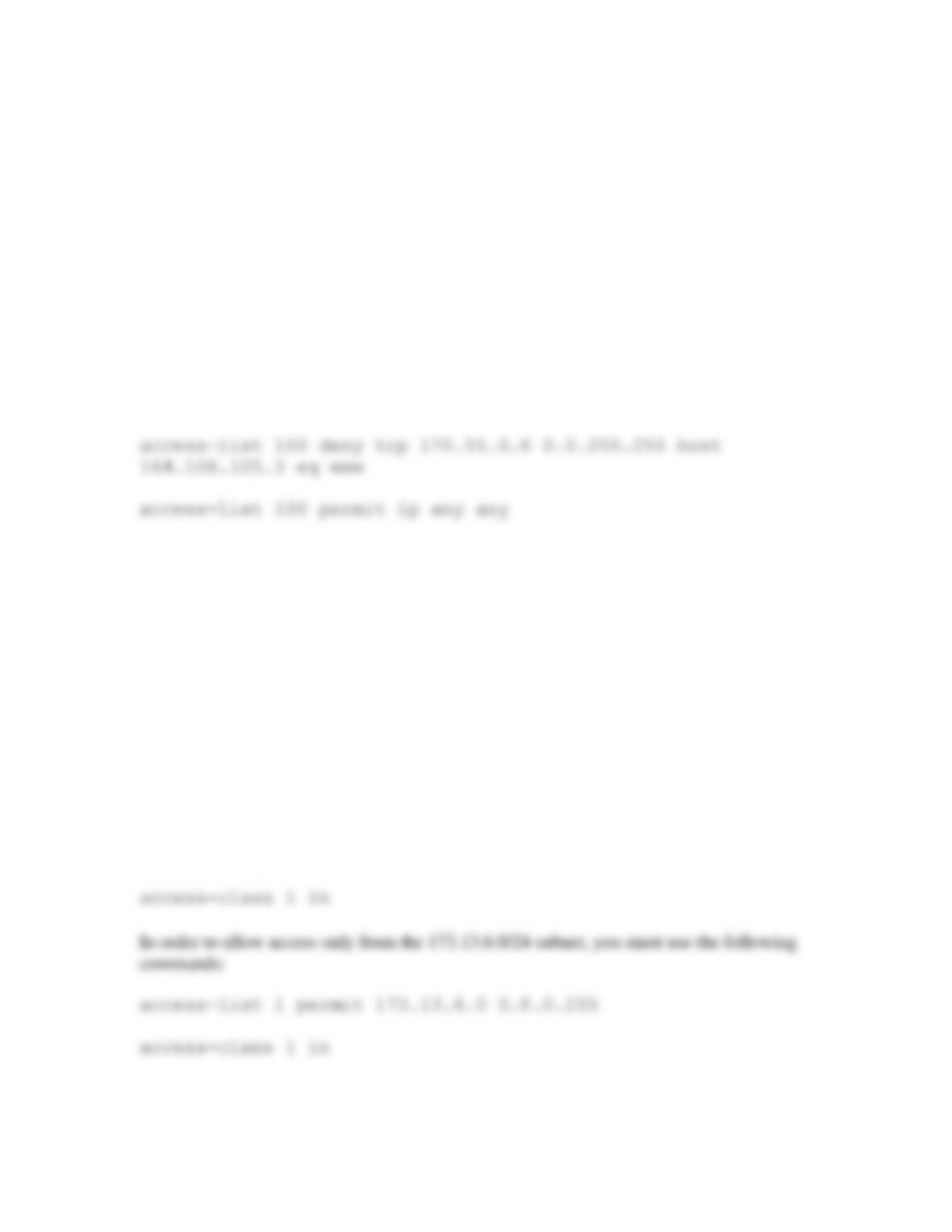
requirements. The correct way to accomplish the task is with an extended ACL such as
the following:
This access list should be placed on the router that is as close to the web server as
possible.
Case Project 2
Limiting access to VTY lines via ACLs is a simple process. First, you have to create the
proper ACL and then apply it to the VTY line with the access-class command.
In order to limit VTY access to a single workstation, you first create the appropriate
ACL. In the case study, you must limit access to just the 173.13.6.1/24 host. The
commands to perform this task are as follows:
access-list 1 permit host 173.13.6.1
You must then apply the ACL to the VTY line:
CCNA Guide to Cisco Networking, Fourth Edition Chapter 10 Solutions
Case Project 3
Creating a firewall to block peer-to-peer networking using the SDM is a simple task. The
paragraph should describe the use of the Basic Firewall configuration wizard applied with the
output shown in the text such as:
ip name–server 192.168.12.12
ip inspect log drop–pkt
ip inspect name SDM_HIGH appfw SDM_HIGH
ip inspect name SDM_HIGH icmp
ip inspect name SDM_HIGH dns
ip inspect name SDM_HIGH esmtp
ip inspect name SDM_HIGH https
ip inspect name SDM_HIGH imap reset
ip inspect name SDM_HIGH pop3 reset
ip inspect name SDM_HIGH tcp
service default action reset alarm
service text–chat action reset alarm
server deny name messenger.hotmail.com
server deny name gateway.messenger.hotmail.com
server deny name webmessenger.msn.com
service text–chat action reset alarm
server deny name scs.msg.yahoo.com
server deny name scsa.msg.yahoo.com
server deny name scsb.msg.yahoo.com
server deny name scsc.msg.yahoo.com
server deny name address1.pim.vip.mud.yahoo.com
server deny name edit.messenger.yahoo.com
server deny name messenger.yahoo.com
server deny name http.pager.yahoo.com
server deny name privacy.yahoo.com