Page1of8
Lab: Digital Audio Manipulation
SoftwareRequirement:Audacity1.2orabove.Theinstructionsandscreenshotsusedherewerebased
fromAudacity1.3Beta.
Objectives of this lab:
1. Distinguishbetweenaudiosamplingrateandaudiofrequency
2. RecordavoiceinAudacity,removebackgroundnoise,rearrangethewaveform,andapply
soundeffects
3. Frequencyanalysisofhumanvoice
5. LearnwhattypeofinformationislostwhensavingMP3files
Lab Instructions:
I.DistinguishAudioSamplingRatefromAudioFrequency
Downloadfoursingletonesfilesfromthebook’sWebsite.Listentothesefoursingletones.Notethe
differenceinthepitch.
Thesamplingratesandtheaudiofrequenciesofthesesingletonesarelistedinthefollowingtable:
FileFilenameSamplingRateBaseFrequencyoftheSingle‐tone
Q1.Multiple‐choice:Withthesamebasefrequencyofthetone,increasingtheaudio
A.increasesthepitchofthetone
B.decreasesthepitchofthetone
C.doesnotchangethepitchofthetone
Q2.Multiple‐choice:Withthesamesamplingrate,increasingthebasefrequencyof
A.increasesthepitchofthetone
B.decreasesthepitchofthetone
C.doesnotchangethepitchofthetone
III.Recordyourvoiceandremovethebackgroundnoise
1) CreateanewfileinAudacity.Todoso:
SelectFile>New.Setthesettingsasfollows:
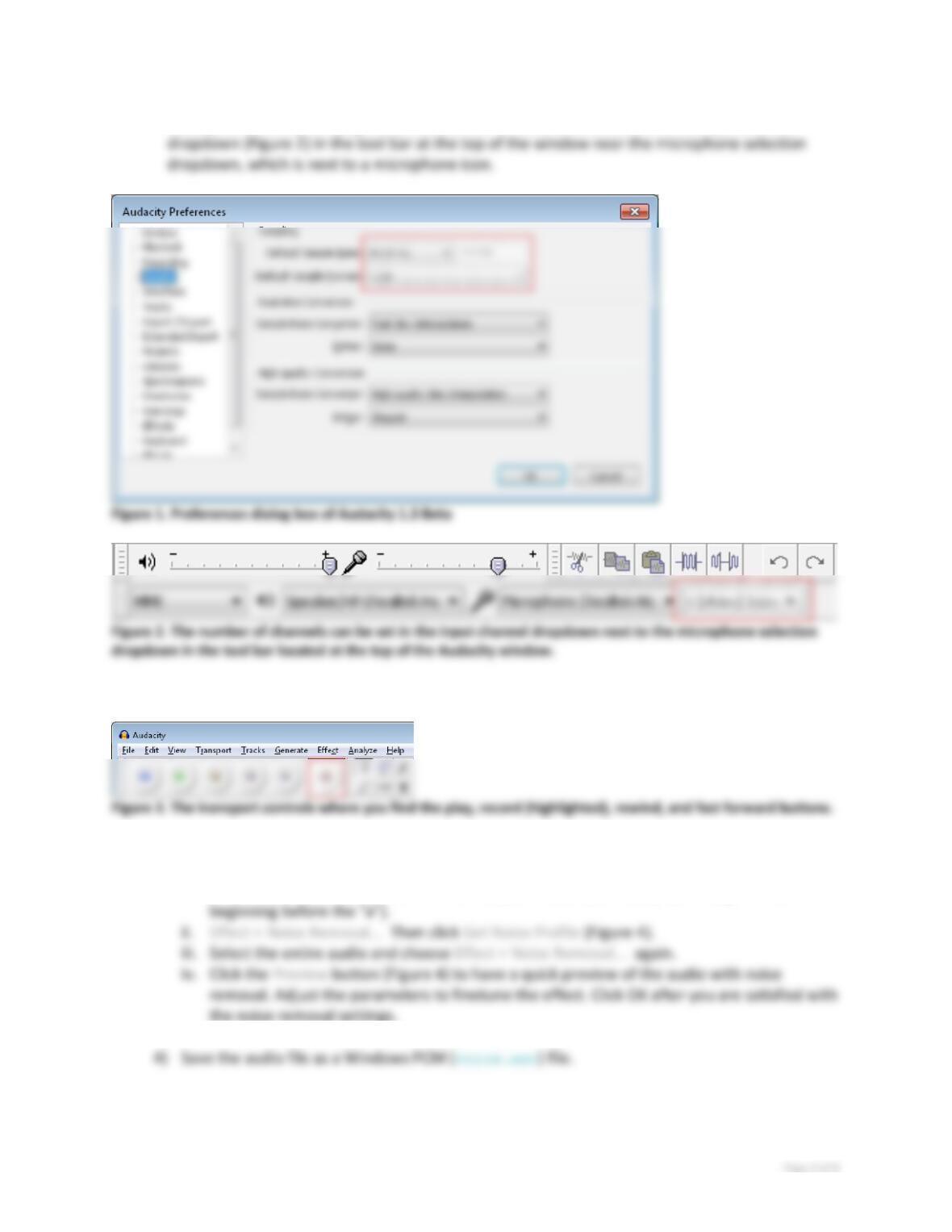
Qualityontheleftpane(Figure1).Thenumberofchannelscanbesetintheinputchannel
2) Recordyourvoice,saying“abc”.Tostartrecording,clicktherecordbutton(Figure3).
3) Applyanoisereductionasshowninthetutorialtoremovethebackgroundnoise.
Todothis:
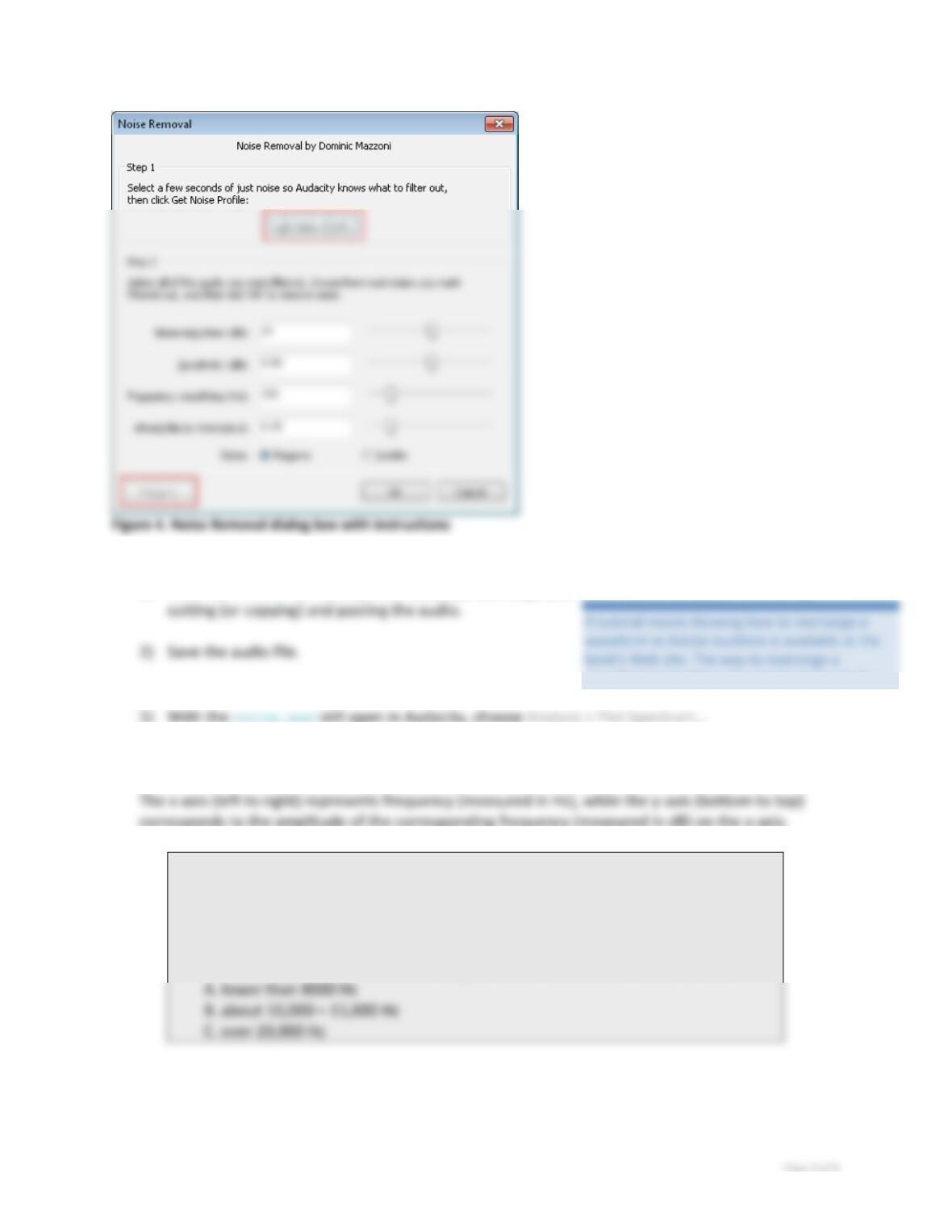
i. Selectaportionofthewaveformthathasjust“noise”(forexample,thesegmentatthe
IV. Rearrange the waveform
1) Withthevoice.wavstillopeninAudacity,rearrangeyouraudioabovetosound“cab”by
V. Frequency analysis of human voice
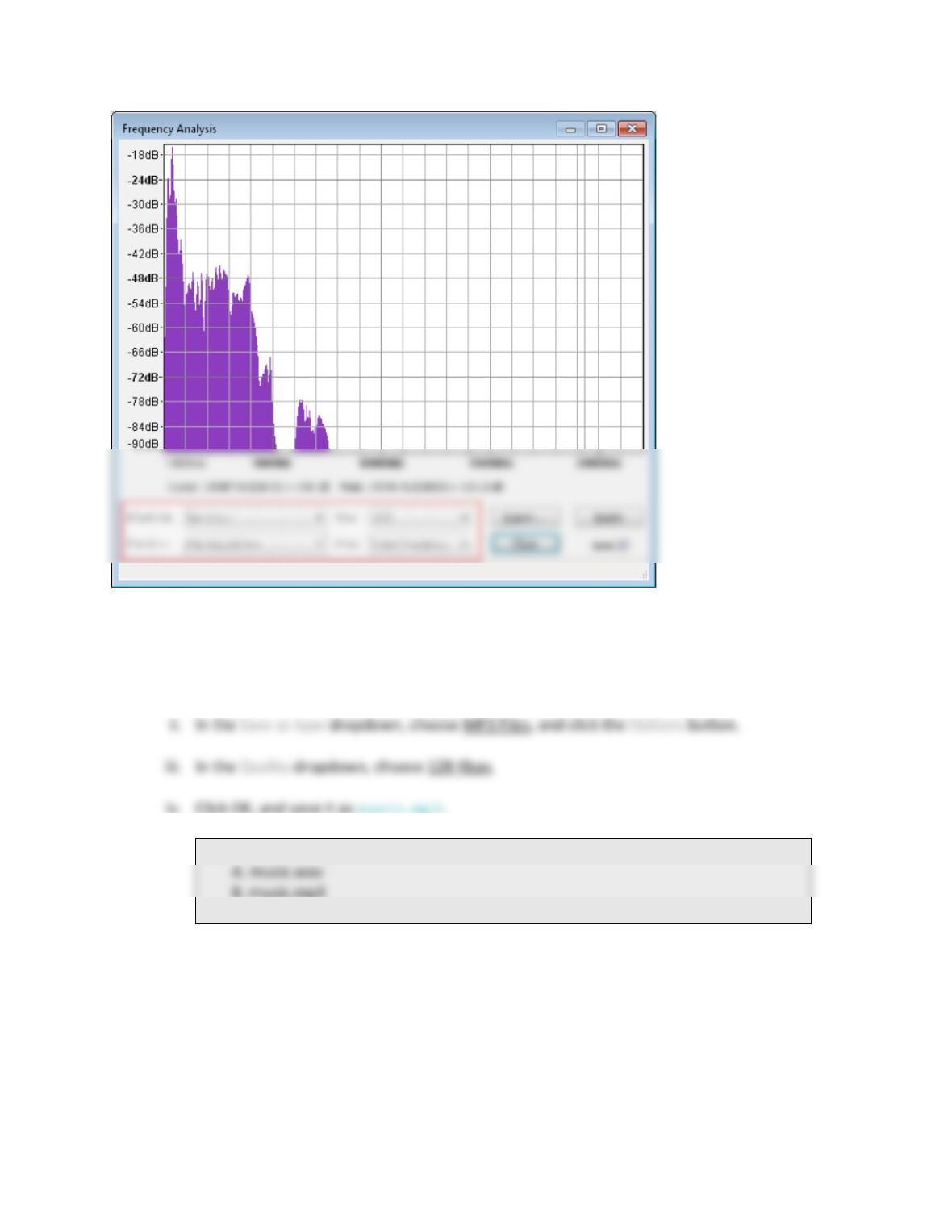
2) SettheFFTSizeto1024andothersettingsasshowninFigure5.
Q3.Multiple‐choice:Inthefrequencyanalysisgraph,youmaynoticethatthehigh
amplitudeconcentratesonacertainrangeoffrequency,whichistherangeof
audiofrequencyofyourspeechinthisrecording.
Fromthefrequencyanalysisofyourspeechandotherstudents’(lookatother
students’ifpossible),whatistherangeofaudiofrequencyofhumanspeech?A
waveforminAuditionalsoappliesinAudacity.
Page4of8
Figure5.Frequencyanalysiswindow
VI. Audio file type: .WAV vs. .MP3; and MP3 being lossy compression
1) Openmusic.wavinAudacity.Dothefollowingstepstosavethefileasmusic.mp3:
i. File>Export…
Q4.Multiple‐choice:Whichfile’ssizeissmaller?B
2) Closemusic.mp3andreopenitinAudacity.
(Youneedtoclosethefileandreopenitinordertoseetheeffectinthenextstep.)
3) Lookatthespectralviewofbothmusic.wavandmusic.mp3.
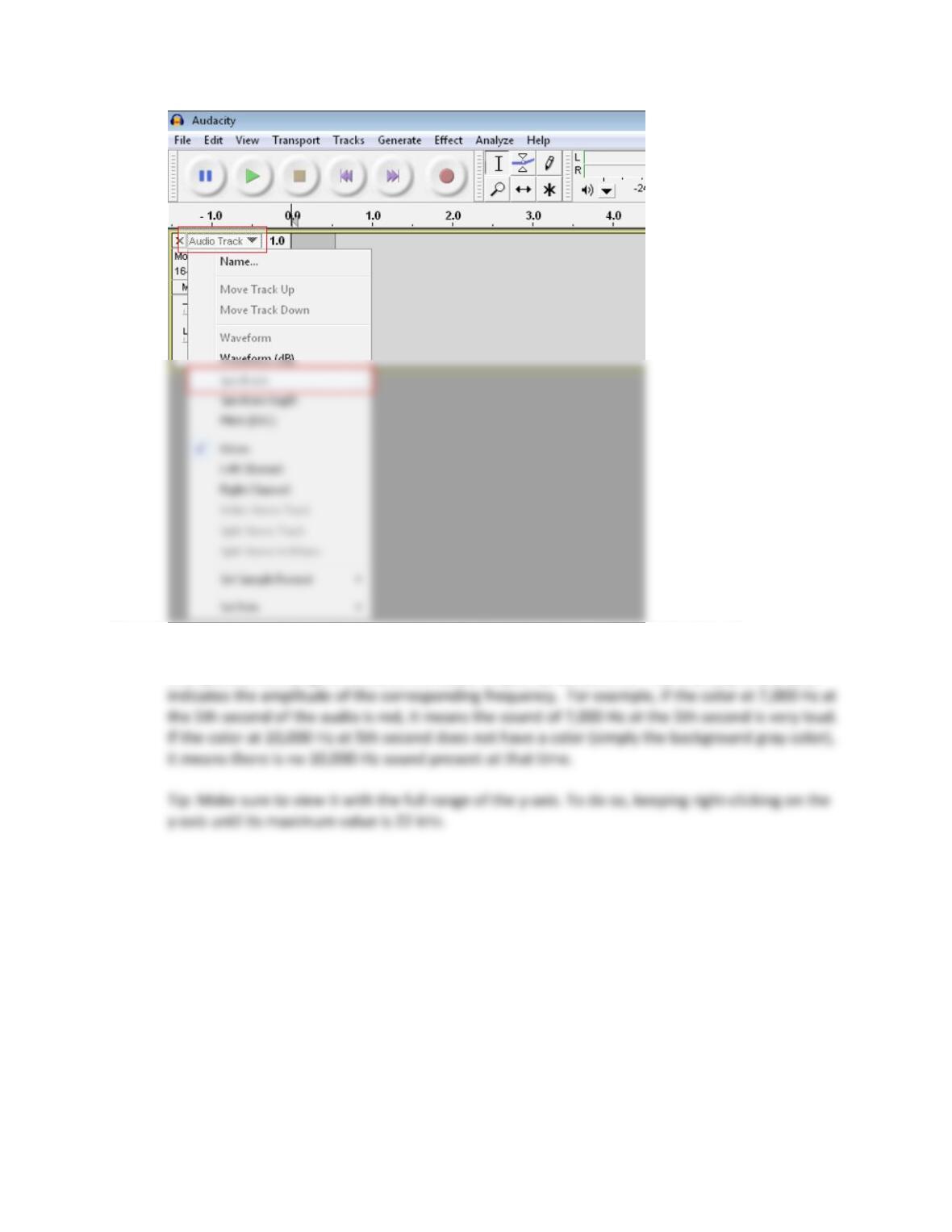
Note:Tolookatthespectralviewofanaudiofile,selectSpectrumfromtheAudioTrack
dropdown(Figure6)ofthetrackthattheaudioisin.
Page5of8
Figure6.TheSpectrumoptioncanbefoundintheAudioTrackdropdownontheleftofeachtrack.
Thespectralview(Figure7)showstheaudiofrequencyversustime.Theintensityofthecolor
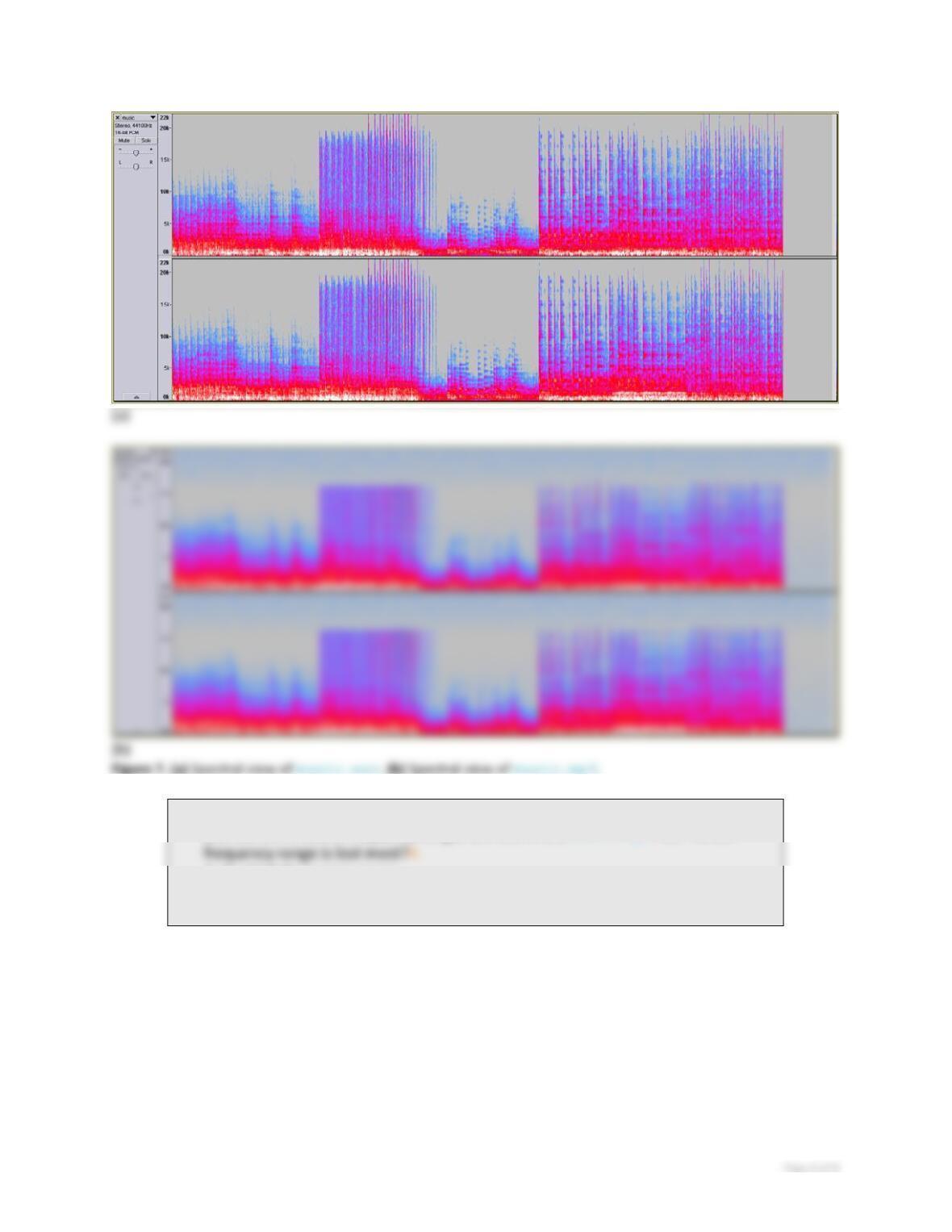
Q5.Multiple‐choice:Bycomparingthespectralviewofmusic.wavandmusic.mp3,
youseesomeaudiofrequencyrangesarelostinthemusic.mp3file.Which
A.thehighfrequencyrange
B.thelowfrequencyrange
ThefrequencyrangethatislostintheMP3fileisnotperceivablebytheaveragehumanearinthe
presenceoftheotheraudiofrequencyrangesinthefile.ThisisthebasicideaoftheMP3compression.
That’swhythefilesizeofMP3canbesosmall;ithasmuchlessdataandthedataisnotexactlythe
sameastheoriginaluncompressedfile.Butitstillsoundsgood.
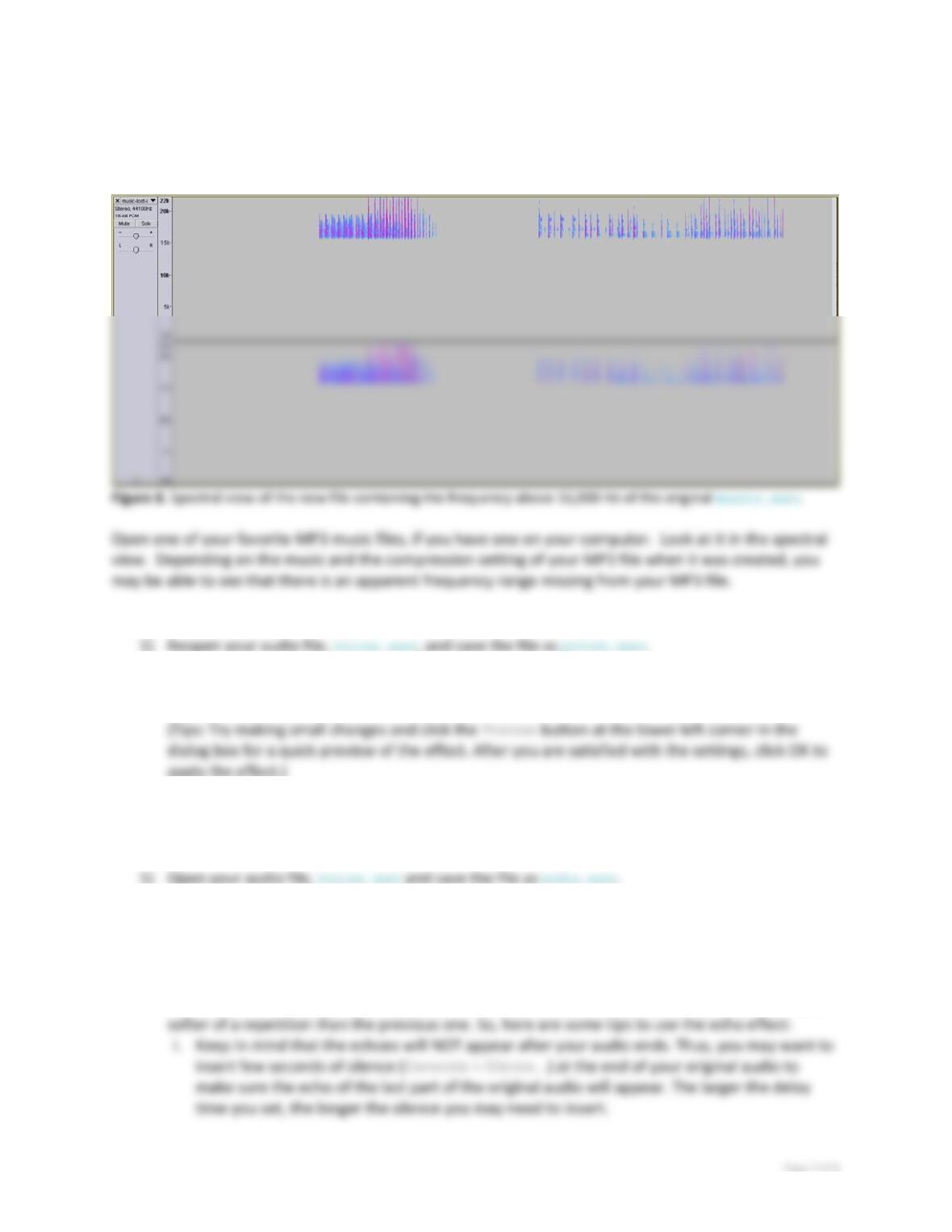
4) TohearwhatislostinthisMP3file,downloadthefilemusic-lost-in-mp3.wav,andplayit.
Thisfilewascreatedbycopyingtheregionabove16,000Hzfromthespectralviewofthe
music.wavinAdobeAuditionandpastingitintoanewfile.
Dependingonyourcomputer’ssoundcardandyourcomputerspeaker,youmayormaynotbe
abletohearthishighfrequencyrange.
X. Apply a pitch-change audio effect to your audio
2) Changethepitchoftheaudio(Effect>ChangePitch)bymovingtheslidersorselectingapreset
ofyourchoicefromthePresetsdropdown.
3) ClickOK,andplaytothestretchedandpitchshiftedaudio.Savethefile.
XI. Apply an echo effect to your audio
2) Applyanechoeffect(Effect>Echo…).
Tips:Thebasicideaofcreatingechoesisrepeatingtheaudiowithsomedelay,witheach
repetitionslightlysofterthanthepreviousone.Thedelaytimesettinginthedialogboxdefines
howmuchtimebetweeneachrepetitionoftheaudio,andthedecayfactorspecifichowmuch

Page8of8
3) Savethefile.