Lab: Digital Audio Manipulation
SoftwareRequirement:AdobeAuditionCS3orabove.Theinstructionsandscreenshotsusedherewere
basedfromAuditionCC2014.
Objectives of this lab:
1. Distinguishbetweenaudiosamplingrateandaudiofrequency
2. RecordavoiceinAdobeAudition,removebackgroundnoise,rearrangethewaveform,and
applysoundeffects
3. Frequencyanalysisofhumanvoice
5. LearnwhattypeofinformationislostwhensavingMP3files
6. Learntheeffectsofsamplingrate,resolution(bitdepth),andchannelnumberonfilesize
Lab Instructions:
I.DistinguishAudioSamplingRatefromAudioFrequency
Downloadfoursingletonesfilesfromthebook’sWebsite.Listentothesefoursingletones.Notethe
differenceinthepitch.
Thesamplingratesandtheaudiofrequenciesofthesesingletonesarelistedinthefollowingtable:
FileFilenameSamplingRateBaseFrequencyoftheSingle‐tone
1tone-sr-44100-base-1000.wav 44,100Hz1000Hz
Q1.Multiple‐choice:Withthesamebasefrequencyofthetone,increasingtheaudio
A.increasesthepitchofthetone
B.decreasesthepitchofthetone
C.doesnotchangethepitchofthetone
A.increasesthepitchofthetone
B.decreasesthepitchofthetone
C.doesnotchangethepitchofthetone
III.Recordyourvoiceandremovethebackgroundnoise
1) CreateanewfileinAudition.Todoso:
Atutorialmovieshowing
howtorecordaudioin
Page2of8
3) Applyanoisereductionasshowninthetutorialtoremovethebackgroundnoise.
Todothis:
i. Selectaportionofthewaveformthathasjust“noise”(forexample,thesegmentat
thebeginningbeforethe“a”).
4) SavetheaudiofileasaWindowsPCM(voice.wav)file.
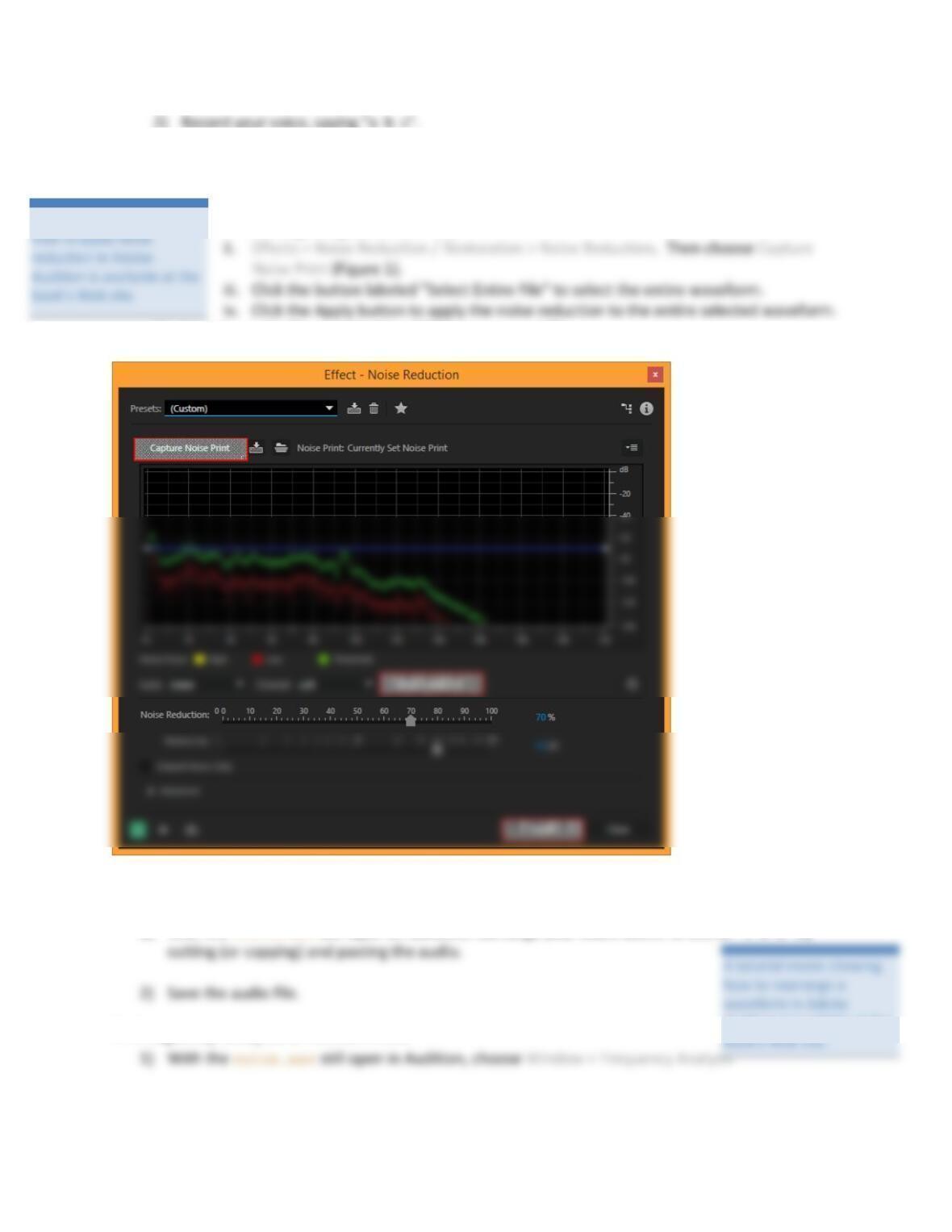
Figure1.NoiseReductiondialogbox
IV. Rearrange the waveform
1) Withthevoice.wavstillopeninAudition,rearrangeyouraudioabovetosound“cab”by
V. Frequency analysis of human voice
Atutorialmovieshowing
Auditionisavailableatthe
Page3of8
3) Playtheaudio.Observethegraphofthefrequency.
Thex‐axis(lefttoright)representsfrequency(measuredinHz),whilethey‐axis(bottomtotop)
correspondstotheamplitudeofthecorrespondingfrequency(measuredindB)onthex‐axis.
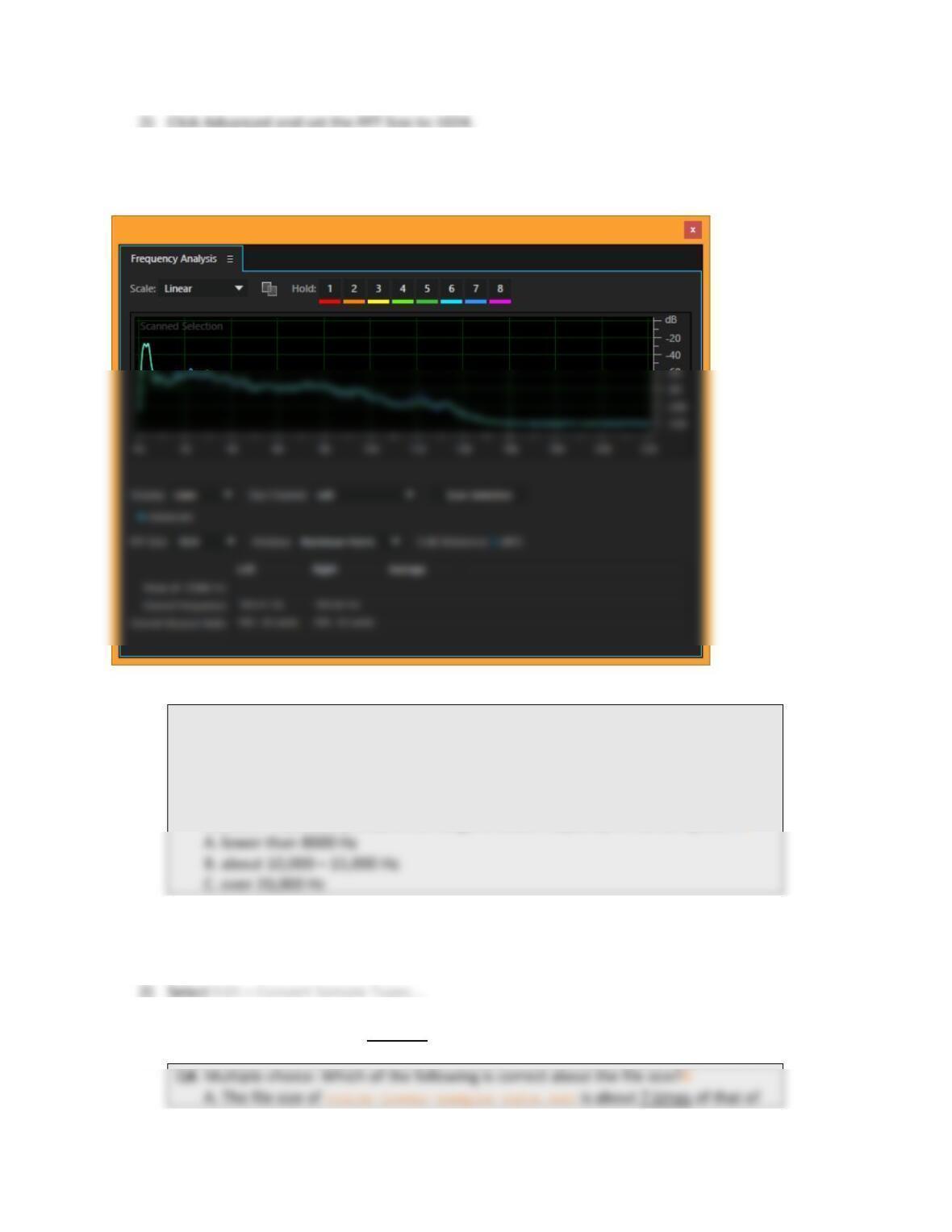
Figure2.Frequencyanalysiswindow
Q3.Multiple‐choice:Inthefrequencyanalysisgraph,youmaynoticethatthehigh
amplitudeconcentratesonacertainrangeoffrequency,whichistherangeof
audiofrequencyofyourspeechinthisrecording.
Fromthefrequencyanalysisofyourspeechandotherstudents’(lookatother
students’ifpossible),whatistherangeofaudiofrequencyofhumanspeech?A
VI. Effect of sampling rate on the file size
1) Savethevoice.wavasvoice-lower-sample-rate.wav.
3) Changethesamplingrateto6,000Hz,keepingat16‐bitresolutionandmono.
4) Savetheaudiofileandcloseitafteryouhaveansweredthefollowingtwoquestions.
Q5.Multiple‐choice:Listentobothaudioandnotethedifferenceintheaudioquality.
Thevoice-lower-sample-rate.wavisdistortedsuchthatitlosesthe_____
frequencyrangeoftheaudiocomparingtothevoice.wav.(Tip:Alsousethe
A.higher
B.lower
VII. Effect of number of channels on the file size
1) Reopenvoice.wav(donotstartwithvoice‐lower‐sample‐rate.wav)andsaveitasvoice-
3) Changethechanneltostereo,keepingat44,100Hzsamplerateand16‐bitresolution.
4) Savetheaudiofileandcloseit.
A.Thefilesizeofvoice-stereo.wavisabouttwiceofthatofvoice.wav
(mono).
B.Thefilesizeofvoice-stereo.wavisabouthalfofthatofvoice.wav
(mono).
VIII. Effect of resolution (or bit-depth) on the file size
1) Reopenvoice.wav(donotstartwithvoice‐lower‐sample‐rate.wav)andsaveitasvoice-
8bit.wav
3) SelectEdit>ConvertSampleTypes…
5) Savetheaudiofile.
A.Thefilesizeofvoice-8bit.wavisabouteighttimesofthatofvoice.wav
(16‐bit).
B.Thefilesizeofvoice-8bit.wavisabouttwiceofthatofvoice.wav(16‐bit).
C.Thefilesizeofvoice-8bit.wavisabouthalfofthatofvoice.wav(16‐bit).
D.Thefilesizeofvoice-8bit.wavisabout1/8thofthatofvoice.wav(16‐
bit).
E.Thefilesizeofvoice-8bit.wavisaboutthesameasthatofvoice.wav(16‐
bit).
Q8.Multiple‐choice:Listentobothaudioandnotethedifferentintheaudioquality.
A.better
B.worse
IX. Audio file type: .WAV vs. .MP3; and MP3 being lossy compression
1) Openmusic.wavinAudition.Dothefollowingstepstosavethefileasmusic.mp3:
i. File>Saveas…
A.music.wav
B.music.mp3
2) Closemusic.mp3andreopenitinAudition.
(Youneedtoclosethefileandreopenitinordertoseetheeffectinthenextstep.)
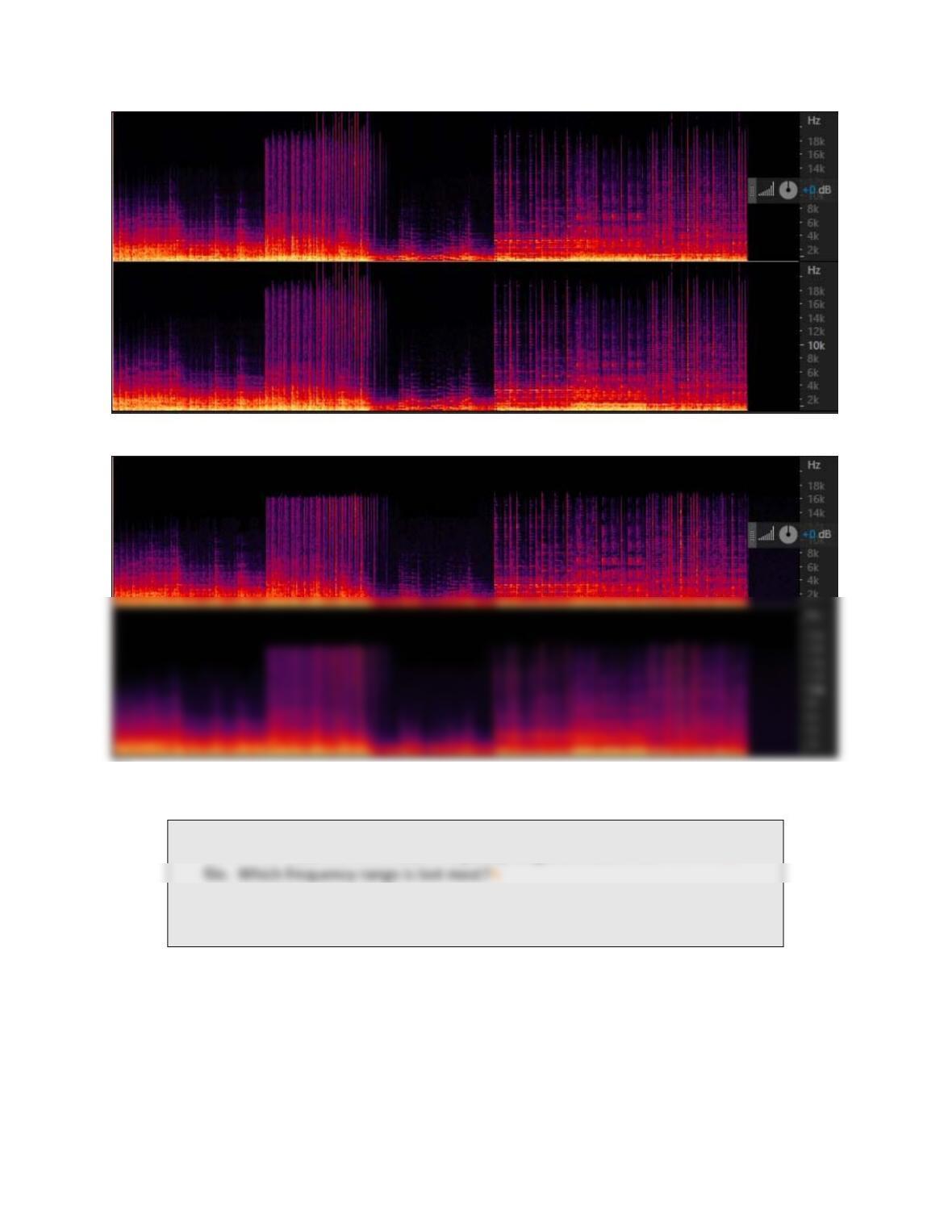
3) Lookatthespectralviewofbothmusic.wavandmusic.mp3.
Note:Tolookatthespectralviewofanaudiofile,selectView>ShowSpectralDisplay.
Thespectralview(Figure3)showstheaudiofrequencyversustime.Theintensityofthecolor
Page6of8
(a)
(b)
Figure3.(a)Spectralviewofmusic.wav.(b)Spectralviewofmusic.mp3.
Q10.Multiple‐choice:Bycomparingthespectralviewofmusic.wavand
music.mp3,youseesomeaudiofrequencyrangesarelostinthemusic.mp3
A.thehighfrequencyrange
B.thelowfrequencyrange
ThefrequencyrangethatislostintheMP3fileisnotperceivablebytheaveragehumanearinthe
presenceoftheotheraudiofrequencyrangesinthefile.ThisisthebasicideaoftheMP3compression.
That’swhythefilesizeofMP3canbesosmall;ithasmuchlessdataandthedataisnotexactlythe
sameastheoriginaluncompressedfile.Butitstillsoundsgood.
4) TohearwhatislostinthisMP3file:
i. openthemusic.wavfile
Page7of8
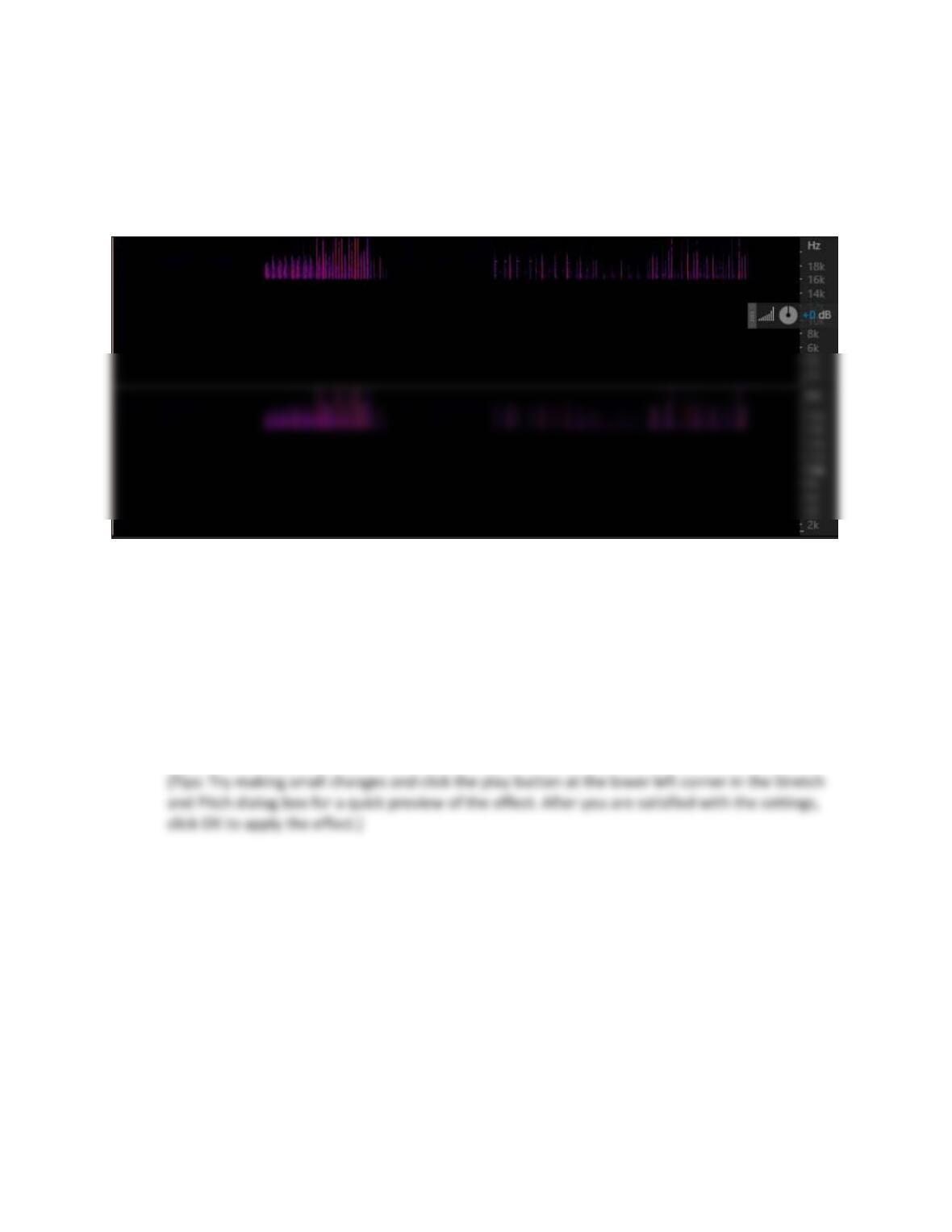
ii. inthespectralview,selecttheregionabove16,000Hz,copyandpasteitintoanewfile
(Figure4)
iii. playthisnewfile
Dependingonyourcomputer’ssoundcardandyourcomputerspeaker,youmayormaynot
beabletohearthishighfrequencyrange.
Figure4.Spectralviewofthenewfilecontainingthefrequencyabove16,000Hzoftheoriginalmusic.wav.
OpenoneofyourfavoriteMP3musicfiles,ifyouhaveoneonyourcomputer.Lookatitinthespectral
view.DependingonthemusicandthecompressionsettingofyourMP3filewhenitwascreated,you
maybeabletoseethatthereisanapparentfrequencyrangemissingfromyourMP3file.
X. Apply a pitch-change audio effect to your audio
1) Reopenyouraudiofile,voice.wav,andsavethefileaspitch.wav.
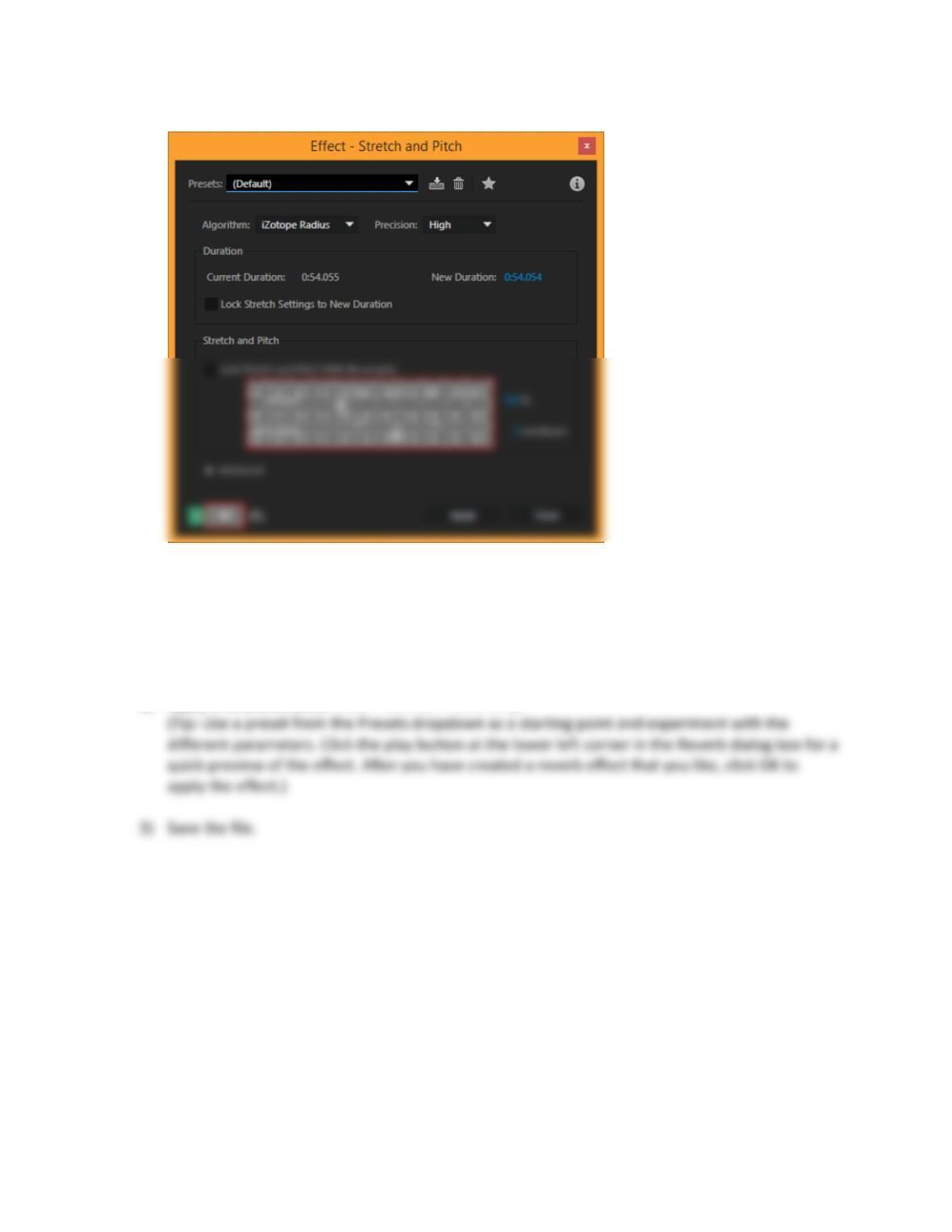
2) Changethepitchoftheaudio(Effects>TimeandPitch>StretchandPitch…)bymovingthe
slider.
Page8of8
Figure5.StretchandPitchdialogbox
3) ClickOK,andplaytothestretchedandpitchshiftedaudio.Savethefile.
XI. Apply a reverb effect to your audio
1) Openyouraudiofile,voice.wavandsavethefileasreverb.wav.
2) Applyareverbeffect(Effects>Reverb>Reverb…).