Answers to Worksheet: Making Sense Out of Megapixels
Objectives:
1. To learn what megapixels mean with regard to digital cameras.
2. To learn to correlate the number of megapixels to the print size.
Introduction:
Many digital cameras are advertised with the number of megapixels. Generally, within the
same time period, the higher the number of megapixels, the more expensive the cameras are.
But what is the practical meaning of the number of megapixels besides just being an indicator
of the cost? If you are going to pay more for more megapixels, you should know why and
how it affects the image quality of your creative photography work.
Instructions:
1. Go on the web and look up the specification of your choice of a point-and-shoot digital
camera model or the digital camera of a cell phone. Note the maximum number of
megapixels. Also note the maximum pixel dimensions of the image (width and height).
Fill in the information of the camera you choose:
Brand:
Model:
Price (approx.):
2. Calculate the total number of pixels of an image by multiplying the maximum pixel
width by the maximum pixel height. Convert this number into megapixels.
Note: 1,000,000 pixels = 1 megapixel
Show your calculation here.
Compare your number with the reported effective megapixels of the
camera. Does it match?
3. If you are going to print the image on an inkjet printer at 300 ppi (pixels per inch),
what will the print size of the image shot with this digital camera of your choice be?
Show your calculation here.
4. Using the camera of your choice in Question 1, what is the printing ppi setting for an
11-by-17-inch (a two-page spread in a magazine) printout?
Show your calculation.
5. The number of megapixels of newer models of digital cameras is getting higher and
higher. To help you quickly correlate this number with the approximate print size,
let’s calculate the approximate print size per megapixel.
Before doing the calculation, you need to understand that the relationship between
print size and megapixel is more complicated than you may have expected. It is
because megapixel represents an “area”—it is a product of the width (in pixels) by the
height (in pixels). If you want to know the print size in width-by-height, you need to
know the pixel dimension of both the width and the height. Just the number of
megapixel does not give you this information. It is because the same area size can be
made up with many possible combination of width and height. Say, for 1 megapixel, it
can be 1000 x 1000 pixels, 500 x 2000 pixels, or approximately 1155 x 866
pixels, …etc. Therefore, to correlate the print size to megapixels, you should think in
area (square inches) first.
Say, for a 1000-by-1000-pixel image (1 megapixel), what is the approx.
print size (in square inches) if the image is printed at 300 ppi? Show your
calculation.
What is the approx. print size (again, in square inches) per megapixel if the
image is printed at 150 ppi? Show your calculation.
6. Say that you want to print your digital photography work at 300 ppi in 11 x 17 inches.
What should be the megapixels of the camera you are looking for?
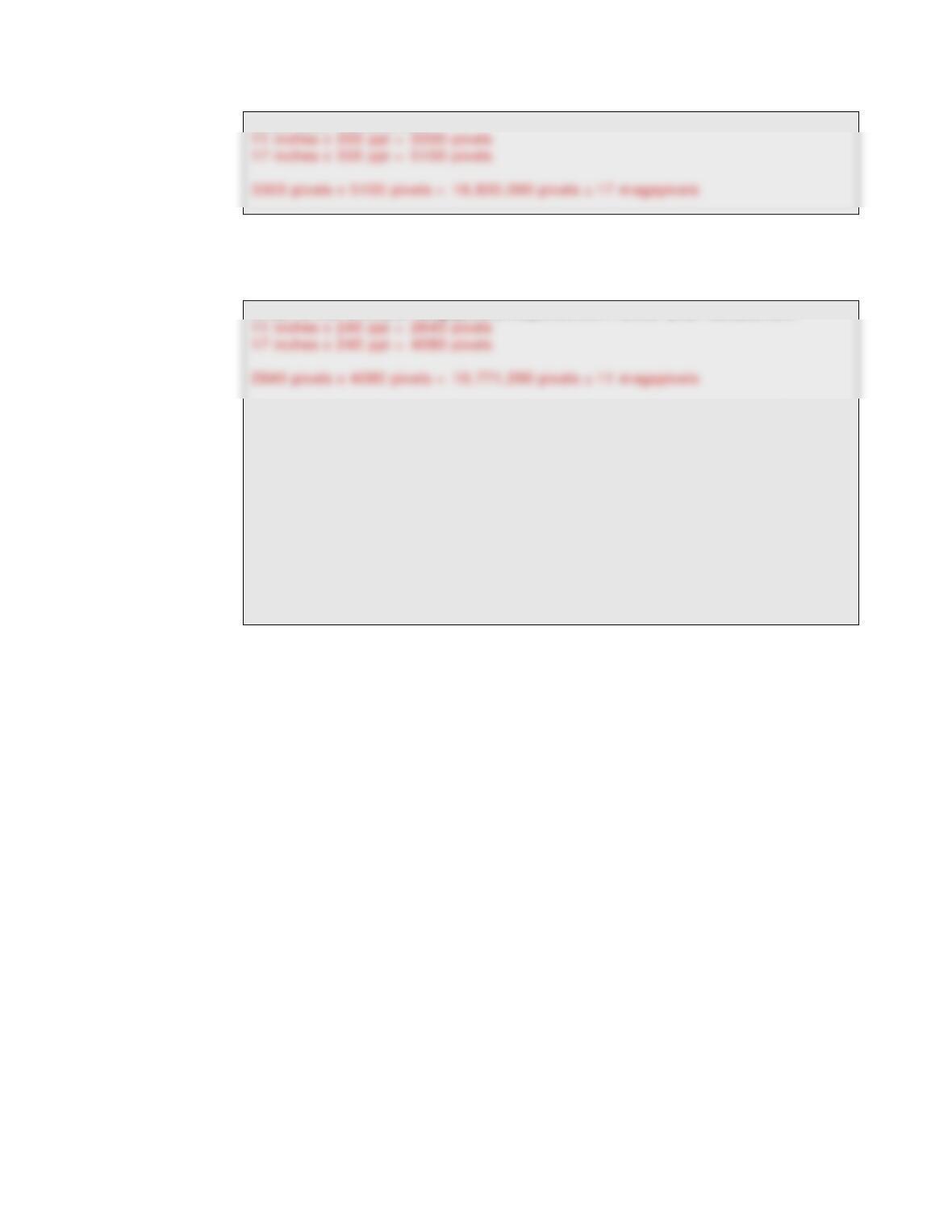
Show your calculation.
7. The camera with such a large number of megapixels may be too expensive for most
people. However, you can lower the printing resolution. Generally, printing at 240
ppi on an inkjet printer can give a good quality.
What is the minimal megapixels requirement? Show your calculation.
If your choice of camera does not have high enough resolution to give an
11-by-17-inch printout at 240 ppi, suggest a camera that has this
resolution:
Brand:
Model:
The number of effective pixels (in megapixels):
Pixel dimensions of the images:
Price (approx.):