43 Answers to Review Questions. “Digital Media Primer” Yue-Ling Wong
Chapter 13
1. An event is ___.
A. something that happens, such as mouse clicks, keystrokes, and touches (for touch enabled
devices), while a program is running and
B. an object that listens for things, such as mouse clicks, keystrokes, and touches (for touch enabled
devices)
C. a function that will be executed when mouse clicks, keystrokes, or touches (for touch enabled
devices) occur
2. An event listener is ___.
A. something that happens, such as mouse clicks, keystrokes, and touches (for touch enabled
3. An event handler is ___.
A. something that happens, such as mouse clicks, keystrokes, and touches (for touch enabled
devices), while a program is running and interru
B. an object that listens for events, such as mouse, keyboard, and touch events
C. a function that will be executed when the event occurs
4. myCanvas.addEventListener(“mouseup”, popupAMessage);
For the above statement, the target of the event is ___.
5. myCanvas.addEventListener(“mouseup”, popupAMessage);
For the above statement, the name or type of the event is ___.
A. myCanvas
B. addEventListener
C. “mouseup”
D. popupAMessage
6. myCanvas.addEventListener(“mouseup”, popupAMessage);
For the above statement, the name of the handler function of the event is ___.
A. myCanvas
B. addEventListener
C. “mouseup”
D. popupAMessage
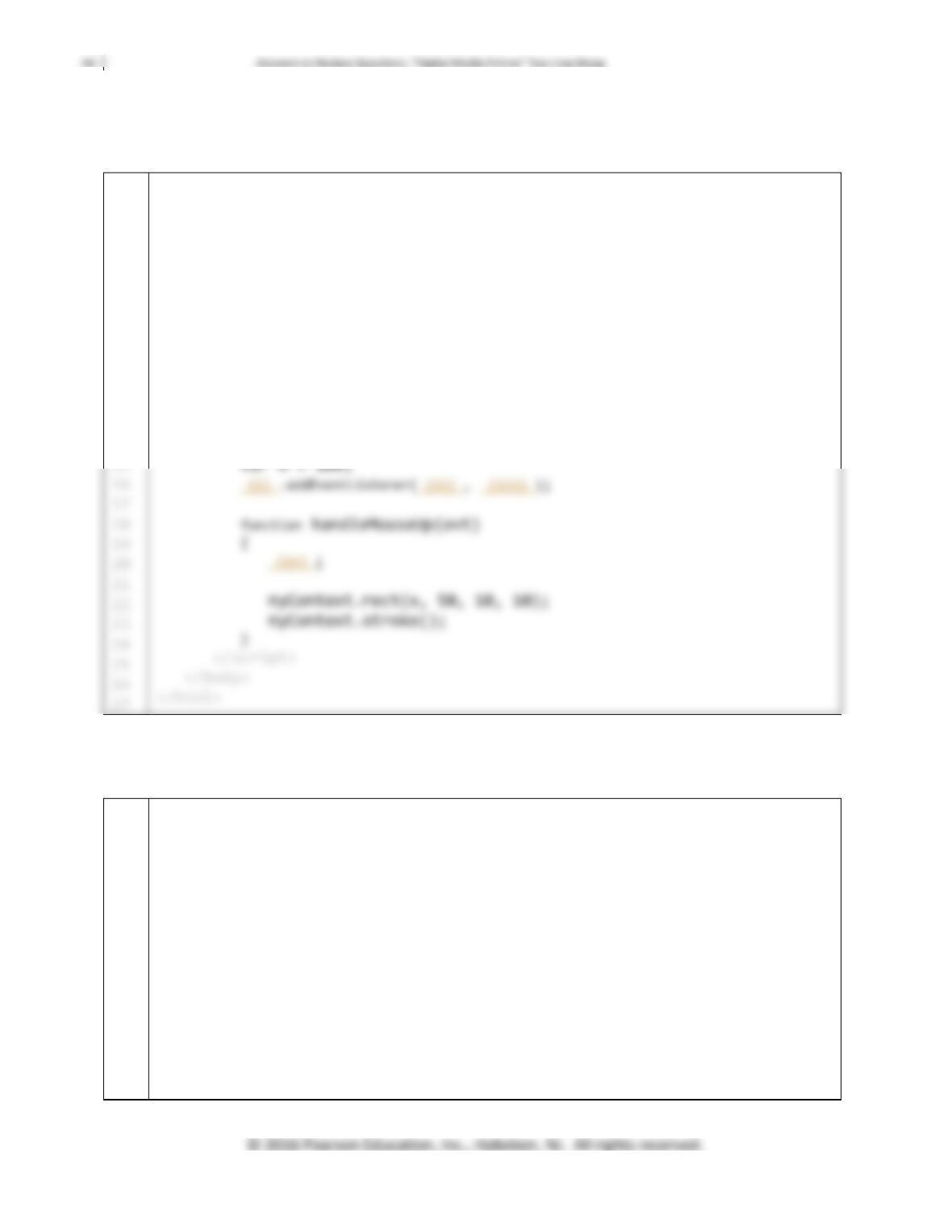
7. Complete the code below. Suppose upon mouse up on a canvas, a rectangle will move 5 pixels to the
right.
1
2
3
4
5
6
7
8
9
10
11
12
13
14
<!DOCTYPE html>
<html>
<head>
<title>Canvas Example – Mouse Event</title>
</head>
<body>
<canvas id=”gameCanvas” width=”1136″ height=”640″>
Your browser does not support canvas.
</canvas>
<script>
var myCanvas = document.getElementById(“gameCanvas”);
var myContext = myCanvas.getContext(“2d”);
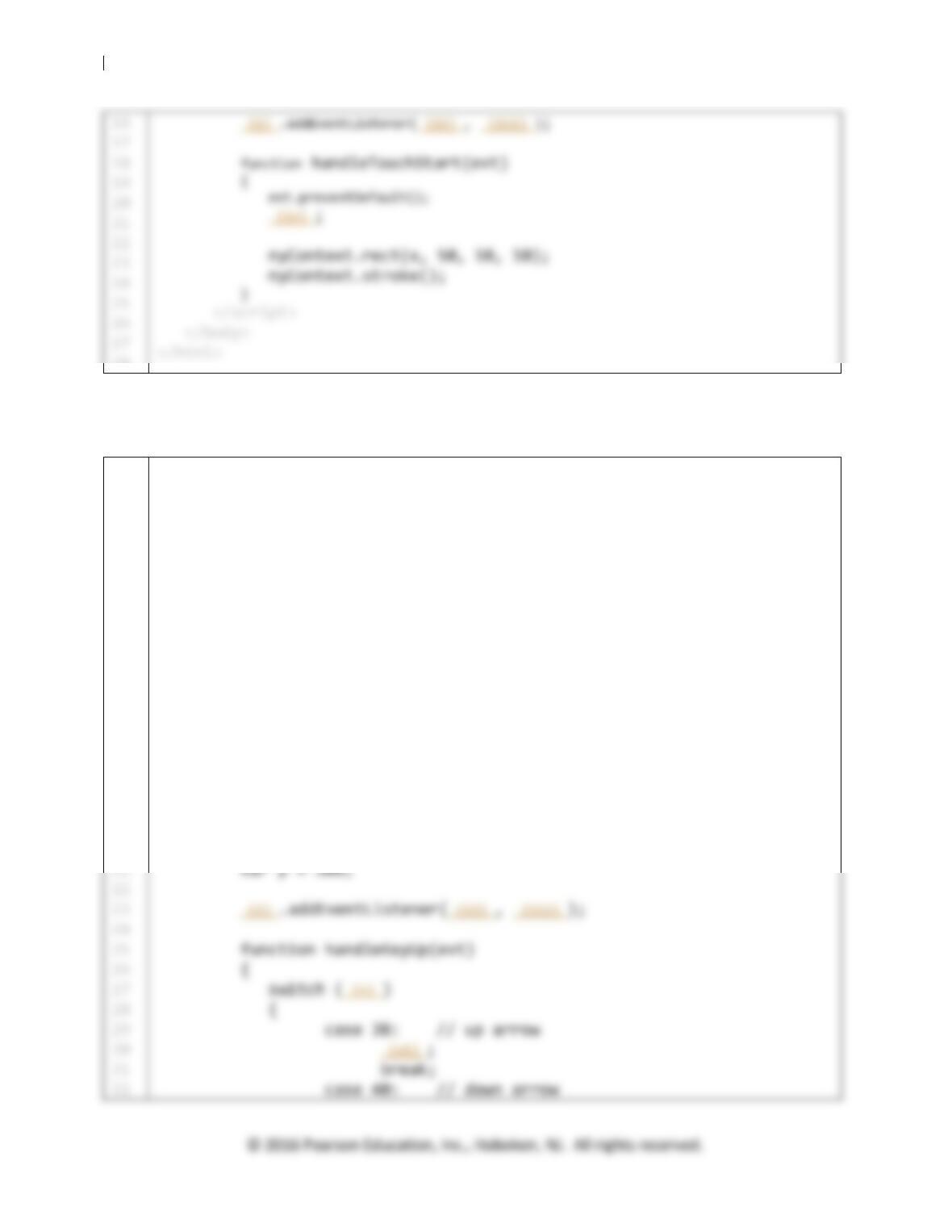
8. Complete the code below. Suppose upon tapping on a canvas (on a touch-enabled device), a rectangle
will move 5 pixels to the right.
1
2
3
4
5
6
7
8
9
10
11
12
13
14
15
<!DOCTYPE html>
<html>
<head>
<title>Canvas Example – Touch Event</title>
</head>
<body>
<canvas id=”gameCanvas” width=”1136″ height=”640″>
Your browser does not support canvas.
</canvas>
<script>
var myCanvas = document.getElementById(“gameCanvas”);
var myContext = myCanvas.getContext(“2d”);
var x = 100;
45 Answers to Review Questions. “Digital Media Primer” Yue-Ling Wong
28
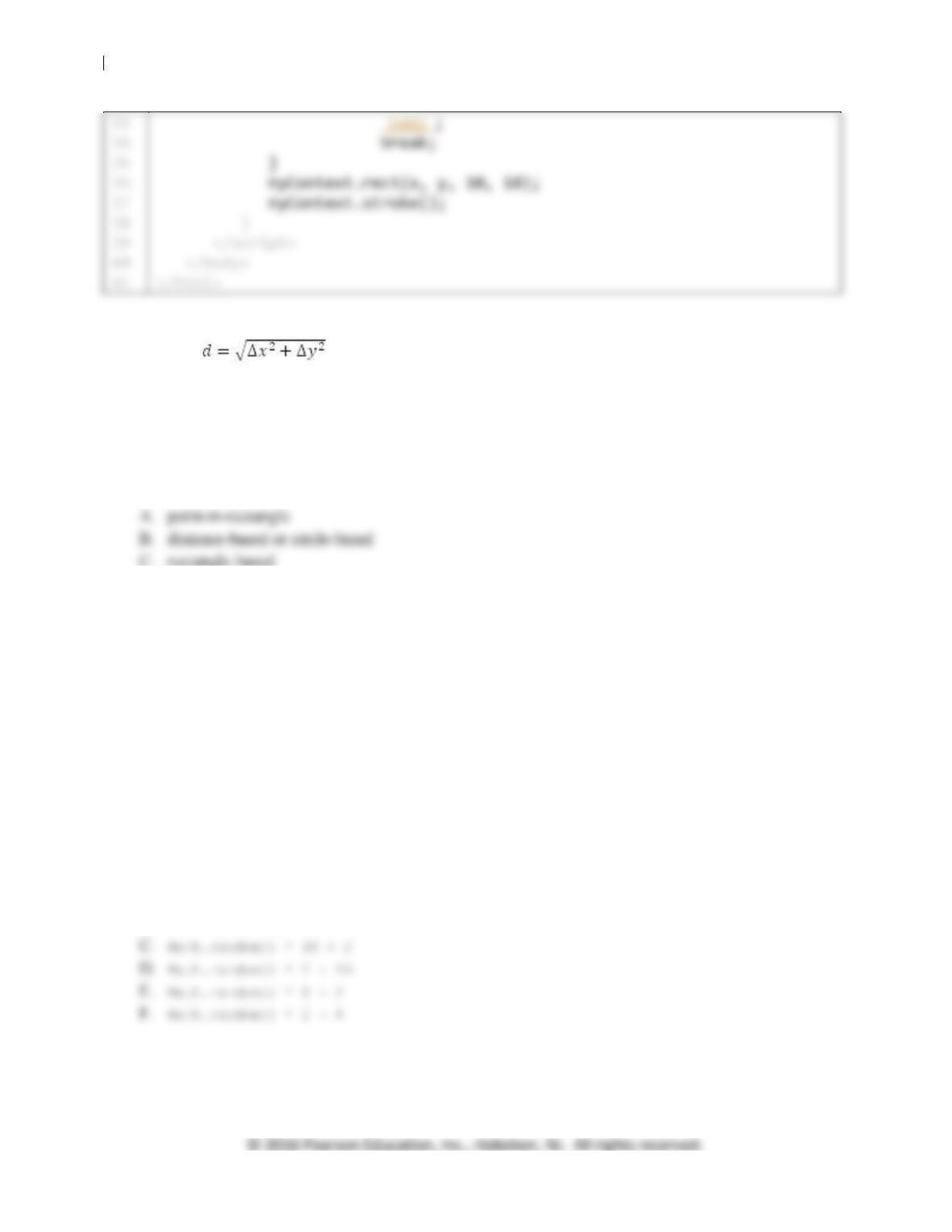
9. Complete the code below. Suppose a rectangle will move up 5 pixels every time the user presses the
UP arrow key and 5 pixels down when the user presses the DOWN arrow key.
1
2
3
4
5
6
7
8
9
10
11
12
13
14
15
16
17
18
19
20
<!DOCTYPE html>
<html>
<head>
<title>Canvas Example – Keyboard Event</title>
<style type=”text/css”>
#gameCanvas {
border: thin solid #000;
}
</style>
</head>
<body>
<canvas id=”gameCanvas” width=”1136″ height=”640″>
Your browser does not support canvas.
</canvas>
<script>
var myCanvas = document.getElementById(“gameCanvas”);
var myContext = myCanvas.getContext(“2d”);
var x = 500;
46
Answers to Review Questions.
“Digita
l Media Primer” Yue
–
Li
ng Wong
10. Which of the following collision detection strategy makes use of the Pythagorean Theorem or the
equation ?
A. point-in-rectangle
B. distance-based or circle-based
C. rectangle-based
11. Which of the following is the best collision detection strategy to use to determine whether the user
clicks within a circular shaped object?
12. Which of the following is the best collision detection strategy to use to determine whether the user
clicks within a rectangular shaped object?
A. point-in-rectangle
B. distance-based or circle-based
C. rectangle-based
13. Which of the following is the best collision detection strategy to use to determine whether two balls
collide in a billiards game?
A. point-in-rectangle
B. distance-based or circle-based
C. rectangle-based
14. Which of the following statements generates a random number >= 2 and < 10.
A. Math.random()
B. Math.random(2, 10)