37 Answers to Review Questions. “Digital Media Primer” Yue-Ling Wong
Chapter 12
1. Use the following statements to complete the code in Figure 12.32 to animate an image called water-
balloon.png falling down.
a. <canvas id=”gameCanvas” width=”1136″ height=”640″>
Your browser does not support canvas.
</canvas>
b. var myCanvas = document.getElementById(“gameCanvas”);
var myContext = myCanvas.getContext(“2d”);
g. updateGame();
h. window.requestAnimationFrame(drawGame);
i. y += 2;
j. window.setTimeout(updateGame, 33);
1
2
3
4
5
6
7
8
9
10
<!DO
CTYPE html>
<html>
<head>
<title>Canvas Example – Organized Code – Animate Image
Movement</title>
</head>
<body>
<script>
38 Answers to Review Questions. “Digital Media Primer” Yue-Ling Wong
28
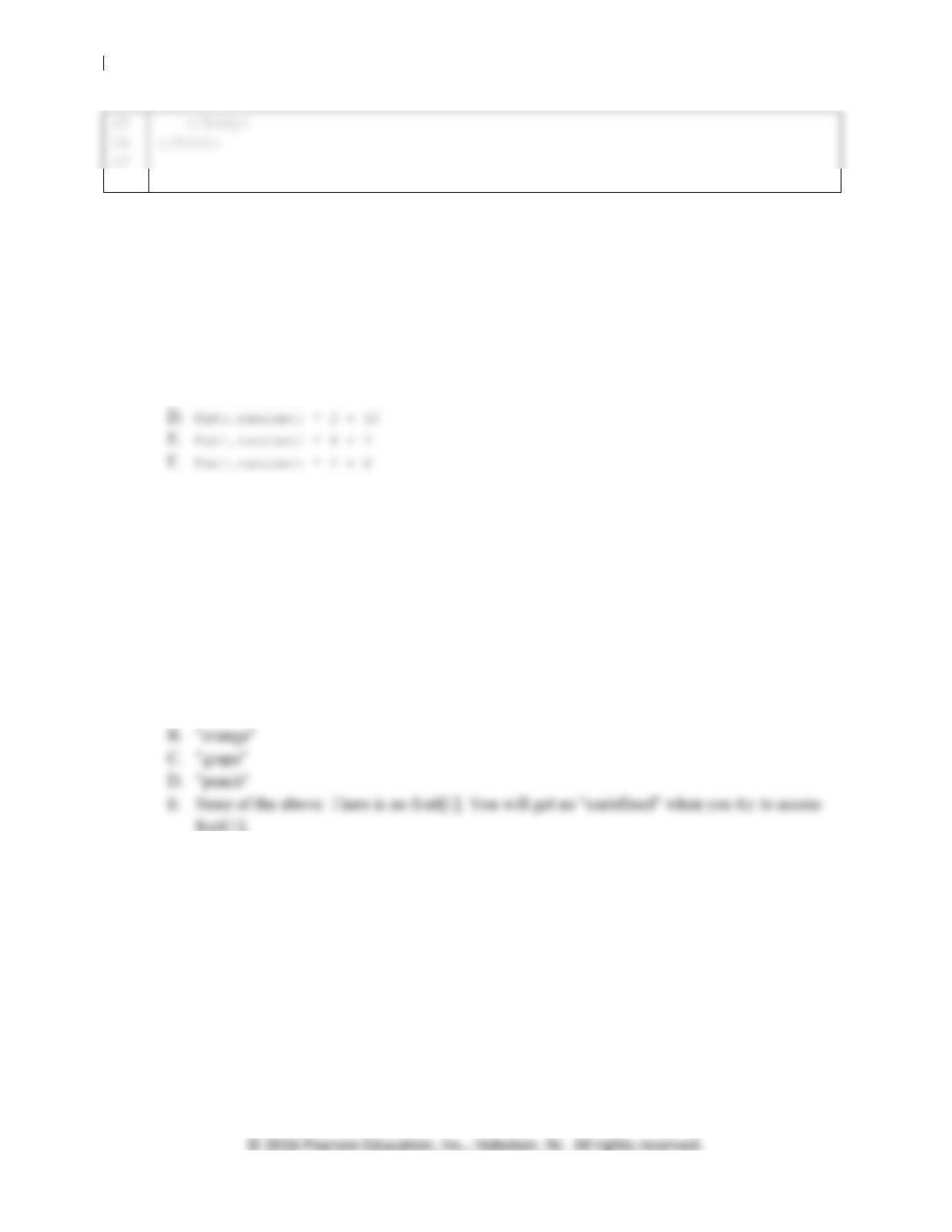
Figure 12.32. Code to be completed.
2. The unit of the angle used in the rotate() method to rotate the context is in ___. (Choices: degrees
or radian)
3. Which of the following statements generates a random number >= 2 and < 10.
A. Math.random()
B. Math.random(2, 10)
C. Math.random() * 10 + 2
4. Suppose an array fruit is [“apple”, “orange”, “grape”, “peach”]. fruit[0] is ___.
A. “apple”
B. “orange”
C. “grape”
D. “peach”
E. None of the above. There is no fruit[0]. You will get an “undefined” when you try to
access fruit[0].
5. Suppose an array fruit is [“apple”, “orange”, “grape”, “peach”]. fruit[1] is ___.
A. “apple”
6. Suppose an array fruit is [“apple”, “orange”, “grape”, “peach”]. fruit[4] is ___.
A. “apple”
B. “orange”
C. “grape”
D. “peach”
E. None of the above. There is no fruit[4]. You will get an “undefined” when you try to
access fruit[4].
7. Suppose an array reptiles is [“snake”, “turtle”, “lizard”]. To add “crocodile” to the end of
the array, use the statement ___.
A. reptiles.push(“crocodile”);
39 Answers to Review Questions. “Digital Media Primer” Yue-Ling Wong
B. reptiles.push();
C. reptiles.pop(“crocodile”);
D. reptiles.pop();
E. reptiles.unshift(“crocodile”);
F. reptiles.unshift();
G. reptiles.shift(“crocodile”);
H. reptiles.shift();
8. Suppose an array reptiles is [“snake”, “turtle”, “lizard”]. To add “crocodile” to the
beginning of the array, use the statement ___.
A. reptiles.push(“crocodile”);
9. Suppose an array reptiles is [“snake”, “turtle”, “lizard”]. To add “crocodile” between the
second and third items (i.e., between “turtle” and “lizard”), use the statement:
reptiles.splice(_______,_______,_______);
10. Suppose an array reptiles is [“snake”, “turtle”, “lizard”, “crocodile”]. To remove the last
item from the array, use the statement ___.
A. reptiles.push(“crocodile”);
B. reptiles.push();
C. reptiles.pop(“crocodile”);
D. reptiles.pop();
E. reptiles.unshift(“crocodile”);
F. reptiles.unshift();
G. reptiles.shift(“crocodile”);
H. reptiles.shift();
11. Suppose an array reptiles is [“crocodile”, “snake”, “turtle”, “lizard”]. To remove the first
item from the array, use the statement ___.
A. reptiles.push(“crocodile”);
B. reptiles.push();
12. Suppose an array reptiles is [“snake”, “turtle”, “crocodile”, “lizard”]. To remove the third
13. Suppose an array reptiles is [“crocodile”, “snake”, “turtle”, “lizard”]. To replace the
second item with “chameleon”, use the statement ___.
A. reptiles[1] = “chameleon”;
B. reptiles[2] = “chameleon”;
C. reptiles[3] = “chameleon”;
D. “chameleon” = reptiles[1];
E. “chameleon” = reptiles[2];
F. “chameleon” = reptiles[3];
14. How many times does each of the following loops execute? Assume that i is not changed in the loop
body.
i. for (i = -10; i <= 10; i++)
15. What will be displayed in the popup window when the following code is executed? Feel free to try
out the code.
var s = 1;
var n;
16. Complete the code in Figure 12.33. Suppose the image bird.png moves up 4 pixels and to the right 7
pixels every 33 milliseconds, i.e. about 30 times a second.
1
2
11
<!DOCTYPE html>
<html>
41 Answers to Review Questions. “Digital Media Primer” Yue-Ling Wong
12
13
14
15
16
17
18
19
20
29
30
31
32
33
34
35
45
46
52
53
54
<script>
var myCanvas = document.getElementById(“gameCanvas”);
var myContext = myCanvas.getContext(“2d”);
var bird = new Image();
bird.src = “images/bird.png”;
var x = 0;
var y = 500;
startGame();
};
}
function startGame()
{
updateGame();
// 2. Invoke itself again after 33 milliseconds,
// like this:
{
// 1. Erase the context before drawing, like this:
myContext.clearRect(0, 0, myCanvas.width, myCanvas.height);

42 Answers to Review Questions. “Digital Media Primer” Yue-Ling Wong
62
}