32 Answers to Review Questions. “Digital Media Primer” Yue-Ling Wong
Chapter 11
1. To add a canvas to an HTML5 document, simply use the ___ tag.
3. The (0,0) of a canvas is located at ___.
A. its top left corner
B. its lower left corner
C. its top right corner
D. its lower right corner
E. its center
4. When you want to display visual content on a canvas, the statements in your script will need to
involve drawing the content on ___.
A. the canvas element itself
B. the rendering context of the canvas element
5. Place the following statements (a) – (d) in the correct order in line 12 of the code shown in Figure
11.26 so that a tree image will be displayed on the canvas.
a. myContext.drawImage(obstacle, 250, 70);
1
2
3
4
5
<!DOCTYPE html>
<html>
<head>
<title>Canvas – Image Example</title>
</head>
Figure 11.26. Script to be completed
6. myContext.drawImage(obstacle, 250, 70);
The drawImage() statement above ___.
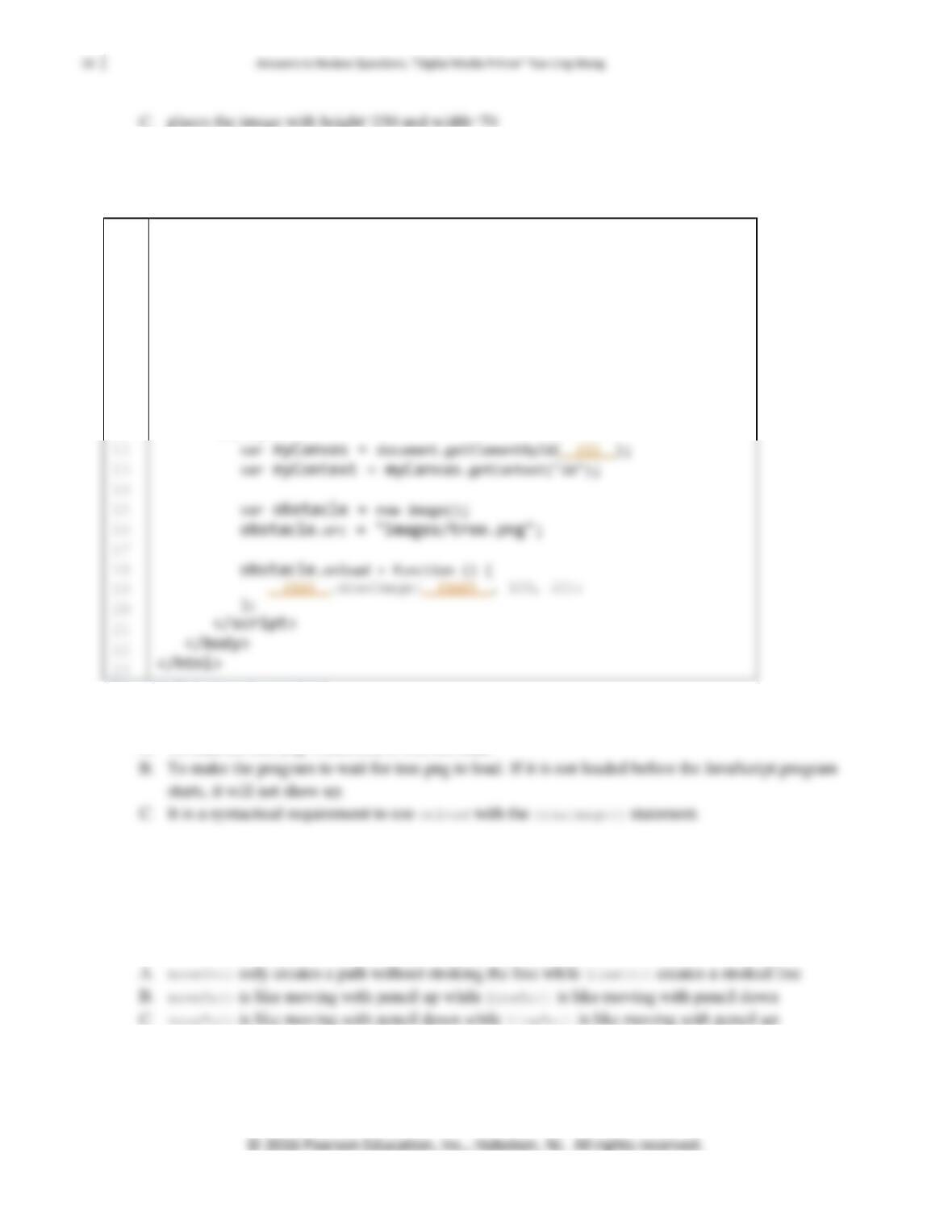
7. The HTML5 document shown in Figure 11.27 contains a canvas element and JavaScript that display
an image, tree.png, on the canvas. Fill in the blanks (i)-(iii) to complete the script.
1
2
3
4
5
6
7
8
9
10
11
<!DOCTYPE html>
<html>
<head>
<title>Canvas Example</title>
</head>
<body>
<canvas id=”gameCanvas” width=”1136″ height=”640″>
Your browser does not support canvas.
</canvas>
<script>
Figure 11.27. Script to be completed
8. What is the purpose of the onload statement in line 18 in the code shown in Figure 11.27?
A. To load the tree.png. Otherwise it will not load.
9. myContext.fillRect(250, 70, 120, 40);
The statement above draws a filled rectangle with x=___, y=___, width=___, ad height=___.
10. The moveTo() and lineTo() statements are used in drawing lines. The difference between moveTo()
and lineTo() is that ___.
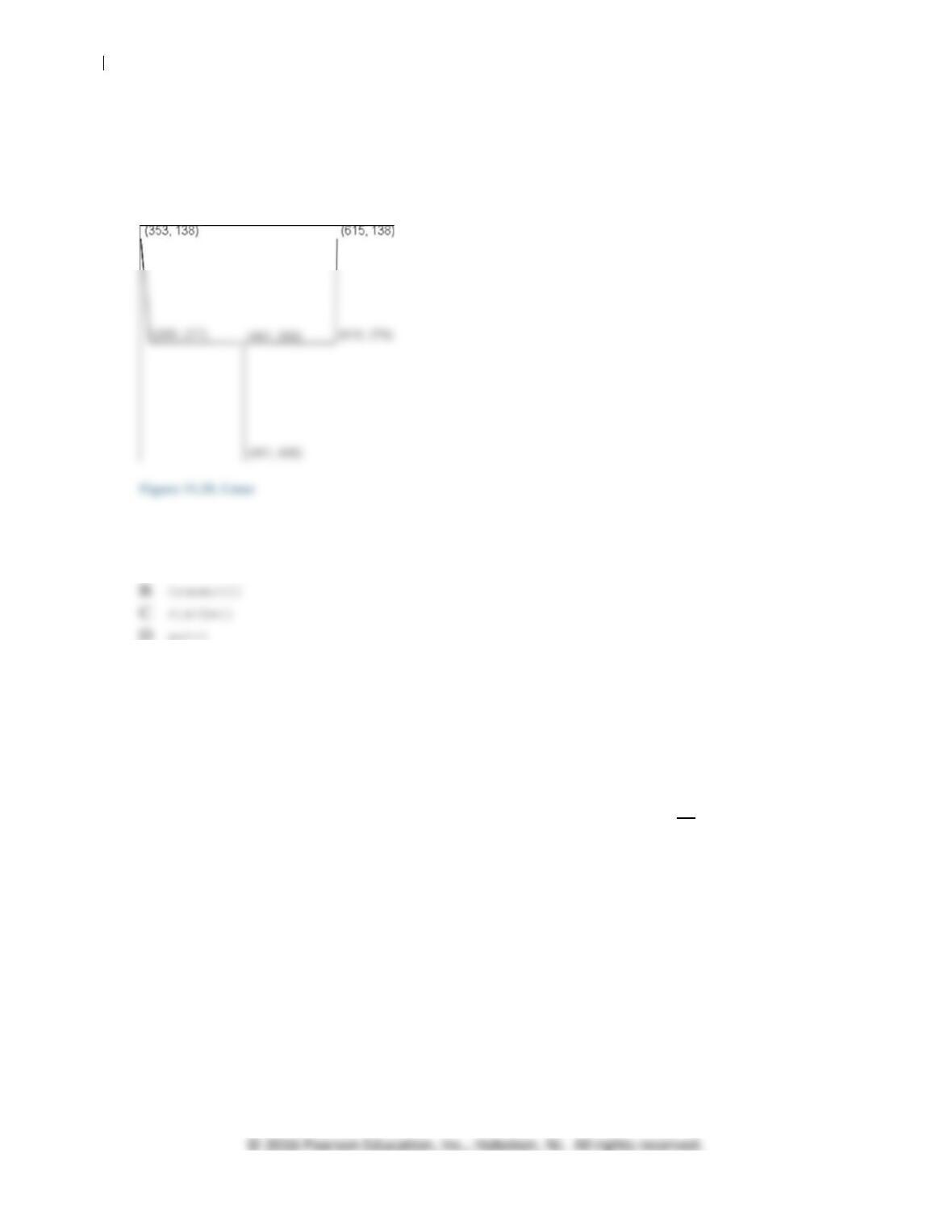
11. Fill in the blanks to complete the statements for drawing the graphic as shown in Figure 11.28.
Assume the lines are drawn on a canvas with a rendering context, myContext.
myContext.moveTo(___, ___);
34 Answers to Review Questions. “Digital Media Primer” Yue-Ling Wong
myContext.___(___,___);
myContext.___(___,___);
myContext.___(___,___);
myContext.___(___,___);
myContext.___(___,___);
12. To draw a circle, use the ___ method.
A. drawCircle()
13. ___ can be drawn as a partial sweep of a circle. It is defined by the coordinates of the center of a
circle, the radius, start angle, and end angle of the sweep.
A. An arc
B. A bezier curve
C. A quadratic curve
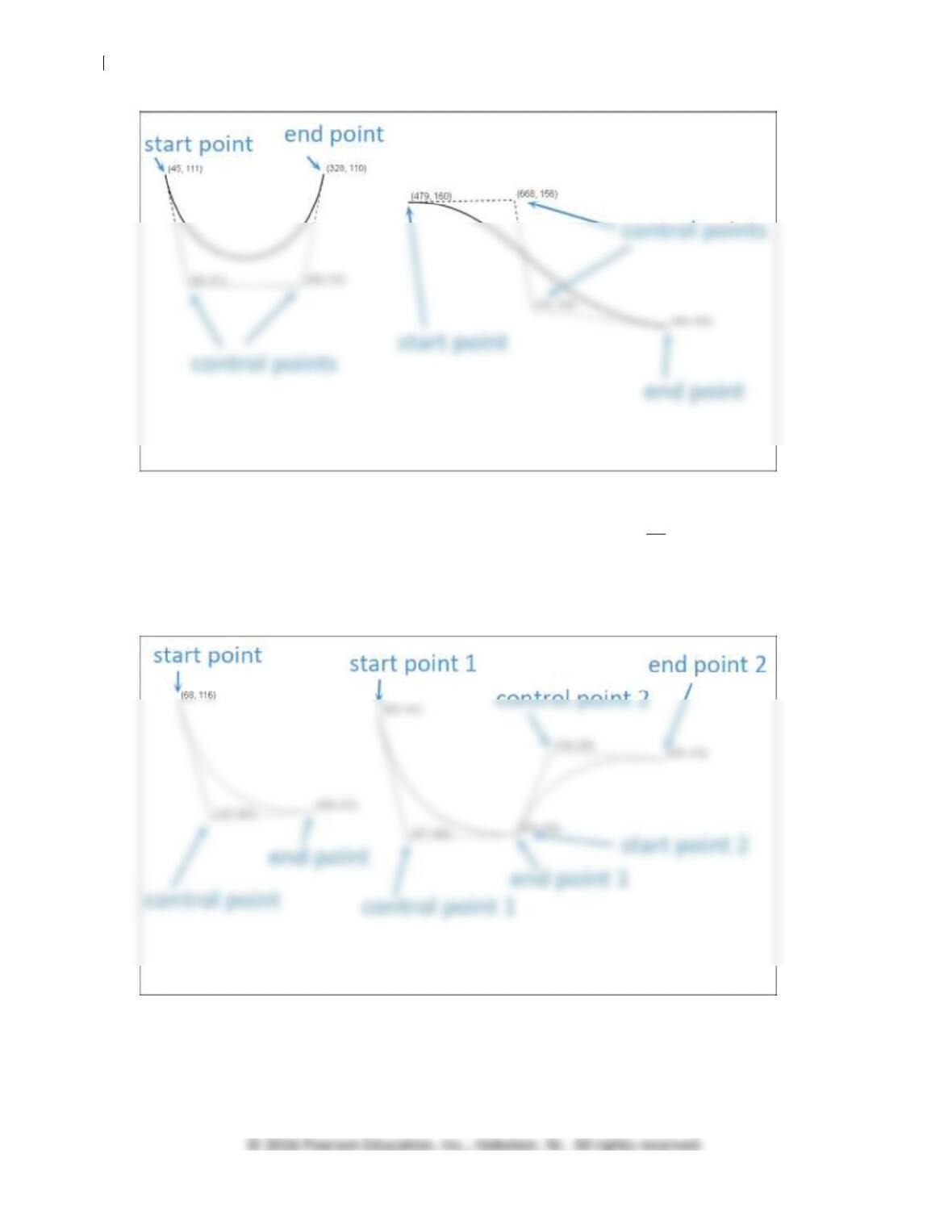
14. Figure 11.29 shows two examples of ___, each of which is defined by 4 points a start point, an end
point, and two control points.
A. arcs
B. bezier curves
C. quadratic curves
35 Answers to Review Questions. “Digital Media Primer” Yue-Ling Wong
Figure 11.29. Curves defined by 4 points
15. Figure 11.30 shows examples of ___, each of which is defined by 3 points a start point, an end
point, and a control point.
A. arcs
B. bezier curves
C. quadratic curves
Figure 11.30. Curves defined by 3 points
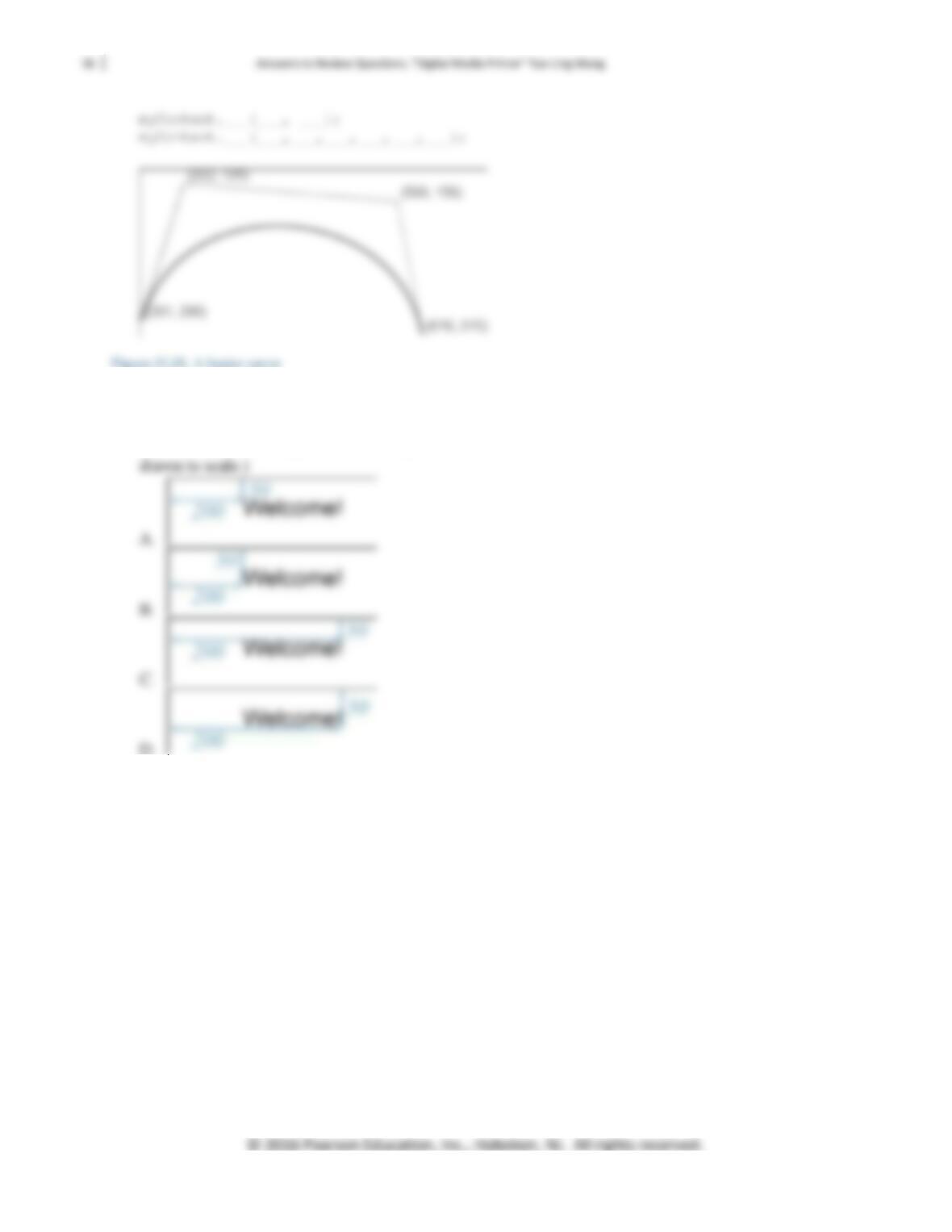
16. Figure 11.31 shows a bezier curve with start, end, and control points. Fill in the blanks to complete
the statements for drawing this bezier curve. Assume the curve is drawn on a canvas with a rendering
context, myContext.
17. myContext.fillText(“Welcome!“, 200, 50);
The statement above draws the text “Welcome” on a canvas with a rendering context, myContext.
Which of the following illustrations depicts the location of the text? (Note: The illustrations are not