Marketing Application-Based Activities
Marketing Mini Sims
Instructor’s Manual & Implementation Guide
Table of Contents
Overview of the Marketing Application-Based Activities: Marketing
Mini Sims
McGraw-Hill’s Marketing Mini Sims, now available for assignment within Connect, put
students in the role of a marketing decision maker for a backpack manufacturing
company. Marketing Mini Sims provide the opportunity for students to show mastery of
key concepts as well as make real business decisions, taking them to a higher level of
Bloom’s and a deeper level of content knowledge.
Each Marketing Mini Sim focuses on one aspect of the marketing mix, and is intended to
take approximately 30 minutes for the student to complete. In each Marketing Mini Sim
mission, students are supported by their marketing colleagues, who offer them
background information on core concepts, provide relevant information, periodic
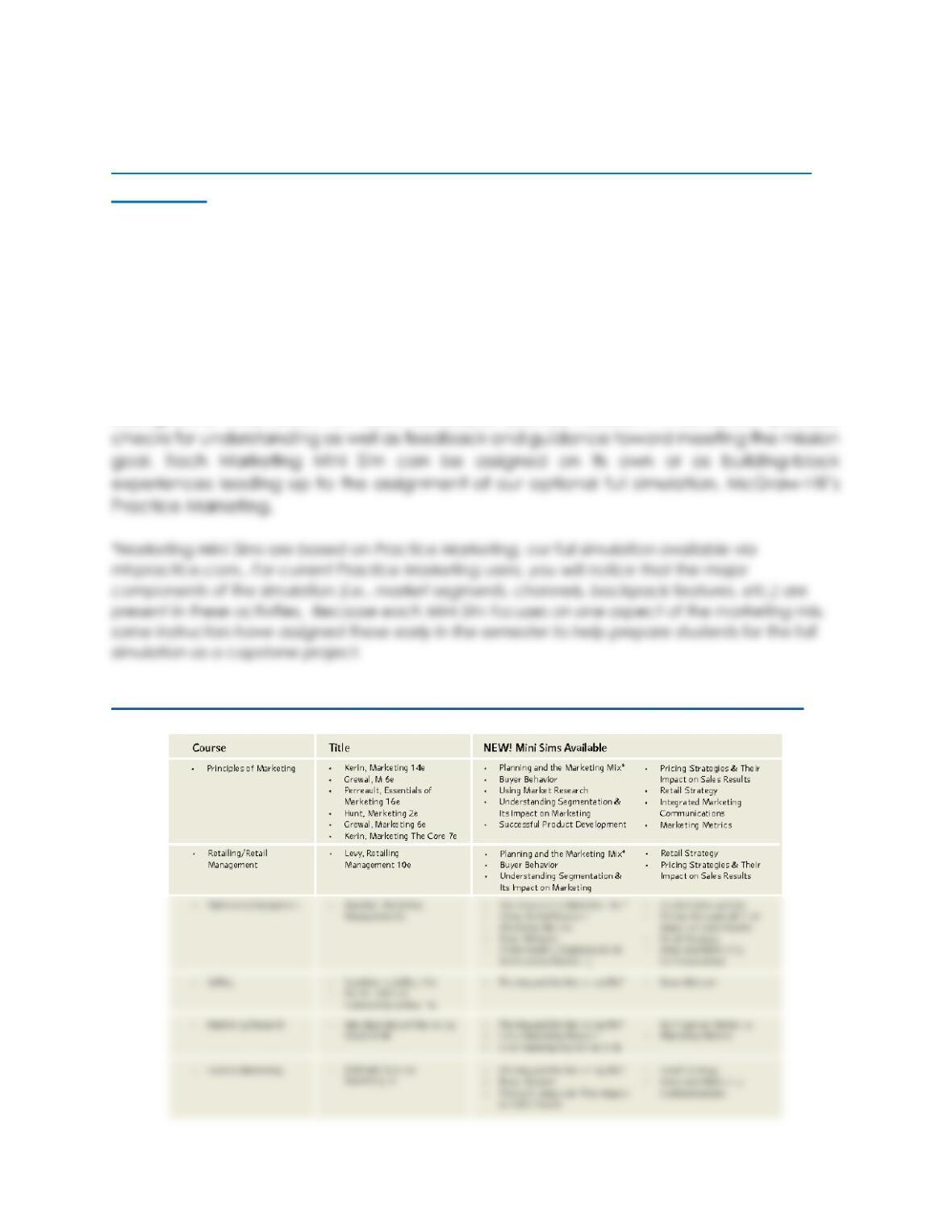
List of Courses & Titles containing Marketing Mini Sims for Fall 2018:
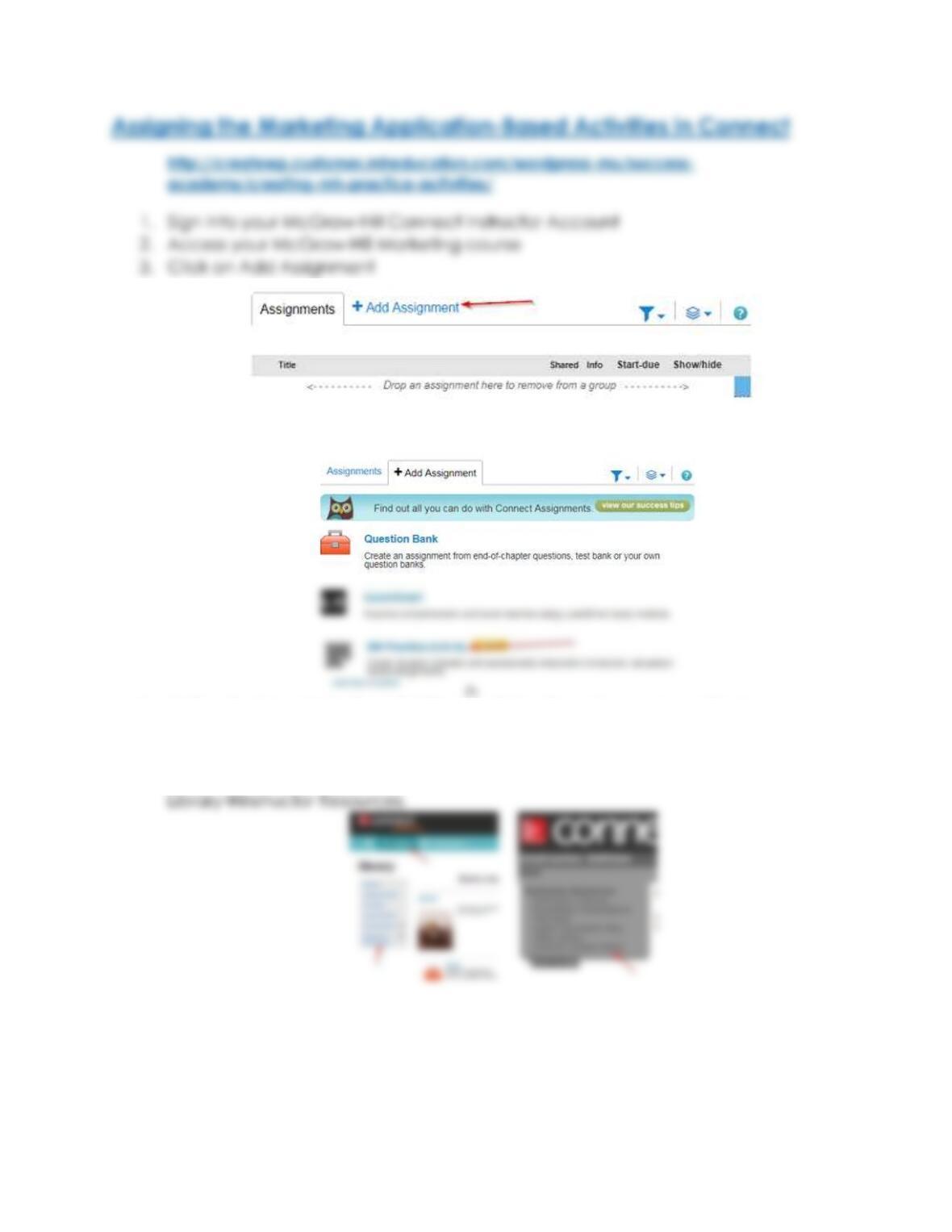
4. Click on MH Practice Activity (*Note: this will say Beta until the full LMS integration is
available; late Fall 2018)
5. Notice that the Marketing Mini Sims available for assignment are listed
alphabetically. We always recommend that you assign the Planning and the
Marketing Mix activity first. You can find Marketing Mini Sim chapter correlation
recommendations within the Connect Matrix. This is found under
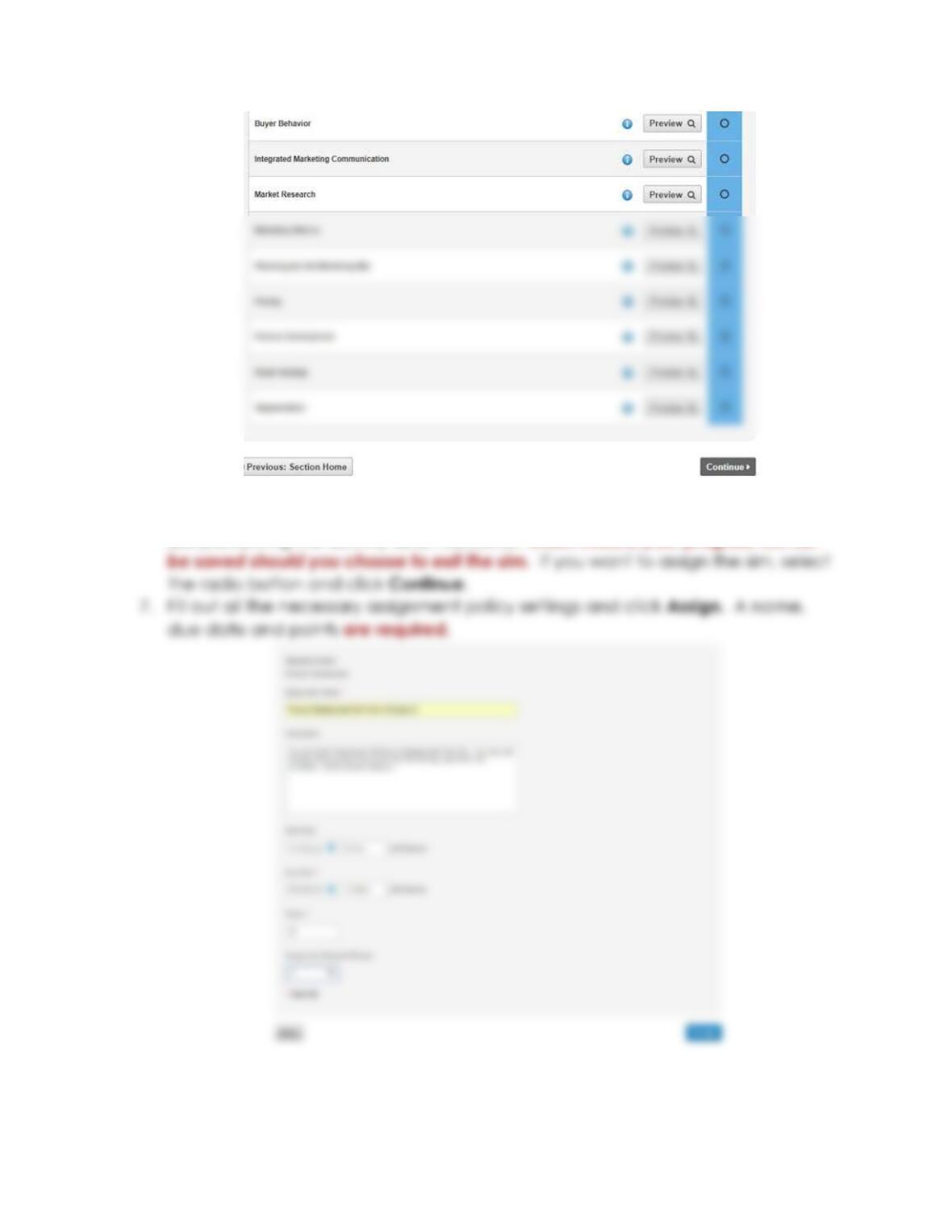
6. To preview a Marketing Mini Sim, click Preview. You can also click on the “i” in
order to learn more about the activity. Please note that in preview mode, you
are previewing the activity as an instructor, which means your progress will not
Please note: Within the Marketing Mini Sims, students do NOT have the ability
to change an answer once it’s selected. In a conversation, once the user clicks a button
for an answer, that answer is considered final for that attempt and the conversation
Please note: If a student exits and re-enters the Marketing Mini Sim mid-
conversation, all their progress up to the beginning of that conversation has been
saved. If they need to exit and return, they will start at the beginning of the
conversation.
Please note: We highly recommended assigning the Planning and The
Marketing Mix activity as a first assignment as it provides a nice introduction to the
interface and introduces the student to the marketing team they will be working with
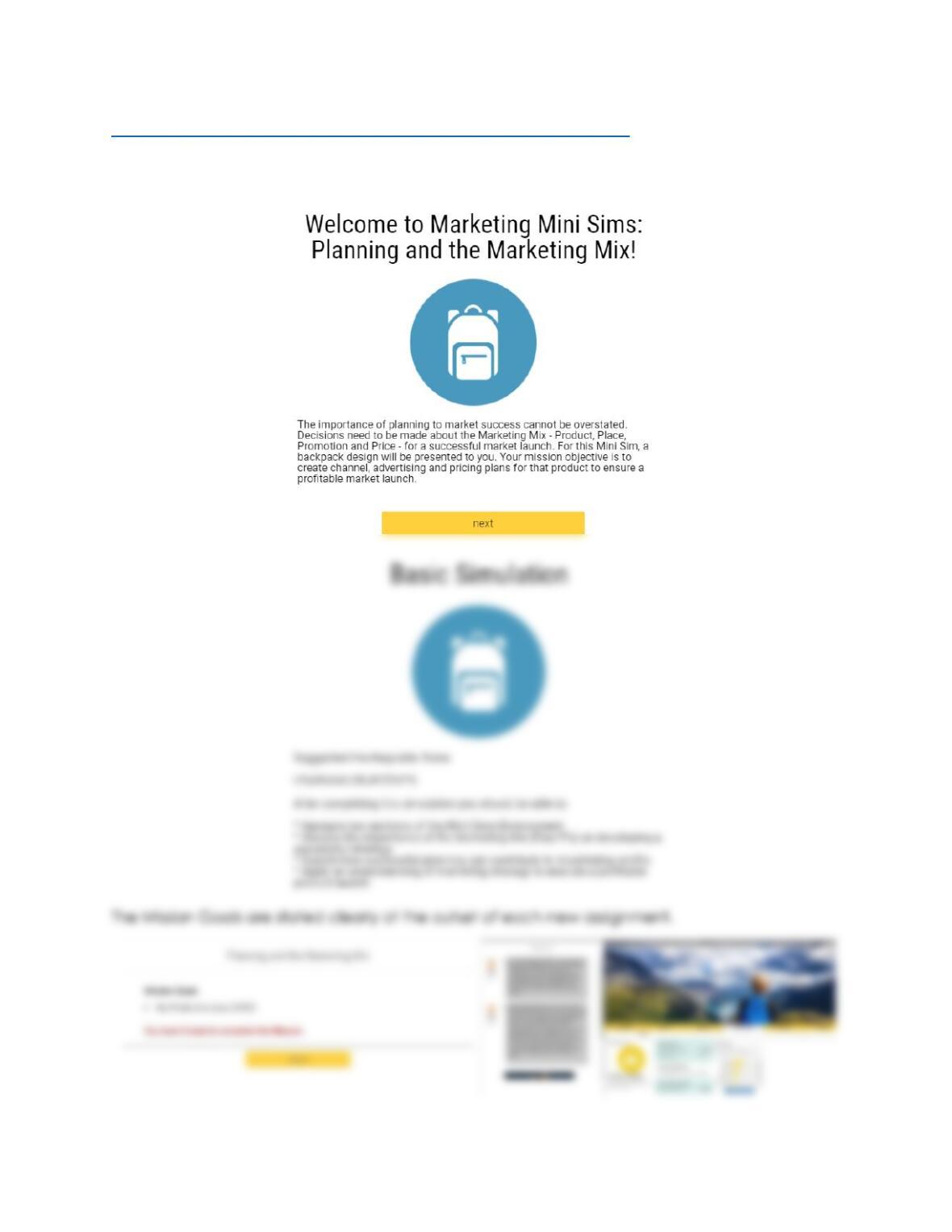
Marketing Mini Sim Walkthrough with Screenshots
Each Mini Sim has a welcome screen that provides an overview of the topic covered, followed
by the Learning Objectives:
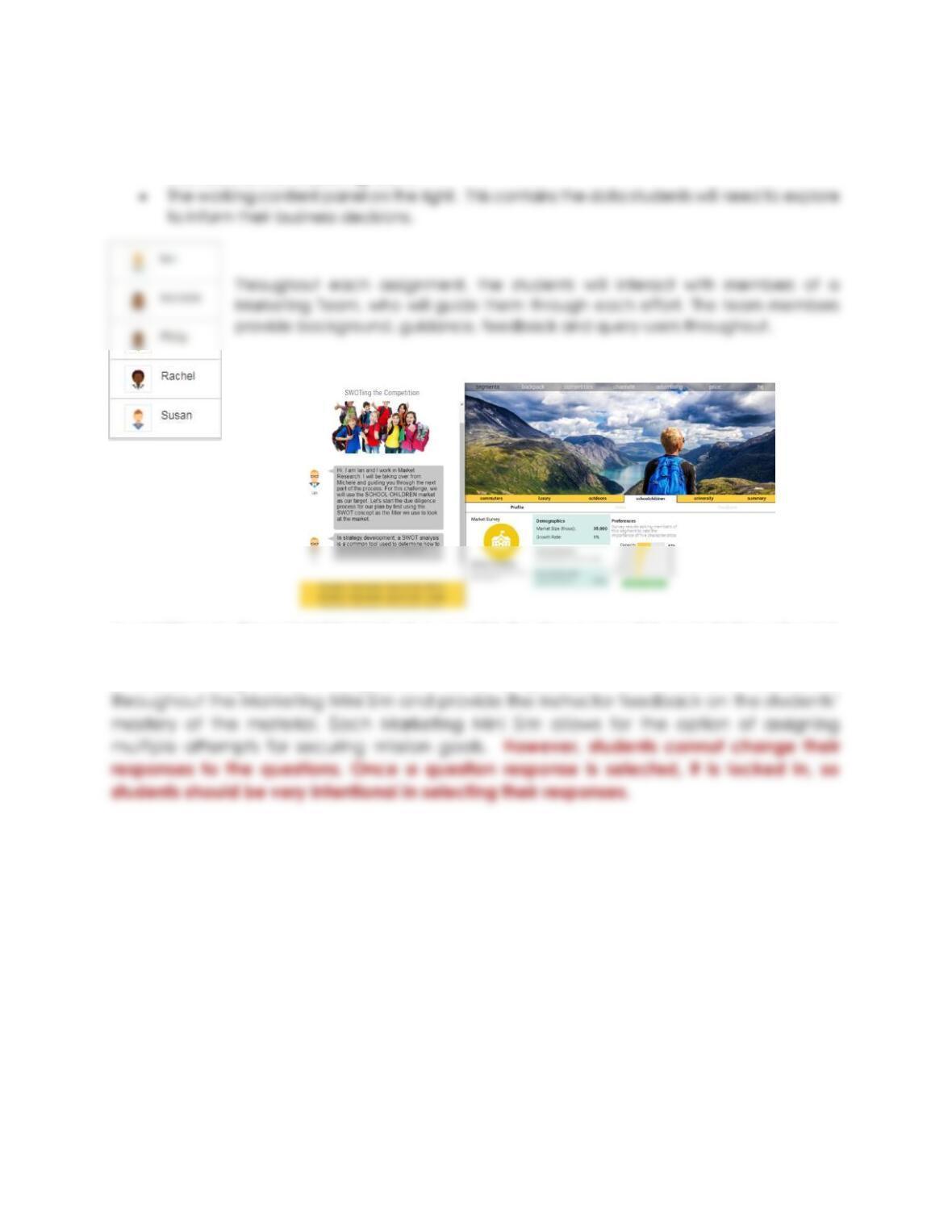
Each Marketing Mini Sim has two panels (see above):
• The question and answer panel on the left. This is where students engage with various
members of the marketing team.
In addition to the establishment of a goal(s) for the successful completion of each
activity, the goals are supported by questions that must be answered throughout the
simulation assignment. The questions serve to provide information and assistance
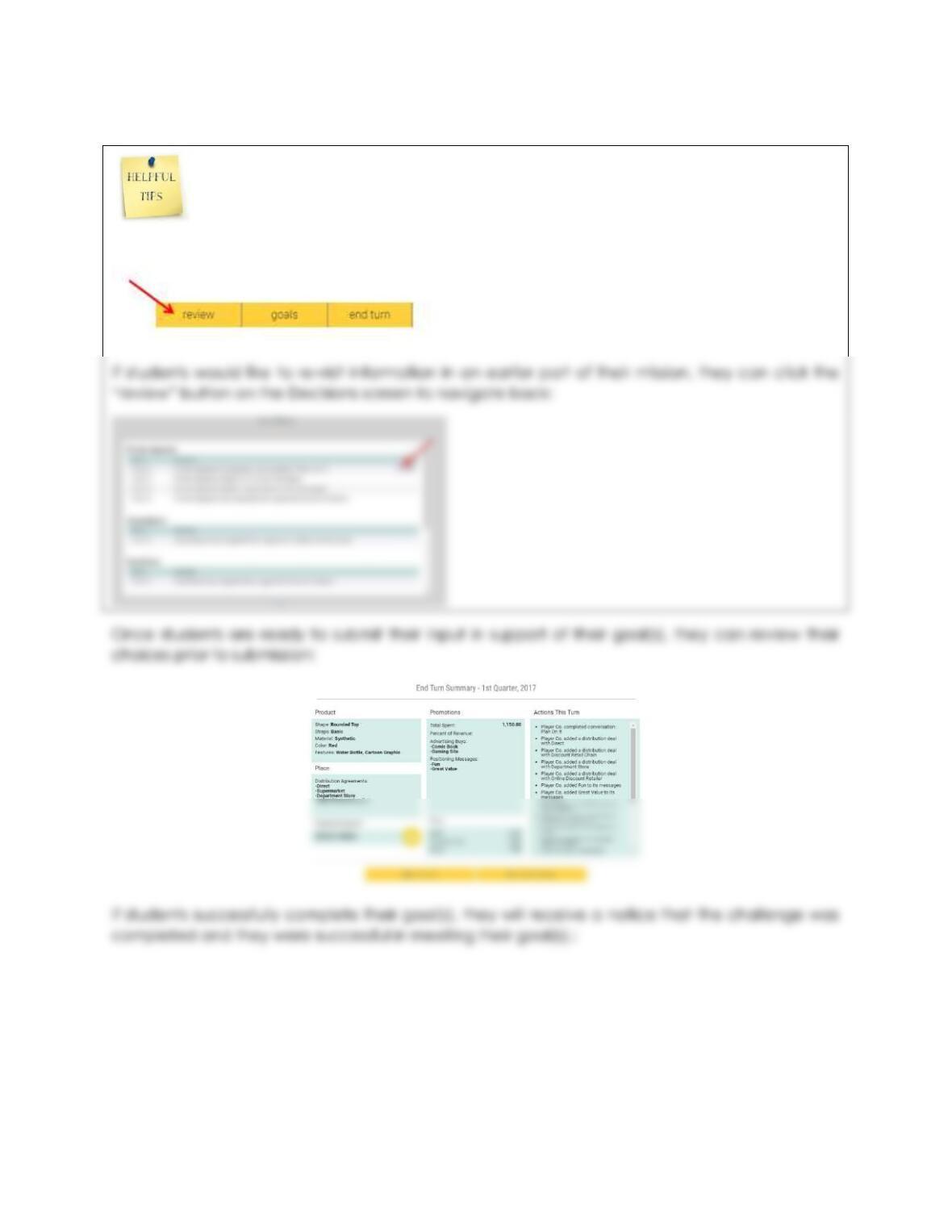
Students can review their decisions at any time by selecting the “review” button on
the bottom right of the Marketing Application-Based Activity screen:
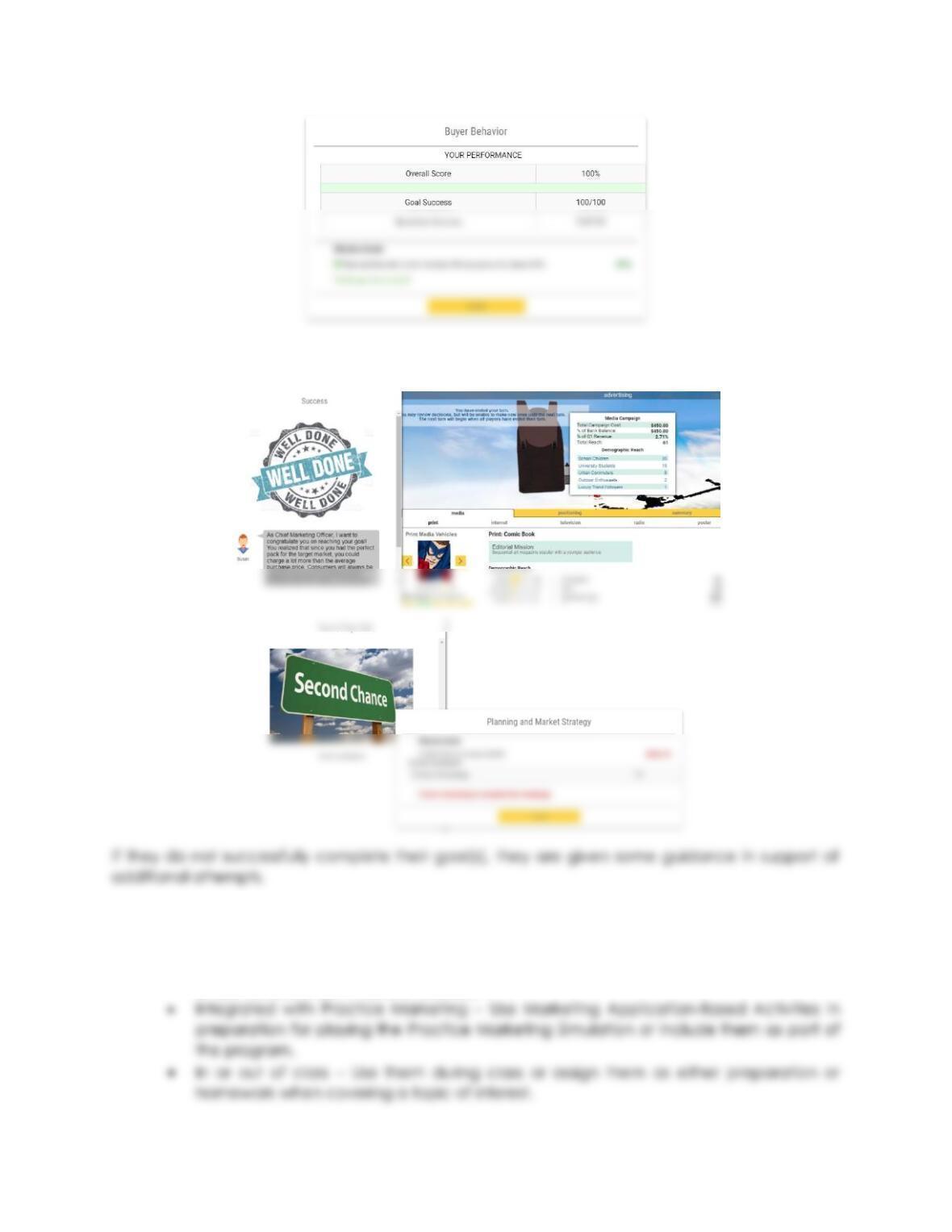
If they successfully complete their goal(s), they are provided with feedback and inputs in
support of their efforts:
These Marketing Mini Sims can be used in a variety of ways to accomplish instructor
curriculum goals.
• À la carte – pick and choose Marketing Mini Sims to provide enhanced understanding
or demonstrate command of material
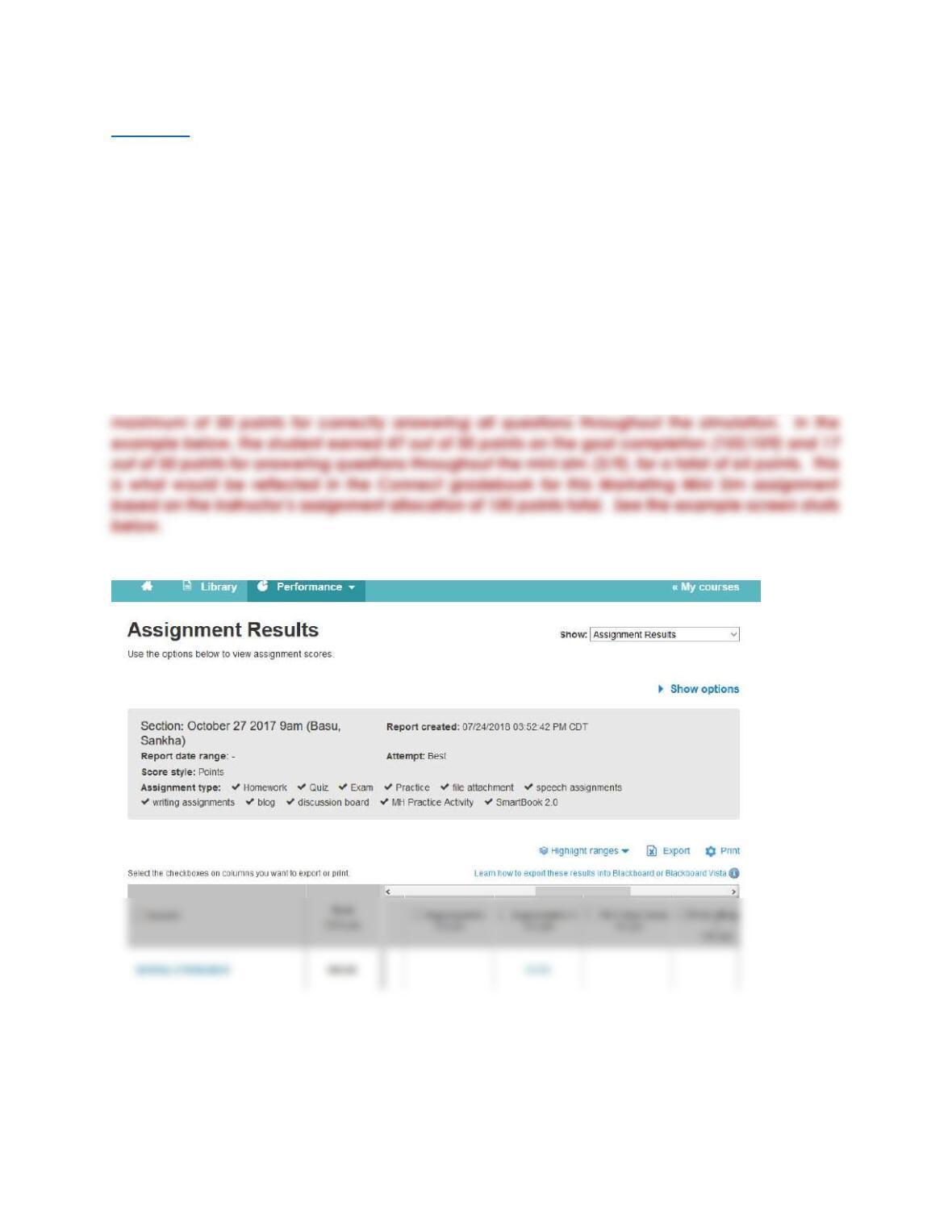
Scoring
The Goal(s) and Questions results each count for 50% of the overall score. The Goal(s) Success
score depends on the successful completion of each contributing goal. If there are two goals,
then each goal counts for half of the goal success score. If there are two goals for a Marketing
Mini Sim activity and only one is successfully completed, the score for goal success would be
50/100. If there are three goals, the successful completion of each goal counts for a third of final
goal success grade. The Questions Success score is based on how many of the questions asked
throughout the Marketing Mini Sim activity are answered correctly. The score reported back to
the gradebook is the Overall Score which is an average of the Goal(s) and Questions scores.
When creating the assignment in Connect, you specify the number of points that the Marketing
Mini Sim activity will be worth.
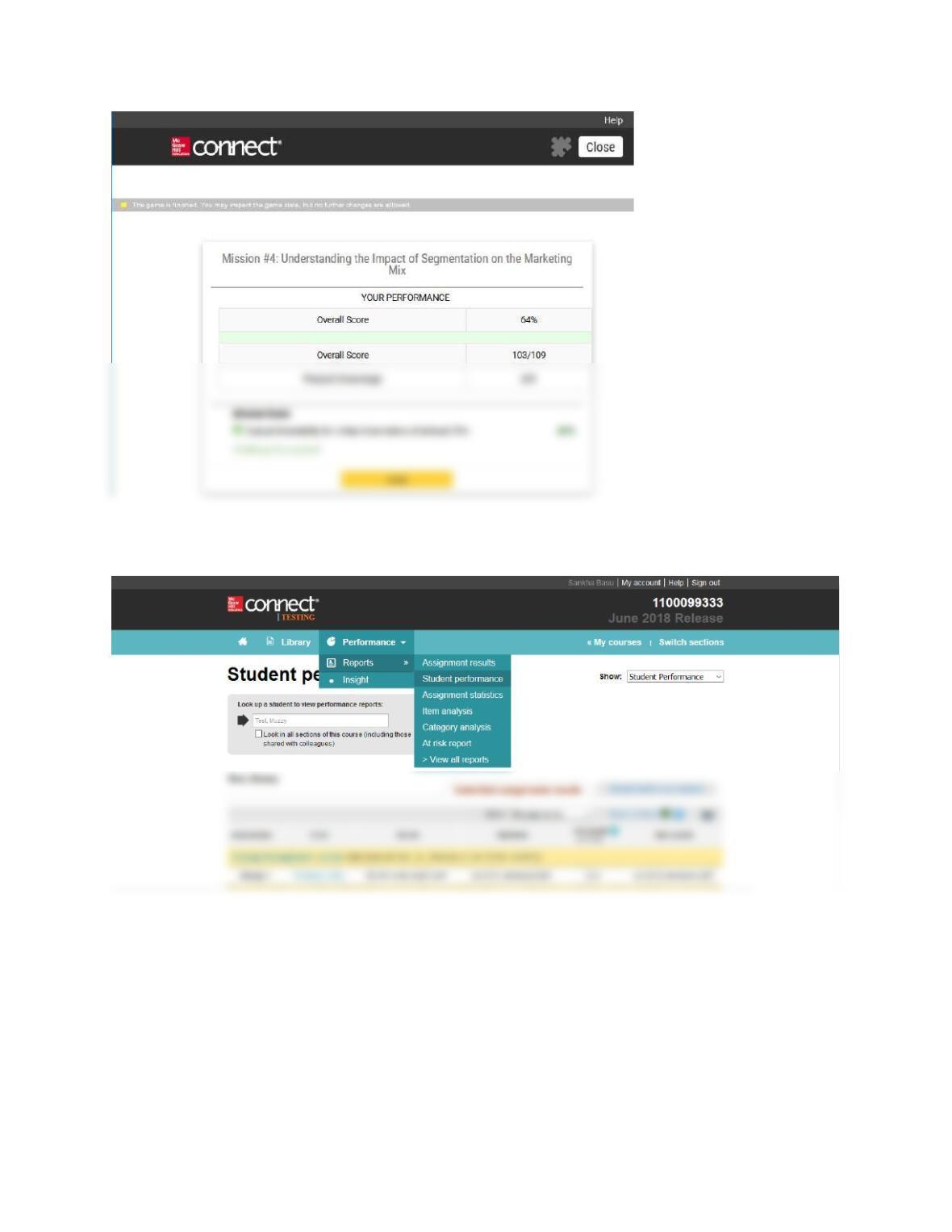
For example, let’s say you set the Marketing Mini Sim assignment up for 100 points. This means the
student can earn a maximum of 50 points for completing the simulation mission goal and
Instructor View: Assignment Results in Connect:
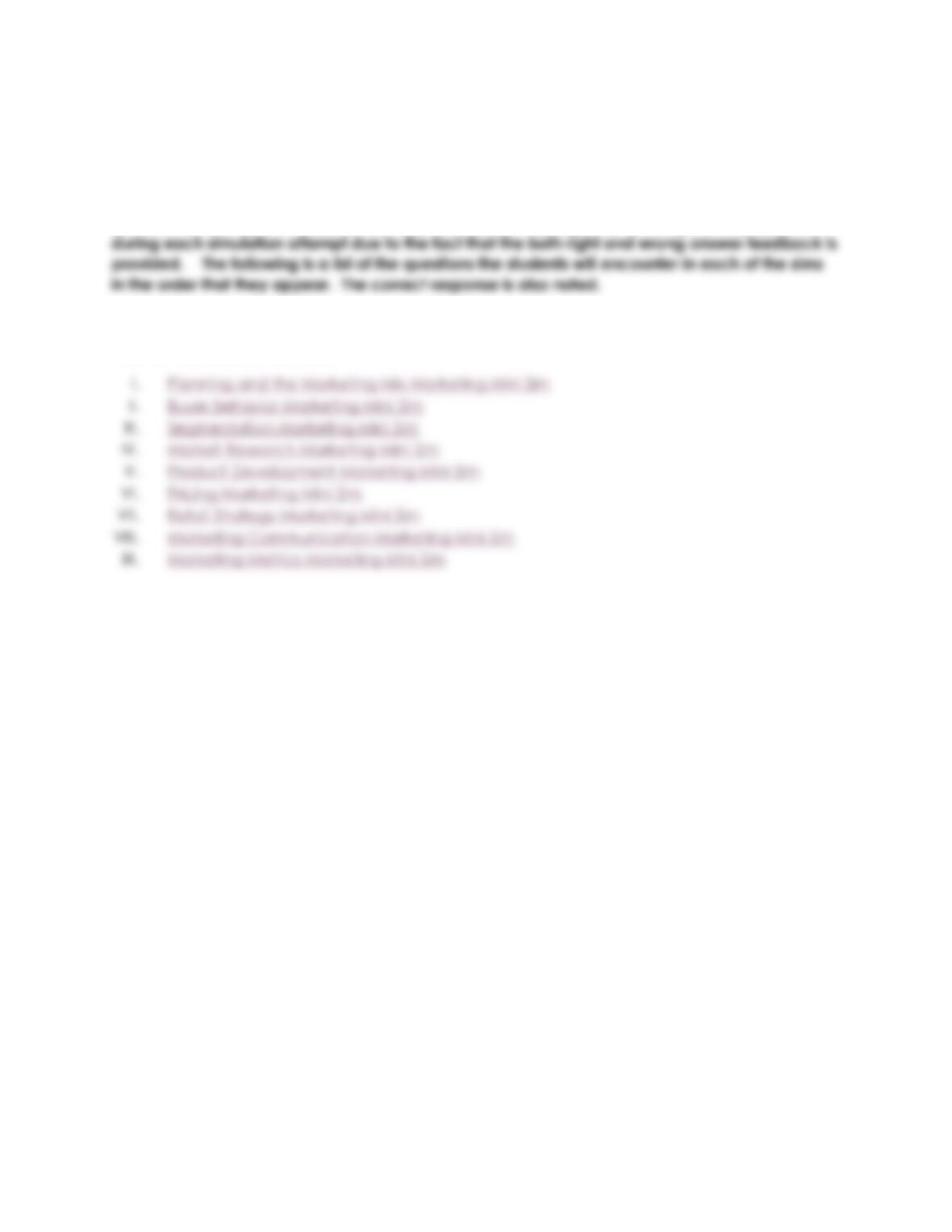
Student Performance Results in Connect:
Question Answer Key
Note: In order to check for understanding, the students are presented with a series of questions
as they complete each of the 9 Marketing Mini Sims. The marketing colleague directs the
students to the right-hand panel of the sim to find the information they need to answer the
questions correctly. The students are only allowed one attempt at answering each question
Click on the Mini Sim title below to go directly to that Mini Sim answer key.
Answer Key Table of Contents
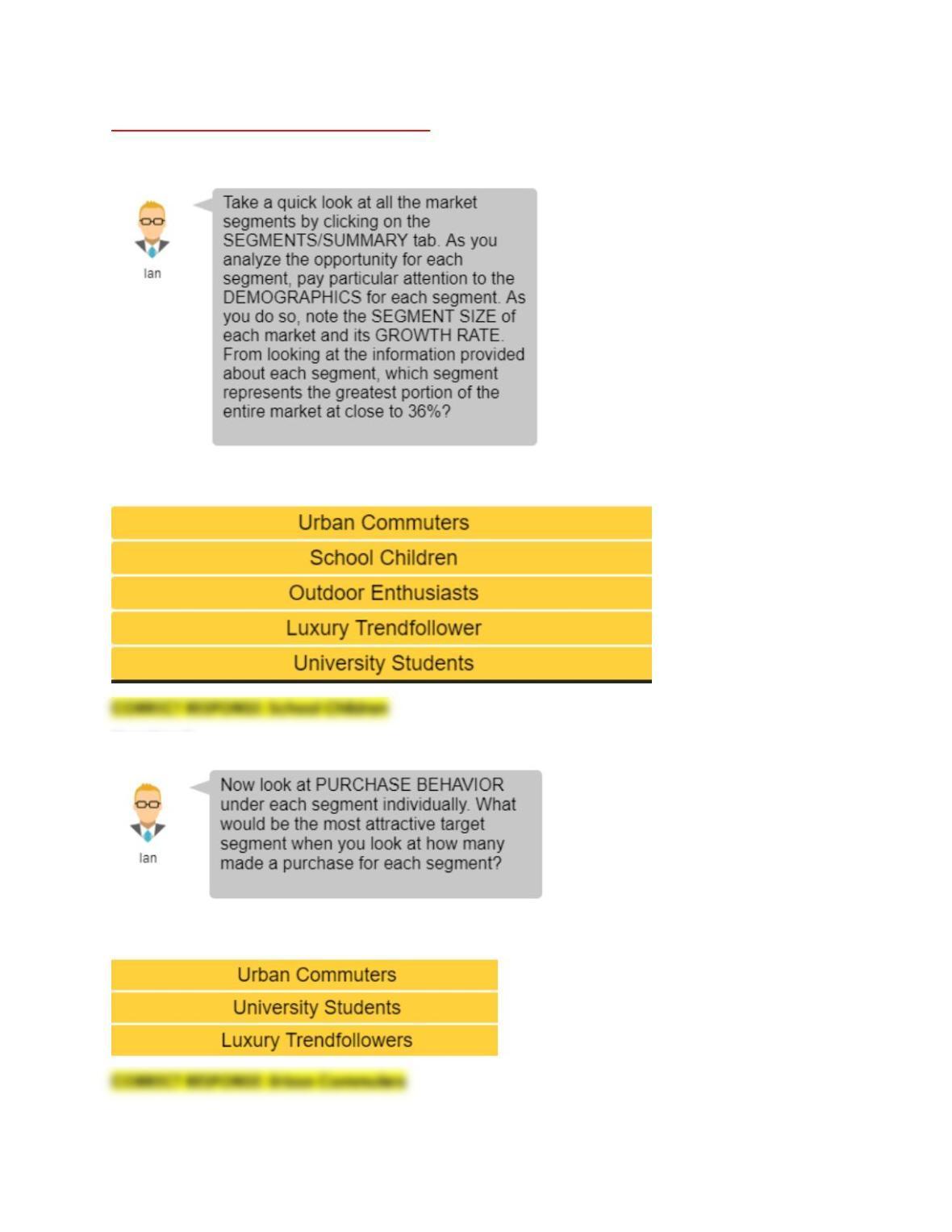
Planning & the Marketing Mix Mini Sim:
Question 1:
Response Options:
Question 2:
Response Options:
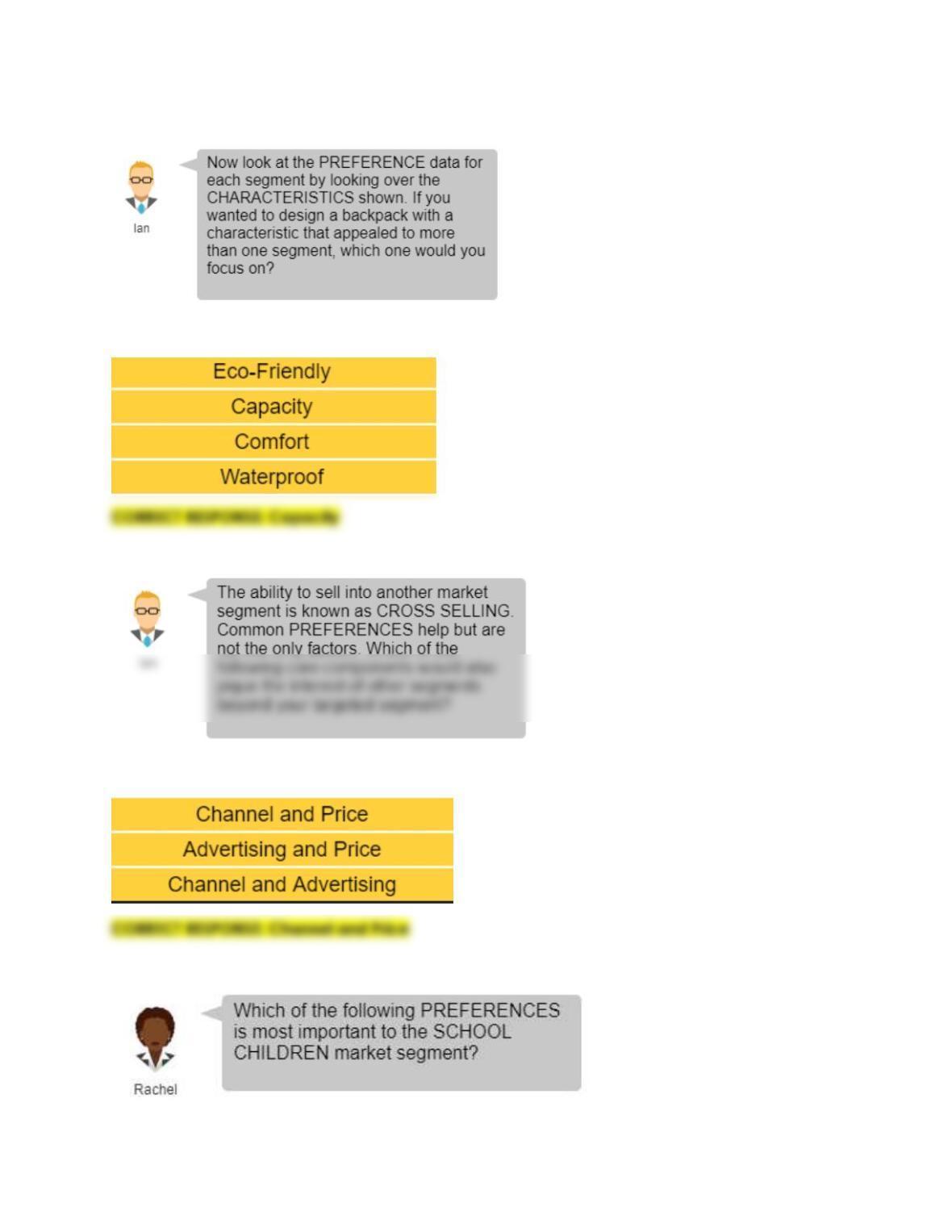
Question 3:
Response Options:
Question 4:
Response Options:
Question 5:
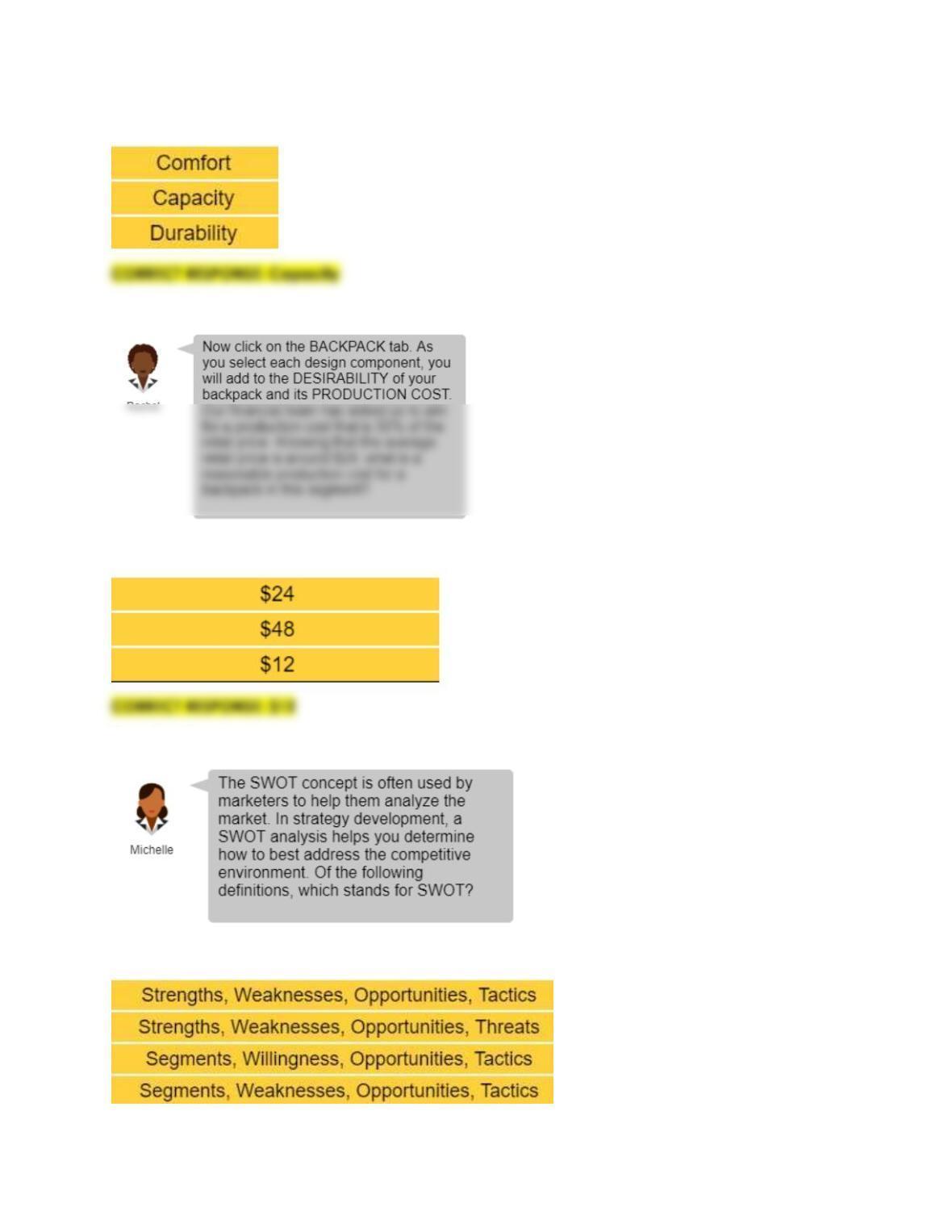
Response Options:
Question 6:
Response Options:
Question 7:
Response Options:
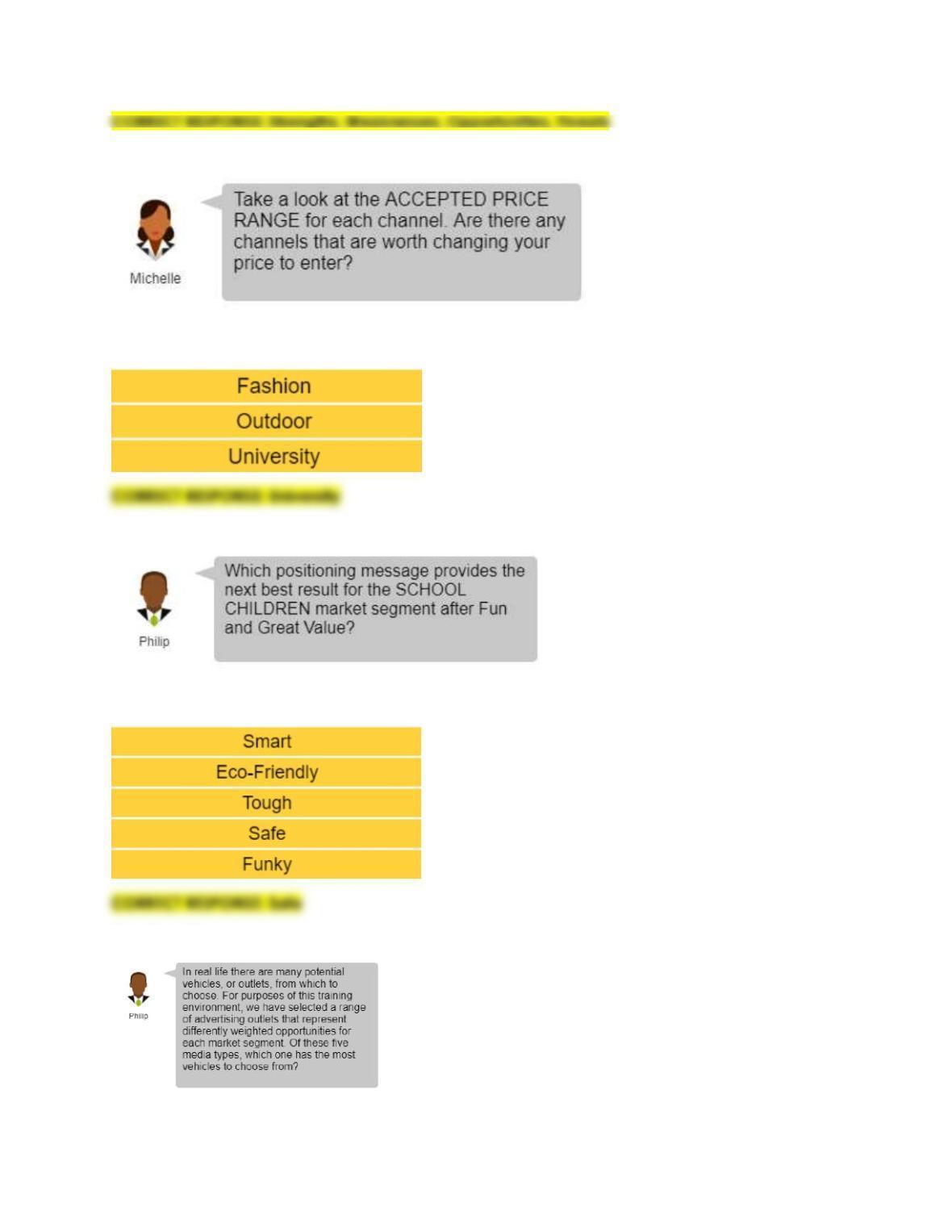
Question 8:
Response Options:
Question 9:
Response Options:
Question 10:
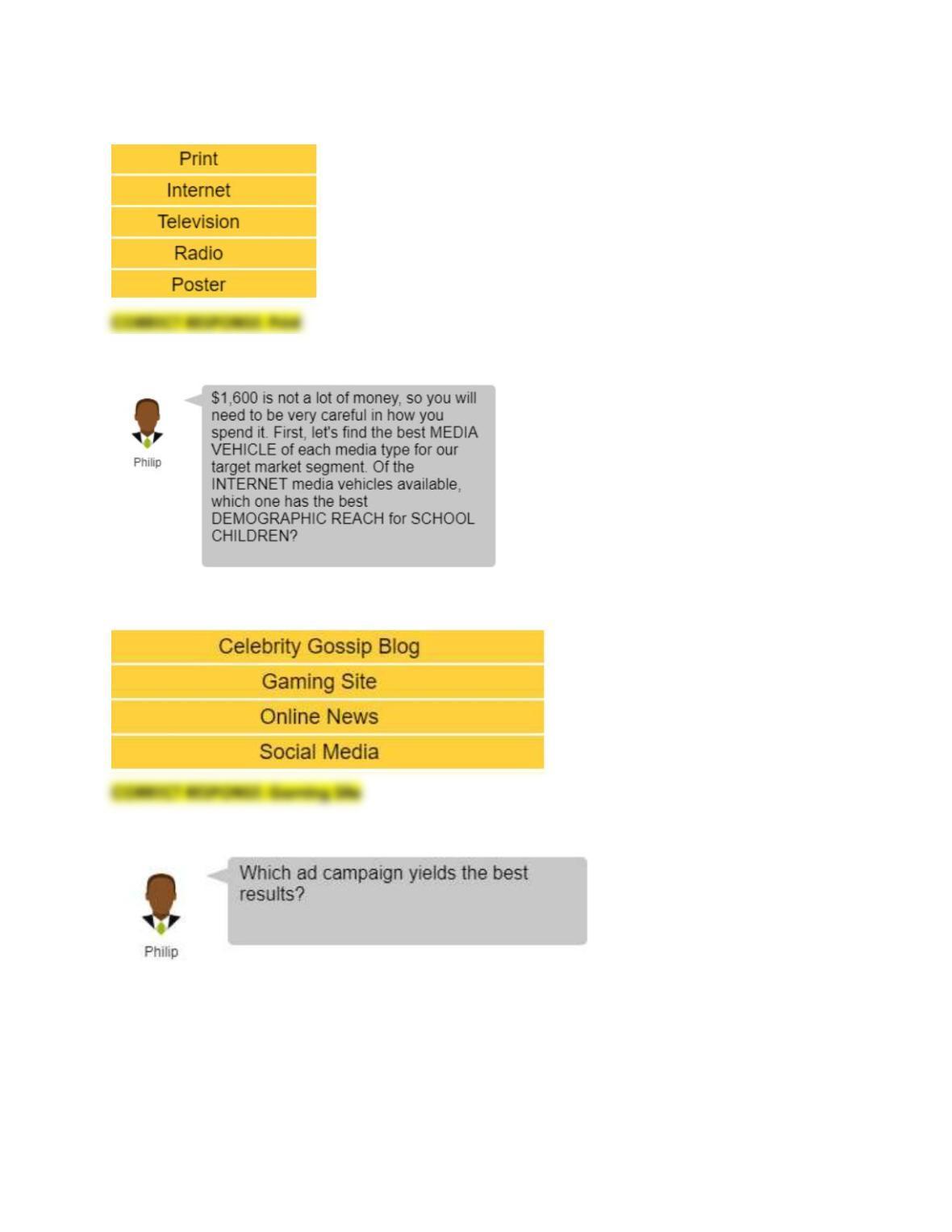
Response Options:
Question 11:
Response Options:
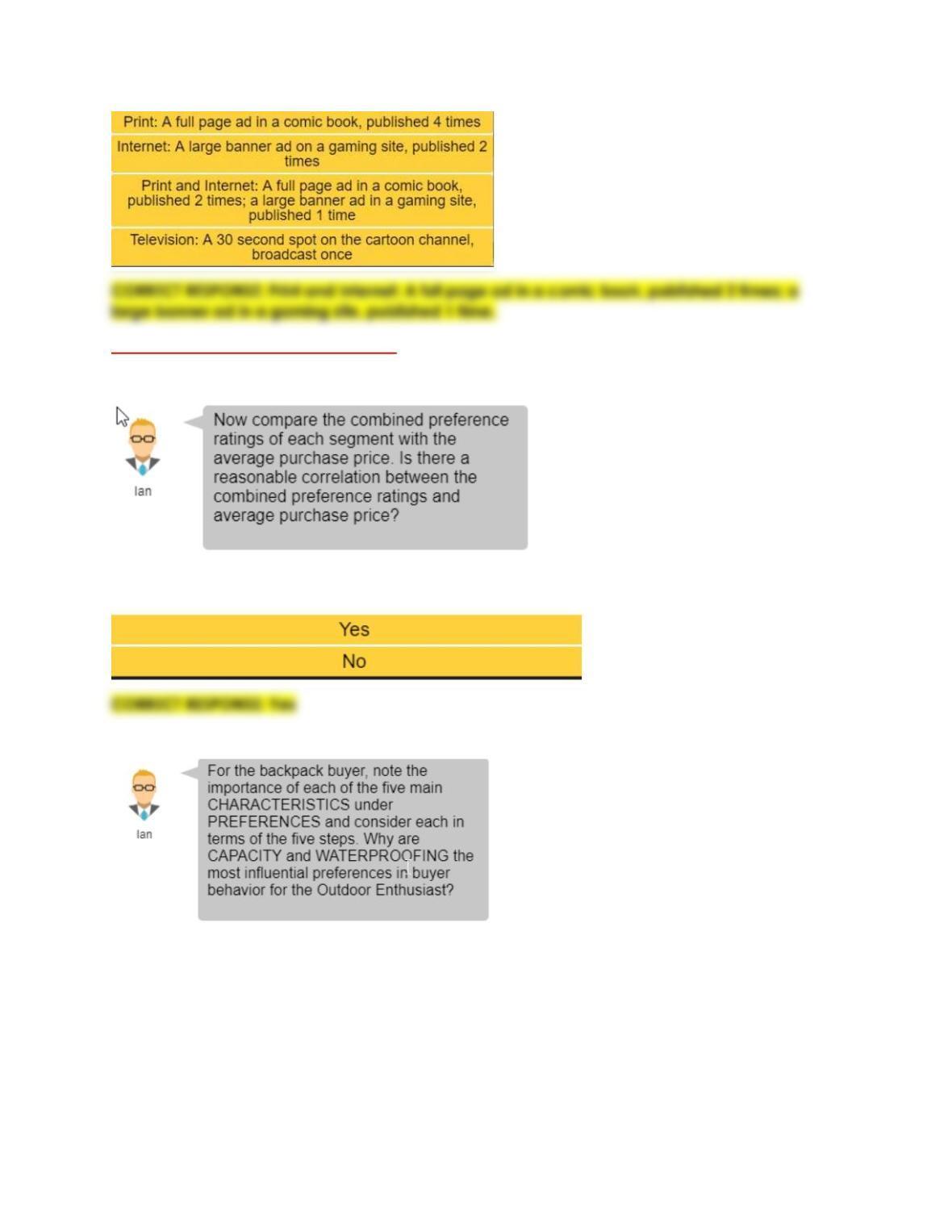
Question 12:
Response Options:
Buyer Behavior Marketing Mini Sim
Question 1:
Response Options:
Question 2:
Response Options:
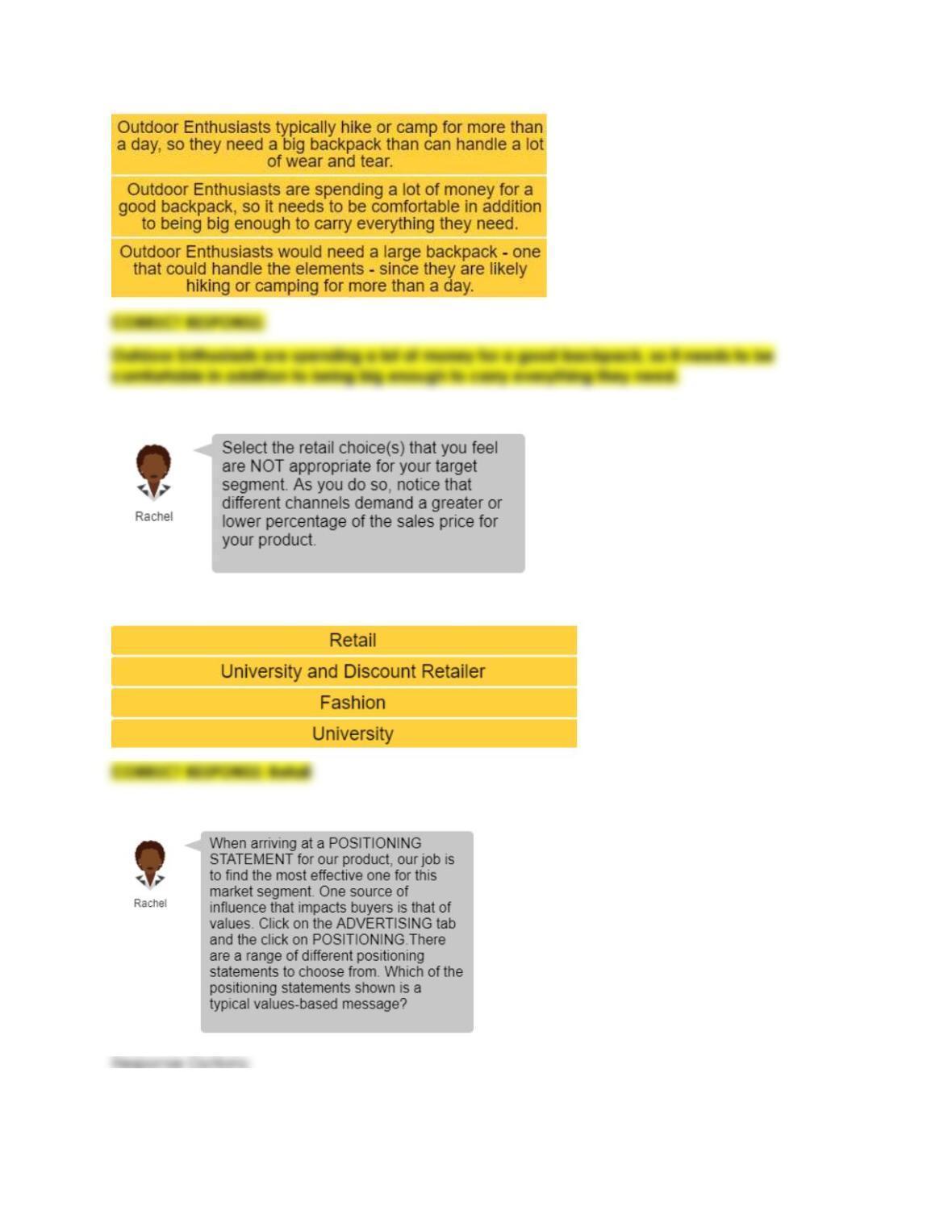
Question 3:
Response Options:
Question 4:
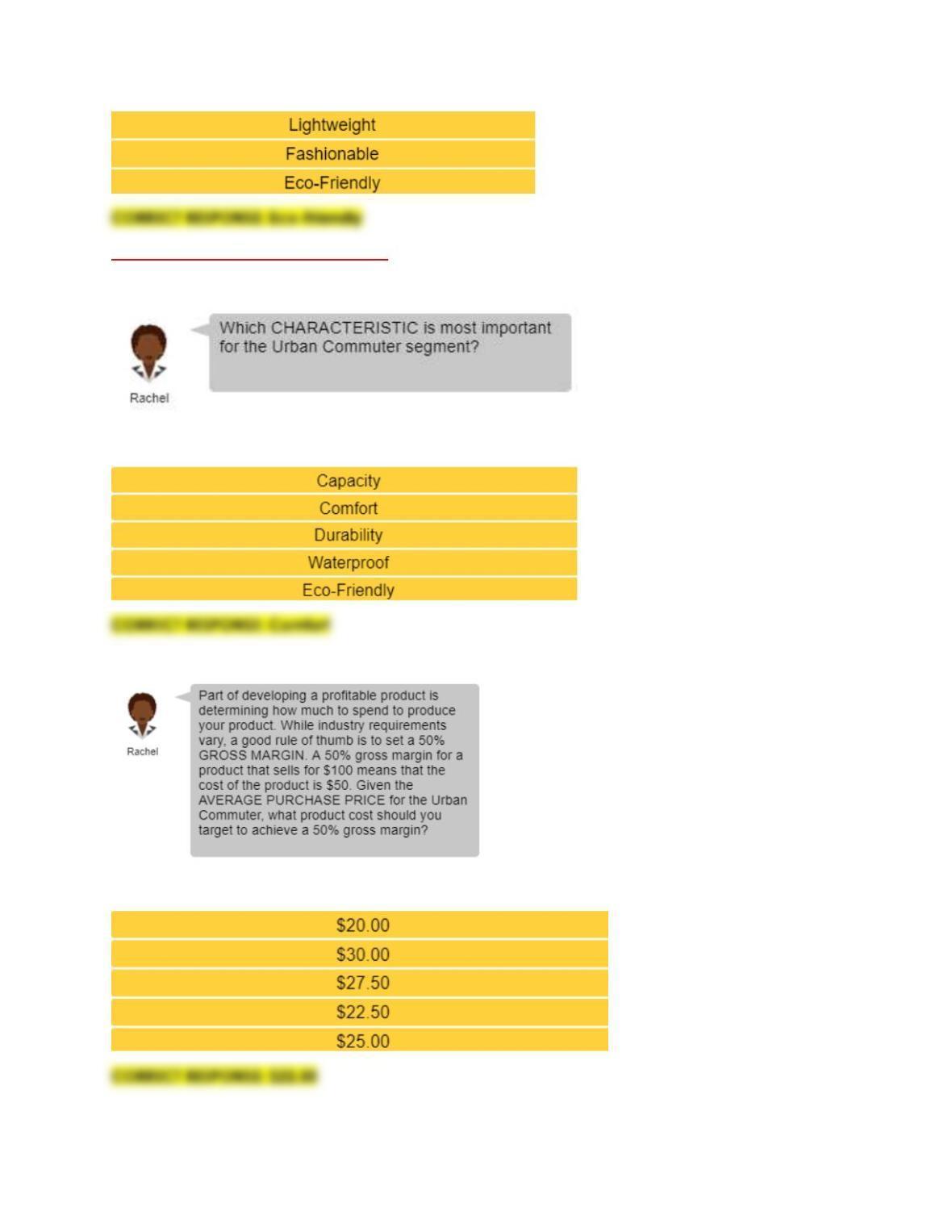
Segmentation Marketing Mini Sim
Question 1:
Response Options:
Question 2:
Response Options: