Extended Learning Module M – Programming in Excel with VBA
Mod M-12
window.
• This slide discusses code modules.
1. Standard modules
• This slide discusses procedures.
• In VBA, macros are referred to as procedures.
• This slide discusses Sub procedures.
• Sub procedures (sometimes referred to as subroutines) start with the
keyword Sub followed by the name of the procedure and opening and
• This slide discusses a Sub procedure example.
• Have students look at the code in MonthNames Sub procedure (page
• This slide discusses Function procedures.
• Excel has hundreds of built-in worksheet Function procedures that you
can use in cell formulas.
Extended Learning Module M – Programming in Excel with VBA
Mod M-13
• This slide discusses function procedures.
• Unlike manual operations, UDFs cannot be recorded.
• This slide starts a discussion on the common elements of VBA
programming. (Student Learning Outcome #5)
• VBA uses many elements common to all programming languages, such
as:
• This slide discusses comments.
• A comment is the simplest type of VBA statement.
• This slide discusses variables and constants.
• VBA’s main purpose is to manipulate data.
• This slide discusses variables.
• A variable is the name of a storage location.
become hard to read).
• This slide discusses constants.
• A variable’s value may (and usually does) change while your procedure
is executing.
• This slide discusses data types. (Student Learning Outcome #6)
• Data types are the manner in which data types are stored in memory –
• This slide discusses strings.
• Excel and VBA can work with both numbers and text.
• Text is often referred to as a string.
• There are two types of strings in VBA:
recommended that you use the Date data type.
• This slide discusses dates.
• Although you can use a string variable to store dates, it is
• This slide discusses assignment statements.
• An assignment statement is a VBA statement that assigns the result of
an expression to a variable or an object.
Extended Learning Module M – Programming in Excel with VBA
Mod M-15
• This slide discusses operators.
• The precedence order for operators in VBA is exactly the same as in
Excel formulas.
• Exponentiation has the highest precedence.
• This slide illustrates Figure M.10 page M.19, VBA operators.
• VBA offers standard structured decision constructs such as:
• This slide starts a discussion how to use VBA to make decisions.
(Student Learning Outcome #7)
• This slide discusses the If-Then structure.
• The If-Then statement is VBA’s most important control structure.
• This slide discusses the Select Case structure.
• The Select Case structure is useful for decisions involving three or
Extended Learning Module M – Programming in Excel with VBA
Mod M-16
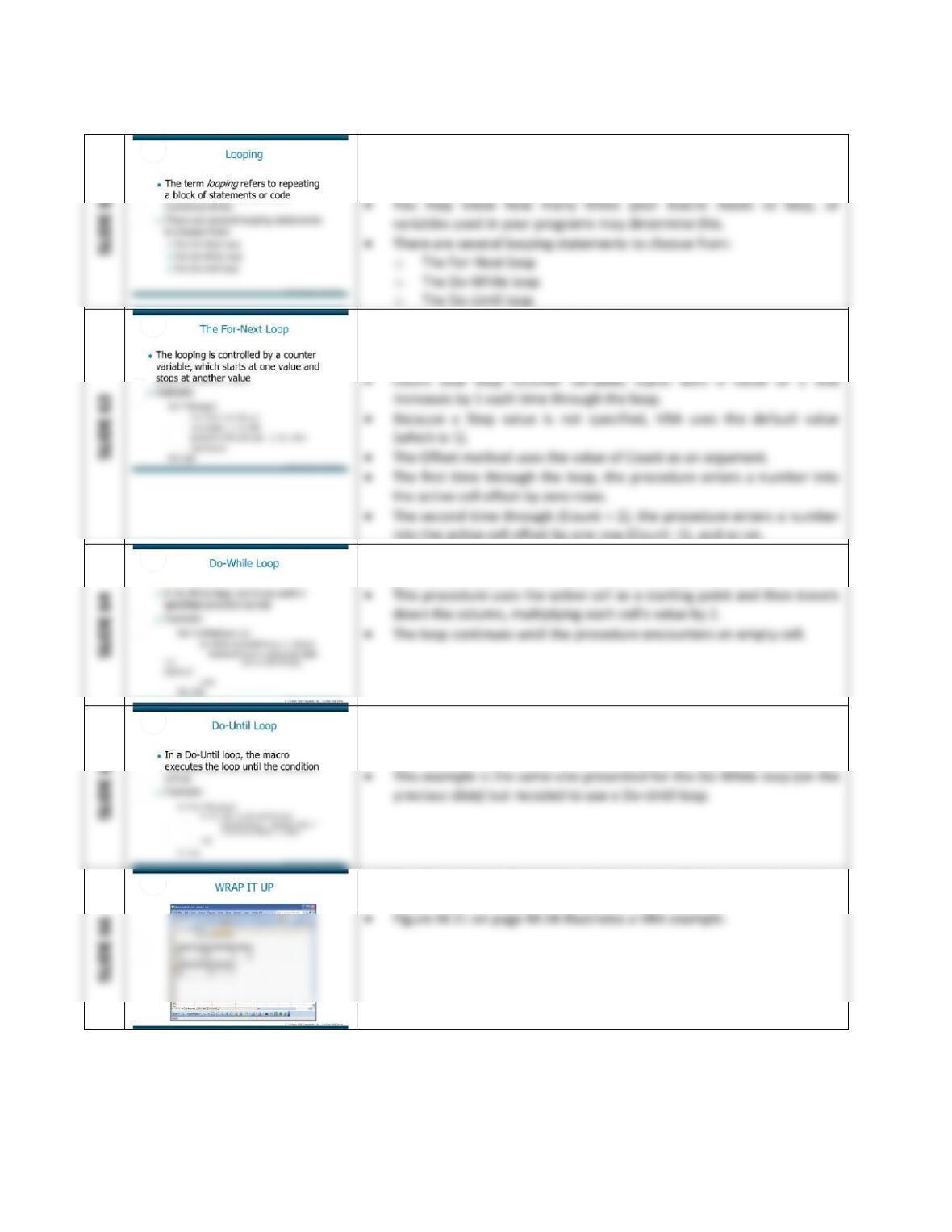
• This slide displays looping.
• The term looping refers to repeating a block of statements or code
numerous times.
• This slide discusses the For-Next loop.
• The looping is controlled by a counter variable, which starts at one
value and stops at another value.
into the active cell offset by one row (Count -1), and so on.
• This slide discusses the Do-While loop.
• A Do-While loop continues until a specified condition is met.
• This slide discusses the Do-Until loop.
• In a Do-Until loop, the macro executes the loop until the condition is
true
• This slide starts a discussion on how to put all the concepts together
from the earlier sections in this module.
Extended Learning Module M – Programming in Excel with VBA
Mod M-17
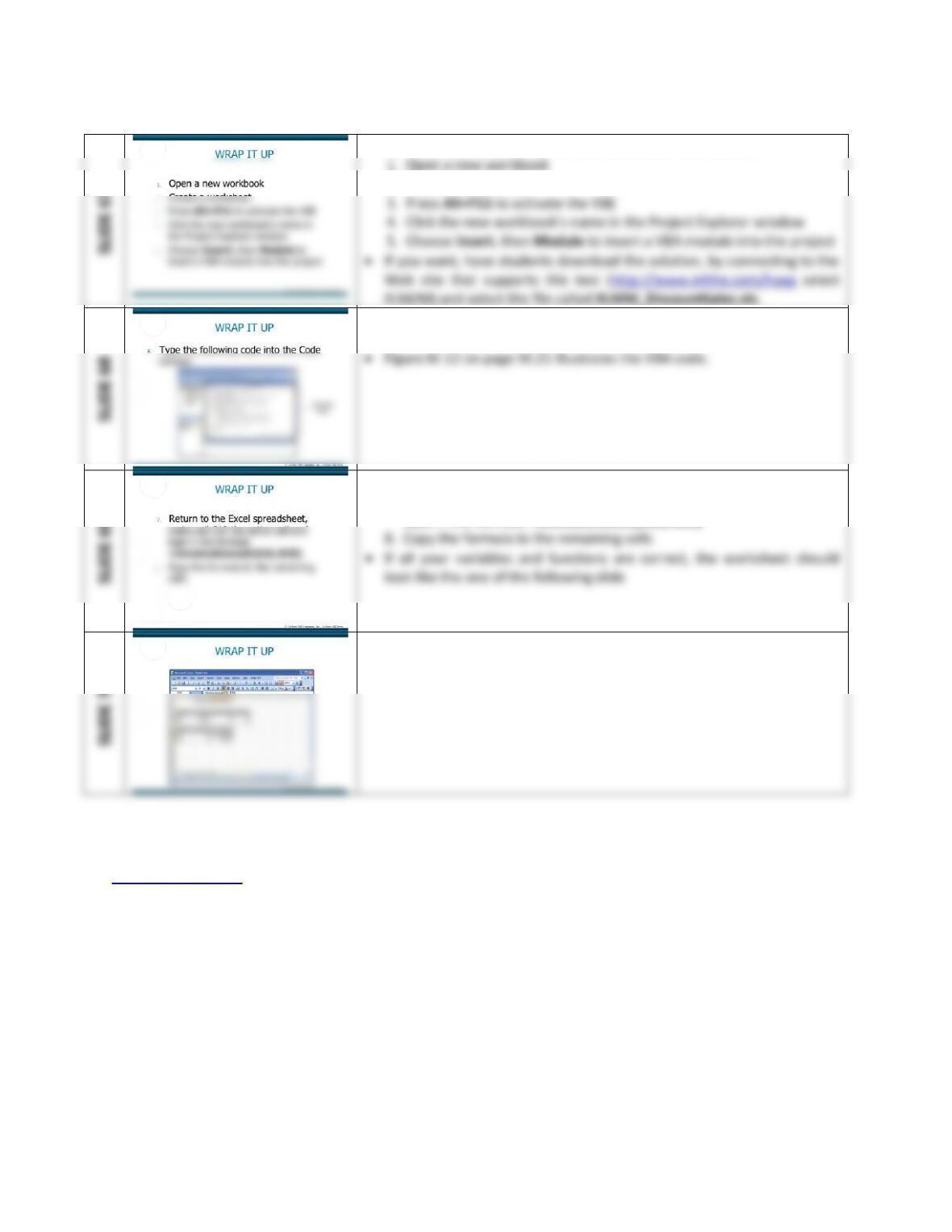
• This slide has students build a VBA worksheet from scratch.
2. Create a worksheet
• This slide continues with building a VBA worksheet from scratch.
6. Type the following code into the Code window
• This slide continues with building a VBA worksheet from scratch.
7. Return to the Excel spreadsheet, make cell C10 the active cell and
type in the formula =InvoiceAmount(A10, B10)
• This slide continues with building a VBA worksheet from scratch.
• Figure M.13 illustrates the final figures from the macro.
Back to Jump List
Extended Learning Module M – Programming in Excel with VBA
Mod M-18
ASSIGNMENTS & EXERCISES (p. M.28)
1. Automating Repetitive Tasks. Once a week you have to develop a new worksheet for your
department head that inserts enrollment data. More specifically most of the tasks that you
perform in creating the worksheet are very repetitive since the structure of the worksheet
is always the same. You want to automate the steps that are repetitious. Using the Macro
Recorder, create a macro that types six month names as three letter abbreviations, “Jan” to
“Jun,” across the top of a worksheet, starting in cell B1. Make each abbreviate bold, italics,
and centered within each cell. Call the macro MonthNames and assign the macro the
shortcut key Ctrl+Shift+M. Save the workbook as MonthNames.xls. Open a new
worksheet, and press Ctrl+Shift+M.
DISCUSSION:
• Start with an empty worksheet with cell A1 selected.
• If you like to work with toolbars, use View, Toolbars to select and display the Visual
Mod M-19
2. Calculate Tax Values. You are part of a programming team developing point–of-scale
terminal software, but first you want to create a prototype of the logic this software needs
to perform. For your prototype, you decide to create a macro function in Excel that will
calculate the sales tax (4.9%) from the data file, XLMM_SalesTax.xls.
DISCUSSION
• Open the workbook XLMM_SalesTax.xls .
Mod M-20
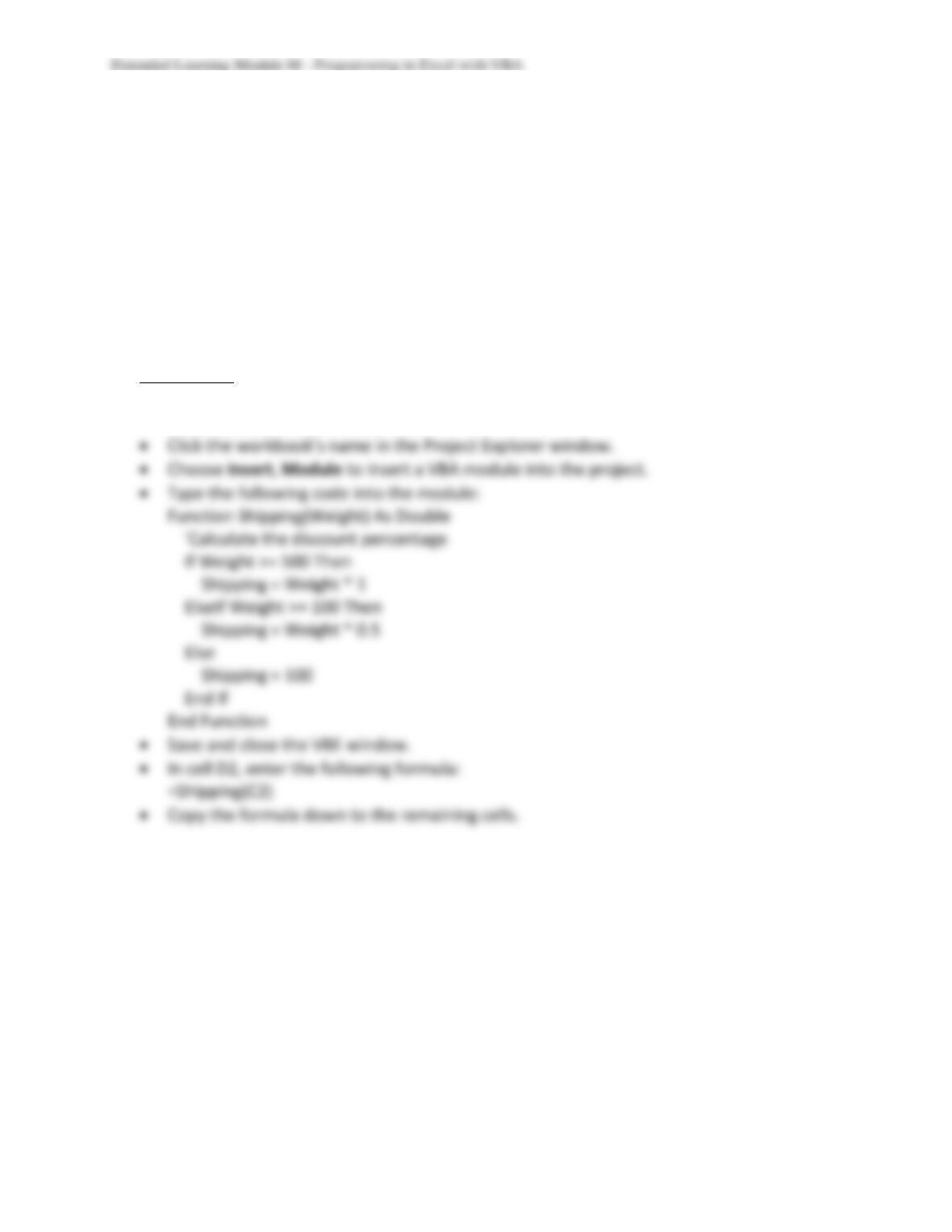
3. Determine Shipping Charges. Trans-Port Inc., a distribution company located in Denver,
Colorado, needs some assistance in computing the shipping charges for freight. The
shipping charge is calculated by the total weight of the shipment. Any shipment with a total
weight of 500 or over is computed by taking the total weight and multiplying it by $1.00.
Any shipment with a total weight of 100 pounds or more, but less than 500 pounds is
calculated by taking the total weight and multiplying it by .50. Anything shipped below 100
pounds is assessed a flat fee of $100. The owner of Trans-Port, Inc., Jake Plummer, has
asked you to assist him in creating a macro function that will automatically assign shipping
charges.
DISCUSSION
• Open the workbook XLMM_Shipping.xls .
• Press Alt+F11 to activate the VBE.
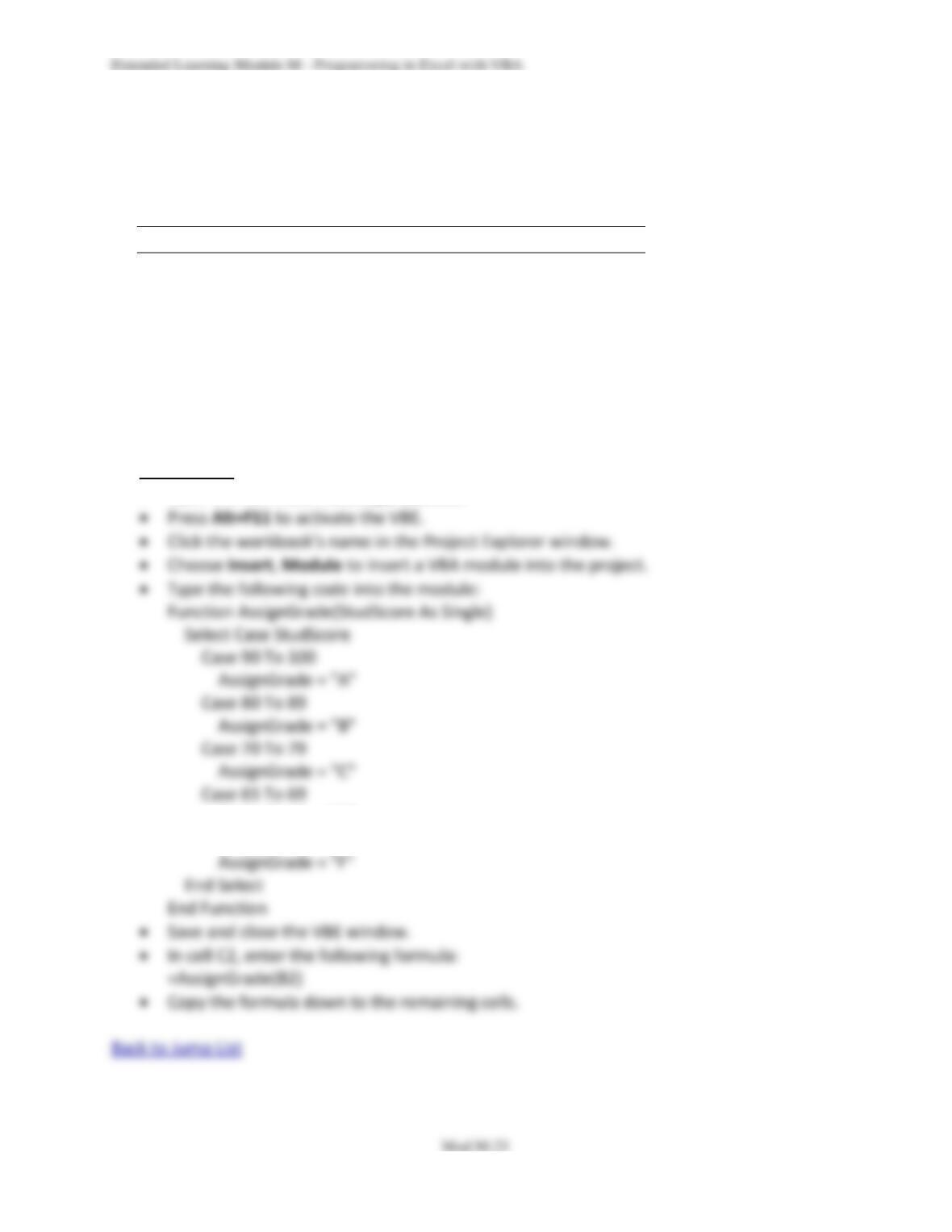
4. Assess the Letter Grade. You are a Teaching Assistant for the Information Technology
department at your school. One of the professors, Dr. Hans Hultgren, has asked you to
review a grading spreadsheet for him and write a macro function that will take the
numerical score of each student and assign a letter grade. The grading scale is as follows:
Numerical Range Letter Grade
90-100 A
80–89 B
70–79 C
65–69 D
< 65 F
Dr. Hultgren has suggested that you write a macro that uses a Select Case statement. He
has provided you with some mocked-up data, XLMM_Grades.xls, to use as a prototype,
since giving you “real” grades is considered unethical.
DISCUSSION
• Open the workbook XLMM_Grades.xls.
AssignGrade = “D”
Case Else