Extended Learning Module G – Object-Oriented Technologies
Mod G-1
EXTENDED LEARNING MODULE G
OBJECT-ORIENTED TECHNOLOGIES
JUMP TO THE SUPPORT YOU WANT
STUDENT LEARNING OUTCOMES
2. List and describe the five primary object-oriented concepts.
4. Discuss the three fundamental principles of object-oriented technologies.
5. Describe two types of object-oriented technologies.
MODULE SUMMARY
This Extended Learning Module introduces your students to the world of object-oriented
technologies.
It does so within the context of component-based development and a service-oriented
architecture, both of which we introduced in Chapter 6.
The primary sections of this module include:
2. Object-Oriented Technology Approach
4. Real-World O-O Examples
6. Putting It All Together: A Business Example

Extended Learning Module G – Object-Oriented Technologies
Mod G-2
LECTURE OUTLINE
INTRODUCTION (p. G.2)
TRADITIONAL TECHNOLOGY APPROACH (p. G.2)
2. Procedure View
OBJECT-ORIENTED TECHNOLOGY APPROACH (p. G.4)
1. Information and Procedure Views Combined
FIVE PRIMARY CONCEPTS OF OBJECT-ORIENTED TECHNOLOGIES (p. G.5)
1. Information
3. Classes
5. Messages
6. How the Five Primary Concepts Interact
REAL-WORLD OBJECT-ORIENTED EXAMPLE (p. G.9)
THREE FUNDAMENTAL PRINCIPLES OF OBJECT-ORIENTED TECHNOLOGIES (p. G.10)
2. Encapsulation
PUTTING IT ALL TOGETHER: A BUSINESS EXAMPLE (p. G.14)
1. Eighteen Months to Get a New Product to Market
TYPES OF OBJECT-ORIENTED TECHNOLOGIES (p. G.17)
2. Object-Oriented Database Systems
4. The Future of Object-Oriented Technologies
END OF MODULE (p. G.20)
2. Key Terms and Concepts
Back to Jump List

Extended Learning Module G – Object-Oriented Technologies
Mod G-3
MODULES, PROJECTS, AND DATA FILES
• Executive Information System Reporting: Political Campaign Finance
DATA FILES
There are no data files associated with this chapter. There may, however, be data files for the
Group Projects you choose to use.
Back to Jump List
Extended Learning Module G – Object-Oriented Technologies
Mod G-4
• These are the Student Learning Outcomes for the module.
• Use them as a road map to inform your students of what you will be
• These are the Student Learning Outcomes for the module.
• Use them as a road map to inform your students of what you will be
• This slide presents the organization for the module.
• It identifies the major sections and the learning outcomes associated
with each.
• This slide presents the organization for the module.
• It identifies the major sections and the learning outcomes associated
• This slide presents the definition for the traditional technology
approach (Student Learning Outcome #1)
Extended Learning Module G – Object-Oriented Technologies
Mod G-5
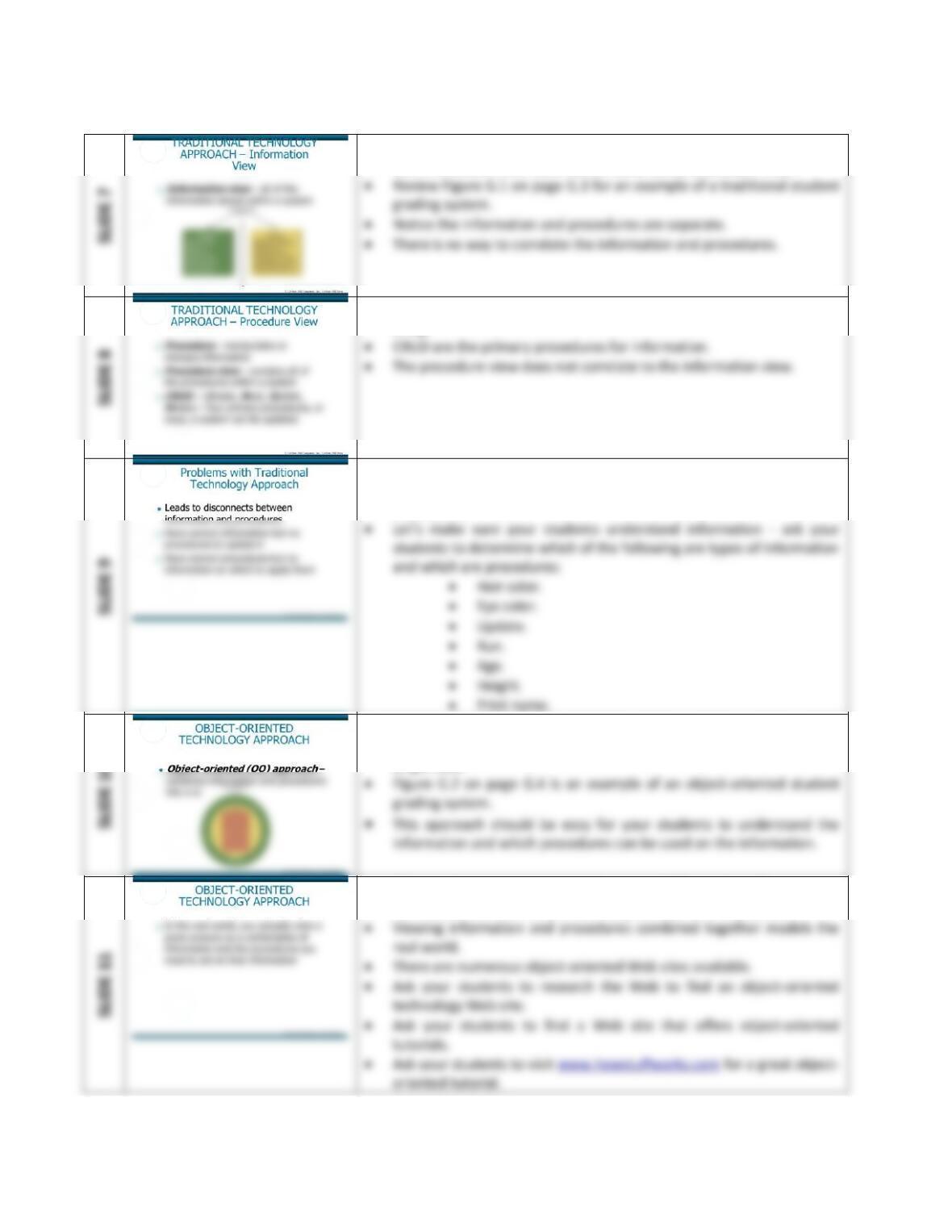
• Information, data, variables, and attributes all refer to the same thing.
• The information view does not correlate to the procedure view.
• Procedures, formulas, functions, and methods all refer to the same
thing.
• There is a problem with the traditional technology approach.
• Separate views lead to disconnects between information and
procedures.
• The object-oriented approach bridges the gap between information
and procedures by combining information and procedures into a
single view.
• Object-oriented systems more closely model the real world.
• Information and procedures are integrated parts of any system.
Extended Learning Module G – Object-Oriented Technologies
Mod G-6
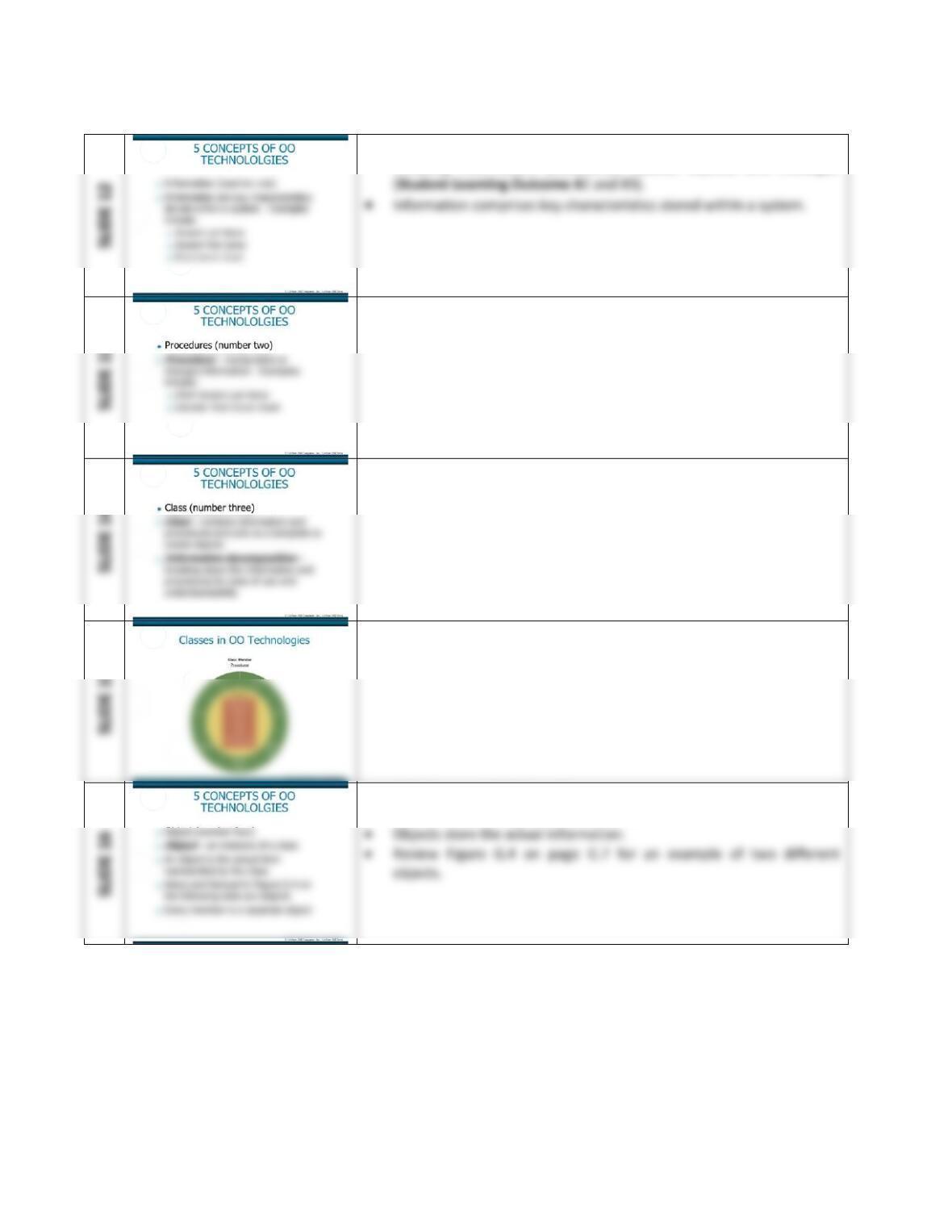
• There are five primary concepts of object-oriented technologies
including information, procedures, classes, objects, and messages
• Procedures manipulate or change information.
• Systems contain many classes for ease of use and understanding.
• Review Figure G.3 on page G.6 for an example of an object-oriented
system.
• Objects are created from classes.
• Classes store the high-level definitions.
Extended Learning Module G – Object-Oriented Technologies
Mod G-7
• Ask your students to define three objects of the student grading
system in Figure G.2 on page G.4.
• In order for a system to work, objects must be able to communicate
with each other.
• This slide covers how the 5 concepts of OO technologies relate to each
other.
• These two slides present a stereo system as an object-oriented system
• These two slides present a stereo system as an object-oriented system
• Each piece of equipment is an object
Extended Learning Module G – Object-Oriented Technologies
Mod G-8
• This slide lists the 3 fundamental principles of OO (Student Learning
• Inheritance is one of the most powerful features of object-oriented
technologies.
• Ask your students to review Figure G.6 on page G.11.
• Can they define two additional types of information and procedures
• This slide provides a narrative description of the inheritance depicted
in Figure G.6 on page G.11.
• This slide describes the primary business benefit of inheritance –
reuse.
Extended Learning Module G – Object-Oriented Technologies
Mod G-9
• Objects are referred to as black boxes where the information is
hidden.
• Polymorphism allows you to name things the same in different
classes.
• This slide provides Figure G.7 on page G.13
• A fun – but simple – game to play is to break your students into
• This next section discusses Ice Blue Snowboards – a fictitious business
example your students can review to get a deeper understanding of
• Every system must be updated each time a new product is introduced.
Extended Learning Module G – Object-Oriented Technologies
Mod G-10
• This slide describes how the company can use OO technologies to
reduce the amount of time it takes to get a new product to market
• Try this exercise to get your students started.
• Break your students into groups.
• Controlling inventory is an issue for almost all businesses.
• Managing the supply chain is fundamental to the success of any
• This slide defines scalability and expandability, two vitally important IT
system attributes
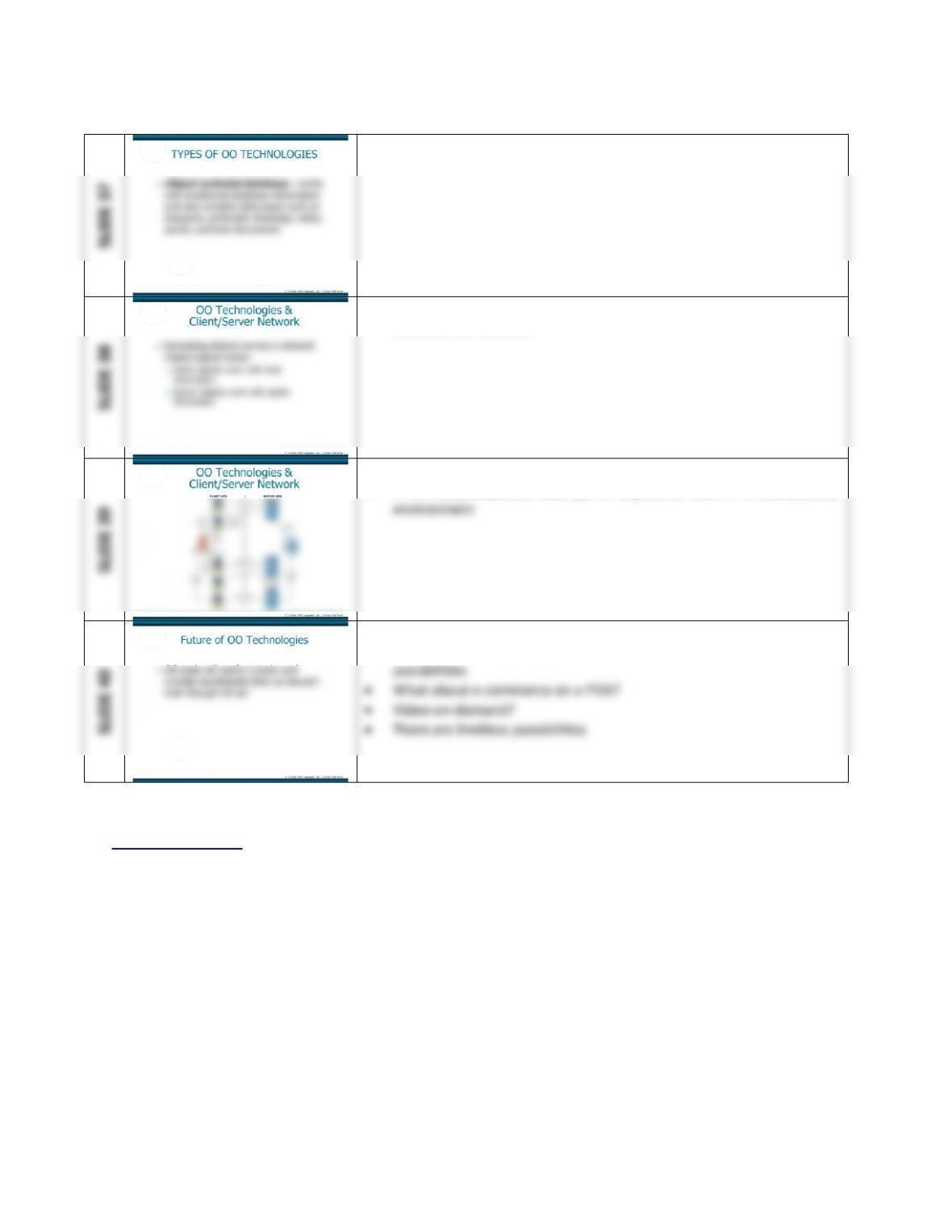
• This section covers a few of the many OO technologies (Student
Learning Outcome #5)
Extended Learning Module G – Object-Oriented Technologies
Mod G-11
• This slide defines an OO database
• This slide and the next demonstrate how OO technologies work in a
client/server network
• This slide provides Figure G.11 on page G.19
• It is a very elaborate example of objects at work in a client/server
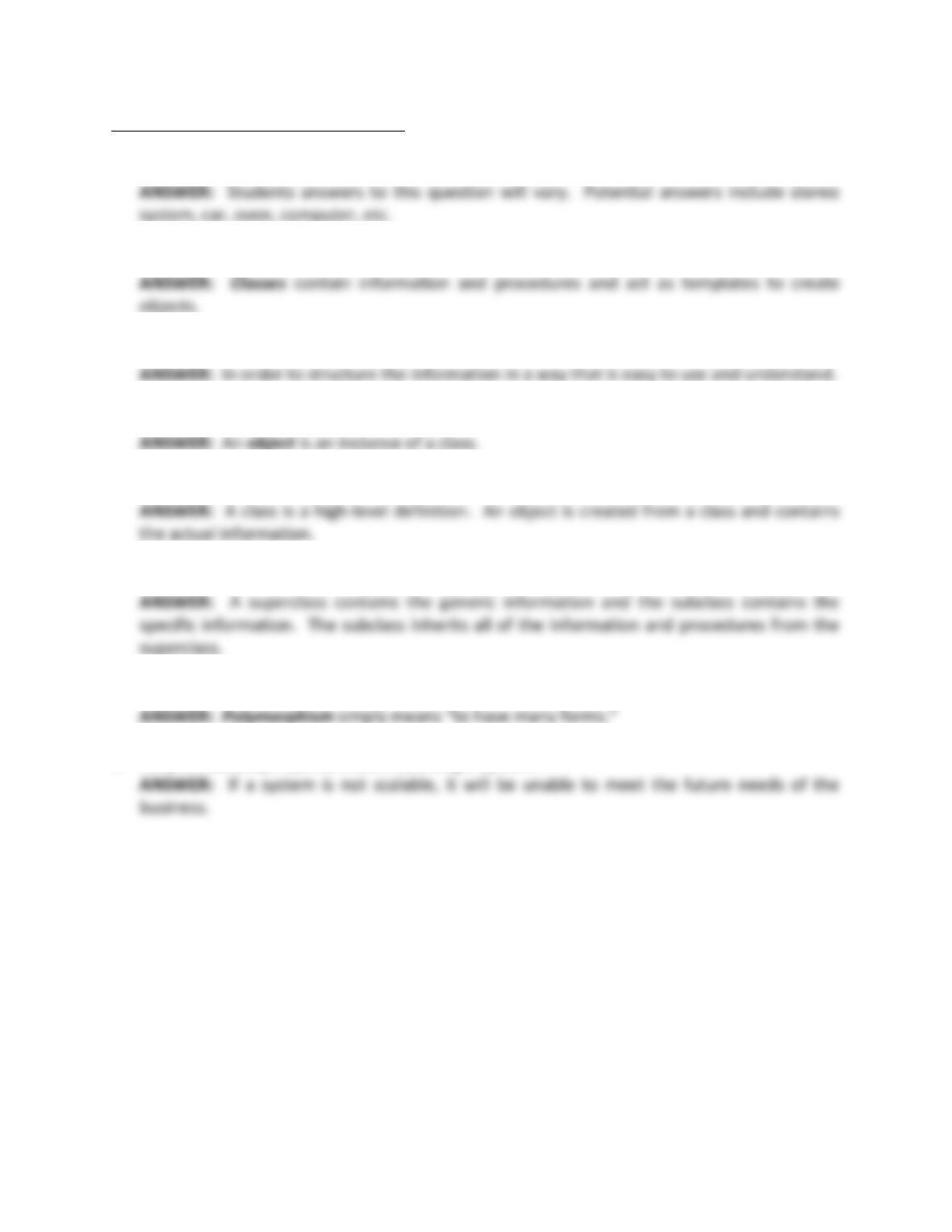
• With this last slide, you should encourage your students to think
about distributing objects across a network to envision new
Back to Jump List
Extended Learning Module G – Object-Oriented Technologies
Mod G-12
SHORT-ANSWER QUESTIONS (p. G.21)
1. What is an example of a real world object-oriented system?
2. What are classes?
3. Why would you use information decomposition?
4. What is an instance of a class?
5. How do objects and classes relate?
6. How do superclasses and subclasses relate?
7. What is polymorphism?
8. Why is scalability important when building a system?

Mod G-13
9. What is a benefit of using the object-oriented approach?
10. What is another term for a superclass/subclass relationship?
11. Why is expandability important when building a system?
12. What is another term used to describe information hiding?

Extended Learning Module G – Object-Oriented Technologies
Mod G-14
ASSIGNMENTS & EXERCISES (p. G.22)
1. Classes in the Classroom: Take a look around your classroom and on a piece of paper list
twenty different objects located in the classroom. Objects might include desks, chairs,
lights, students, etc. If you were going to build a classroom inventory tracking system how
many classes would you need to define in order to track all of the objects? What would be
the name of each class? What information and procedures would be stored in each class?
On a separate sheet of paper, draw a class diagram displaying all of the classes along with
the different types of information and procedures they contain. Be sure to try to take
advantage of inheritance. Take both sheets of paper and match each object to an
appropriate class. If all of the objects match to a class, you created a successful system.
Chances are every student’s class diagram is probably going to be different because there is
no right or wrong answer to this exercise, so be creative and have fun defining your classes.
Be sure to look at some of the other student’s diagrams to see how they defined their
classes.
DISCUSSION
• This exercise is a great introduction to object-oriented.
2. Trees-R-Us: Congratulations, you’ve been hired to build an Inventory Tracking system for
the Trees-R-Us landscaping company. Trees-R-Us is excited about the use of inheritance in
object-oriented systems and wants to see how you’re going to use it in the system. Trees-R-
Us has already defined the Tree, Grass, Flowers, Fence, Equipment, and Plant classes. Your
job is to define all of the information and procedures for each class and the inheritance
structure of the classes, or the superclass and subclass relationships. Please provide a class
diagram that displays all of the classes for the Tree-R-Us Inventory Tracking system and be
sure to include inheritance. Again, there is no right or wrong answer for this exercise so be
creative and look at some of the other student’s class diagrams to see how they defined
their classes.
DISCUSSION
Mod G-15
3. Object-Oriented Concepts and a Real-World System. Create a list of a computer and all of
its parts. Be sure to include the monitor, keyboard, mouse, hard drive, disk drive, memory,
CD-ROM drive, software, and printer. Write a brief explanation answering each of the
following:
DISCUSSION
• What types of information are associates with the computer? Student answers to this
question will vary. Potential answers include Make, Model, Price, Color, RAM, Drives,
etc.
4. Understanding Object-Oriented Concepts and Terminology. Create a brief presentation
explaining the primary differences between each of the following.
• Traditional technology approach and object-oriented technology approach
• Information and procedures
• Classes and objects
• Messages and interfaces
• Encapsulation and inheritance
• Generalization and specialization
Feel free to use any of the figures located in this module. You can find them on the Web
DISCUSSION
• The primary difference between the traditional technology approach and the object–
Mod G-16
5. Explaining OO to Your Manager. Assume you’re working for a large oil and gas company.
Your current manager has very little experience with object-oriented technologies and has
asked you to write a paper describing, in generic terms, each of the following object–
oriented concepts. Be sure to include explanations on how using these object-oriented
concepts will contribute to building and implementing successful information systems.
• Encapsulation
• Polymorphism
• Inheritance
DISCUSSION
• Encapsulation means information hiding.
6. Classes at the Video Store. Consider your local video rental store. What would be three
important classes? How many different objects do you think there are for each class? On a
separate sheet of paper draw a class diagram displaying all of the classes along with the
different types of information and procedures they contain. Do you think video rental
stores in general use object-oriented systems? Why or why not?
DISCUSSION
• Student answers will vary.

Mod G-17
7. Researching Java. Java is perhaps the most popular of all the object-oriented programming
languages. It was developed by Sun Microsystems in the early to mid 1990s. Connect to
Information Week at www.informationweek.com and search on the term “Java.” Find a
case study that interests you about a company that has used Java to implement an object-
oriented system. Prepare a short report for your class detailing that case study. Now, do
some more research on the Web. Although Java is currently the dominant object-oriented
programming language, there are some new ones on the horizon that will compete against
it. Find one such new and emerging object-oriented programming language. What is it?
How is it designed to compete with Java? Who provides it?
DISCUSSION