CASE 17: BUILDING A DECISION SUPPORT SYSTEM
Break-Even Analysis
Page 304
THE ISSUE
The Ski-YA! company sells high performance ski equipment. It wants to begin selling a new pair of
skis, labeled the Downhill Demons, in the upcoming ski season. They want to know how many skis
they will have to sell in order to break-even on their investment in materials and equipment. The
THE TECHNOLOGY
Spreadsheet software and a spreadsheet file, SKI-YA!.xls, that contains a template for the analysis.
AVAILABLE INFORMATION
Fixed costs:
Metal molding machine $200,000
Milling Machine $150,000
Sander & Grinder $10,000
A PRE-ANALYSIS OF THE INFORMATION
• Considering the type of analysis to be performed, all the information is important.
THE ANALYSIS
Students should create a break-even analysis to determine how many units Ski-YA! must sell to
recover all of its fixed costs. They then need to create a target-profit analysis to determine how
many units Ski–YA! must sell to reach the pre-defined profit level. The difference between the two is
Lastly, students need to create a chart worksheet so they can visually measure the break-even or
The SKI-YA! SOLUTION Excel file demonstrates how we performed our analysis. In the Excel
solution file, you will find four worksheets:

GP – 35
CASE 18: CREATING A FINANCIAL ANALYSIS
Qualification and Amortization Worksheets
Page 305
THE ISSUE
The Foothills Savings Bank (FSB) offers loans for owner-occupied properties, second homes, and
investment homes. FSB is now offering an online pre-qualification worksheet for their customers or
THE TECHNOLOGY
Spreadsheet software and a spreadsheet file, MORTGAGE.xls, which contains a template for the
analysis.
AVAILABLE INFORMATION
• FSM requires a minimum of 10 percent down.
• Housing cost ratio of 0.28 and a total debt service ratio of 0.36, which are standards often used
for conventional mortgages.
A PRE-ANALYSIS OF THE INFORMATION
• Considering the type of analysis to be performed, all the information is important.
THE ANALYSIS
Students should first provide some reasonable figures in the Income section and the Long-Term
Debts section. Then calculate the first qualifying number to figure the maximum monthly payment,
assuming there are no long-term debts. This is calculated by multiplying the total income by the
Once the mortgage Qualification worksheet has been completed, students need to create an
amortization worksheet. Have students use absolute references to the information in the
Qualification worksheet for the annual interest rate, loan amount, down payment, and loan term. If
students are unfamiliar with the PMT function in Excel give them a very quick introduction using
Excel’s HELP function. Otherwise, you may just give them the formula:
PMT(Interest_Rate/Num_Pmt_Per_Year,Loan_Years*Num_Pmt_Per_Year,Loan_Amount). Students
will then build the amortization table to calculate beginning balance, monthly payment, an extra
payment (this may or not be necessary), total payments, principal paid, interest paid, and ending
balance per payment period for the life of the loan. Here is an overview of the formulas we used to
create the table:
• Beginning Balance =Loan_Amount
Projects – Group Projects: Electronic Commerce Projects
The MORTGAGE SOLUTION Excel file demonstrates how we performed our analysis. In the Excel
solution file, you will find three worksheets:
CASE 19: BUILDING A SCHEDULING DECISION SUPPORT SYSTEM
Airline Crew Scheduling
Page 306
THE ISSUE
Rockies Airline is a new airline company that maintains a schedule of two daily flights between Salt
Lake City, Denver, and Chicago. It must strategically position itself as a low cost provider in a very
THE TECHNOLOGY
Spreadsheet software and a spreadsheet file, CREW SCHEDULING.xls, which contains the flight
schedule for the analysis.
AVAILABLE INFORMATION
• A crew that leaves a city in the morning has to return there at night.
• The crew can be brought back on another airline. This would always be on an 8:00 PM flight.
A PRE-ANALYSIS OF THE INFORMATION
• Considering the type of analysis to be performed, all the information is important.
THE ANALYSIS
Students need to be familiar with the Solver function in Excel to effectively solve this case. The first
thing students need to do is to determine what all the possible crew rotations can be. There should
14 different rotations and 12 flight constraints. Then have students focus on the number of flying
The CREW SCHEDULING SOLUTION Excel file demonstrates how we performed our analysis. In
the Excel solution file, you will find three worksheets:
1. Cover Sheet – description of the Excel solution file
3. Crew Solution – sheet providing the solution to the case
GP – 38
CASE 20: CREATING A DATABASE MANAGEMENT SYSTEM
Mountain Bike Rentals
Pages 306
THE ISSUE
Slopeside Bike Rentals needs help managing its rental business. Student are asked to create a
database to help the owners keep track of the bike rentals, who the customers are, amount paid,
THE TECHNOLOGY
The DBMS software of your choice. No student data file is provided for this project.
AVAILABLE INFORMATION
1. A sample report (page 520)
2. A list of entity classes and their primary keys (page 485):
3. A list of integrity constraints (page 485):
• Rentals can have many customers assigned but must have at least one.
A PRE-ANALYSIS OF THE INFORMATION
THE ANALYSIS
With only a single report and a list of integrity constraints, your students must build the correct
GP – 39
Below, we provide a relationship diagram, with table field names, their primary and foreign keys.
The SLOPESIDE SOLUTION Access file demonstrates our implementation of the database.
As you take your students through our solution, you might want to make note of the following:
As you discuss the PROJECT report, you will also want to address several of its features. These
include:
• The report is created using the Report Wizard feature first, and then massaged with the Design
View feature.
• The report is based on the ASSIGN query.
GP – 40
CASE 21:
EVALUATING THE SECURITY OF INFORMATION
Wireless Network Vulnerability
Pages 308
THE ISSUE
Empty cans of Pringles could be helping malicious hackers spot wireless networks that are open to
attack. Security companies have demonstrated that a directional antenna made with a Pringles can
significantly improves the chances of finding the wireless computer networks being used. Wireless
THE TECHNOLOGY
Presentation software of your choice. No student data file is provided for this project.
AVAILABLE INFORMATION
1. Create a report based on a thorough Internet search that discusses the tips, techniques, and
best practices to protect against this type of amateur hacking. Include a summary on the types
of detection and prevention technology available, specifically the use of firewalls and intrusion
detection software.
2. In the report, include the current statistics on identity theft, the number of times networks are
THE ANALYSIS
1. In the students report, they should focus on several import security techniques and practices,
such as:
• Firewall
Firewalls are essential protection for any network. At their simplest level they prevent
unauthorized access. While some firewalls may be adequate to protect against hacking from
• Encrypted traffic
Wireless traffic can be captured directly out of the airwaves, making this susceptible to
malicious eavesdropping. Unless the traffic is encrypted, it is sent and received in clear text
• VPN
A virtual private network (VPN) is a way to use the public telecommunication infrastructure
(e.g., Internet) to provide secure access to an organization’s network.
• Students may also come up with a list of weaknesses to test in a WLAN, such as:
o Unencrypted wireless traffic
GP – 41
2. Some statistics that students should reference:
• Identity Theft: According to the Federal Trade Commission – Identity Theft Survey Report:
New Accounts and Other Fraud 4.7 %
Misuse of Existing Non–Credit Card Account
or Account Number 2.0 %
Misuse of Existing Credit Card or Credit Card Number 6.0 %
Total Victims 12.7 %
• Network Hacking: Disgruntled employees wrecking havoc upon their employers as an act
of revenge: This is no surprise, given all the statistics that show that the highest percentage
• Security Breaches: A survey conducted in 2004 by consulting firm Deloitte & Touche LLP
showed that an amazing 83% of financial–services firms acknowledged that their IT systems
• Average Reported Computer Security Expenditure per Employee (a total of about $154
combined operating and capital expenditures per employee):
• Percentage of companies that have yet to implement adequate security 30%.
GP – 42
CASE 22: ASSESSING THE VALUE OF SUPPLY CHAIN MANAGEMENT
Optimizing Shipments
Page 309
THE ISSUE
Fairway Woods Company custom makes golf clubs that are manufactured at three plants (Denver,
THE TECHNOLOGY
Spreadsheet software and a spreadsheet file, FAIRWAYS.xls, which contains the data for the
analysis.
AVAILABLE INFORMATION
1. Your goal is to minimize the costs of shipping goods from production plants to warehouses
2. Specifically you want to focus on:
THE ANALYSIS
As noted in the Project Focus, in order to complete this project, students will need to use the Solver
function in Excel to assist with the analysis. The problem specifications are:
Problem Specifications
Target cell
B17
Goal is to minimize total shipping cost
Changing cells
C5:G7
Amount to ship from each plant to each
warehouse
Constraints
B5:B7<=B13:B15
Total shipped must be less than or equal to
C9:G9>=C11:G11
• Students can solve this problem faster by selecting the Assume linear model check box in the
at which amounts to ship are integers, if all of the supply and demand constraints are integers.
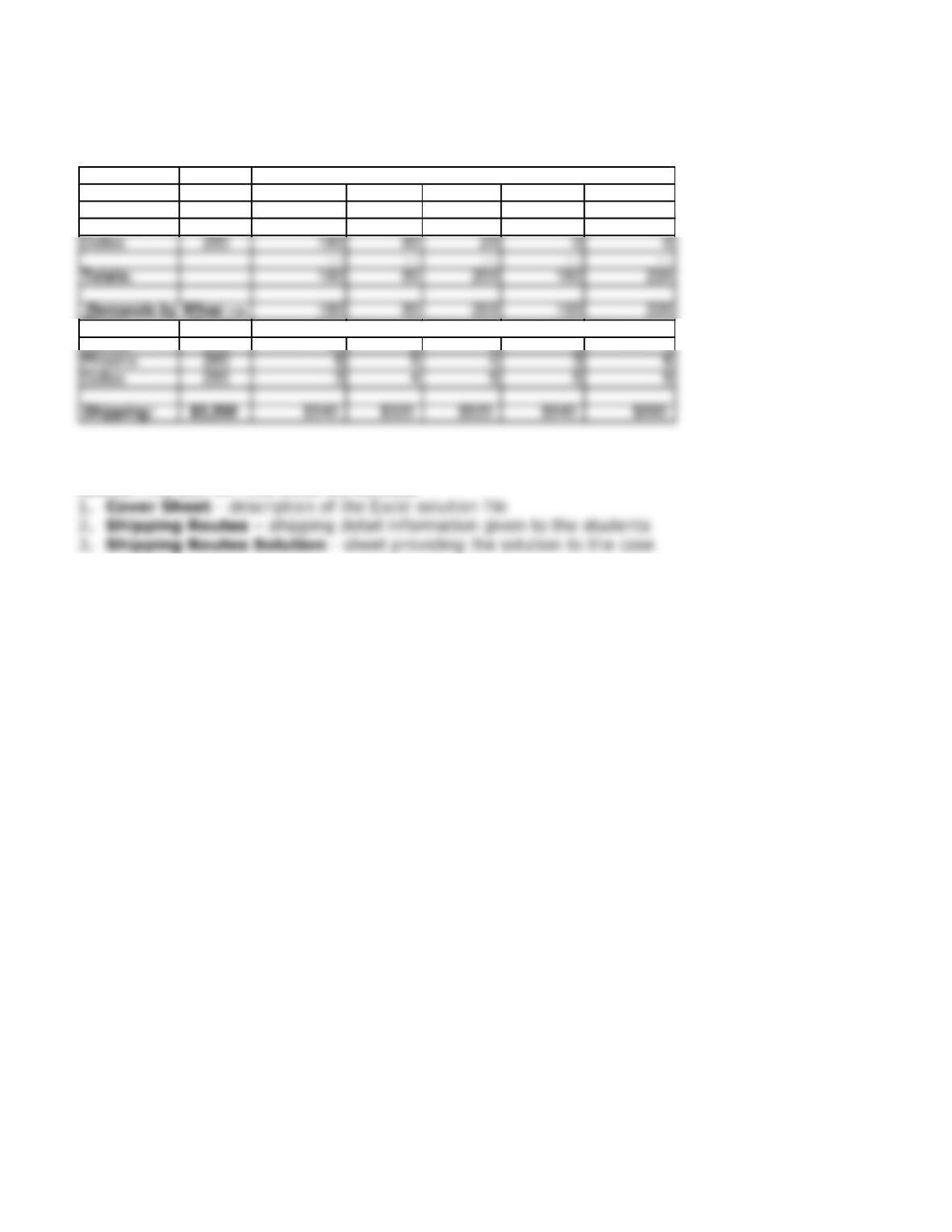
• Given the constraints, Solver should offer the following solution:
Projects – Group Projects: Electronic Commerce Projects
GP – 43
Fairways Woods Company Shipping Analysis
Number to ship from plant to warehouse:
Plants Total Sacromento Salt Lake Chicago Albeq New York
Denver 300 0 0 0 80 220
Phoenix 260 0 0 180 80 0
Plants Supply Shipping costs from plant to warehouse:
Denver 310 10 8 6 5 4
The FAIRWAYS SOLUTION Excel file demonstrates how we performed our analysis. In the Excel
solution file, you will find three worksheets: