
Excel Templates to accompany Operations Management, Eleventh Edition
created by Lee Tangedahl
Copyright © 2012 by The McGraw Hill Companies, Inc. All rights reserved.
Chapter Six – Process Selection and Facility Layout
Templates: Line Balancing Solved Problems: Solved Problem 1
Minimizing Transportation Distance Solved Problem 3
Lecture Suggestions
Example 2
Example 3
Line Balancing
Line Balancing
<Back
Step 1: Fill in predecessors and times
Task Predecessors Time Step 2: Enter cycle time
a0.1 Cycle time CT = 1
b a 1
c0.7
e d 0.2 Station: 1 2 3 4 5 6
h
i
j
k Task Time 0.8 10.7 0 0 0
0
0.2
1
1.2
1 2 3 4 5 6
Clear
Step 3: Assign tasks to stations
Line Balancing
1 1 1 1 1 1
a FALSE 0
b FALSE a FALSE
c FALSE c FALSE
empty TRUE
empty TRUE
empty TRUE
empty TRUE
empty TRUE
empty TRUE
empty TRUE
empty TRUE
empty TRUE
empty TRUE
empty TRUE
empty TRUE
Minimizing Transportation Distance
<Back Step 3: Assign workcenters to locations
Step 1: Enter distance between locations A B C D E F G H
A B C D E F G H 1 3 2
A20 40 Total cost = 7,600
B30
C Distance Workflow
F
Step 2: Enter trips between workcenters
1 2 3 4 5 6 7 8
130 170 B-C 2-3
2100
3
4
5
6
7
8
Clear
Page 4
Distance
A B C D E F G H
To:13200000
A 1 0 3400 1200 00000
B300000000
C 2 0 3000 000000
To: A B C D E F G H
A 0 20 40 00000
B20 030 00000
C40 30 000000
D000000000
E000000000
F000000000
G000000000
H000000000
Lecture Suggestions – Chapter 6
<Back
Example 1: Line Balancing
1. Select the Example 1 worksheet, clear the data (press Clear and confirm with OK).
2. Enter the data for each task:
For task a, Time=.1
3. Enter cycle time CT=1minute (given).
4. Assign tasks to workstations: note that tasks which are eligible to be assigned next (i.e.
tasks that either have no predecessors, or whose predecessors have been assigned) are shown in red
in the table on the right. Furthermore, you cannot assign tasks which will exceed the cycle time for a
workstation.
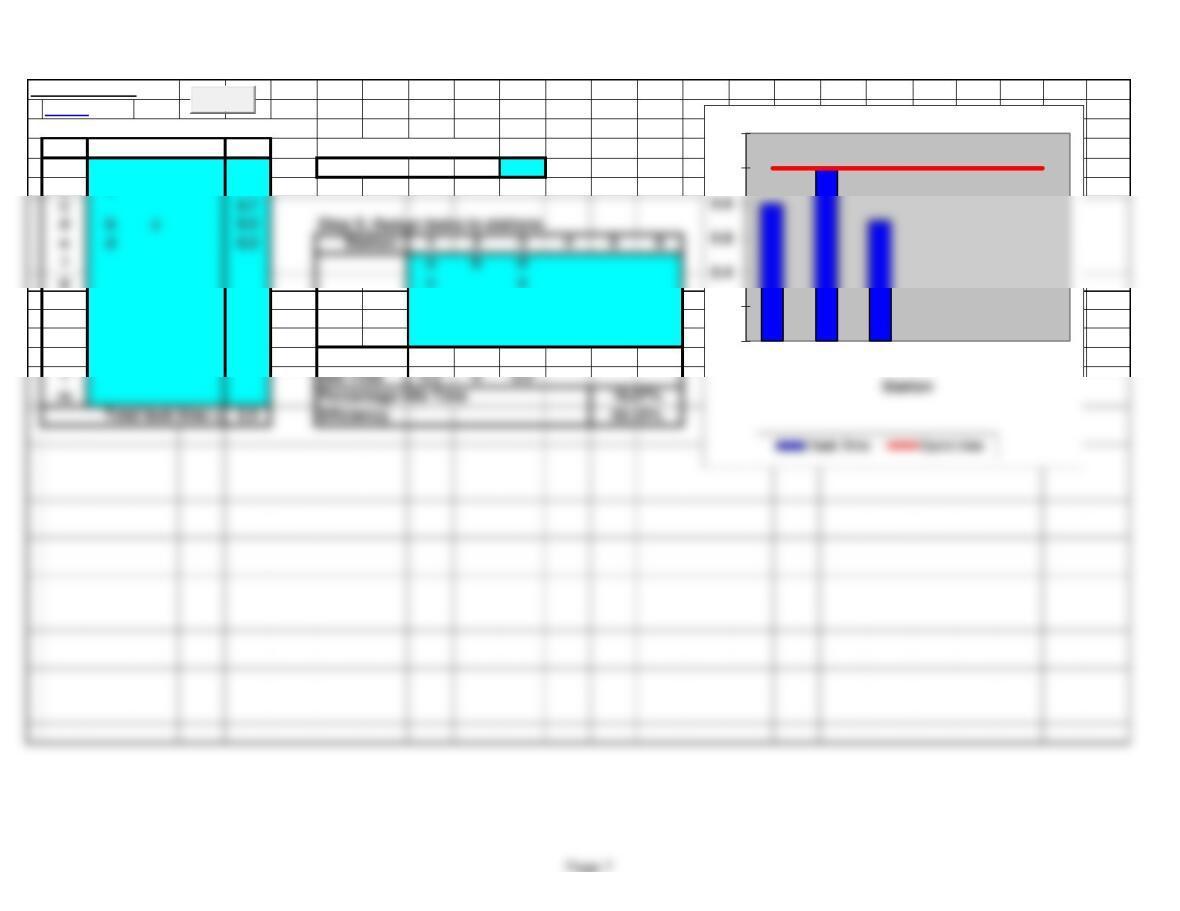
Eligible: a and b – assign task a to workstation 1
5. Point out that workstation 1 has an idle time of .2 minutes and workstation 3 has an idle time of .3
6. You might discuss optimizing the line balancing and demonstrate that if you were able to increase
the cycle time to 1.4 minutes, you could assign the tasks to 2 workstations (assign tasks a and b to
the first workstation) and you would get an idle time of only 10.71% and an efficiency of 89.29%.
Example 1
Line Balancing
<Back
Step 1: Fill in predecessors and times
Task Predecessors Time Step 2: Enter cycle time
a0.1 Cycle time CT = 1
b a 1
h
i
j
k Task Time 0.8 10.7 0 0 0
0
0.2
1
1.2
1 2 3 4 5 6
Clear
Step 3: Assign tasks to stations
Example 1
1 1 1 1 1 1
a FALSE 0
b FALSE a FALSE
c FALSE c FALSE
d FALSE empty TRUE
empty TRUE
empty TRUE
empty TRUE
empty TRUE
empty TRUE
empty TRUE
empty TRUE
empty TRUE
empty TRUE
empty TRUE
empty TRUE
empty TRUE
e FALSE empty TRUE
k FALSE empty TRUE
Example 2
Line Balancing
<Back
Step 1: Fill in predecessors and times
Task Predecessors Time Step 2: Enter cycle time
a0.2 Cycle time CT = 1.2
b a 0.2
d c 0.6
Step 3: Assign tasks to stations
f d e 1 a d f g
h g 0.3 b
i
j
0
0.2
0.6
0.8
1.2
1.4
Clear
Example 2
1.2 1.2 1.2 1.2 1.2 1.2
a FALSE 0
b FALSE a FALSE
c FALSE c FALSE
d FALSE b FALSE
empty TRUE
empty TRUE
empty TRUE
empty TRUE
g FALSE
h FALSE
empty TRUE
empty TRUE
empty TRUE
Page 10
empty TRUE
Example 3
Minimizing Transportation Distance
<Back Step 3: Assign workcenters to locations
Step 1: Enter distance between locations A B C D E F G H
A B C D E F G H 1 3 2
A20 40 Total cost = 7,600
B30
C Distance Workflow
Step 2: Enter trips between workcenters
1 2 3 4 5 6 7 8
130 170 B-C 2-3
2100
3
4
5
6
7
8
Clear
F
Example 3
A B C D E F G H
To:13200000
A 1 0 3400 1200 00000
B300000000
C 2 0 3000 000000
D000000000
To: A B C D E F G H
A 0 20 40 00000
B20 030 00000
C40 30 000000
Page 12
E000000000
F000000000
G000000000
H000000000