Excel Templates to accompany Operations Management, Eleventh Edition
created by Lee Tangedahl
Copyright © 2012 by The McGraw Hill Companies, Inc. All rights reserved.
Chapter Seventeen – Project Management
Templates: Pert/CPM with Deterministic Time Estimates
Pert/CPM, Probabilistic Time Estimates
Pert/CPM, Probabilistic Completion Time
Time-Cost Tradeoffs: Crashing
Lecture Suggestions Solved Problems: Solved Problem 1
Example 5 Solved Problem 4
Example 6
Example 7 Problems: Problems 1-8
See the Project Management tutorial for a demonstration of these templates.
See Instructions template for complete instructions.
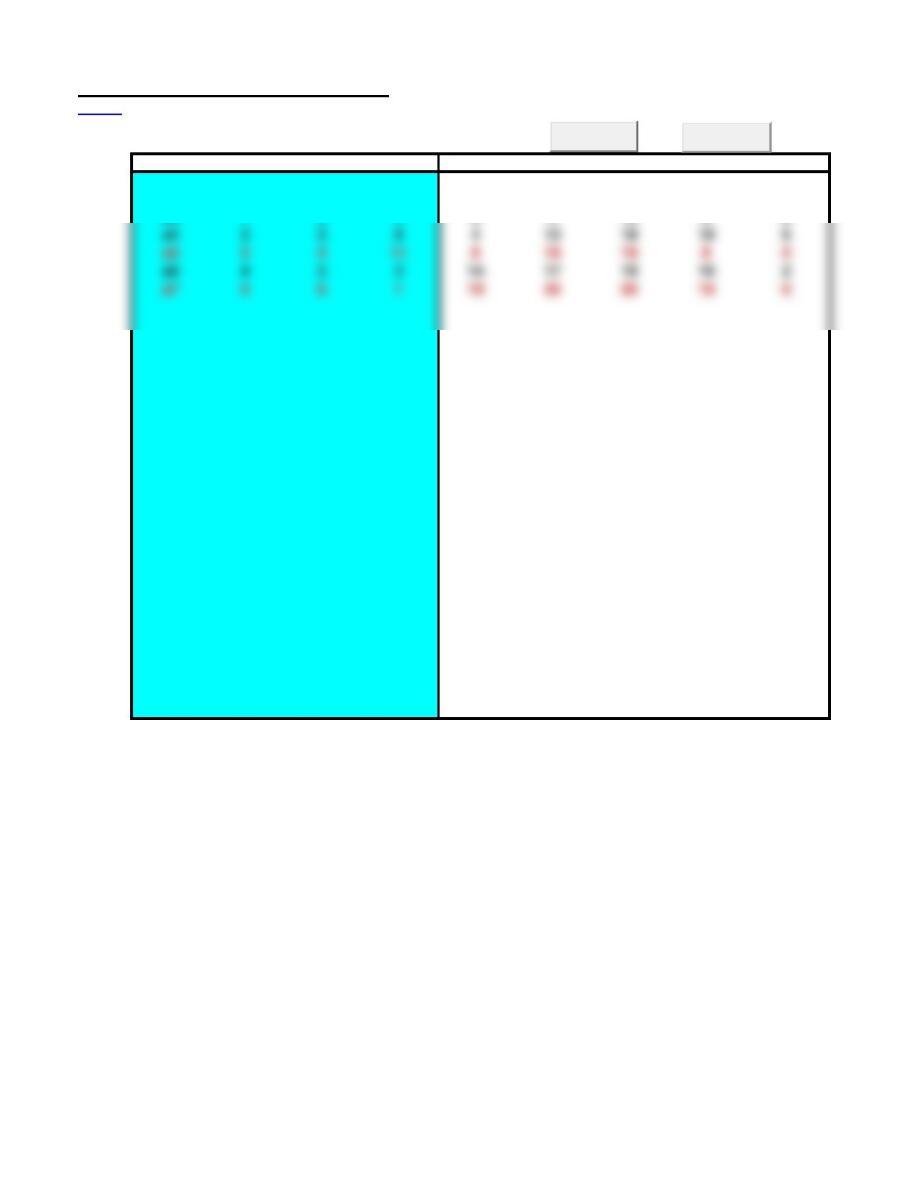
Pert/CPM with Deterministic Time Estimates
<Back Note: use AOA notation with ascending nodes numbers from beginning to end.
Use Paste Special/Values to paste into shaded area.
Activity Start End Time ES EF LF LS Slack
a1 1 2 8 0 8 8 0 0
a2 2 4 6 8 14 16 10 2
a3 1 3 4 0 4 10 6 6
Clear
Solve
a4 3 5 9 4 13 19 10 6
a5 2 5 11 819 19 8 0
a6 4 5 3 14 17 19 16 2
a7 5 6 1 19 20 20 19 0
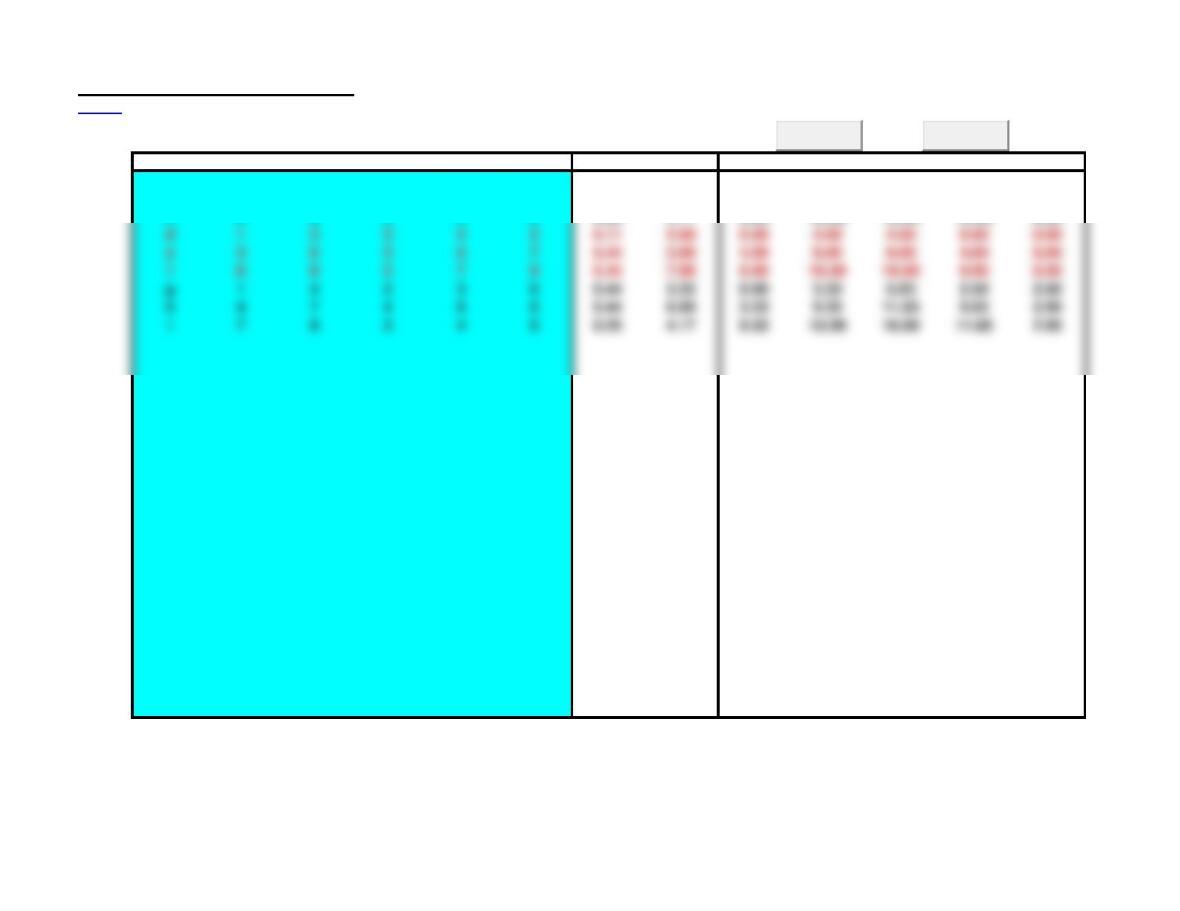
Pert/CPM, Probabilistic Time Estimates
<Back Note: use AOA notation with ascending nodes numbers from beginning to end.
Use Paste Special/Values to paste into shaded area.
Activity Start End a m b Var E(T) ES EF LF LS Slack
a 1 2 1 3 4 0.25 2.83 0.00 2.83 8.83 6.00 6.00
b 2 5 2 4 6 0.44 4.00 2.83 6.83 12.83 8.83 6.00
c 5 8 2 3 5 0.25 3.17 6.83 10.00 16.00 12.83 6.00
Clear
Solve
g 1 4 2 3 6 0.44 3.33 0.00 3.33 5.83 2.50 2.50
h 4 7 4 6 8 0.44 6.00 3.33 9.33 11.83 5.83 2.50
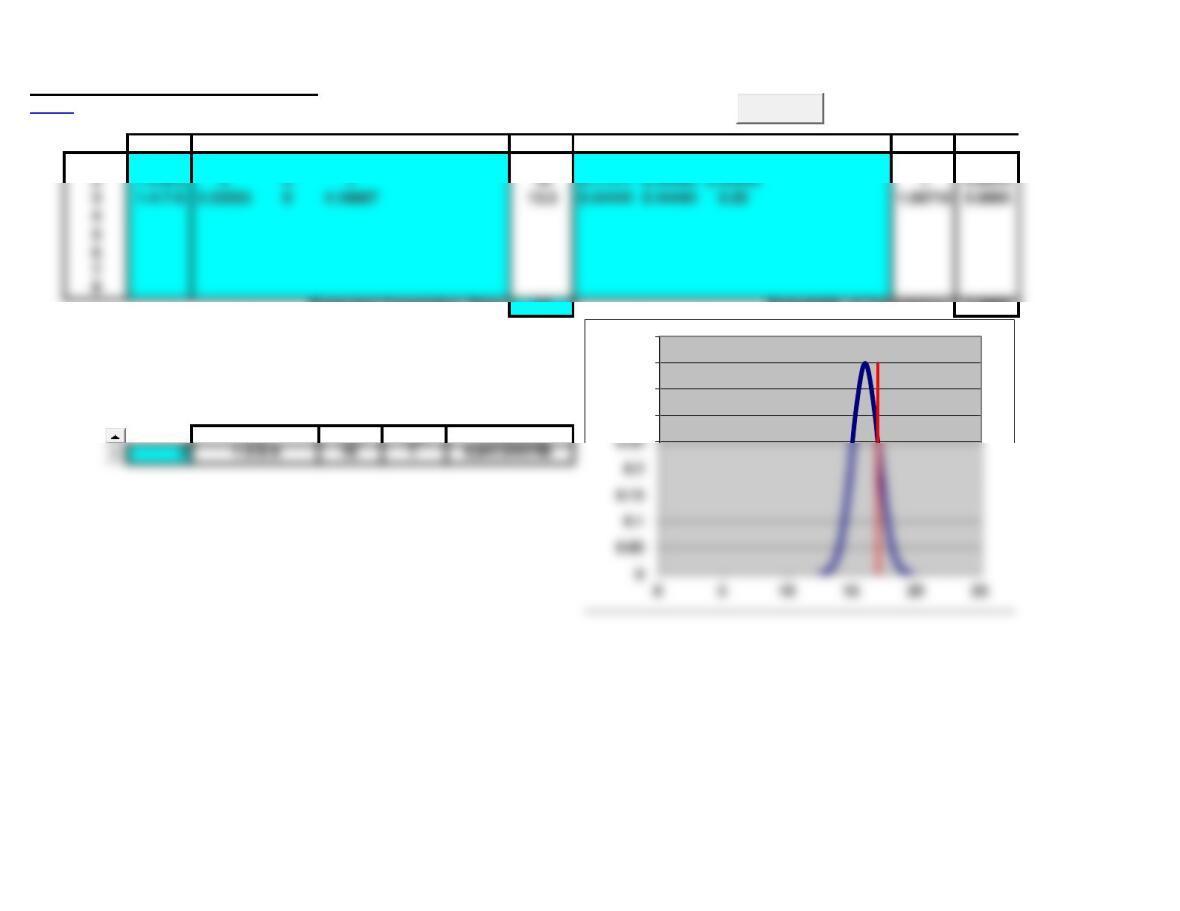
Pert/CPM, Probabilistic Completion Time
<Back
Path Expected Times E(t) Variances spath
Probability
1 1-2-5-8 2.83333 43.16667 10 0.25 0.44444 0.25 0.97183 1.0000
Projected Completion Time: 17 Probability of Completion: 0.8409
12.5 0.0009
13.2 0.0079
Probability of completion for single path 13.9 0.044
(select path number from table above): 14.6 0.1497
15.3 0.3123
Path E(t) spath Probability 16 0.3989
17.4 0.1497
18.8 0.0079
19.5 0.0009
0.3
0.35
0.4
0.45
Clear
3 1-4-7-8 3.33333 64.16667 13.5 0.44444 0.44444 0.25 1.06719 0.9995
4
5
6
7
Time-Cost Tradeoffs: Crashing
<Back Note: use AOA notation with ascending nodes numbers from beginning to end.
Use Paste Special/Values to paste into shaded area.
Step 1: Enter Activity, Start, End, Normal Time data. Initially Crashing Time and Cost
Step 4: Enter Crashing Time and Cost in the row(s) for activity(ies) selected in step 3.
Go to Step 2.
Project Completion Time: 17
Crashing Cost: 1700
Normal Crashing
Activity Start End Time Time Cost Time ES EF LF LS Slack
a 1 2 6 6 0 6 6 0 0
b 2 5 10 10 616 16 6 0
c 1 3 5 1 300 4 0 4 4 0 0
d 3 4 4 4 4 8 8 4 0
e 4 5 9 1 600 8 8 16 16 8 0
Clear
Solve
Step 2: Press Solve
Step 3: Select feasible activity(ies) on critical path(s) to crash, if there are no feasible
Lecture Suggestions – Chapter 17
<Back
Example 7: Time-Cost Tradeoffs: Crashing
1. Select the Example 7 worksheet
3. If you did not Clear all data, clear Crashing Time and Cost columns (select and press delete).
4. Press the Solve button, the resulting solution shows that the project can be completed in 20 days
and activities c, d, e, and f are on the critical path (indicated by red).
5. Select job to be crashed: select C (lowest cost on critical path) and enter Crashing Time = 1 and
Crashing Cost =300.
a total crash cost = 300.
Repeat steps 5 and 6:
7. Select job to be crashed: select E (lowest cost on critical path) and enter Crashing Time = 1 and
Crashing Cost =600.
8. Press Solve button, the resulting solution shows that the project cam be completed in 18 days with
a total crash cost = 900.
Repeat steps 5 and 6:
7. Select job to be crashed: select F (lowest cost on critical path) and enter Crashing Time = 1 and
Crashing Cost =800.
8. Press Solve button, the resulting solution shows that the project cam be completed in 17 days with
a total crash cost = 1700.
9. At this point all activities are on the critical path (indicated in red) and no further crashing is possible.
2. (Optional) Clear worksheet (press Clear and confirm with OK) and re-enter data for Activity, Start,
End, and Normal time.
Pert/CPM with Deterministic Time Estimates
<Back Note: use AOA notation with ascending nodes numbers from beginning to end.
Use Paste Special/Values to paste into shaded area.
Activity Start End Time ES EF LF LS Slack
a1 1 2 8 0 8 8 0 0
a2 2 4 6 8 14 16 10 2
a3 1 3 4 0 4 10 6 6
Clear
Solve
a4 3 5 9 4 13 19 10 6
a5 2 5 11 819 19 8 0
a6 4 5 3 14 17 19 16 2
a7 5 6 1 19 20 20 19 0
Pert/CPM, Probabilistic Time Estimates
<Back Note: use AOA notation with ascending nodes numbers from beginning to end.
Use Paste Special/Values to paste into shaded area.
Activity Start End a m b Var E(T) ES EF LF LS Slack
a 1 2 1 3 4 0.25 2.83 0.00 2.83 8.83 6.00 6.00
b 2 5 2 4 6 0.44 4.00 2.83 6.83 12.83 8.83 6.00
c 5 8 2 3 5 0.25 3.17 6.83 10.00 16.00 12.83 6.00
d 1 3 3 4 5 0.11 4.00 0.00 4.00 4.00 0.00 0.00
Clear
Solve
e 3 6 3 5 7 0.44 5.00 4.00 9.00 9.00 4.00 0.00
h 4 7 4 6 8 0.44 6.00 3.33 9.33 11.83 5.83 2.50
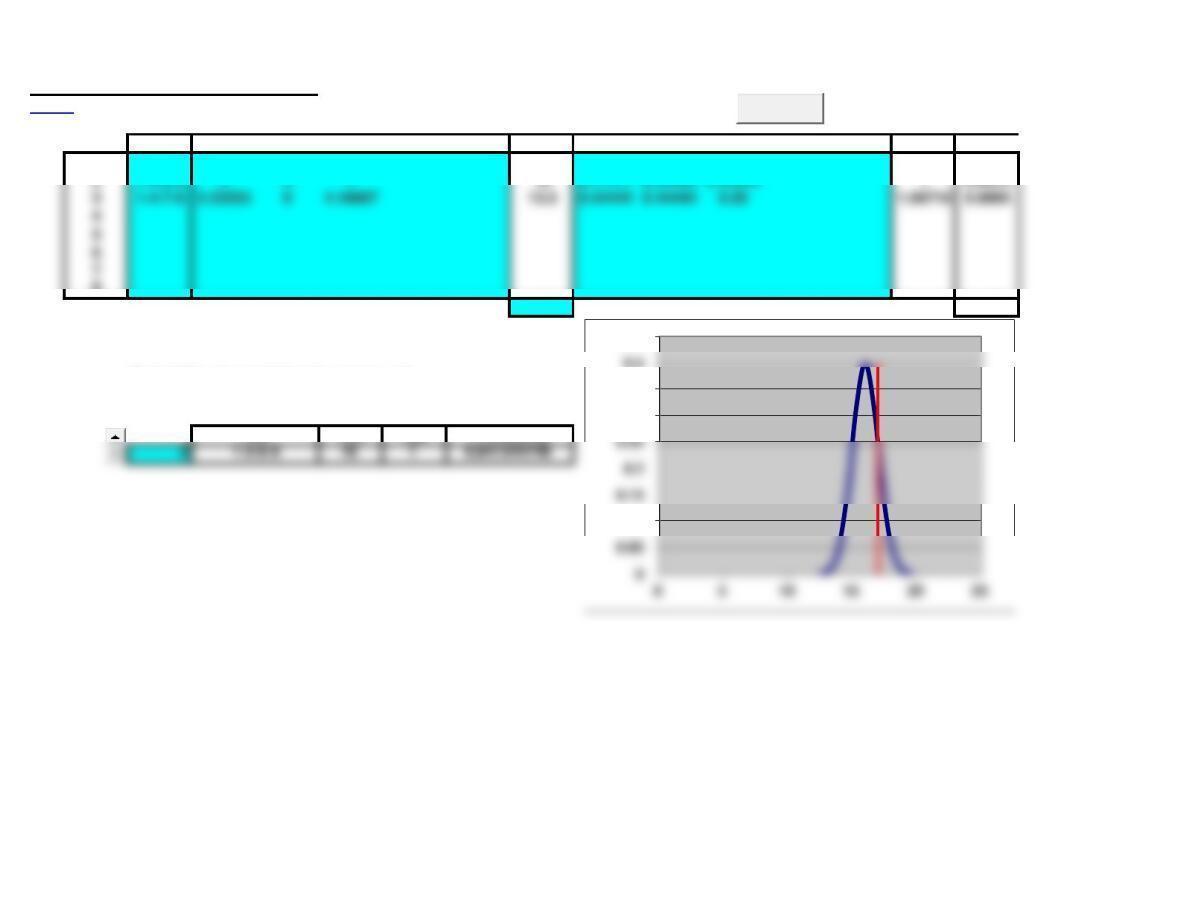
Pert/CPM, Probabilistic Completion Time
<Back
Path Expected Times E(t) Variances spath
Probability
1 1-2-5-8 2.83333 43.16667 10 0.25 0.44444 0.25 0.97183 1.0000
2 1-3-6-8 4 5 7 16 0.11111 0.44444 0.44444 10.8413
8
Projected Completion Time: 17 Probability of Completion: 0.8409
12.5 0.0009
13.2 0.0079
Probability of completion for single path 13.9 0.044
(select path number from table above): 14.6 0.1497
15.3 0.3123
Path E(t) spath Probability 16 0.3989
17.4 0.1497
18.8 0.0079
19.5 0.0009
0.1
0.3
0.35
0.4
0.45
Clear
3 1-4-7-8 3.33333 64.16667 13.5 0.44444 0.44444 0.25 1.06719 0.9995
4
5
6
7
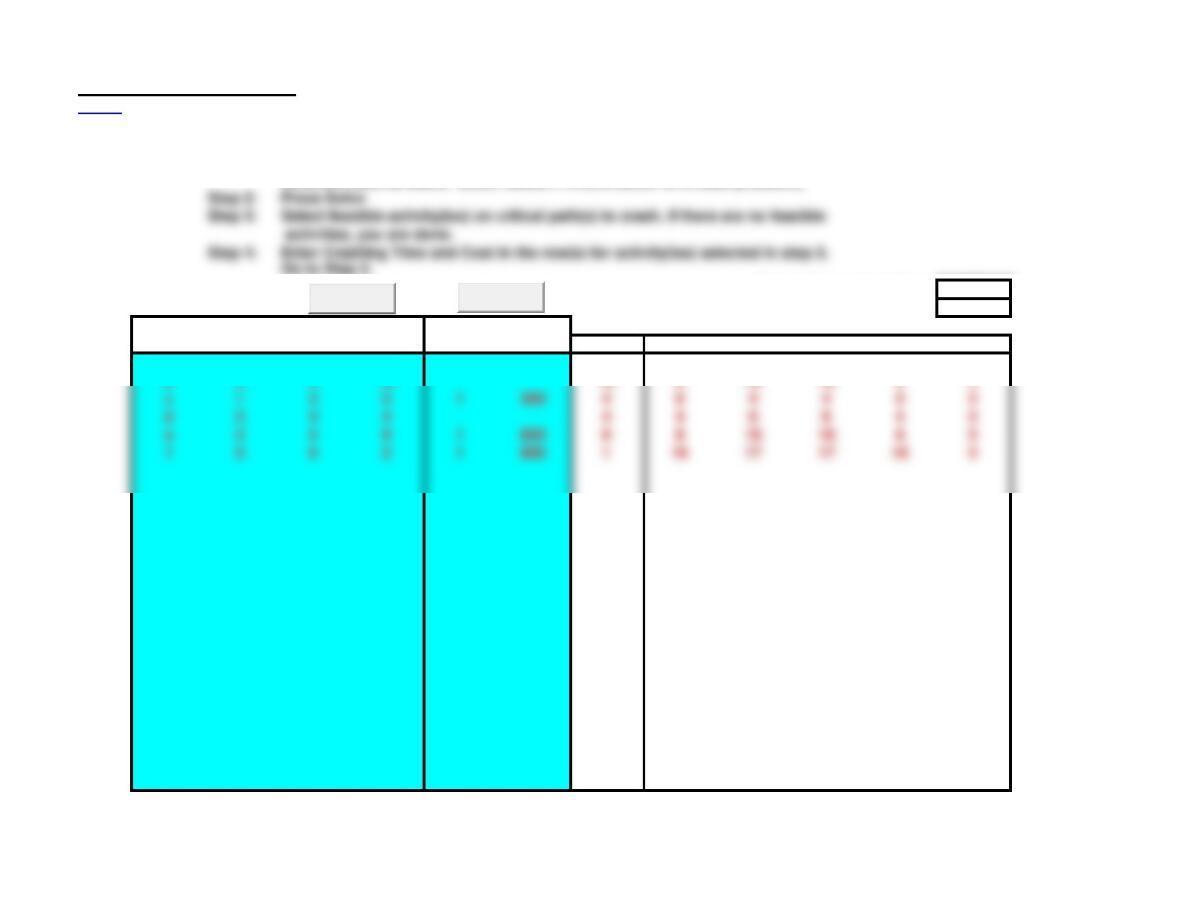
Time-Cost Tradeoffs: Crashing
<Back Note: use AOA notation with ascending nodes numbers from beginning to end.
Use Paste Special/Values to paste into shaded area.
Step 1: Enter Activity, Start, End, Normal Time data. Initially Crashing Time and Cost
columns must be blank. (Note: delete F14:G43 below to re-start problem.)
Project Completion Time: 17
Crashing Cost: 1700
Normal Crashing
Activity Start End Time Time Cost Time ES EF LF LS Slack
a 1 2 6 6 0 6 6 0 0
b 2 5 10 10 616 16 6 0
c 1 3 5 1 300 4 0 4 4 0 0
d 3 4 4 4 4 8 8 4 0
e 4 5 9 1 600 8 8 16 16 8 0
Clear
Solve
Step 2: Press Solve
Step 3: Select feasible activity(ies) on critical path(s) to crash, if there are no feasible
activities, you are done.
Step 4: Enter Crashing Time and Cost in the row(s) for activity(ies) selected in step 3.
Pert/CPM with Deterministic Time Estimates
<Back Note: use AOA notation with ascending nodes numbers from beginning to end.
Use Paste Special/Values to paste into shaded area.
Note: delete cells F6:J35 to demonstrate solution.
Activity Start End Time ES EF LF LS Slack
a 1 2 5 0 5 5 0 0
b 2 6 7 5 12 15 8 3
c 2 5 8 5 13 13 5 0
d 5 6 2 13 15 15 13 0
e 1 3 3 0 3 19 16 16
Clear
Solve
g 1 4 1 0 1 14 13 13
h 4 7 2 1 3 16 14 13
Pert/CPM with Deterministic Time Estimates
<Back Note: use AOA notation with ascending nodes numbers from beginning to end.
Use Paste Special/Values to paste into shaded area.
Note: delete cells F6:J35 to demonstrate solution.
Activity Start End Time ES EF LF LS Slack
1-2 1 2 4 0 4 11 7 7
2-5 2 5 6 4 10 17 11 7
Clear
Solve
2-4 2 4 2 4 6 14 12 8
Pert/CPM, Probabilistic Completion Time
<Back
Path Expected Times E(t) Variances spath Probability
1 1-2-5-8 16 11 24 51 0.69 0.69 0.11 1.22066 0.2063
46.728 0.0007
47.582 0.0065
Probability of completion for single path 48.437 0.036
(select path number from table above): 49.291 0.1227
50.146 0.2558
Path E(t) spath Probability 51 0.3268
52.709 0.1227
54.418 0.0065
55.272 0.0007
55.272 55.272 0
0.25
0.3
0.35
Clear
3
4
5
6
7
Time-Cost Tradeoffs: Crashing
<Back Note: use AOA notation with ascending nodes numbers from beginning to end.
Use Paste Special/Values to paste into shaded area.
Step 1: Enter Activity, Start, End, Normal Time data. Initially Crashing Time and Cost
columns must be blank. (Note: delete F14:G43 below to re-start problem.)
Project Completion Time: 21
Crashing Cost: 19000
Normal Crashing
Activity Start End Time Time Cost Time ES EF LF LS Slack
a 1 2 10 10 010 10 0 0
b 2 5 14 311000 11 10 21 21 10 0
c 1 3 13 13 013 15 2 2
e 1 4 15 16000 14 014 14 0 0
Clear
Solve
Step 2: Press Solve
Step 3: Select feasible activity(ies) on critical path(s) to crash, if there are no feasible
activities, you are done.
Step 4: Enter Crashing Time and Cost in the row(s) for activity(ies) selected in step 3.
Chapter 17 – Problems 1-8 Note: This worksheet displays results only, you must copy the shaded area and
<Back
Paste Special/Values into the corresponding template to make additional calculations.
1a. Pert/CPM with Deterministic Time Estimates
Note: use AOA notation with ascending nodes numbers from beginning to end.
Activity Start End Time ES EF LF LS Slack
1 2 4 0 4 11 7 7
2 4 9 4 13 21 12 8
4 7 5 13 18 26 21 8
710 218 20 28 26 8
10 12 321 24 31 28 7
2 5 8 4 12 19 11 7
1c. Pert/CPM with Deterministic Time Estimates
Note: use AOA notation with ascending nodes numbers from beginning to end.
Activity Start End Time ES EF LF LS Slack
1 2 10 010 10 0 0
2 5 14 10 24 24 10 0
512 13 24 37 37 24 0
613 629 35 40 34 5
13 16 435 39 44 40 5
3 7 11 14 25 28 17 3
714 13 25 38 41 28 3
14 16 338 41 44 41 3
1 4 3 0 3 9 6 6
4 8 8 3 11 17 9 6
2. Pert/CPM with Deterministic Time Estimates
Note: use AOA notation with ascending nodes numbers from beginning to end.
Activity Start End Time ES EF LF LS Slack
Choose
1 2 0.6 00.6 1.4 0.8 0.8
Shop 1 3 2 0 2 2 0 0
Library 2 4 2 0.6 2.6 3.4 1.4 0.8
Select 3 5 1 2 3 3 2 0
5. See problems 1a, 1c.
7a. Pert/CPM, Probabilistic Time Estimates