Chapter 12: The Capital Budgeting Decision
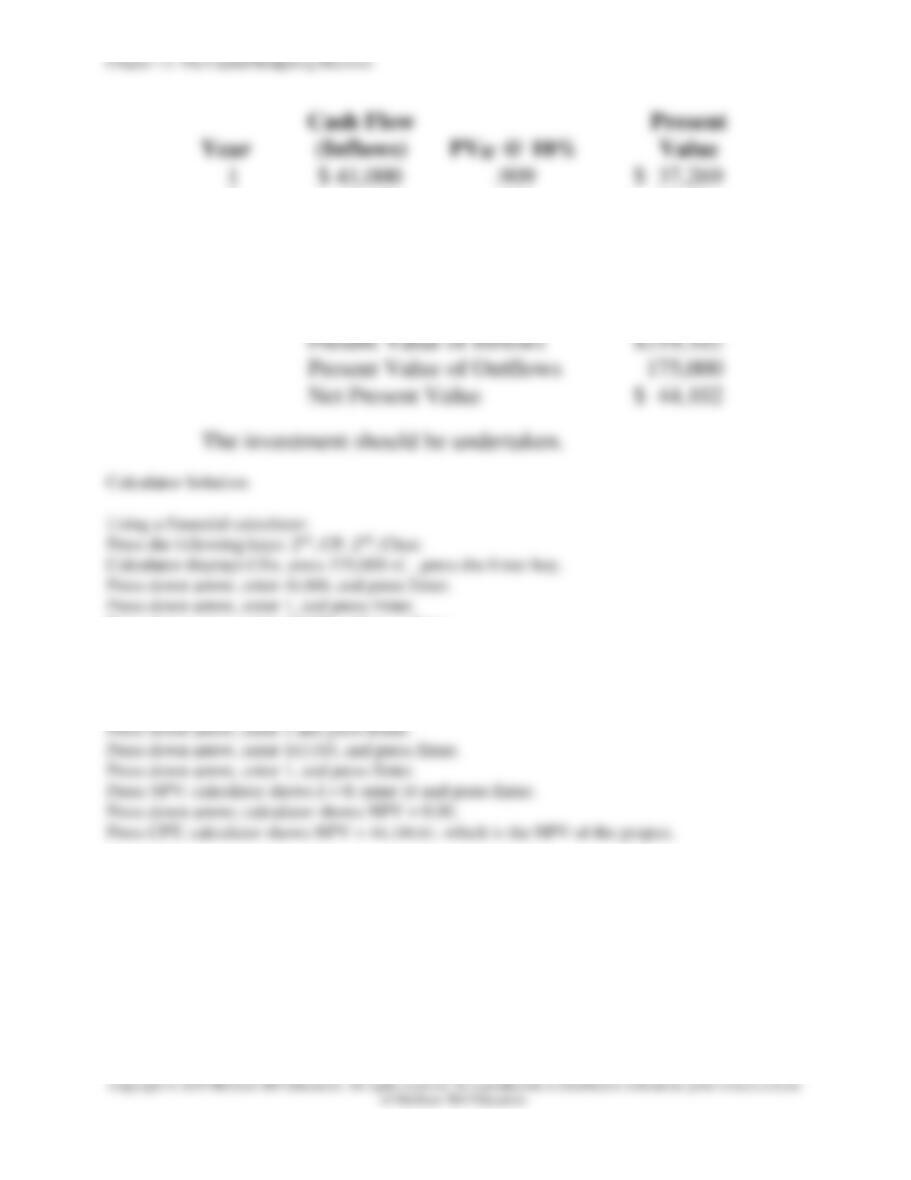
(b)
Using a financial calculator at 10 percent:
Press the following keys: 2nd, CF, 2nd, Clear.
Calculator displays CFo, press 35,000 +|–, press the Enter key.
Press down arrow, enter 16,000, and press Enter.
Press down arrow, enter 1, and press Enter.
Press down arrow, enter 15,000, and press Enter.
Press down arrow, enter 1, and press Enter.
Press down arrow, enter 12,000, and press Enter.
Press down arrow, enter 1, and press Enter.
Press NPV; calculator shows I = 0; enter 10 and press Enter.
Press down arrow; calculator shows NPV = 0.00.
Press CPT; calculator shows NPV = 957.93, which is the NPV of the project.
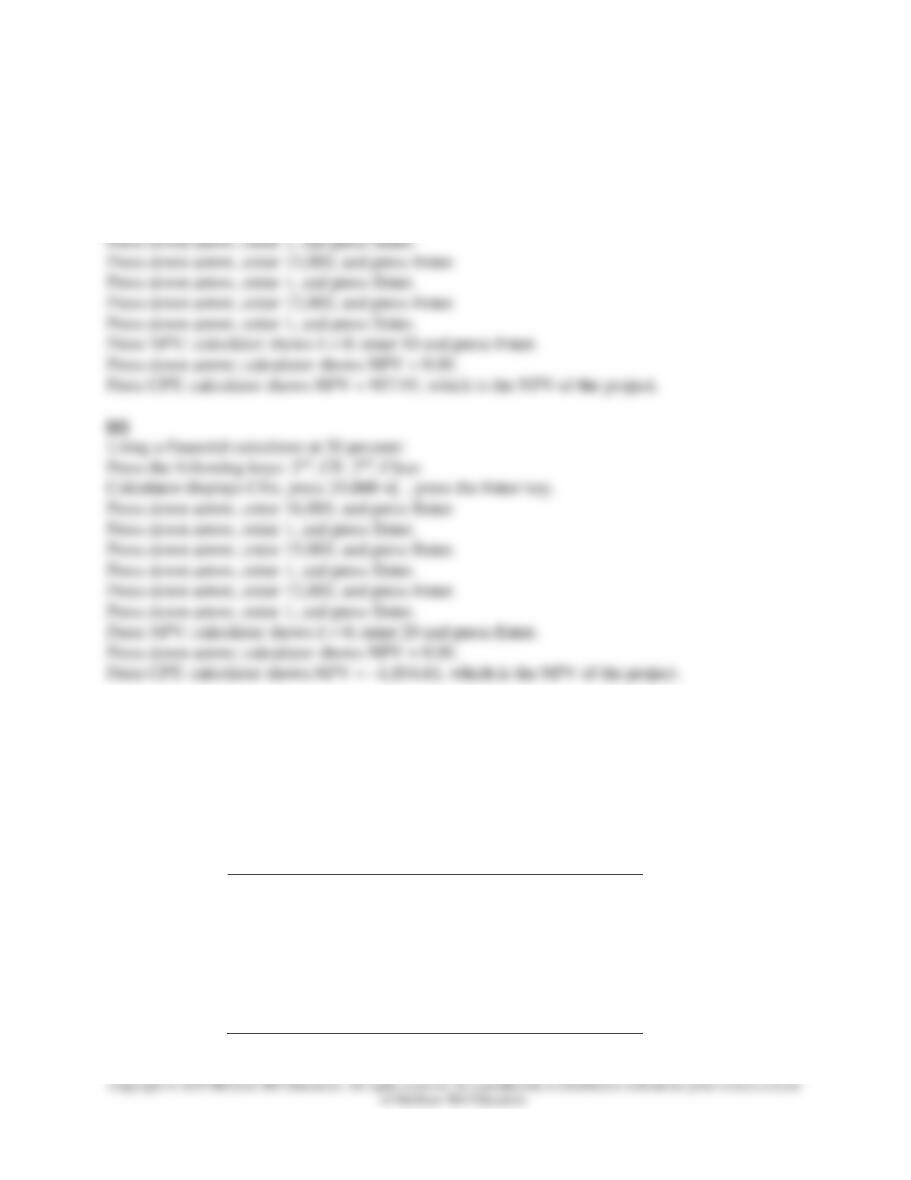
Using a financial calculator at 20 percent:
Press the following keys: 2nd, CF, 2nd, Clear.
Calculator displays CFo, press 35,000 +|–, press the Enter key.
Press down arrow, enter 16,000, and press Enter.
Press down arrow, enter 1, and press Enter.
Press down arrow, enter 15,000, and press Enter.
Press down arrow, enter 1, and press Enter.
Press down arrow, enter 12,000, and press Enter.
Press down arrow, enter 1, and press Enter.
Press NPV; calculator shows I = 0; enter 20 and press Enter.
Press down arrow; calculator shows NPV = 0.00.
Press CPT; calculator shows NPV = –1,854.61, which is the NPV of the project.
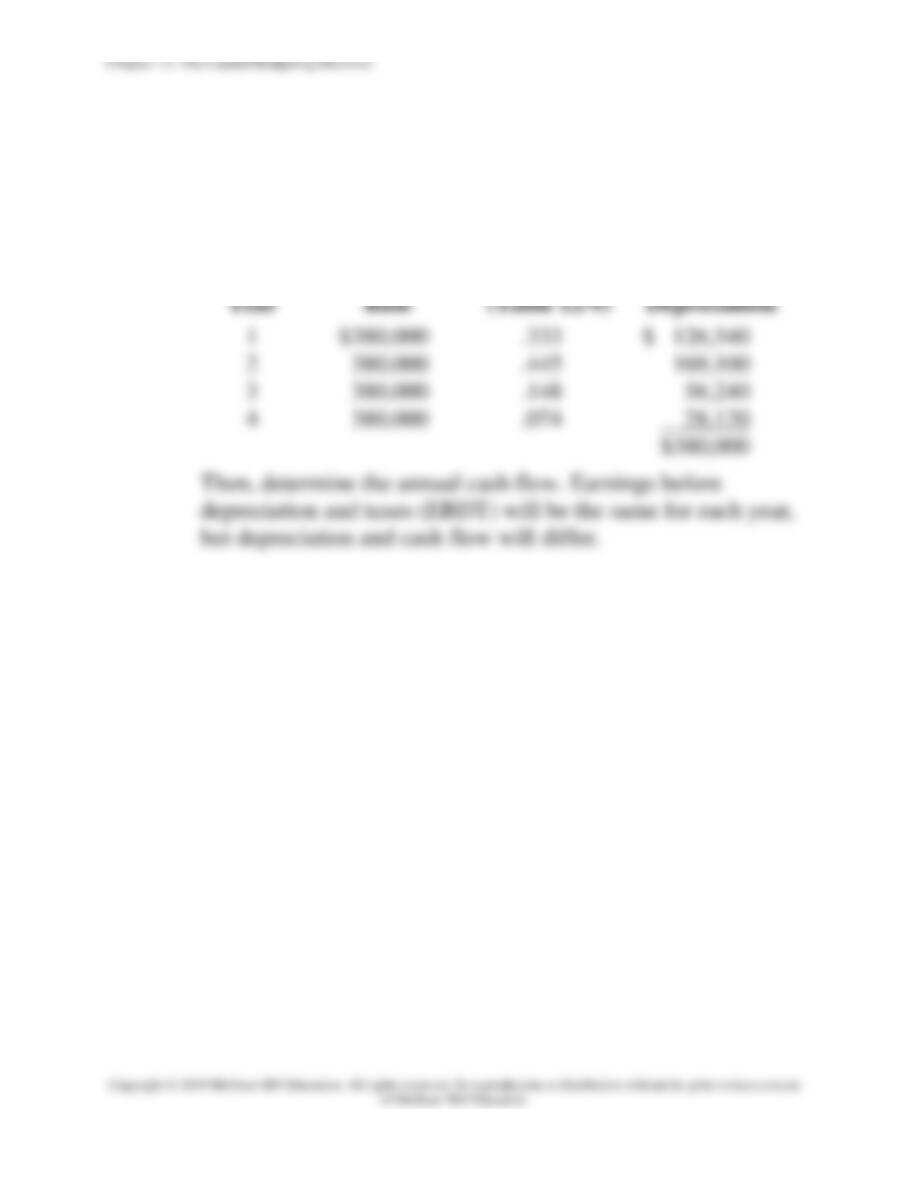
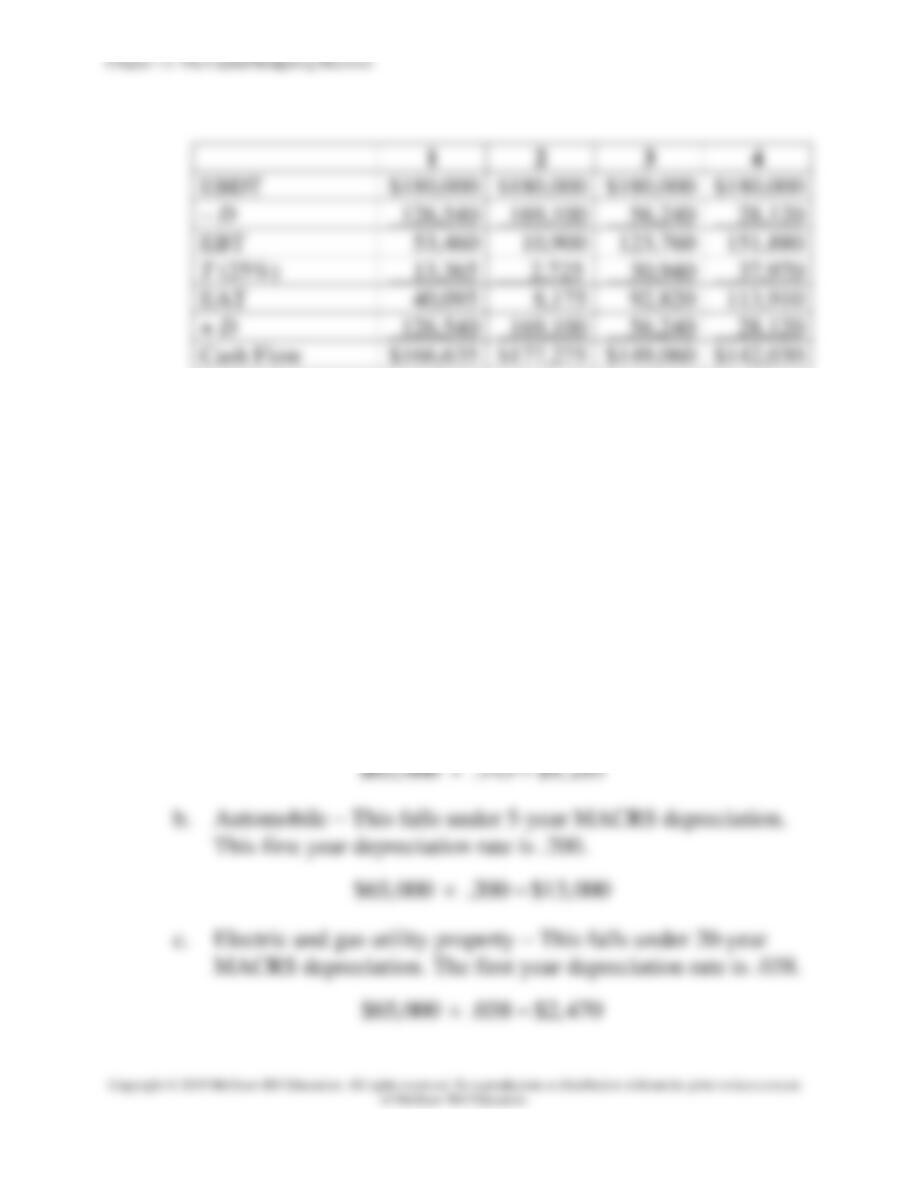
25. MACRS depreciation and cash flow (LO12-2) Telstar Communications is going to
purchase an asset for $380,000 that will produce $180,000 per year for the next four years
in earnings before depreciation and taxes. The asset will be depreciated using the three-year
MACRS depreciation schedule in Table 12-12. (This represents four years of depreciation
based on the half-year convention.) The firm is in a 25 percent tax bracket. Fill in the
schedule below for the next four years.
Earnings before depreciation and taxes
_____
Depreciation
_____
Earnings before taxes
_____
Taxes
_____
Earnings after taxes
_____
+ Depreciation
_____
Cash flow
_____
Chapter 12: The Capital Budgeting Decision
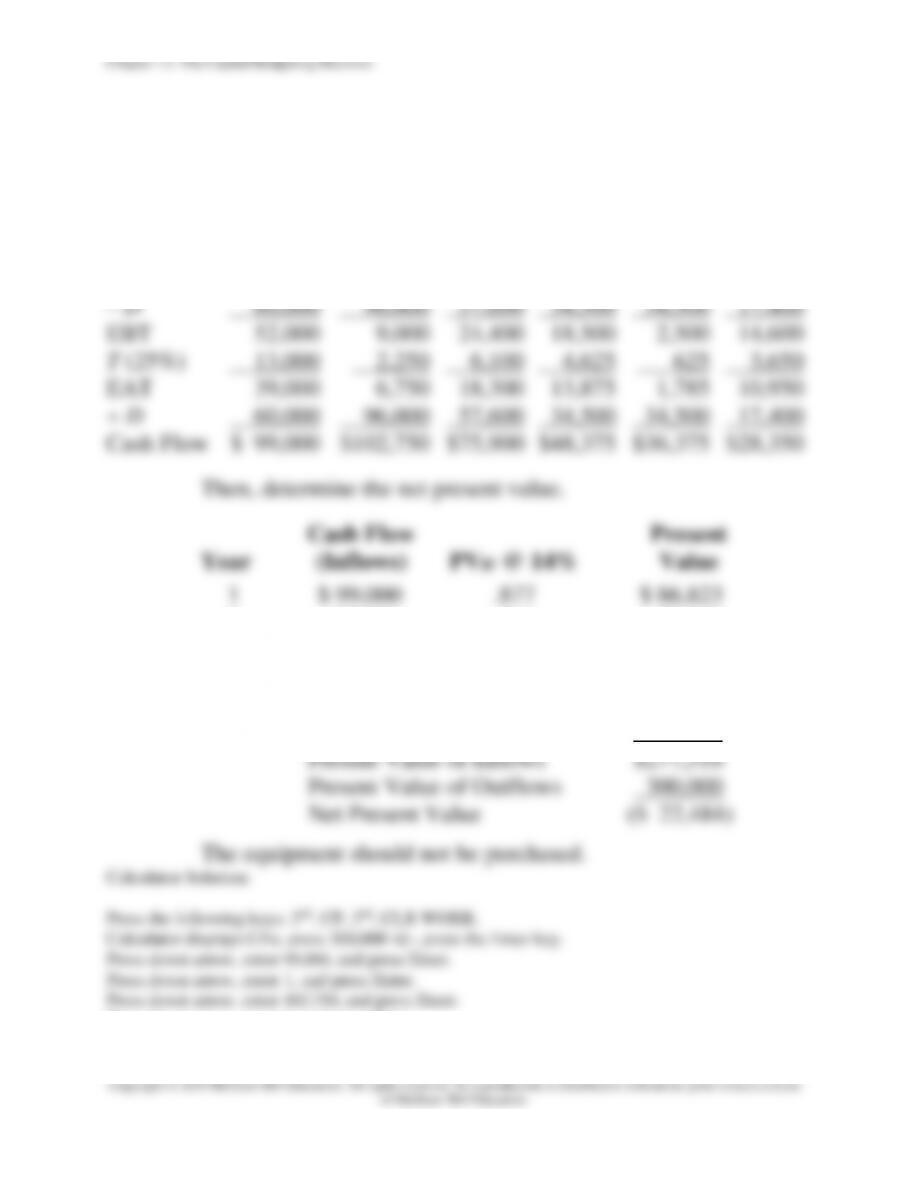
Press down arrow, enter 48,375, and press Enter.
Press down arrow, enter 1, and press Enter.
Press down arrow, enter 36,375, and press Enter.
Press down arrow, enter 1, and press Enter.
Press down arrow, enter 28,350, and press Enter.
Press down arrow, enter 1, and press Enter.
Press NPV; calculator shows I = 0; enter 14 and press Enter.
Press down arrow; calculator shows NPV = 0.00.
Press CPT; calculator shows NPV = –24,414.97, which is the NPV of the project.
The equipment should not be purchased because NPV is negative.
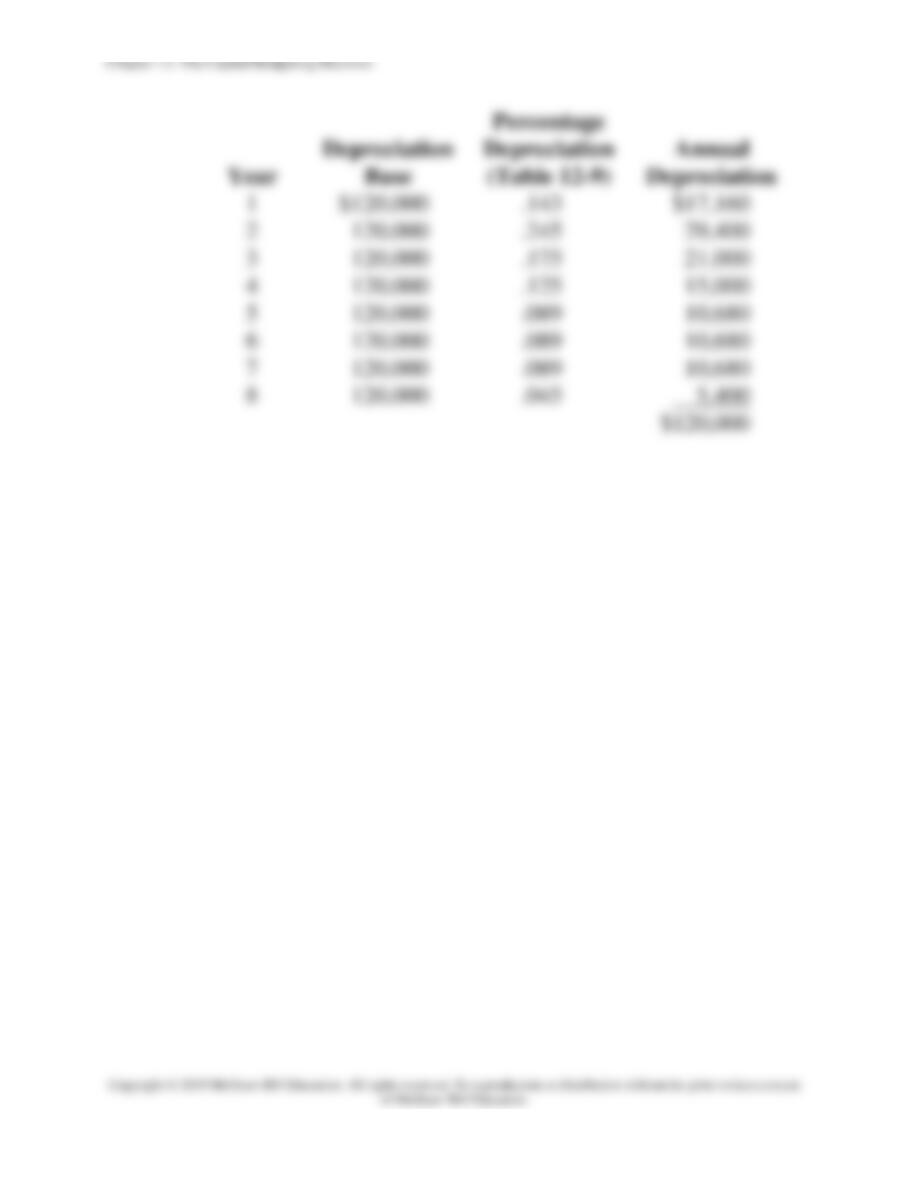
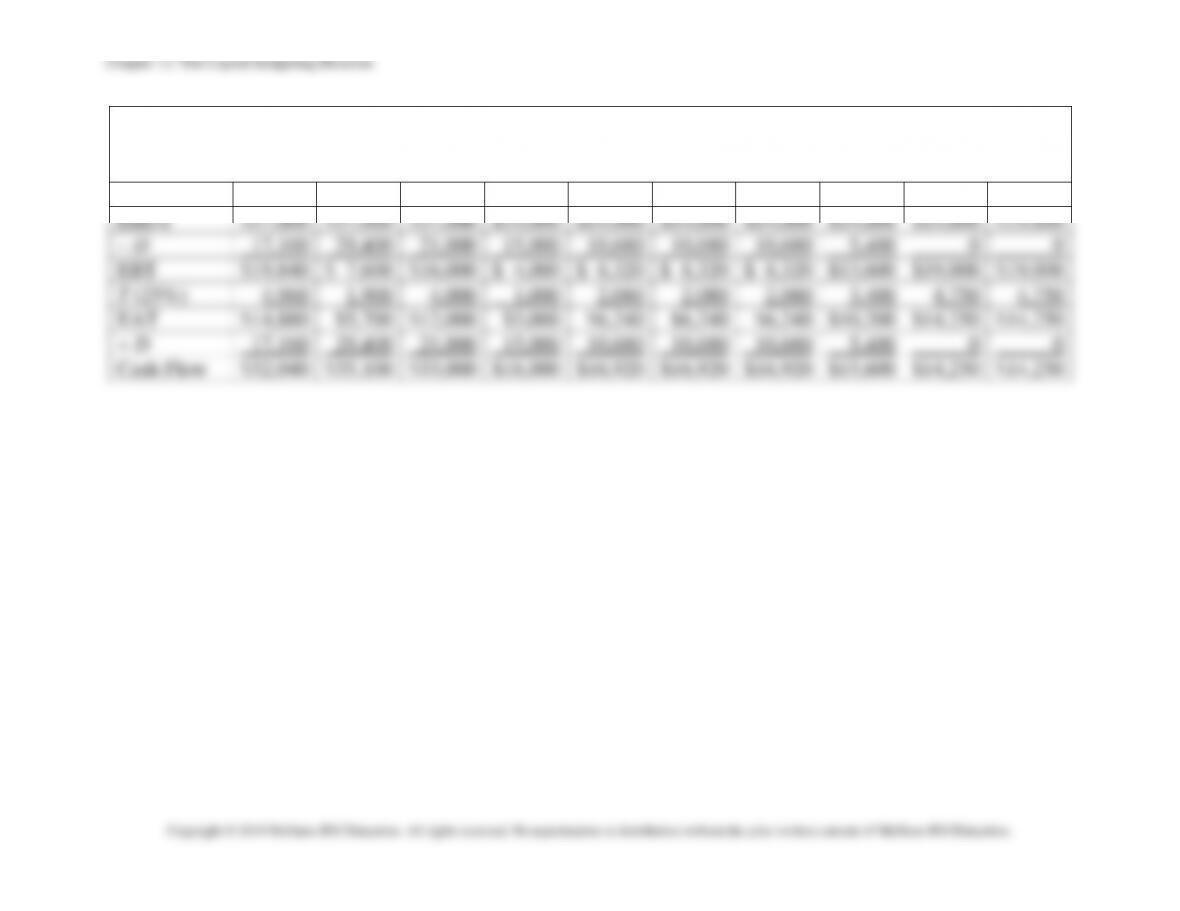
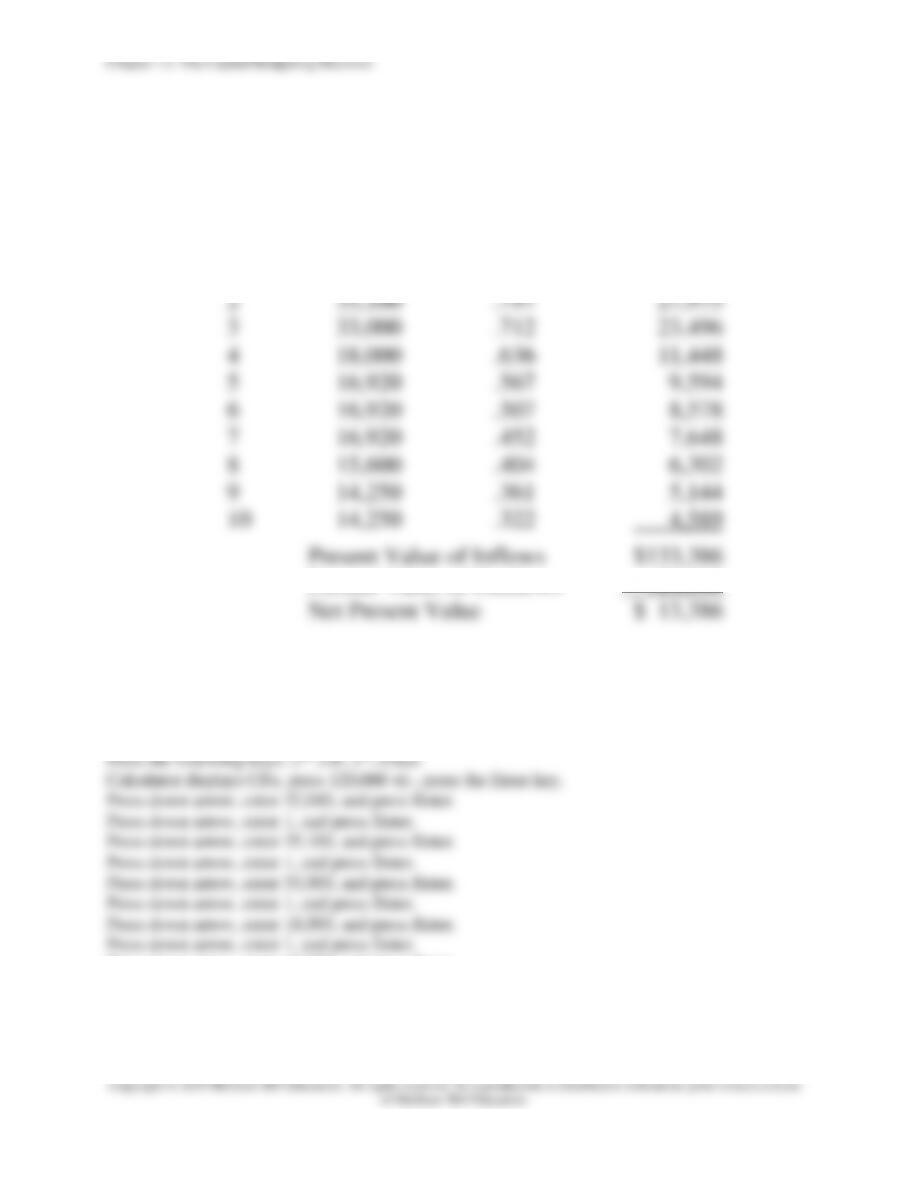
29. MACRS depreciation and net present value (LO12–4) Universal Electronics is considering
the purchase of manufacturing equipment with a 10-year midpoint in its asset depreciation
range (ADR). Carefully refer to Table 12-11 to determine in what depreciation category the
asset falls. (Hint: It is not 10 years.) The asset will cost $120,000, and it will produce earnings
before depreciation and taxes of $37,000 per year for three years, and then $19,000 a year for
seven more years. The firm has a tax rate of 25 percent. With a cost of capital of 12 percent,
should it purchase the asset? Use the net present value method. In doing your analysis, if you
have years in which there is no depreciation, merely enter a zero for depreciation.
12-29. Solution:
Universal Electronics
Because the manufacturing equipment has a 10-year midpoint
of its asset depreciation range (ADR), it falls into the 7-year
MACRS category as indicated in Table 12-8. Furthermore, we