Chapter 11
Office and Personnel Layout Planning
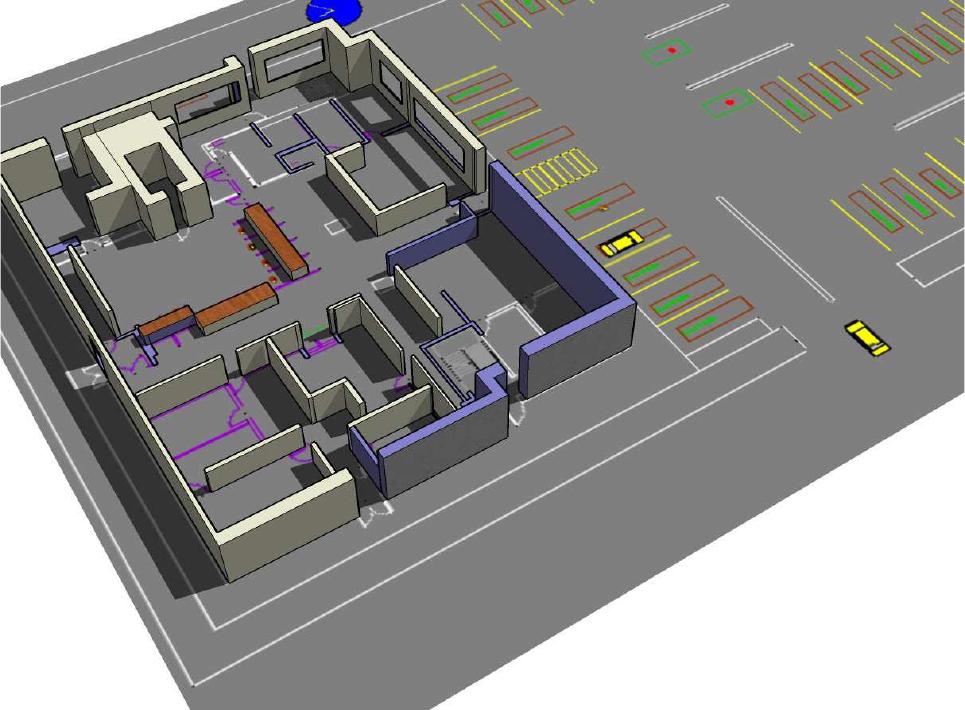
Figure 11.1: Final Alternative Office Layout & Parking Lot
1

10. Exercises
1. (a) What are the three most used types of office layouts? (b) Indicate the underlying concept in
2. Discuss the recommended criteria to judge the overall worth of an office layout. What is the essential
purpose of each criterion?
3. Indicate which special areas should be included in an office layout. Provide general guidelines on
location and size depending on number of employees.
4. What facilities are typically included in an effective plan of personnel requirements?
6. Discuss several ways to provide visual privacy in office layouts. Consider the three best known
layout types separately.
8. If we are interested in using a construction procedure for layout office planning, what are the funda-
mental steps to be followed? If we want to use a construction computer program, which one would
you recommend?
9. The open-plan layout is particularly effective when integrated with modular furniture. In this case,
what are some possible benefits that can be derived from this strategy?
10. Should the office activities within a factory be centralized or else subdivided throughout the produc-
11. What is office landscaping? What are the pros and cons of office landscaping?
12. In your own words, what have been the most significant impacts of computers on the office organi-
zation and layout of the offices?
13. Discuss each the most important influences in developing office layouts.
14. What are the separate dimensions that should be recognized in the planning and design of office
layouts and workspace? Discuss each dimension, providing illustrating examples.
16. Describe in some detail the main steps of the project design section (V) addressing office layout
planning
17. Assume the following closeness relationships for a business facility consisting of five offices. Propose
a layout for a rectangular office area, assuming area requirements equal to 30,20,25,40 and 30 for
18. For the following office activities, develop a planar graph decomposition and then layout the office
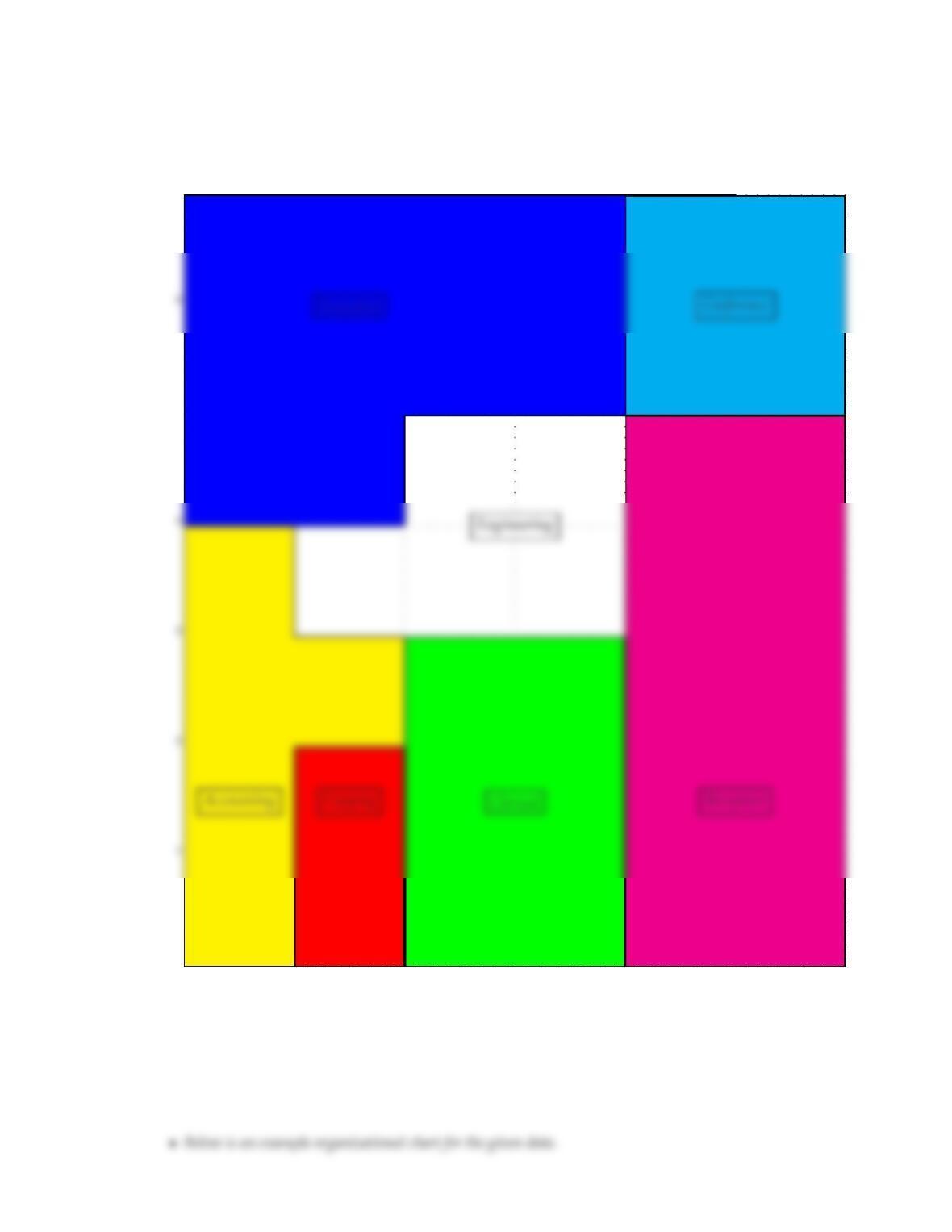
by hand to get a feasible solution within a rectangular perimeter boundary.
(a) Reception and Waiting (RW) (1000)
(b) Clerical (CL) (600)
activities AaAbAcAdAeAfAg
Aa(RW )−A U U U I O
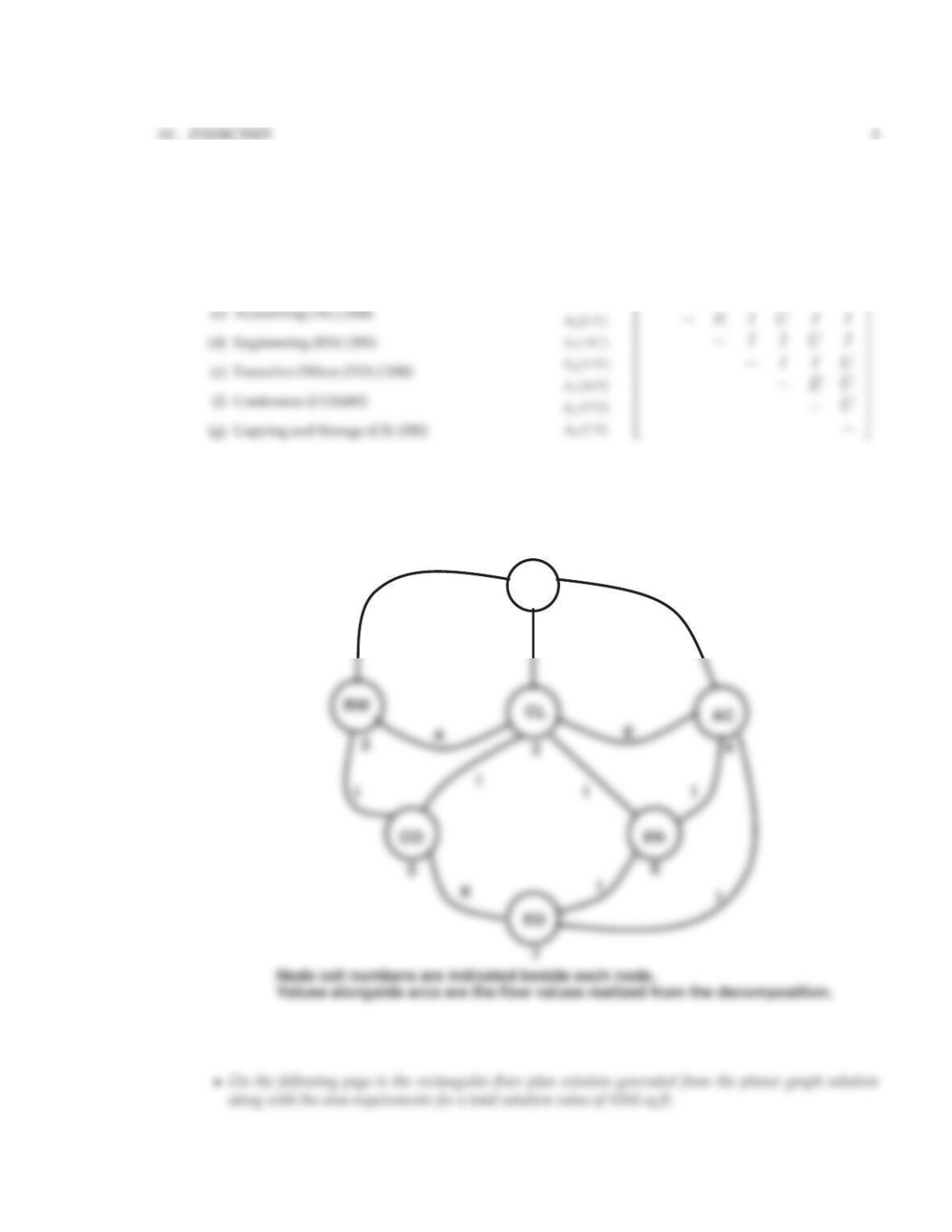
•In the following is the planar graph solution achieved by the graph decomposition. Most all the important
flow relationships have been realized.
CS
O
II
1
Planar G(V, A)Structure
4
CHAPTER 11. OFFICE AND PERSONNEL LAYOUT PLANNING
0123456
0
5
7
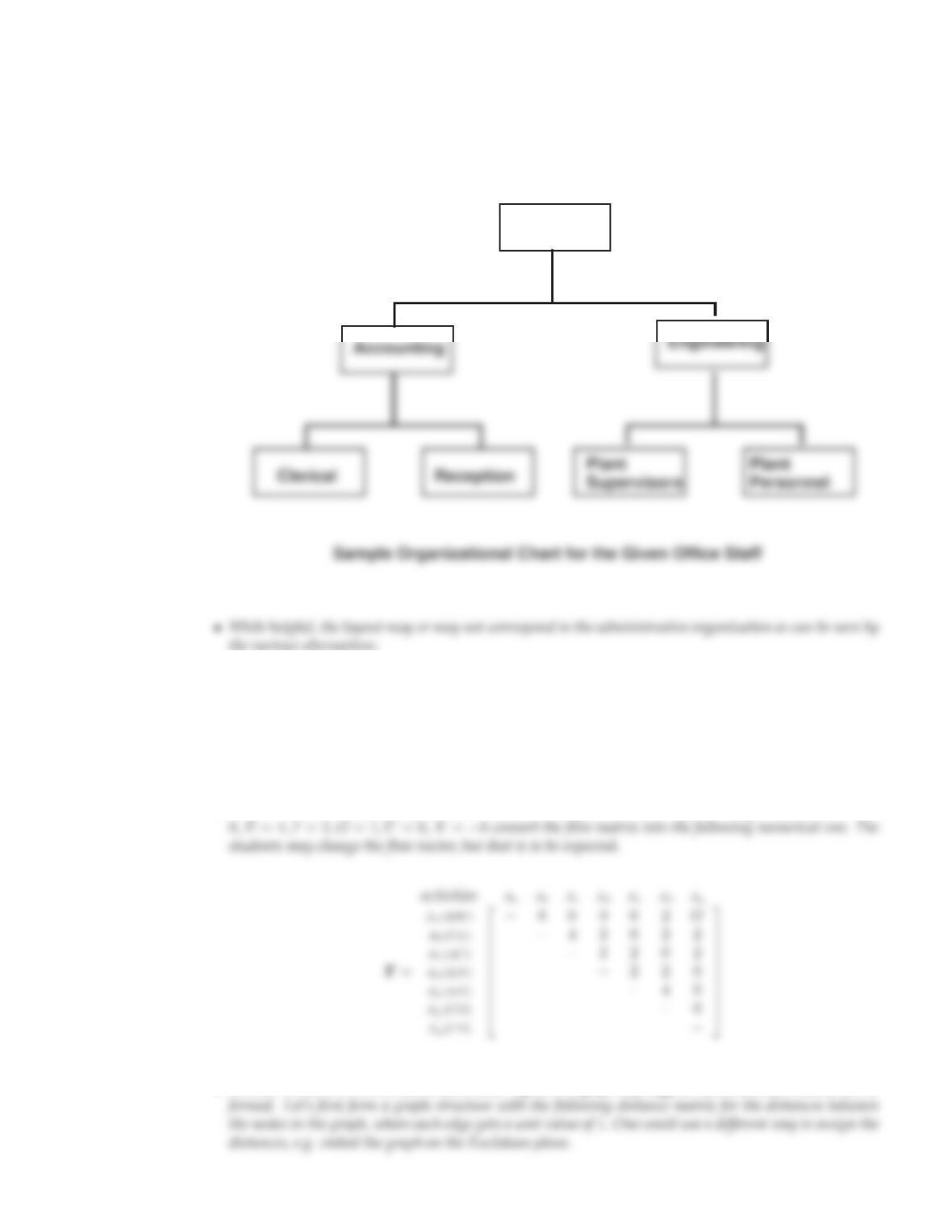
19. Generate an organization chart of the office personnel examined in exercise #18. Compare your
planar graph decomposition with the organization chart. What alternative layout would it generate
and compare with yours.
10.. EXERCISES
5
Executive
20. Use the program STEP to generate a planar graph solution and compare with the planar graph solu-
tion you generated by hand in exercise #18.
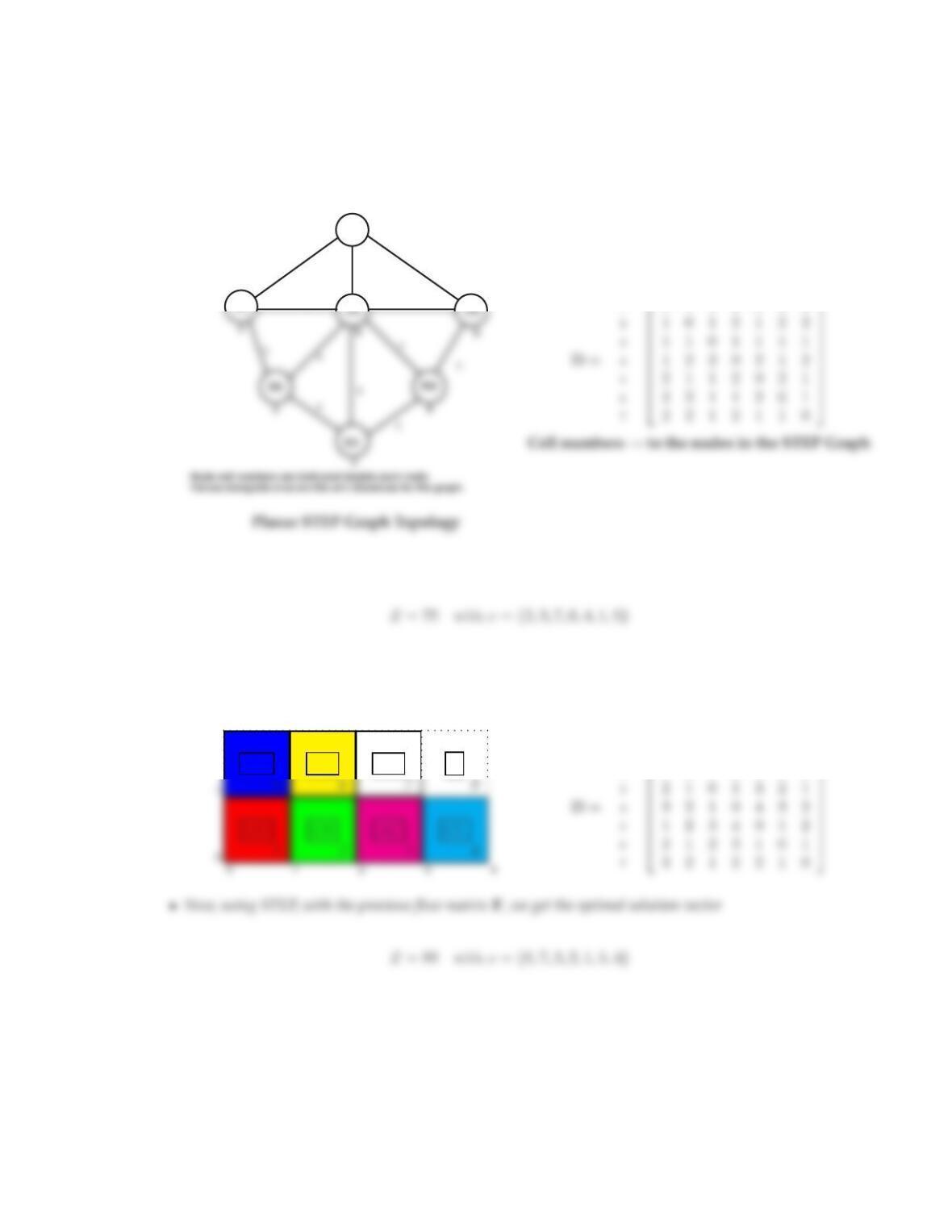
•Here we take the qualitative flow matrix and according to the vector of flow assignment values A=
•In order to use STEP, one must create either a grid or a graph topology so that a distance matrix can be
6
CHAPTER 11. OFFICE AND PERSONNEL LAYOUT PLANNING
1
CL
AC CS CO
1
1
1
1
cells 1 2 3 4 5 6 7
10 1 1 1 2 2 2
•Now, using STEP, along with the Fmatrix, we get the optimal solution vector
•If on the other hand we form a 4×2rectangular grid (cell numbers are as indicated) with the 8th cell of
the grid turned off (or as a dummy activity), the we get the following distance matrix:
2
RW EO EN ∅
cells 1 2 3 4 5 6 7
10 1 2 3 1 2 3
21 0 1 2 2 1 2
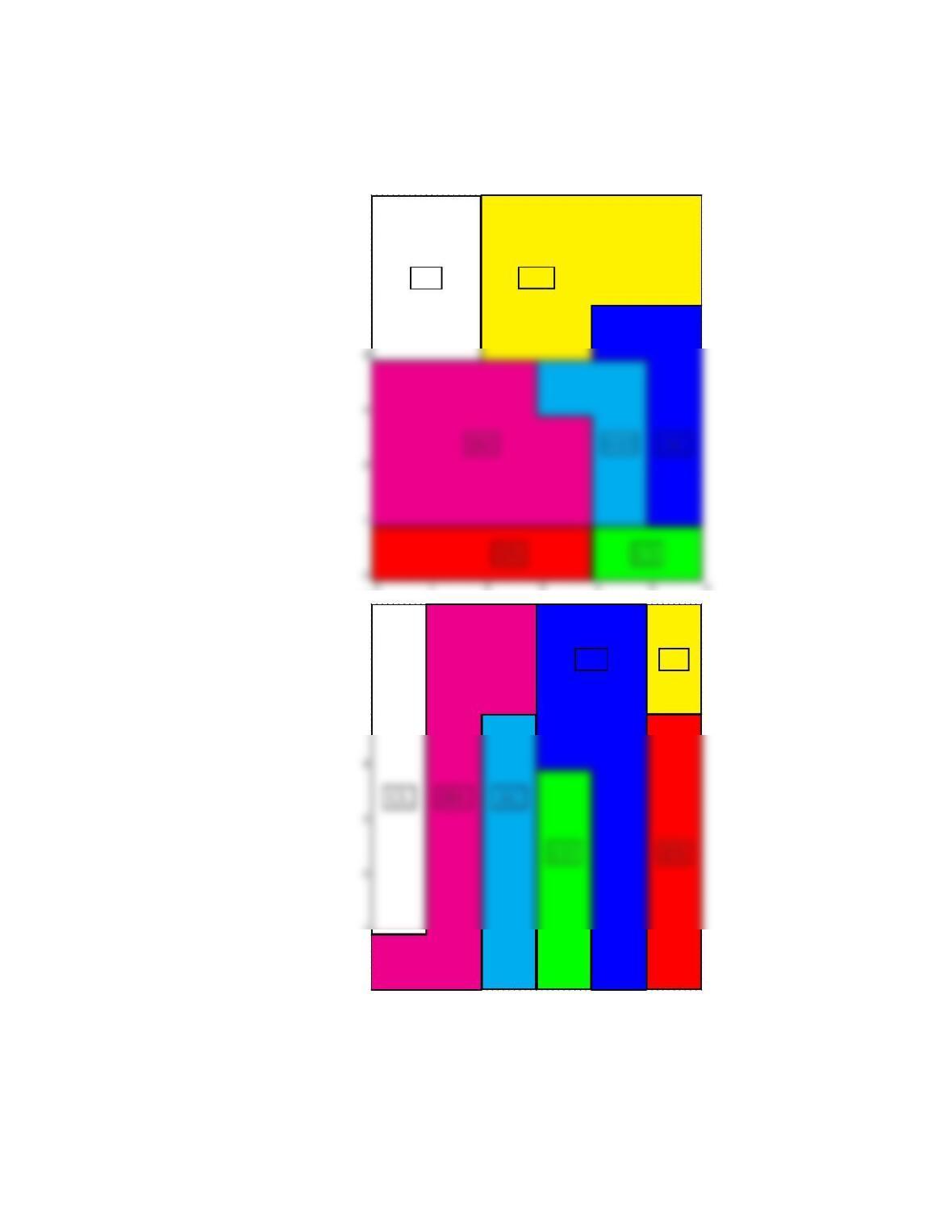
21. Use the program FLAP and generate a layout solution with the data in exercise #18. Compare the
solution with FLAP and the one you generated?
•Using the FLAP program the following two solutions were generated with solution values 18 and 16
respectively.
10.. EXERCISES
7
0 1 2 3 4 5 6
5
6
7
CL RW
0 1 2 3 4 5 6
0
1
5
6
7
EO
CS

22. Use the program GMAFLAD and generate a layout solution with the data in exercise #18. Compare
the solution with GMAFLAD and the one you generated?
•Using the GMAFLAD program the following solution was generated with Z value = 14.95. In using
GMaflad, the grid was set to 6×8in order to offer a little more felxibility to generate the alternative
solutions.
0 1 2 3 4 5 6
0
1
3
7