Johnson, Human Resource Information Systems, 5e
SAGE Publishing, 2021
Managing Compensation Costs at Orchid Engineering
Assignment Purpose
For the vast majority of companies, payroll costs constitute the largest single organizational
expense. Given the magnitude of compensation costs, companies must develop effective
compensation strategies. Hiring and retaining quality employees depends on a competitive
compensation structure. Changes in market conditions, such as inflation, must be dealt with if a
company expects to remain competitive.
Background
Orchid Corporation is an engineering firm that is concerned with managing its compensation
costs. The company has focused on its managerial salary grades 14-21.
A spreadsheet model has been designed, and data are imported from their HRIS. An employee
compensation consultant was called in to perform a job evaluation. The consultant used a point-
rating method, assigning points to compensable factors, and totaling the points for each position.
Orchid wants to determine the correlation between job evaluation points and salary grades. This
spreadsheet also allows you to examine the impact of COLAs on direct compensation costs.
Your task is to complete the spreadsheet model, correlate job points and salary grades, and
examine the impact of different COLA levels on compensation.
Calculations
Make sure you round calculations performed in the spreadsheet when it makes sense. After all
you can’t have 1/3 of a person. Here is how to use the ROUND function in Excel:
Johnson, Human Resource Information Systems, 5e
SAGE Publishing, 2021
Figure 1: Screen Layout for Managing Compensation Costs
Row
Section
3
Base Salary, Factor, and COLA
12
Employees – Grades 14-21
65
Costs of Salary Increases
71
Correlation Between Points and Grades
Part I – Base Salary, Factor, and COLA
This section of the spreadsheet contains the data that will serve as the basis for all the activities
completed in this assignment.
For Orchid Engineering, the minimum base salary for employees hired into Grade 14 last year
was $60,000.
The “factor” is the increment between steps in the salary grade structure. In Orchid Engineering,
the difference between Step 1 and Step 2 for Grade 14 is 5%.
Johnson, Human Resource Information Systems, 5e
SAGE Publishing, 2021
Part II – Creating STEP and Grade Salary Table
In this section, you will create a lookup table that will be used to determine new salaries for all
employees. To do this you will first need to create the salary table. Refer to Cell N15 for this
section.
Copy the base salary from Cell C9 into Cell Q19. NOTE: Do not simply put in the actual salary but
instead reference Cell C9. This way, when changes are made to salary and COLA, this table will
automatically update.
Part III – Determining Individual Salaries using VLOOKUP
Now that the salary table has been completed for each step and grade, you will need to calculate
the individual salary for each employee in Grades 14–21 in the K column (Cell K15). To do this,
you will use the VLOOKUP function. VLOOKUP searches a table of values and returns the
appropriate value when the search criteria are matched (e.g. the salary for a specific step and
grade).
Johnson, Human Resource Information Systems, 5e
SAGE Publishing, 2021
Argument
Description
Note
value
the value to look for in the first
column (e.g. the number)
you also include the column which
numbers starting with the left most being
The STEP cell for the specific employee
When the spreadsheet evaluates the VLOOKUP function, it first obtains the specific value
from the cell identified as the “value”. Consider, for example, David Adler (Row 16). The
value would be 4 (Cell J16). Using that value, the function would then evaluate the
specified table (P19:X26). First, it would find the row in the first column that contains the
value of 4. Then it would the find the col_index. Col_index represents the number of
columns into the spreadsheet from which to draw the actual value. In the case of David,
that would be the fourth column over (e.g. Grade 16). However, we cannot put in the
value in I16 because that value is 16. Instead, we need to subtract 12 from I16. Subtracting
12 reflects that the Grade starts at 14 rather than 1, and there is an additional column
which contains the STEP values.
Using this information, use the VLOOKUP function to determine the individual salaries in
the K column, starting with Cell K16. Copy the formula down the column.
2. Salary+COLA. Next, compute Salary+COLA beginning in Cell L16. Notice that the COLA
increase is found in Cell C8. The salary is simply multiplied by the amount of the increase,
in this case 2%. Copy the formula down the L Column.
Johnson, Human Resource Information Systems, 5e
SAGE Publishing, 2021
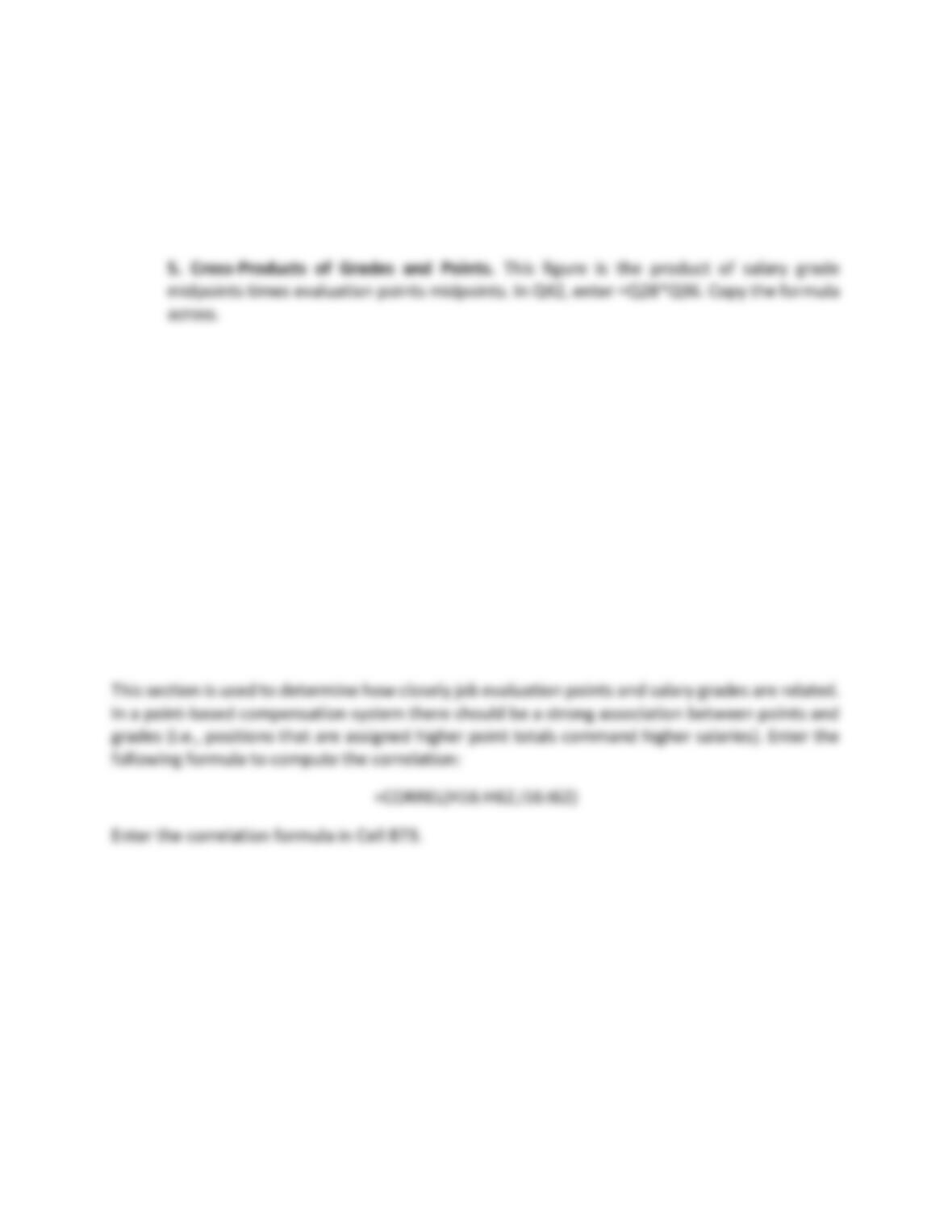
4. Midpoints for Job Evaluation Points. In Q36, enter =((Q35-Q34)/2) + Q34. Copy the
formula across.
Part IV – Costs of Salary Increases
In this section of the spreadsheet, calculate how much the COLA will cost Orchid. To do this, you
will need to first calculate the total salaries for all employees and then the total salary plus the
COLA for all employees. Enter these two totals into Cells B67 and B68, respectively. The costs
associated with COLA Costs are computed by subtracting Total Salary from Salary+Cola. Place this
value in Cell B69.
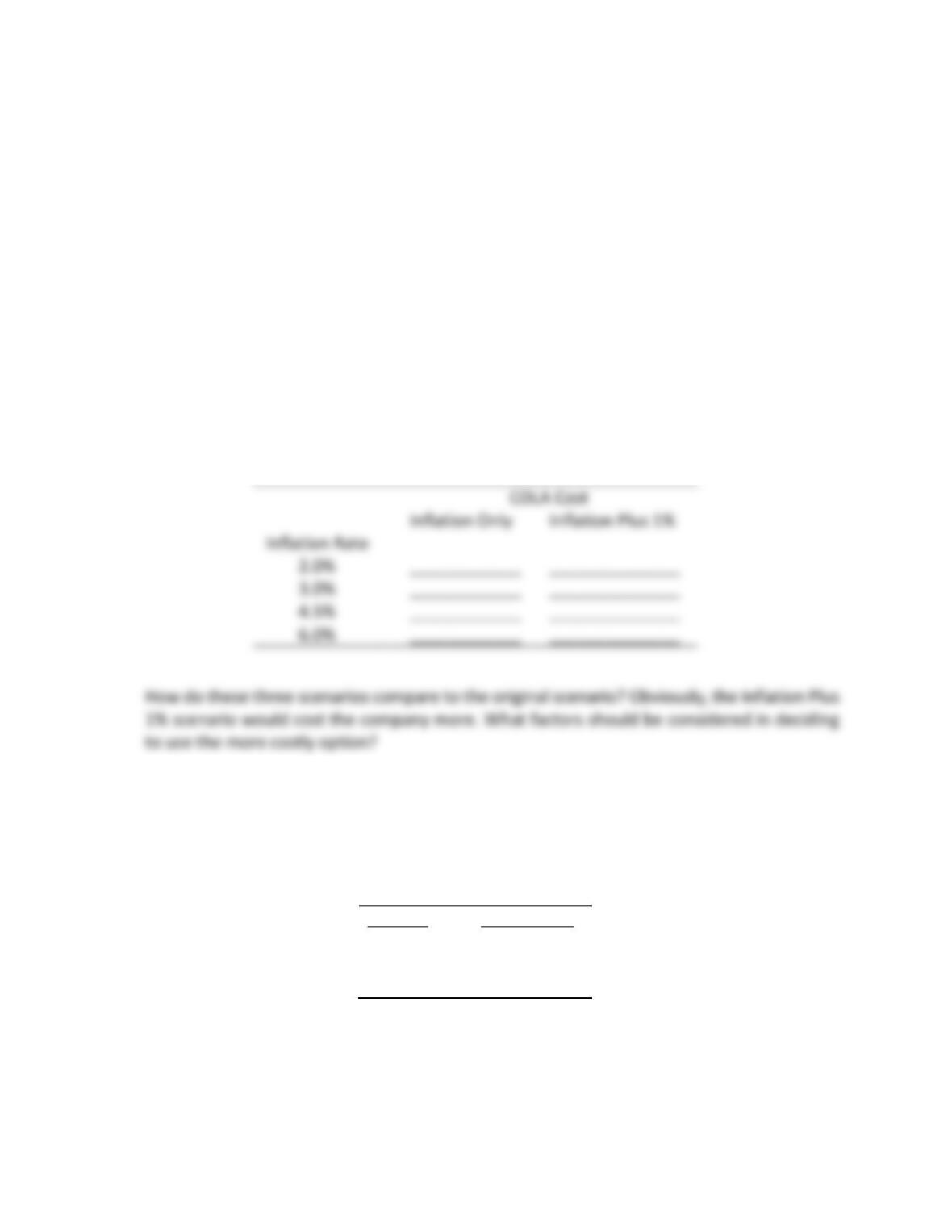
Part V – Correlation Between Points and Grades
Johnson, Human Resource Information Systems, 5e
SAGE Publishing, 2021
Study Questions.
Using the data from the spreadsheet, answer the following questions in a separate document.
1. How much will the 2% COLA cost Orchid?
2. What is the correlation between points and grades? Based upon this correlation, is Orchard
achieving their goal of linking points and grades effectively? Explain.
3. To answer this question, you will conduct a series of “what–if” analyses. Orchid Corporation is
considering two compensation management scenarios for its COLAs: a) matching the inflation
rate or b) matching the inflation rate plus one percent. Using the information on possible inflation
rates provided below, change the COLA percentages in Cell C8 for each of the scenarios. For
example, a 5% COLA would be entered as 1.05 (e.g. base salary = 1 and 5% increase = .05). How
much would each scenario cost the firm? Remember, you have already calculated this previously.
Inflation Only
Inflation Plus 1%
____________
______________
____________
______________
____________
______________
____________
______________
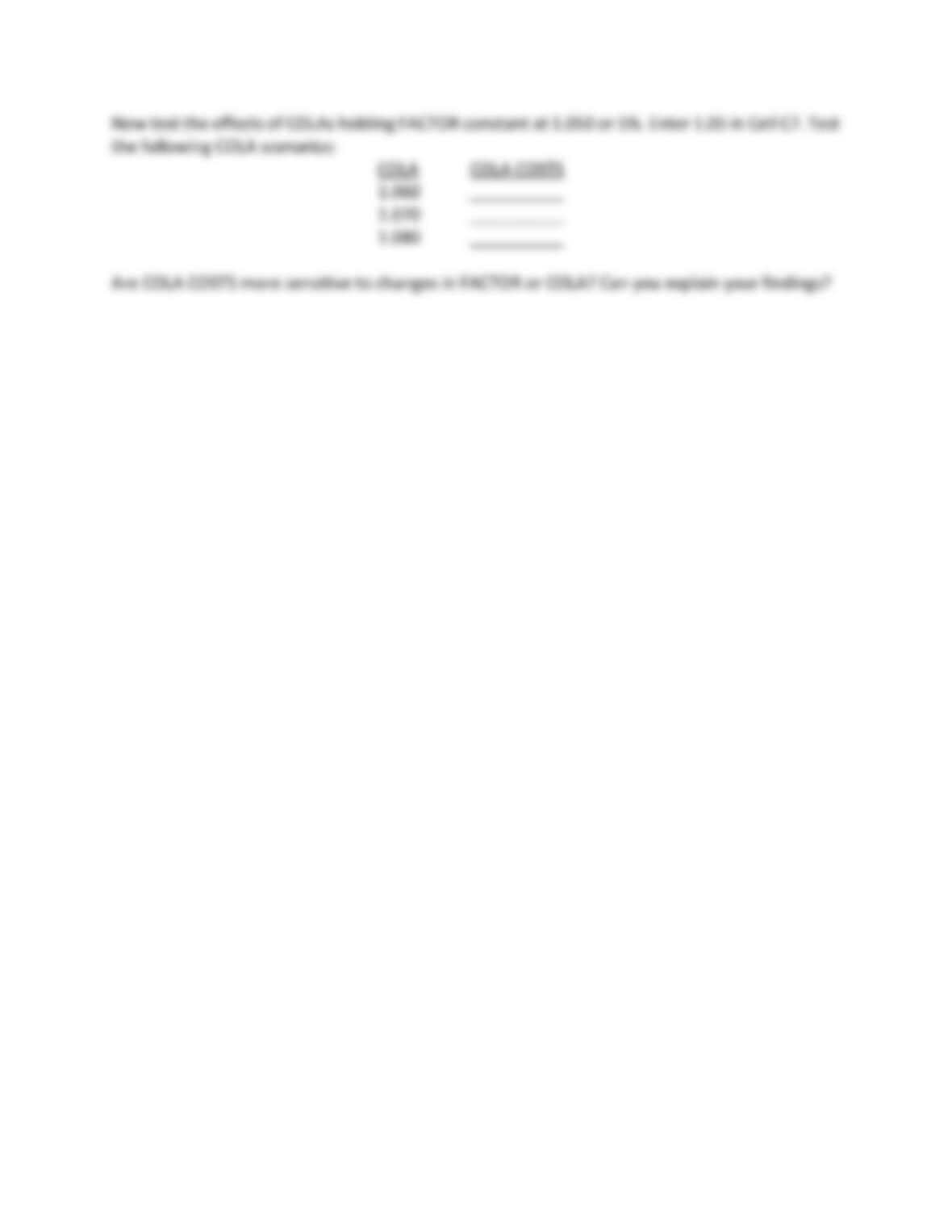
4. Orchid is concerned about the effects of the FACTOR, the spread between the steps of the
salary grades on COLA COSTS. Assuming that the COLA is 1.02 or 2%, test the following
FACTOR scenarios (Cell C7).
FACTOR
COLA COSTS
1.060
__________
1.070
__________
1.080
__________
Johnson, Human Resource Information Systems, 5e
SAGE Publishing, 2021