Johnson, Human Resource Information Systems, 5e
SAGE Publishing, 2021
Merit Pay at Paxiva Corporation
Assignment Purpose
Tying pay to job performance is a challenging aspect facing human resource management. One
way to accomplish this is through merit pay. Merit pay is a specific type of performance-based
pay that annually assigns monetary rewards to each employee. Monetary increases are usually
small (i.e., 5-10%) relative to an employee’s total salary. Merit increases are frequently based
on supervisory rankings or ratings of job performance in conjunction with the employee’s
position in the salary grade. In this assignment, you will compute various performance and
correlation metrics to learn how merit pay is evaluated.
Background
Paxiva is a very successful medium-sized pharmaceutical company that focuses on the “over–
the–counter” market (e.g. nonprescription). Paxiva is responsible for several of the top brands
in the market and plans to extend their reputation by growing significantly in the next 5-10
Note
As you work through the assignment, please be sure to continually save your work after each
section. Save your work as a new Excel file using your first initial and last name. For example,
Joe Smith would be:
“jsmith_HR_Merit_Pay.xlsx”.
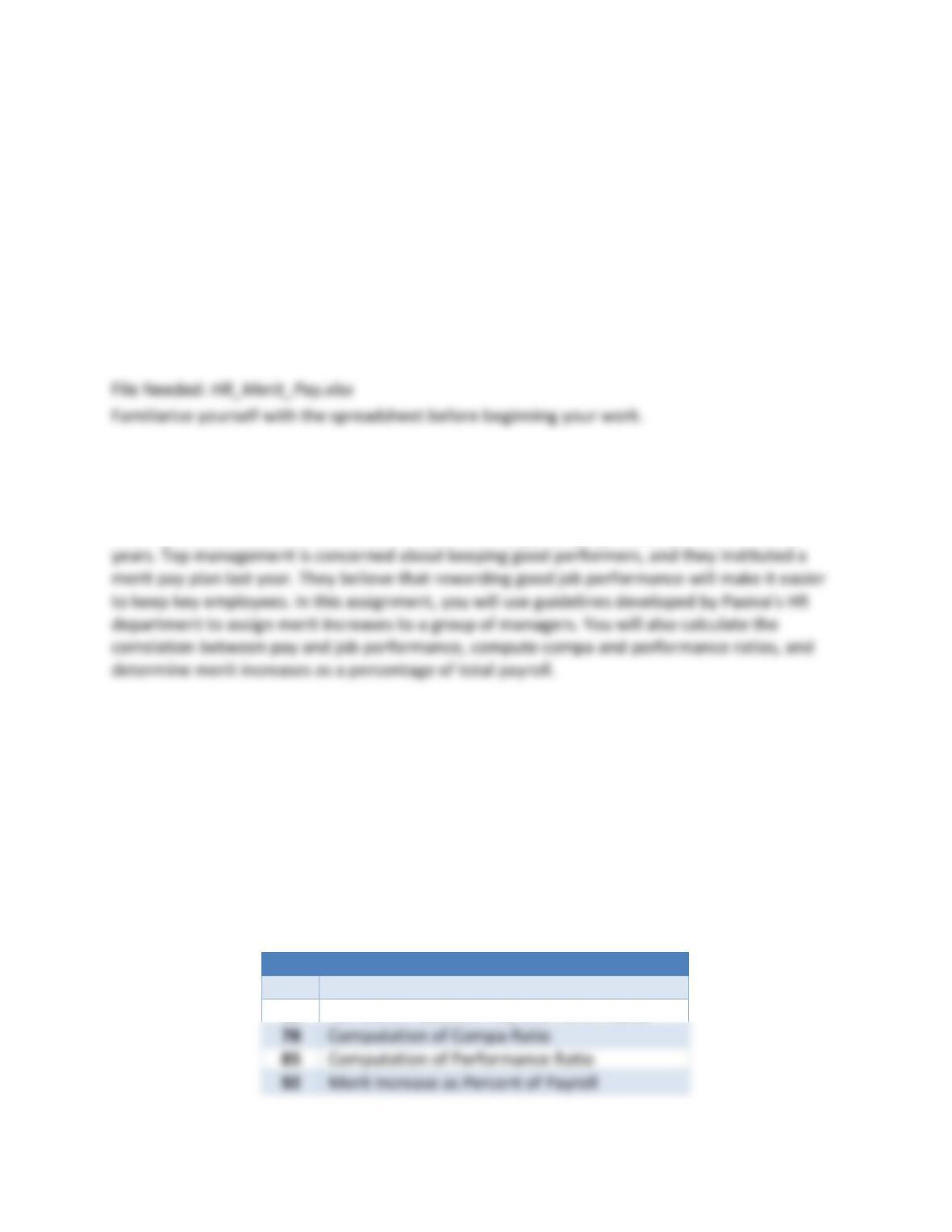
The spreadsheet is divided into multiple sections (Figure 1).
Figure 1: The Merit Pay Model
Row
Section
3
Table for Merit Increases
68
Correlation Between Pay and Performance
78
Computation of Compa-Ratio
92
Merit Increase as Percent of Payroll
Johnson, Human Resource Information Systems, 5e
SAGE Publishing, 2021
Employee Salary Data and VLOOKUP Table
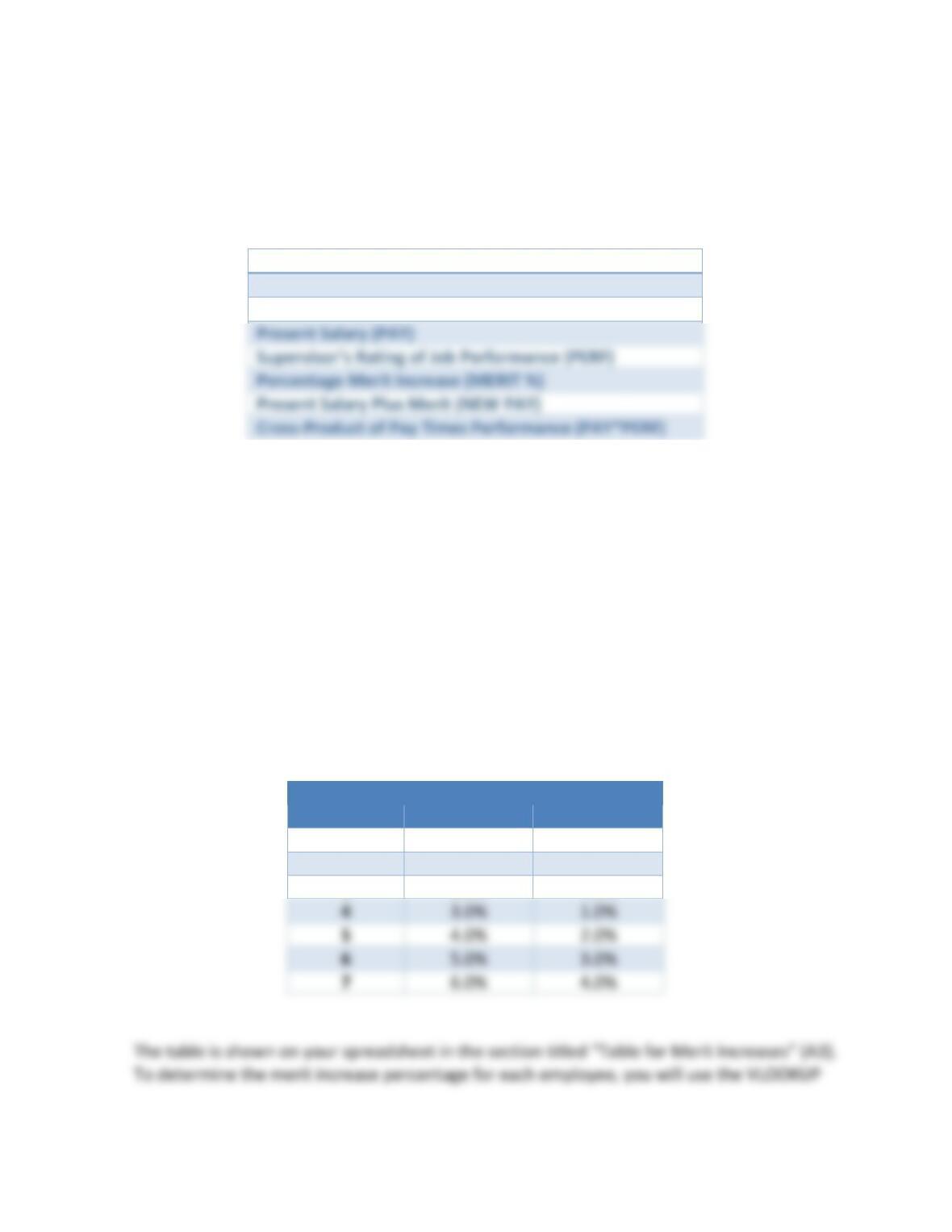
This section of the spreadsheet contains a “Lookup” table to use when assigning merit increases
and the employee pay table. The following fields are included in the pay table:
Employee Name
Employee ID
Date of Hire (DOH)
Present Salary (PAY)
Present Salary Plus Merit (NEW PAY)
Cross-Product of Pay Times Performance (PAY*PERF)
Part I – Correlation Between Pay and Performance
In this section of the spreadsheet (row 68), you will evaluate the correlation between pay and
performance. To do this, you will need the correlation function:
=CORREL(range1,range2)
Place your answer in cell B76.
Part II – Assigning Merit Increases
In this section, you will assign a percent merit increase to each employee. Paxiva has developed
the following schedule for merit pay increases this year:
Performance
Pay
Level
Below Median
Above Median
1
0.0%
0.0%
2
1.0%
0.0%
3
2.0%
0.0%
4
3.0%
1.0%
6
5.0%
3.0%
7
6.0%
4.0%
Johnson, Human Resource Information Systems, 5e
SAGE Publishing, 2021
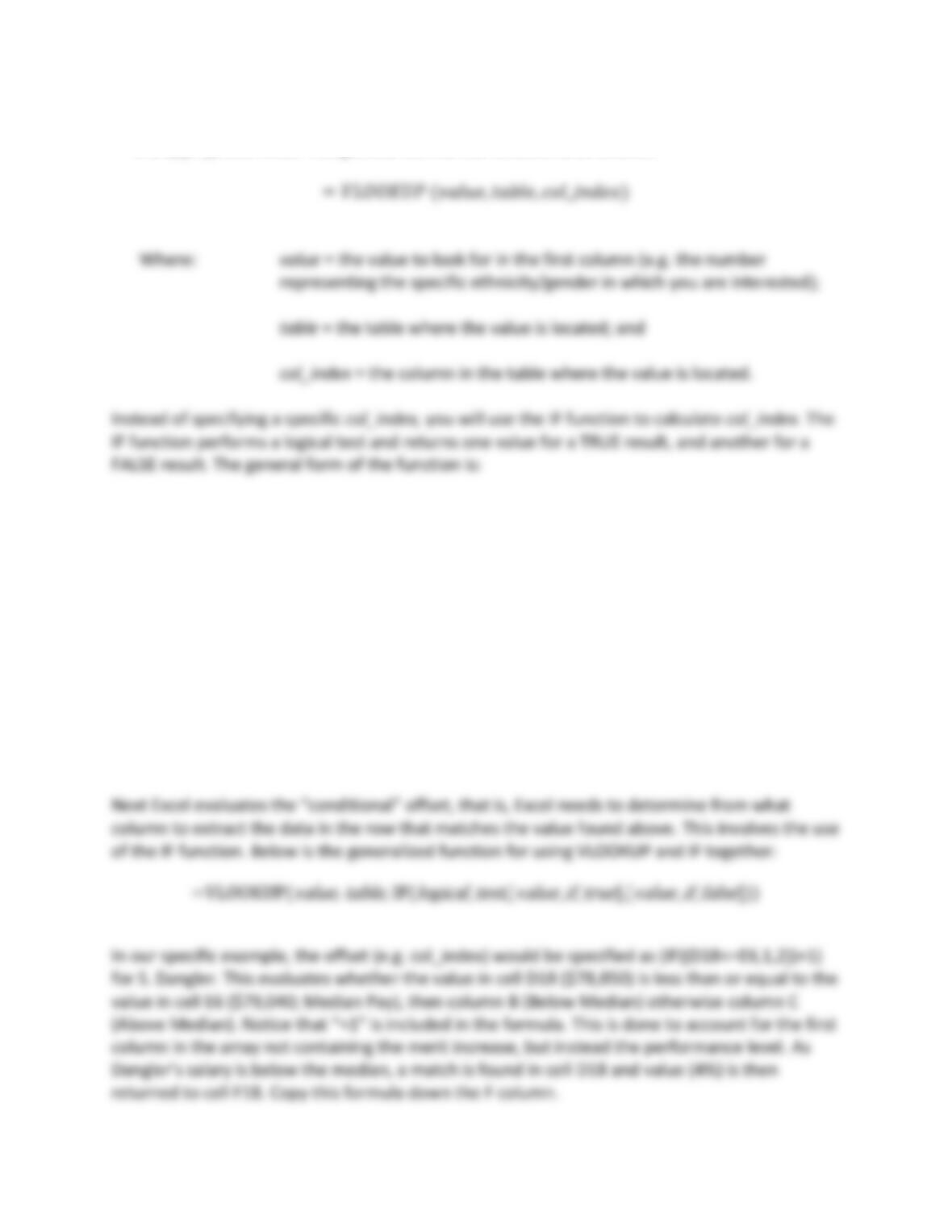
function. The VLOOKUP function uses a table of values through which to search and returns
the appropriate value. The general form of the function is as follows:
,
=𝐼𝐹(𝑙𝑜𝑔𝑖𝑐𝑎𝑙_𝑡𝑒𝑠𝑡, [𝑣𝑎𝑙𝑢𝑒_𝑖𝑓_𝑡𝑟𝑢𝑒],[𝑣𝑎𝑙𝑢𝑒_𝑖𝑓_𝑓𝑎𝑙𝑠𝑒])
Where: logical_test = a value or logical expression that can be evaluated as TRUE or
FALSE.
value_if_true = the value to return when logical_test evaluates to TRUE.
value_if_false = the value to return when logical_test evaluates to FALSE.
Returning to the VLOOKUP function, when Excel evaluates the VLOOKUP function, it moves to
the top left cell (A7) of the Table (A7…C13) and compares the value there (1) to the value in cell
identified in the “value” argument (e.g. E18). In this case the computer moves down the A
column until it finds a match (A11, the value 5).
Johnson, Human Resource Information Systems, 5e
SAGE Publishing, 2021
Now compute the new pay for each employee. New Pay is calculated by taking the current
salary and calculating the new salary by adding the current salary plus the percentage increase
in salary. As an example, for S. Dangler, the calculation would be D18*(1+F18). Copy the
formula down for all employees.
Part III – Calculating Compa-Ratio
Before you assign merit increases, you must first examine two ratios: the compa-ratio and the
performance ratio. These ratios can be used to highlight pay and job performance relationships
by individual employee, by salary grade, by organization level, or by department. The
department is the level of analysis in this case. Compa-ratios can be very useful in reviewing
and auditing pay practices. The compa-ratio is the total pay received by members of the
department divided by the midpoint for the department multiplied by the number of
employees in the department.
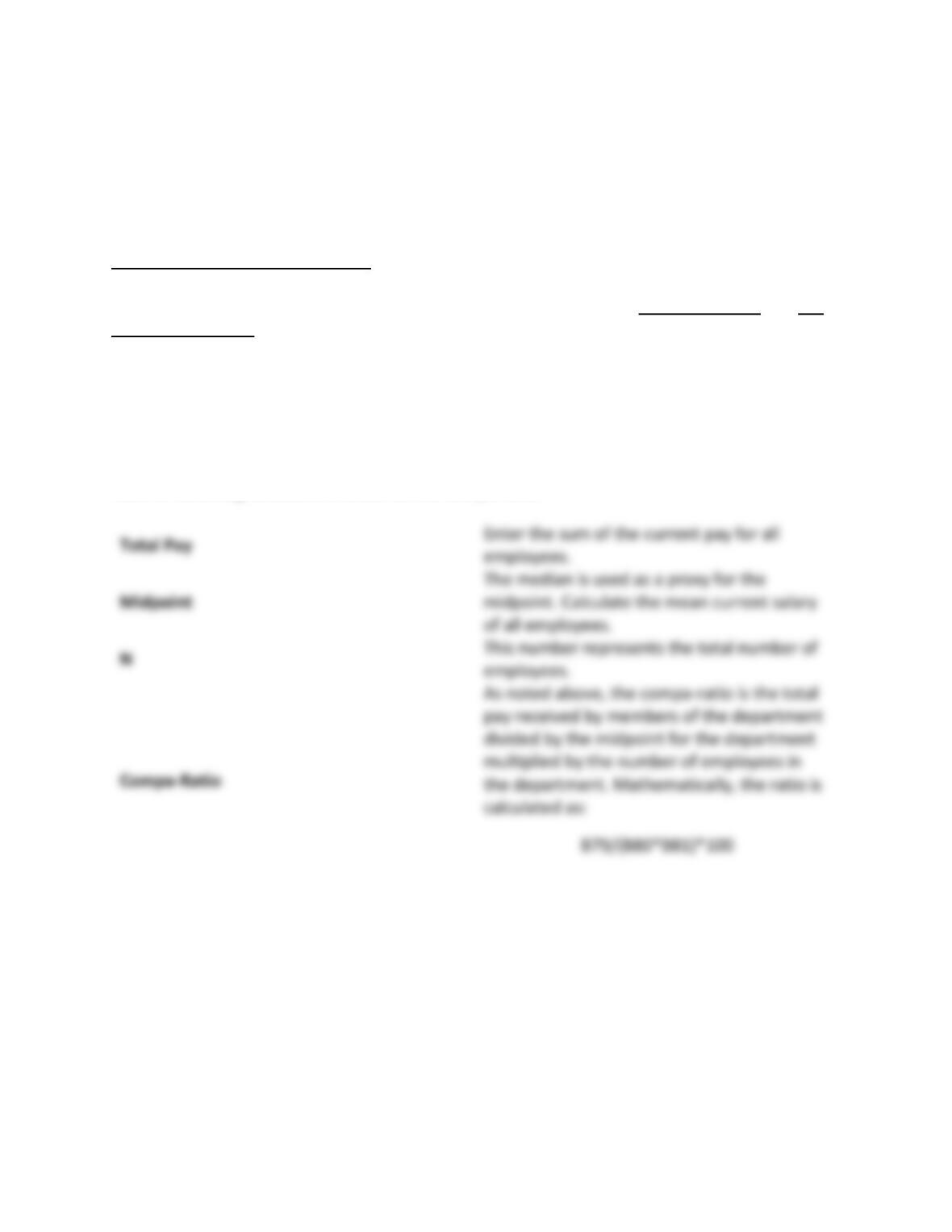
Use the following calculations to derive the compa-ratio:
of all employees.
Part IV – Computation of Performance Ratio
In this section, you will calculate the performance ratio.
Performance ratios are computed in the same way as compa-ratios. For both ratios, an index of
100 indicates an acceptable distribution of employees in the department. Ratings above 100
may indicate “leniency” errors and those below 100 may suggest “strictness” errors. Because
merit is a form of performance-based pay, errors in performance appraisals may lead to unfair
and inconsistent pay practices.
Johnson, Human Resource Information Systems, 5e
SAGE Publishing, 2021
The performance ratio is computed as follows:
Total Performance
This is the sum of all employees’
performance ratings.
Midpoint
The median employee performance rating is
used as a proxy.
N
This is the total number of employees.
Performance Ratio
Enter B86/(B87*B88)*100 in B90.
Part V – Merit Increase as a Percent of Payroll
Finally, Paxiva needs to calculate what the merit increases will cost the company as a percent of
payroll (A92). Paxiva would like to keep the merit increases at 2.5% of the departmental
budget. You will need to make the following calculations. Perform the following computations
to determine whether this was accomplished:
Total Current Pay
This is the sum of all the initial salaries of
current employees.
Total New Pay
This is the sum of all the new salaries after
the merit increase.
Merit Increase
total (e.g. new pay minus current pay).
Percent of Merit Increase
This takes the sum of new pay and divides it
by the sum of current pay.
Johnson, Human Resource Information Systems, 5e
SAGE Publishing, 2021
Study Questions. Answer the following questions in a separate document.
1. What is the correlation between pay and performance? Are pay and performance strongly
correlated? How do you know?
2. What is the compa-ratio? What does the ratio tell you about the distribution of pay in the
department?
3. What is the performance ratio? What does this performance ratio say about the distribution
of employees in the department? Are “leniency” and “strictness” rating errors likely to be a
problem at Paxiva?
Johnson, Human Resource Information Systems, 5e
SAGE Publishing, 2021
7. Change the merit increases found in the Table for Merit Increases to the following
percentages:
Merit Increase
Performance
Level
Below Median
Above Median
1
1.0%
0.0%
2
2.0%
1.0%
3
4.0%
2.0%
4
5.0%
4.0%
5
8.0%
6.0%
6
9.0%
7.0%
7
8.0%
8. What are the advantages of using an VLOOKUP table for assigning merit increases
compared to manually entering updated salaries?