Module 3 Quick Check Answers
Session 3.1 Quick Check
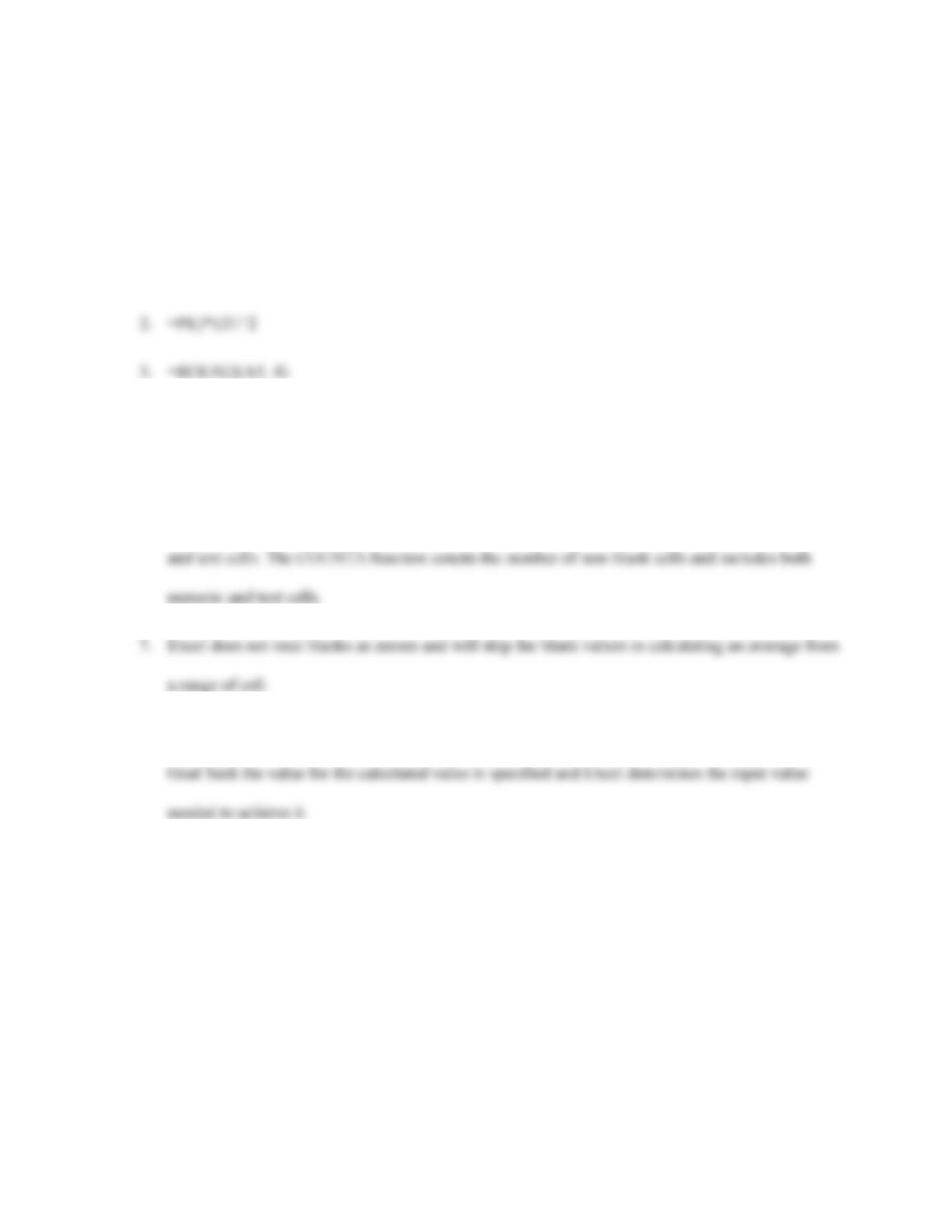
1. =D12*E31^2
4. =MEDIAN(Y1:Y100)
5. =ROUND(MAX(Y1:Y100) – MIN(Y1:Y100),0)
6. The COUNT function counts the number of cells containing numeric values and excludes blanks
8. In a what-if analysis the input value is changed and its effect on a calculated value is observed; in
9. #NAME!
Session 3.2 Quick Check
1. 6/30/2017, 7/31/2017
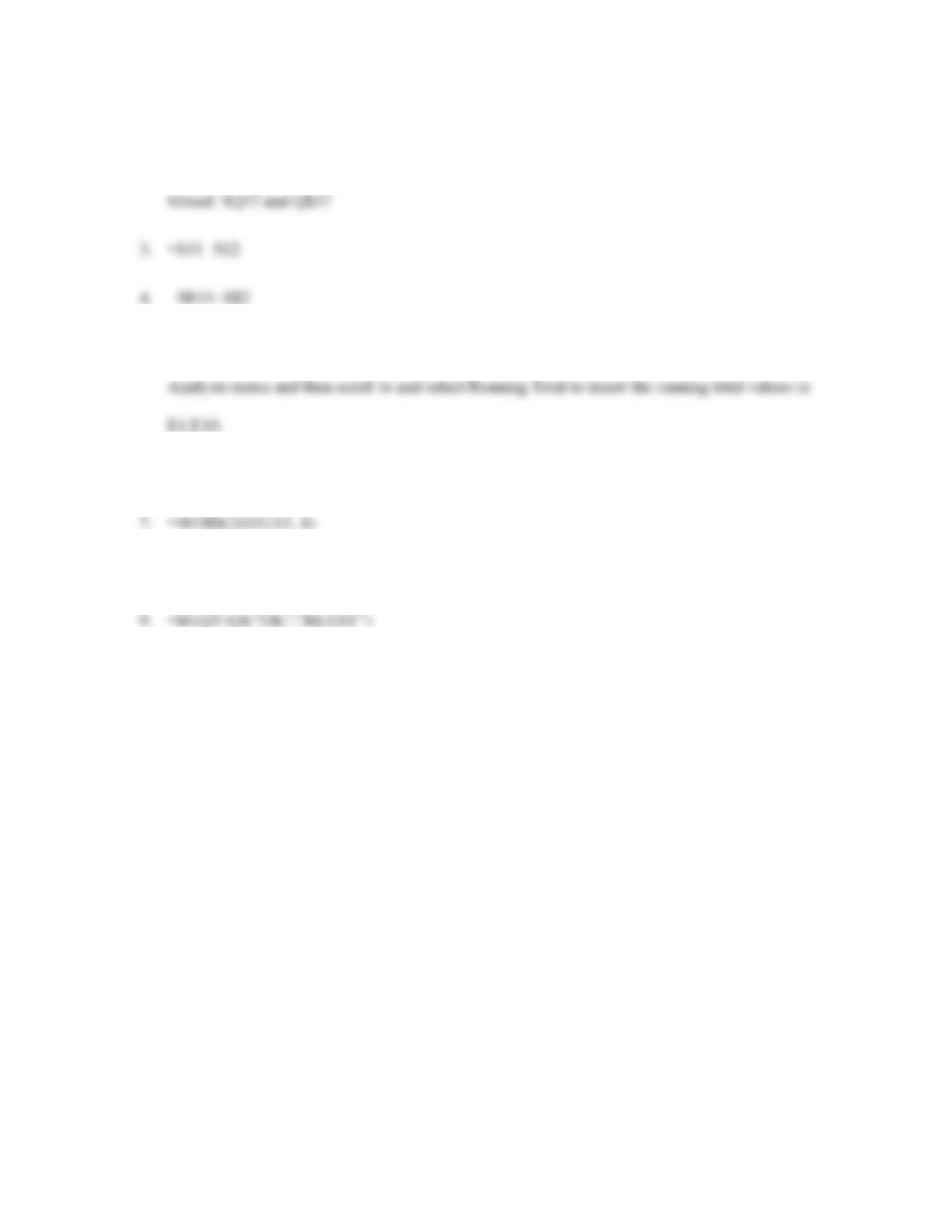
2. Relative: Q57
Absolute: $Q$57
5. Select the D1:D10 range and then click the Quick Analysis button, select Totals from the Quick
6. =TODAY()
8. =VLOOKUP(G5,A1:F50,3,FALSE)