C07
Chapter 7 Spreadsheet Problem Solutions (C07)
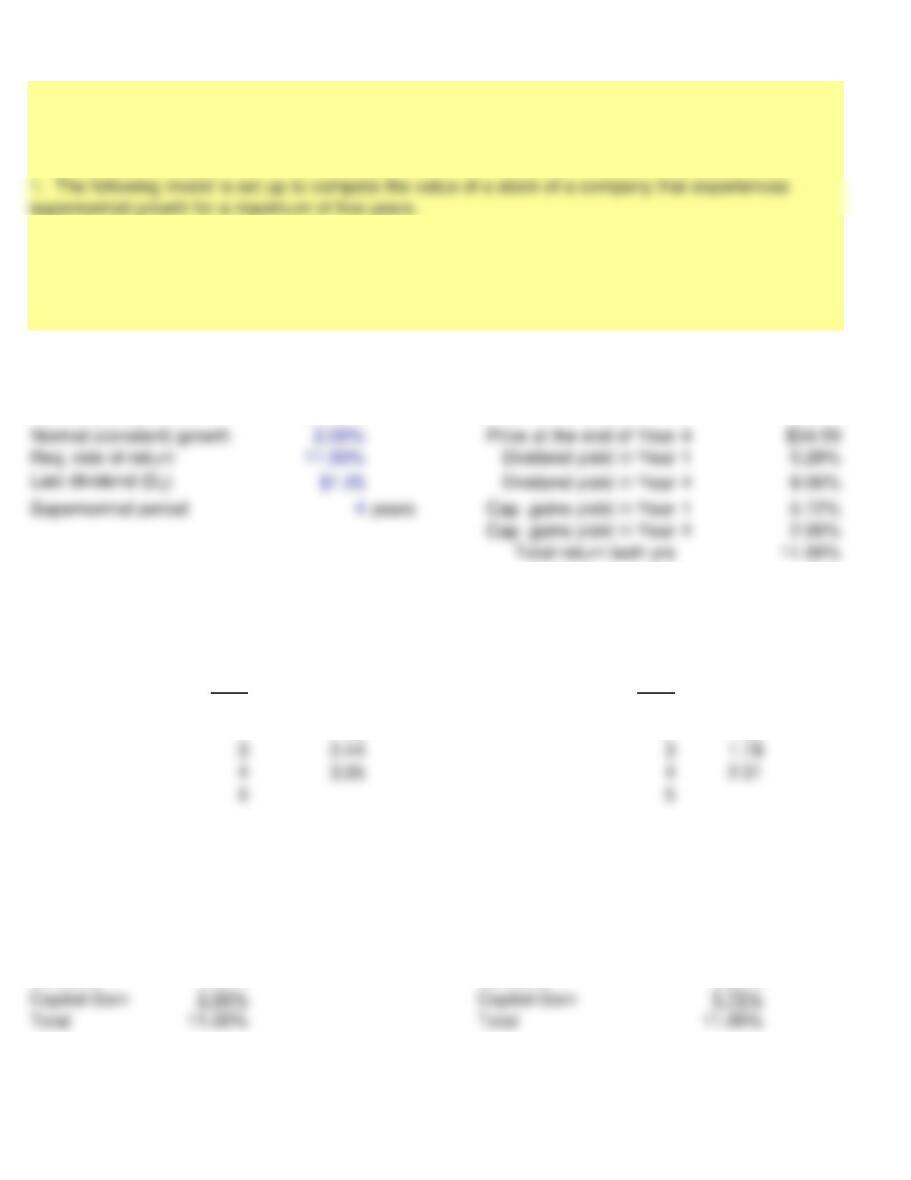
INPUT DATA: KEY OUTPUTS:
Nonconstant growth 25.00%
Current price (P0)$29.57
MODEL-GENERATED DATA:
Expected dividends: PV of dividends:
Year Year
1 1.56 1 1.41
2 1.95 2 1.59
Stock price: Stock price:
End of Year 4 34.59
Today, P029.57
Yields in Year 4 Yields in Year 1
Supernormal Growth Stock Valuation
2. There are a number of instructions with which you should be familiar to use these computerized
models. These instructions appear in a separate worksheet labeled INSTRUCTIONS. If you have not
already done so, you should read these instructions now. To read these instructions, click on the
worksheet labeled INSTRUCTIONS.
Page 1
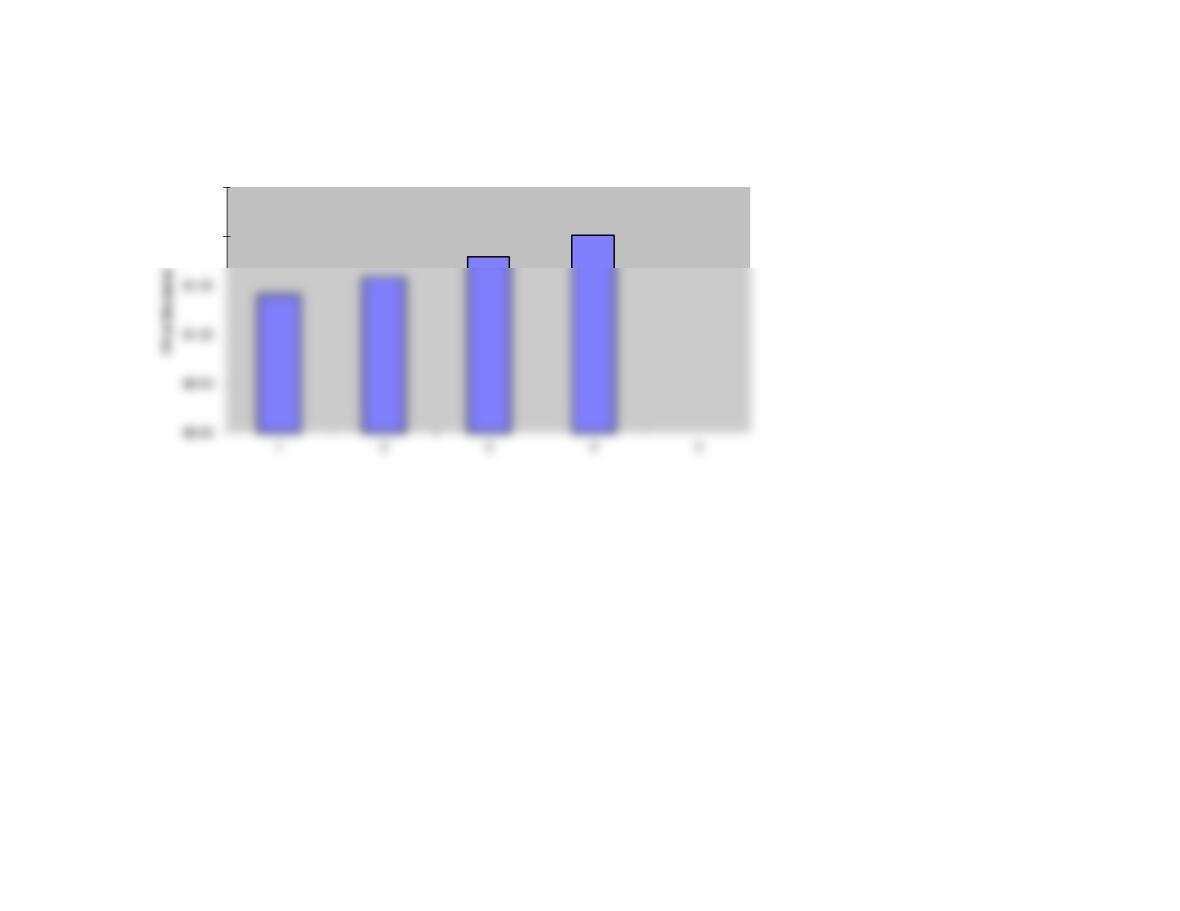
GRAPH
$2.00
$2.50
Page 2
1. The input data are entered in specified cells in the INPUT DATA
section. When you change an input item, the model automatically
recalculates the values of appropriate output data items, unless
you are told otherwise. If the values do not change automatically,
press the F9 key to recompute the values.
2. The key output data are displayed to the right of the INPUT DATA
3. Input data items that you can change are distinguished from the
ones you should not change. The items that you can change are
highlighted in color (blue) whereas the other items are printed in black.
4. All percentages must be entered as decimals. Dollars and other
numbers must be entered without dollar signs or commas.
5. Instructions and comments concerning specific models accompany