C07
Chapter 7 Spreadsheet Problem Solutions (C07)
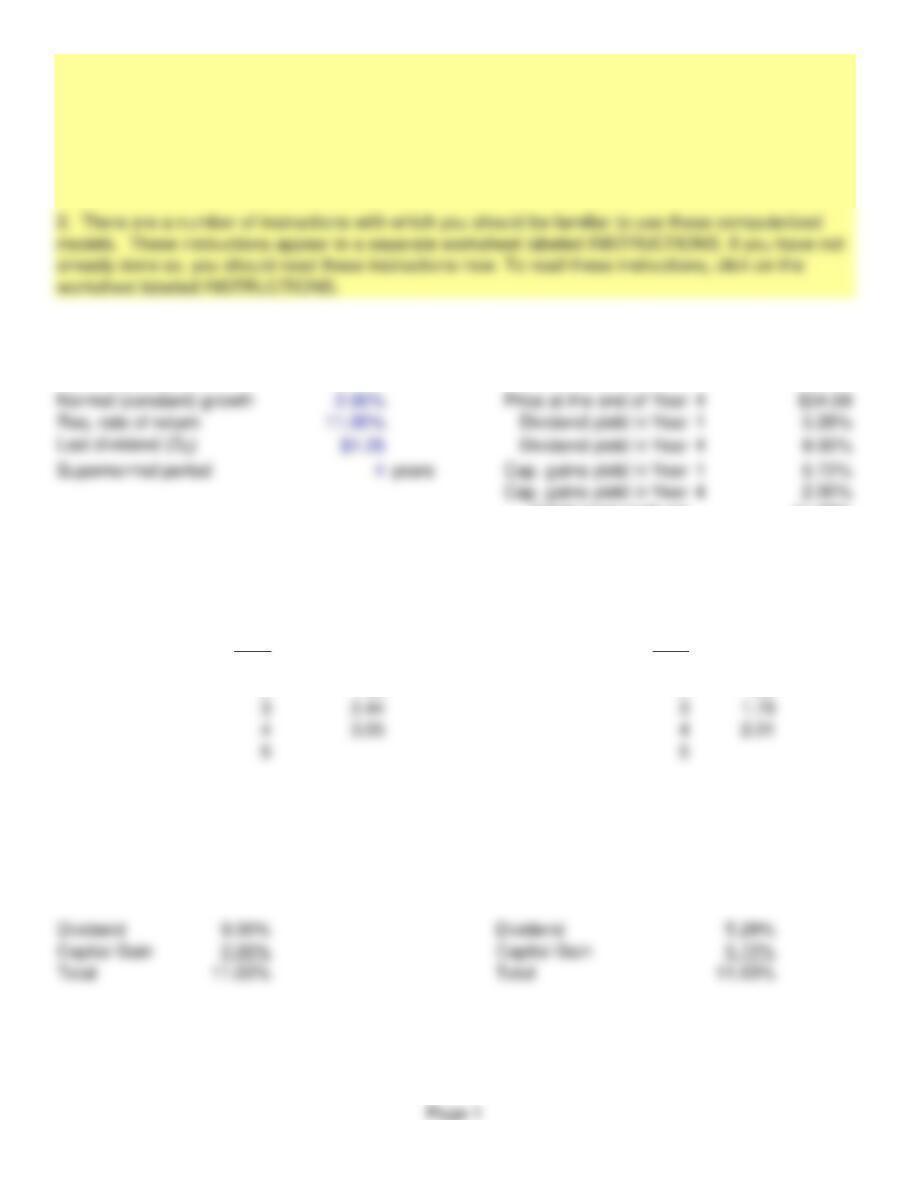
INPUT DATA: KEY OUTPUTS:
Nonconstant growth 25.00%
Current price (P0)$29.57
Total return both yrs 11.00%
MODEL-GENERATED DATA:
Expected dividends: PV of dividends:
Year Year
1 1.56 1 1.41
2 1.95 2 1.59
Stock price: Stock price:
End of Year 4 34.59
Today, P029.57
Yields in Year 4 Yields in Year 1
Supernormal Growth Stock Valuation
1. The following model is set up to compete the value of a stock of a company that experiences
supernormal growth for a maximum of five years.
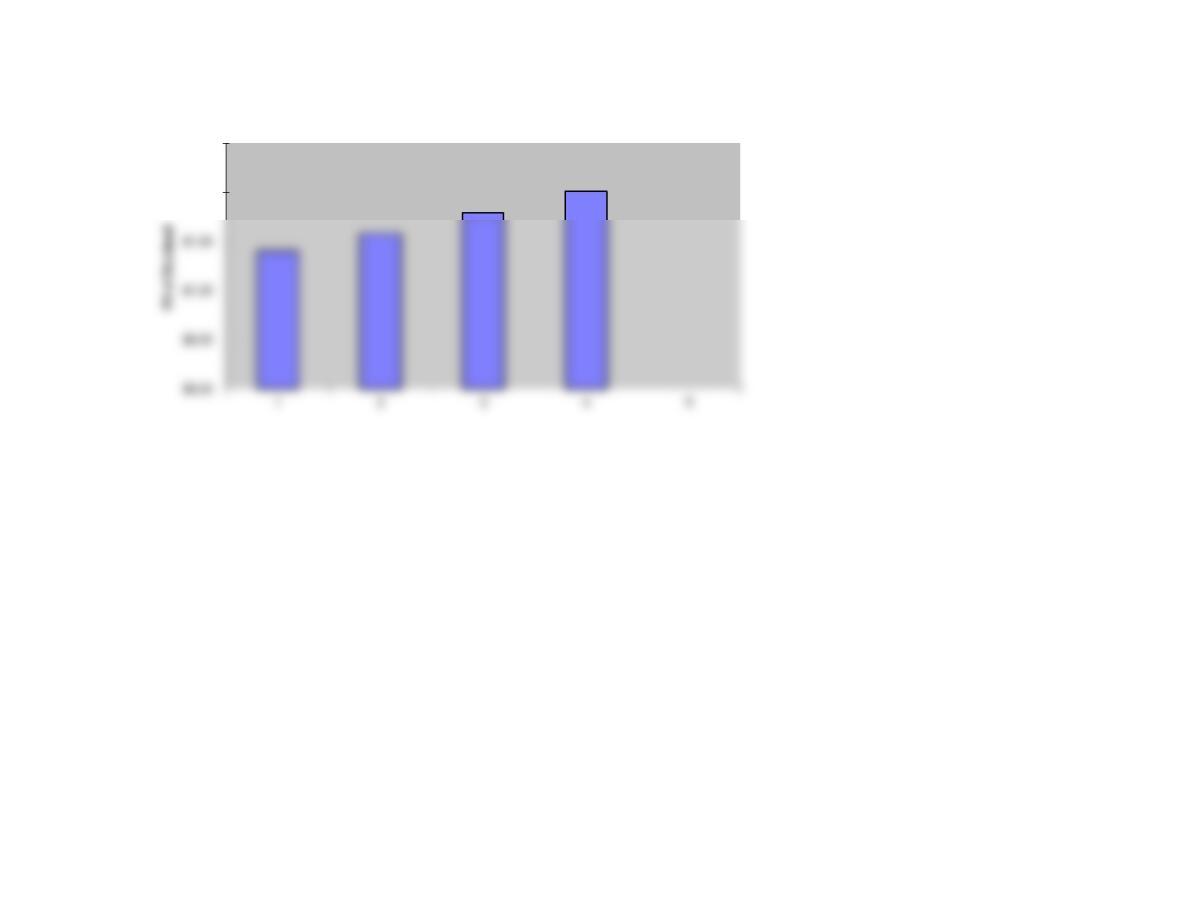
GRAPH
$2.00
$2.50
Page 2
We have already entered the base case data for each model in this
file, and the models have performed the analysis for preceding parts
of the problem. You will need to enter the data for each of the
remaining parts of the problem–we indicate in each problem the parts
that should be done using the spreadsheet. However, there are several
points worth noting before you go into a model:
1. The input data are entered in specified cells in the INPUT DATA
section. When you change an input item, the model automatically
2. The key output data are displayed to the right of the INPUT DATA
3. Input data items that you can change are distinguished from the
ones you should not change. The items that you can change are
highlighted in color (blue) whereas the other items are printed in black.
5. Instructions and comments concerning specific models accompany
GENERAL INSTRUCTIONS FOR COMPUTERIZED PROBLEM SOLUTIONS