Chapter 15 Spreadsheet Problem Solutions (C15)
INPUT DATA:
Old New
Annual Data:
Sales $3,000,000 $3,000,000
Variable cost ratio 70.0% 70.0%
Variable cost $2,100,000 $2,100,000
Collection costs $150,000 $150,000
Bad debt percent 5.0% 5.0%
Daily Data (360 days):
Sales $8,333.33 $8,333.33
Collection–discount cust. $0.00 $0.00
KEY OUTPUT:
Net present value $1,522.87 $1,522.87
MODEL GENERATED DATA:
Analyzing Credit Terms
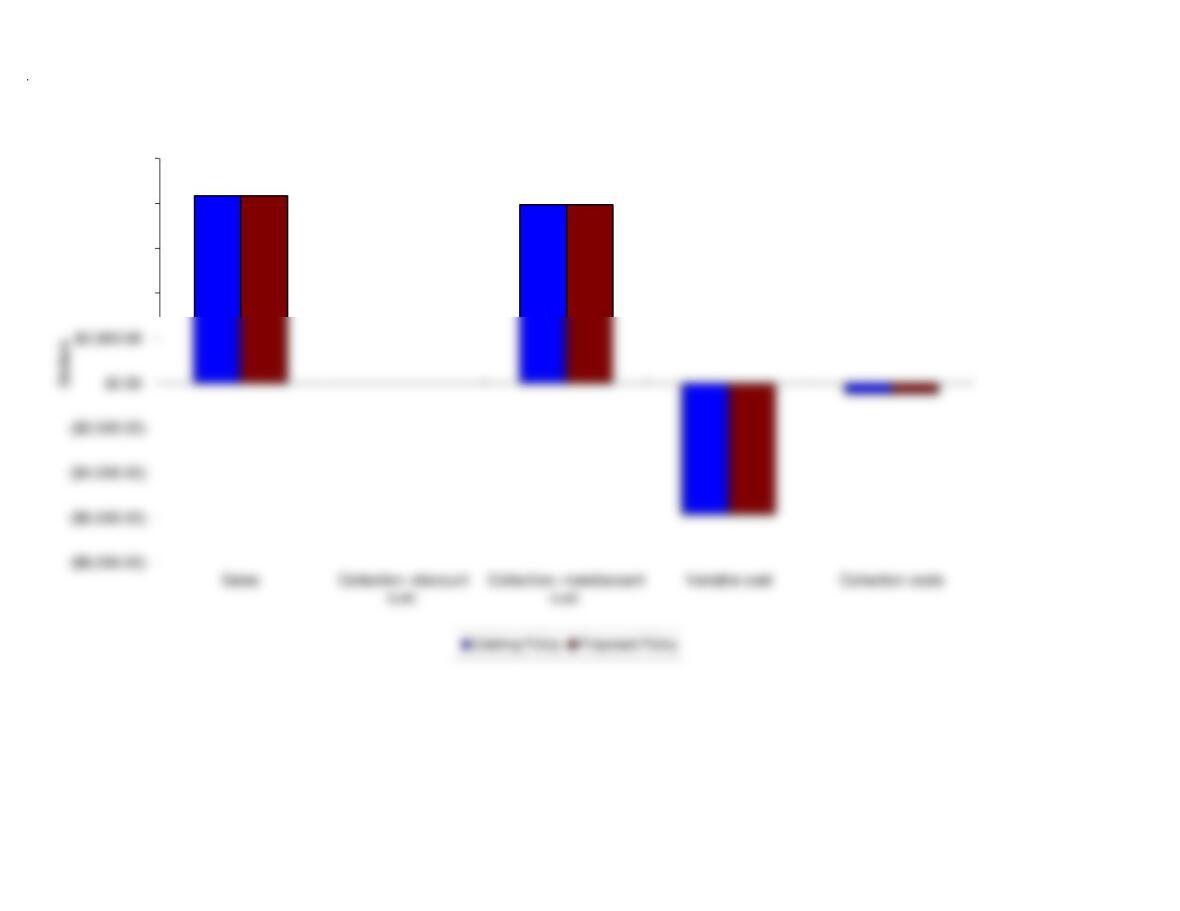
2. A graph that compares the proposed credit policy with the existing credit policy
discount (if one is offered).
1. There are a number of instructions with which you should be familiar to use
Cash Flows of Existing Policy:
Outflow on Day 0 ($6,250.00)
Inflow on Day 0 $0.00
Inflow on Day 60 $7,916.67
Cash Flows of Proposed Policy:
C
$4,000.00
$6,000.00
$8,000.00
$10,000.00
Comparison of Credit Policies
We have already entered the base case data for each model in this
file, and the models have performed the analysis for preceding parts
of the problem. You will need to enter the data for each of the
remaining parts of the problem–we indicate in each problem the parts
that should be done using the spreadsheet. However, there are several
points worth noting before you go into a model:
1. The input data are entered in specified cells in the INPUT DATA
section. When you change an input item, the model automatically
2. The key output data are displayed to the right of the INPUT DATA
3. Input data items that you can change are distinguished from the
ones you should not change. The items that you can change are
highlighted in color (blue) whereas the other items are printed in black.
4. All percentages must be entered as decimals. Dollars and other
numbers must be entered without dollar signs or commas.
5. Instructions and comments concerning specific models accompany
GENERAL INSTRUCTIONS FOR COMPUTERIZED PROBLEM SOLUTIONS