C11
Chapter 11 Spreadsheet Problem Solutions (C11)
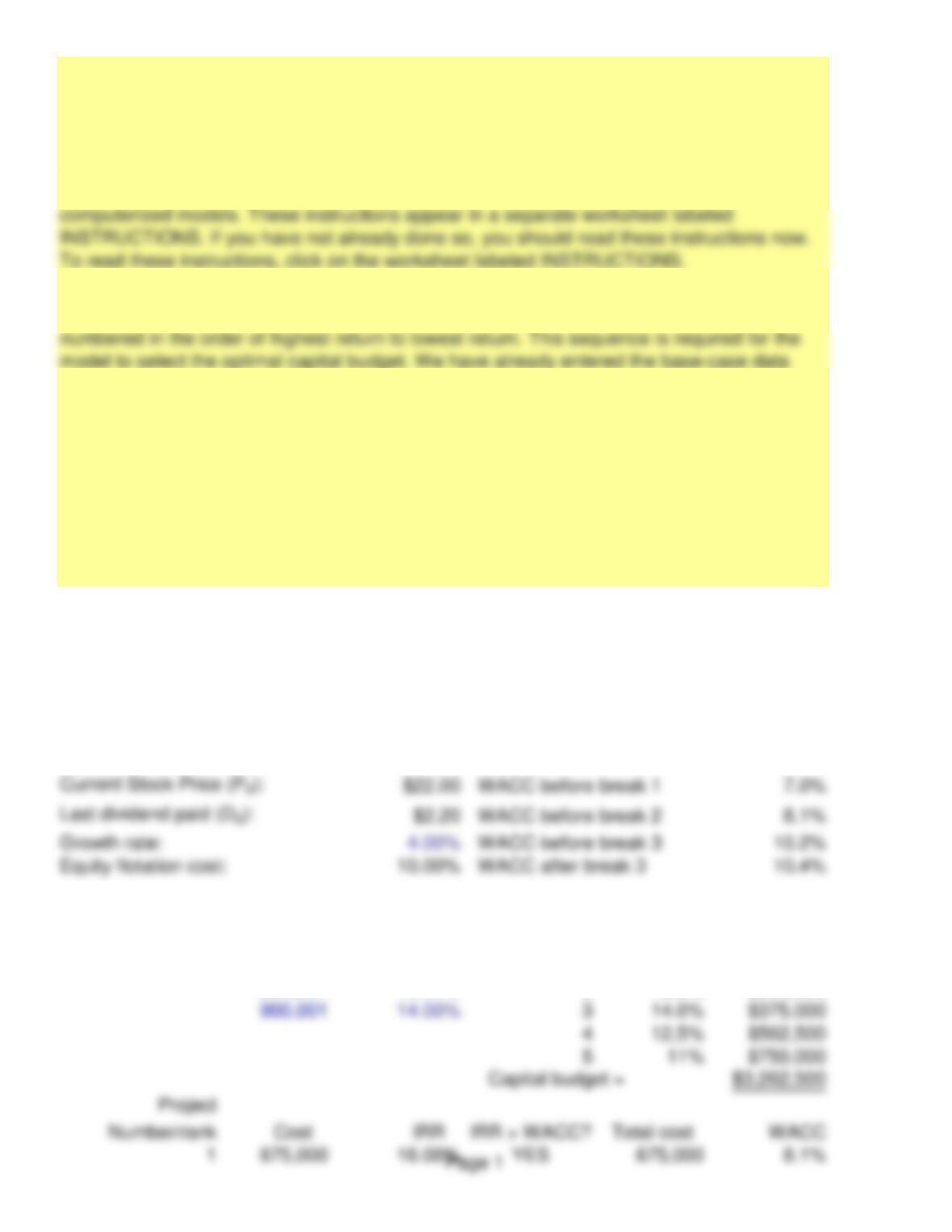
INPUT DATA: KEY OUTPUT:
Debt ratio: 80.00% Ret. earnings break 11,000,000
Earnings: $4,000,000 1st debt break 625,000
Dividend payout ratio: 45.00% 2nd debt break 1,125,000
Tax rate: 35.00%
Beginning of Accepted Project
New debt cost: Range
rdProjects IRR Cost
18.00% 1 16.0% $675,000
500,001 10.00% 2 15.0% $900,000
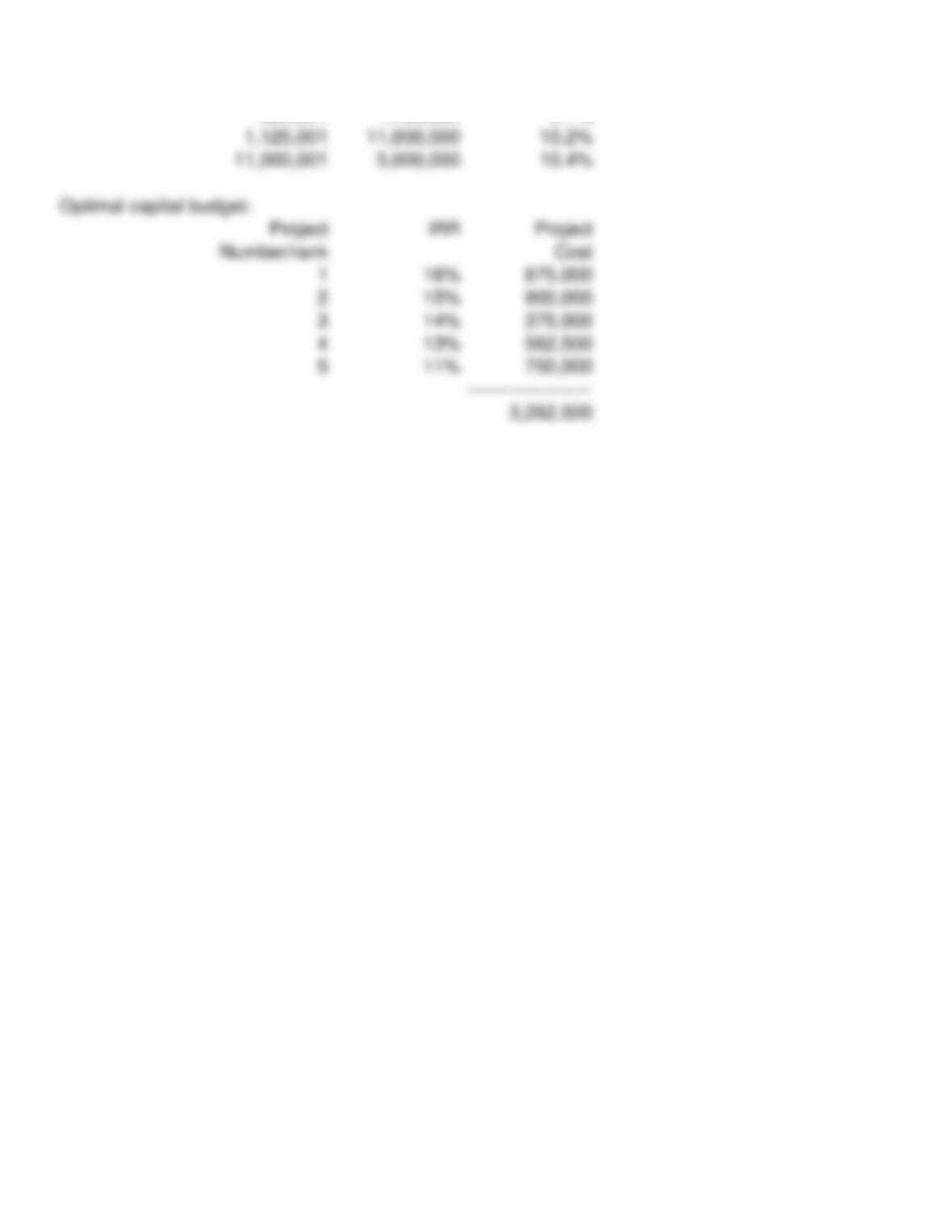
Optimal Capital Budget
1. There are a number of instructions with which you should be familiar to use these
2. Five projects can be entered in this capital budget model. The projects are listed and
3. The model assumes that if a project’s return is less than the cost of capital, the project is
rejected. No allowance is made for situations where the MCC cuts through a project on the
IOS. In other words, the projects are not divisible.
4. When you go on to work other parts of the problem, the easiest way to proceed is to
make the required changes in the input section, observe the change to each of the four
weighted average costs of capital, record the change, and answer the question as required.
C11
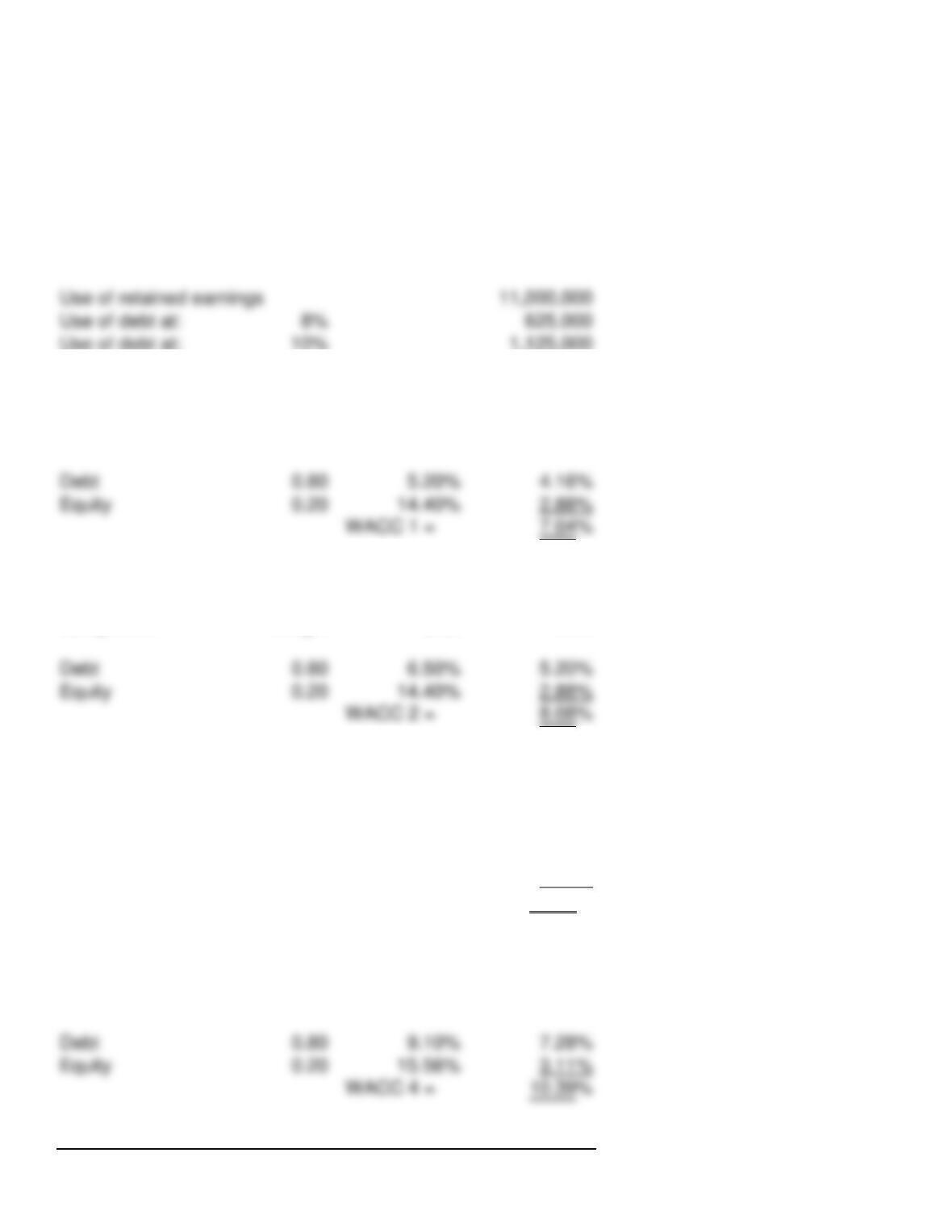
2 900,000 15.00% YES 1,575,000 10.2%
3 375,000 14.00% YES 1,950,000 10.2%
4 562,500 12.50% YES 2,512,500 10.2%
5 750,000 11.00% YES 3,262,500 10.2%
MODEL-GENERATED DATA:
Breaks in the MCC schedule:
Use of debt at: 10% 1,125,000
Cost of financing below first break:
After-tax Weighted
Component Weight Cost Cost
WACC 1 = 7.04%
Cost of financing between first and second breaks:
After-tax Weighted
Component Weight Cost Cost
WACC 2 = 8.08%
Cost of financing between second and third breaks:
After-tax Weighted
Component Weight Cost Cost
Debt 0.80 9.10% 7.28%
Equity 0.20 14.40% 2.88%
WACC 3 = 10.16%
Cost of financing above third break:
After-tax Weighted
Component Weight Cost Cost
WACC 4 = 10.39%
Capital Cost:
Page 2
C11
Range of financing Capital cost
1 625,000 7.0%
Page 3
We have already entered the base case data for each model in this
file, and the models have performed the analysis for preceding parts
of the problem. You will need to enter the data for each of the
remaining parts of the problem–we indicate in each problem the parts
that should be done using the spreadsheet. However, there are several
points worth noting before you go into a model:
1. The input data are entered in specified cells in the INPUT DATA
section. When you change an input item, the model automatically
2. The key output data are displayed to the right of the INPUT DATA
3. Input data items that you can change are distinguished from the
ones you should not change. The items that you can change are
highlighted in color (blue) whereas the other items are printed in black.
4. All percentages must be entered as decimals. Dollars and other
numbers must be entered without dollar signs or commas.
5. Instructions and comments concerning specific models accompany
GENERAL INSTRUCTIONS FOR COMPUTERIZED PROBLEM SOLUTIONS