Solution 11/26/2018
Problem: 18
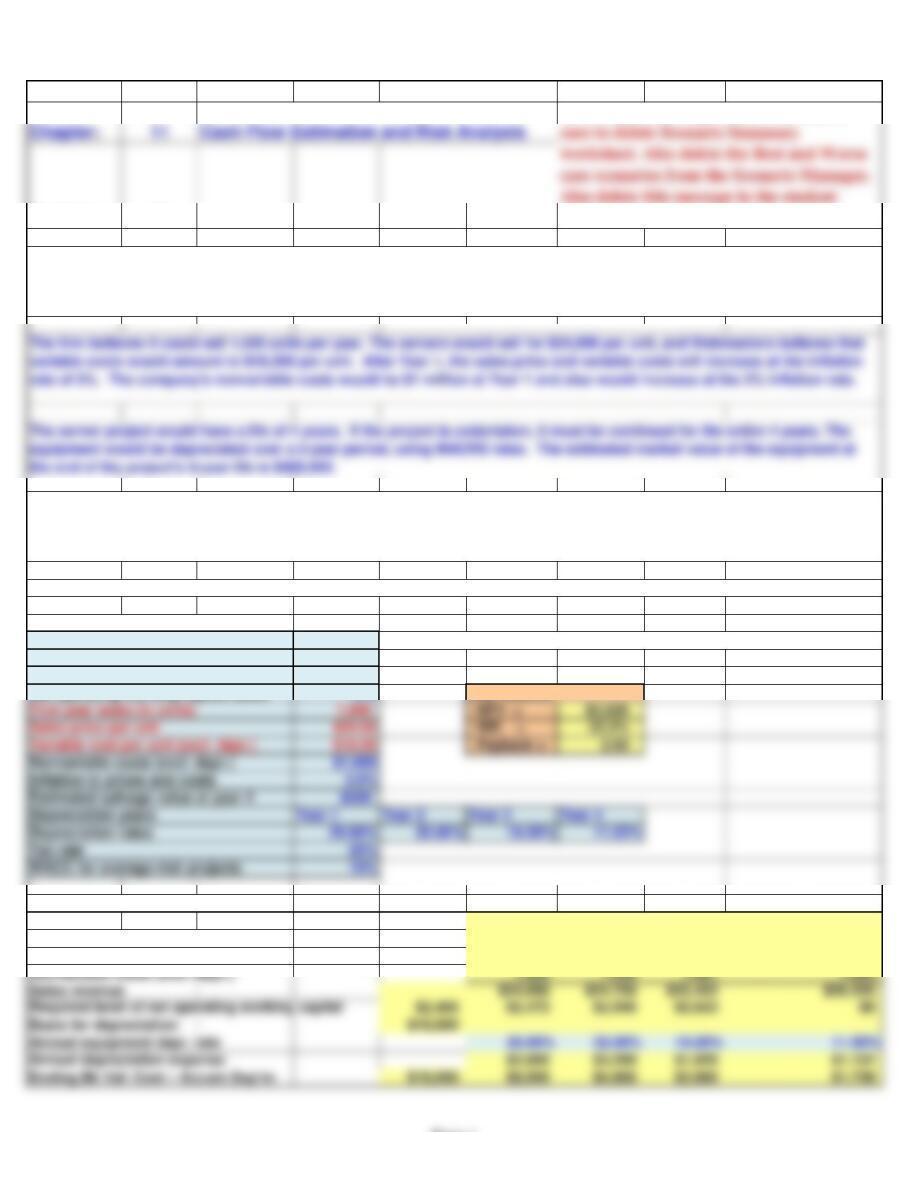
Input Data (in thousands of dollars)
Scenario name Base Case Note: the items in red will be used in a scenario analysis.
Probability of scenario 50%
Equipment cost $10,000
Net operating working capital/Sales 10% Key Results:
First year sales (in units)
Sales price per unit $24.00 IRR = 22.2%
Variable cost per unit (excl. depr.) $18.00 Payback = 2.83
Nonvariable costs (excl. depr.) $1,000
Inflation in prices and costs 3.0%
Estimated salvage value at year 4 $500
Depreciation years Year 1 Year 2 Year 3 Year 4
Depreciation rates 20.00% 32.00% 19.20% 11.52%
Tax rate 25%
Intermediate Calculations 0 1 2 3 4
Units sold 1,000 1,000 1,000 1,000
Sales price per unit (excl. depr.) $24.00 $24.72 $25.46 $26.23
Variable costs per unit (excl. depr.) $18.00 $18.54 $19.10 $19.67
Nonvariable costs (excl. depr.) 1,000 1,030 1,061 1,093
Sales revenue $24,000 $24,720 $25,462 $26,225
Required level of net operating working capital $2,400 $2,472 $2,546 $2,623 $0
Annual equipment depr. rate 20.00% 32.00% 19.20% 11.52%
Annual depreciation expense $2,000 $3,200 $1,920 $1,152
a. Develop a spreadsheet model, and use it to find the project’s NPV, IRR, and payback.
Webmasters.com has developed a powerful new server that would be used for corporations’ Internet activities. It would cost
$10 million at Year 0 to buy the equipment necessary to manufacture the server. The project would require net working capital
at the beginning of each year in an amount equal to 10% of the year’s projected sales; for example, NWC0 = 10%(Sales1).
Webmasters’ federal-plus-state tax rate is 25%. Its cost of capital is 10% for average-risk projects, defined as projects with
a coefficient of variation of NPV between 0.8 and 1.2. Low-risk projects are evaluated with a WACC of 8%, and high-risk
projects at 13%. Also, the project’s returns are expected to be highly correlated with returns on the firm’s other assets.
Note: when creating student version, be
version.
Page 1
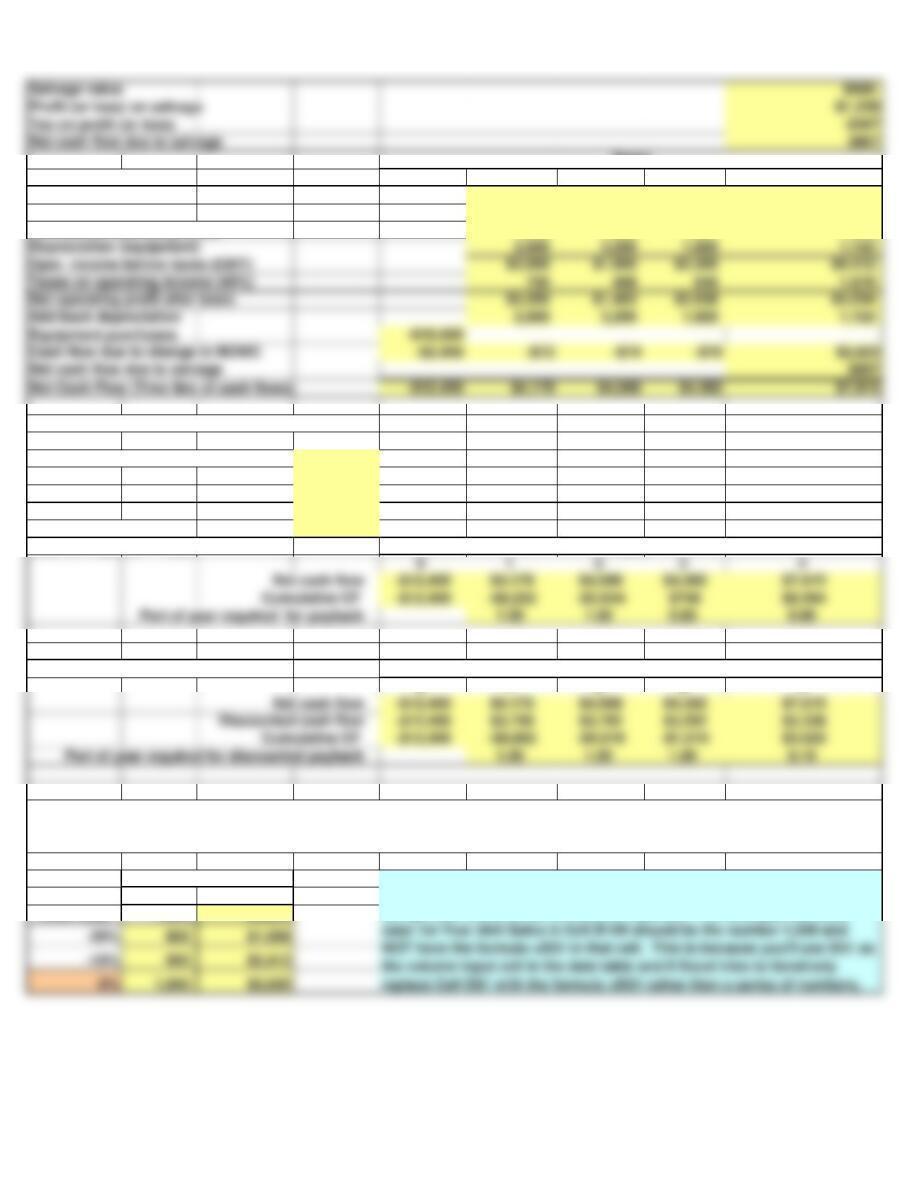
Cash Flow Forecast 0 1 2 3 4
Sales revenue $24,000 $24,720 $25,462 $26,225
Variable costs 18,000 18,540 19,096 19,669
Nonvariable operating costs 1,000 1,030 1,061 1,093
Depreciation (equipment) 2,000 3,200 1,920 1,152
Oper. income before taxes (EBIT) $3,000 $1,950 $3,385 $4,312
Taxes on operating income (40%) 750 488 846 1,078
Net operating profit after taxes $2,250 $1,463 $2,538 $3,234
Add back depreciation 2,000 3,200 1,920 1,152
Equipment purchases -$10,000
Cash flow due to change in NOWC -$2,400 -$72 -$74 -$76 $2,623
Net Cash Flow (Time line of cash flows) -$12,400 $4,178 $4,588 $4,382 $7,815
Key Results: Appraisal of the Proposed Project
Net Present Value (at 10%) = $3,820
IRR = 22.19%
MIRR = 17.64%
Payback = 2.83
Discounted Payback = 3.19
Data for Payback Years
0 1 2 3 4
Data for Discounted Payback Years
0 1 2 3 4
% Deviation
from Base NPV
Base Case 1,000 $3,820
1st YEAR UNIT SALES
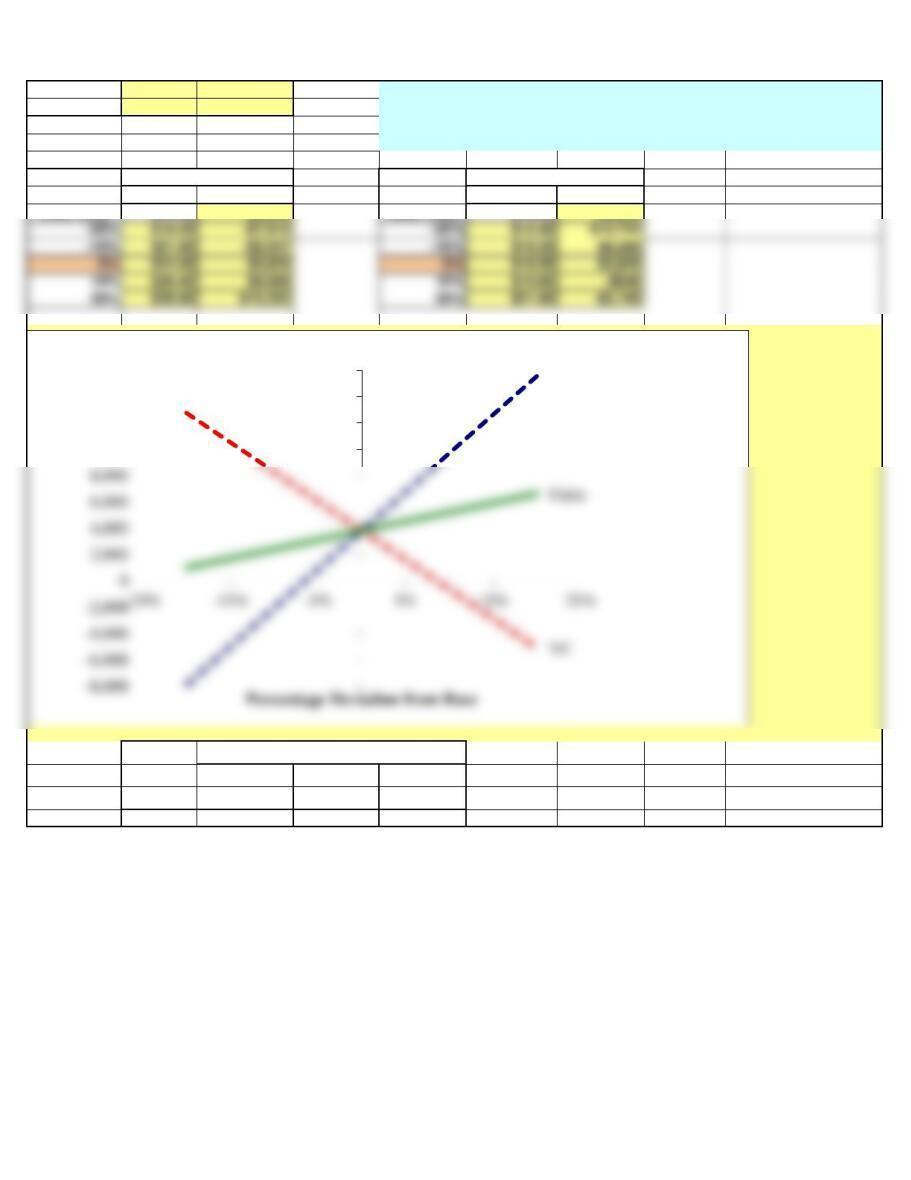
b. Now conduct a sensitivity analysis to determine the sensitivity of NPV to changes in the sales price, variable costs per unit,
and number of units sold. Set these variables’ values at 10% and 20% above and below their base-case values. Include a
graph in your analysis.
Years
Years
Note about data tables. The data in the column input should NOT be input
using a cell reference to the column input cell. For example, the base
Years
Page 2
Salvage value $500
Profit (or loss) on salvage -$1,228
Tax on profit (or loss) -$307
Net cash flow due to salvage $807
10% 1,100 $5,228
20% 1,200 $6,635
% Deviation % Deviation
from Base NPV from Base NPV
Base Case $24.00 $3,820 Base Case $18.00 $3,820
Deviation NPV at Different Deviations from Base
from Sales Variable
Base Case Units Sold Price Cost/Unit
-20% $1,006 -$7,915 $12,741
VARIABLE COST
SALES PRICE
case 1st Year Unit Sales in Cell B100 should be the number 1,000 and
NOT have the formula =D31 in that cell. This is because you’ll use D31 as
the column input cell in the data table and if Excel tries to iteratively
replace Cell D31 with the formula =D31 rather than a series of numbers,
Excel will calculate the wrong answer. Unfortunately, Excel won’t tell you
that there is a problem, so you’ll just get the wrong values for the data
table!
Sales price
10,000
12,000
14,000
16,000
NPV ($)
Sensitivity Analysis
Page 3
-10% $2,413 -$2,047 $8,280
Probability NPV
Base Case
CV range of firm’s average-risk project: 0.8 to 1.2
8%
Risk-adjusted WACC = 13%
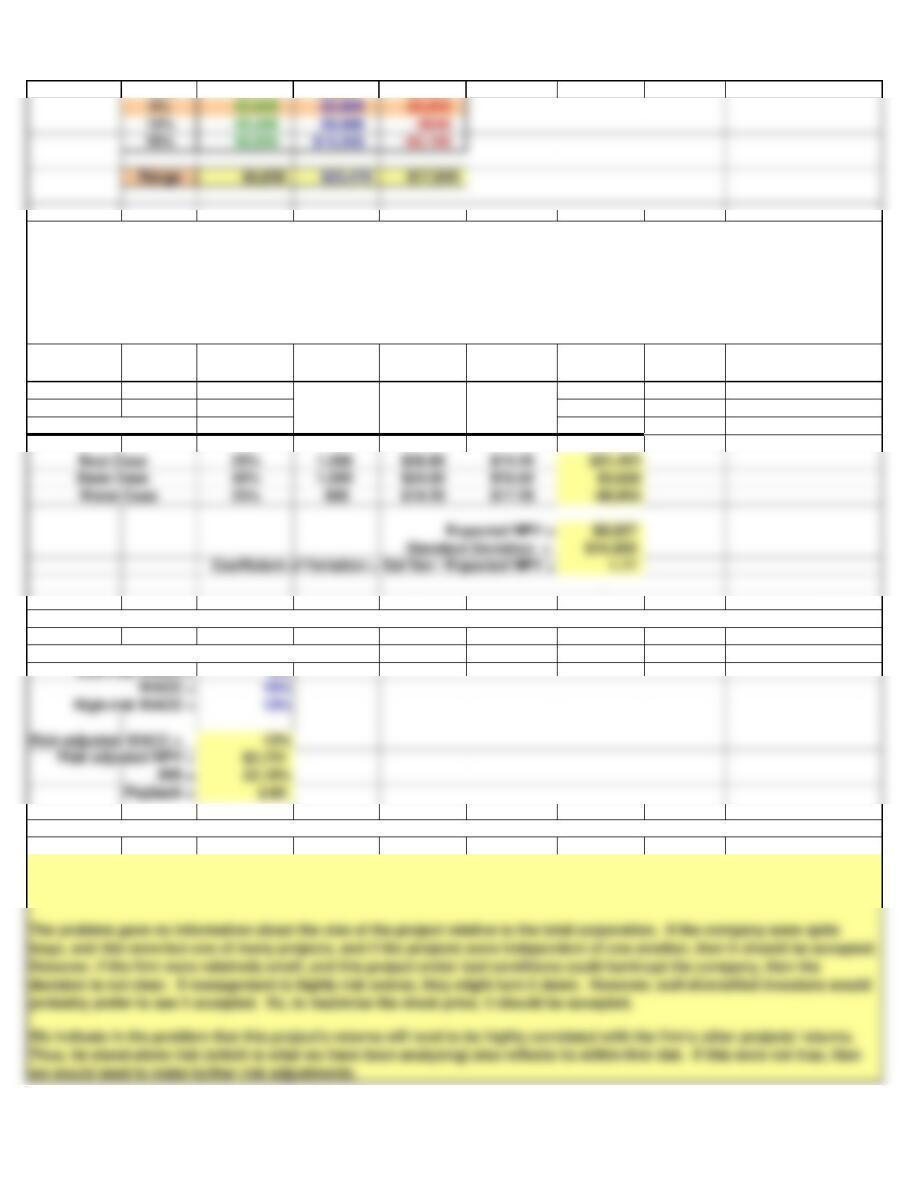
c. Now conduct a scenario analysis. Assume that there is a 25% probability that best-case conditions, with each of the
variables discussed in Part b being 20% better than its base-case value, will occur. There is a 25% probability of worst-case
conditions, with the variables 20% worse than base, and a 50% probability of base-case conditions. (Hint: Use Scenario
Manager. Go to the Data menu, choose What-If-Analyis, the choose Scenario Manager. After you create the Scenario’s, you can
pick a scenario and type in the resulting NPV (but be sure to return the Scenario to the base-case afterward). Or you can create
a Scenario Summary and use a cell reference to the Scenario Summary worksheet to show the NPV for each scenario.)
Sales Price
per Unit
Unit Sales
Variable
Costs per
Unit
probably prefer to see it accepted. So, to maximize the stock price, it should be accepted.
we would need to make further risk adjustments.
e. On the basis of information in the problem, would you recommend that the project be accepted?
Scenario
d. If the project appears to be more or less risky than an average project, find its risk-adjusted NPV, IRR, and payback.
Low-risk WACC =
At this point, the project looks risky but acceptable. There is a good chance that it will produce a positive NPV, but there is
also a chance that the NPV could be quite low.
Page 4
Scenario Summary
Current Values: Base Case Best Case Worst Case
Changing Cells:
$D$27 Base Case Base Case Best Case Worst Case
$D$28 50% 50% 25% 25%
$D$31 1,000 1,000 1,200 800
Result Cells: