Chapter 8 – Database Redesign
CUSTOMER (CustomerID, LastName, FirstName, EmailAddress, EncryptedPassword,
Address, City, State, ZIP, Phone, ReferredBy)
EMPLOYEE (EmployeeID, LastName, FirstName, Position, Supervisor, OfficePhone,
EmailAddress)
Without moving the locations of existing columns in the schema (table design), if we make
(FirstName, LastName) the primary key of CUSTOMER we would have (note the changes to
CUSTOMER_CUSTOMER_SALE_INT):
CUSTOMER (CustomerID, LastName, FirstName, EmailAddress, EncryptedPassword,
Address, City, State, ZIP, Phone, ReferredBy)
EMPLOYEE (EmployeeID, LastName, FirstName, Position, Supervisor, OfficePhone,
EmailAddress)
H. Code all SQL statements necessary to implement the changes described in part G.
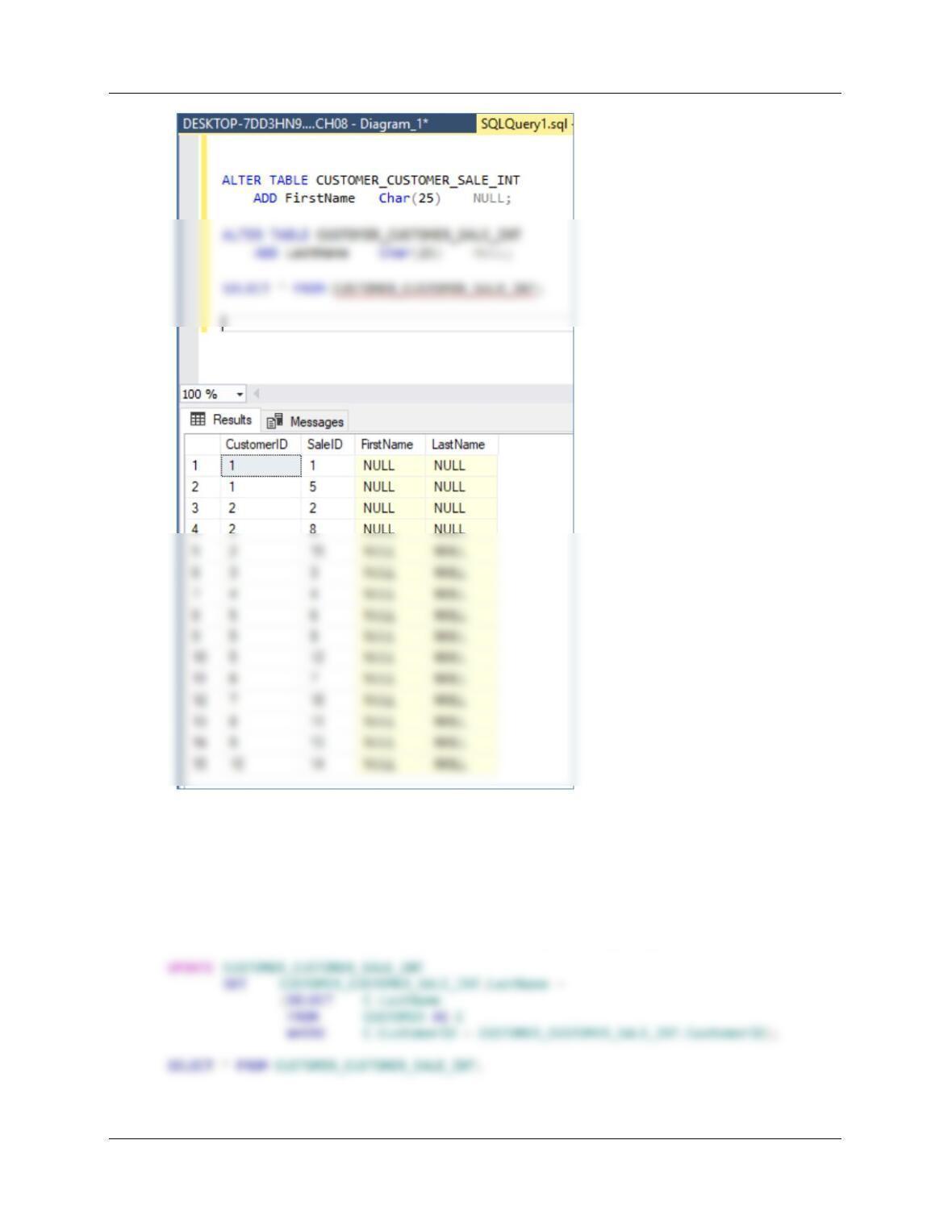
(1) Add the new columns to INVOICE_CUSTOMER_INT to hold the foreign key values, but
allow these columns to be NULL at this point (there are many existing rows, and these columns
will initially be empty).
Chapter 8 – Database Redesign
Page 8-62
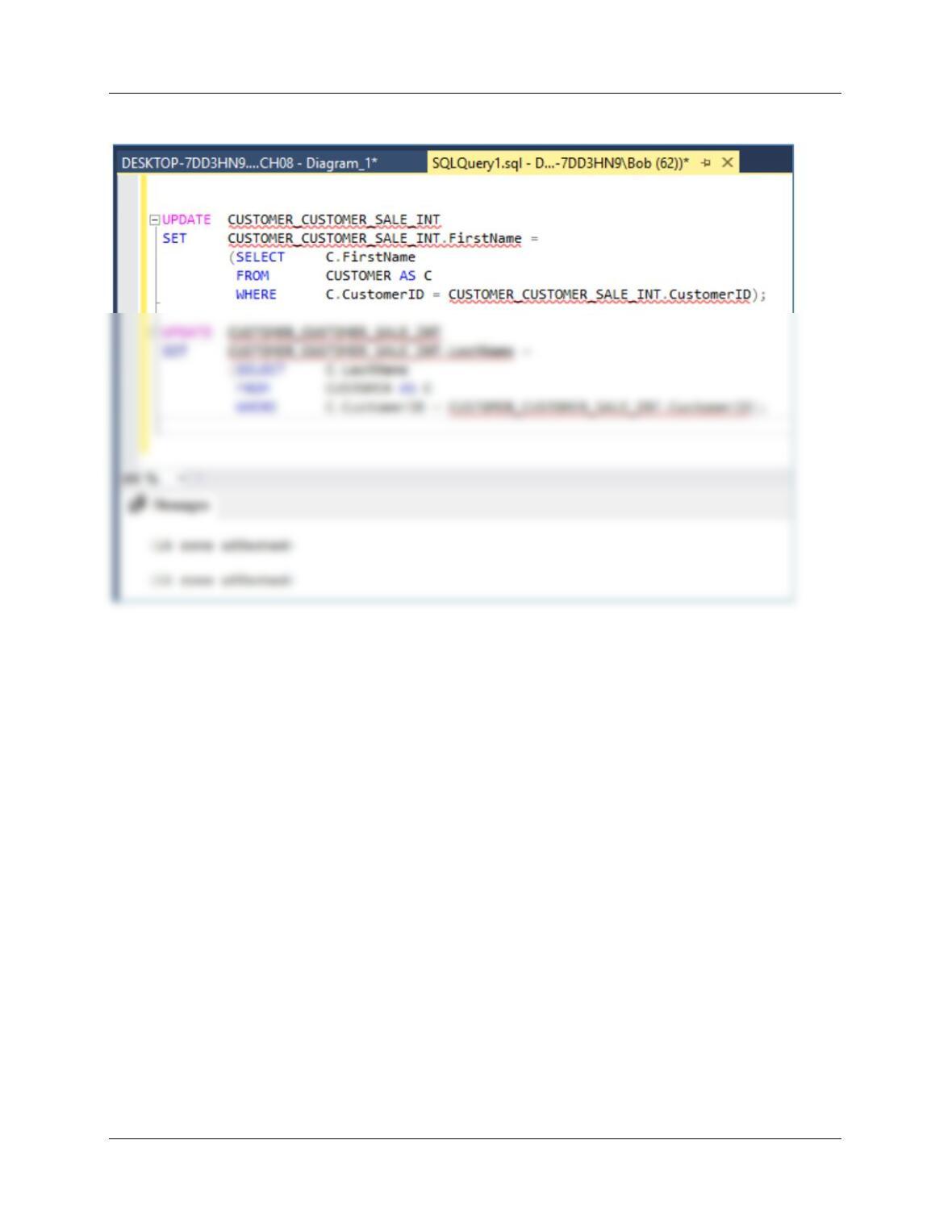
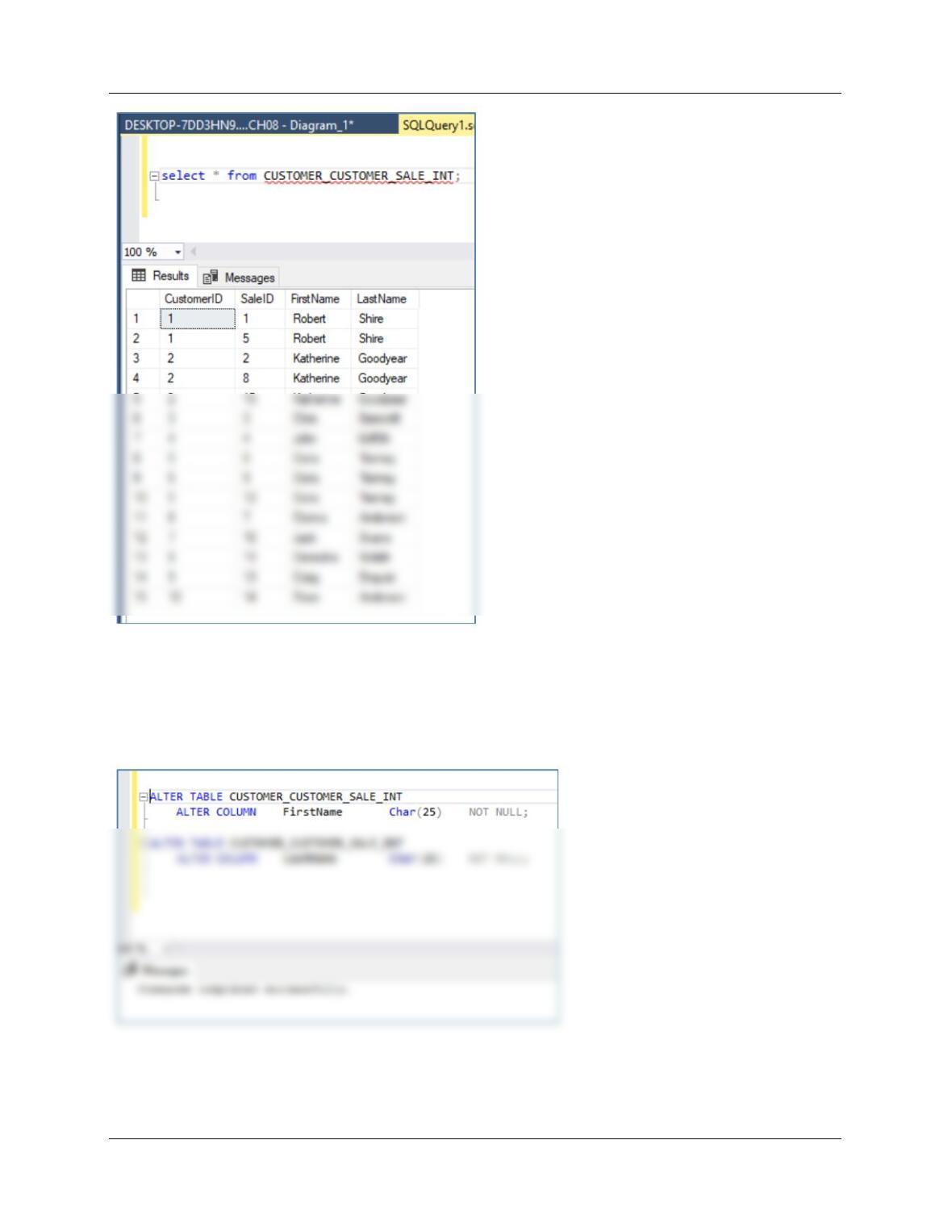
(2) Add foreign key data to CUSTOMER_CUSTOMER_SALE_INT.
UPDATE CUSTOMER_CUSTOMER_SALE_INT
SET CUSTOMER_CUSTOMER_SALE_INT.FirstName =
(SELECT C.FirstName
FROM CUSTOMER AS C
WHERE C.CustomerID = CUSTOMER_CUSTOMER_SALE_INT.CustomerID);
Chapter 8 – Database Redesign
Page 8-63
Chapter 8 – Database Redesign
Page 8-64
(3) Set the new columns to NOT NULL.
ALTER TABLE CUSTOMER_CUSTOMER_SALE_INT
ALTER COLUMN FirstName Char(25) NOT NULL;
ALTER TABLE CUSTOMER_CUSTOMER_SALE_INT
ALTER COLUMN LastName Char(25) NOT NULL;
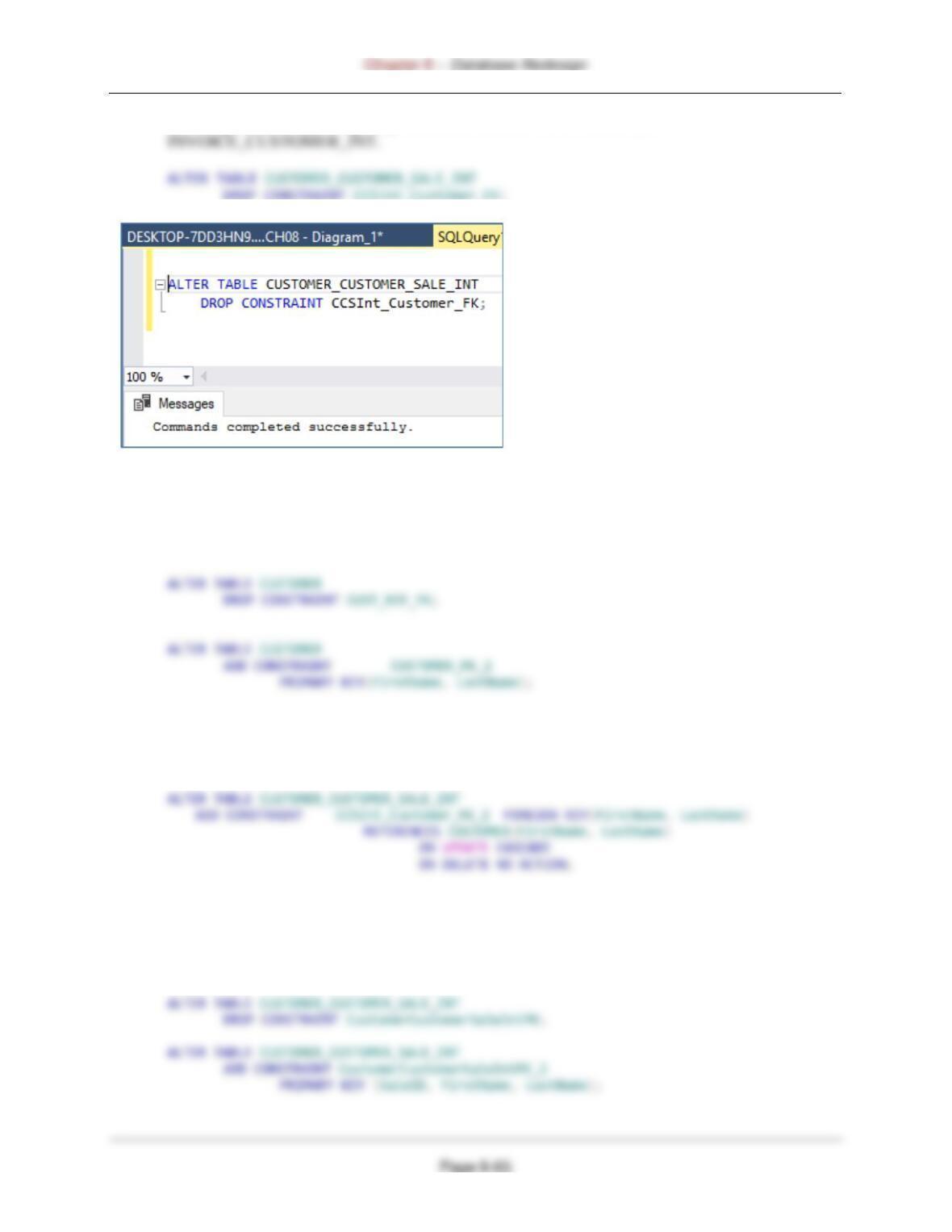
(4) Drop the existing foreign key constraint between CUSTOMER and
(5) Drop the existing primary key constraint for CUSTOMER and the recursive ReferredBy and
set a new primary key constraint.
ALTER TABLE CUSTOMER
DROP CONSTRAINT CUSTOMER_PK;
(6) Create a new foreign key constraint between CUSTOMER and
CUSTOMER_CUSTOMER_SALE_INT. Note that since the primary key of CUSTOMER is no
longer a surrogate key, we will now cascade updates.
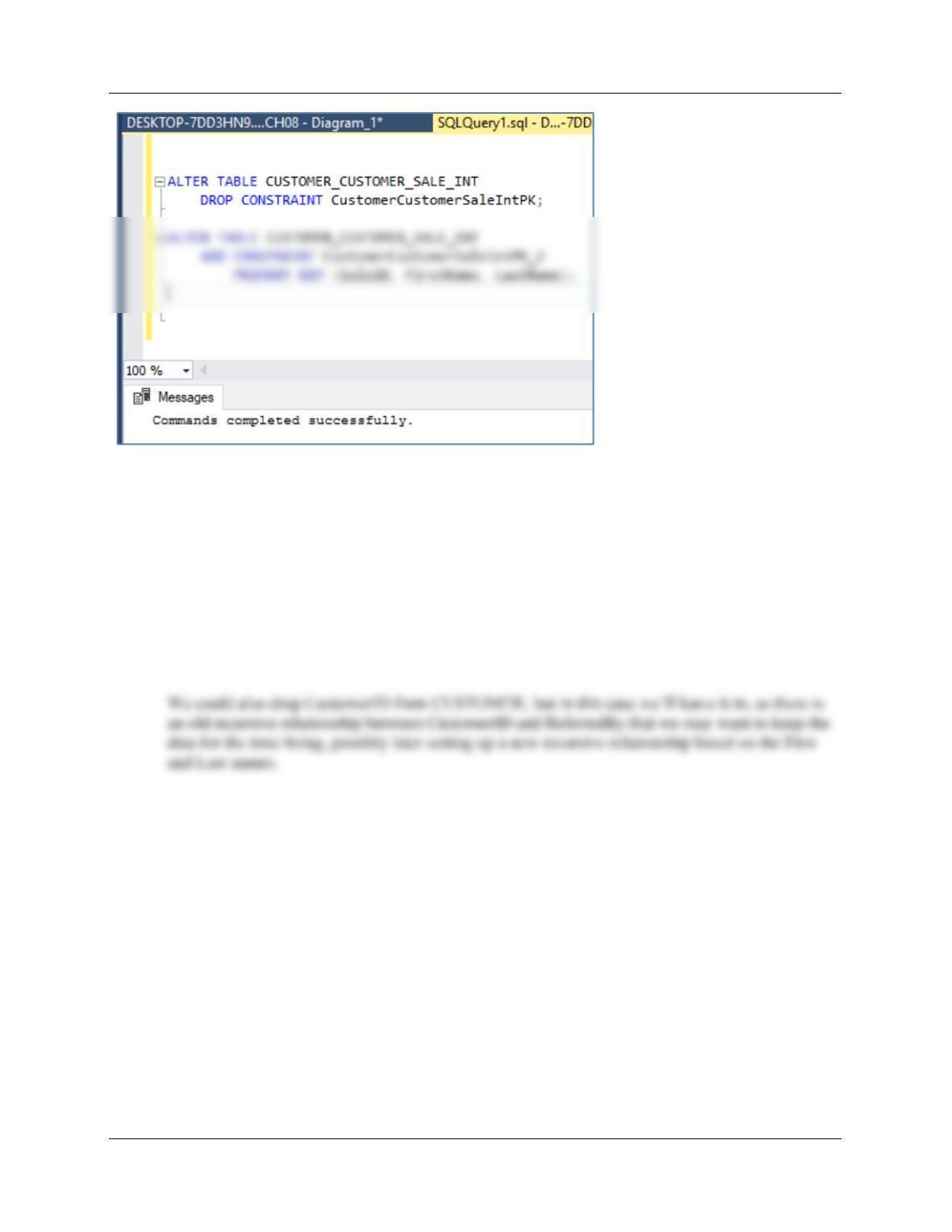
(7) Drop the primary key constraint on (InvoiceNumber, CustomerID) in
CUSTOMER_CUSTOMER_SALE_INT, and replace it with a primary key constraint on
(InvoiceNumber, FirstName, LastName).
Chapter 8 – Database Redesign
Page 8-66
(8) Drop the CustomerID column for CUSTOMER_CUSTOMER_SALE_INT—we will keep it
in CUSTOMER (although we could drop it as well).
ALTER TABLE CUSTOMER_CUSTOMER_SALE_INT
DROP COLUMN CustomerID;
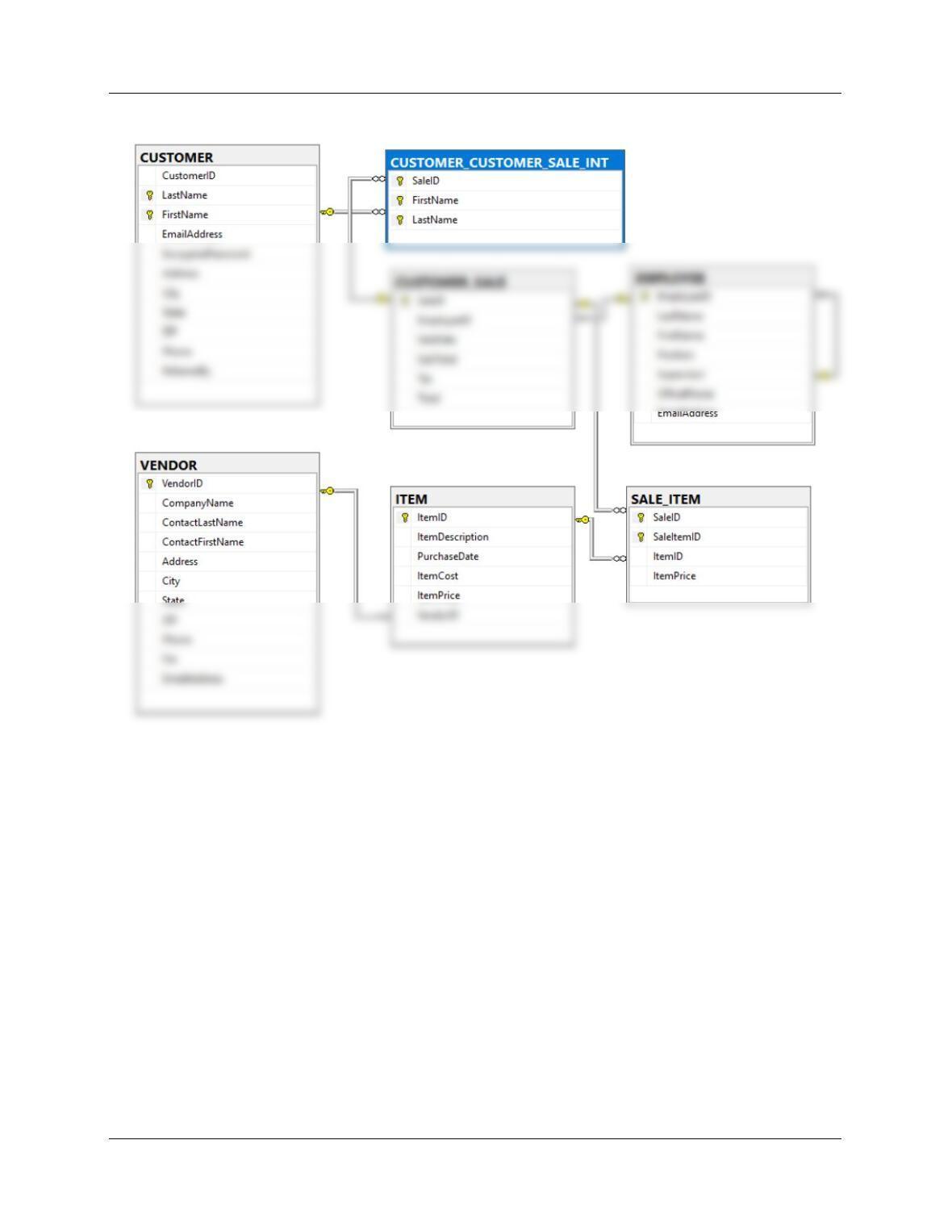
A look at the database diagram in the Microsoft SQL Server Management Studio shows that the
new primary key in CUSTOMER is set up correctly, and the CustomerID in CUSTOMER and
CUSTOMER_CUSTOMER_SALE_INT is no longer a primary key or part of a composite
primary key, and CustomerID is no longer in CUSTOMER_CUSTOMER_SALE_INT.
Chapter 8 – Database Redesign
Page 8-67
Chapter 8 – Database Redesign
Page 8-68
❖ MORGAN IMPORTING PROJECT QUESTIONS
Assume that Morgan has created a database with the tables described at the end of Chapter 7
(note that STORE uses the surrogate key StoreID):
Note: this project is the most difficult in this chapter.
EMPLOYEE (EmployeeID, LastName, FirstName, Department, Position, Supervisor,
OfficePhone, OfficeFax, EmailAddress)
STORE (StoreID, StoreName, City, Country, Phone, Fax, EmailAddress, Contact)
PURCHASE_ITEM (PurchaseItemID, StoreID, PurchasingAgentID, PurchaseDate,
Assume that all relationships have been defined as implied by the foreign keys in this table list.
The referential integrity constraints are:
Supervisor in EMPLOYEE must exist in EmployeeID in EMPLOYEE
StoreID in PURCHASE_ITEM must exist in StoreID in STORE
PurchasingAgentID in PURCHASE_ITEM must exist in EmployeeID in EMPLOYEE
ReceivingAgentID in SHIPMENT_RECEIPT must exist in EmployeeID in EMPLOYEE
Assume that EmployeeID of EMPLOYEE, PurchaseItemID of PURCHASE_ITEM, ShipperID
of SHIPPER, ShipmentID of SHIPMENT, and ReceiptNumber of SHIPMENT_RECEIPT are
all surrogate keys with values as follows:
Errata: StoreID should start at 1000.
Store ID Start at 1000 Increment by 50
EmployeeID Start at 101 Increment by 1
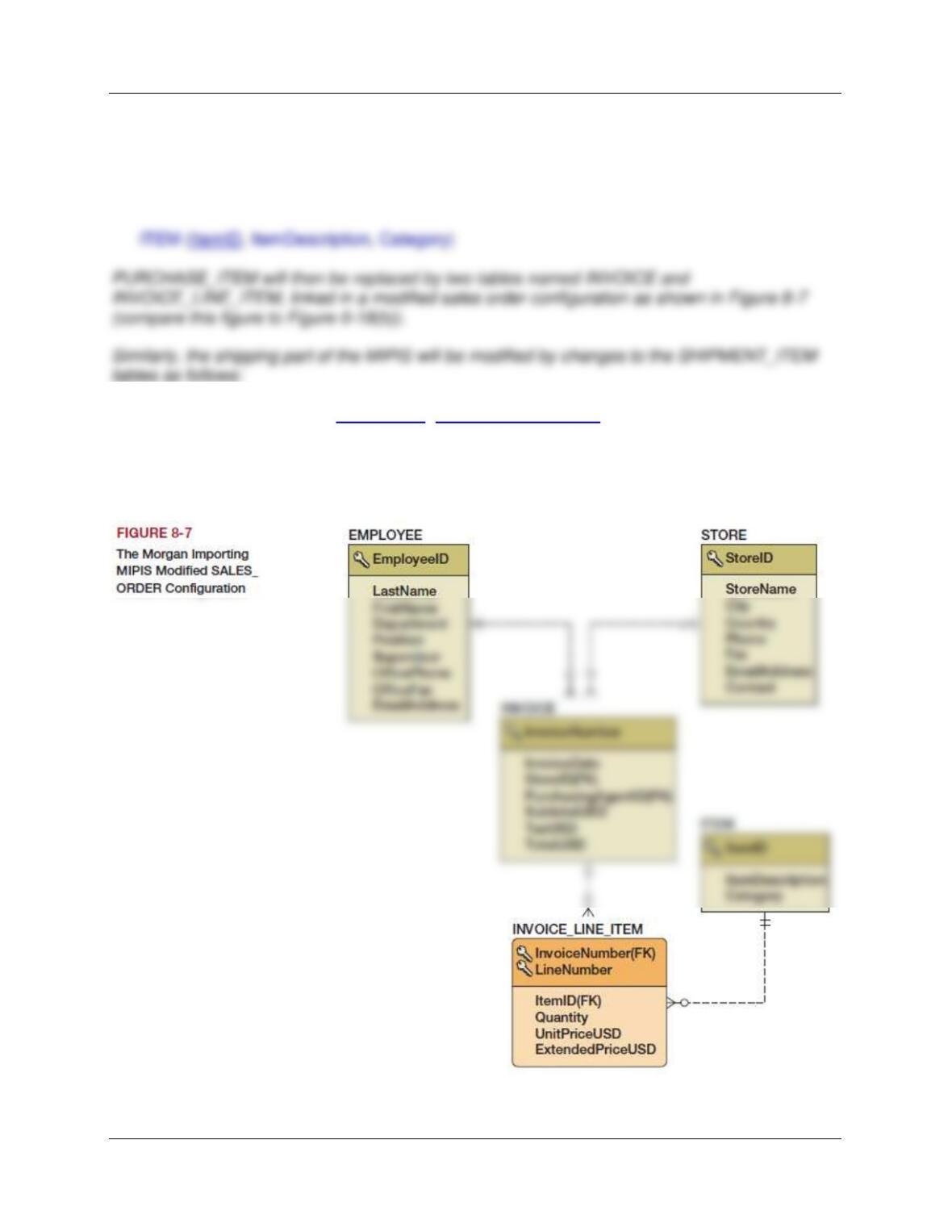
Chapter 8 – Database Redesign
Page 8-69
Japan, Peru, Philippines, Singapore, and United States.
James Morgan wants to modify the database design of the Morgan Imports procurement
information system (MIPIS) to separate the items in PURCHASE_ITEM in a separate table
named ITEM. This will allow each item to be tracked as a unique entity throughout its acquisition
and sale. The schema for the ITEM table is:
SHIPMENT_LINE_ITEM (ShipmentID, ShipmentLineNumber, ItemID, InsuredValue)
If you want to run these solutions in a DBMS product, first create a version of the MI database
described in Chapter 7 and name it MI_CH08.
Chapter 8 – Database Redesign
Page 8-70
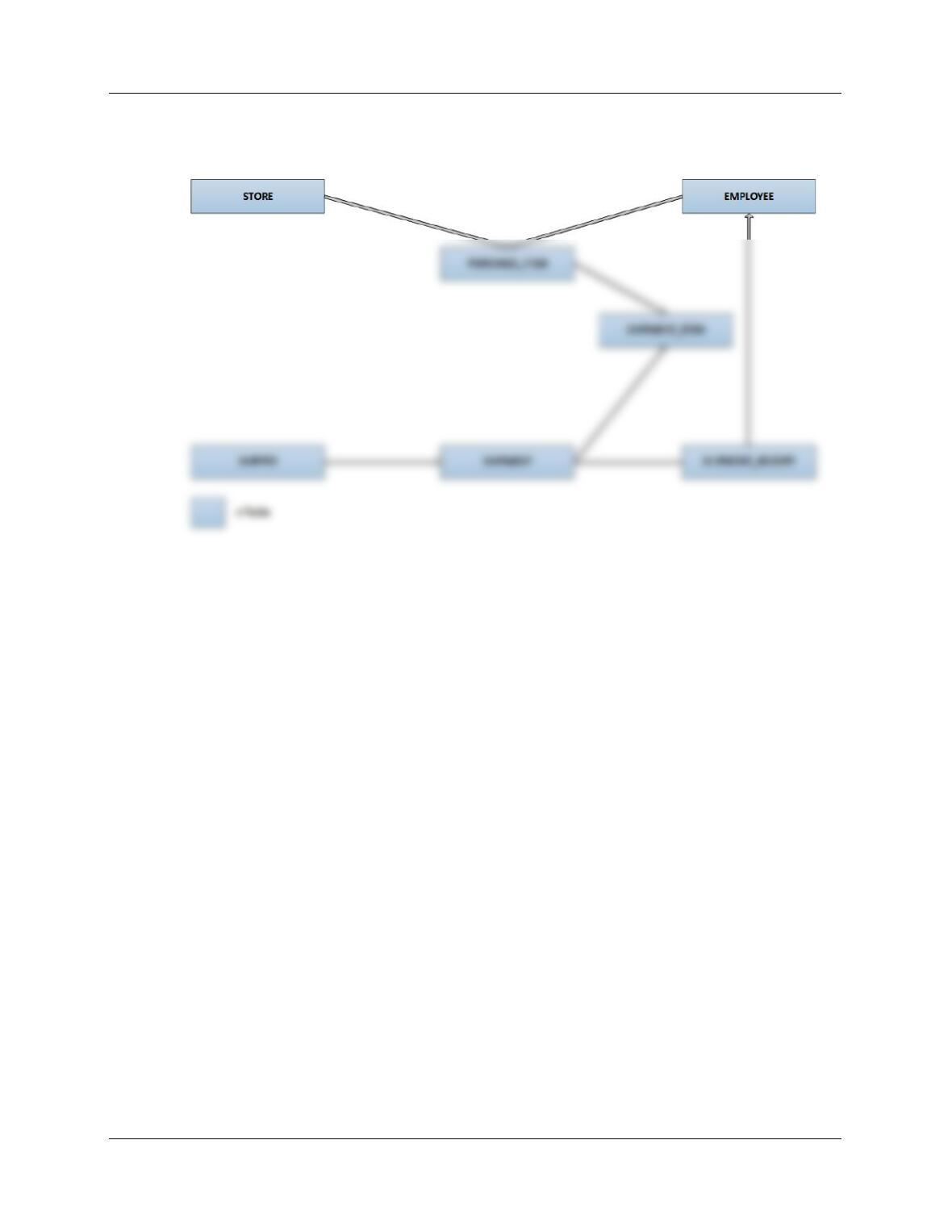
A. Create a dependency graph that shows dependencies among the original set of tables.
Explain how you need to extend this graph for views and other database constructs such as
stored procedures.
Chapter 8 – Database Redesign
Page 8-71
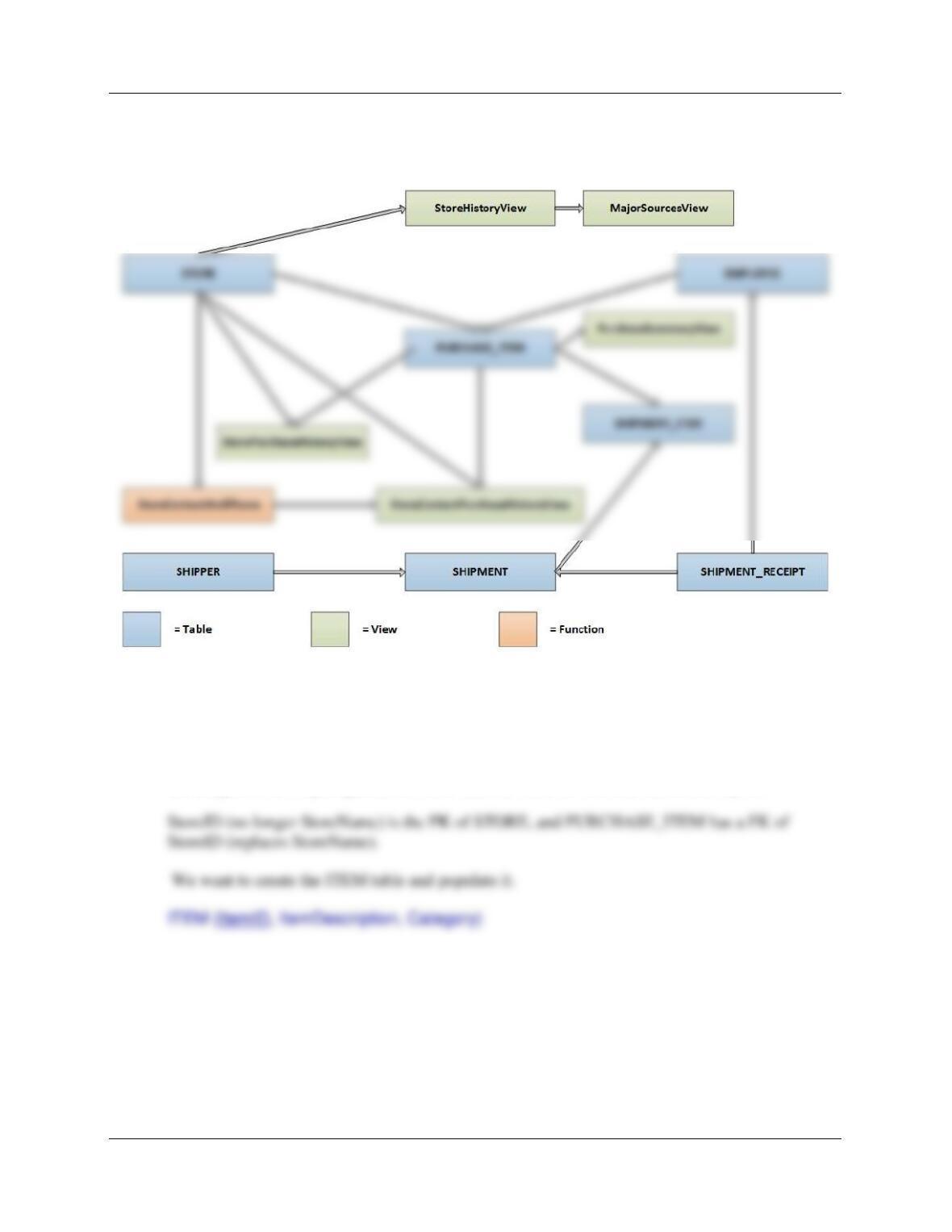
We would extend this dependency graph by adding objects to represent views, triggers and stored
procedures such that each additional object was connected by directed line segments to the tables it was
dependent upon. For example, we can add in the views that we created in the Chapter 7 project questions
as shown in the diagram below.
B. Using your dependency graph, describe the tasks necessary to create and populate the
ITEM table.
The MI database described in Chapter 7 does not exactly match the description in this problem.
Use EmailAddress in SHIPPER not Email, and also the StoreID changes suggested in Part A of
the Chapter 7 MI Project questions, where StoreID starts at 1000 and increments by 50:
Since this is a new table, and not a name change, we will create it as we would any other table.
Further, it will not contain a foreign key (other tables will link to it via foreign keys). ItemID will
be a new surrogate key, and the other data will be copied as unique data from
PURCHASE_ITEMs similar as described in Review Question 8.25 above (the process for
changing a table name).
Page 8-72
(1) Create the new table.
(2) Populate the tables. In this case, copy all relevant data from an existing table to the new table
and generate the surrogate key values at the same time.
So we would:
C. Write all SQL statements to make the name change described in question B.
To create the ITEM table:
CREATE TABLE ITEM (
ItemID Int NOT NULL IDENTITY (1,1),
ItemDescription VarChar(255) NOT NULL,
Category Char(25) NULL,
CONSTRAINT ITEM_PK PRIMARY KEY(ItemID)
);
Chapter 8 – Database Redesign
Page 8-73
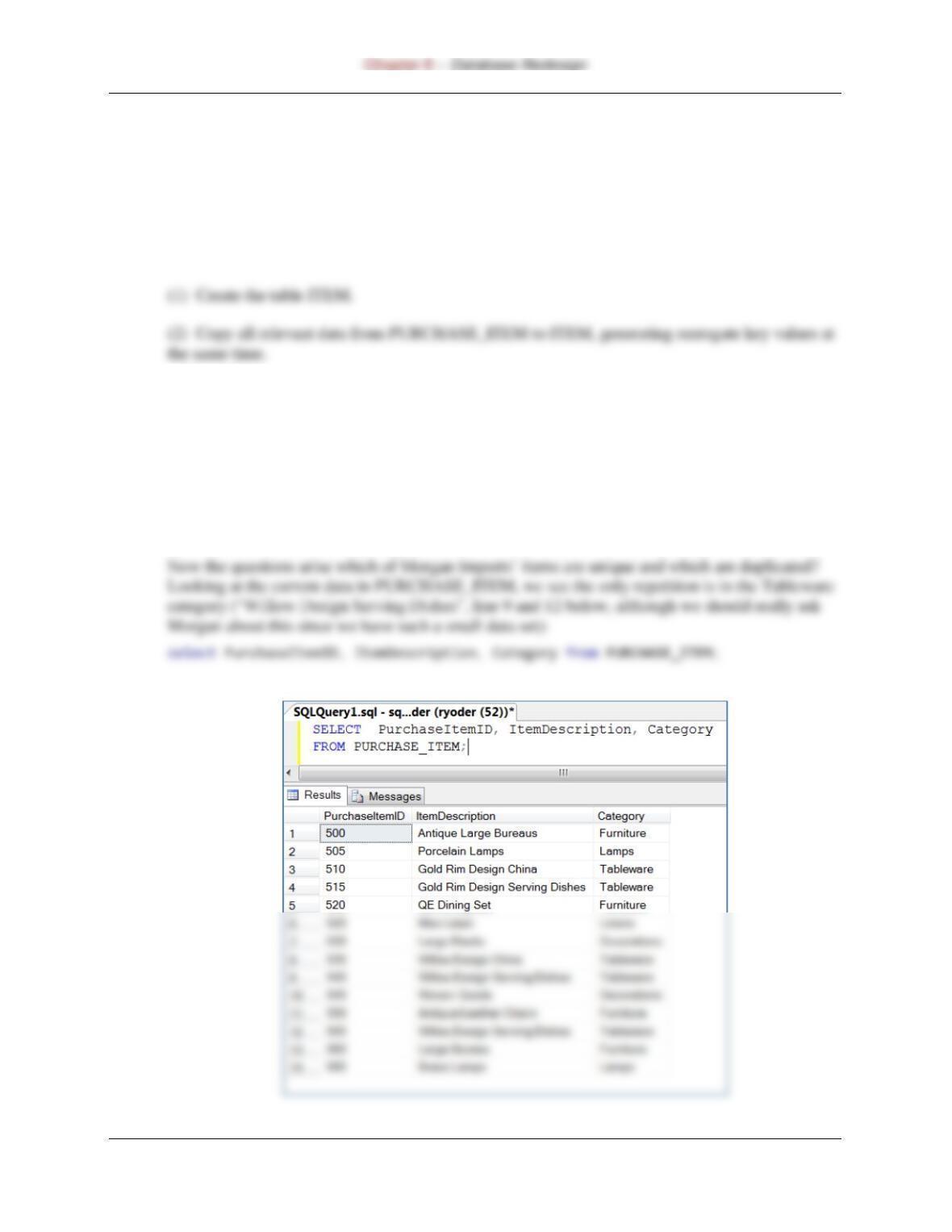
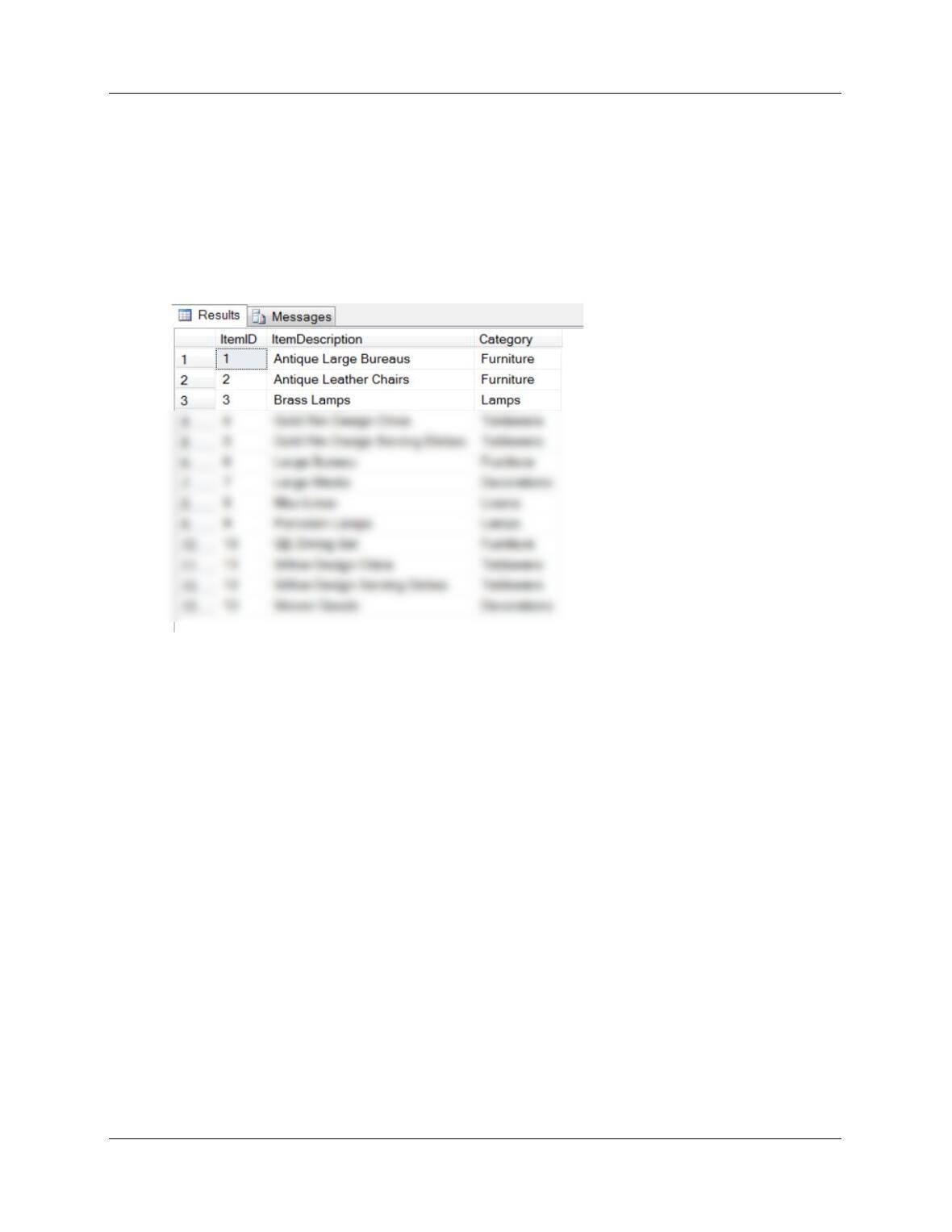
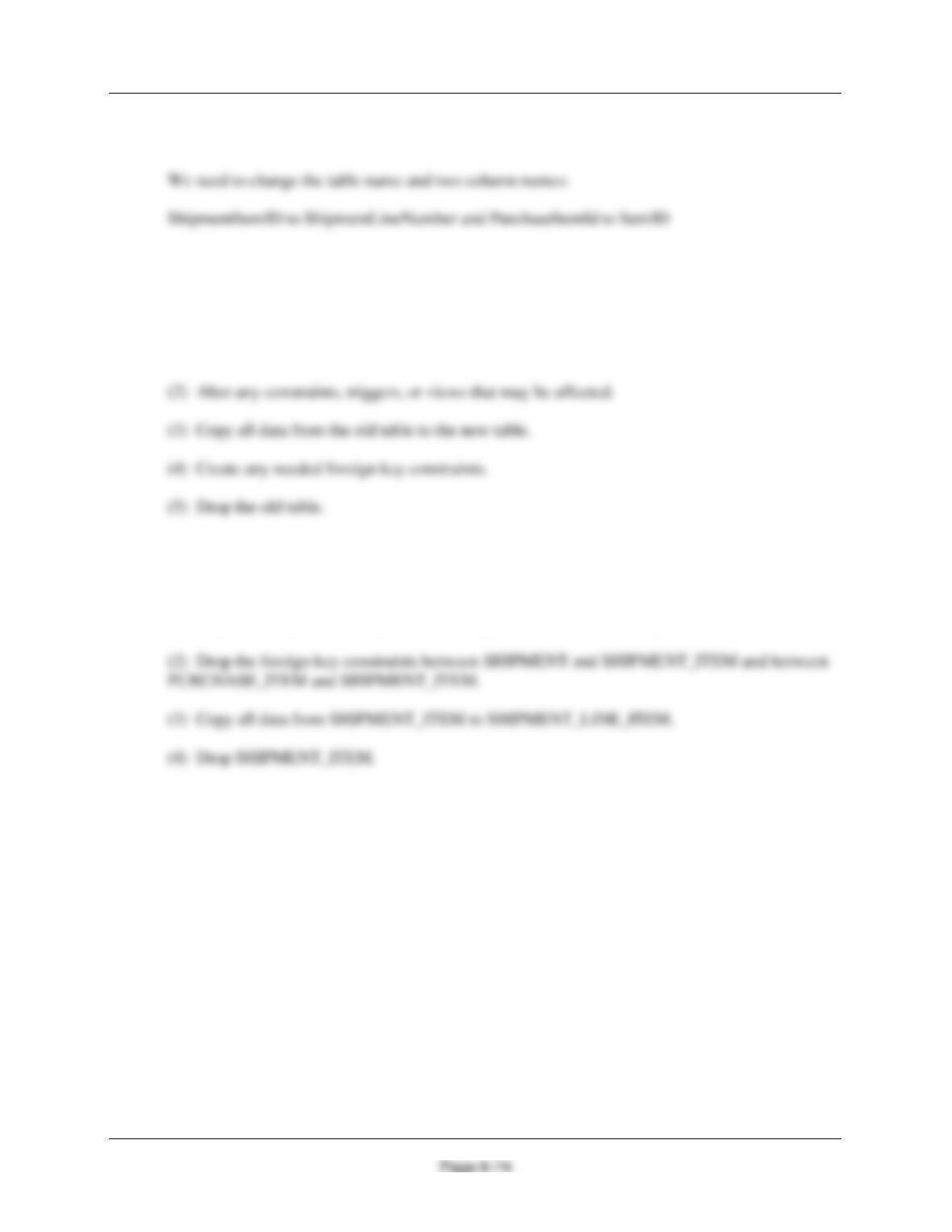
We will arbitrarily decide that only Tableware is non-unique and can be reordered to remove the
duplicates. See PurchaseItemID 540 and 555. Everything else will be considered a unique item
for this exercise.
INSERT INTO ITEM
(ItemDescription, Category)
SELECT DISTINCT ItemDescription, Category
FROM PURCHASE_ITEM;
SELECT * FROM ITEM;
Chapter 8 – Database Redesign
D. Using your dependency graph, describe the tasks necessary to change the name of the
SHIPMENT_ITEM table to SHIPMENT_LINE_ITEM and the needed changes to column names.
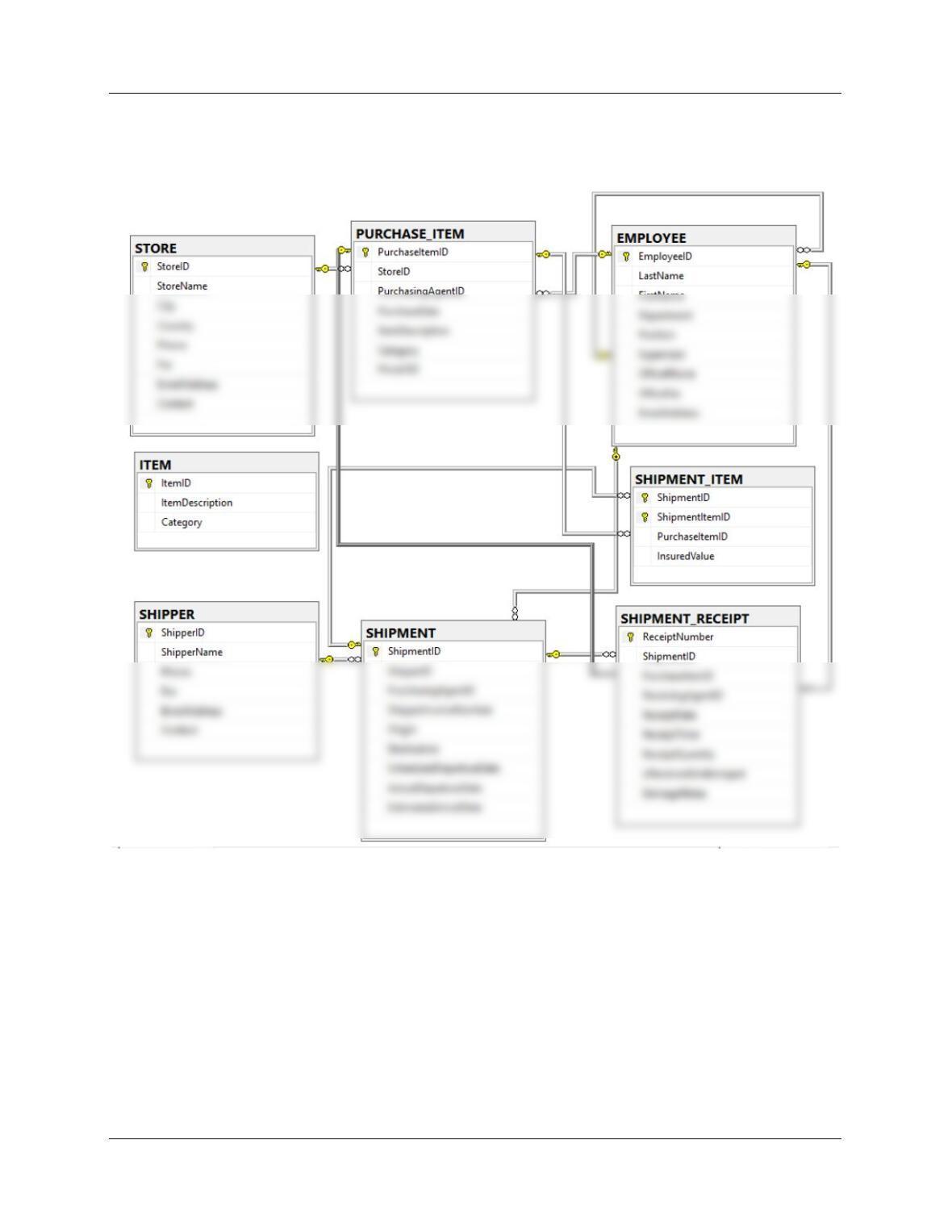
We will use the original dependency graph with just the tables. Based on the dependency graph,
we can see that SHIPMENT_ITEM is dependent on SHIPMENT and on PURCHASE_ITEM.
As described in Review Question 8.25 above, the process for changing a table name is:
(1) Create a new table with the new name.
So we would:
(1) Create the table SHIPMENT_LINE_ITEM (note—the foreign key constraints between
[SHIPMENT and SHIPMENT_LINE_ITEM] and [PURCHASE_ITEM and
SHIPMENT_LINE_ITEM] can be created as part of the table creation process).
Chapter 8 – Database Redesign
Page 8-75
E. Write all SQL statements to make the name change described in question D.
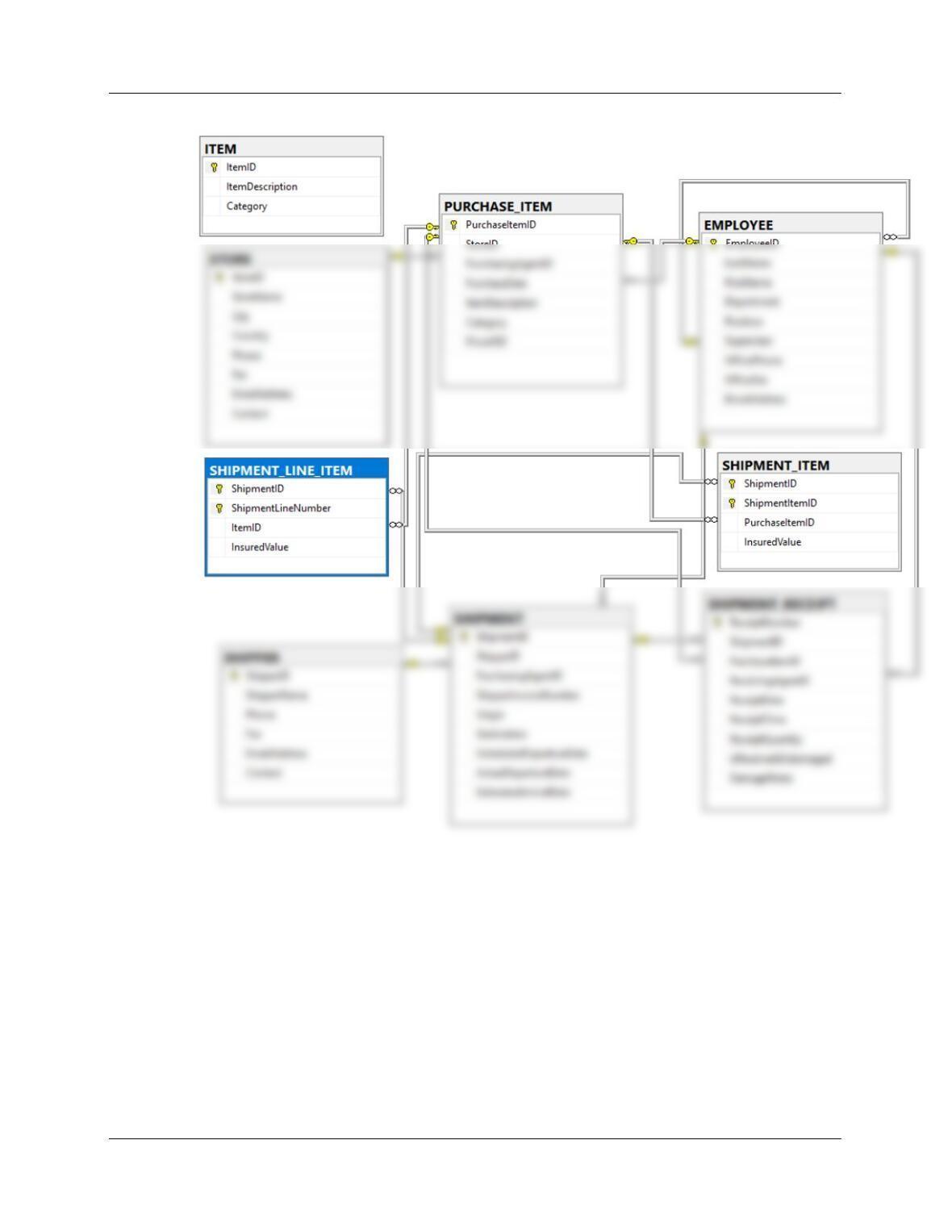
(1) Here’s our starting point—the current set of tables and relationships in the MI-CH08 database:
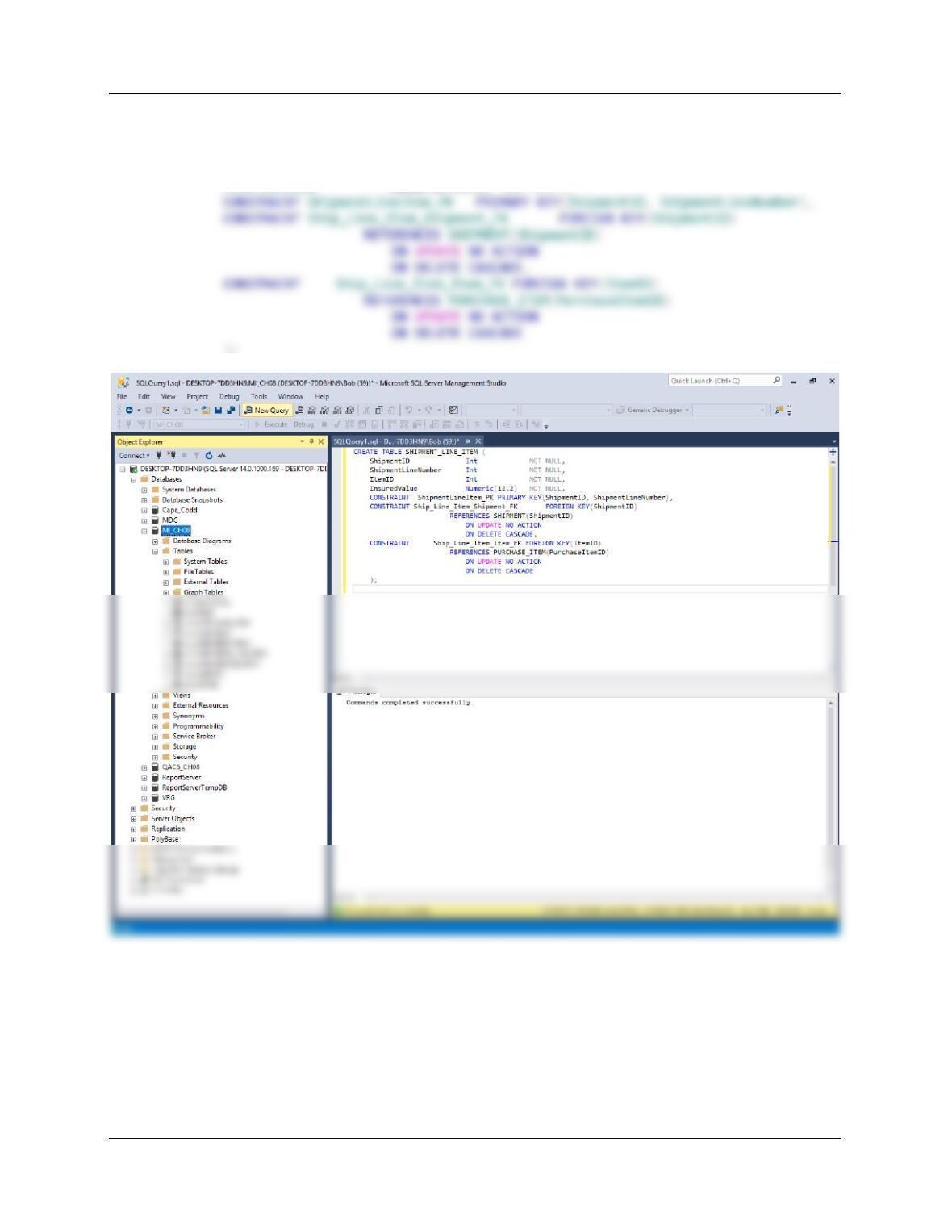
Create the table SHIPMENT_LINE_ITEM. Note that we will also create the foreign key
constraints between [SHIPMENT and SHIPMENT_LINE_ITEM] and [PURCHASE and
SHIPMENT_LINE_ITEM] at this time—we’re used to doing this when we create a new table.
Chapter 8 – Database Redesign
Page 8-76
CREATE TABLE SHIPMENT_LINE_ITEM (
ShipmentID Int NOT NULL,
ShipmentLineNumber Int NOT NULL,
ItemID Int NOT NULL,
InsuredValue Numeric(12,2) NOT NULL,
);
Chapter 8 – Database Redesign
Page 8-77
Chapter 8 – Database Redesign
Page 8-78
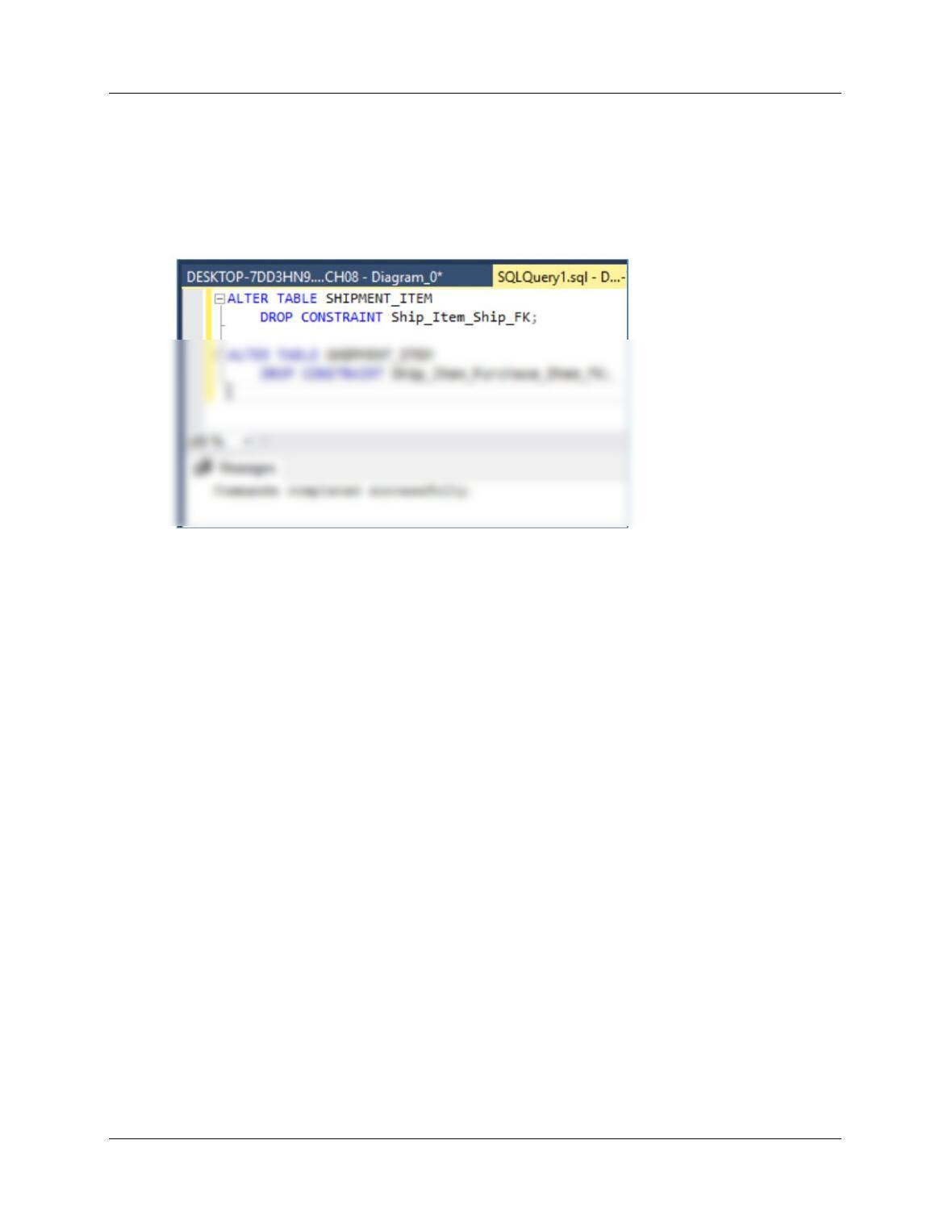
(2) Drop the foreign key constraints between [SHIPMENT_ITEM and SHIPMENT] and between
[SHIPMENT_ITEM and PURCHASE_ITEM].
ALTER TABLE SHIPMENT_ITEM
DROP CONSTRAINT Ship_Item_Ship_FK;
ALTER TABLE SHIPMENT_ITEM
DROP CONSTRAINT Ship_Item_Purchase_Item_FK;
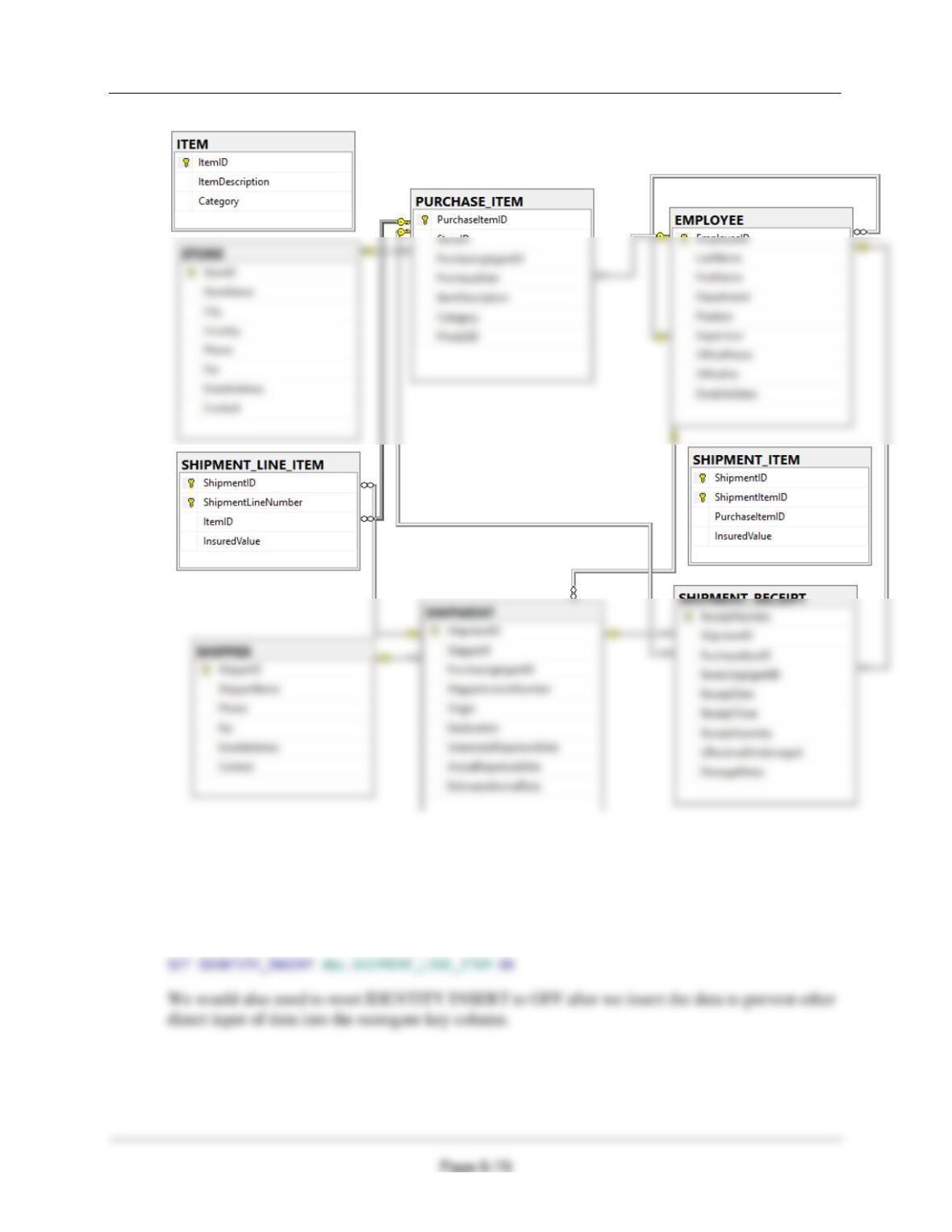
The MI-CH-08-Database-Diagram on the next page shows the changes. If we look at the database
diagram in the Microsoft SQL Server Management Studio, we can see that
SHIPMENT_LINE_ITEM is correctly inserted into the database, and that SHIPMENT_ITEM is
now disconnected.
Chapter 8 – Database Redesign
(3) Copy all data from SHIPMENT_ITEM to SHIPMENT_LINE_ITEM.
Because there are no surrogate keys, there will be no problems with the SQL INSERT statement.
Otherwise we would have to use the SQL Server SQL command IDENTITY_INSERT, as shown
below (but there is no need to run it):
Chapter 8 – Database Redesign
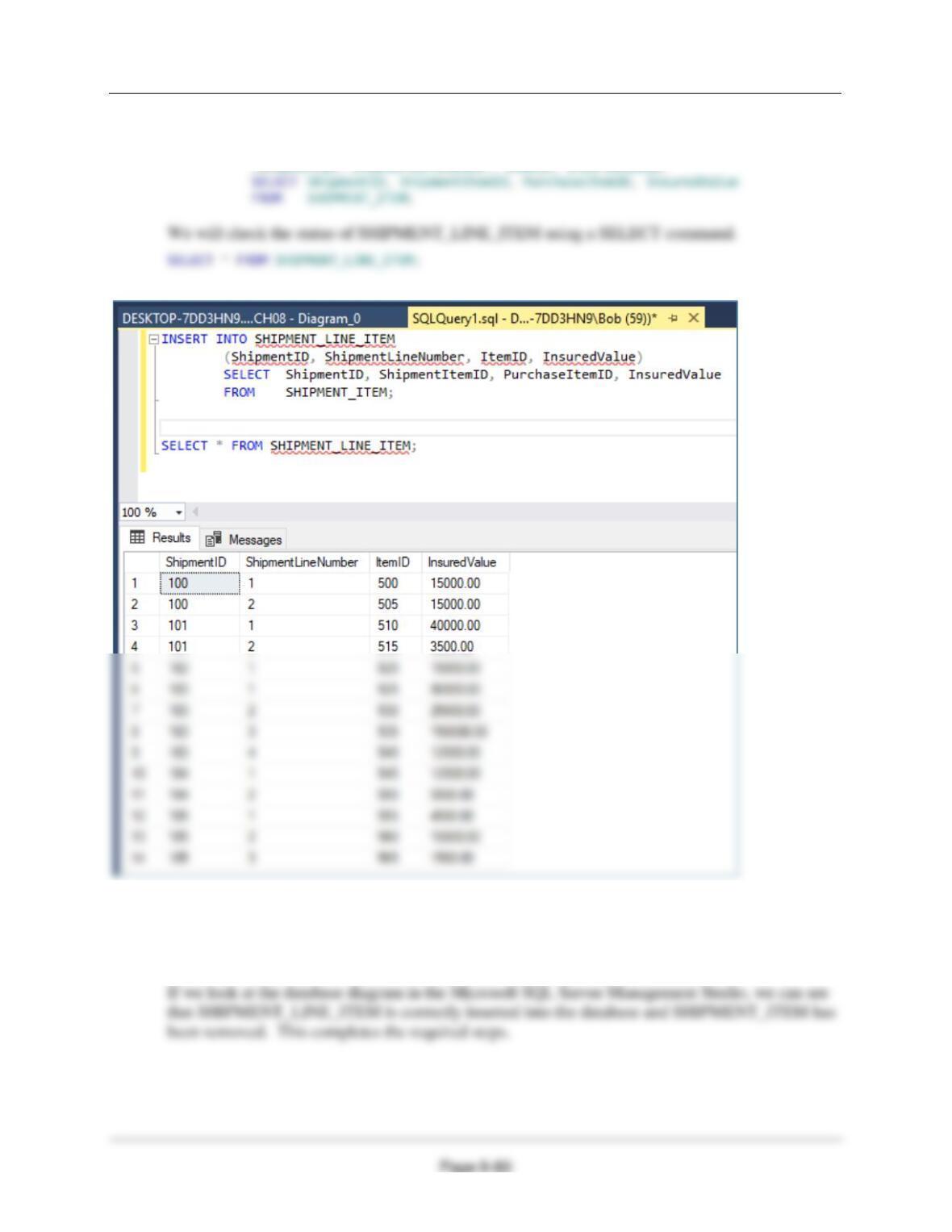
Copy (INSERT) the data from SHIPMENT_ITEM to SHIPMENT_LINE_ITEM:
INSERT INTO SHIPMENT_LINE_ITEM
(ShipmentID, ShipmentLineNumber, ItemID, InsuredValue)
(5) Drop the SHIPMENT_ITEM table.
DROP TABLE SHIPMENT_ITEM;