Chapter Seven – SQL For Database Construction and Application Processing
Page 7-41
NOTE: Answers to Review Questions 7.51 – 7.56 show the correct INSERT statements for
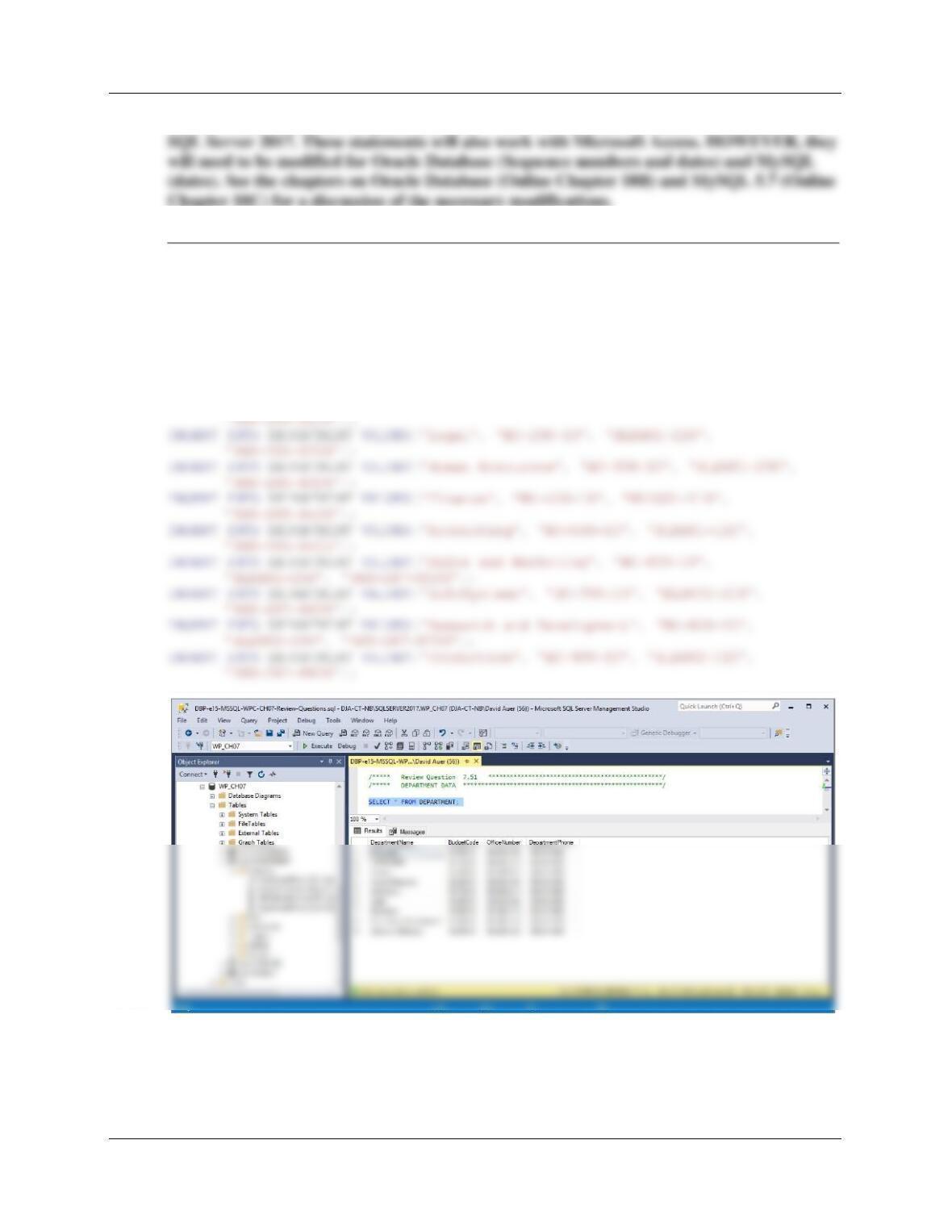
7.51 Write INSERT statements to add the data shown in Figure 1-29 to the DEPARTMENT
table. Run these statements to populate the DEPARTMENT table. [Hint: Write and test
an SQL script, and then run the script. Save the script as WP-Insert-DEPARTMENT-
Data.sql for future use.]
/***** DEPARTMENT DATA ************************************************/
INSERT INTO DEPARTMENT VALUES(‘Administration’, ‘BC-100-10’, ‘BLDG01-210’,
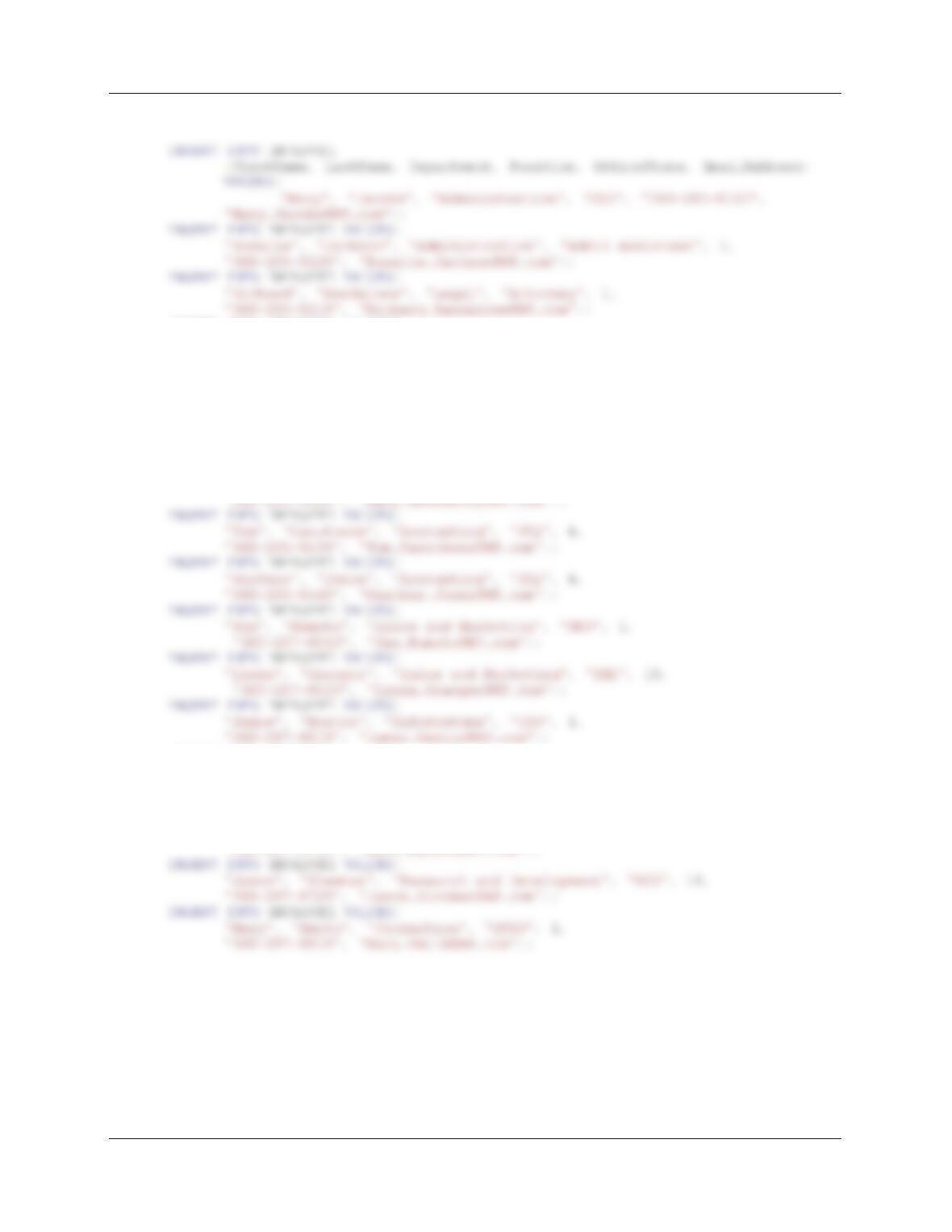
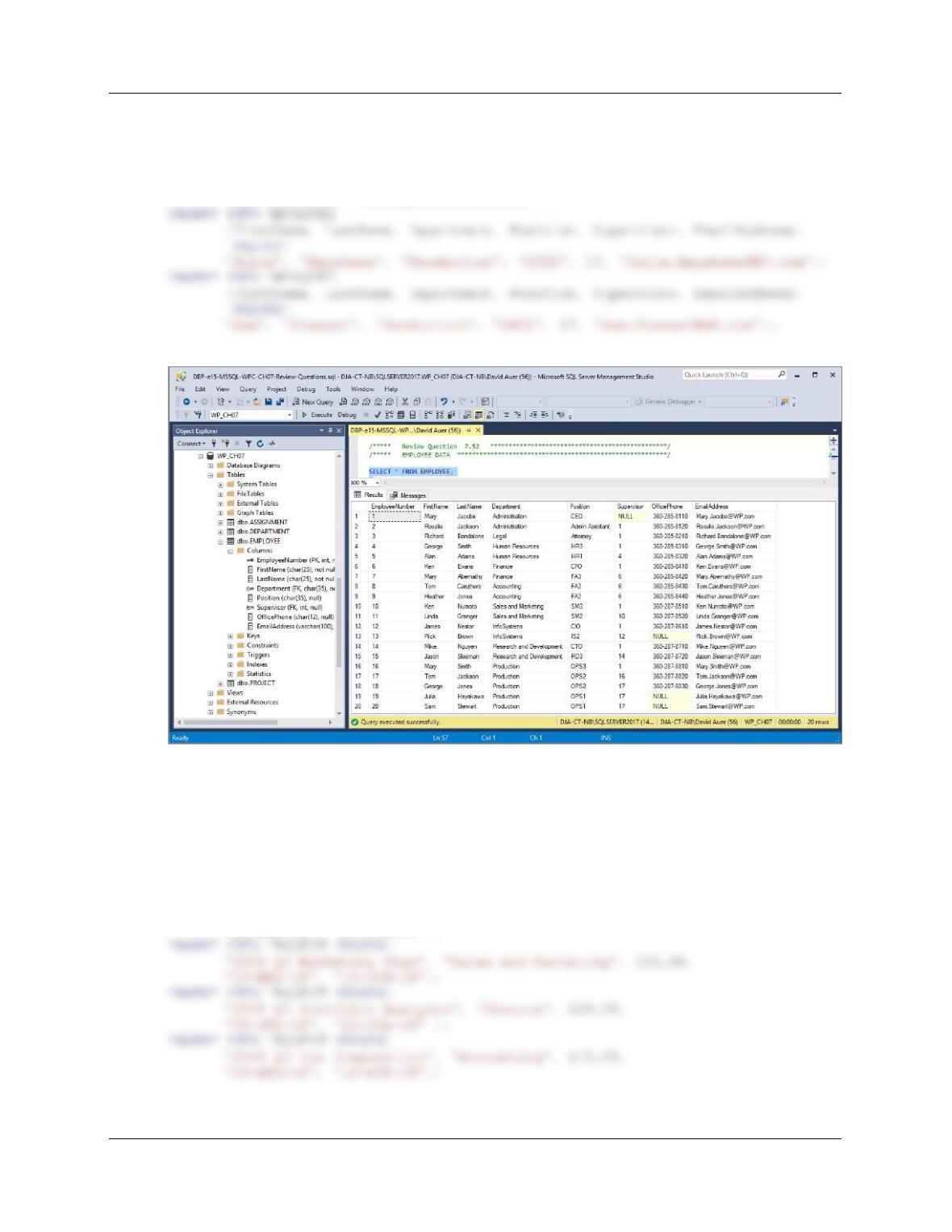
7.52 Write INSERT statements to add the data shown in Figure 1-31 to the EMPLOYEE
table. Run these statements to populate the EMPLOYEE table. [Hint: Write and test an
SQL script, and then run the script. Save the script as WP-Insert-EMPLOYEE-Data.sql
for future use.]
Chapter Seven – SQL For Database Construction and Application Processing
Page 7-42
/***** EMPLOYEE DATA *************************************************/
INSERT INTO EMPLOYEE VALUES(
‘George’, ‘Smith’, ‘Human Resources’, ‘HR3’, 1,
‘360-285-8310’, ‘George.Smith@WP.com’);
INSERT INTO EMPLOYEE VALUES(
‘Alan’, ‘Adams’, ‘Human Resources’, ‘HR1’, 4,
‘360-285-8320’, ‘Alan.Adams@WP.com’);
INSERT INTO EMPLOYEE VALUES(
‘Ken’, ‘Evans’, ‘Finance’, ‘CFO’, 1,
‘360-285-8410’, ‘Ken.Evans@WP.com’);
INSERT INTO EMPLOYEE VALUES(
‘Mary’, ‘Abernathy’, ‘Finance’, ‘FA3’, 6,
INSERT INTO EMPLOYEE
(FirstName, LastName, Department, Position, Supervisor, EmailAddress)
VALUES(
‘Rick’, ‘Brown’, ‘InfoSystems’, ‘IS2’, 12, ‘Rick.Brown@WP.com’);
INSERT INTO EMPLOYEE VALUES(
‘Mike’, ‘Nguyen’, ‘Research and Development’, ‘CTO’, 1,
‘360-287-8710’, ‘Mike.Nguyen@WP.com’);
Chapter Seven – SQL For Database Construction and Application Processing
Page 7-43
INSERT INTO EMPLOYEE VALUES(
‘Tom’, ‘Jackson’, ‘Production’, ‘OPS2’, 16,
‘360-287-8820’, ‘Tom.Jackson@WP.com’);
INSERT INTO EMPLOYEE VALUES(
‘George’, ‘Jones’, ‘Production’, ‘OPS2’, 17,
‘360-287-8830’, ‘George.Jones@WP.com’);
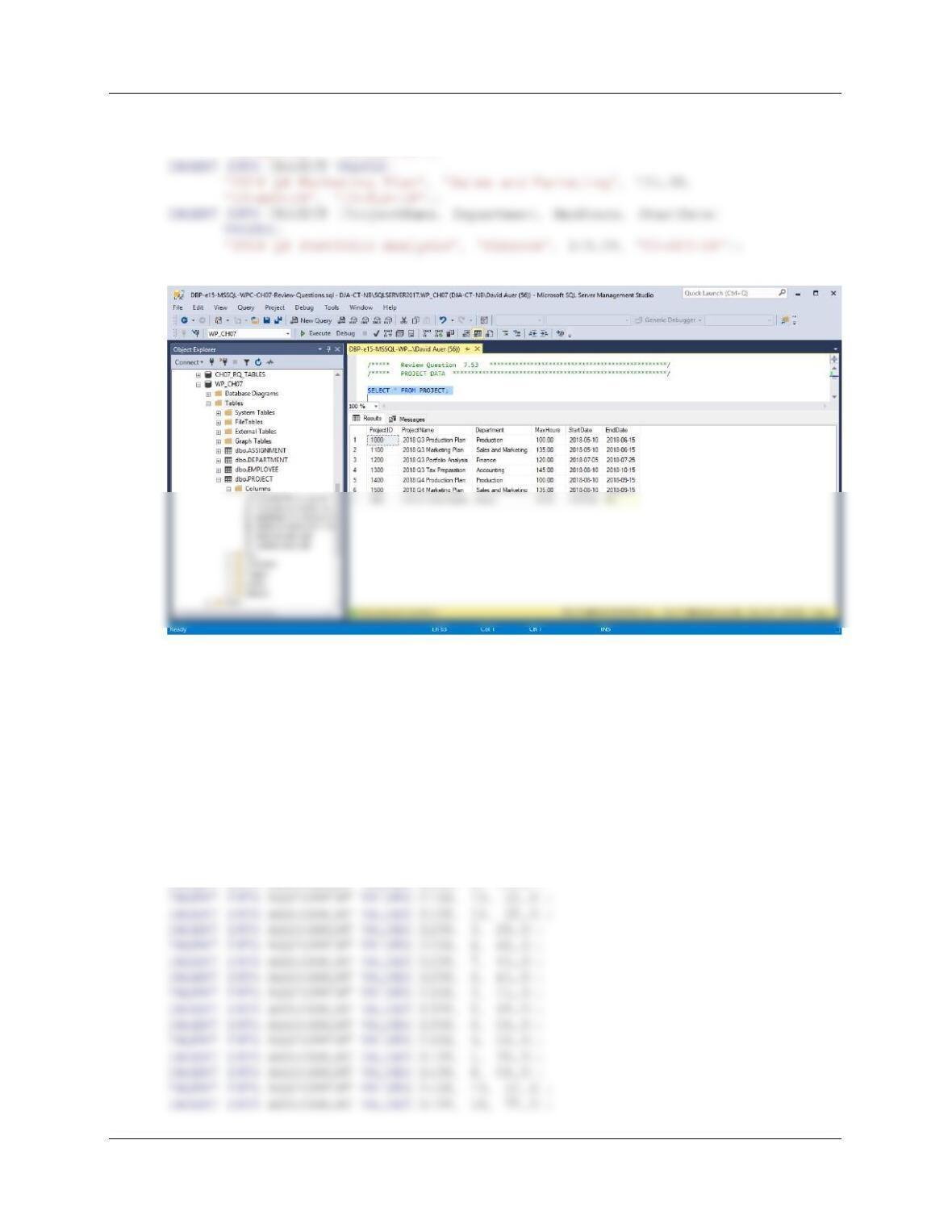
7.53 Write INSERT statements to add the data shown in Figure 2-43 to the PROJECT table.
Run these statements to populate the PROJECT table. [Hint: Write and test an SQL
script, and then run the script. Save the script as WP-Insert-PROJECT-Data.sql for
future use.]
/***** PROJECT DATA ***************************************************/
INSERT INTO PROJECT VALUES(
‘2018 Q3 Production Plan’, ‘Production’, 100.00,
’10-MAY-18′, ’15-JUN-18′);
Chapter Seven – SQL For Database Construction and Application Processing
Page 7-44
INSERT INTO PROJECT VALUES(
‘2018 Q4 Production Plan’, ‘Production’, 100.00,
’10-AUG-18′, ’15-SEP-18′);
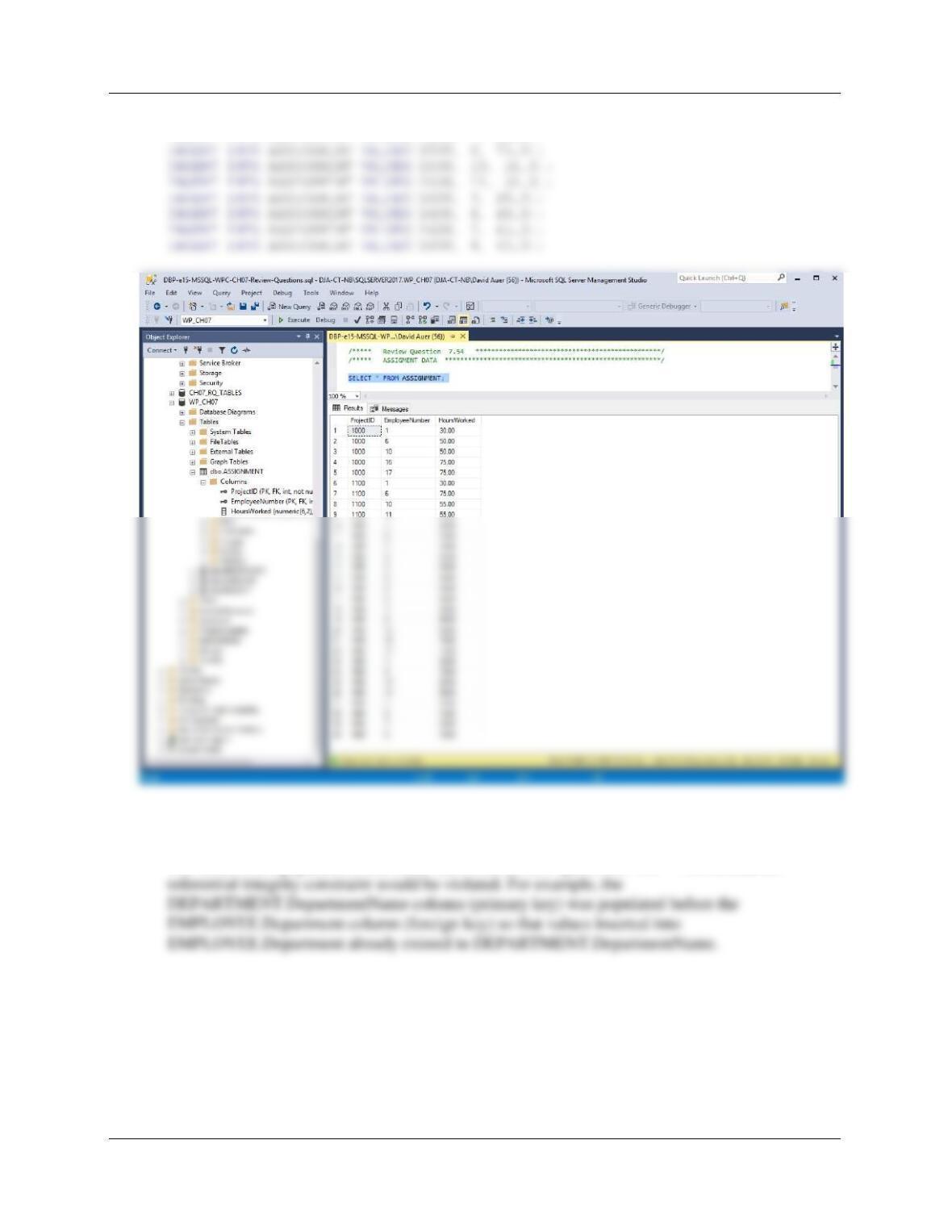
7.54 Write INSERT statements to add the data shown in Figure 2-45 to the ASSIGNMENT
table. Run these statements to populate the ASSIGNMENT table. [Hint: Write and test
an SQL script, and then run the script. Save the script as WP-Insert-ASSIGNMENT-
Data.sql for future use.]
/***** ASSIGNMENT DATA ************************************************/
INSERT INTO ASSIGNMENT VALUES(1000, 1, 30.0);
INSERT INTO ASSIGNMENT VALUES(1000, 6, 50.0);
INSERT INTO ASSIGNMENT VALUES(1000, 10, 50.0);
INSERT INTO ASSIGNMENT VALUES(1000, 16, 75.0);
INSERT INTO ASSIGNMENT VALUES(1000, 17, 75.0);
INSERT INTO ASSIGNMENT VALUES(1100, 1, 30.0);
INSERT INTO ASSIGNMENT VALUES(1100, 6, 75.0);
Chapter Seven – SQL For Database Construction and Application Processing
Page 7-45
INSERT INTO ASSIGNMENT VALUES(1400, 17, 75.0);
INSERT INTO ASSIGNMENT VALUES(1500, 1, 30.0);
7.55 Why were the tables populated in the order shown in Review Questions 7.51 – 7.54?
The tables were populated in the order shown in Review Questions 7.51 – 7.54 so that no
Page 7-46
7.56 Assume that you have a table named NEW_EMPLOYEE that has the columns
Department, Email, FirstName, and LastName, in that order. Write an INSERT
statement to add all of the rows from the table NEW_EMPLOYEE to EMPLOYEE. Do
not attempt to run this statement!
For SQL Server, Microsoft Access, and MySQL:
7.57 Write an UPDATE statement to change the phone number of employee with
EmployeeNumber 11 to 360-287-8810. Run this SQL statement.
For all:
UPDATE EMPLOYEE
SET OfficePhone = ‘360-287-8810’
WHERE EmployeeNumber = 11;
Chapter Seven – SQL For Database Construction and Application Processing
Page 7-47
7.58 Write an UPDATE statement to change the department of employee with
EmployeeNumber 5 to Finance. Run this SQL statement.
For all:
UPDATE EMPLOYEE
SET Department = ‘Finance’
7.59 Write an UPDATE statement to change the phone number of employee with
EmployeeNumber 5 to 360-287-8420. Run this SQL statement.
For all:
UPDATE EMPLOYEE
SET OfficePhone = ‘360-287-8420’
Chapter Seven – SQL For Database Construction and Application Processing
Page 7-48
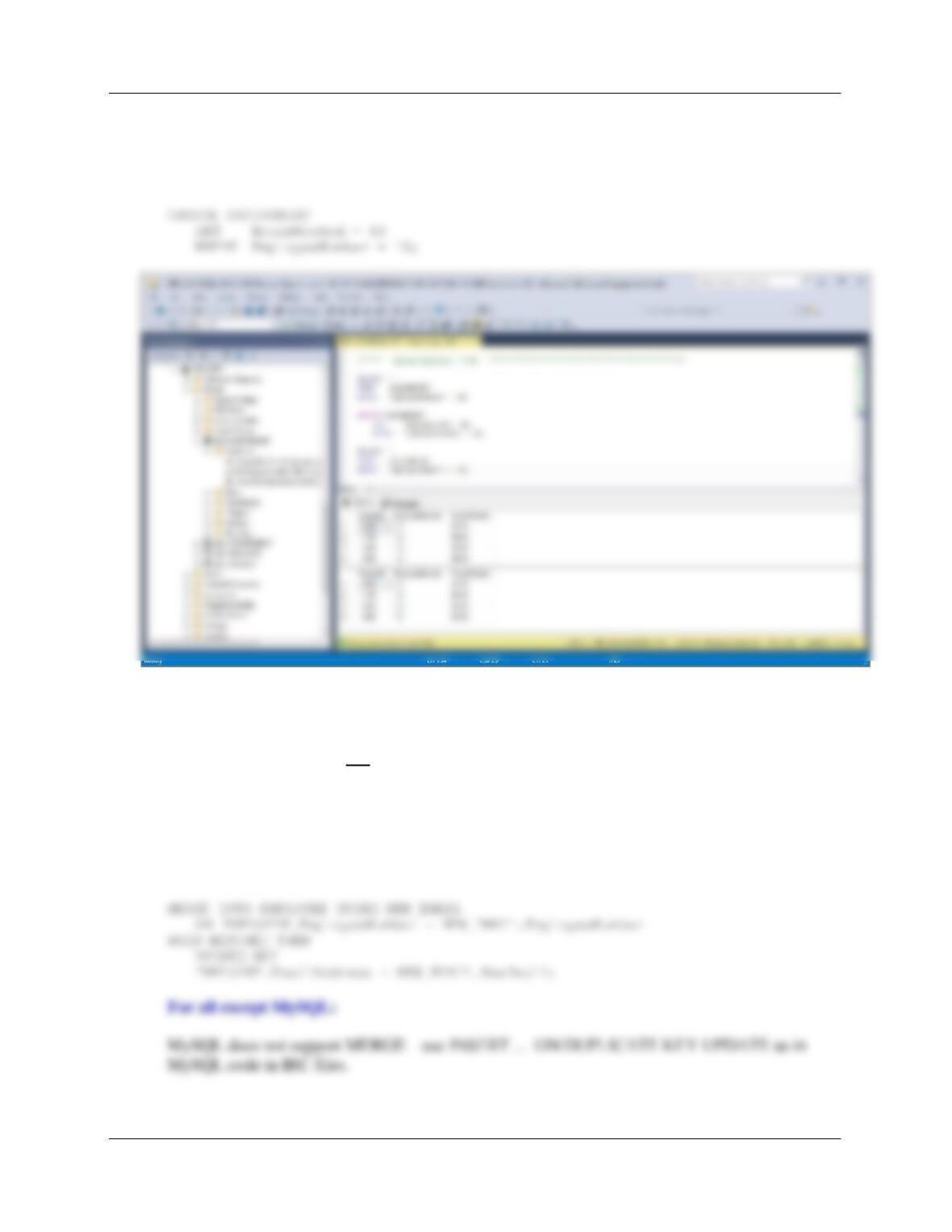
7.60 Combine your answers to Review Questions 7.58 and 7.59 into one SQL statement. Run
this statement.
For all:
UPDATE EMPLOYEE
Chapter Seven – SQL For Database Construction and Application Processing
Page 7-49
7.61 Write an UPDATE statement to set HoursWorked to 60 for every row in ASSIGNMENT
having the value 10 for EmployeeNumber. Run this statement.
For all:
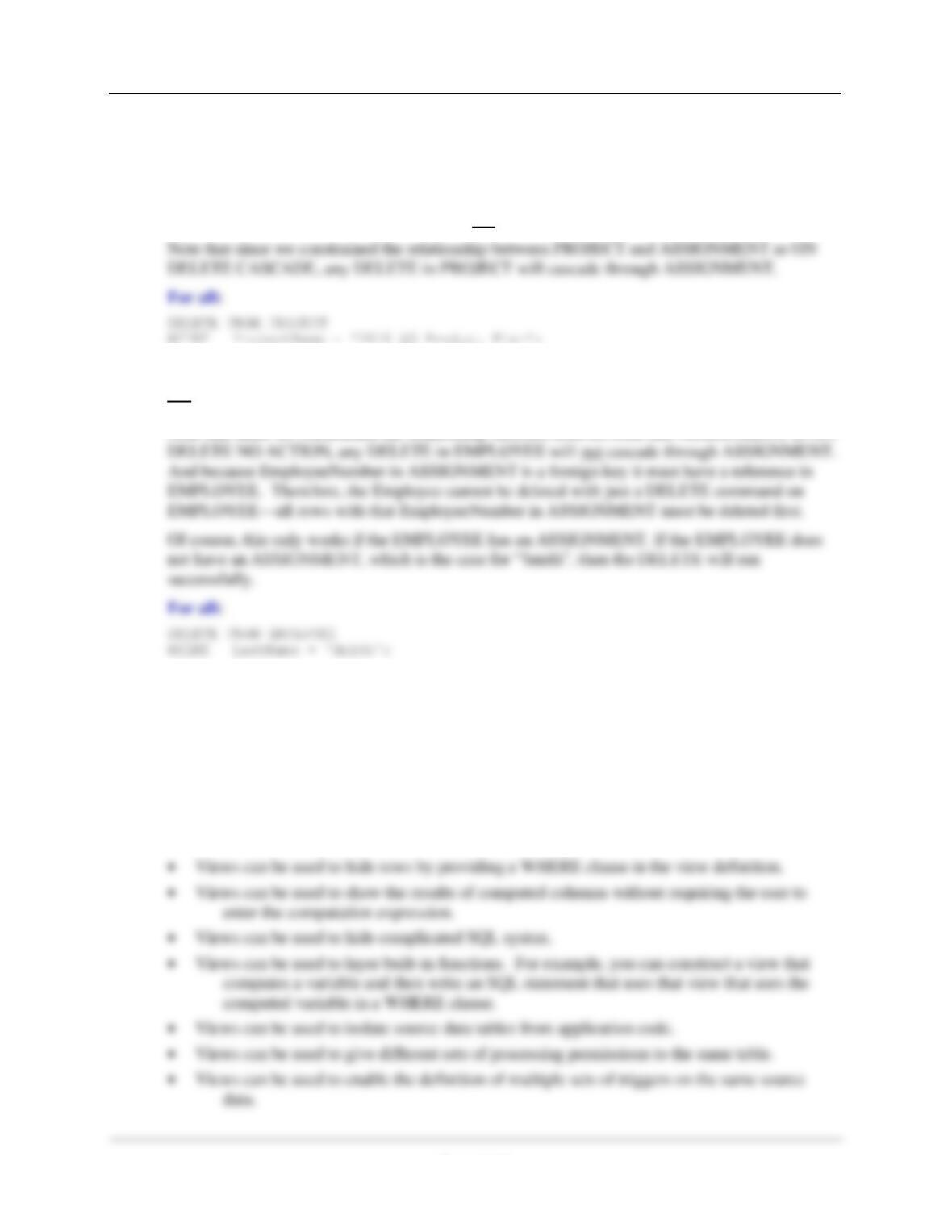
7.62 Assume that you have a table named NEW_EMAIL that has new values of Email for
some employees. NEW_EMAIL has two coluumns: EmployeeNumber and NewEmail.
Write an UPDATE statement to change the values of Email in EMPLOYEE tothose in the
NEW_EMAIL table. Do not run this statement.
Although the question calls for an UPDATE statement, the best solution to this question is to use
an SQL MERGE statement, which uses an SQL UPDATE clause as part of that statement. The
MERGE statement provides the needed “IF…THEN” logic.
For all except MySQL:
Chapter Seven – SQL For Database Construction and Application Processing
Page 7-50
Create and run an SQL script named WP -Delete-Data.sql to answer Review Questions
7.63 and 7.64. Write the answers to Review Questions 7.63 and 7.64 as SQL comments so
that they cannot be run.
7.63 Write one DELETE statement that will delete all data for project ‘2018 Q3 Product Plan’
and all of its rows in ASSIGNMENT. Do not run this statement.
7.64 Write a DELETE statement that will delete the row for the employee named “Smith”. Do
not run this statement. What happens if this employee has rows in ASSIGNMENT?
Note that since we constrained the relationship between EMPLOYEE and ASSIGNMENT as ON
7.65 What is an SQL view? What purposes do views serve?
An SQL view is a virtual table constructed from other tables or views. A view has no data of its
own, but rather depends on the data in tables or other views. Once the view is created, it can be
used in the FROM clause of a SELECT statement like a table.
Views can be used for many purposes:
• Views can be used to hide columns. This is done to simplify results or to prevent the display
of sensitive data.
Chapter Seven – SQL For Database Construction and Application Processing
Page 7-51
7.66 What is the limitation on SELECT statements used in SQL Views?
In the SQL-92 standard, the only limitation on SQL SELECT statements used in SQL Views is
Create and run an SQL script named WP-Create-Views.sql to answer Review Questions
7.67 through 7.72.
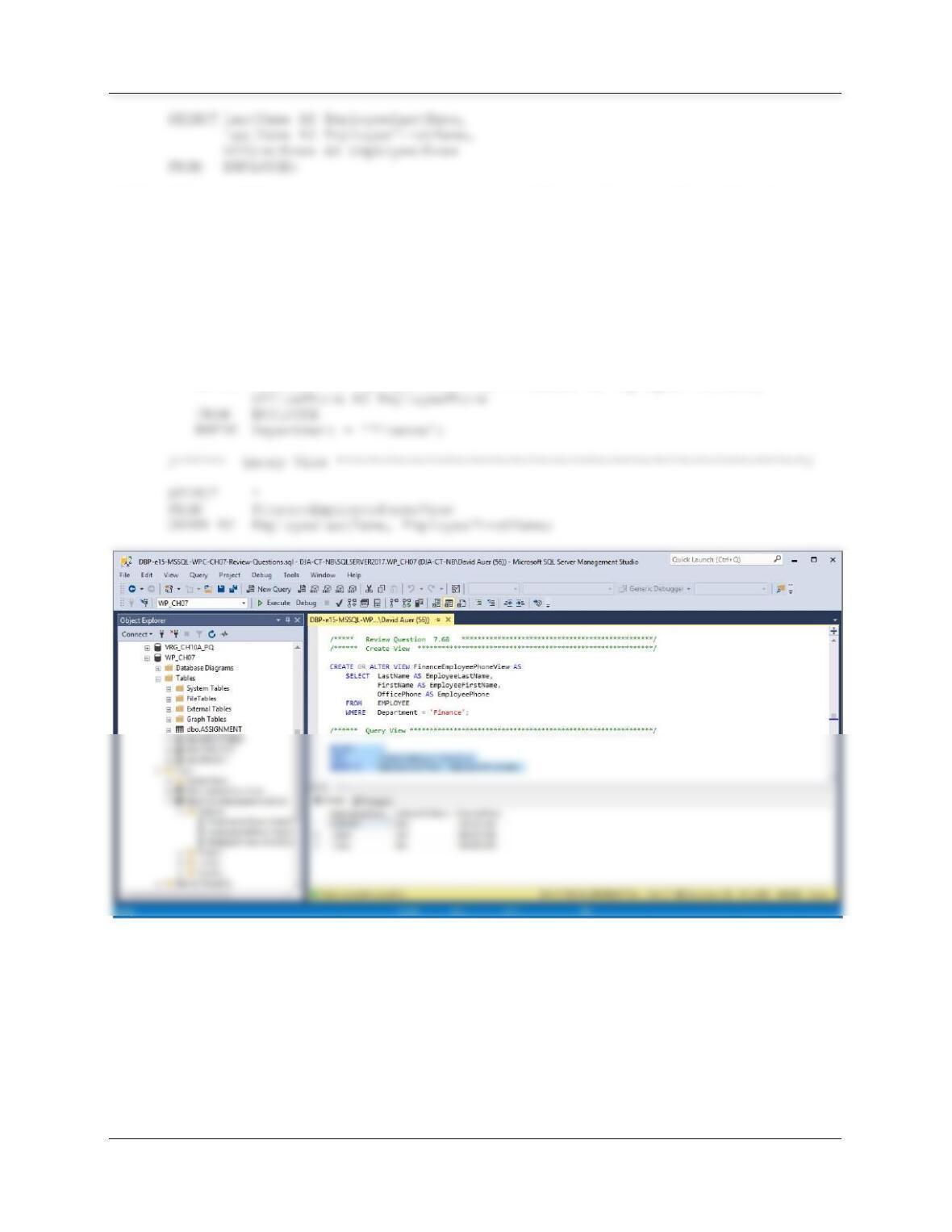
7.67 Write an SQL statement to create a view named EmployeePhoneView that shows the
values of EMPLOYEE.LastName as EmployeeLastName, EMPLOYEE.FirstName as
EmployeeFirstName, and EMPLOYEE.OfficePhone as EmployeePhone. Run this
statement, and then test the view with an SQL SELECT statement.
For SQL Server, Oracle Database and MySQL:
/****** Create View *******************************************************/
/****** Query View *********************************************************/
SELECT *
FROM EmployeePhoneView
ORDER BY EmployeeLastName;
For Microsoft Access: Create and save the query below as EmployeePhoneView.
Chapter Seven – SQL For Database Construction and Application Processing
Page 7-52
7.68 Write an SQL statement to create a view named FinanceEmployeePhoneView that
shows the values of EMPLOYEE.LastName as EmployeeLastName, EMPLOYEE.First–
Name as EmployeeFirstName, and EMPLOYEE.OfficePhone as EmployeePhone for
employees who work in the Finance department. Run this statement, and then test the
view with an SQL SELECT statement.
For SQL Server, Oracle Database and MySQL:
/****** Create View ******************************************************/
CREATE OR ALTER VIEW FinanceEmployeePhoneView AS
SELECT LastName AS EmployeeLastName, FirstName AS EmployeeFirstName,
For Microsoft Access: Create and save the query below as FinanceEmployeePhoneView.
SELECT LastName AS EmployeeLastName,
FirstName AS EmployeeFirstName,
OfficePhone AS EmployeePhone
FROM EMPLOYEE
WHERE Department = ‘Finance’;
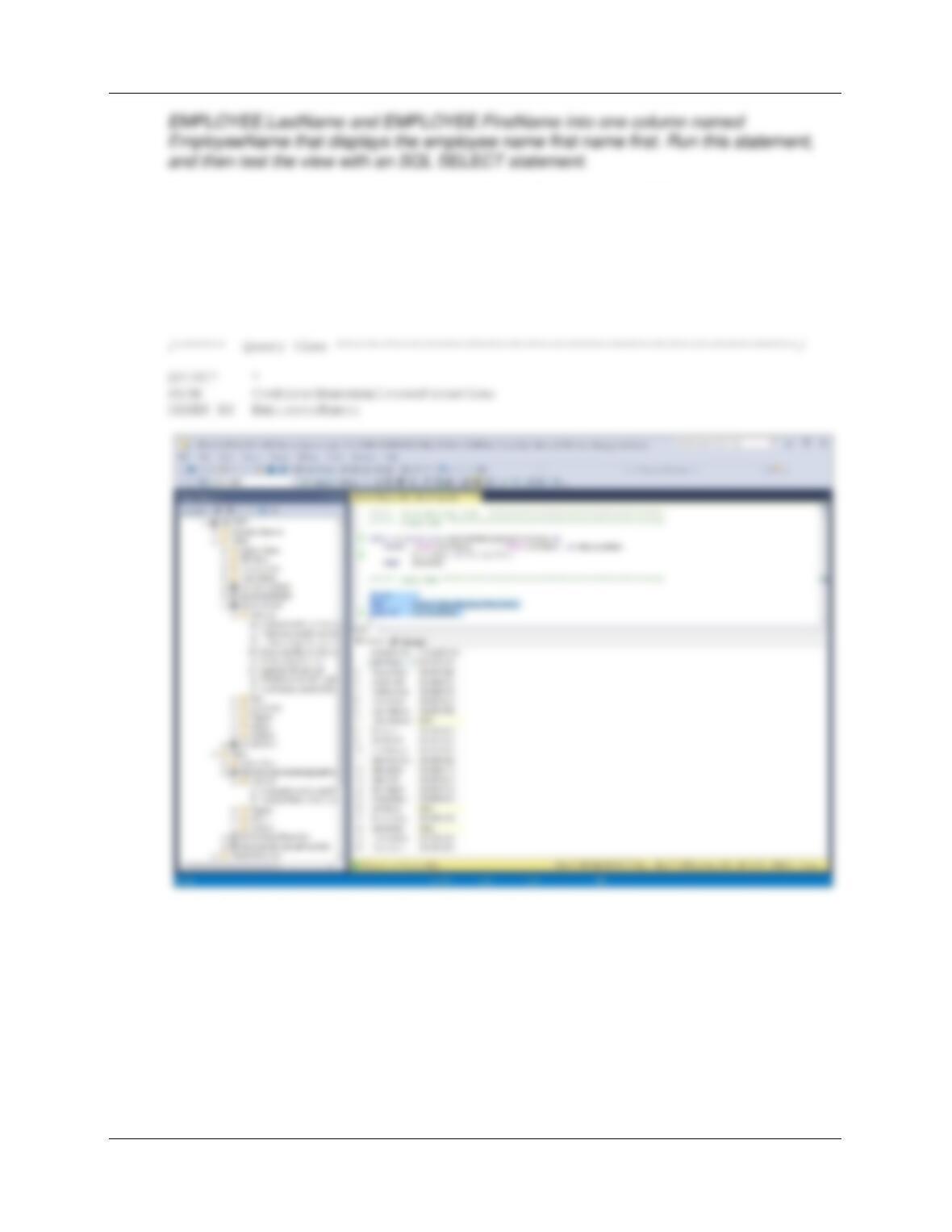
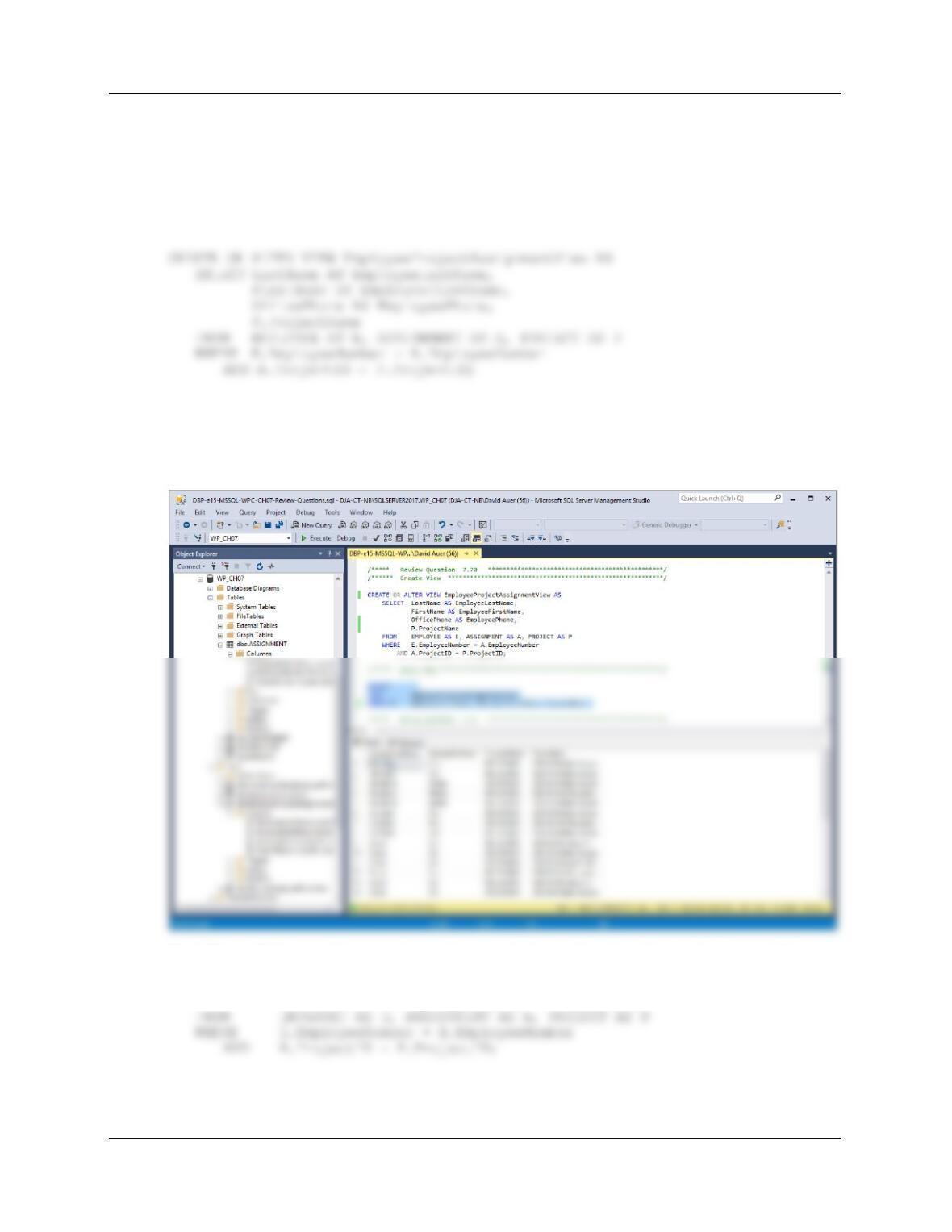
7.69 Write an SQL statement to create a view named CombinedNameEmployeePhoneView
that shows the values of EMPLOYEE.LastName, EMPLOYEE.FirstName, and
EMPLOYEE.OfficePhone as EmployeePhone, but that combines
Chapter Seven – SQL For Database Construction and Application Processing
Page 7-53
For SQL Server (For Oracle Database and MySQL see code in IRC files):
/****** Create View *****************************************************/
CREATE OR ALTER VIEW CombinedNameEmployeePhoneView AS
SELECT (RTRIM(FirstName) + ‘ ‘ + RTRIM(LastName)) AS EmployeeName,
OfficePhone AS EmployeePhone
FROM EMPLOYEE;
For Microsoft Access: Create and save the query below as
CombinedNameEmployeePhoneView.
SELECT (RTRIM(FirstName) + ‘ ‘ + RTRIM(LastName)) AS EmployeeName,
OfficePhone AS EmployeePhone
FROM EMPLOYEE;
Chapter Seven – SQL For Database Construction and Application Processing
Page 7-54
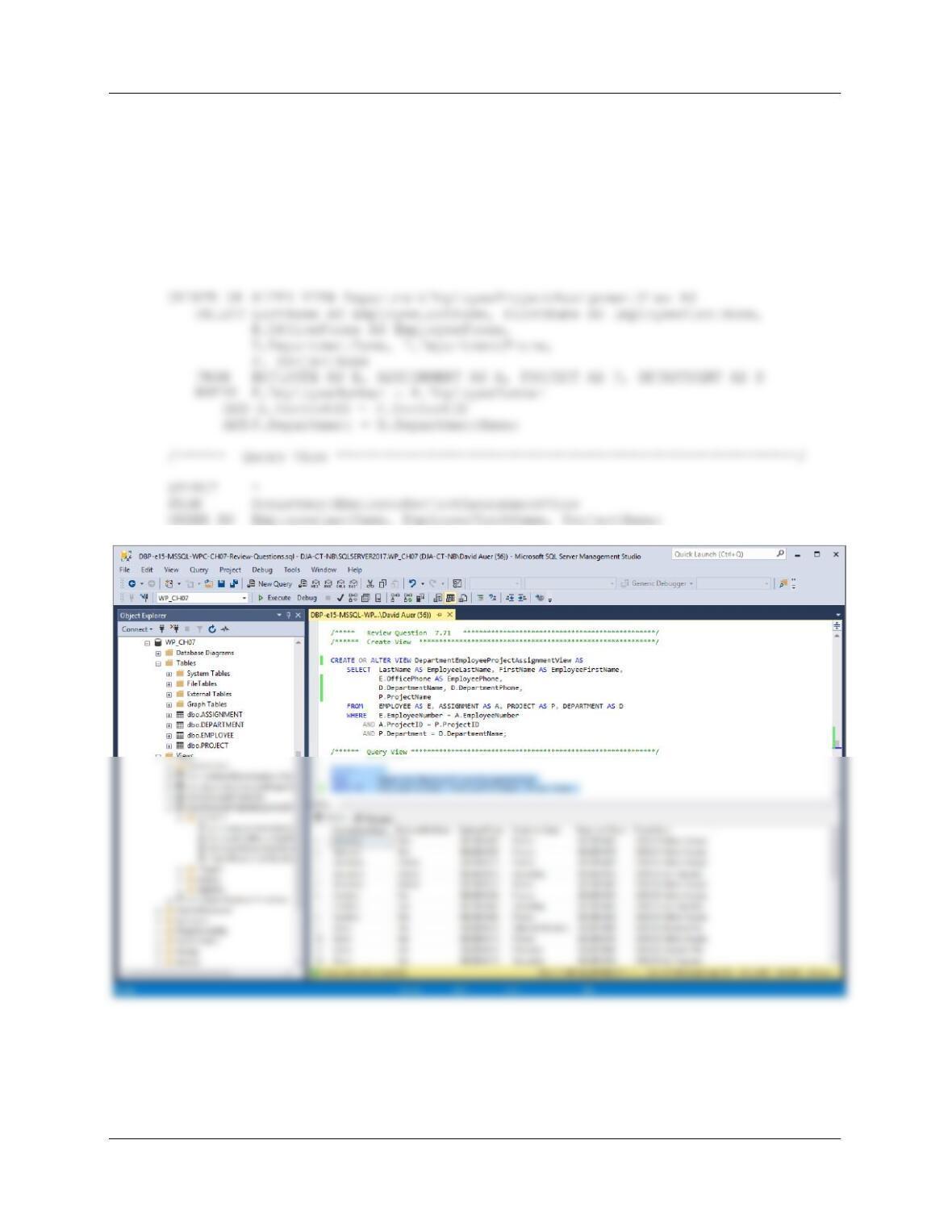
7.70 Write an SQL statement to create a view named EmployeeProjectAssignmentView that
shows the values of EMPLOYEE.LastName as EmployeeLastName, EMPLOYEE.First–
Name as EmployeeFirstName, EMPLOYEE.OfficePhone as EmployeePhone, and
PROJECT.ProjectName as ProjectName. Run this statement, and then test the view
with an SQL SELECT statement.
/****** Create View *****************************************************/
/****** Query View ********************************************************/
SELECT *
FROM EmployeeProjectAssignmentView
ORDER BY EmployeeLastName, EmployeeFirstName, ProjectName;
For Microsoft Access: Create and save the query below as EmployeeProjectAssignmentView.
SELECT LastName AS EmployeeLastName, FirstName AS EmployeeFirstName,
OfficePhone AS EmployeePhone, P.ProjectName
Chapter Seven – SQL For Database Construction and Application Processing
Page 7-55
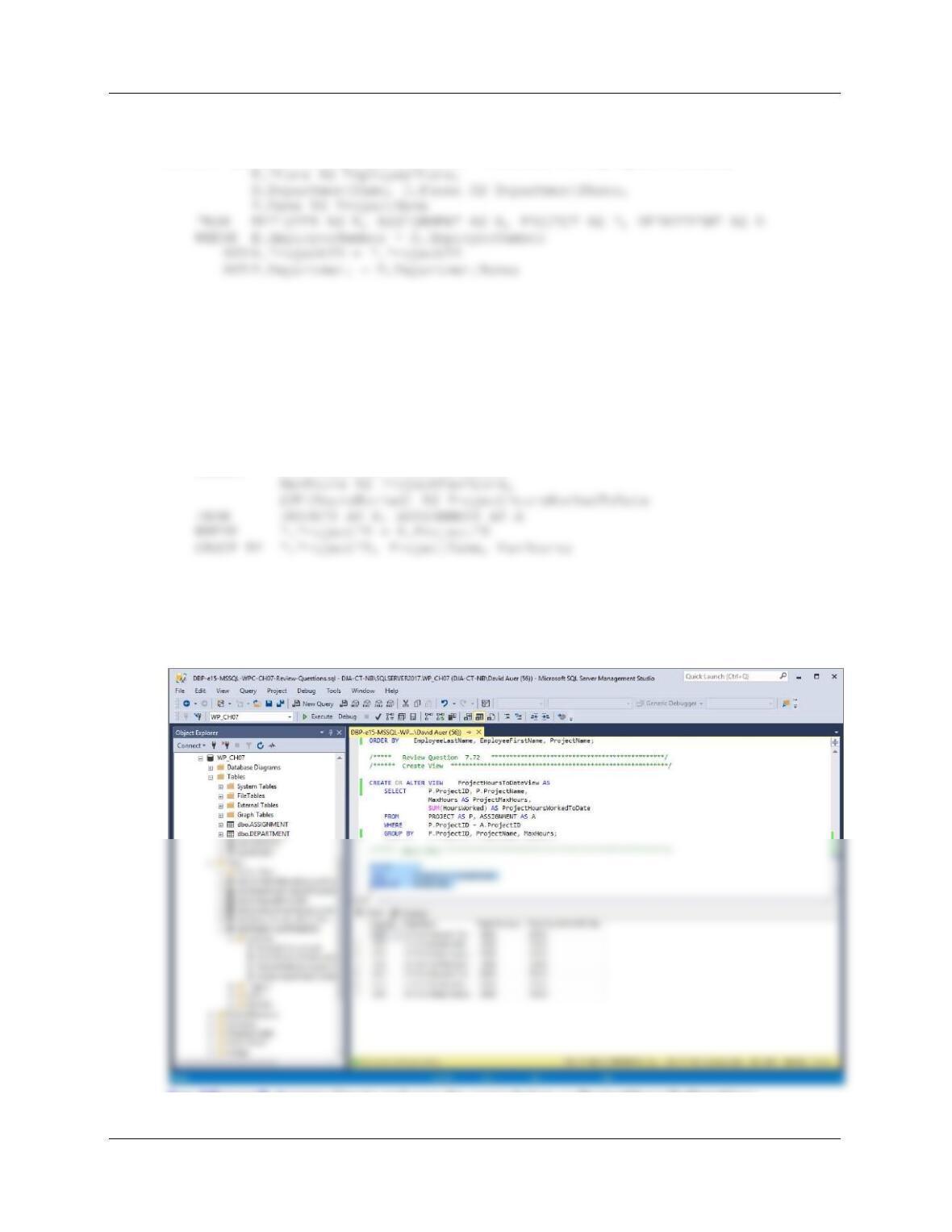
7.71 Write an SQL statement to create a view named
DepartmentEmployeeProjectAssignmentView that shows the values of
EMPLOYEE.LastName as EmployeeLastName, EMPLOYEE.FirstName as
EmployeeFirstName, EMPLOYEE.OfficePhone as EmployeePhone,
DEPARTMENT.DepartmentName, Department.DepartmentPHONE as
DepartmentPhone, and PROJECT.ProjectName as ProjectName. Run this statement,
and then test the view with an SQL SELECT statement.
/****** Create View *****************************************************/
Chapter Seven – SQL For Database Construction and Application Processing
Page 7-56
For Microsoft Access: Create and save the query below as
DepartmentEmployeeProjectAssignmentView.
SELECT LastName AS EmployeeLastName, FirstName AS EmployeeFirstName,
7.72 Write an SQL statement to create a view named ProjectHoursToDateView that shows
the values of PROJECT.ProjectID, PROJECT.ProjectName as ProjectName,
PROJECT.MaxHours as ProjectMaxHour and the sum of ASSIGNMENT.HoursWorked
as ProjectHoursWorkedToDate. Run this statement, and then test the view with an SQL
SELECT statement.
/****** Create View ****************************************************/
CREATE OR ALTER VIEW ProjectHoursToDateView AS
SELECT P.ProjectID, P.ProjectName,
/****** Query View ******************************************************/
SELECT *
FROM ProjectHoursToDateView
ORDER BY ProjectID;
For Microsoft Access: Create and save the query below as ProjectHoursToDateView.
Chapter Seven – SQL For Database Construction and Application Processing
7.73 Describe how views are used to provide an alias for tables. Why is this useful?
Since any applications written against the view would use the view name, we can change the
7.74 Explain how views can be used to improve data security.
7.75 Explain how views can be used to provide additional trigger functionality.
7.76 Give an example of a view that is clearly updateable.
Any view that is an image of a base table is updatable. The view NewView created below would
7.77 Give an example of a view that is clearly not updateable.
Any view that has columns that are derived from existing columns. For example, NetPrice would
not be updatable in the view below.
Chapter Seven – SQL For Database Construction and Application Processing
Page 7-58
7.78 Summarize the general idea for determining whether a view is updateable.
In general, to update a view, the DBMS must be able to associate the column(s) to be updated
7.79 If a view is missing required items, what action on the view is definitely not allowed?
7.80 Explain the paradigm mismatch between SQL and programming languages.
7.81 How is the mismatch in your answer to question 7.80 corrected?
The results of SQL statements are treated like pseudo-files. An SQL statement is executed and
7.82 Describe the SQL/PSM component of the SQL standard. What are PL/SQL and T-SQL?
What is the MySQL equivalent?
The SQL/PSM component of the SQL standard adds procedural programming components, such
as variables and control-of-flow statements, to the SQL standard.
7.83 What is a user-defined function?
A user-defined function (also known as a stored function) is a stored set of SQL statements that:
Chapter Seven – SQL For Database Construction and Application Processing
Page 7-59
Using the WP database, create an SQL script named WP-Create-Function-and-View.sql to
answer Review Questions 7.84 through 7.85.
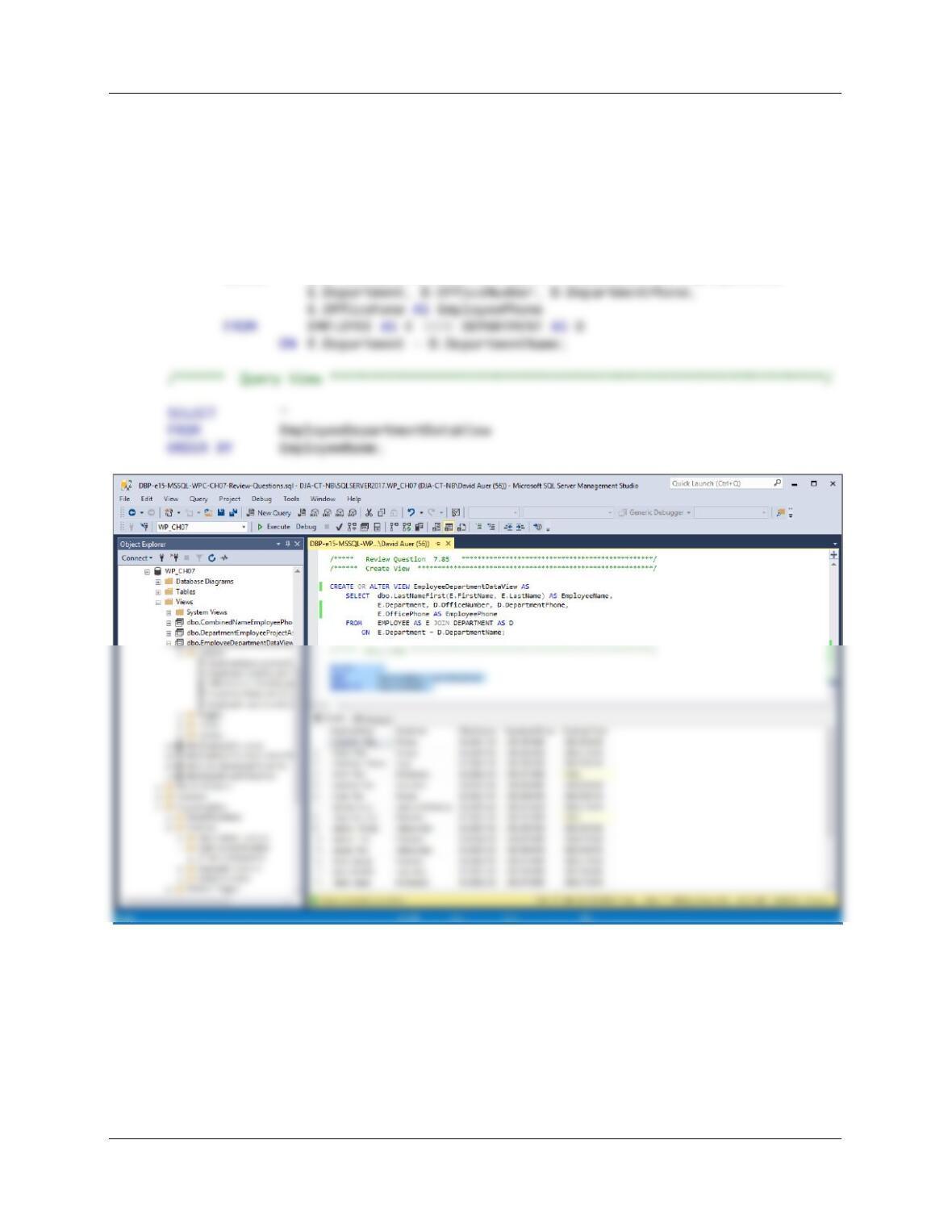
7.84 Create and test a user-defined function named LastNameFirst that combines two
parameters named FirstName and LastName into a concatenated name field formatted
LastName, FirstName (including the comma and space).
CREATE OR ALTER FUNCTION dbo.LastNameFirst
— These are the input parameters
Chapter Seven – SQL For Database Construction and Application Processing
Page 7-60
7.85 Create and test a view called EmployeeDepartmentDataView that contains the
employee name concatenated and formatted as LastName, FirstName in a field named
EmployeeName, EMPLOYEE.Department,
DEPARTMENT.OfficeNumber,DEPARTMENT.Phone as DepartmentPhone, and
EMPLOYEE.Phone as EmployeePhone. Run this statement to create the view, and then
test the view by writing and running an appropriate SQL SELECT statement.
CREATE OR ALTER VIEW EmployeeDepartmentDataView AS
SELECT dbo.LastNameFirst(E.FirstName, E.LastName) AS EmployeeName,