Chapter Seven – SQL For Database Construction and Application Processing
Page 7-81
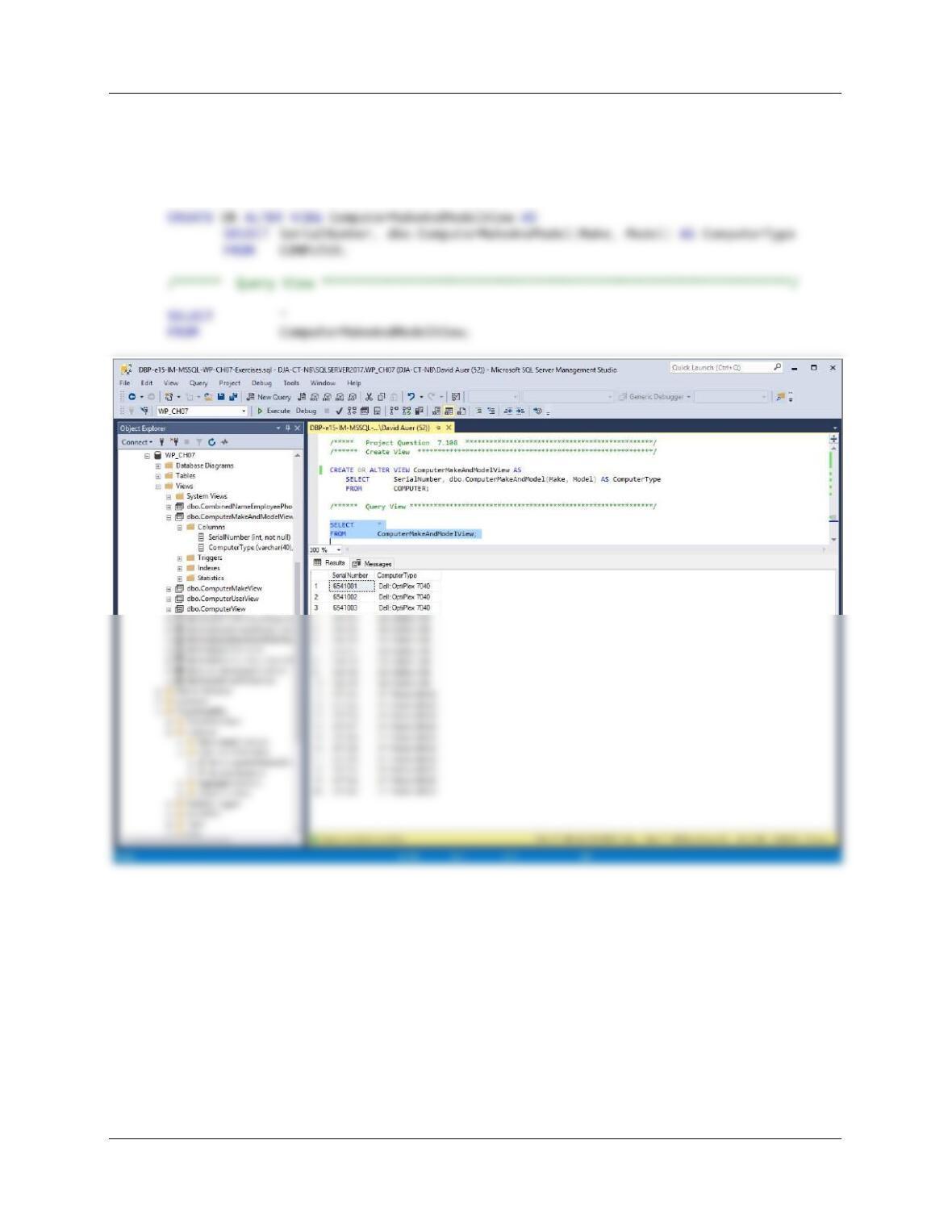
7.108 Create a view of COMPUTER named ComputerMakeAndModelView that displays
SerialNumber and then uses the ComputerMakeAndModel function you created in
Project Question 7.70 to display an attribute named ComputerType. Test the view with
an appropriate SQL SELECT statement.
Chapter Seven – SQL For Database Construction and Application Processing
7.109 Suppose you want to use a trigger to automatically place a DateReassigned value in an
old row of the COMPUTUER_ASSIGNMENT table whenever a new row is inserted into
COMPUTER_ASSIGNMENT to record a new computer assignment of an existing
computer. Describe, in general terms, the trigger logic.
Since we are adding a new row to COMPUTER_ASSIGNMENT, this will use and INSERT
7.110 Suppose you want to use a stored procedure to store a new row in COMPUTER. List the
minimum list of parameters that need to be in the procedure. Describe, in general terms,
the logic of the stored procedure.
Since all the fields except ProcessorType in the COMPUTER table are NOT NULL, the
minimum set of parameters we would need would be all the fields in COMPUTER except
Processor Type. Thus, we would need SerialNumber, Make, Model, ProcessorSpeed,
/* A stored procedure to record the acquisition of a computer. */
/* Check to see if the computer is already in the COMPUTER table. */
/* If the computer is not in the table, insert the data, */
/* and return a message to the user. */
AS
Chapter Seven – SQL For Database Construction and Application Processing
Page 7-83
IF @rowcount > = 0
/* The computer already exists in COMPUTER */
BEGIN
IF @rowcount = 0
/* The computer does not exist in COMPUTER */
BEGIN
INSERT INTO COMPUTER
(SerialNumber, Make, Model,
ProcessorSpeed, MainMemory, DiskSize)
VALUES(@Serial Number, @Make, @Model,
@ProcessorSpeed, @MainMemory,@DiskMemory);
Chapter Seven – SQL For Database Construction and Application Processing
❖ HEATHER SWEENEY DESIGNS CASE QUESTIONS
Heather Sweeney is an interior designer who specializes in home kitchen design. She
offers a variety of seminars at home shows, kitchen and appliance stores, and other
public locations. The seminars are free; she offers them as a way of building her
customer base. She earns revenue by selling books and videos that instruct people on
kitchen design. She also offers custom-design consulting services.
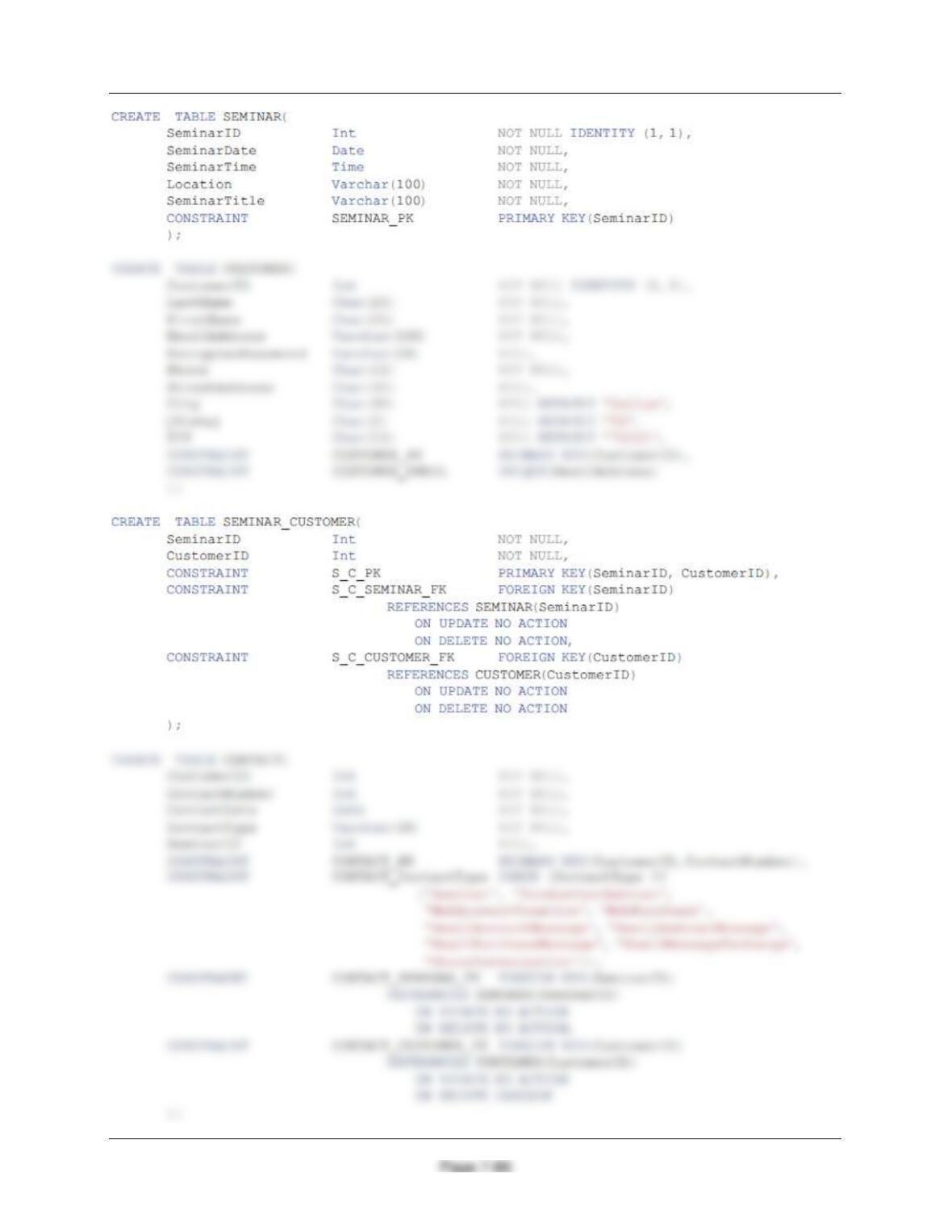
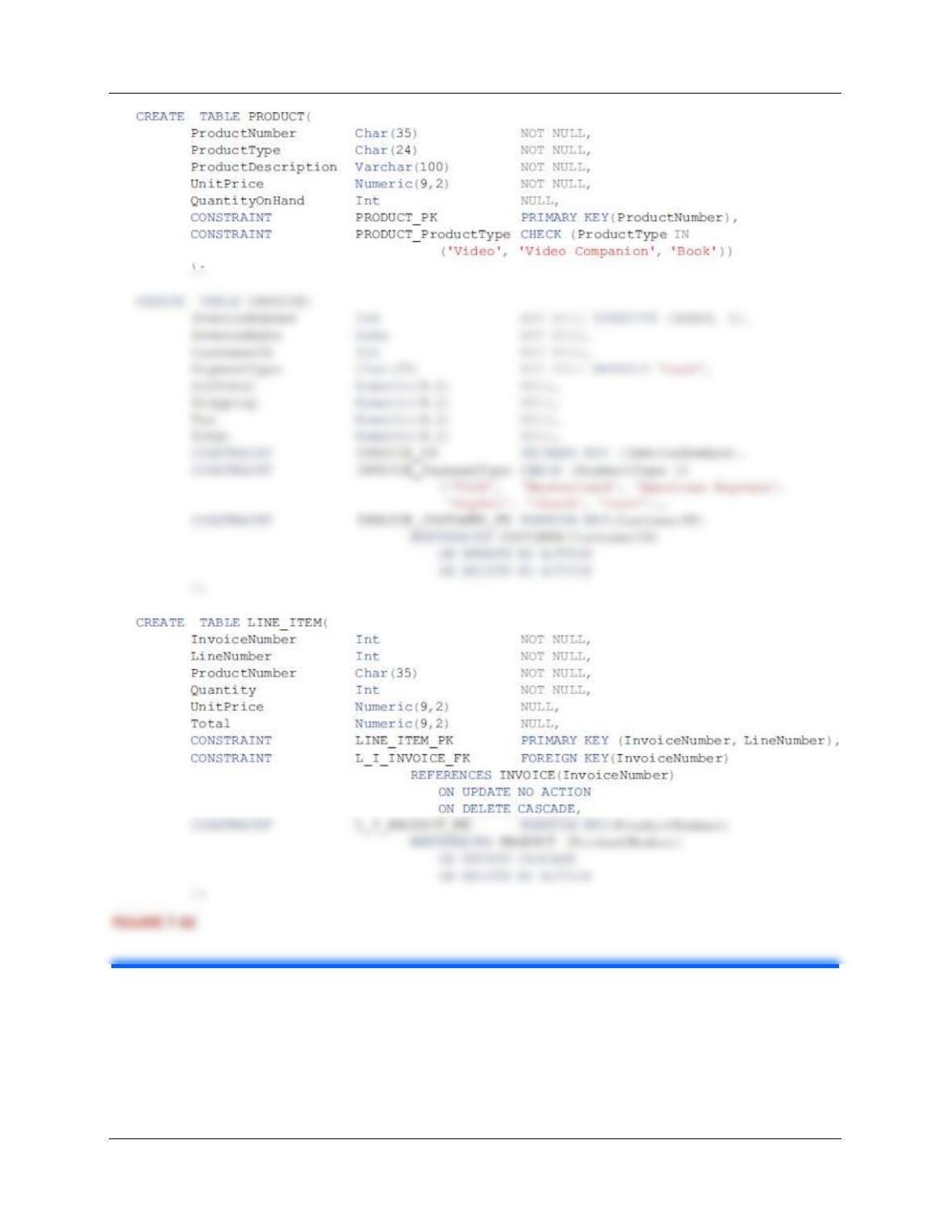
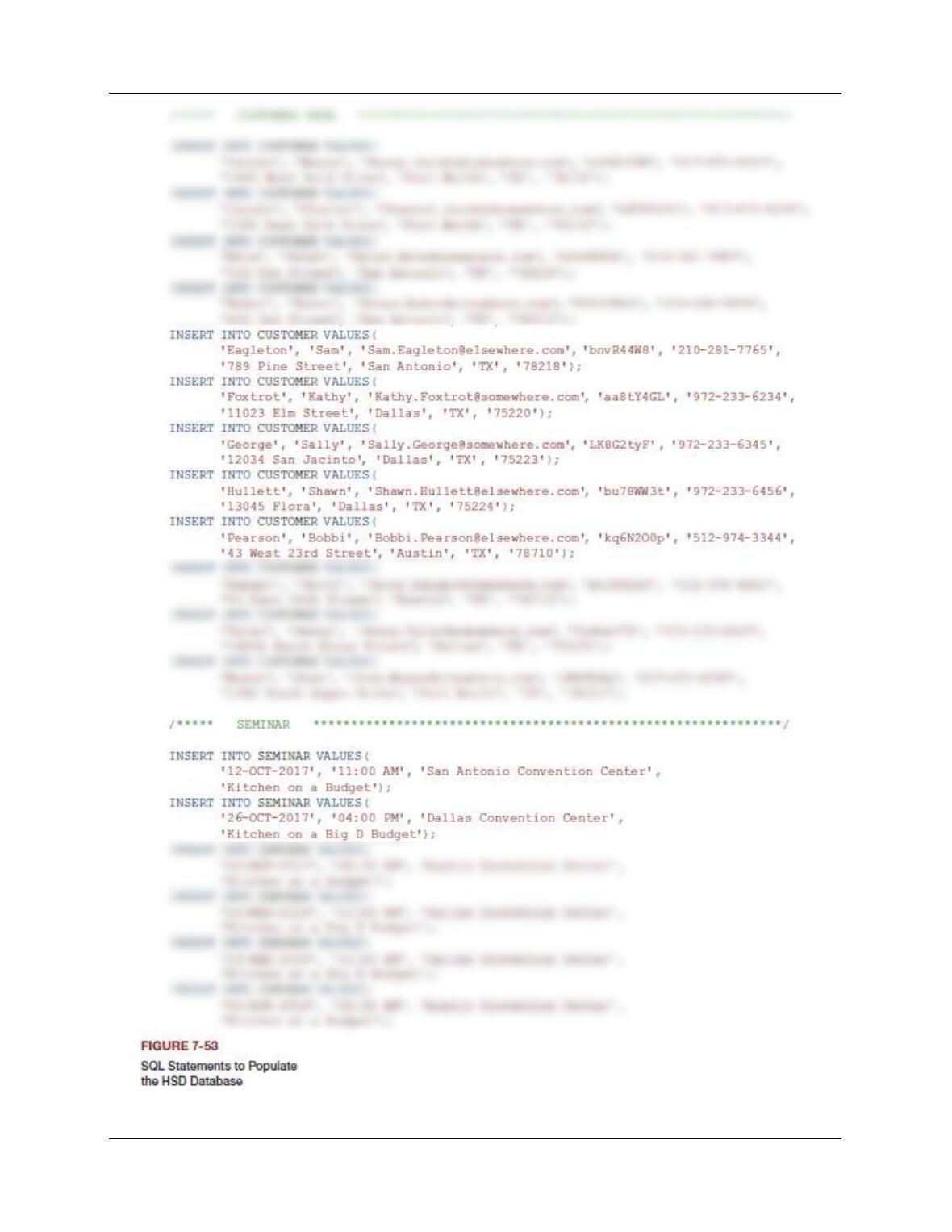
The SQL statements to create the Heather Sweeney Designs (HSD) database are
shown in Figure 7-52 in Microsoft SQL Server syntax. The SQL statements to populate
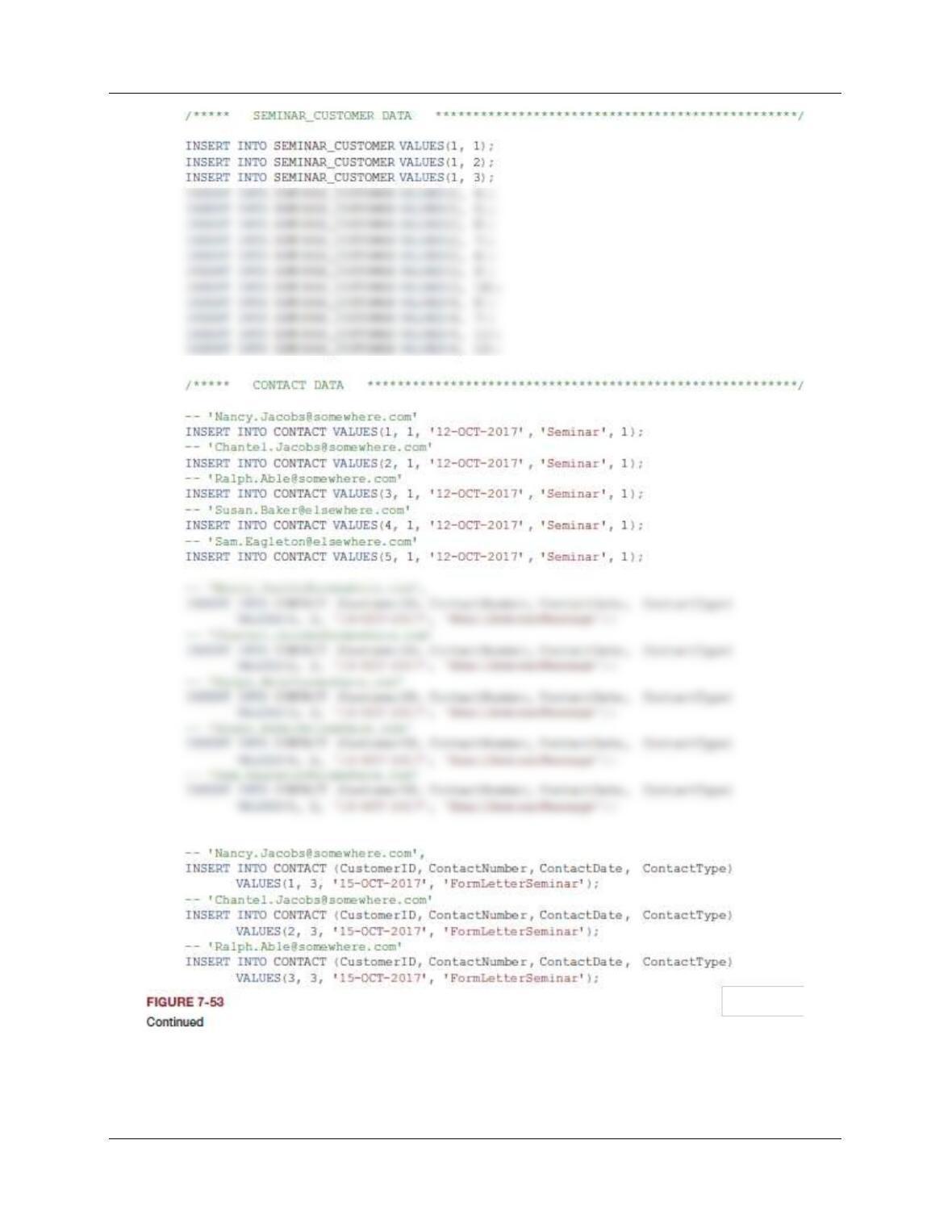
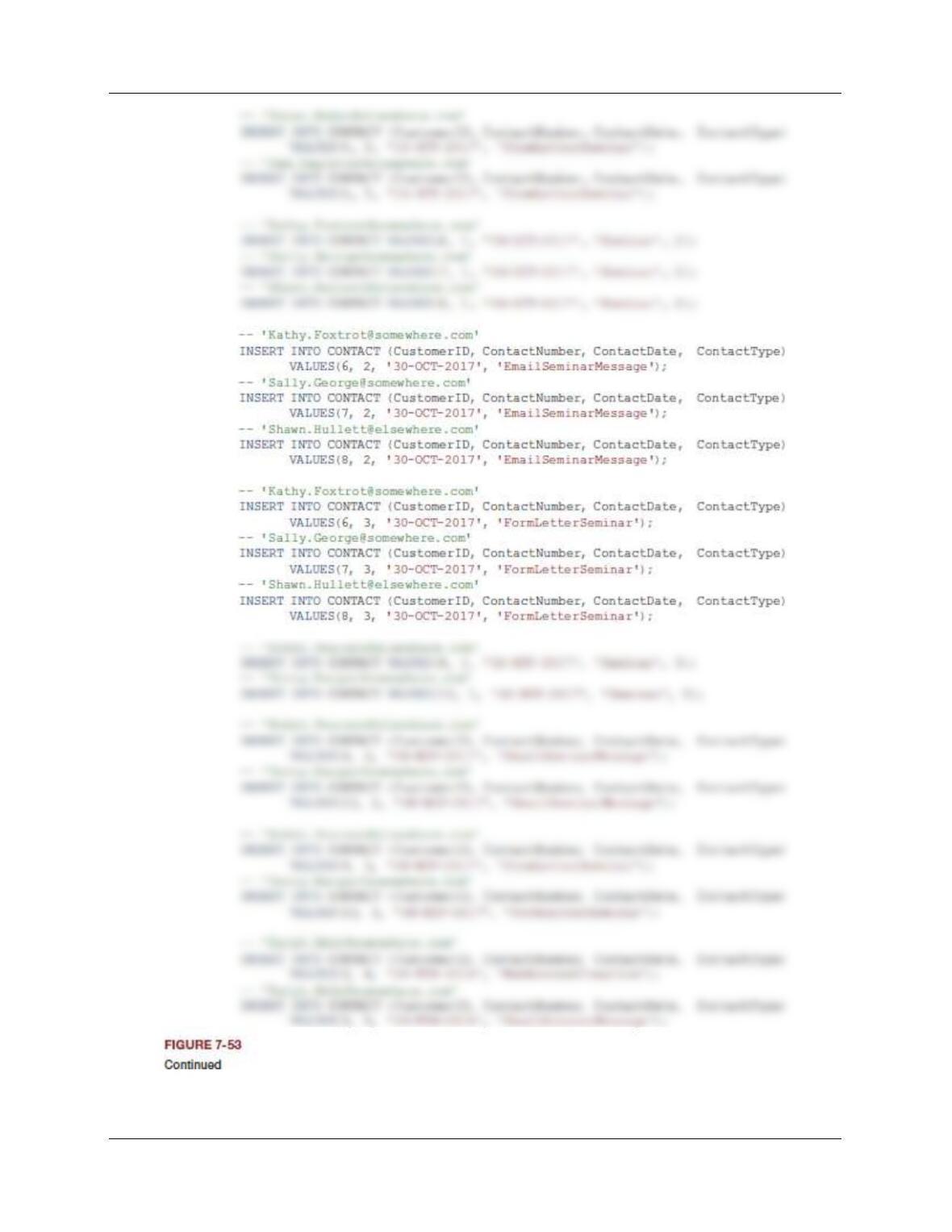
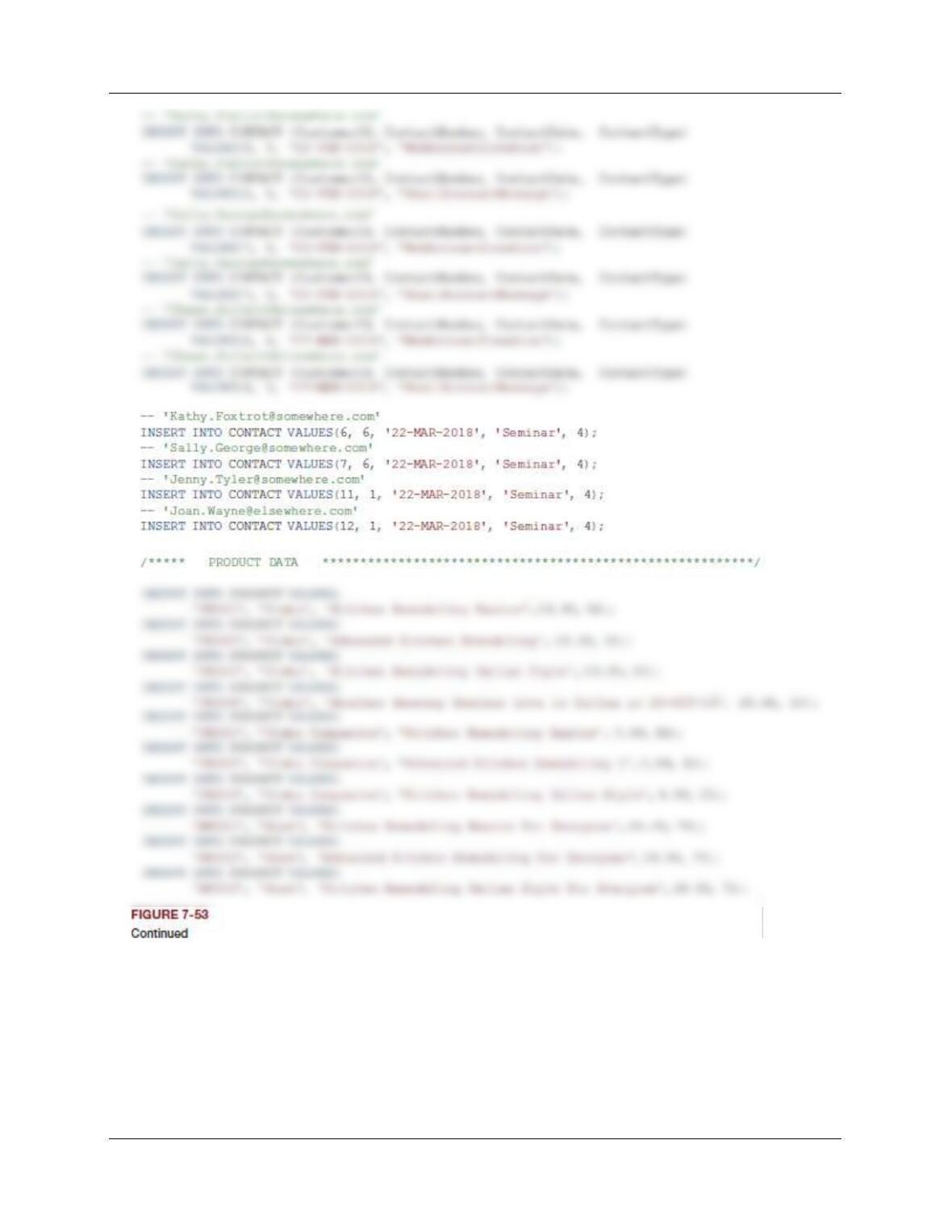
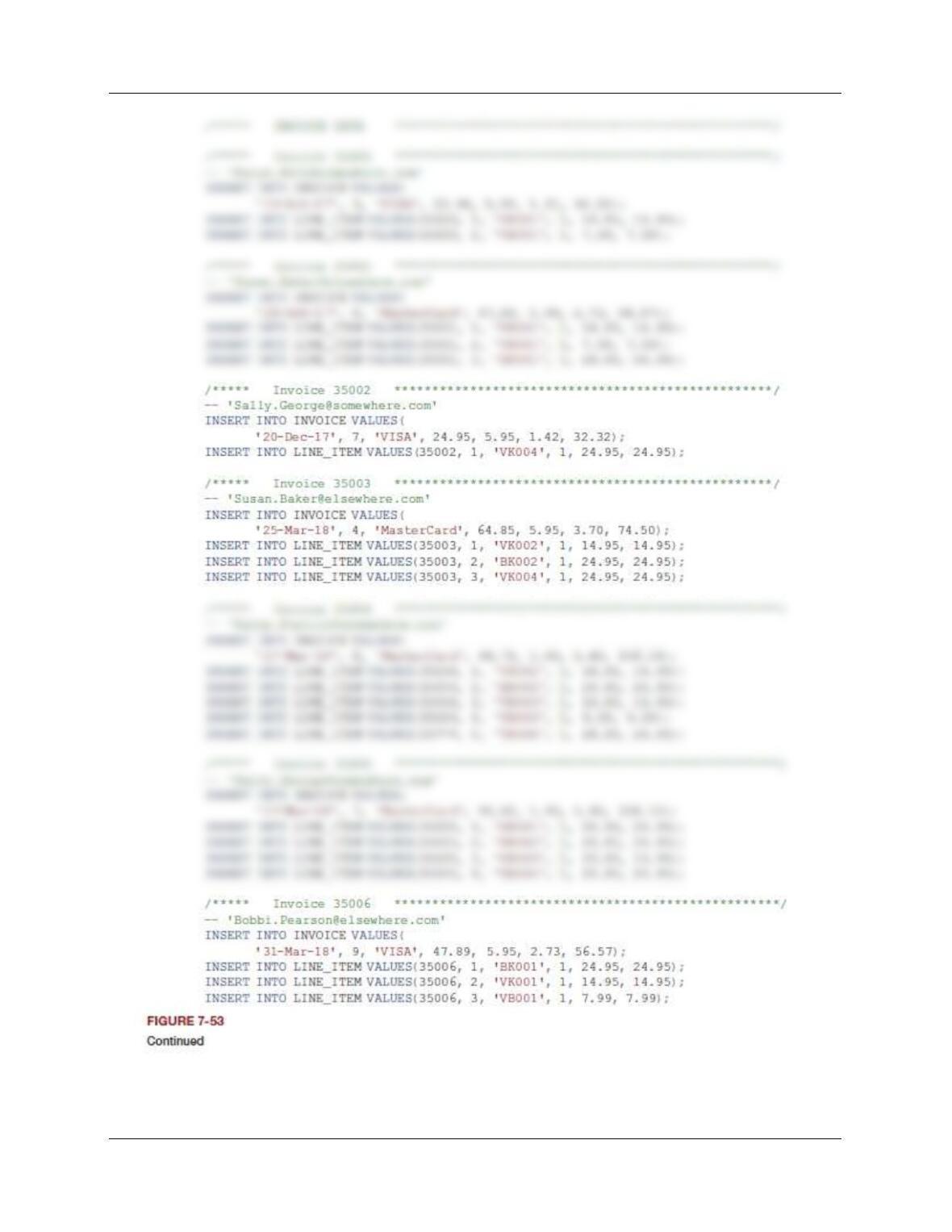
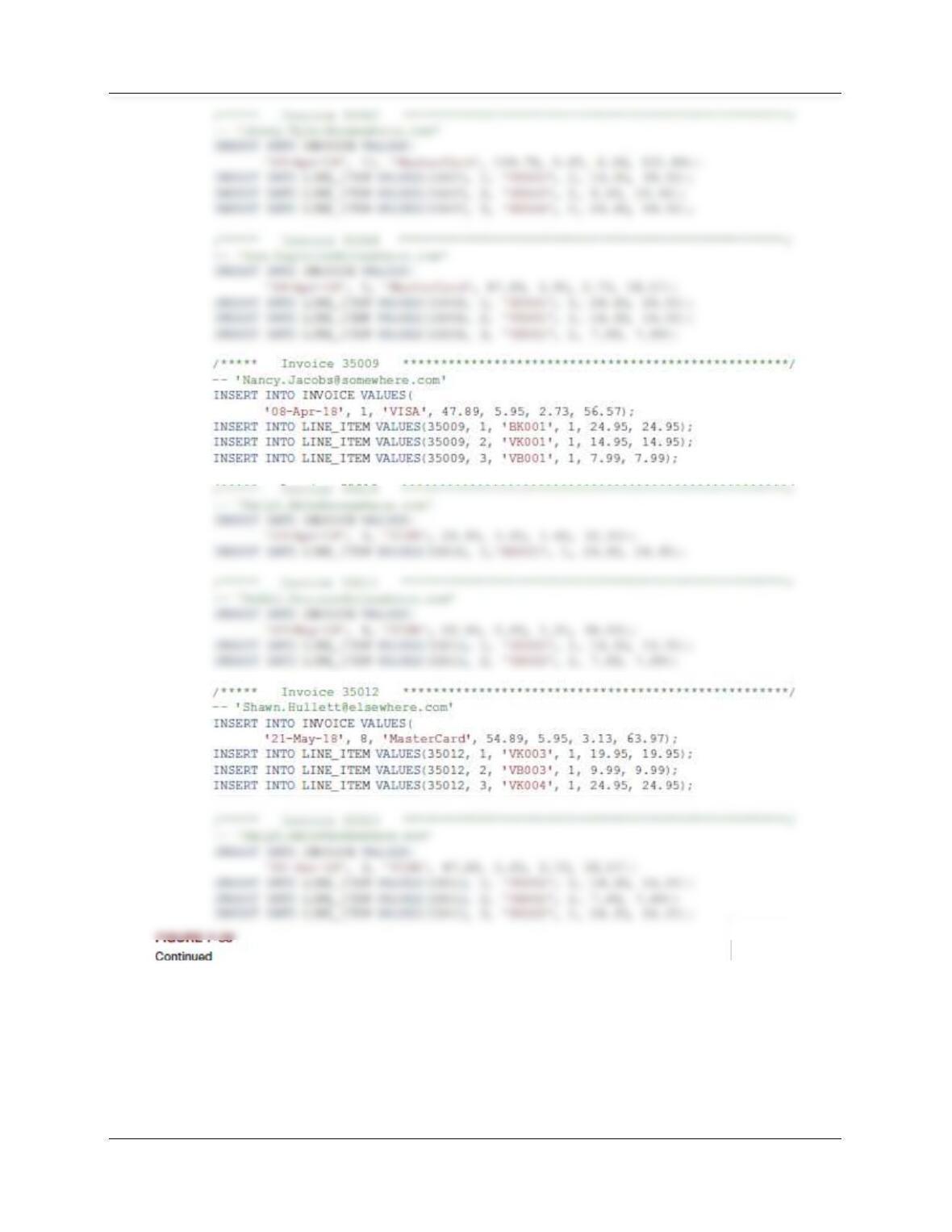
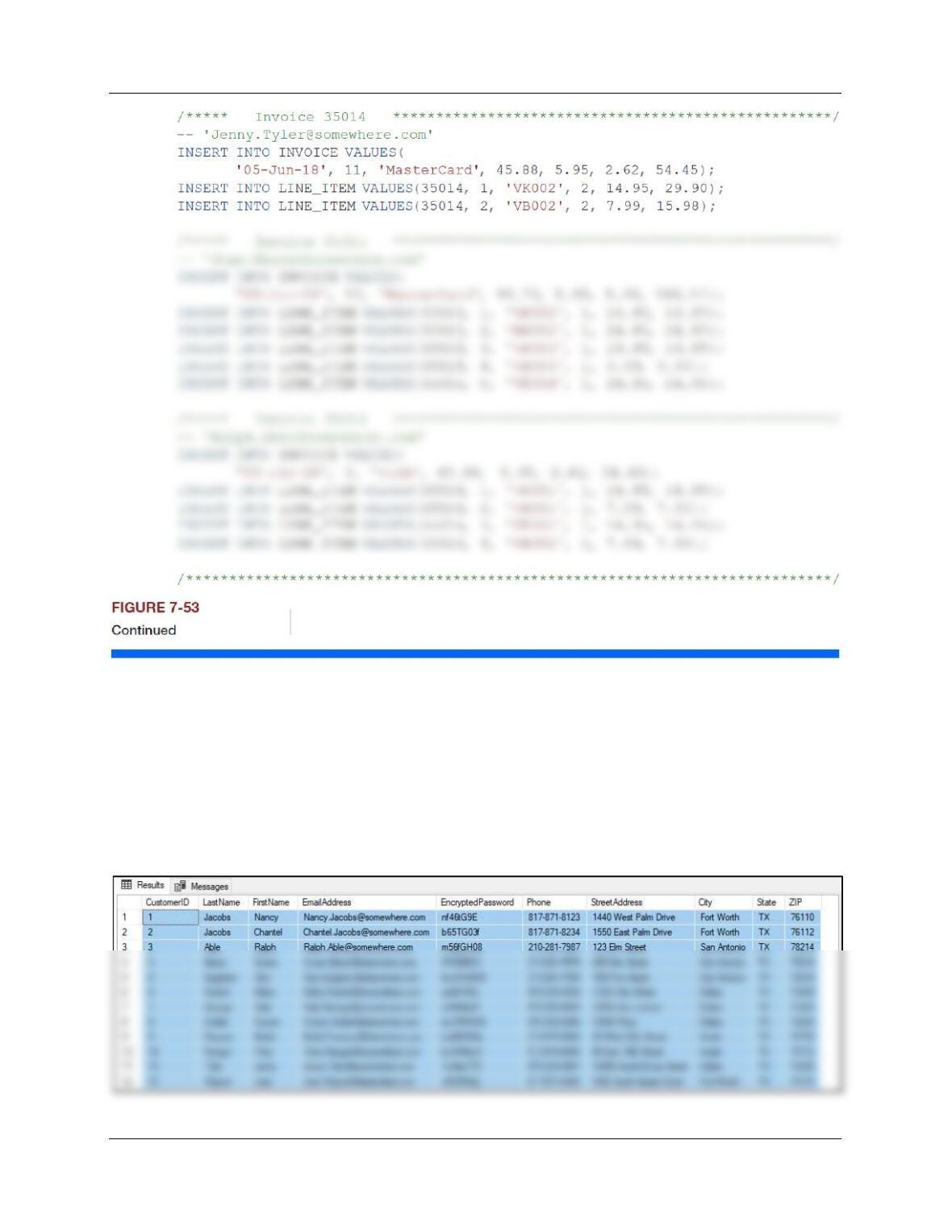
the HSD database are shown in Figure 7-53, again in Microsoft SQL Server syntax.
Chapter Seven – SQL For Database Construction and Application Processing
Page 7-85
A. Create a database named HSD in your DBMS.
This is self-explanatory.
B. Create a folder in your My Documents folder to save and store *.sql scripts containing
the SQL statements that you are asked to create in the remaining questions in this
section.
• For the SQL Workbench, create a folder named HSD-Database in the Schemas
folder in your My Documents folder.
• This is self-explanatory.
C. Write an SQL script named HSD-Create-Tables.sql based on Figure 7-52 to create the
tables and relationships for the HSD database. Save this script, and then execute the
script to create the HSD tables.
See file DBP-e15-MSSQL-HSD-Create-Tables.sql
D. Write an SQL script named HSD-Insert-Data.sql based on Figure 7-53 to insert the data
for the HSD database. Save this script, and then execute the script to populate the HSD
tables.
Chapter Seven – SQL For Database Construction and Application Processing
Chapter Seven – SQL For Database Construction and Application Processing
Page 7-87
Chapter Seven – SQL For Database Construction and Application Processing
Page 7-88
Chapter Seven – SQL For Database Construction and Application Processing
Page 7-89
Chapter Seven – SQL For Database Construction and Application Processing
Page 7-90
Chapter Seven – SQL For Database Construction and Application Processing
Page 7-91
Chapter Seven – SQL For Database Construction and Application Processing
Page 7-92
Chapter Seven – SQL For Database Construction and Application Processing
Page 7-93
Chapter Seven – SQL For Database Construction and Application Processing
Page 7-94
Using the HSD database, create an SQL script named HSD-CQ-CH07.sql to answer
questions E to Q. You can also include your answer to part P, but be sure to put it in
comment marks so that it is interpreted as a comment by the DBMS and cannot actually
be run!
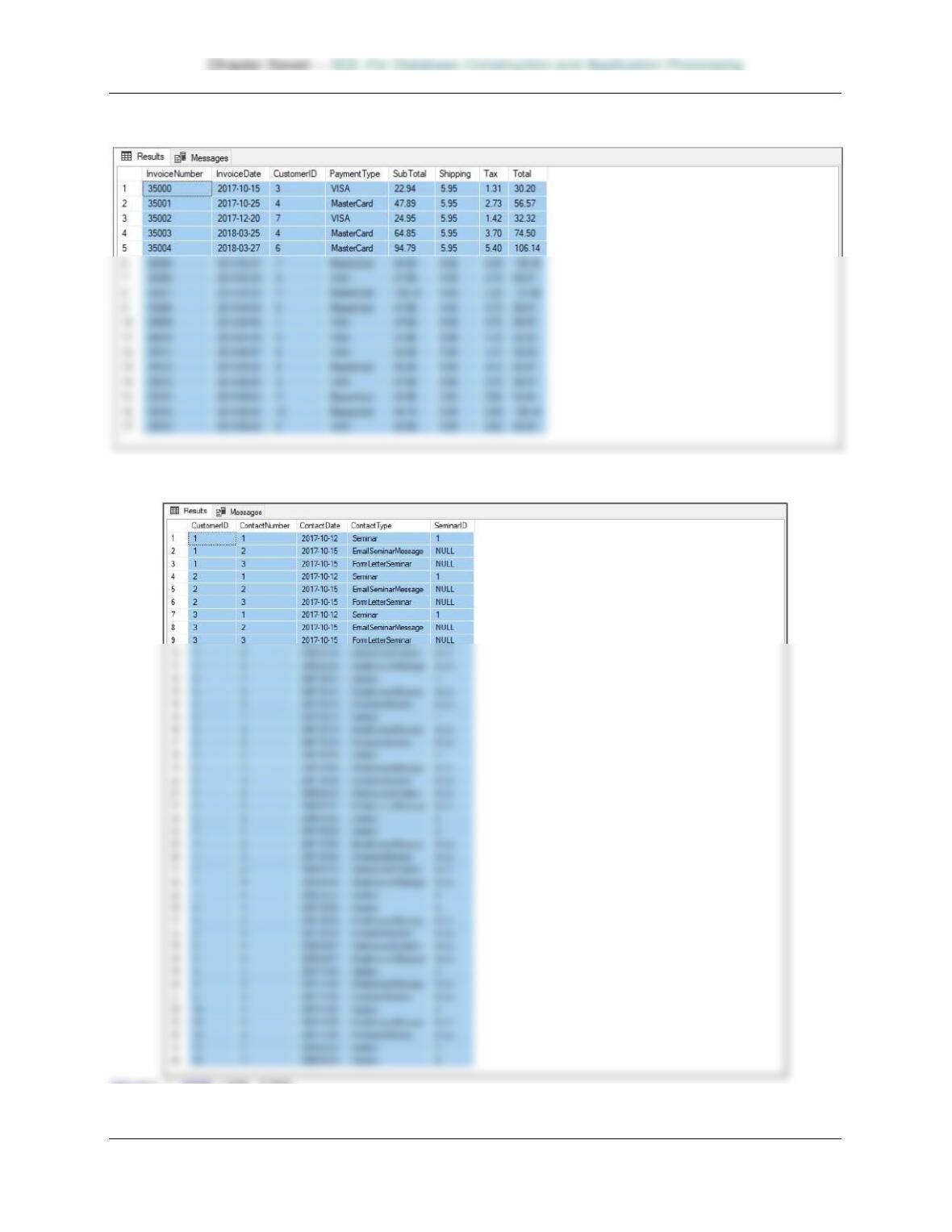
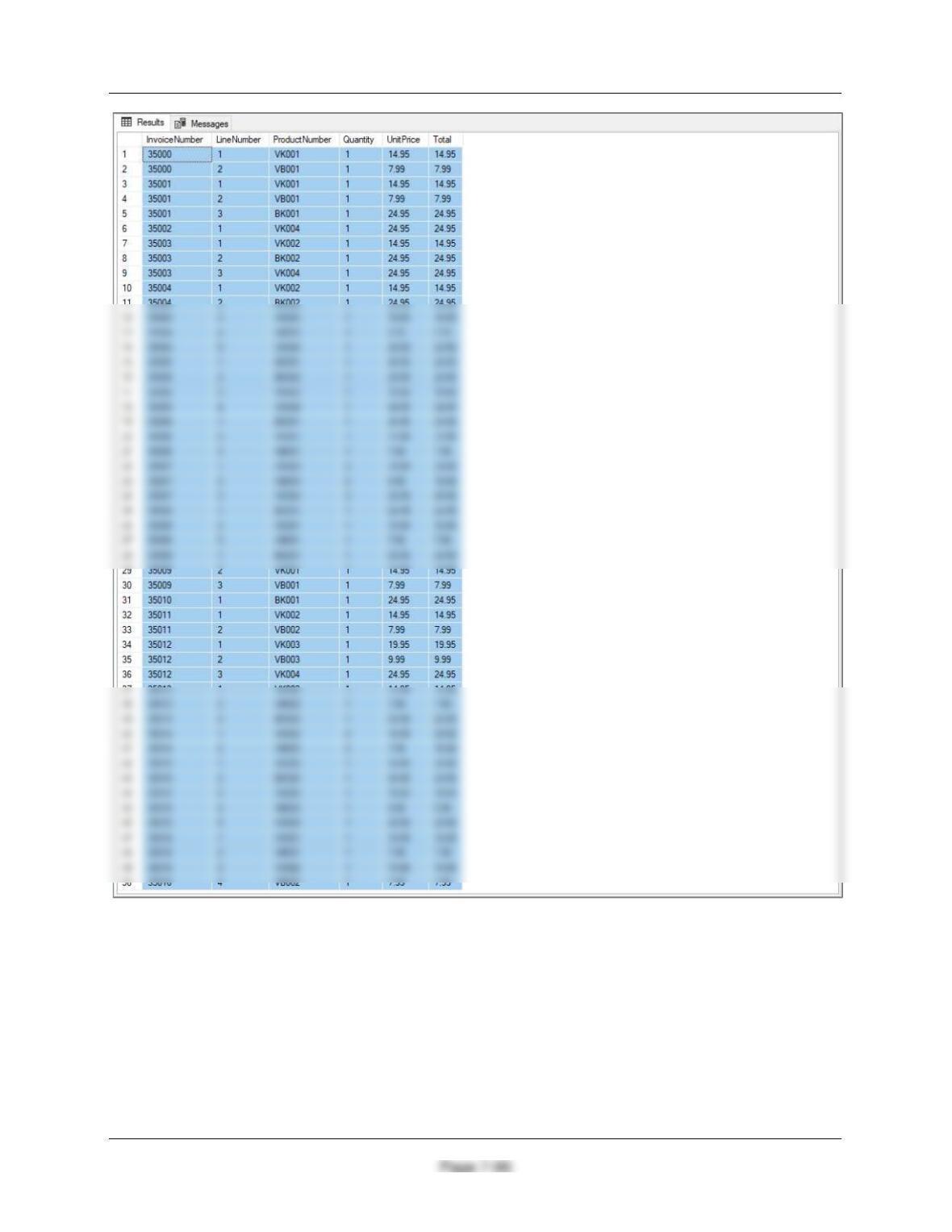
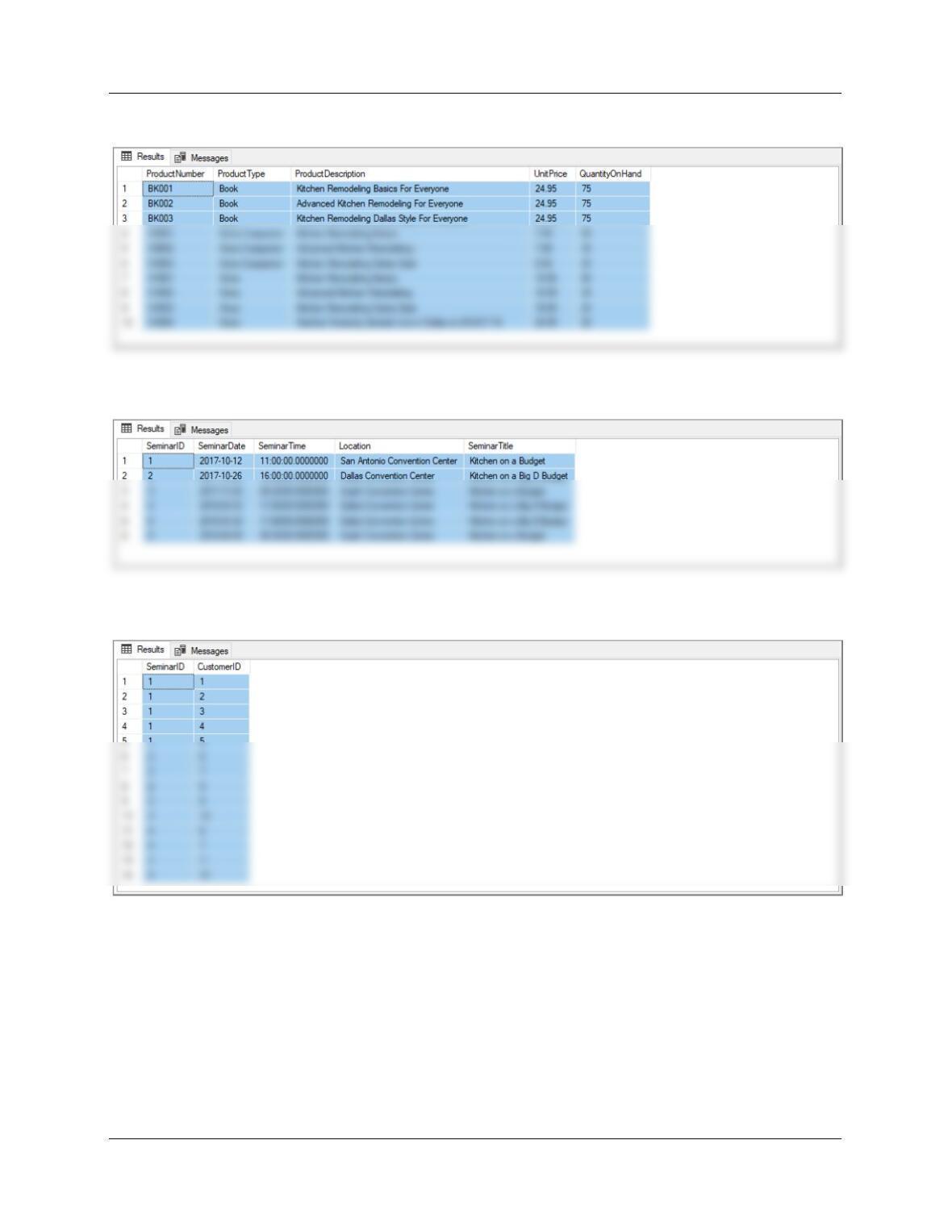
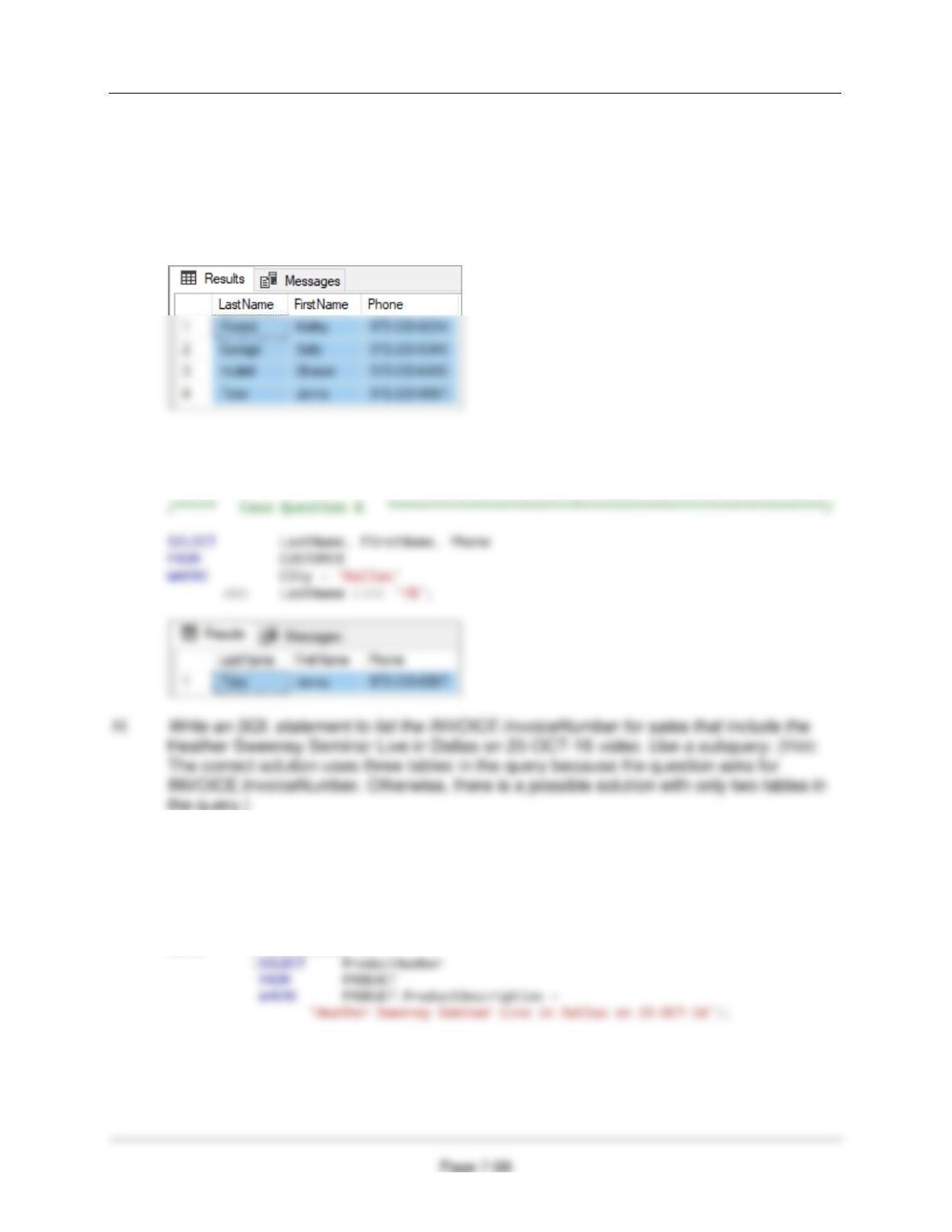
E. Write SQL statements to list all columns for all tables.
/***** Case Question E ******************************************************/
SELECT * FROM CUSTOMER;
Page 7-95
SELECT * FROM INVOICE;
SELECT * FROM CONTACT;
SELECT * FROM LINE_ITEM;
Chapter Seven – SQL For Database Construction and Application Processing
Chapter Seven – SQL For Database Construction and Application Processing
Page 7-97
SELECT * FROM PRODUCT;
SELECT * FROM SEMINAR;
SELECT * FROM SEMINAR_CUSTOMER;
Chapter Seven – SQL For Database Construction and Application Processing
F. Write an SQL statement to list LastName, FirstName, and Phone for all customers who
live in Dallas.
/***** Case Question F ******************************************************/
SELECT LastName, FirstName, Phone
FROM CUSTOMER
WHERE City = ‘Dallas’;
G. Write an SQL statement to list LastName, FirstName, and Phone for all customers who
live in Dallas and have a LastName that begins with the letter T.
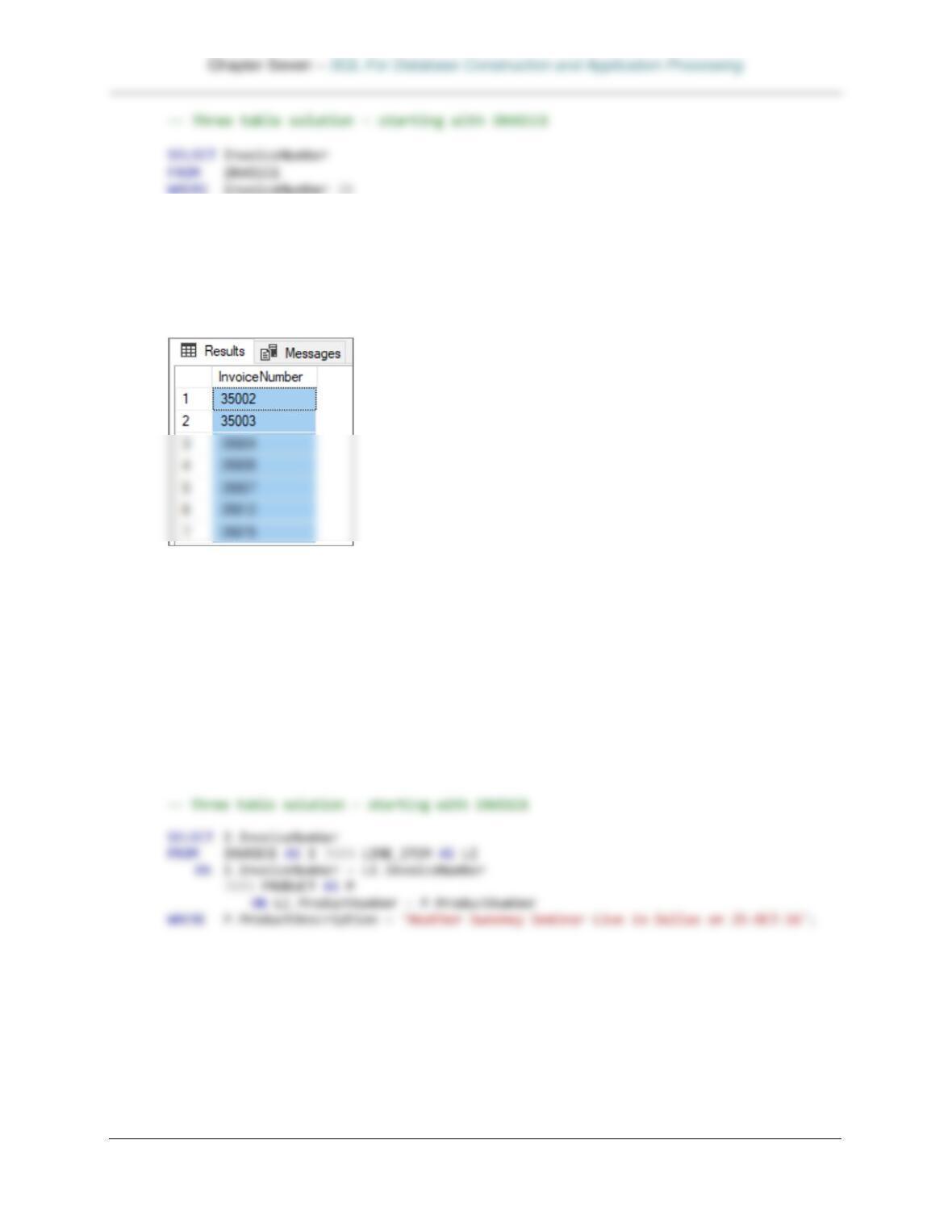
/***** Case Question H ******************************************************/
— Two table solution – starting with LINE_ITEM
SELECT InvoiceNumber
FROM LINE_ITEM
WHERE ProductNumber in
Page 7-99
(SELECT InvoiceNumber
FROM LINE_ITEM
WHERE ProductNumber in
(SELECT ProductNumber
FROM PRODUCT
WHERE PRODUCT.ProductDescription =
‘Heather Sweeney Seminar Live in Dallas on 25-OCT-16′));
I. Answer part G but use a JOIN ON syntax. (Hint: The correct solution uses three tables in
the query because the question asks for INVOICE.InvoiceNumber. Otherwise, there is a
possible solution with only two tables in the query.)
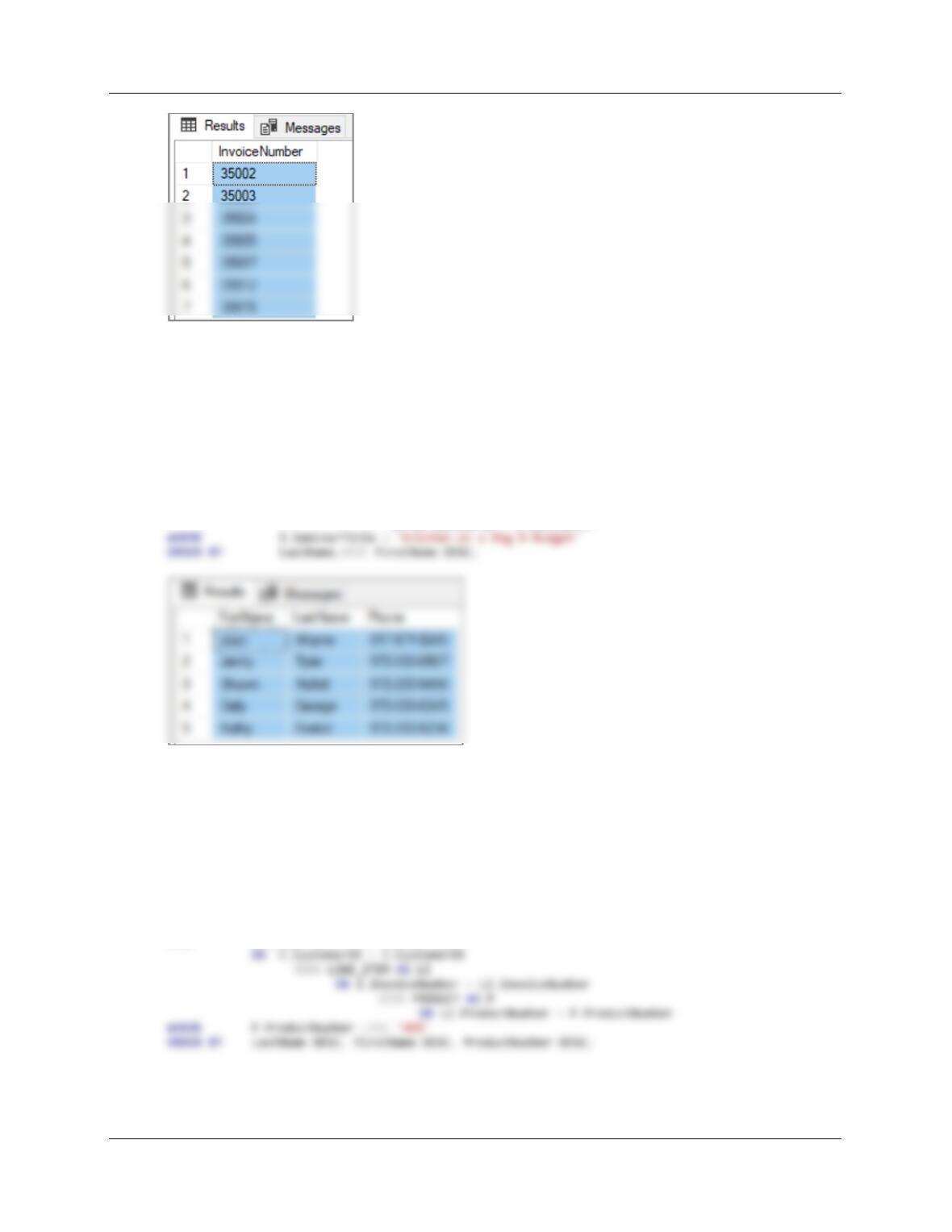
/***** Case Question I ******************************************************/
— Two table solution – starting with LINE_ITEM
SELECT LI.InvoiceNumber
FROM LINE_ITEM AS LI JOIN PRODUCT AS P
ON LI.ProductNumber = P.ProductNumber
WHERE P.ProductDescription = ‘Heather Sweeney Seminar Live in Dallas on 25-OCT-16’;
Chapter Seven – SQL For Database Construction and Application Processing
Page 7-100
J. Write an SQL statement to list the FirstName, LastName, and Phone of customers (list
each name only once) who have attended the Kitchen on a Big D Budget seminar. Sort
the results by LastName in descending order, and then by FirstName in descending
order.
/***** Case Question J ******************************************************/
SELECT DISTINCT FirstName, LastName, Phone
FROM CUSTOMER AS C JOIN SEMINAR_CUSTOMER AS SC
ON C.CustomerID = SC.CustomerID
JOIN SEMINAR AS S
ON SC.SeminarID = S.SeminarID
K. Write an SQL statement to list the FirstName, LastName, Phone, ProductNumber and
Description of customers (list each combination of name and video product only once)
who have purchased a video product. Sort the results by LastName in descending order,
then by FirstName in descending order, and then by ProductNumber in descending
order. (Hint: Video products have a ProductNumber that starts with VK.)
/***** Case Question K ******************************************************/
SELECT DISTINCT FirstName, LastName, Phone,
P.ProductNumber, P.ProductDescription
FROM CUSTOMER AS C JOIN INVOICE AS I