INSTRUCTOR’S MANUAL
TO ACCOMPANY
40th Anniversary Edition
DATABASE PROCESSING
Fundamentals, Design, and Implementation
15th Edition
Chapter 7
SQL for Database Construction and Application Processing
David M. Kroenke | David J. Auer | Scott L. Vandenberg | Robert C. Yoder
Chapter Seven – SQL For Database Construction and Application Processing
Page 7-2
❖ CHAPTER OBJECTIVES
• To be able to create and manage table structures using SQL statements
• To understand how referential integrity actions are implemented in SQL statements
• To be able to create and execute SQL constraints
❖ IMPORTANT TEACHING NOTE – READ THIS FIRST!
Chapter 7 is intended to be taught in conjunction with one of these downloadable online
chapters depending on which DBMS product you are using:
• For Microsoft SQL Server 2017, use online Chapter 10A.
• For Oracle Database 12c Release 2 or Oracle Database XE, use online Chapter
10B.
• For MySQL 5.7, use online Chapter 10C.
For each topic discussed in Chapter 7, there is a more detailed and DBMS specific
treatment of the same topic in online Chapters 10A, 10B, and 10C.
Chapter Seven – SQL For Database Construction and Application Processing
❖ ERRATA
[05-MAY-2018 – David Auer] Page 412. The Queen Ann Curiosity Shop Project
Question M has a misspelled word. The corrected question text is:
Write an SQL statement to create a view called EmployeeSupervisorView that shows who, if anyone,
supervises each employee at The Queen Anne Curiosity Shop, and which contains E1.LastName as
EmployeeLastName, E1.FirstName as EmployeeFirstName, E1.Position, E2.Lastname as
SupervisorLastName, and E2.FirstName as SupervisorFirstName. E1 and E2 are two aliases for the
EMPLOYEE table, and are required to run a query on a recursive relationship. Include employees
Write an SQL statement to create a view called EmployeeSupervisorView that shows who, if anyone,
supervises each employee at The Queen Anne Curiosity Shop, and which contains E1.LastName as
EmployeeLastName, E1.FirstName as EmployeeFirstName, E1.Position, E2.Lastname as
SupervisorLastName, and E2.FirstName as SupervisorFirstName. E1 and E2 are two aliases for the
EMPLOYEE table, and are required to run a query on a recursive relationship. Include employees
Chapter Seven – SQL For Database Construction and Application Processing
❖ TEACHING SUGGESTIONS
• If your students have been using Access, now is really the time to switch to Microsoft
SQL Server 2017, Oracle Database, or MySQL 5.7. Refer your students to the
beginning of Online Chapter 10A for Microsoft SQL Server 2017, Online Chapter 10B
2017. If your students are using Microsoft SQL Server 2017, they should be able to
MySQL 5.7 varies in their ability to support all the SQL commands used here.
Oracle Database and MySQL do a better job of supporting standard SQL, while
Microsoft Access has significant variations from the standard. In the answers to the
end of chapter questions I have often shown the solution using two or more of the
three DBMSs. Otherwise, I primarily use Microsoft SQL Server 2017. If your
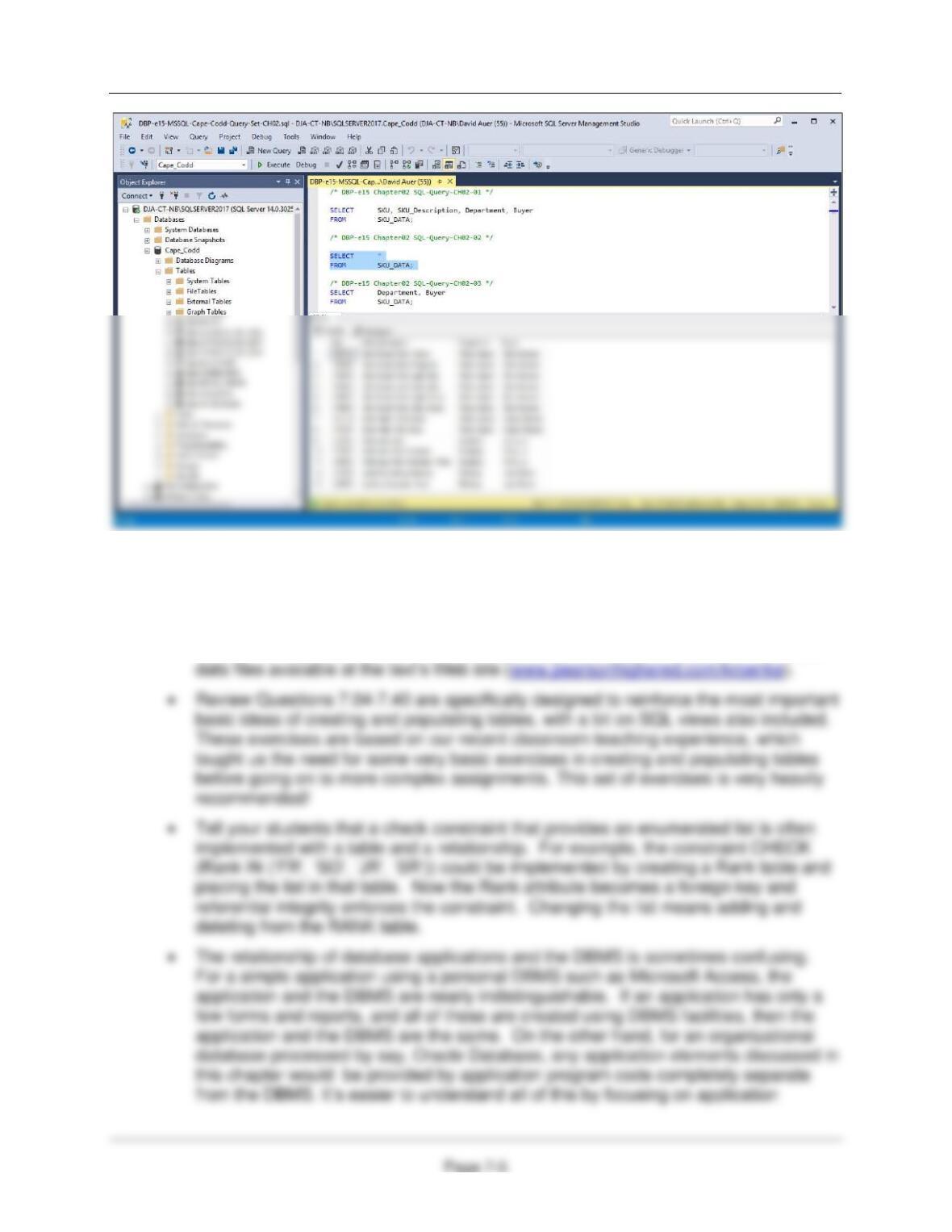
• Use the SQL statements in the *.sql text file DBP–e15-MSSQL-Cape-Codd-
Insert-Data.sql to populate the Cape Codd tables (the additional tables used
in the Chapter 2 Review Questions, are also populated).
• Open the Microsoft SQL Server Management Studio and select the Cape-
Codd database.
Chapter Seven – SQL For Database Construction and Application Processing
• The trick shown for SQL Server 2017 also works for Oracle Database using the
Oracle SQL Developer and for MySQL 5.7 using the MySQL workbench.
• Remind your students that Microsoft Access does not support all SQL constructs.
• Because of the complexity of the SQL statements to construct the View Ridge
Gallery VRG database, the necessary SQL scripts are included in the set of student
Chapter Seven – SQL For Database Construction and Application Processing
Page 7-6
complete certain queries.
• Too often students understand how SQL can be used for interactive query, but do
not really understand its role in application processing. In fact, SQL is far more
frequently used for SQL view processing as described here than it is as an
interactive query tool.
• SQL/Persistent Stored Modules (SQL/PSM), stored procedures and triggers
complete a student’s understanding of how database systems work. Often, we talk
about designing database systems to enforce business rules but find many rules that
we cannot enforce through design alone. Triggers will help enforce most rules that
design cannot enforce.
Chapter Seven – SQL For Database Construction and Application Processing
Page 7-7
❖ ANSWERS TO REVIEW QUESTIONS
7.1 What does DDL stand for? List the SQL DDL statements.
DDL stands for Data Definition Language. DDL statements include:
7.2 What does DML stand for? List the SQL DML statements.
DML stands for Data Manipulation Language. DML statements include:
7.3 Explain the meaning of the following expression: IDENTITY (4000, 5).
The IDENTITY keyword is used to modify a column name, and is used to specify surrogate keys.
Chapter Seven – SQL For Database Construction and Application Processing
Page 7-8
For this set of Review Questions, we will create and use a database with a set of tables that will
allow us to compare variations in SQL CREATE TABLE and SQL INSERT statements. The
purpose of these questions is to illustrate different situations that call for specific uses of various
SQL CREATE TABLE and SQL INSERT options.
The database will be named CH07_RQ_TABLES and will contain the following six tables:
EmailAddress is a text column containing an email address, and is therefore not a surrogate
key. CustomerID is a surrogate key that starts at 1 and increments by 1. SaleID is a surrogate
key that starts at 20150001 and increases by 1.
The CH07_RQ_TABLES database has the following referential integrity constraints:
7.4 If you are using Microsoft SQL Server, Oracle Database, or MySQL, create a folder in
your Documents folder to save and store the *.sql scripts containing the SQL statements
that you are asked to create in the following Review Questions about the
CH07_RQ_TABLES database.
• For SQL Server Management Studio, create a folder named CH07–RQ–TABLES-
Chapter Seven – SQL For Database Construction and Application Processing
7.5 Create a database named CH07_RQ_TABLES.
This is self-explanatory. The student will create the appropriate database base upon which DBMS
product they are using. For further guidance on creating a new database:
7.6 If you are using Microsoft SQL Server, Oracle Database, or MySQL, create and save an
SQL script named CH07-RQ–TABLES-Tables-Data-and-Views.sql to hold the answers to
Review Questions 7.7–7.40. Use SQL script commenting (/* and */ symbols) to write
your answers to Review Questions that require written answers as comments.
If you are running Microsoft Access 2016, create and save a Microsoft Notepad text file
7.7 Write and run an SQL CREATE TABLE statement to create the CUSTOMER_01 table.
For Microsoft SQL Server, Oracle Database, and MySQL 5.7:
CREATE TABLE CUSTOMER_01(

Chapter Seven – SQL For Database Construction and Application Processing
Page 7-10
7.8 Write and run an SQL CREATE TABLE statement to create the CUSTOMER_02 table.
For Microsoft SQL Server:
CREATE TABLE CUSTOMER_02(
CustomerID INT NOT NULL IDENTITY(1, 1),
Chapter Seven – SQL For Database Construction and Application Processing
For Oracle Database:
Oracle creates primary key surrogate values by using sequences.
CREATE TABLE CUSTOMER_02(
CustomerID INT NOT NULL ,
For MySQL 5.7:
MySQL creates primary key surrogate values by AUTO_INCREMENT, which always
increments by 1. The starting value may be set using an SQL ALTER TABLE statement.
CREATE TABLE CUSTOMER_02(
CustomerID INT NOT NULL AUTO_INCREMENT,
7.9 Are there any significant differences between the CUSTOMER_01 and CUSTOMER_02
tables? If so, what are they?
7.10 Write and run an SQL CREATE TABLE statement to create the CUSTOMER_03 table.
For Microsoft SQL Server:
CREATE TABLE CUSTOMER_03(
CustomerID INT NOT NULL IDENTITY(1, 1),
EmailAddress VARCHAR(100) NOT NULL,
Chapter Seven – SQL For Database Construction and Application Processing
For Oracle Database XE:
Oracle creates primary key surrogate values by using sequences.
CREATE TABLE CUSTOMER_03(
CustomerID INT NOT NULL ,
CREATE SEQUENCE seqC03 INCREMENT BY 1 START WITH 1;
For MySQL 5.7:
MySQL creates primary key surrogate values by AUTO_INCREMENT, which always
increments by 1. The starting value may be set using an SQL ALTER TABLE statement.
CREATE TABLE CUSTOMER_03(
CustomerID INT NOT NULL AUTO_INCREMENT,
7.11 Are there any significant differences between the CUSTOMER_02 and CUSTOMER_03
tables? If so, what are they?
7.12 Write and run an SQL CREATE TABLE statement to create the CUSTOMER_04 table.
For Microsoft SQL Server:
CREATE TABLE CUSTOMER_04(
CustomerID INT NOT NULL IDENTITY(1, 1),
EmailAddress VARCHAR(100) NOT NULL,
Chapter Seven – SQL For Database Construction and Application Processing
Page 7-13
For Oracle Database XE:
Oracle creates primary key surrogate values by using sequences.
CREATE TABLE CUSTOMER_04(
CustomerID INT NOT NULL ,
EmailAddress VARCHAR(100) NOT NULL,
LastName VARCHAR(25) NOT NULL,
FirstName VARCHAR(25) NOT NULL,
CONSTRAINT CUSTOMER_03_PK PRIMARY KEY(CustomerID)
);
7.13 Are there any significant differences between the CUSTOMER_03 and CUSTOMER_04
tables? If so, what are they?
7.14 Write and run an SQL CREATE TABLE statement to create the SALE_01 table. Note
that the foreign key is EmailAddress, which references CUSTOMER_01. EmailAddress.
In this database, CUSTOMER_01 and SALE_01 records are never deleted, so that there
will be no ON DELETE referential integrity action. However, you will need to decide how
to implement the ON UPDATE referential integrity action.
);
Chapter Seven – SQL For Database Construction and Application Processing
Page 7-14
For Oracle Database:
Oracle creates primary key surrogate values by using sequences.
For MySQL 5.7:
MySQL creates primary key surrogate values by AUTO_INCREMENT, which always
increments by 1. The starting value may be set using an SQL ALTER TABLE statement.
7.15 In Review Question 7.14, how did you implement the ON UPDATE referential integrity
action? Why?
The ON UPDATE referential integrity action is implemented as CASADE. This is because the
primary key of CUSTOMER_01 (EmailAddress) is not a surrogate key, and may therefore be
changed. Any changes to EmailAdress in CUSTOMER_01 must also be made to corresponding
values in SALE_01.
Chapter Seven – SQL For Database Construction and Application Processing
7.16 Are there any significant differences between the CUSTOMER_01 and SALE_01 tables?
If so, what are they?
7.17 Could we have created the SALE_01 table before creating the CUSTOMER_01 table? If
not, why not?
7.18 Write and run an SQL CREATE TABLE statement to create the SALE_02 table. Note
that the foreign key is CustomerID, which references CUSTOMER_04.CustomerID. In
this database, CUSTOMER_04 and SALE_02 records are never deleted, so that there
will be no ON DELETE referential integrity action. However, you will need to decide how
to implement the ON UPDATE referential integrity action.
For Microsoft SQL Server:
For Oracle Database:
Oracle creates primary key surrogate values by using sequences.
CREATE TABLE SALE_02(
SaleID INT NOT NULL,
DateOfSale DATE NOT NULL,
Chapter Seven – SQL For Database Construction and Application Processing
MySQL creates primary key surrogate values by AUTO_INCREMENT, which always
increments by 1. The starting value may be set using an SQL ALTER TABLE statement.
);
CREATE TABLE SALE_02(
SaleID INT NOT NULL AUTO_INCREMENT,
7.19 In Review Question 7.18, how did you implement the ON UPDATE referential integrity
action? Why?
For Oracle Database:
In Oracle, the ON UPDATE option is not available, but it doesn’t matter since no action is
necessary.
7.20 Are there any significant differences between the SALE_01 and SALE_02 tables? If so,
what are they?
7.21 Could we have created the SALE_02 table before creating the CUSTOMER_04 table? If
not, why not?
Chapter Seven – SQL For Database Construction and Application Processing
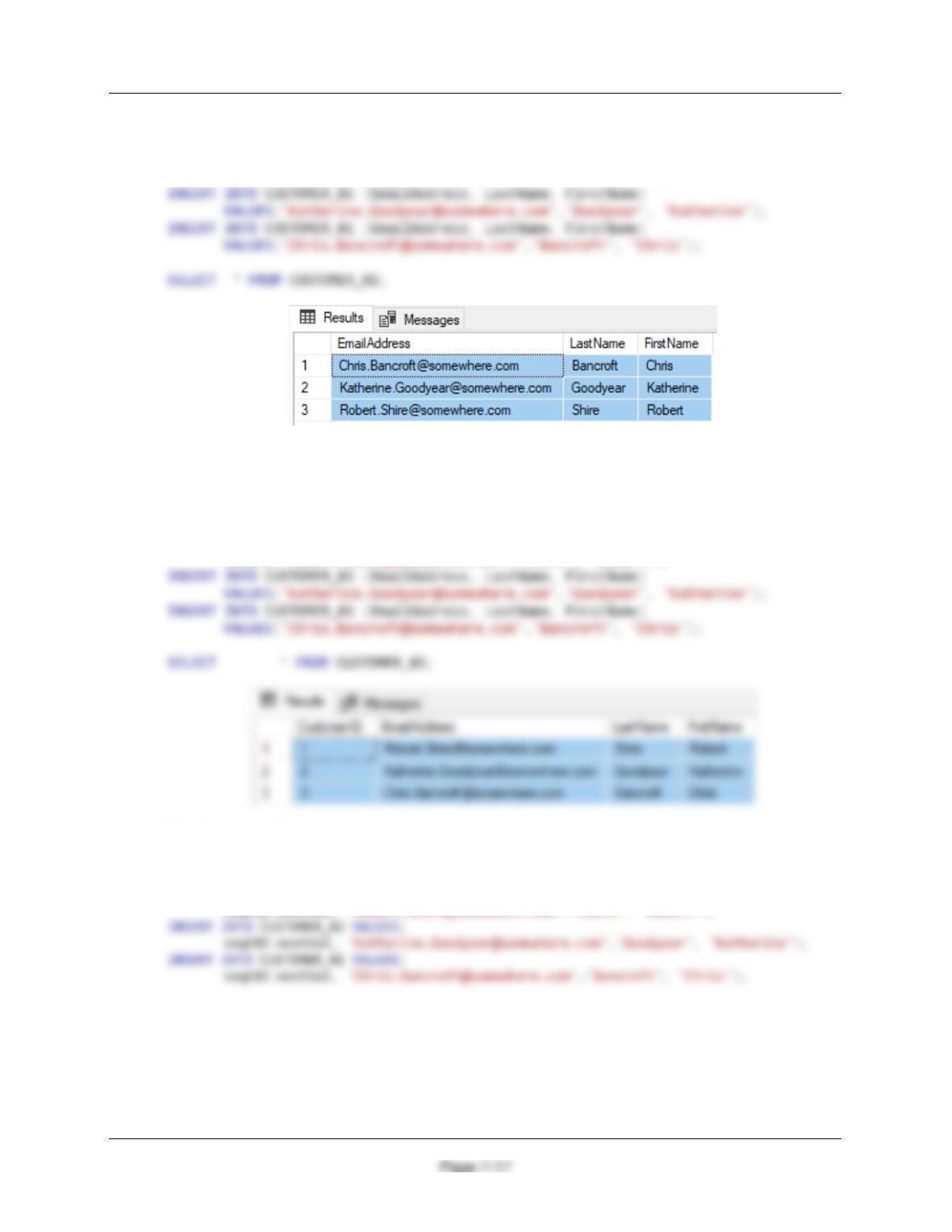
7.22 Write and run a set of SQL INSERT statements to populate the CUSTOMER_01 table.
INSERT INTO CUSTOMER_01 (EmailAddress, LastName, FirstName)
VALUES(‘Robert.Shire@somewhere.com’,‘Shire’, ‘Robert’);
7.23 Write and run a set of SQL INSERT statements to populate the CUSTOMER_02 table.
Do not use a bulk INSERT command.
For Microsoft SQL Server and MySQL:
INSERT INTO CUSTOMER_02 (EmailAddress, LastName, FirstName)
VALUES(‘Robert.Shire@somewhere.com’,‘Shire’, ‘Robert’);
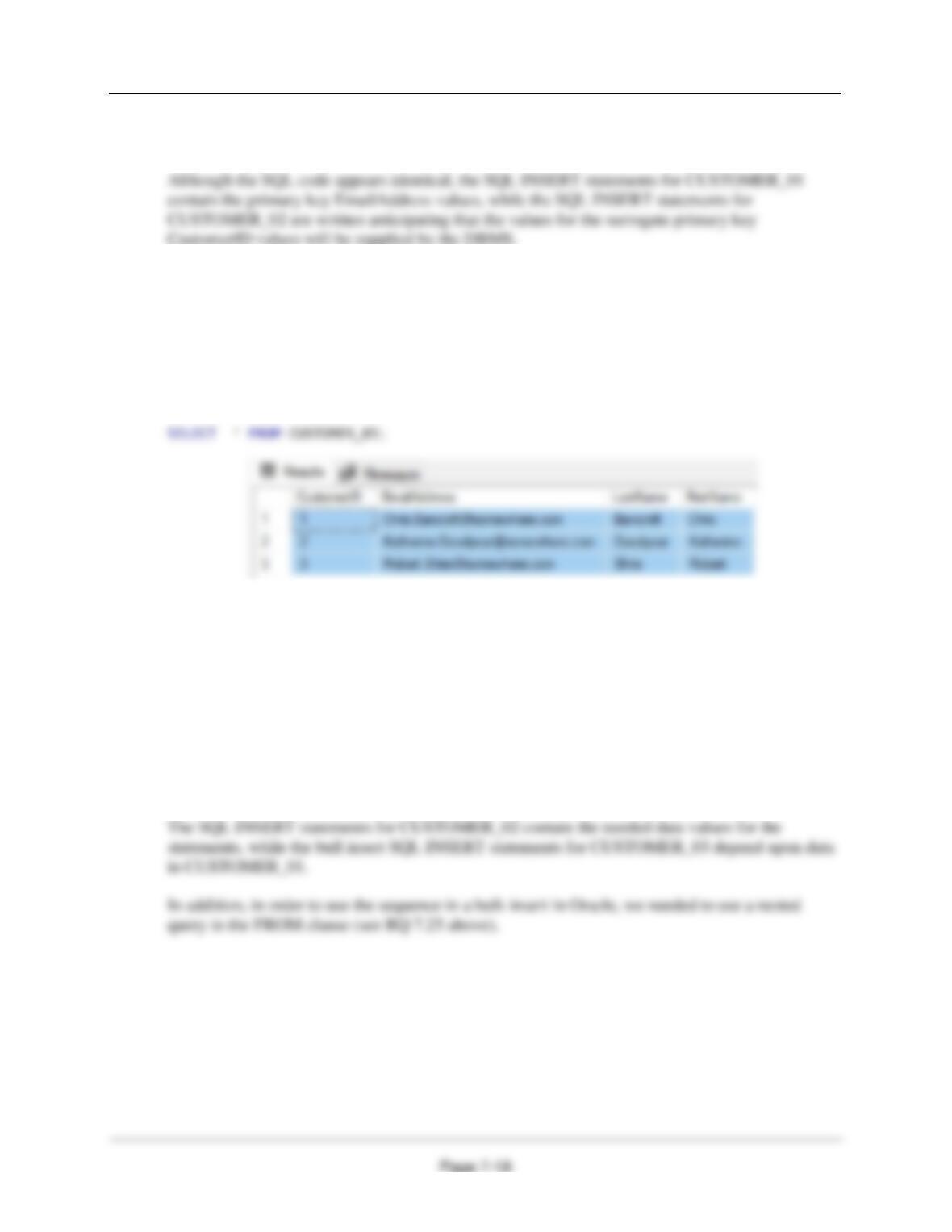
For Oracle Database:
Note the use of the Oracle DB nextVal property:
INSERT INTO CUSTOMER_02 VALUES(
seqC02.nextVal, ‘Robert.Shire@somewhere.com’,‘Shire’, ‘Robert’);
Chapter Seven – SQL For Database Construction and Application Processing
7.24 Are there any significant differences between the sets of SQL INSERT statements used
to populate the CUSTOMER_01 and CUSTOMER_02 tables? If so, what are they?
7.25 Write and run an SQL INSERT statement to populate the CUSTOMER_03 table. Use a
bulk INSERT command and the data in the CUSTOMER_01 table.
For Microsoft SQL Server and MySQL:
INSERT INTO CUSTOMER_03 (EmailAddress, LastName, FirstName)
SELECT EmailAddress, LastName, FirstName
FROM CUSTOMER_01;
For Oracle Database:
Note the use of the Oracle DB nextVal property and the use of the alias C for the results of the
SELECT on the CUSTOMER_01 table :
INSERT INTO Customer_03
SELECT seqC03.nextVal, C.EmailAddress, C.LastName, C.FirstName
FROM (SELECT DISTINCT EmailAddress, LastName, FirstName
FROM CUSTOMER_01) C;
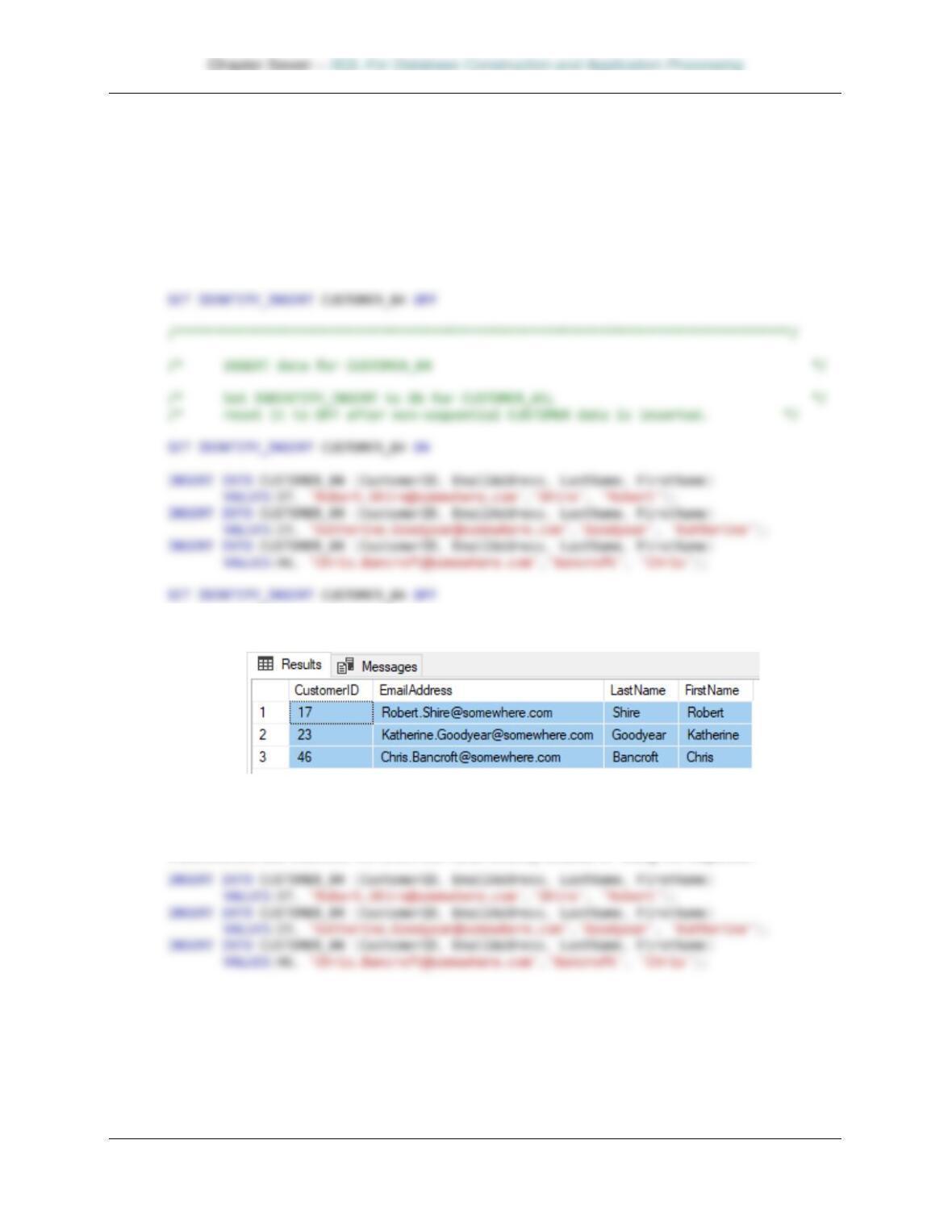
7.26 Are there any significant differences between the sets of SQL INSERT statements used
to populate the CUSTOMER_02 and CUSTOMER_03 tables? If so, what are they?
Page 7-19
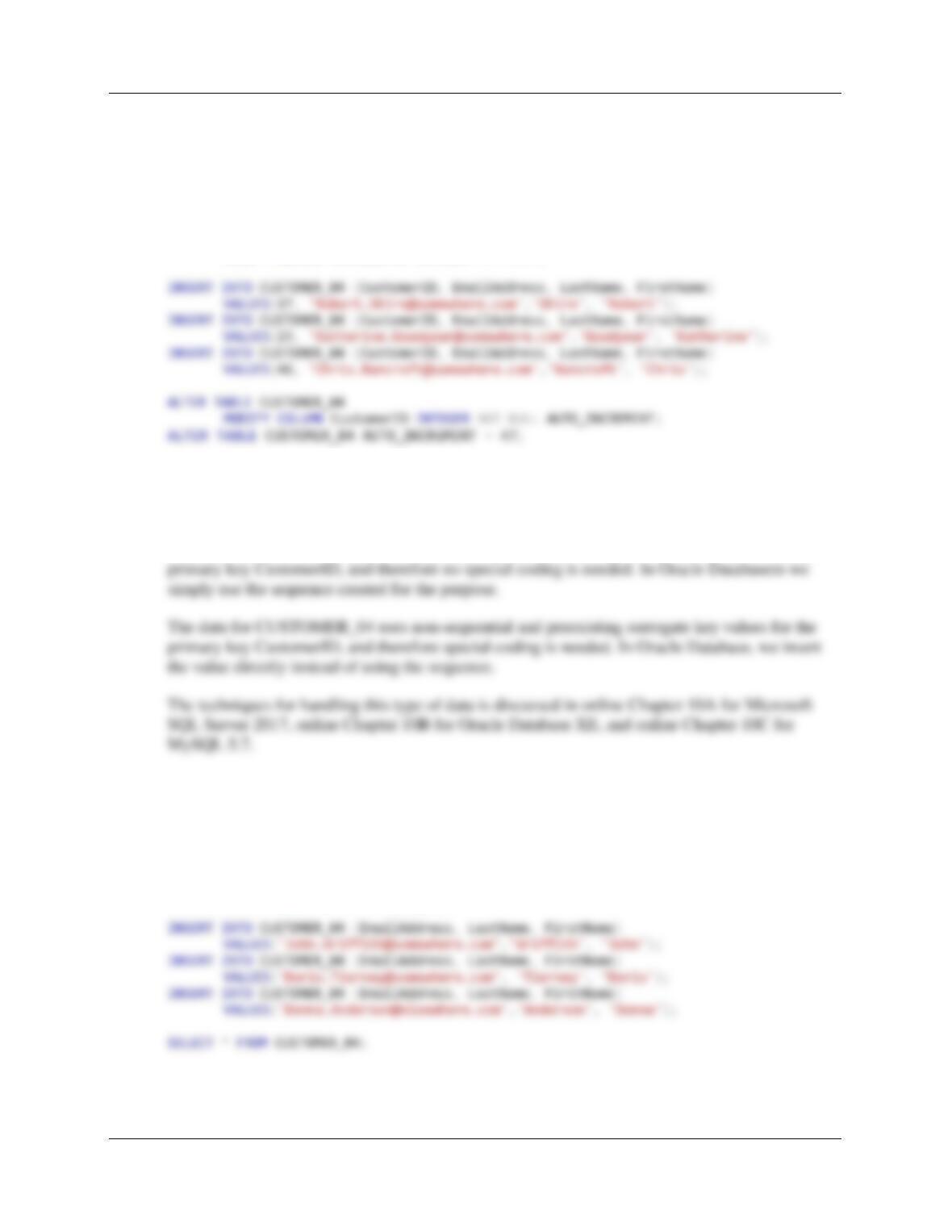
7.27 Write and run a set of SQL INSERT statements to populate rows 1 through 3 in the
CUSTOMER_04 table. Note that this question involves non-sequential surrogate key
values and is based on techniques for Microsoft SQL Server 2017 in Chapter 10A, for
Oracle Database in Chapter 10B, or for MySQL 5.7 in Chapter 10C, depending upon
which DBMS product you are using.
For Microsoft SQL Server:
/* Be sure IDENTITY_INSERT is OFF for all tables. */
SELECT * FROM CUSTOMER_04;
For Oracle Database:
The data for CUSTOMER_04 uses non-sequential — surrogate key values for the primary key
CustomerID, and therefore we insert the value directly instead of using the sequence.
Chapter Seven – SQL For Database Construction and Application Processing
Page 7-20
For MySQL 5.7:
The data for CUSTOMER_04 uses non-sequential — surrogate key values for the primary key
CustomerID, and therefore we must enter directly instead of using AUTO_INCREMENT as
shown in Rewiew Question 7.12. Since CUSTOMER_04 table was created with the
AUTO_INCREMENT, we use:
ALTER TABLE CUSTOMER_04
MODIFY COLUMN CustomerID INTEGER NOT NULL;
7.28 Are there any significant differences between the sets of SQL INSERT statements used
to populate the CUSTOMER_02 table and rows 1-3 of the CUSTOMER_04 table? If so,
what are they?
The data for CUSTOMER_02 uses sequential and non-preexisting surrogate key values for the
7.29 Write and run a set of SQL INSERT statements to populate rows 4 through 6 in the
CUSTOMER_04 table. Note that this question involves sequential surrogate key values
and is based on techniques for Microsoft SQL Server 2017 in Chapter 10A, for Oracle
Database in Chapter 10B, or for MySQL 5.7 in Chapter 10C, depending upon which
DBMS product you are using.
For Microsoft SQL Server and MySQL 5.7: