Chapter Seven – SQL For Database Construction and Application Processing
Page 7-139
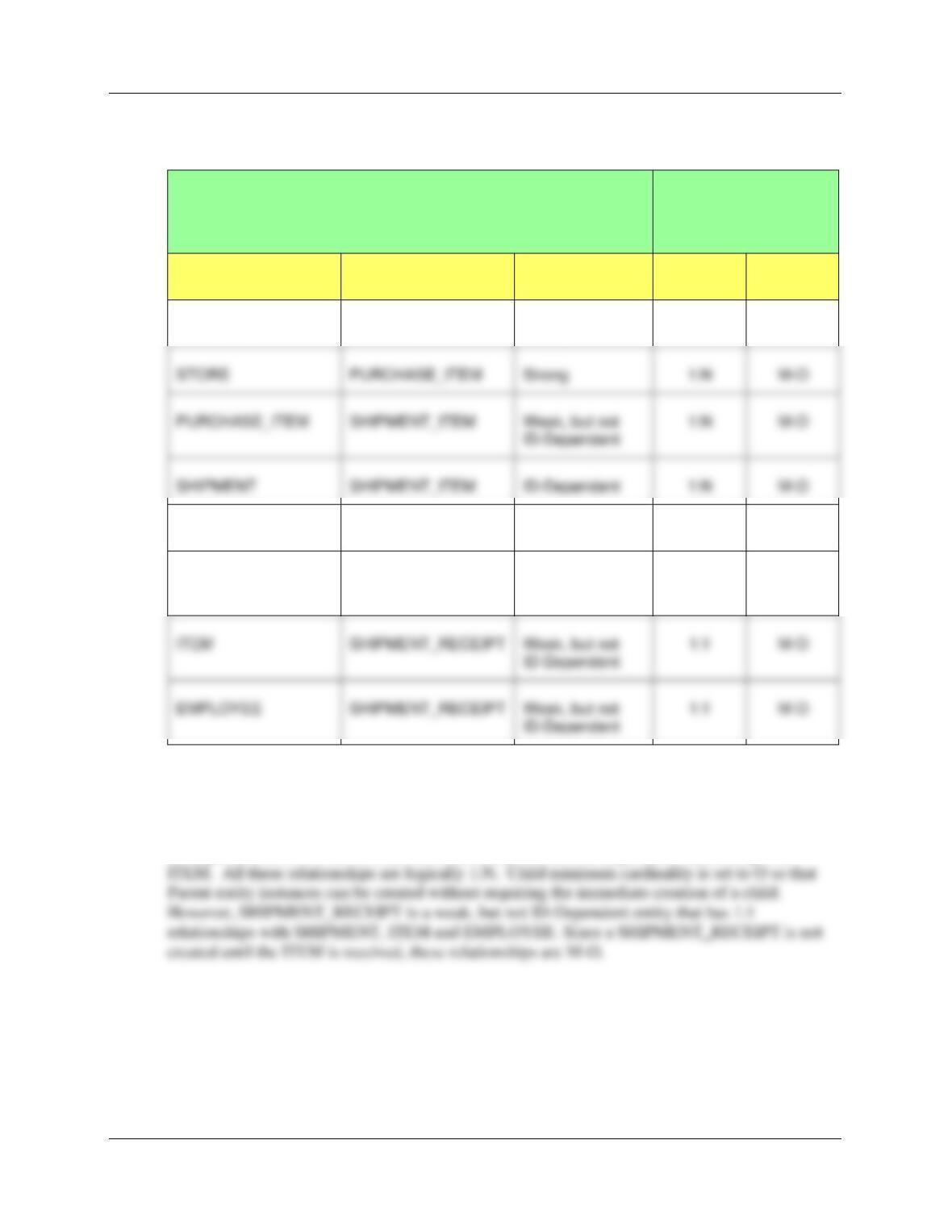
D. State relationships as implied by foreign keys and specify the maximum and minimum
cardinality of each relationship. Justify your choices.
RELATIONSHIP
CARDINALITY
[Blue = Inferable]
PARENT
CHILD
TYPE
MAX
MIN
EMPLOYEE
PURCHASE_ITEM
Strong
1:N
M-O
SHIPPER
SHIPMENT
Strong
1:N
M-O
SHIPMENT
SHIPMENT_RECEIPT
Weak, but not
ID-Dependent
1:1
M-O
EMPLOYEE
SHIPMENT_RECEIPT
Weak, but not
EMPLOYEE, STORE, ITEM, SHIPPER and SHIPMENT are strong entities, with separate
logical existence. This is a variant of what would otherwise be a Line Item model between
SHIPMENT and SHIPMENT_ITEM, with ITEM and other attributes forming an association
pattern, with SHIPMENT_ITEM as the association table. By definition, SHIPMENT_ITEM is
ID-dependent on SHIPMENT, but is a weak entity in a non-ID-dependent relationship with
PURCHASE_ITEM
SHIPMENT_ITEM
Weak, but not
M-O
SHIPMENT
SHIPMENT_ITEM
1:N
M-O
Chapter Seven – SQL For Database Construction and Application Processing
Page 7-140
E. Explain how you will enforce the minimum cardinalities in your answer to question D.
Use referential integrity actions for required parents, if any. Use Figure 6-28(b) as a
boilerplate for required children, if any.
All the minimum cardinalities are M-O. This means that almost all referential integrity actions
will be handled by referential integrity constraints on the database. Thus we will generally use
ON UPDATE CASCADE and ON DELETE CASCADE as necessary. Little application code
(i.e., triggers) will have to be written.
The same logic in the preceding paragraph applies to SHIPPER and SHIPMENT, except that
ShipperName is not a surrogate key. Therefore, we will need an ON UPDATE CASCADE
constraint.
The relationship between SHIPMENT and SHIPMENT_ITEM is an ID-dependent relationship.
For ID-dependent relationships, we normally do implement both ON UPDATE CASCADE and
ON DELETE CASCADE, but here ShipmentID is a surrogate key so we will only need ON
DELETE CASCADE.
F. Create a database named MI in your DBMS.
This is self-explanatory. We will use the database name MI_CH07.
Chapter Seven – SQL For Database Construction and Application Processing
Page 7-141
G. Create a folder in your My Documents folder to save and store *.sql scripts containing
the SQL statements that you are asked to create in the remaining questions in this
section.
• For the SQL Server Management Studio, create a folder named MI-Database in the
Projects folder structure in your My Documents folder.
Using the MI database, create an SQL script named MI-Create-Tables.sql to answer questions
H and I. Your answer to part I should be in the form of an SQL comment in the script.
H. Write CREATE TABLE statements for each of the tables using your answers to
questions A-E as necessary. If you decided to use a StoreID surrogate key, set the first
value to 1000 and increment by 50. Set the first value of EmployeeID to 1 and increment
it by 1. Set the first value of PurchaseItemID to 500 and increment it by 5. Set the first
Chapter Seven – SQL For Database Construction and Application Processing
Page 7-142
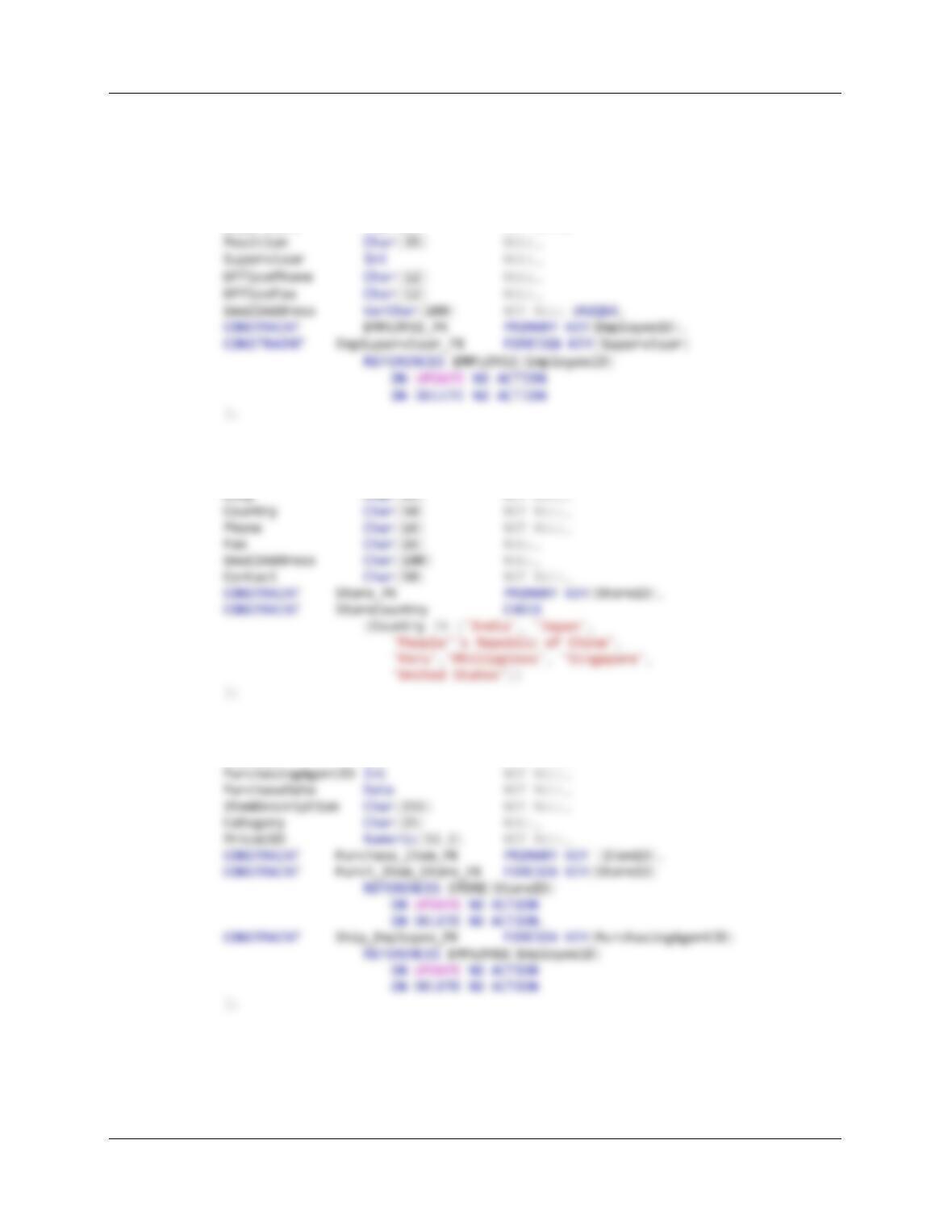
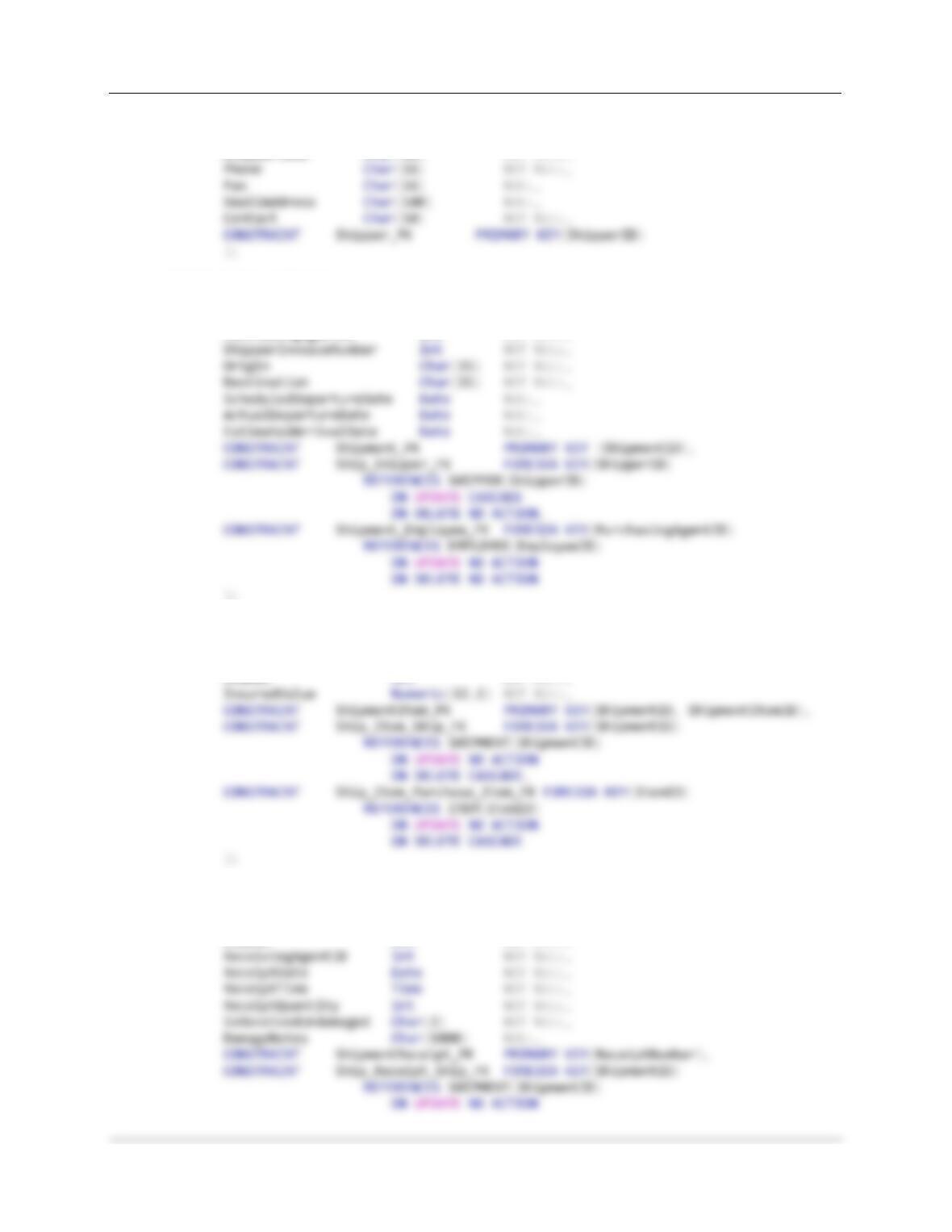
For SQL Server – Create the tables in this order
CREATE TABLE EMPLOYEE(
EmployeeID Int NOT NULL IDENTITY (101, 1),
LastName Char(25) NOT NULL,
FirstName Char(25) NOT NULL,
Department Char(35) NOT NULL,
CREATE TABLE STORE (
StoreID Int NOT NULL IDENTITY (1000, 50),
StoreName Char(50) NOT NULL,
CREATE TABLE PURCHASE_ITEM (
PurchaseItemID Int NOT NULL IDENTITY (500,5),
StoreID Int NOT NULL,
Chapter Seven – SQL For Database Construction and Application Processing
Page 7-143
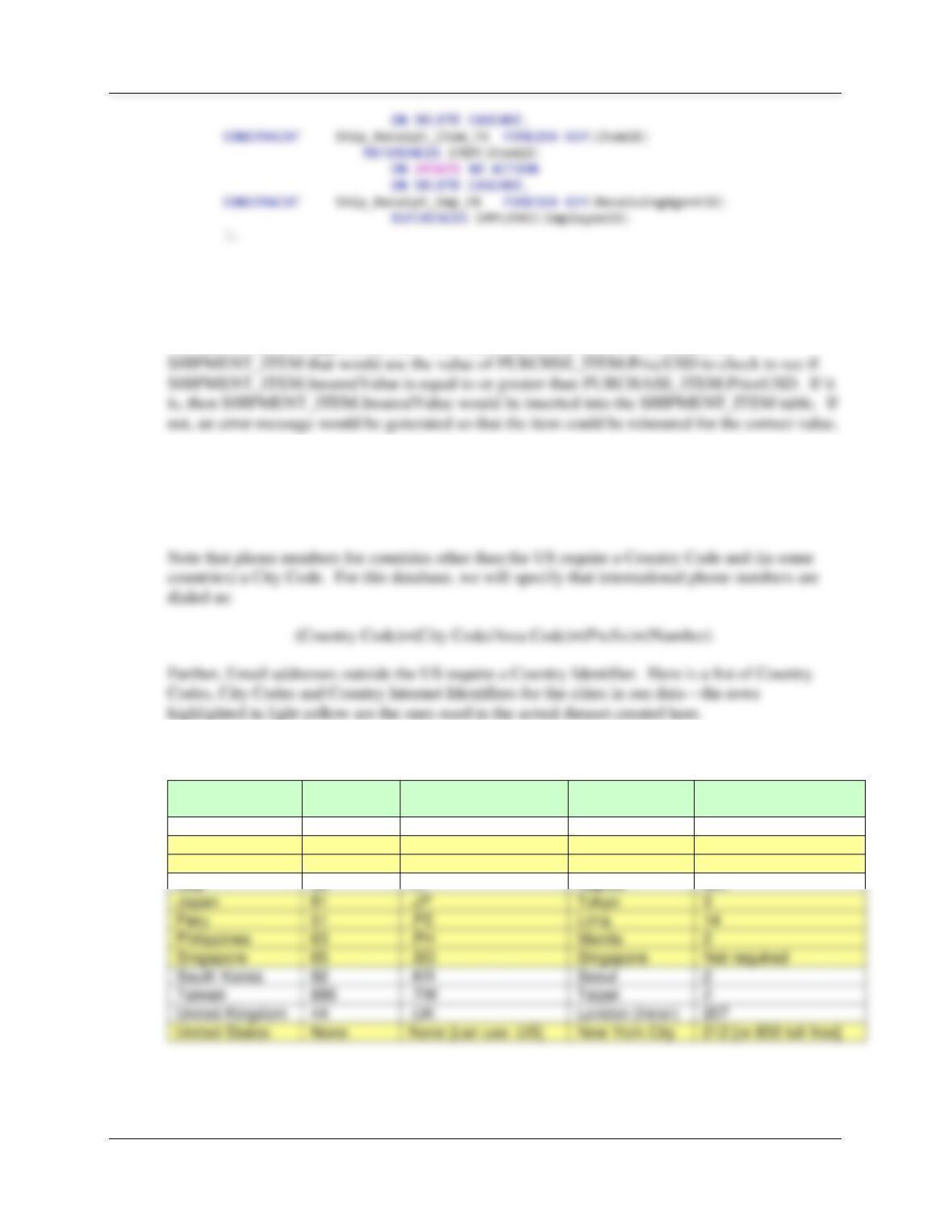
CREATE TABLE SHIPPER (
ShipperID Int NOT NULL IDENTITY (1,1),
ShipperName Char(50) NOT NULL,
CREATE TABLE SHIPMENT (
ShipmentID Int NOT NULL IDENTITY (100,1),
ShipperID Int NOT NULL,
PurchasingAgentID Int NOT NULL,
);
CREATE TABLE SHIPMENT_ITEM (
ShipmentID Int NOT NULL,
ShipmentItemID Int NOT NULL,
ItemID Int NOT NULL,
CREATE TABLE SHIPMENT_RECEIPT (
ReceiptNumber Int NOT NULL IDENTITY (200001, 1),
ShipmentID Int NOT NULL,
ItemID Int NOT NULL,
Chapter Seven – SQL For Database Construction and Application Processing
Page 7-144
I. Explain how you would enforce the rule that SHIPMENT_ITEM.InsuredValue be at least
as great as PURCHASE_ITEM.PriceUSD.
We need to write a trigger to do this. We would use an INSTEAD OF INSERT on
Using the MI database, create an SQL script named MI-Insert-Data.sql to answer question J.
J. Write INSERT statements to insert the data shown in Figures 7-60, 7–61, 7–62, 7-63, 7–
64, 7-65, and 7-66.
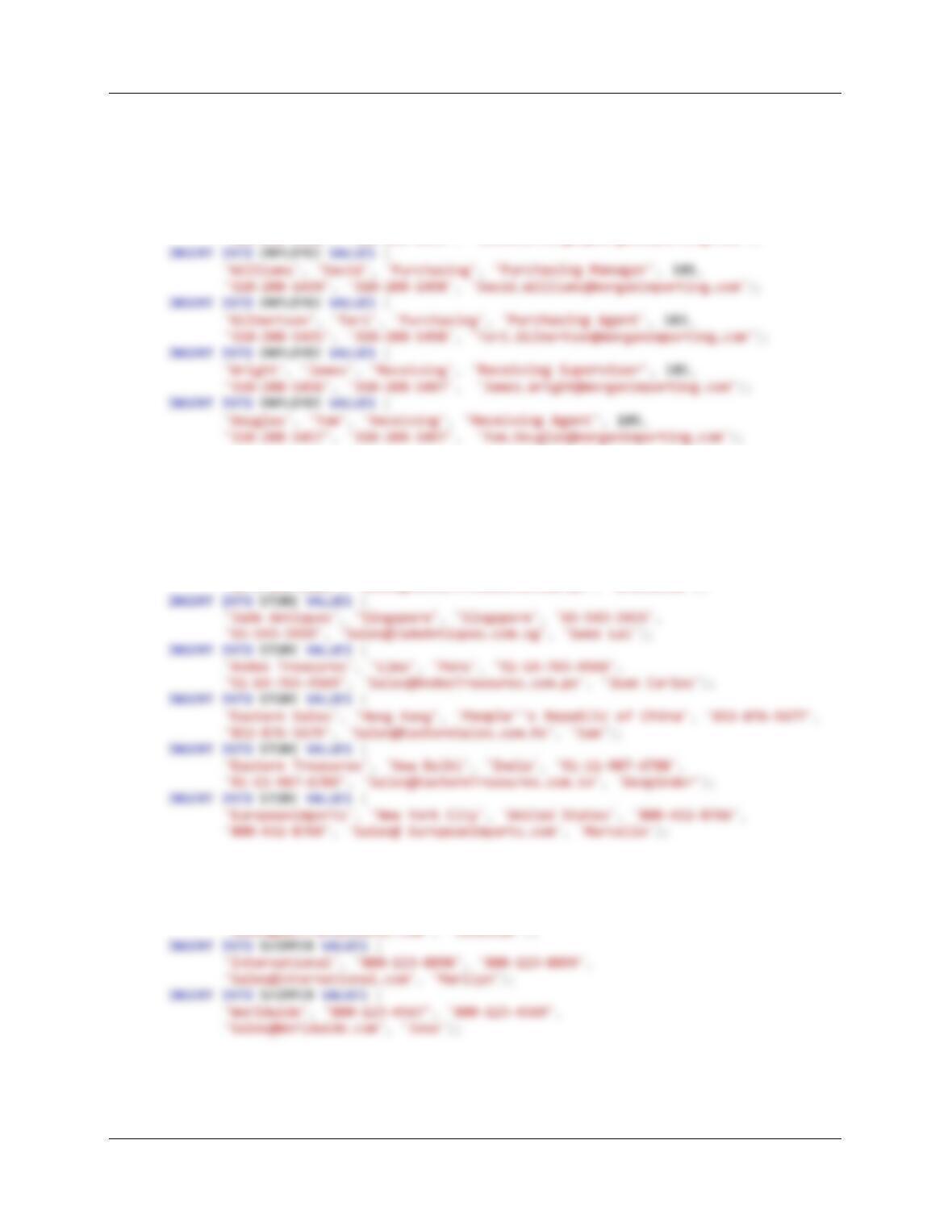
TABLE OF COUNTRY CODES AND CITY CODES:
Country
Country
Code
Email Country Code
City
City Code or
Area Code
China
86
.CN
Shanghai
21
Hong Kong
852
.HK
Hong Kong
Not required
India
91
.IN
New Delhi
11
Italy
39
.IT
Naples
081
Japan
81
.JP
Tokyo
3
Peru
51
.PE
Lima
14
Philippines
63
.PH
Manila
2
Singapore
65
.SG
Singapore
Not required
South Korea
82
.KR
Seoul
2
Taiwan
886
.TW
Taipei
2
United Kingdom
44
.UK
London (Inner)
207
United States
None
None [can use .US]
New York City
212 [or 800 toll free]
Chapter Seven – SQL For Database Construction and Application Processing
Page 7-145
/***** EMPLOYEE Data ********************************************************/
INSERT INTO EMPLOYEE VALUES (
‘Morgan’, ‘James’, ‘Executive’, ‘CEO’, NULL,
‘310-208-1401′, ‘310-208-1499′, ‘James.Morgan@morganimporting.com’);
INSERT INTO EMPLOYEE VALUES (
Morgan’, ‘Jessica’, ‘Executive’, ‘CFO’, 101,
‘310-208-1402′, ‘310-208-1499′, ‘Jessica.Morgan@morganimporting.com’);
/***** STORE Data ***********************************************************/
INSERT INTO STORE VALUES (
‘Eastern Sales’, ‘Singapore’, ‘Singapore’, ’65-543-1233′,
’65-543-1239′, ‘Sales@EasternSales.com.sg’, ‘Jeremey’);
INSERT INTO STORE VALUES (
‘Eastern Treasures’, ‘Manila’, ‘Philippines’, ’63-2-654-2344′,
’63-2-654-2349′, ‘Sales@EasternTreasures.com.ph’, ‘Gracielle’);
/***** SHIPPER Data ***********************************************************/
INSERT INTO SHIPPER VALUES (
‘ABC Trans-Oceanic’, ‘800-234-5656′, ‘800-234-5659′,
‘Sales@ABCTransOceanic.com’, ‘Jonathan’);
Chapter Seven – SQL For Database Construction and Application Processing
Page 7-146
/***** ITEM Data ***********************************************************/
INSERT INTO ITEM VALUES (
1100, 103, ’18–May–18‘, ‘Misc Linen’, ‘Linens’, 88545);
INSERT INTO ITEM VALUES (
1000, 103, ’19–May–18‘, ‘Large Masks’, ‘Decorations’, 22135);
INSERT INTO ITEM VALUES (
1150, 101, ’16–Jun–18‘, ‘Antique Leather Chairs’, ‘Furniture’, 5375);
INSERT INTO ITEM VALUES (
1100, 104, ’15–Jul–18‘, ‘Willow Design Serving Dishes’, ‘Tableware’, 4500);
INSERT INTO ITEM VALUES (
1000, 103, ’17–Jul–18‘, ‘Large Bureau’, ‘Furniture’, 9500);
INSERT INTO ITEM VALUES (
1100, 104, ’20–Jul–18‘, ‘Brass Lamps’, ‘Lamps’, 1200);
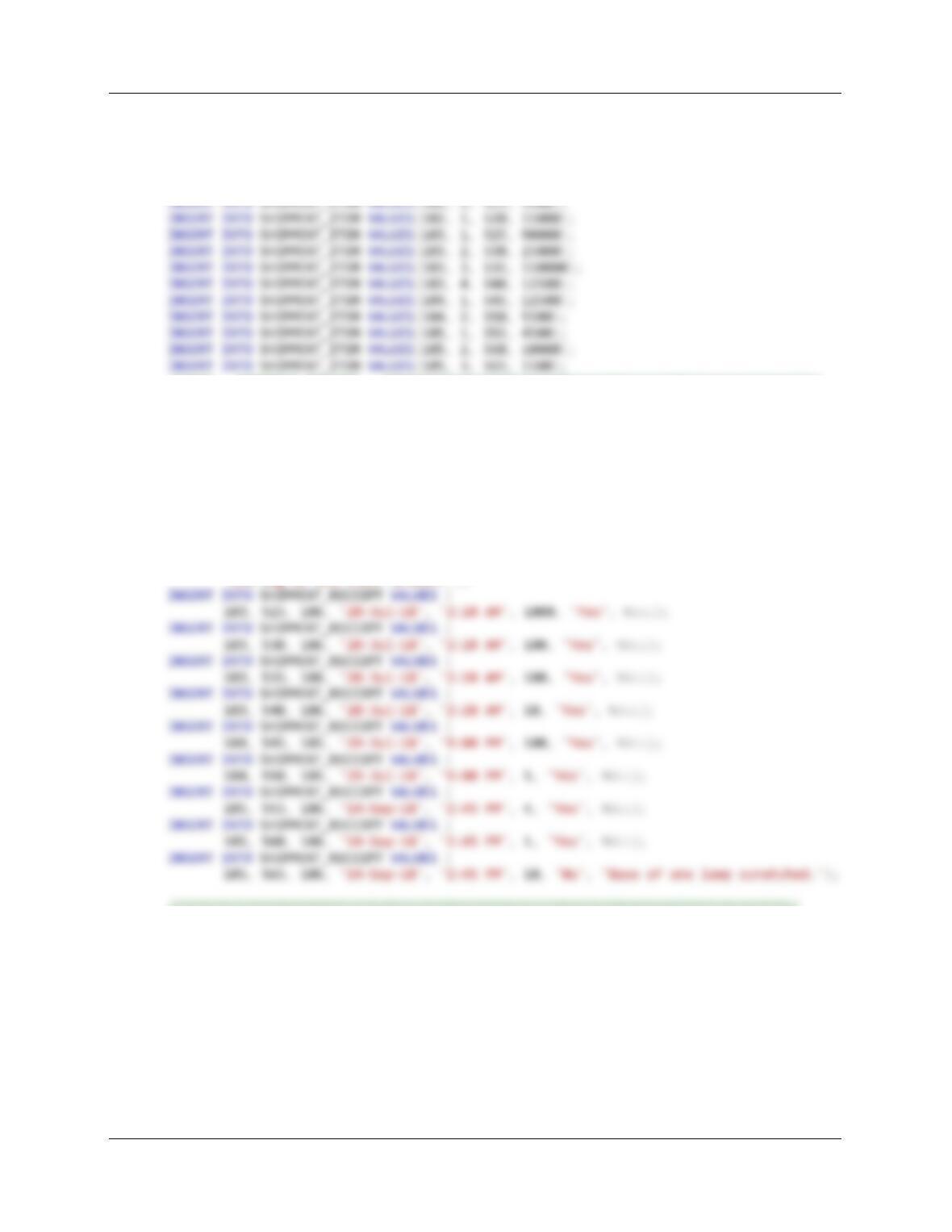
/***** SHIPMENT Data ***********************************************************/
Chapter Seven – SQL For Database Construction and Application Processing
Page 7-147
/***** SHIPMENT Item ***********************************************************/
INSERT INTO SHIPMENT_ITEM VALUES(100, 1, 500, 15000);
INSERT INTO SHIPMENT_ITEM VALUES(100, 2, 505, 15000);
INSERT INTO SHIPMENT_ITEM VALUES(101, 1, 510, 40000);
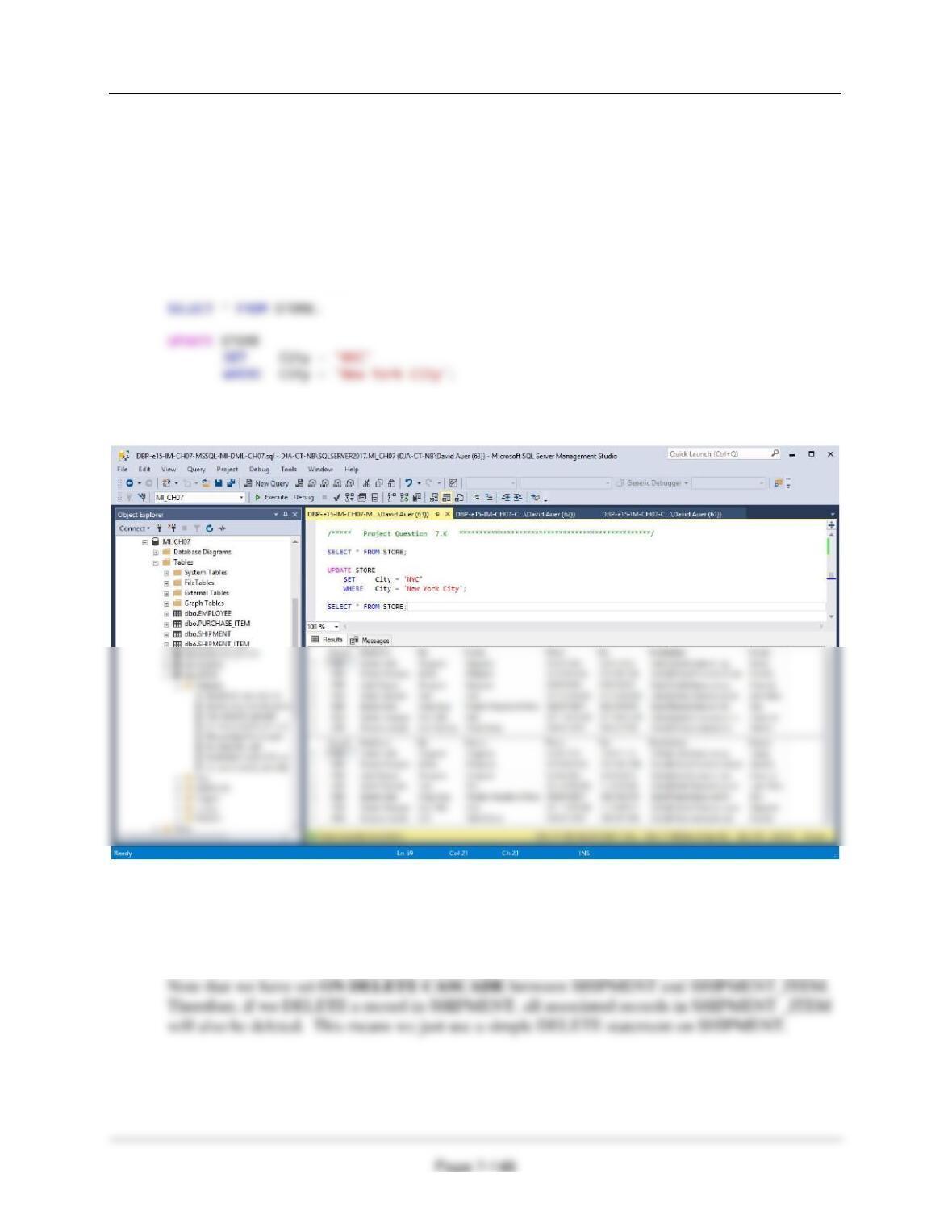
/***** SHIPMENT_RECEIPT ********************************************************/
INSERT INTO SHIPMENT_RECEIPT VALUES (
100, 500, 105, ’17–Mar–18‘, ’10:00 AM’, 3, ‘Yes’, NULL);
INSERT INTO SHIPMENT_RECEIPT VALUES (
100, 505, 105, ’17–Mar–18‘, ’10:00 AM’, 50, ‘Yes’, NULL);
INSERT INTO SHIPMENT_RECEIPT VALUES (
101, 510, 105, ’23–Mar–18‘, ‘3:30 PM’, 100, ‘Yes’, NULL);
INSERT INTO SHIPMENT_RECEIPT VALUES (
101, 515, 105, ’23–Mar–18‘, ‘3:30 PM’, 10, ‘Yes’, NULL);
INSERT INTO SHIPMENT_RECEIPT VALUES (
102, 520, 106, ’19–Jun–18‘, ’10:15 AM’, 1, ‘No’,
‘One leg on one chair broken.’);
/********************************************************************************/
Chapter Seven – SQL For Database Construction and Application Processing
Using the MI database, create an SQL script named MI-DML-CH07.sql to answer questions K
and L.
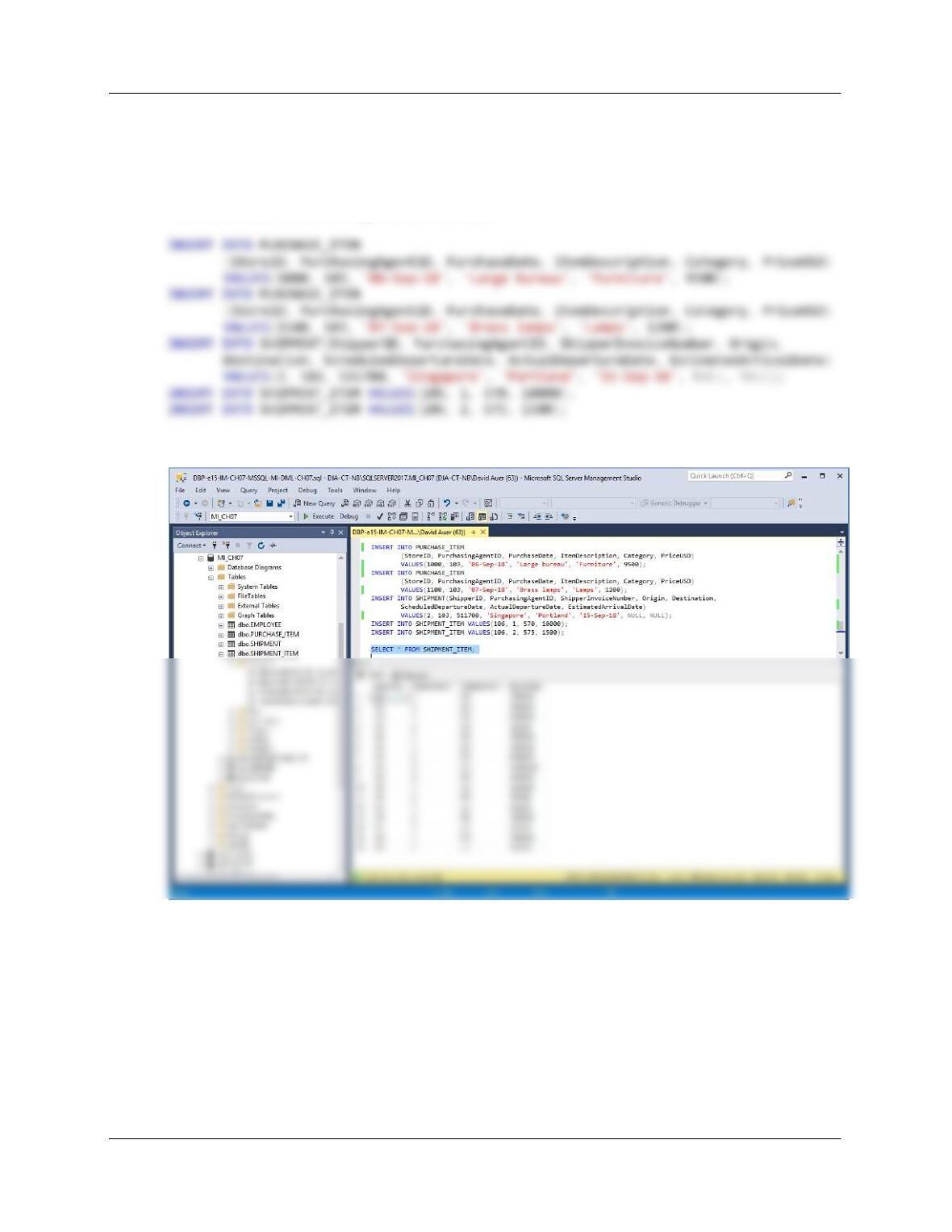
K. Write an UPDATE statement to change values of STORE.City from New York City to
NYC.
For SQL Server:
/***** Project Question 7.K ************************************************/
SELECT * FROM STORE;
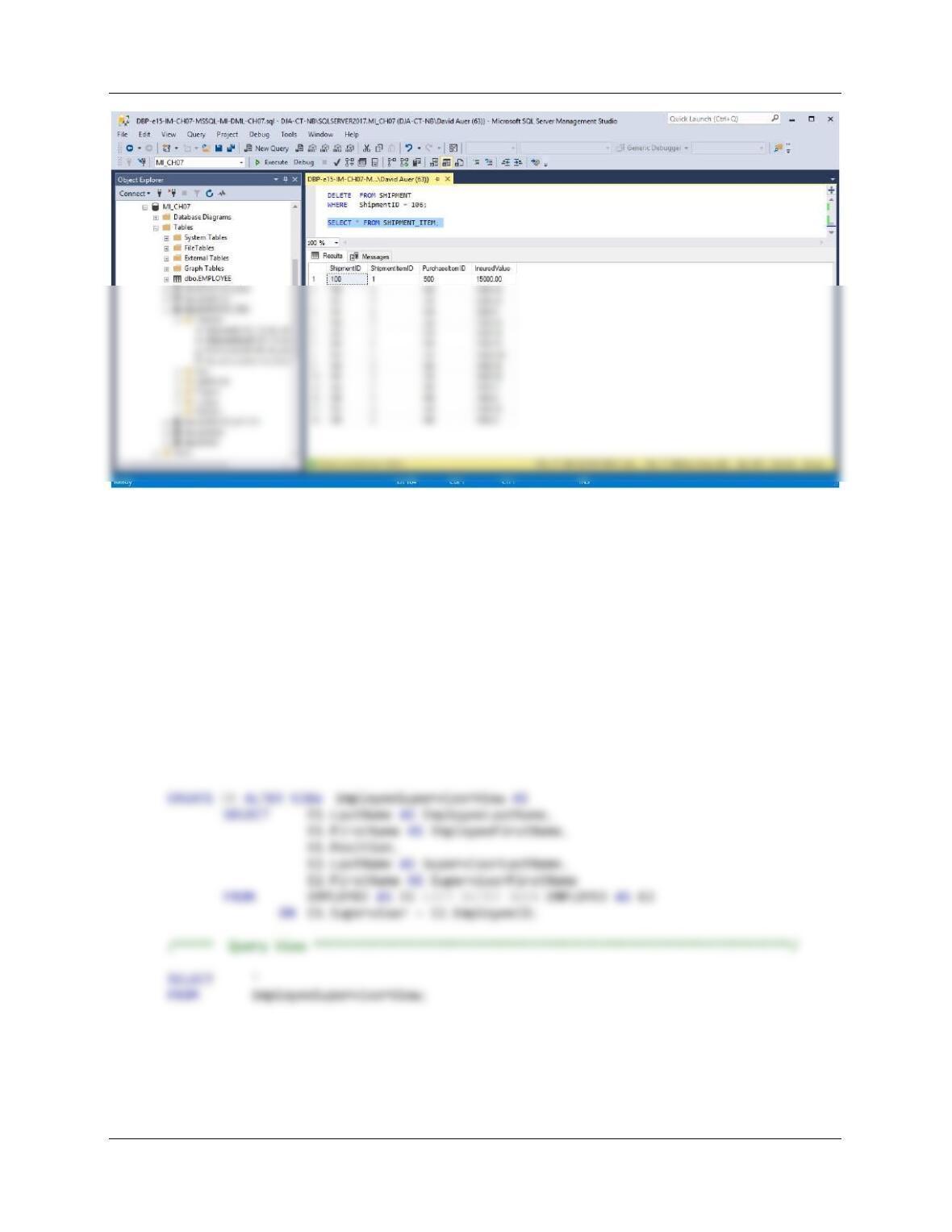
L. Create and INSERT new data records to record a SHIPMENT and the
SHIPMENT_ITEMs for that SHIPMENT. Then write a DELETE statement(s) to delete
that SHIPMENT and all of the items on that SHIPMENT. How many DELETE statements
did you have to use? Why?
Chapter Seven – SQL For Database Construction and Application Processing
Page 7-149
For SQL Server:
DELETE FROM SHIPMENT
WHERE ShipmentID = 106;
To test this, run the following set of commands:
SELECT * FROM SHIPMENT_ITEM;
DELETE FROM SHIPMENT
WHERE ShipmentID = 106;
SELECT * FROM SHIPMENT_ITEM;
Chapter Seven – SQL For Database Construction and Application Processing
Page 7-150
Using the MI database, create an SQL script named MI-Create-Views-and-Functions.sql to
answer questions M through R.
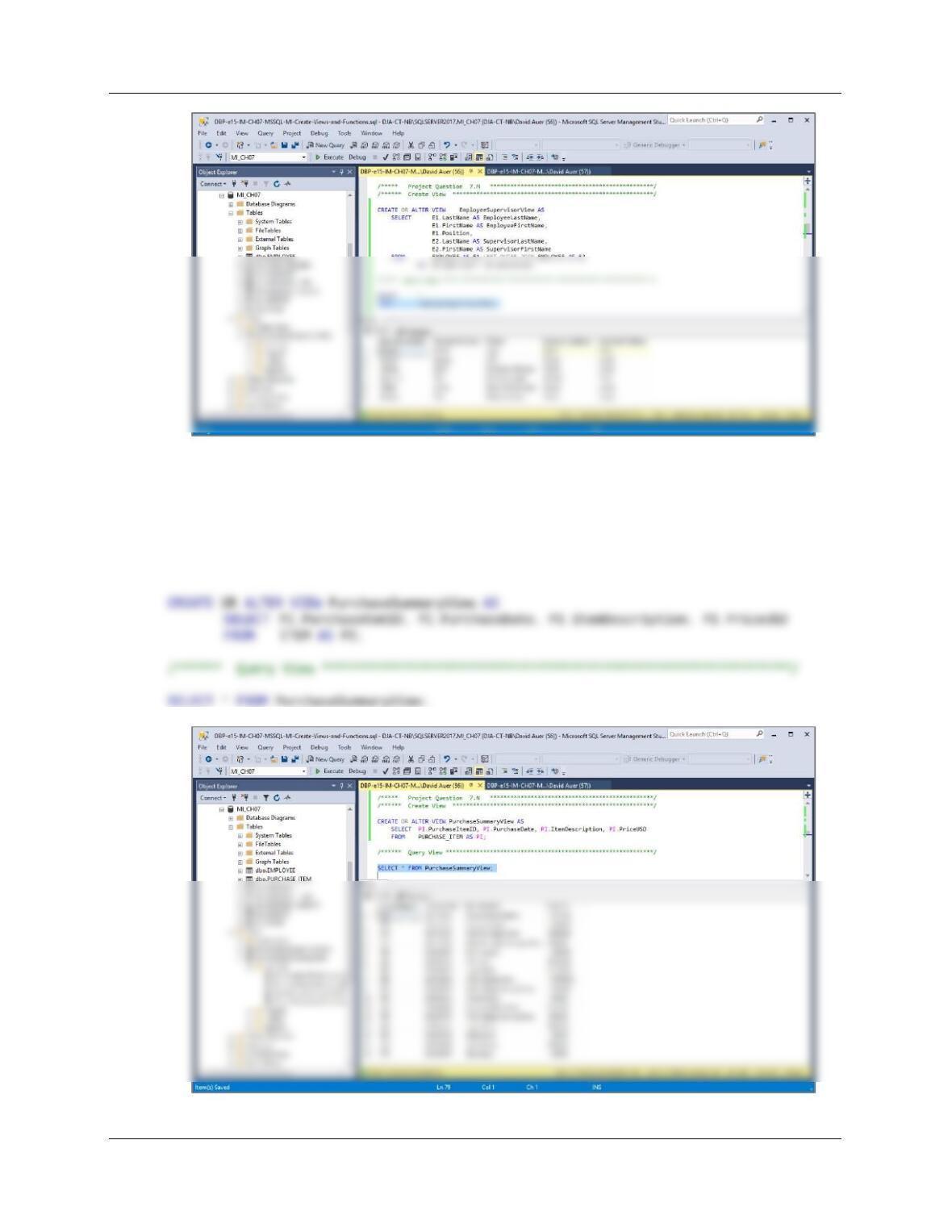
M. Write an SQL statement to create a view called EmployeeSupervisorView that shows
who, if anyone, supervises each employee at The Queen Anne Curiosity Shop, and
which contains E1.LastName as EmployeeLastName, E1.FirstName as EmployeeFirst-
Name, E1.Position, E2.Lastname as SupervisorLastName, and E2.FirstName as
SupervisorFirstName. E1 and E2 are two aliases for the EMPLOYEE table, and are
required to run a query on a recursive relationship. Include employees who do not have
a supervisor. Run the statement to create the view, and then test the view with an
appropriate SQL SELECT statement.
/***** Project Question 7.M ************************************************/
/****** Create View ***********************************************************/
Chapter Seven – SQL For Database Construction and Application Processing
Page 7-151
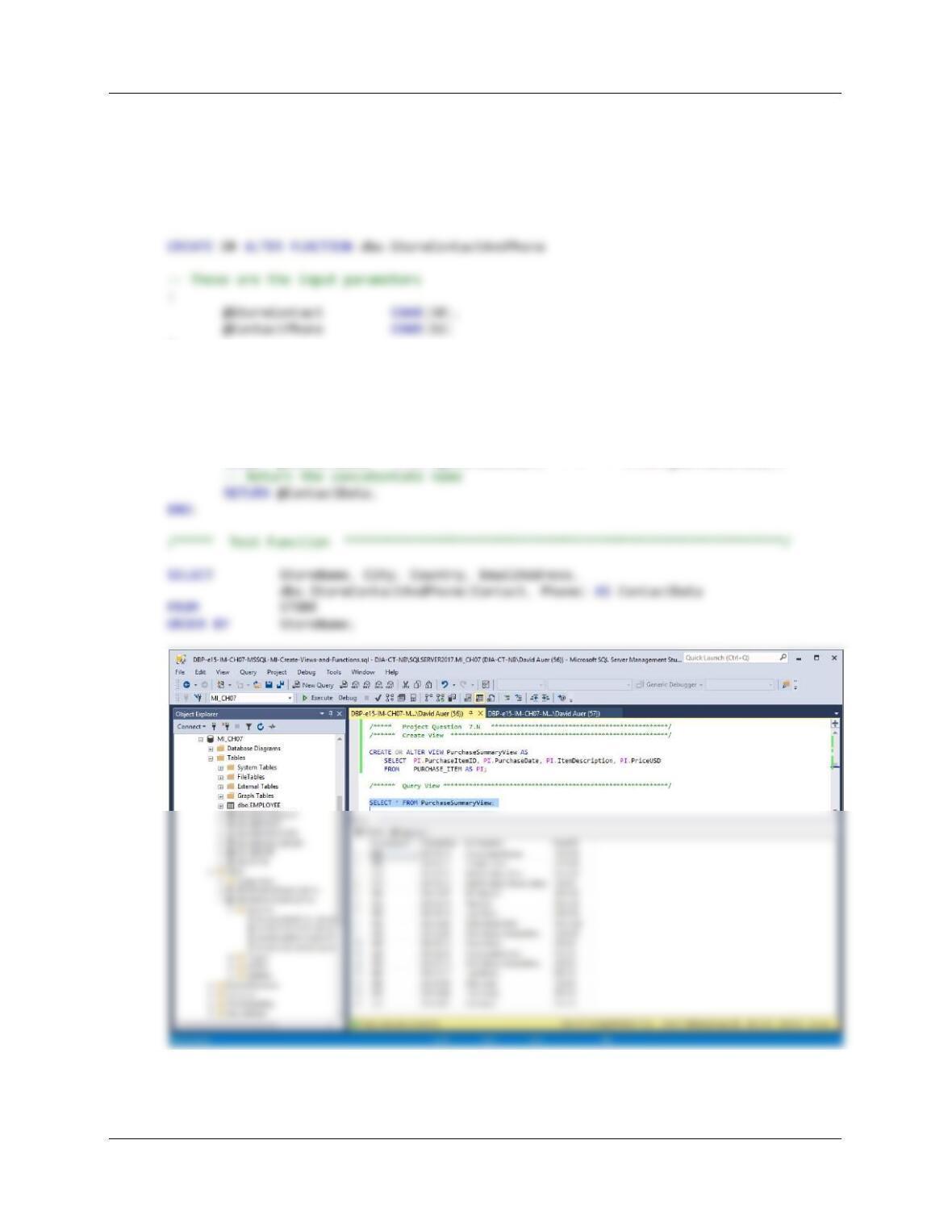
N. Write an SQL statement to create a view called PurchaseSummaryView that shows only
ITEM.PurchaseItemID, ITEM.PurchaseDate, PURCHASE_ITEM.ItemDescription, and
ITEM.PriceUSD. Run the statement to create the view, and then test the view with an
appropriate SQL SELECT statement.
/***** Project Question 7.N ************************************************/
/****** Create View ***********************************************************/
Chapter Seven – SQL For Database Construction and Application Processing
Page 7-152
O. Create and test a user-defined function named StoreContactAndPhone that combines
two parameters named StoreContact and ContactPhone into a concatenated data field
formatted StoreContact: ContactPhone (including the colon and space).
/***** Project Question 7.O ************************************************/
/****** Create Function *******************************************************/
)
RETURNS VARCHAR(100)
AS
BEGIN
— This is the variable that will hold the value to be returned
DECLARE @ContactData VARCHAR(100)
— SQL statements to concatenate the names in the proper order
SELECT @ContactData = RTRIM(@StoreContact) + ‘: ‘ + RTRIM(@ContactPhone);
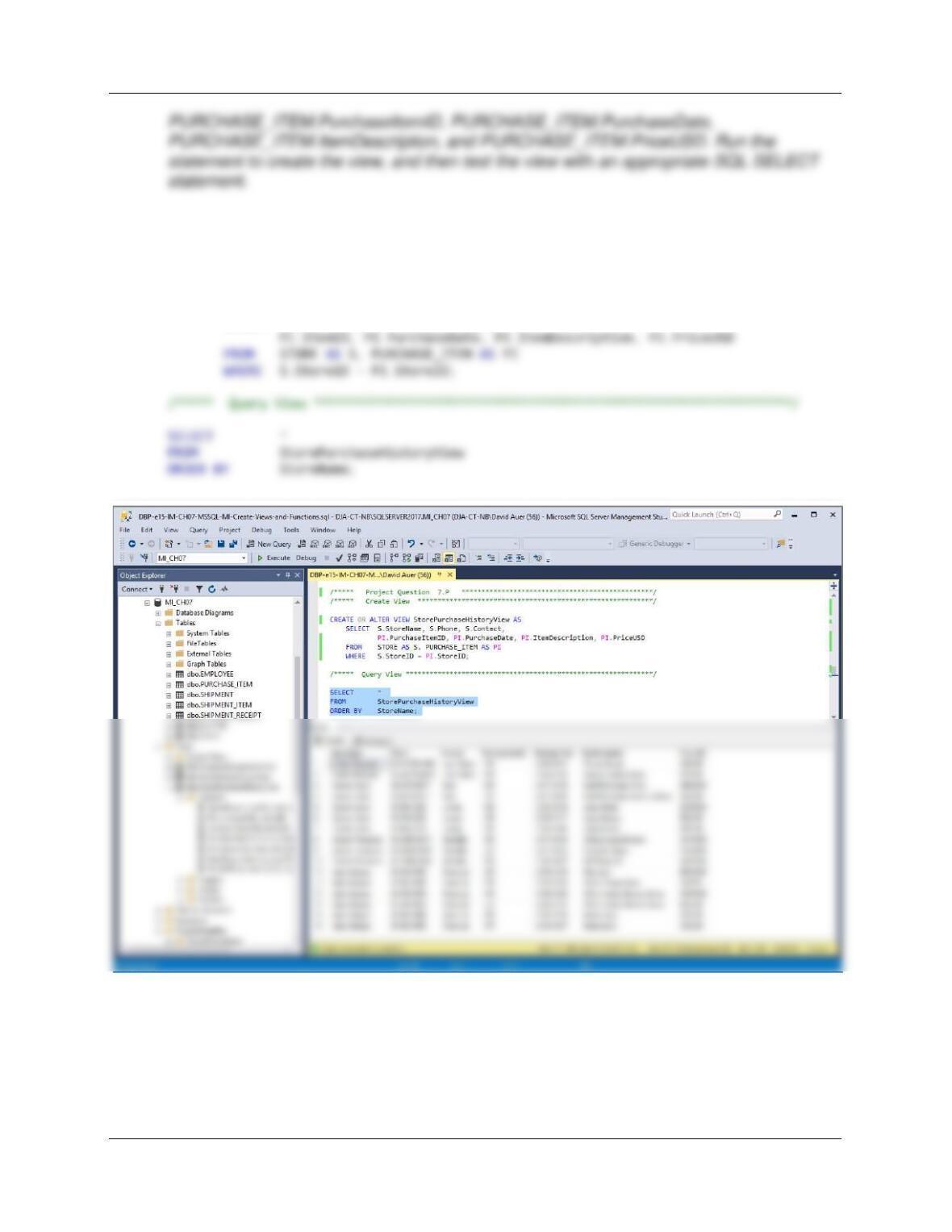
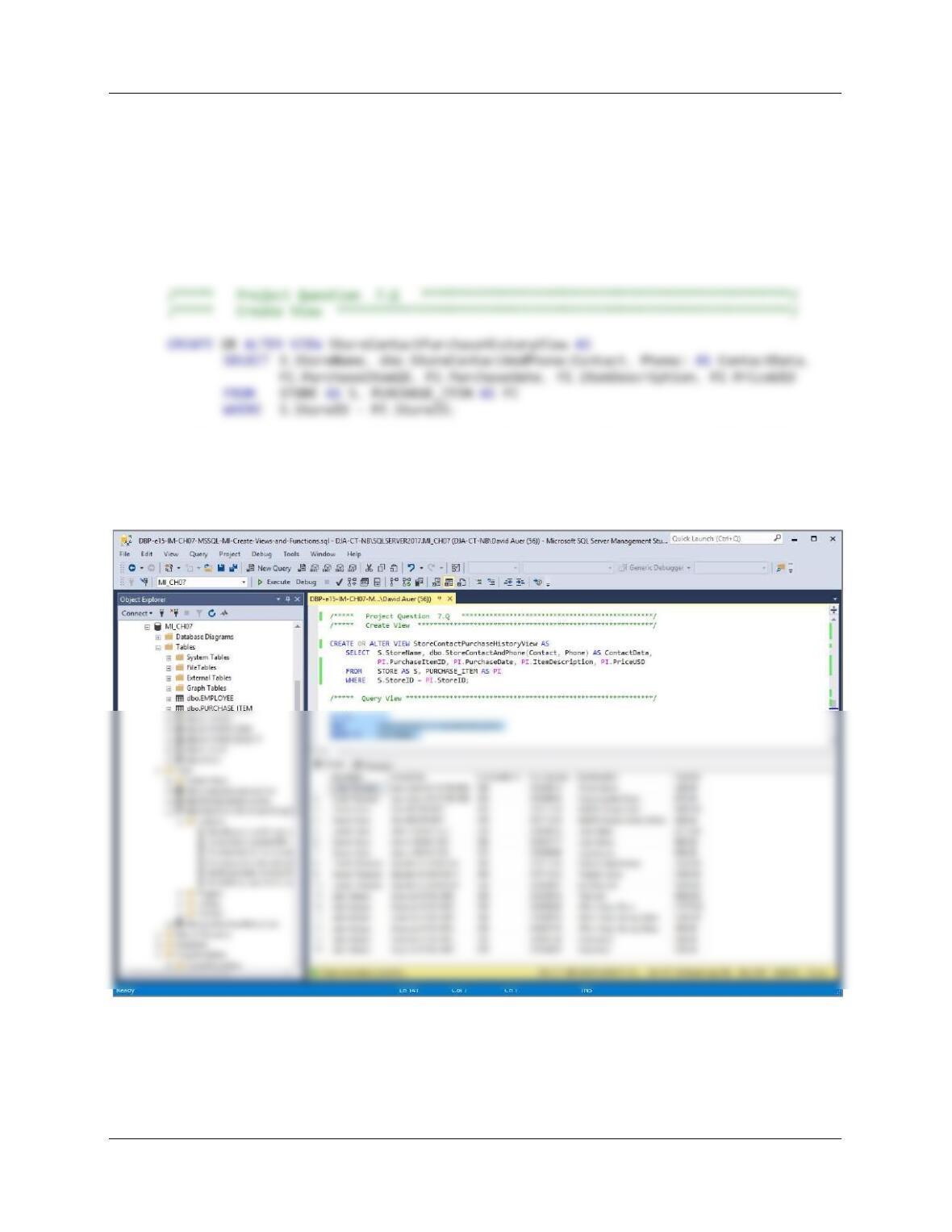
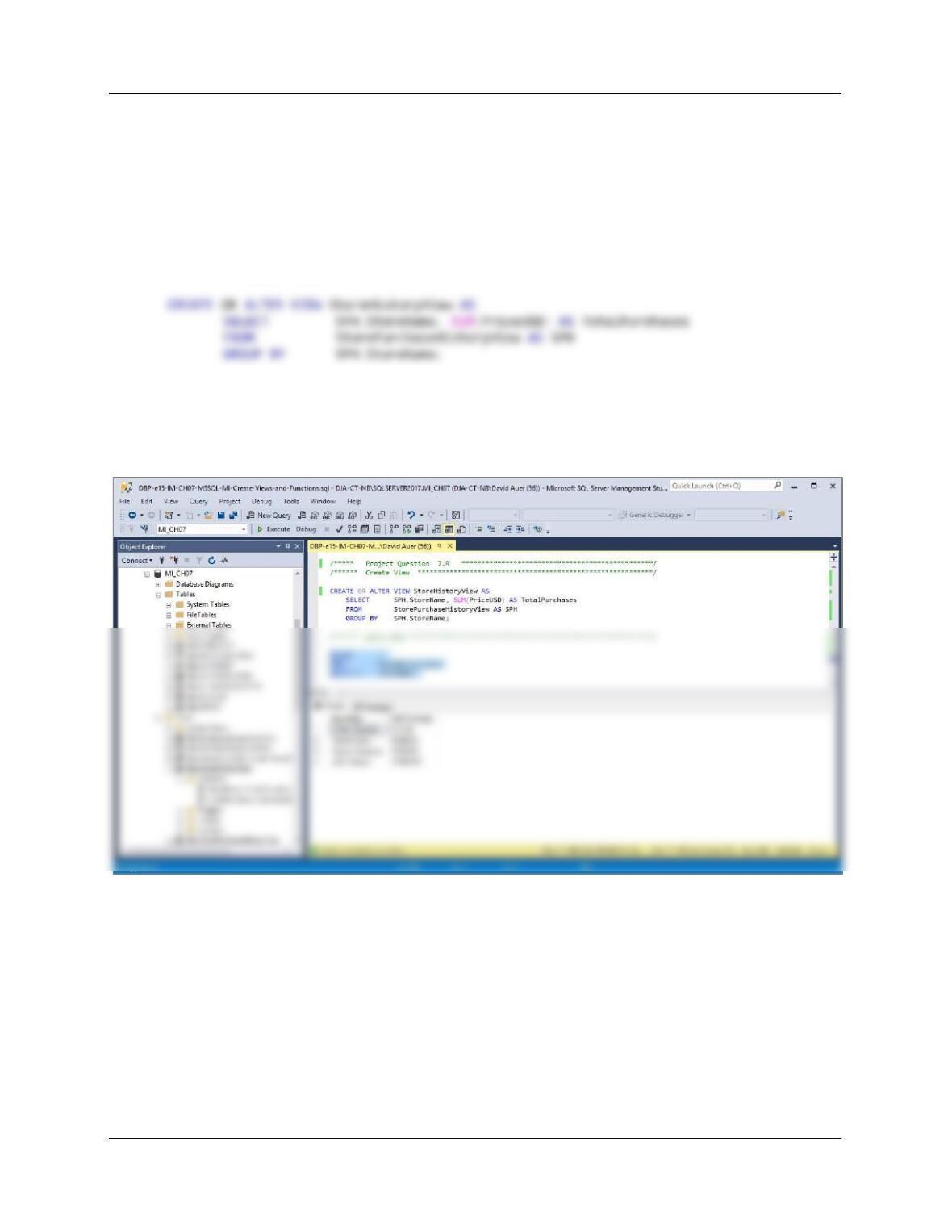
P. Write an SQL statement to create a view called StorePurchaseHistoryView that shows
STORE.StoreName, STORE.Phone, STORE.Contact,
Chapter Seven – SQL For Database Construction and Application Processing
Page 7-153
For SQL Server
/***** Project Question 7.P ************************************************/
/***** Create View ***********************************************************/
CREATE OR ALTER VIEW StorePurchaseHistoryView AS
SELECT S.StoreName, S.Phone, S.Contact,
Chapter Seven – SQL For Database Construction and Application Processing
Page 7-154
Q. Write an SQL statement to create a view called StoreContactPurchaseHistoryView that
shows STORE.StoreName, the contacted result of STORE.Phone and STORE.Contact
from the StoreContactAndPhone function, PURCHASE_ITEM.PurchaseItemID,
PURCHASE_ITEM.PurchaseDate, PURCHASE_ITEM.ItemDescription, and
PURCHASE_ITEM.PriceUSD. Run the statement to create the view, and then test the
view with an appropriate SQL SELECT statement.
For SQL Server
/***** Query View **************************************************************/
SELECT *
FROM StoreContactPurchaseHistoryView
ORDER BY StoreName;
Chapter Seven – SQL For Database Construction and Application Processing
Page 7-155
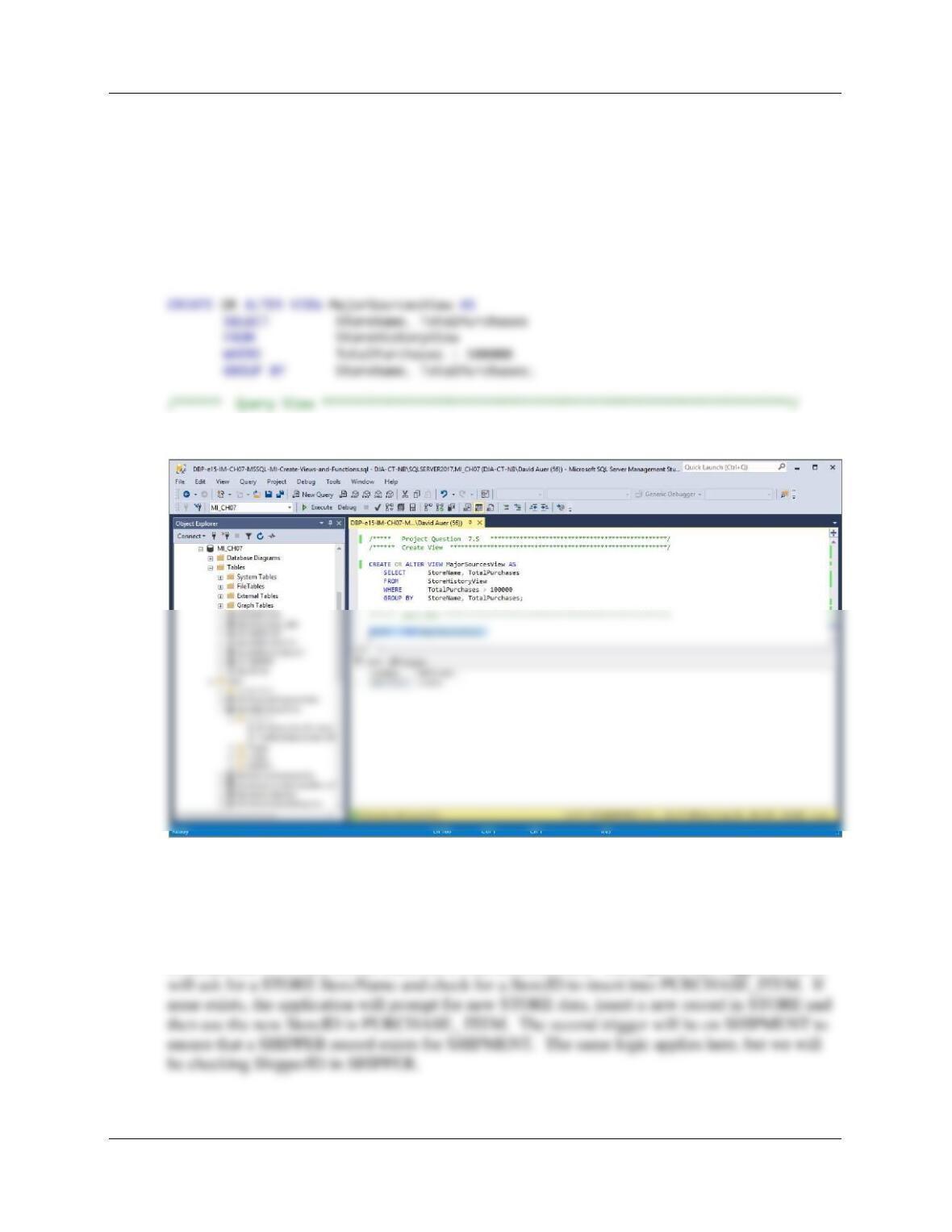
R. Write an SQL statement to create a view called StoreHistoryView that sums the
PriceUSD column of StorePurchaseHistoryView for each store into a column named
TotalPurchases. Run the statement to create the view, and then test the view with an
appropriate SQL SELECT statement.(Hint: Assume unique store names.)
For SQL Server
/***** Project Question 7.R ************************************************/
/****** Create View ***********************************************************/
/****** Query View *************************************************************/
SELECT *
FROM StoreHistoryView
ORDER BY StoreName;
Chapter Seven – SQL For Database Construction and Application Processing
Page 7-156
S. Write an SQL statement to create a view called MajorSources that uses
StoreHistoryView and selects only those stores that have TotalPurchases greater than
100000. Run the statement to create the view, and then test the view with an appropriate
SQL SELECT statement.
For SQL Server
/***** Project Question 7.S ************************************************/
/****** Create View ***********************************************************/
SELECT * FROM MajorSourcesView;
T. Explain, in general terms, how you will use triggers to enforce minimum cardinality
actions as required by your design. You need not write the triggers, just specify which
triggers you need and describe, in general terms, their logic.
We will need two similar INSTEAD OF INSERT triggers. One will be on PURCHASE_ITEM
to ensure that a STORE record exists for PURCHASE_ITEM. The logic of this trigger is that it